Wells Fargo Loan Tracker Explained: How to Monitor Your Application Status
The Wells Fargo loan tracker is a digital feature that allows borrowers to monitor the progress of their mortgage, personal loan, or home equity application in real time, providing visibility into milestones like underwriting, document...
The Wells Fargo loan tracker is a digital feature that allows borrowers to monitor the progress of their mortgage, personal loan, or home equity application in real time, providing visibility into milestones like underwriting, document review, and final approval without requiring phone calls to customer service.
Contents
Navigating the financial lending process can often feel opaque, filled with paperwork, waiting periods, and uncertainty. Whether you are purchasing a new home, refinancing an existing property, or securing personal financing, understanding where your application stands in the pipeline is essential for peace of mind and timely closing. For customers working with one of the largest financial institutions in the United States, the Wells Fargo loan tracker serves as a centralized digital dashboard designed to demystify the underwriting and approval lifecycle. This guide explores how the tracking tool functions, how to access it, what each stage means, and how to troubleshoot common issues during your borrowing journey.
Understanding the Purpose and Scope of the Wells Fargo Loan Tracker
The primary objective of the loan tracking interface is to bridge the communication gap between the applicant and the lender's back-office operations. Historically, checking the status of a loan required calling a loan officer, waiting for callbacks, or sorting through physical mail to see if documents had been received. Modern banking infrastructure relies on secure web portals and mobile applications to automate this transparency.
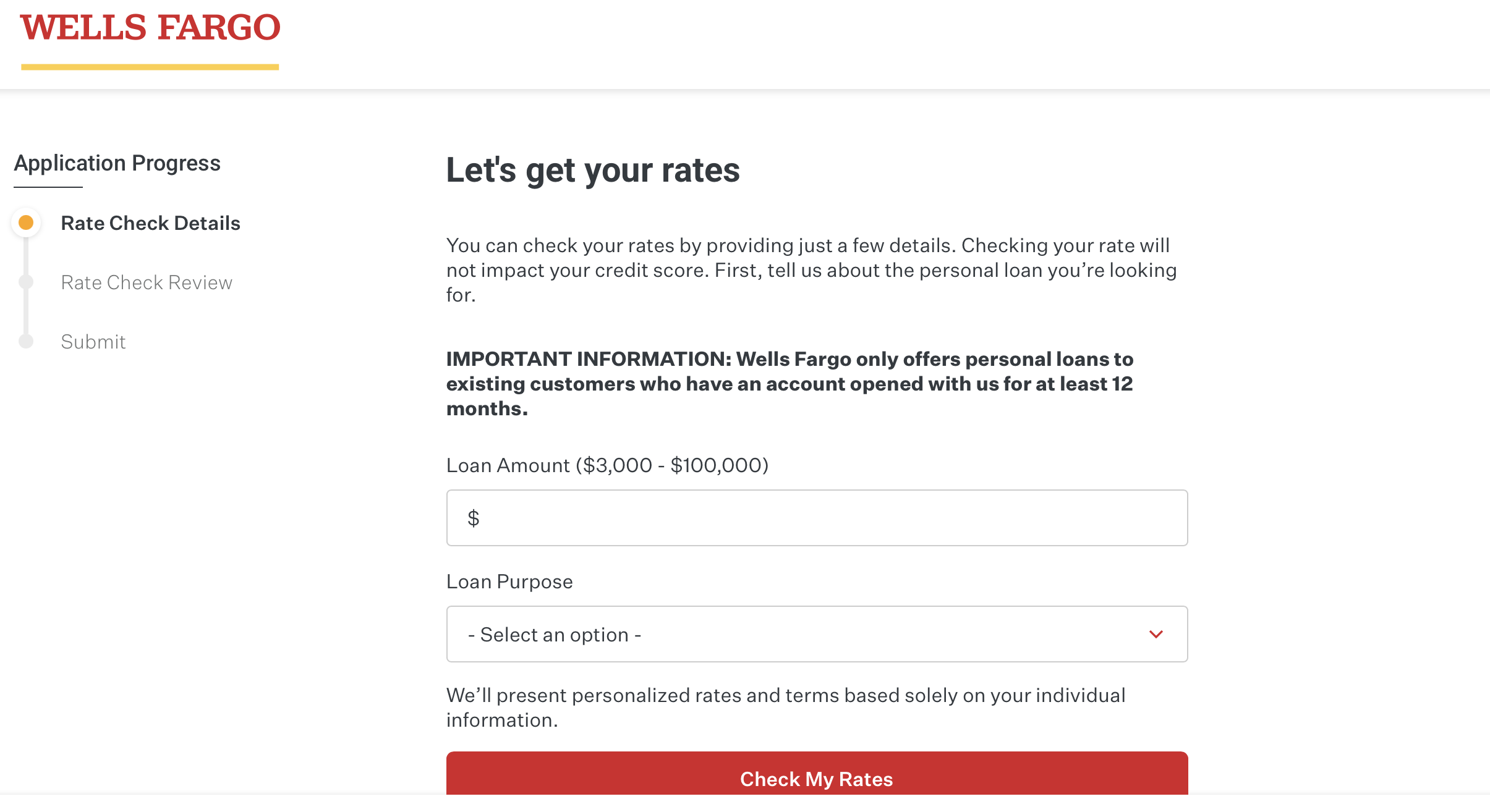
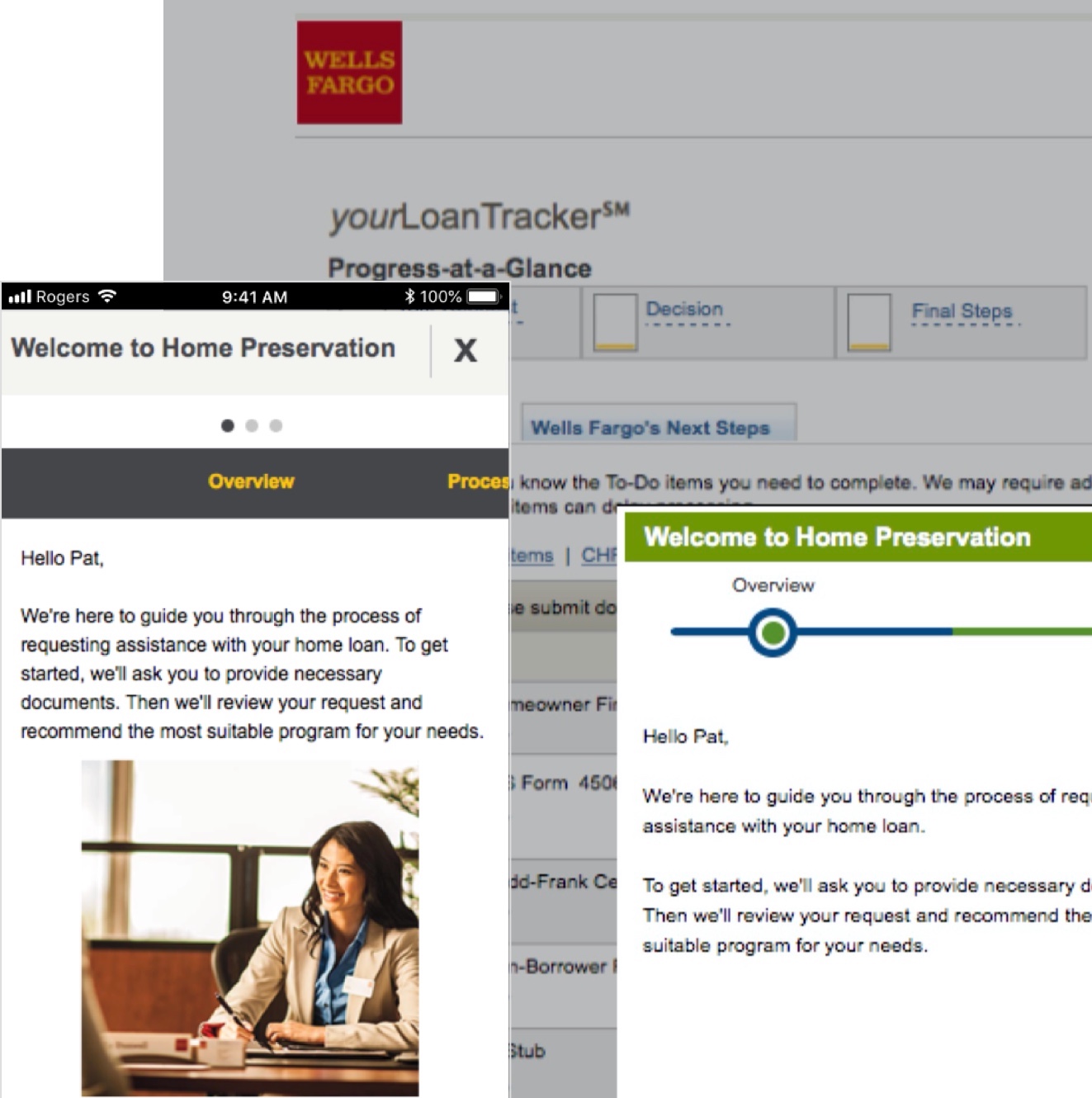
When you submit an application for a mortgage, home equity line of credit (HELOC), or personal loan through Wells Fargo, your file enters a complex processing workflow. The tracker translates this technical pipeline into user-friendly milestones. It shows you whether your application has been received, if it is currently under review by an underwriter, what documentation is still missing, and whether a conditional or final approval has been granted.
It is important to note that the features and interface depth of the tracker can vary depending on the specific type of credit product you applied for. Mortgage and home equity products feature extensive, multi-week underwriting cycles with mandatory regulatory disclosures, resulting in a robust, step-by-step tracking experience. Personal loans or unsecured lines of credit, which typically undergo automated decisioning followed by rapid funding, feature a streamlined status view focused primarily on immediate document verification and disbursement alerts.
Eligibility, Prerequisites, and Accessing the Tracker
To use the Wells Fargo loan tracker, you must meet certain digital account prerequisites and successfully navigate the authentication protocols established by the institution. Security is paramount when handling sensitive financial data, social security numbers, income verifications, and property documents.
Account Setup and Digital Banking Integration
Most applicants interact with the loan tracker through the primary Wells Fargo Online portal or the Wells Fargo Mobile app. If you are an existing banking customer with a checking or savings account, your loan application is typically linked automatically to your pre-existing online profile using your Social Security Number and personal identifiers.
If you are a new customer or do not use digital banking services with the institution, you will receive specific registration instructions via email or physical mail shortly after submitting your initial application. This process requires you to:
- Create a secure username and password.
- Establish multi-factor authentication (MFA) parameters, such as receiving a one-time passcode via text message or phone call.
- Accept the online banking service agreements that govern electronic communications and document delivery.
Required Information for Initial Login
When accessing the tracker for the first time outside of an active online banking session, you may be prompted to enter specific identifiers. Keep the following information readily available to avoid login friction:
- Your unique loan application number (provided in your initial confirmation email).
- Your date of birth.
- The last four digits of your Social Security Number or Taxpayer Identification Number.
- The property address or loan amount associated with the application.
Step-by-Step Breakdown of Loan Application Stages
Once you successfully log into the tracker, you will encounter a visual progress bar or milestone checklist. Understanding what each stage represents helps you anticipate what comes next and prevents unnecessary anxiety during periods of seemingly quiet processing.
[Application Submitted] ➔ [Document Gathering] ➔ [Underwriting Review] ➔ [Conditional Approval] ➔ [Clear to Close / Disbursement]
1. Application Submitted and Received
This initial phase confirms that Wells Fargo has ingested your application data. During this stage, automated systems perform preliminary credit checks and verify that all mandatory disclosures have been presented to you. No human underwriter has deeply analyzed your file yet, but your place in the processing queue is secured.
2. Processing and Document Verification
Shortly after submission, your file is assigned to a loan processor. The processor reviews your initial self-reported data against third-party verifications. The tracker will highlight specific action items if documents are missing. Common requirements include W-2 forms, tax returns, pay stubs, bank statements, and proof of homeowners insurance. Uploading these documents directly through the secure tracker portal accelerates processing speeds compared to mailing or faxing paper copies.
3. Underwriting Review
This is the core evaluation phase. An underwriter evaluates your entire financial profile against institutional lending guidelines and regulatory standards. They assess your debt-to-income (DTI) ratio, credit history, asset reserves, and, in the case of mortgages, the appraised value of the collateral property. The tracker will typically display an "Under Review" status during this window. Applicants should refrain from making major financial changes—such as opening new credit cards, changing jobs, or making large unverified deposits—while their file sits on an underwriter's desk.
4. Conditional Approval
It is rare for an application to jump straight from underwriting to final approval without conditions. A conditional approval means your creditworthiness has been accepted, but the underwriter requires specific additional items to satisfy final guidelines. These conditions might include a letter of explanation for a credit inquiry, proof that a previous debt has been paid off, or a signed copy of a revised disclosure. The tracker lists these conditions individually; checking them off promptly keeps the timeline moving.
5. Final Approval and Closing or Disbursement
For mortgages, this stage is often referred to as "Clear to Close," indicating that all conditions have been met, final closing figures have been balanced, and a closing appointment can be scheduled. For personal loans, this stage signals that final verification is complete and funds are scheduled to be deposited into your designated bank account.
Comparison of Tracking Features by Loan Type
The depth of information available on the tracker depends heavily on the financial product you are pursuing. The following table outlines what you can expect to monitor across different credit categories.
| Loan Product Type | Average Processing Timeline | Primary Tracker Focus | Key Milestones Displayed |
|---|---|---|---|
| Mortgages (Purchase/Refinance) | 30 to 45 Days | Comprehensive document collection, appraisal status, and closing disclosures | Application, Processing, Underwriting, Conditional Approval, Clear to Close, Funding |
| Home Equity Lines (HELOC) | 2 to 6 Weeks | Property valuation status, title search, and credit line finalization | Application, Property Evaluation, Underwriting, Closing Documents, Draw Period Activation |
| Personal Loans / Lines of Credit | 1 to 5 Business Days | Instant decisioning, identity verification, and electronic fund transfer status | Application, Instant Decision, Document Request, Final Verification, Disbursement |
Common Mistakes and Troubleshooting the Tracker
While digital tracking tools are designed to streamline the borrowing process, users occasionally encounter technical hurdles or status bottlenecks. Knowing how to interpret these scenarios prevents frustration.
Status Appears Frozen or Unchanged
A common point of confusion occurs when a loan status remains unchanged for several days. This typically happens during the underwriting queue wait or while waiting for external third-party reports, such as a home appraisal or a municipal title search. A static status does not necessarily mean your file is stalled; it often means it is waiting its turn in a queue or that an external vendor is finalizing a required report. If a status remains unchanged for more than five business days without explanation, reach out directly to your assigned loan officer or processor.
Document Upload Errors
The tracker portal enforces strict file format and size limitations for security and readability purposes. Common upload mistakes include submitting password-protected PDF files, blurry smartphone photos of tax documents, or unsupported file formats like HEIC images from Apple devices. To ensure smooth processing, convert all documents to standard, unencrypted PDF files or clear JPEG images, and verify that all text and numbers are fully legible before hitting the upload button.
Authentication and Login Lockouts
Entering incorrect login credentials or multi-factor authentication codes multiple times can trigger an automatic security lockout on your digital banking profile. If this occurs, do not attempt to force entry repeatedly. Use the self-service password recovery tools provided on the login page or contact Wells Fargo customer support via phone to verify your identity and restore access to your loan dashboard.
Practical Next Steps for Borrowers
To maximize the efficiency of the Wells Fargo loan tracker and ensure a smooth borrowing experience, adopt a proactive stance throughout the application lifecycle:
- Check Daily: Log into the tracker portal at least once a day during active processing to catch urgent document requests or task assignments immediately.
- Respond Rapidly: When the tracker flags a missing document or a conditional requirement, upload the requested file within 24 to 48 hours to prevent compounding delays in the underwriting queue.
- Maintain Open Communication: Keep direct contact information for your loan officer or mortgage consultant handy. While the digital tracker provides excellent top-level visibility, complex questions regarding financial scenarios are best resolved through direct dialogue.
- Preserve Financial Stability: Avoid altering your financial footprint—such as incurring new debt, transferring large sums between unverified accounts, or changing employment—until your loan is fully funded and closed.
Image Gallery