A Comprehensive Business PBX Overview: Systems, Deployment, and Strategic Utility
A Private Branch Exchange (PBX) is a centralized switching system that enables internal communication within an organization while managing external connectivity to the Public Switched Telephone Network (PSTN) or Voice over Internet Pr...
A Private Branch Exchange (PBX) is a centralized switching system that enables internal communication within an organization while managing external connectivity to the Public Switched Telephone Network (PSTN) or Voice over Internet Protocol (VoIP) providers. By routing calls between extensions and external lines, a PBX allows businesses to operate efficiently with fewer physical telephone lines while providing advanced features like call forwarding, automated attendants, and queuing.
Contents
The Core Functionality of a Business PBX
At its most fundamental level, a PBX acts as the nerve center for corporate telecommunications. Without a PBX, each telephone within an office would require a direct, dedicated connection to the local telephone exchange. This model is economically and logistically unfeasible for any business with more than a few employees. Instead, the PBX acts as an intermediary, maintaining a high volume of internal extensions that can share a limited number of external trunks.
Beyond simple routing, modern PBX systems serve as a unified communication gateway. They handle signal processing, protocol conversion—specifically between analog or digital signals and packet-switched data—and the enforcement of dialing rules. Whether you are operating a small startup or an enterprise-grade facility, the PBX ensures that incoming calls are directed to the correct department or user based on pre-set logic, such as time-of-day routing or interactive voice response (IVR) menus.
Evolution of PBX Technologies: From Hardware to Cloud
The landscape of PBX systems has undergone a radical transformation. Understanding the progression of these technologies is essential for selecting the appropriate infrastructure for your operational needs in 2026.
On-Premise Traditional PBX
Historically, PBX systems were physical cabinets housed within the office server room. These systems relied on proprietary hardware and hardwired connections to analog or ISDN lines. While these units offer total control over data and high reliability during internet outages, they require significant capital expenditure, specialized maintenance, and physical space.
IP-PBX and VoIP Integration
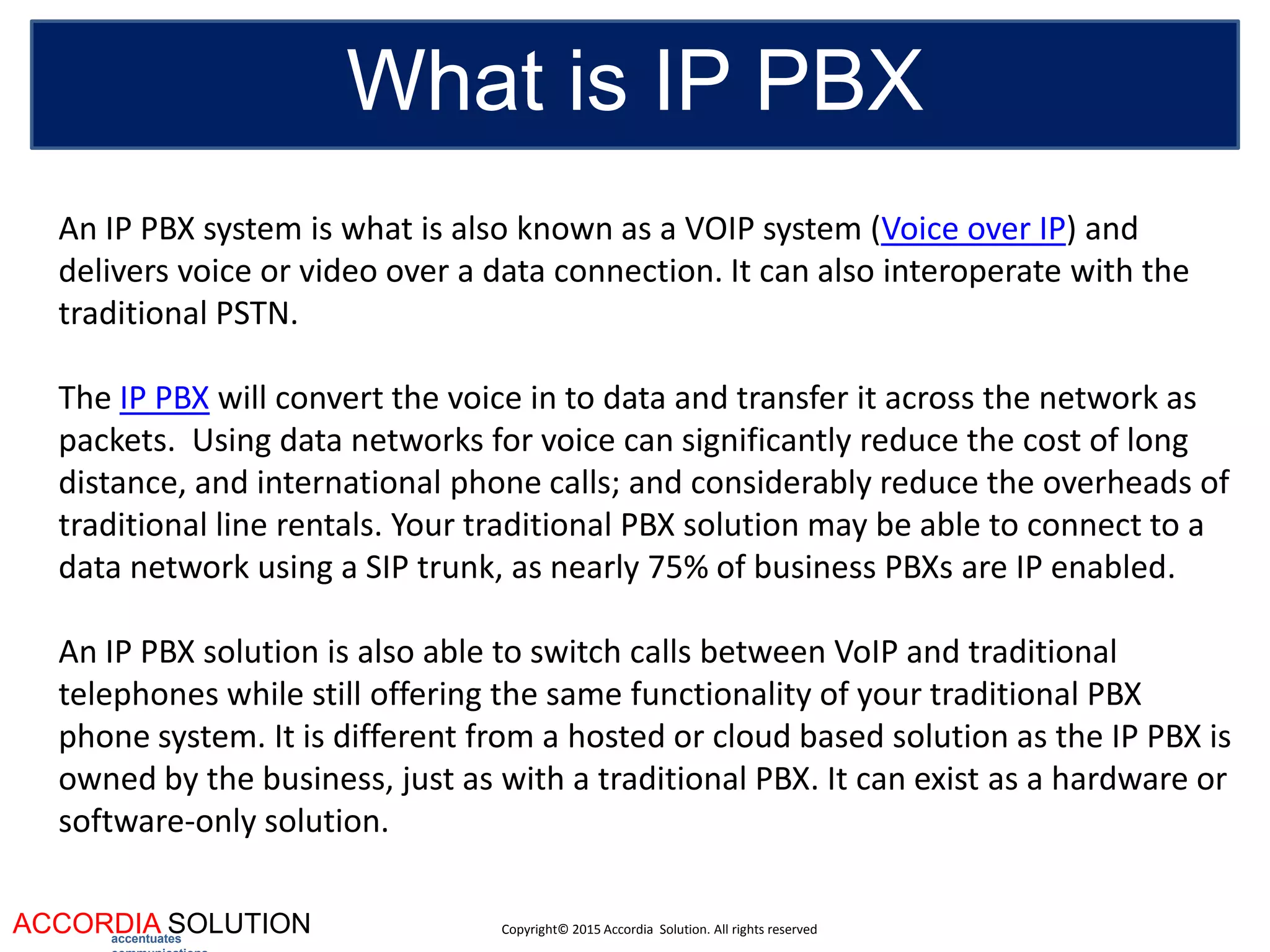
The advent of VoIP allowed businesses to transition from circuit-switched networks to packet-switched networks. An IP-PBX routes calls as data packets over a standard local area network (LAN) and an internet connection. This shift reduced the reliance on expensive copper wiring and paved the way for more flexible feature sets.
Hosted and Cloud PBX
Cloud PBX represents the current industry standard for the majority of mid-sized and growing businesses. In this model, the service provider maintains the hardware and software in their own data centers. Businesses subscribe to the service on a per-user basis. This eliminates the need for on-site server management, allows for seamless scaling as headcount changes, and provides robust mobile integration for hybrid workforces.
Comparing PBX Deployment Models
Selecting the right architecture depends on your business's technical capacity, budget, and reliance on network uptime.
| Feature | On-Premise PBX | IP-PBX (Hybrid) | Hosted/Cloud PBX |
|---|---|---|---|
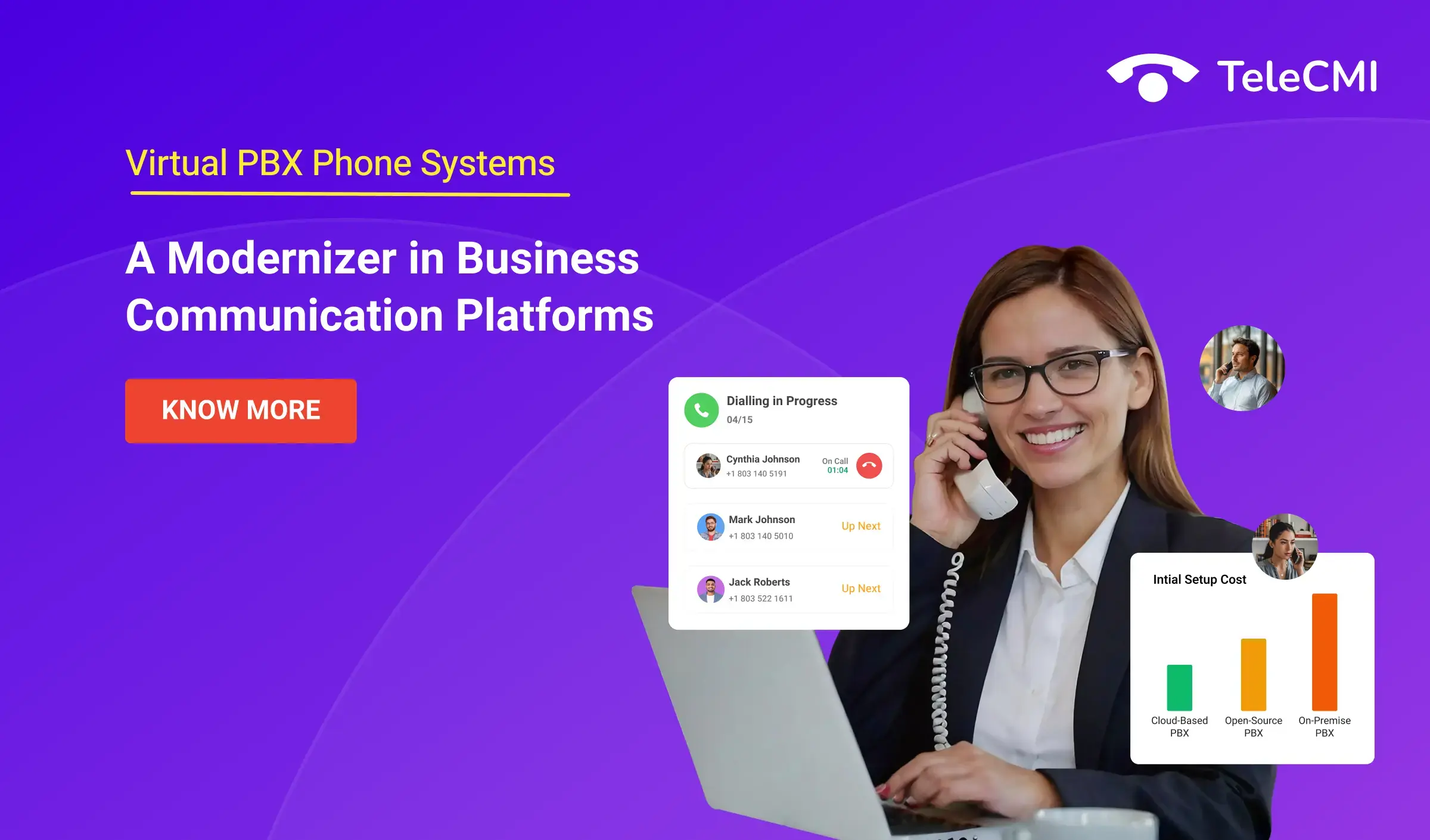
| Initial Cost | Very High | Moderate | Low |
| Maintenance | In-house/Contractor | In-house/Provider | Provider Managed |
| Scalability | Manual/Limited | Moderate | Instant/Unlimited |
| Internet Dependency | Low (Internal) | High | Absolute |
| Remote Access | Complex setup | Integrated | Native/Seamless |
Critical Prerequisites for PBX Implementation
Before choosing a provider or hardware vendor, you must audit your infrastructure to ensure it can support the chosen PBX system.
Network Capacity and Quality of Service (QoS)
If you are deploying a VoIP-based PBX, your local network is the most significant factor in call quality. VoIP requires stable bandwidth and minimal latency. Implementing Quality of Service (QoS) protocols on your routers and switches is essential to prioritize voice packets over standard data traffic. Failure to manage network congestion will result in jitter, packet loss, and dropped calls, which can severely impact customer experience.
Power and Redundancy Planning
Cloud-based PBX solutions rely on your internet connection. If your business depends on consistent uptime, you must have a redundant internet service provider (ISP) and an Uninterruptible Power Supply (UPS) for your local networking equipment. A PBX that fails when the power goes out is a liability; planning for failover is a core operational requirement for mission-critical communication.
Security and Regulatory Compliance
Modern PBX systems are internet-connected devices, making them targets for toll fraud and unauthorized access. Ensuring your system uses robust encryption—such as TLS (Transport Layer Security) for signaling and SRTP (Secure Real-time Transport Protocol) for voice data—is mandatory. Furthermore, verify that your service provider is compliant with local regulations, such as the Federal Communications Commission (FCC) guidelines regarding E911 services, which require systems to provide location data to emergency responders.
Operational Benefits and Feature Sets
A well-configured PBX provides tools that professionalize your operations:
- Automated Attendants (IVR): These systems act as a digital receptionist, guiding callers through menus to reach specific departments, thereby reducing the burden on administrative staff.
- Call Queuing: Essential for support centers, queuing holds callers in a loop, plays hold music or announcements, and routes them to the next available agent based on skill or wait time.
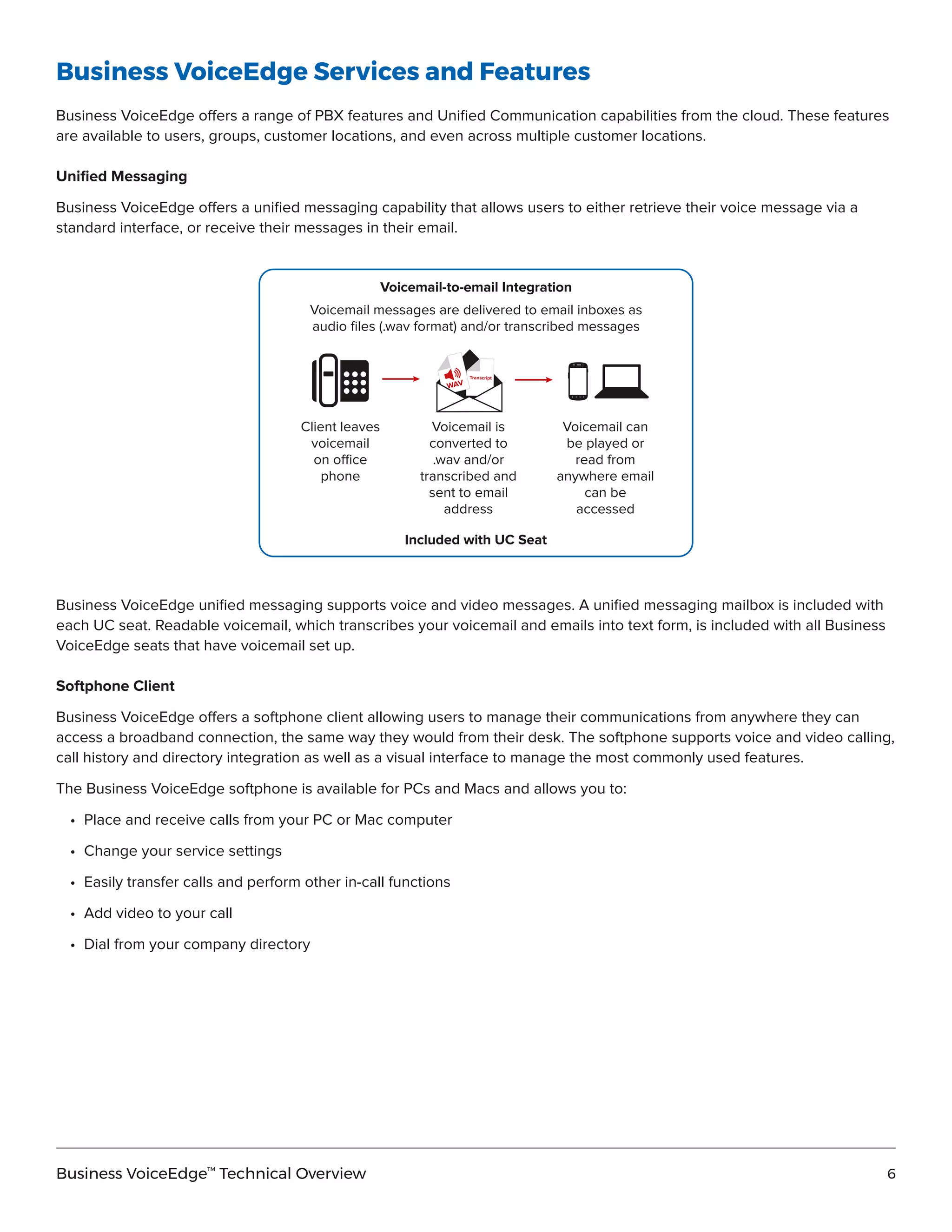
- Unified Communications (UC): Modern PBX platforms integrate voice calls with instant messaging, video conferencing, and desktop sharing, facilitating collaboration regardless of employee location.
- Reporting and Analytics: Administrators can track call volume, peak activity hours, and response times to optimize staffing and improve service levels.
Common Pitfalls and Troubleshooting
The most frequent issue reported with business PBX implementation is "one-way audio," where one party cannot hear the other. This is almost exclusively a firewall or Network Address Translation (NAT) configuration issue where the voice traffic packets are being blocked or misdirected by the router.
Another common mistake is underestimating the importance of internal training. A powerful PBX system is useless if employees do not know how to transfer calls, set up voicemail, or manage their own presence status. Always include a phase for user onboarding and documentation as part of your deployment timeline. If you experience persistent echo or delays, focus your troubleshooting on the LAN environment before blaming the service provider’s cloud infrastructure.
Frequently Asked Questions
What is the difference between a PBX and VoIP?
PBX is a system or architecture for routing calls within an organization, whereas VoIP is the technology used to transmit voice over the internet. You can have an on-premise PBX that uses VoIP technology, or a hosted PBX that uses VoIP exclusively.
Can I keep my existing phone numbers when switching to a cloud PBX?
Yes, most providers support "porting." This is a process regulated by telecommunications authorities that allows you to transfer your existing business telephone numbers to your new service provider. You will need a recent bill from your current carrier to verify the request.
How much internet bandwidth do I need for a PBX?
Each standard compressed voice call typically requires about 85 to 100 kbps of bandwidth. You should calculate your peak concurrency needs and ensure your ISP can provide consistent throughput at that level, while leaving headroom for other business data traffic.
Do I need specialized hardware for a cloud PBX?
Not necessarily. Many cloud PBX providers support "softphones"—applications installed on computers or smartphones—that allow you to make and receive calls without physical handsets. However, dedicated IP desk phones offer higher audio quality and programmable buttons for advanced features.
How are PBX costs structured?
Most modern PBX services operate on a subscription model, charging a per-user, per-month fee. This usually includes the PBX service, a phone number, and a set of features. Additional costs may include physical handsets, international calling minutes, and premium integrations like Salesforce or Microsoft Teams.
Next Steps for Your Business
If your organization is currently relying on an aging hardware system, the first step is to conduct a network assessment. Review your last three months of call logs to understand peak concurrent usage, and identify which features are essential for your daily operations. Once you have a firm grasp of your requirements, reach out to two or three established PBX vendors to request a demonstration of their portal interface, as administrative usability is the factor most likely to impact your team's long-term efficiency.
Image Gallery