Vacation Rental Management Software Defining the Digital Backbone for Short Term Hosts
Vacation rental management software (VRMS) serves as the centralized operating system for short-term rental businesses, automating core tasks such as multi-channel booking synchronization, dynamic pricing, guest communication, and fina...
Vacation rental management software (VRMS) serves as the centralized operating system for short-term rental businesses, automating core tasks such as multi-channel booking synchronization, dynamic pricing, guest communication, and financial reporting. By functioning as a digital backbone, it eliminates manual data entry and reduces the risk of double bookings, allowing hosts to scale operations while maintaining consistent guest experiences across various platforms.
Contents
The Role of VRMS as a Centralized Operating System
For property managers and individual hosts operating more than one listing, the complexity of short-term rental management increases exponentially. Without a specialized software solution, a host is forced to manually toggle between platforms like Airbnb, Vrbo, Booking.com, and direct booking websites. This fragmented workflow often results in calendar conflicts, inconsistent pricing, and delayed responses to inquiries, all of which damage a host’s standing with listing platforms and reduce occupancy rates.
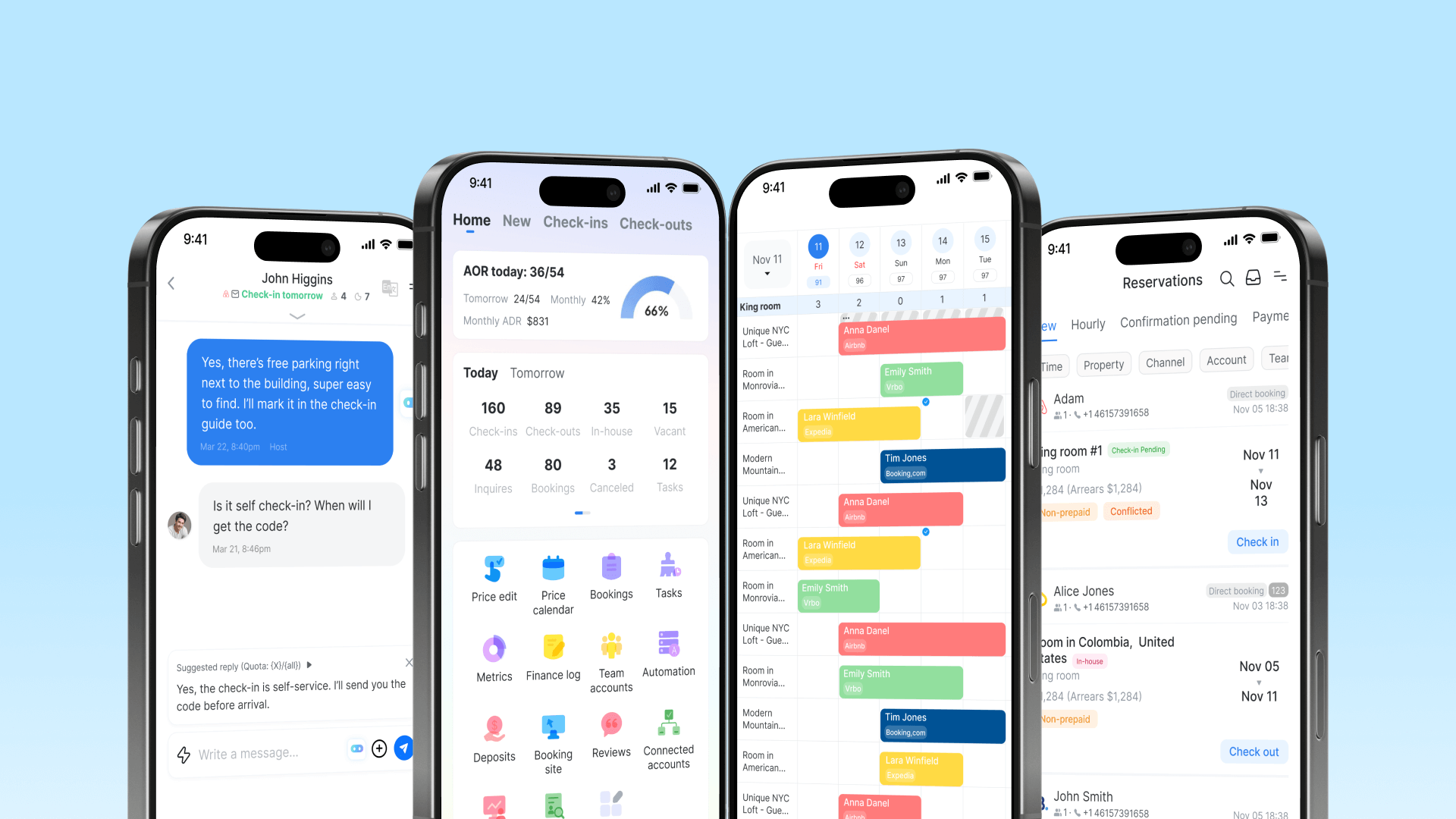
Vacation rental management software consolidates these disparate tasks into a single dashboard. At its core, the software acts as the "source of truth" for inventory. When a booking is secured on one channel, the software automatically triggers a block on all other connected calendars. This functionality, commonly referred to as a channel manager, is the most critical component of the software architecture. It ensures that the digital inventory is accurately reflected in real-time, preventing the logistical nightmare of overbooked properties.
Critical Features and Functional Requirements
Selecting the right software requires an understanding of the specific operational gaps in your current workflow. While most providers offer a core suite of tools, the sophistication of these tools varies significantly.
Channel Management and Synchronization
The channel manager is the foundation of the digital backbone. It utilizes APIs (Application Programming Interfaces) to communicate directly with major booking platforms. High-quality software provides two-way synchronization, meaning it not only pushes availability to the platforms but also pulls guest information, payment details, and cancellation notifications into the central system automatically.
Unified Inbox and Automated Communication
Efficiency in communication is a primary driver of guest satisfaction. A unified inbox consolidates messages from every platform into one thread per guest. Furthermore, automated messaging tools allow hosts to schedule trigger-based communications, such as check-in instructions sent 24 hours prior to arrival or review requests sent immediately after departure.
Dynamic Pricing Integration
Static pricing is rarely optimal in the modern short-term rental market. Sophisticated VRMS platforms often include or integrate with dynamic pricing engines. These systems analyze local market demand, seasonality, competitor rates, and upcoming local events to adjust nightly rates automatically. This ensures that a host is not leaving money on the table during high-demand periods while remaining competitive during off-peak seasons.
Financial Reporting and Revenue Management
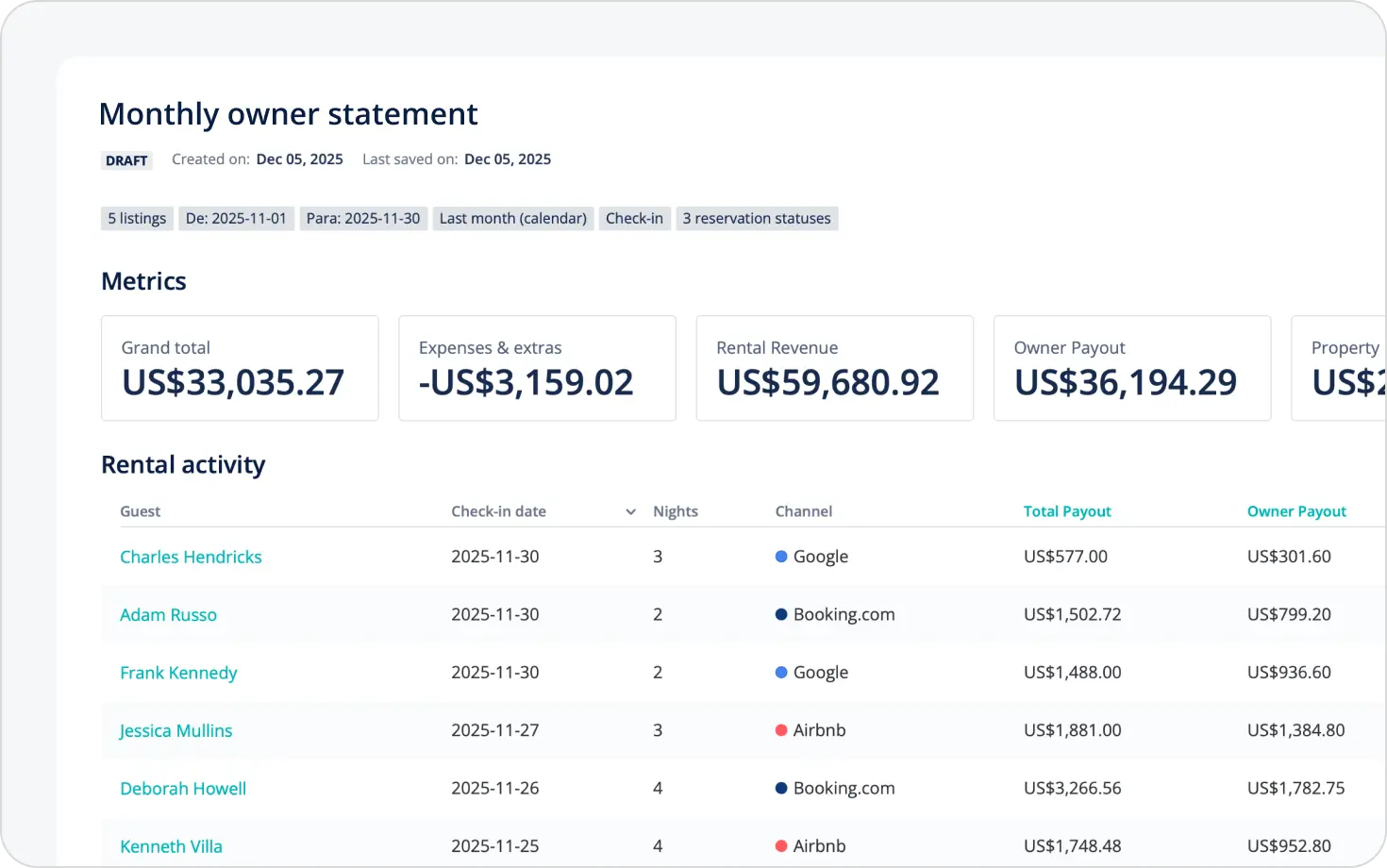
A digital backbone must provide granular visibility into financial performance. Reliable software tracks net income, cleaning fees, taxes, and platform commissions. By generating detailed profit-and-loss statements for individual properties, hosts can make data-backed decisions regarding capital improvements or divestment of underperforming assets.
Comparative Overview of Software Capabilities
The following table outlines the essential categories of functionality that distinguish basic channel managers from comprehensive enterprise-grade management platforms.
| Feature Category | Basic Channel Manager | Comprehensive VRMS |
|---|---|---|
| Calendar Sync | Simple iCal feeds | Full API two-way sync |
| Guest Messaging | Platform-native only | Unified, automated inbox |
| Pricing Strategy | Manual adjustment | AI-driven dynamic pricing |
| Reporting | Basic booking export | Advanced P&L and occupancy analytics |
| Task Automation | None | Automated cleaning/maintenance scheduling |
| Direct Booking Site | Not included | Included or integrated |
Implementing the Software: A Strategic Approach
Transitioning to a new VRMS platform is a significant operational shift that requires careful planning to avoid service interruptions. The process should follow a structured sequence to ensure data integrity.
- Data Auditing: Before importing data, clean up your existing calendars and property descriptions. Standardize your listing details, high-resolution photos, and amenity lists across all channels.
- System Integration: Connect your primary OTA (Online Travel Agency) accounts to the new software. Begin with the platform that holds your highest volume of bookings to establish your primary calendar baseline.
- Automation Setup: Define your automated message templates and dynamic pricing rules. Test these triggers with a test booking to ensure the timing and content meet your brand standards.
- Operational Workflow Mapping: Define the roles of your team members. If you utilize cleaners or maintenance staff, configure their access permissions within the software so they receive automated notifications based on checkout times.
- Monitoring and Verification: For the first 30 days, conduct daily manual verification to ensure that bookings are syncing correctly and automated messages are firing as expected.
Common Operational Pitfalls to Avoid
Even with advanced software, human error remains a factor. The most frequent mistake hosts make is relying exclusively on the software without periodic audits. For example, if a listing platform updates its API or changes its policy regarding how it displays specific amenities, the software might not automatically capture that change. Hosts should schedule quarterly audits of their listings on the actual OTA websites to ensure what the guest sees matches the configurations set in the management software.
Another common pitfall is the "over-automation" of guest communications. While efficiency is the goal, guests still value human interaction. Stripping away all personality from automated responses can lead to a sterile guest experience. Use the software's automation tools to handle logistical information (door codes, Wi-Fi passwords, parking rules), but ensure there is a clear mechanism for human intervention when a guest presents a unique inquiry or concern.
Selecting the Right Platform for Your Scale
The "right" software depends heavily on the volume of properties managed. A host managing two units has different requirements than a property management company overseeing fifty.
For smaller hosts, affordability and ease of use are paramount. These users should look for platforms that offer a "pay-per-booking" model, which keeps overhead low during slower months. Larger operations, however, often require enterprise-grade platforms that include advanced trust accounting features, complex permission levels for staff, and robust API access for building custom reporting dashboards. When evaluating costs, always account for the setup time and the potential for a steep learning curve; the most feature-rich software is not necessarily the most profitable if your team cannot operate it efficiently.
Frequently Asked Questions
Does using VRMS eliminate the need to check OTA platforms directly? While a VRMS is designed to act as a centralized hub, it is not a complete replacement for direct platform interaction. You should still periodically log into Airbnb or Vrbo to verify that your account health, reviews, and platform-specific performance metrics align with your expectations.
How does VRMS impact the guest experience? A well-configured VRMS improves the experience by ensuring faster response times, providing consistent check-in information, and reducing the likelihood of last-minute cancellations due to overbooking. It allows you to deliver professional-grade service that a guest would expect from a hotel chain.
What is the difference between a Channel Manager and a full PMS? A channel manager strictly handles inventory and calendar distribution. A Property Management System (PMS) is a broader term that encompasses channel management along with financial accounting, housekeeping management, owner reporting, and guest experience tools.
Are there legal considerations when automating data? Yes. When automating guest communications and data storage, you must ensure your software and processes comply with regional data privacy regulations, such as the GDPR in Europe or state-level privacy laws in the United States, particularly regarding the storage of sensitive guest identification documents.
Can I switch VRMS providers after I have established my listings? Yes, but it is a complex process. You will need to export your historical booking data and carefully remap your listings to avoid duplicate listings on the platforms. It is best to schedule this transition during your lowest-occupancy season to minimize potential revenue loss.
Recommended Next Action
If you are currently managing your properties manually, the most effective next step is to conduct an audit of your current time expenditure. Calculate how many hours you spend per week on administrative tasks like calendar updates and guest messages. Once you have a baseline, request demos from three different software providers. Focus your assessment on the "Unified Inbox" and "Channel Synchronization" features, as these will provide the highest immediate return on investment for your time.
Image Gallery