How to Report Phishing to Verizon Wireless
Reporting phishing attempts, fraudulent text messages, and deceptive emails impersonating Verizon Wireless helps protect your personal data, secures your account, and contributes to the broader effort to disrupt cybercrime networks. Ph...
Reporting phishing attempts, fraudulent text messages, and deceptive emails impersonating Verizon Wireless helps protect your personal data, secures your account, and contributes to the broader effort to disrupt cybercrime networks.
Contents
Phishing is a form of social engineering where malicious actors use fraudulent communications—such as deceptive text messages (smishing), fraudulent emails (phishing), or automated voice calls (vishing)—to trick individuals into revealing sensitive information, including account passwords, social security numbers, banking details, or personal identification numbers (PINs). Because telecommunications providers are frequently impersonated by scammers seeking account control or financial theft, understanding how to report these incidents to Verizon Wireless and relevant regulatory bodies is an essential component of digital hygiene and mobile security.
Understanding Phishing and Smishing in the Telecommunications Sector
The telecommunications sector remains a primary target for threat actors because mobile devices serve as the central authentication hub for modern digital life. Many services utilize two-factor authentication (2FA) or multi-factor authentication (MFA) delivered via SMS text messages. If a malicious actor gains access to your Verizon Wireless account through credential harvesting, they may execute a SIM-swapping attack or intercept secure verification codes to compromise your email, financial accounts, and social media profiles.
Phishing manifests in several distinct ways within the Verizon ecosystem:
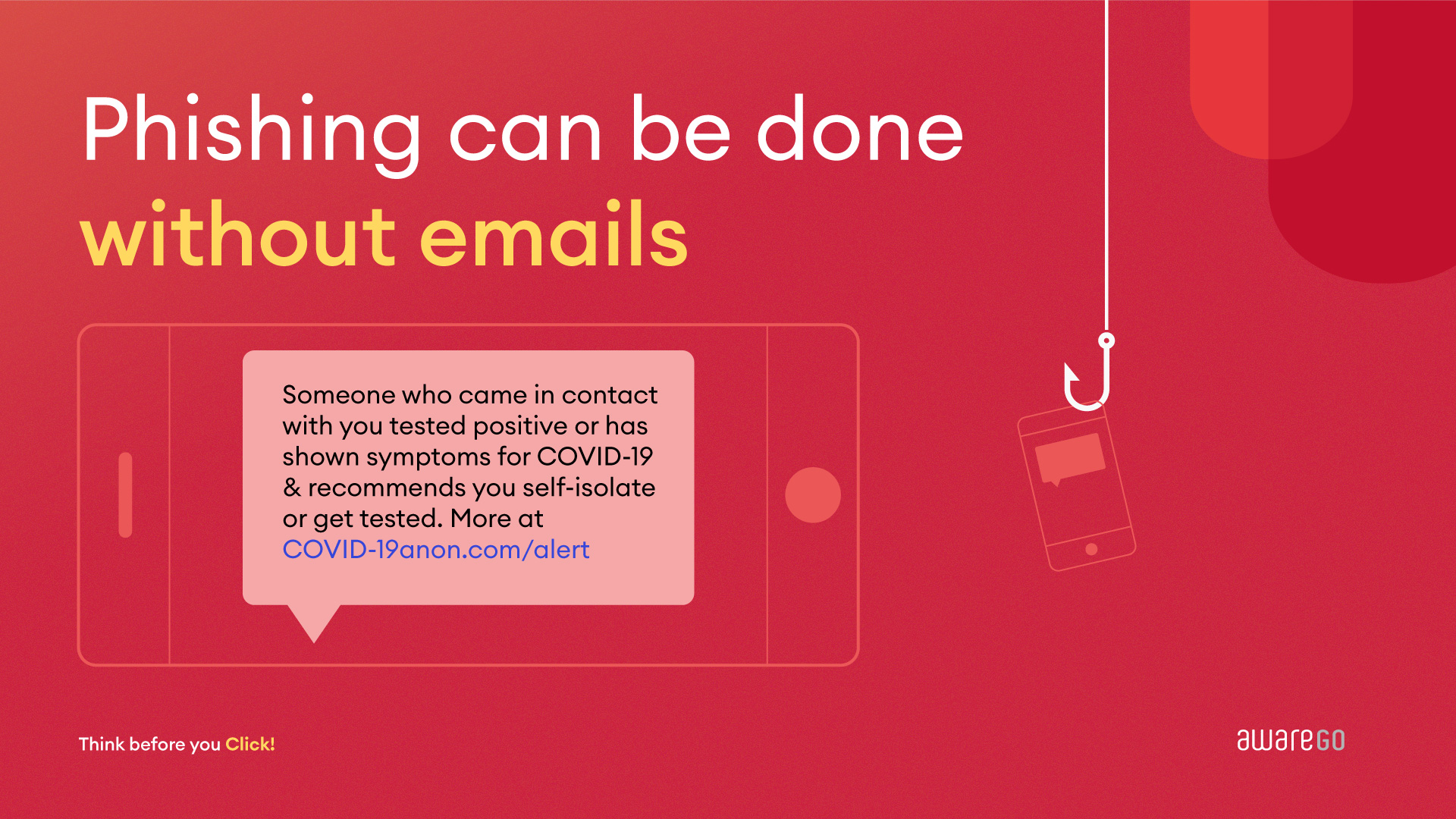
- Smishing (SMS Phishing): Text messages claiming that your account has been suspended, that you have won a prize, or that a billing error requires immediate verification via an unverified link. These links typically direct users to lookalike web domains designed to capture credentials.
- Email Phishing: Messages styled to resemble official Verizon billing statements, account alerts, or promotional rewards notifications, urging the recipient to click a link or download an attachment containing malware.
- Vishing (Voice Phishing): Automated or live phone calls claiming to be from Verizon support, warning of imminent service disconnection unless personal information or payment is provided immediately.
Recognizing these vectors is the first step toward defense. Official communications from Verizon will generally direct you to sign into the My Verizon app or the official website directly rather than asking you to input sensitive details into an unverified third-party landing page.
Prerequisites and Preparation Before Reporting
Before submitting a phishing report to Verizon Wireless or any other authority, you should gather and preserve the necessary digital evidence. Proper documentation ensures that security analysts can trace the origin of the attack, block malicious infrastructure, and assess whether your account has been compromised.
To prepare an effective report, follow these preparation steps:
- Do Not Click Links or Call Numbers: Never interact with the links, attachments, or phone numbers provided in the suspected phishing message. Interacting can confirm that your line is active or expose your device to malware.
- Capture Evidence: Take clear screenshots of the phishing text message or email, ensuring that the sender's phone number, email address, and timestamps are clearly visible.
- Copy Message Details: If reporting a text message, copy the full text of the message rather than just summarizing it. For emails, view the raw internet headers if possible to identify the originating mail server.
- Note Account Details: Have your mobile number and basic account information ready, keeping in mind that you should never provide your full account password or security PIN to unverified parties.
Step-by-Step Guide: How to Report Phishing to Verizon
Verizon Wireless provides dedicated channels for customers to report fraudulent communications. Utilizing the correct reporting mechanism ensures that security teams receive the raw data needed to mitigate the threat.
Reporting Smishing (Fraudulent Text Messages)
The telecommunications industry utilizes a standardized short code system to allow subscribers to report malicious text messages efficiently.
- Do not open links contained within the text message.
- Forward the message to the short code 7726 (which spells "SPAM" on a telephone keypad).
- If possible, copy the original sender's phone number and forward that information in a separate text to 7726 or include it in your report if prompted.
- Verizon will process the forwarded message and may send an automated response acknowledging receipt and requesting additional information if necessary.
Reporting Email Phishing Impersonating Verizon
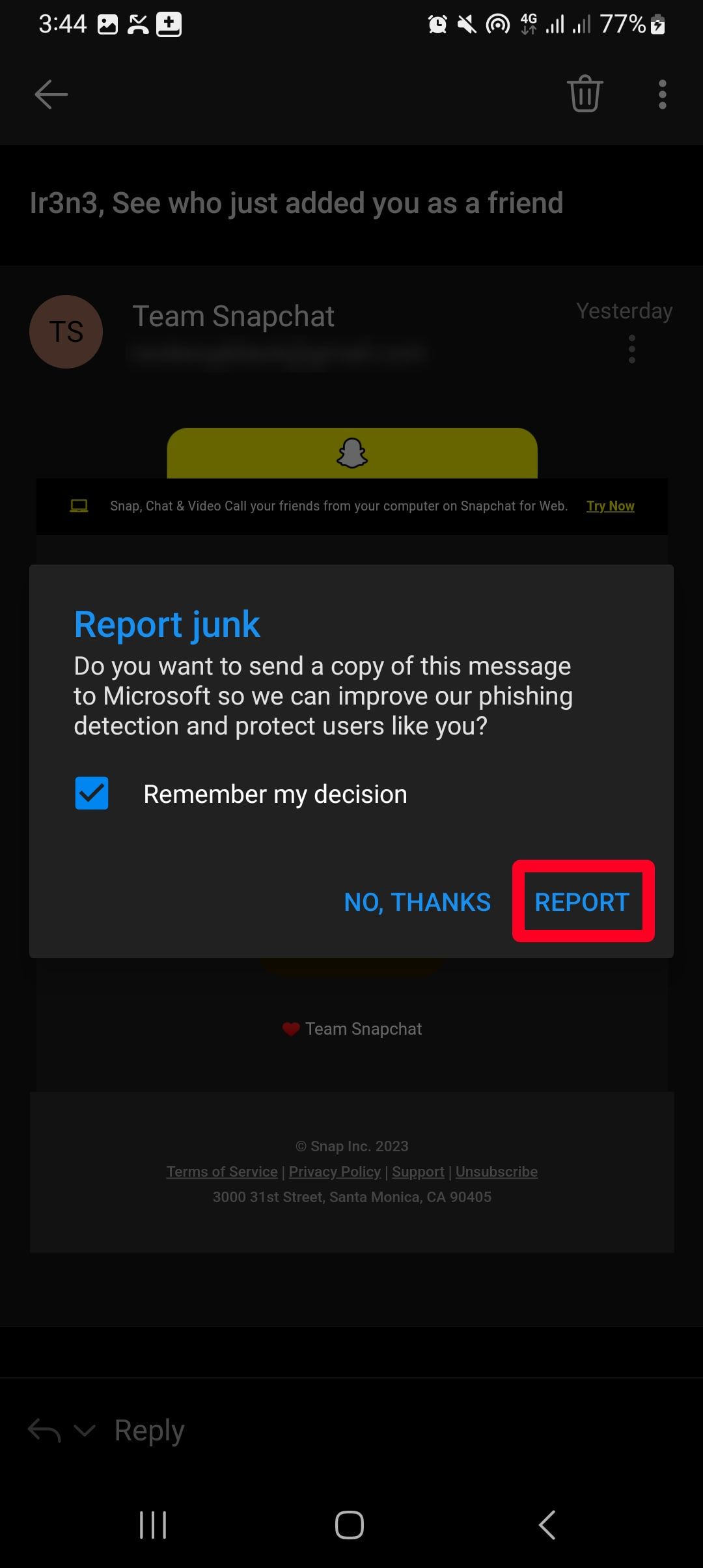
If you receive an email that falsely claims to be from Verizon, do not click any links or download attachments. Instead, forward the email to Verizon's designated security team.
- Forward the complete email, including the full internet headers, to phishing@verizon.com.
- Forwarding with complete headers allows Verizon's abuse desk to analyze the true routing path of the email and report the abusive domain to the appropriate domain registrar or hosting provider for takedown.
Reporting Suspicious Phone Calls (Vishing)
If you receive a suspicious phone call from someone claiming to be a Verizon representative:
- Hang up immediately.
- Do not verify your account PIN, password, or financial information.
- Log into your My Verizon account directly through the official mobile app or web browser to check your account status.
- If you suspect the call was fraudulent, you can report the phone number to the Federal Communications Commission (FCC) or the Federal Trade Commission (FTC).
Comparison of Verizon Phishing Reporting Channels
| Reporting Channel | Target Medium | Destination / Action | What to Include |
|---|---|---|---|
| Short Code 7726 | SMS / Text Messages | Forward message to 7726 |
Original text message body and sender number |
| Email Address | Email Phishing | Send to phishing@verizon.com |
Full email with original internet headers attached |
| My Verizon App | Account Security | Log in to review account activity | Review unauthorized changes, orders, or profile updates |
| Customer Support | Direct Assistance | Call 611 from a Verizon mobile device |
Verbal report if financial loss or identity theft occurred |
Securing Your Verizon Wireless Account After a Phishing Incident
If you suspect you may have interacted with a phishing message or entered your credentials on a fraudulent website, you must take immediate remedial action to secure your Verizon account against unauthorized access, SIM swapping, or unauthorized device purchases.
Immediate Security Actions
- Change Your Password: Immediately log into the My Verizon portal using a secure browser and update your account password to a strong, unique combination of characters.
- Update Your PIN/Billing Password: Change your account security PIN. Verizon representatives require this PIN to make changes to your account, making it critical defense against unauthorized port-outs or SIM swaps.
- Review Account Activity: Check your recent order history, upgrade eligibility, and authorized user list within the My Verizon app to ensure no unauthorized lines or devices have been added.
- Enable Extra Security: Turn on available account protection features, such as number lock or biometric authentication within the mobile application, where supported.
External Reporting and Regulatory Agencies
In addition to notifying Verizon Wireless, reporting severe phishing and identity theft attempts to government agencies helps law enforcement track global cybercrime syndicates and aids in consumer protection initiatives.
- Federal Trade Commission (FTC): Report identity theft and online scams at ReportFraud.ftc.gov.
- Anti-Phishing Working Group (APWG): Forward phishing emails to reportphishing@apwg.org to contribute to global threat intelligence databases.
- Internet Crime Complaint Center (IC3): If you suffered financial loss as a result of a cyberattack, file a formal complaint with the FBI at ic3.gov.
Disclaimer: The guidance provided in this article is for informational and educational purposes only. If you have experienced a direct financial loss or significant compromise of your personal identity, consider consulting legal counsel, financial institutions, or local law enforcement authorities.
Frequently Asked Questions
What happens after I forward a text message to 7726?
When you forward a suspicious text message to 7726, Verizon's automated systems analyze the message content, sender ID, and routing data. This data is used to block the originating number and update spam-filtering databases to protect other subscribers from receiving similar messages.
Will Verizon contact me after I report a phishing email?
Typically, Verizon's abuse desk does not send individual replies to emails forwarded to phishing@verizon.com due to the high volume of submissions. However, the security team actively reviews these submissions to take down fraudulent infrastructure and domain names impersonating the company.
How can I tell if an email from Verizon is legitimate?
Legitimate emails from Verizon will always originate from official domains (such as @verizon.com or @email.verizon.com) and will never ask you to reply with your password, full Social Security Number, or account PIN via email. When in doubt, bypass the email entirely and access your account by typing the official web address directly into your browser or opening the My Verizon mobile app.
Can a phishing text message infect my smartphone with malware?
While rare on modern operating systems, simply receiving or viewing a text message generally does not install malware. However, clicking links within the message can direct you to malicious websites designed to download harmful payloads, exploit browser vulnerabilities, or harvest credentials through fake login prompts.
What should I do if I already entered my password on a fake Verizon website?
You should immediately change your password and account PIN through the official My Verizon portal. Additionally, review your account for unauthorized profile changes, check your bank and credit card statements for unexpected charges, and consider placing a security freeze on your credit reports if sensitive financial data was exposed.
Next Actions and Best Practices
To maintain long-term security against phishing and smishing attempts targeting your mobile services, adopt a posture of continuous vigilance. Never trust unsolicited communications that demand urgent action, financial payment, or credential verification. Regularly monitor your monthly billing statements for unexplained service charges or unauthorized equipment orders. By reporting every suspicious interaction to 7726 or phishing@verizon.com, you actively contribute to a safer digital environment for all wireless subscribers.
Image Gallery