iPhone Features vs Android: A Guide for Everyday Users
Choosing between an iPhone and an Android device is a fundamental decision that shapes your daily digital interactions, from how you manage files and communicate with friends to how you secure your personal data. While both platforms h...
Choosing between an iPhone and an Android device is a fundamental decision that shapes your daily digital interactions, from how you manage files and communicate with friends to how you secure your personal data. While both platforms have matured to offer high-quality displays, professional-grade cameras, and robust battery life, they operate on different philosophies regarding customization, ecosystem integration, and user interface consistency.
Contents
For the everyday user, the choice often hinges on whether you prefer a highly controlled, streamlined environment or a flexible, open system that allows for deeper personalization. Apple’s iOS remains the gold standard for simplicity and hardware-software synergy, while Google’s Android (running on devices from companies like Samsung, Google, and Motorola) provides a diverse range of hardware options and granular control over software behavior. Understanding these functional differences is essential for selecting the device that best aligns with your daily habits and technical comfort level.
The iOS Ecosystem: Simplicity and Synergy
Apple’s primary value proposition is the "walled garden." When you purchase an iPhone, you are not just buying a piece of hardware; you are gaining entry into an ecosystem where devices are designed to communicate effortlessly.
Seamless Device Integration
The most significant advantage for the everyday user is Continuity. If you own a Mac, an iPad, or an Apple Watch, your iPhone will sync seamlessly with them. You can copy text on your iPhone and paste it onto your Mac, or start an email on your phone and finish it on your laptop using Handoff. This deep integration is a verified benefit for users who rely on multiple devices for work and personal productivity.
Long-Term Software Support
Apple maintains a consistent track record of providing long-term software updates. As of 2026, iPhones typically receive major iOS updates for six to seven years after their release date. For a user who wants to keep their phone for as long as possible without worrying about missing security patches or new feature sets, this reliability is a critical factor.
App Store Curation
The Apple App Store is strictly regulated. While this can limit the availability of certain niche or "sideloaded" applications, it ensures a high baseline of security and quality control. Most apps are optimized specifically for the iPhone’s internal hardware, resulting in fewer crashes and smoother performance compared to the fragmented nature of Android apps across hundreds of device models.
The Android Advantage: Flexibility and Choice
Android, developed by Google, is built on an open-source foundation. This structure allows manufacturers to differentiate their hardware and software, providing the consumer with more choices regarding form factors, price points, and functional capabilities.
Hardware Diversity
Unlike the iPhone, which is limited to the models released by Apple, Android offers a vast array of devices. You can choose from budget-friendly handsets, heavy-duty "flagship" devices, or innovative foldable phones. If you prefer a phone with a physical stylus, an unconventional camera setup, or an extreme battery capacity, the Android market provides specific hardware options to meet those needs.
Customization and File Management
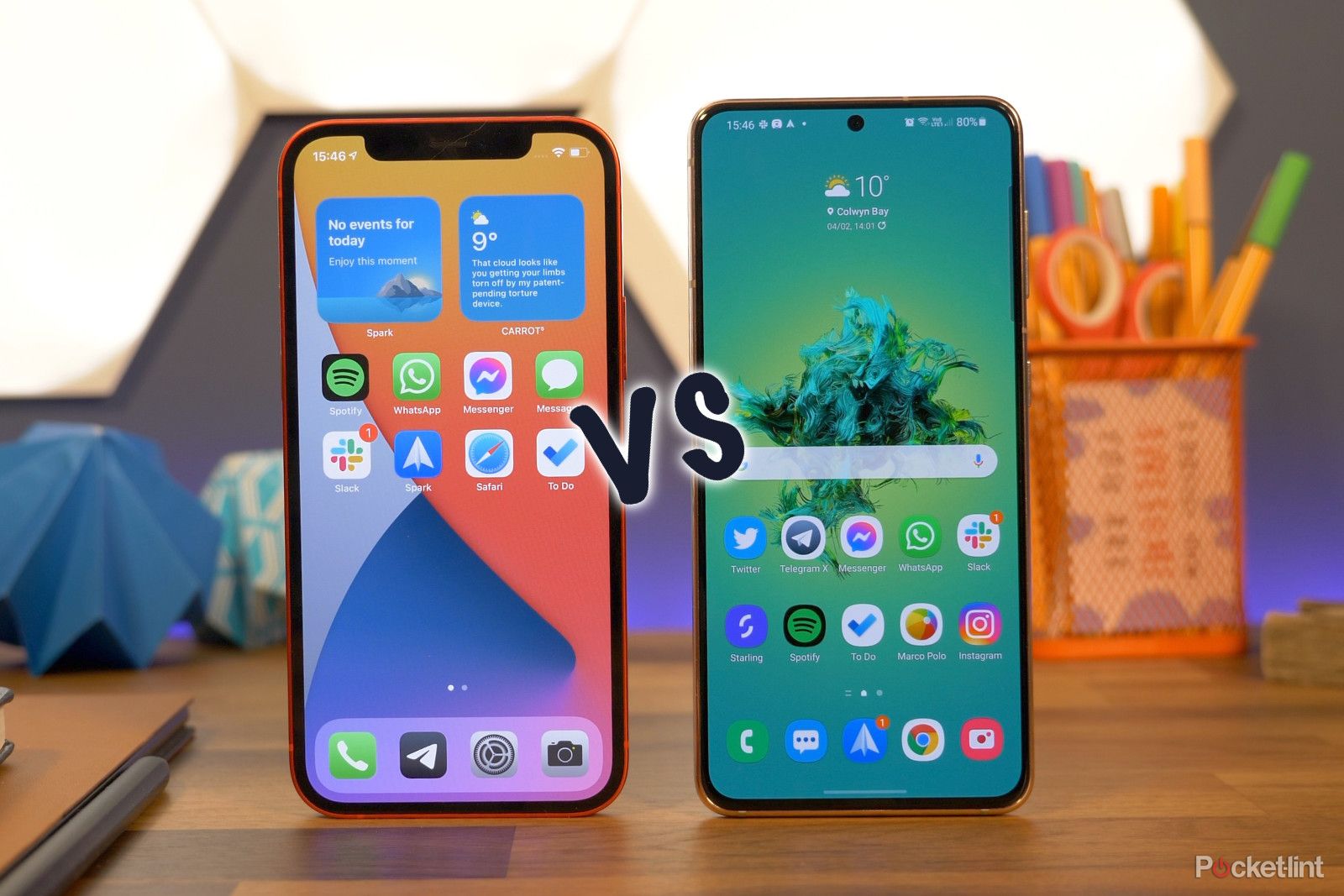
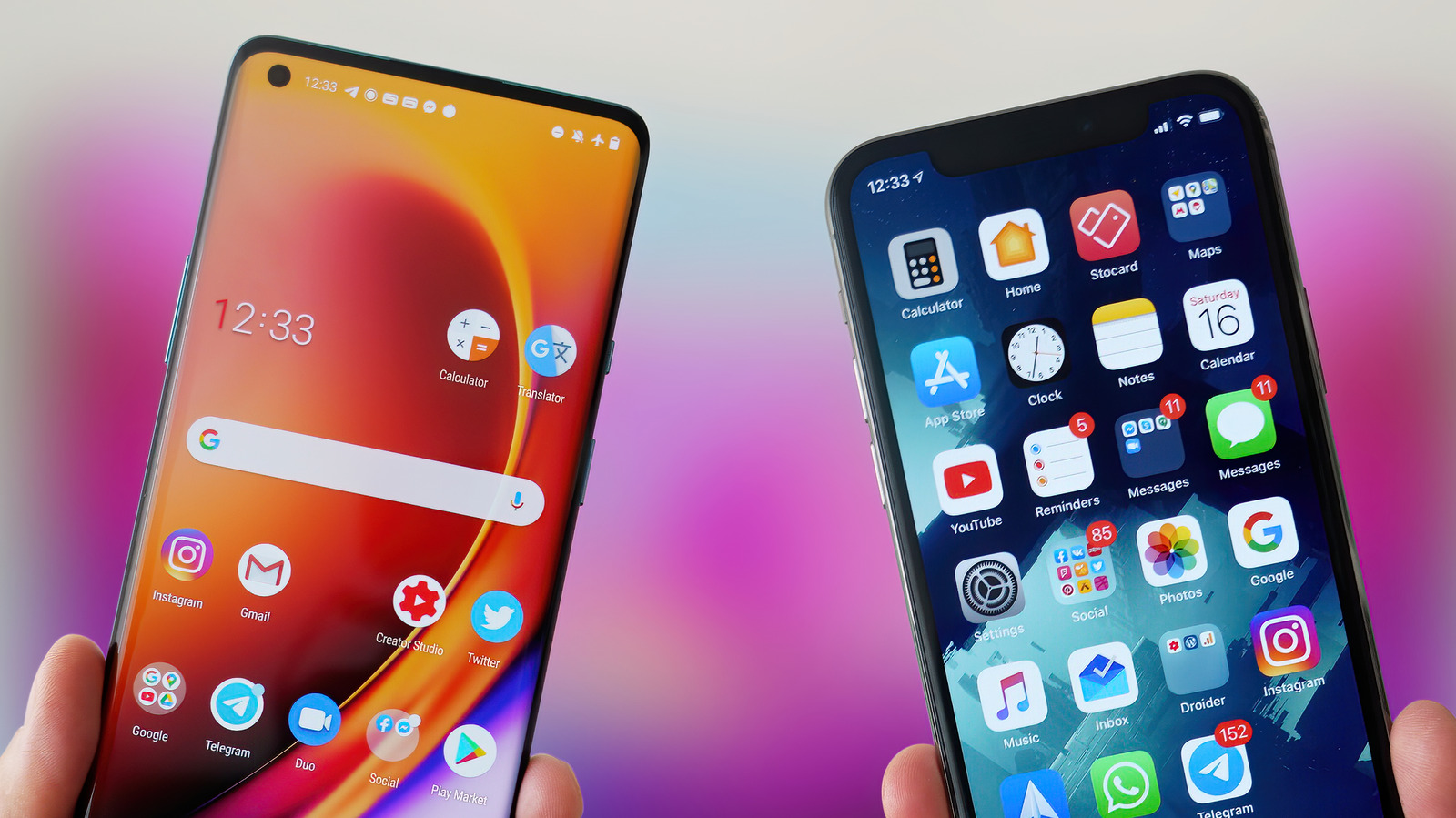
Android is designed for the user who wants to control the "how" of their technology. You can change your phone’s launcher to alter the home screen layout, install icon packs, and manage your file system much like a desktop computer. For users who frequently move files between their phone and a PC, Android’s drag-and-drop file transfer system is significantly more intuitive than the methods required for iOS.
Google Service Integration
For users heavily invested in Google Workspace (Gmail, Drive, Photos, and Calendar), Android provides a native, highly responsive experience. While these services are available on iOS, they are deeply baked into the Android operating system, allowing for better background syncing and more robust smart features, such as the Google Assistant’s predictive capabilities.
Comparative Overview for Everyday Users
The following table highlights the core functional differences between the two platforms to assist in your decision-making process.
| Feature Category | iPhone (iOS) | Android |
|---|---|---|
| Interface Style | Uniform, intuitive, rigid | Variable, customizable, open |
| Hardware Choices | Limited to Apple models | Wide range of brands and designs |
| File Management | Limited; sandboxed access | Desktop-like; full file access |
| Update Reliability | Guaranteed long-term support | Varies by manufacturer and model |
| Ecosystem | Tight integration with Apple gear | Integration with Google/Cloud services |
| App Availability | Curated App Store | Play Store plus sideloading options |
Key Considerations Before Switching
Before deciding on your next smartphone, consider your current digital habits and the "switching cost."
- Messaging Platforms: In regions like North America, iMessage is a significant factor. Features like blue bubbles, read receipts, and high-quality media sharing create social friction when interacting with Android users. While RCS (Rich Communication Services) has improved cross-platform messaging, the social pull of the Apple ecosystem remains strong.
- Peripheral Investment: If you have already invested heavily in Lightning or USB-C cables, smart home accessories, or specific Bluetooth devices that rely on proprietary Apple protocols, moving to Android may require you to replace some of those accessories.
- Data Migration: Moving data from iOS to Android or vice versa is easier today than in previous years, thanks to migration tools like "Move to iOS" and various Android transfer apps. However, you will still need to re-log into your accounts and potentially lose specific app-based chat histories that are not cross-platform compatible.
Troubleshooting and Limitations
Both platforms have distinct limitations that users should be aware of:
- iPhone Restrictions: If you require specialized tools like call recorders, specific network diagnostic utilities, or the ability to download apps from outside the App Store, iOS will present constant friction. It is a "what you see is what you get" operating system.
- Android Fragmentation: Because Android runs on many different devices, the user experience can vary. A low-end Android phone will not perform with the same fluidity as a flagship model. When choosing Android, you must research the specific manufacturer’s history of updating their software, as some companies are significantly slower than others.
Frequently Asked Questions
Does Android have a better camera than the iPhone? Camera quality is subjective and depends on the specific model. Flagship Android phones often excel in manual photography controls and zoom capabilities, while iPhones are widely cited for their consistent video quality and natural color reproduction. Review the specific model’s sensor size and software processing to determine which better fits your photography style.
Can I use my iPhone accessories with an Android phone? Many accessories, such as Bluetooth headphones and external storage drives, are cross-compatible. However, proprietary Apple features like MagSafe or specialized Apple Watch sensors will not function as intended on an Android device.
Is Android less secure than iOS? Android is highly secure if you stay within the Google Play Store and keep your software updated. Because it allows for more open installation practices, it carries a higher risk if the user chooses to download apps from unverified third-party sources. iOS is generally considered more secure "out of the box" for non-technical users due to its closed nature.
Which phone is better for long-term use? If you define "better" as software longevity and resale value, the iPhone historically holds the lead. If you define it by the ability to keep a device functional through DIY repairs or by choosing hardware that meets specific professional needs, Android often provides more paths forward.
How does RCS affect my decision? RCS has largely bridged the messaging gap, allowing for typing indicators, read receipts, and high-quality image sharing between iPhones and Androids. If your primary hesitation in choosing Android was missing out on iMessage-like features with friends, RCS has made that transition much more feasible as of 2026.
Final Recommendation
For the everyday user, the decision should be guided by your comfort with technology. If you value a "plug-and-play" experience with high resale value and a consistent interface that rarely requires troubleshooting, the iPhone is the superior choice. If you prefer the ability to tailor your device to your workflow, want a broader selection of hardware designs, and appreciate having full control over your files, Android is the more satisfying platform. Start by identifying your "must-have" apps and existing device ecosystem; if those are deeply tied to one platform, that is likely where you should remain.
Image Gallery