Understanding the ProMotion Display: Features, Benefits, and Technical Specs
ProMotion is Apple's proprietary display technology that utilizes an adaptive variable refresh rate (VRR) capable of reaching up to 120Hz. Unlike standard displays that refresh at a fixed 60 times per second, ProMotion dynamically adju...
ProMotion is Apple's proprietary display technology that utilizes an adaptive variable refresh rate (VRR) capable of reaching up to 120Hz. Unlike standard displays that refresh at a fixed 60 times per second, ProMotion dynamically adjusts the screen's speed to match the content, providing smoother motion and improved energy efficiency.
Contents
The Fundamentals of Refresh Rates and Motion
To understand ProMotion, one must first understand the concept of a refresh rate. Measured in Hertz (Hz), the refresh rate refers to how many times per second a display updates its image. For over a decade, the industry standard for smartphones, tablets, and laptops was 60Hz. While 60Hz is sufficient for standard video and general navigation, it can introduce "motion blur" or "judder" during fast-paced scrolling or high-action gaming.
When a display refreshes 120 times per second—as it does at the top end of the ProMotion range—the time between frame updates is halved from 16.6 milliseconds to roughly 8.3 milliseconds. This reduction in time between frames makes animations appear significantly more fluid to the human eye. However, running a screen at a constant 120Hz is incredibly taxing on battery life. This is where the "adaptive" nature of ProMotion becomes essential.
How ProMotion Works: The Intelligence of Adaptive Sync
The defining characteristic of ProMotion is not just its ability to hit 120Hz, but its ability to scale down. In 2026, ProMotion displays on high-end iPhones and iPads can ramp down as low as 1Hz when the screen is static, such as when you are reading a static page of text or looking at a photo.
This scaling is managed by the display controller and the operating system (iOS, iPadOS, or macOS) in real-time. The system monitors the velocity of your finger on the screen or the frame rate of the video being played. If you are scrolling quickly through a social media feed, the display kicks into 120Hz for maximum clarity. The moment your finger leaves the screen and the movement stops, the refresh rate immediately drops to conserve power.
The Role of LTPO Technology
The physical hardware enabling this flexibility is LTPO (Low-Temperature Polycrystalline Oxide) backplane technology. Older LTPS (Low-Temperature Polycrystalline Silicon) displays struggled to switch refresh rates dynamically without significant flickering or power surges. LTPO combines the best parts of LTPS (for the switching circuits) and IGZO (Indium Gallium Zinc Oxide) for the driving transistors.
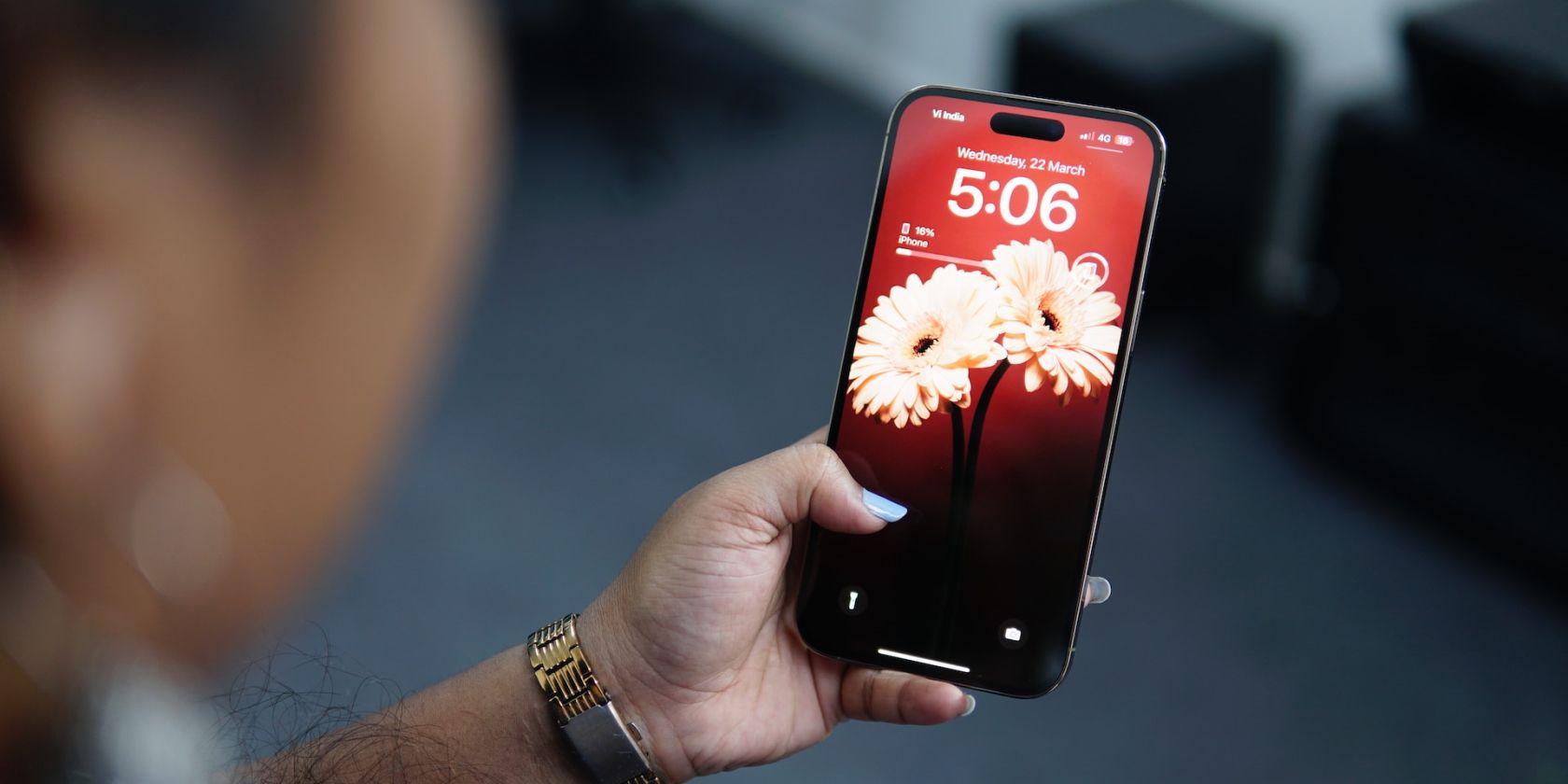
By using LTPO, Apple can control the leakage of current within the display pixels more effectively. This is the "secret sauce" that allows the Apple Watch and iPhone Pro models to support an Always-On display. Because the screen can refresh just once per second (1Hz) at a very low brightness, it can stay on indefinitely without draining the battery in the way a 60Hz screen would.
Benefits for Different User Segments
While the smoothness of scrolling is the most immediately noticeable feature, ProMotion offers specialized benefits across various workflows.
1. Creative Professionals and the Apple Pencil
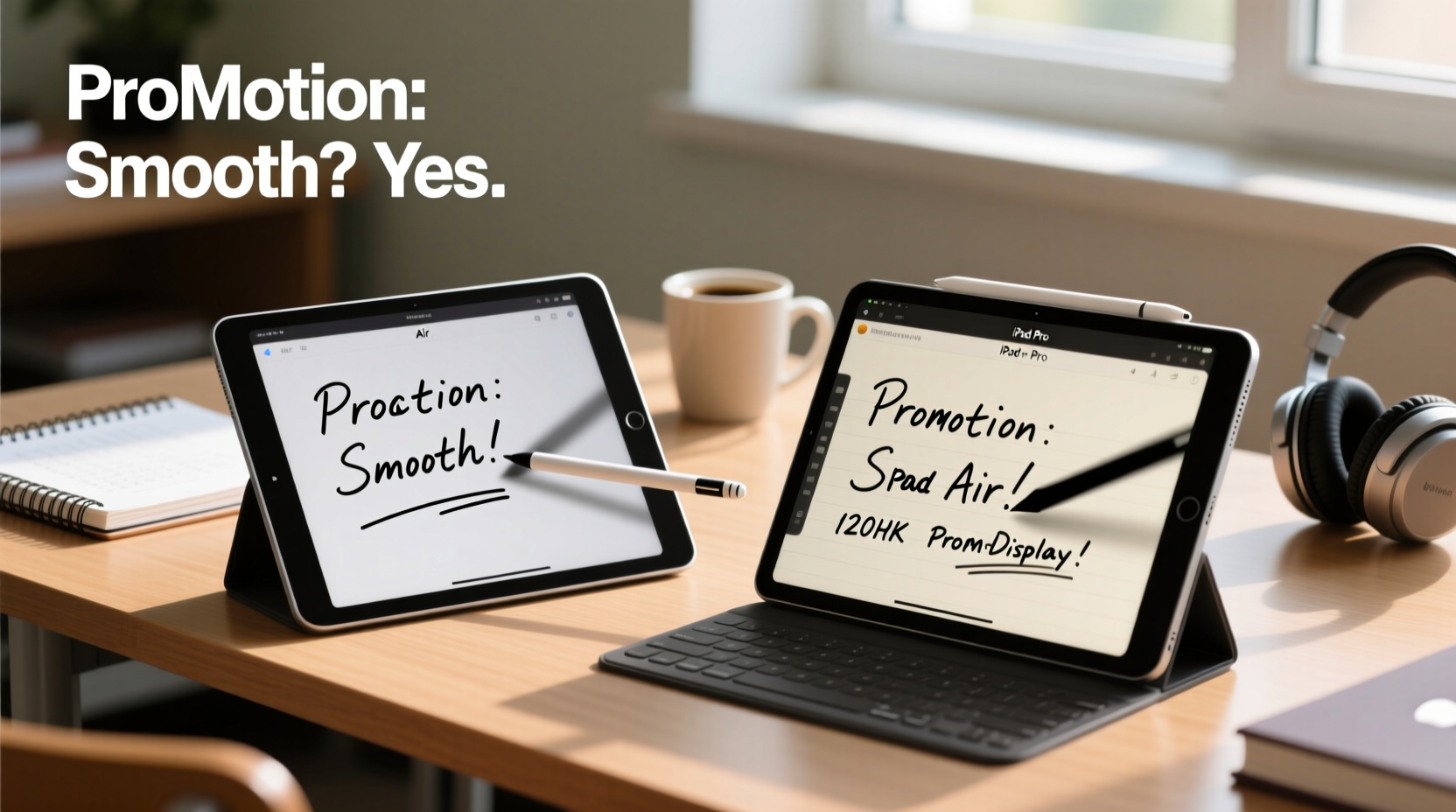
For artists and designers using an iPad Pro, ProMotion is a transformative feature. When using the Apple Pencil, the high refresh rate reduces latency—the delay between the pencil tip touching the glass and the "ink" appearing—to as little as 20 milliseconds. On a standard 60Hz display, the lag is perceptible enough to break the illusion of drawing on paper. At 120Hz, the digital ink feels anchored to the pencil tip, allowing for more precise strokes and a more natural creative experience.
2. Gamers and High-Frame-Rate Content
Gaming is perhaps the most obvious beneficiary. Modern mobile games that support high frame rates can utilize the full 120Hz output. This results in clearer visuals during fast camera movements and more responsive input timing. Because the display is synced to the GPU's output, ProMotion also helps eliminate screen tearing, which occurs when the GPU sends frames faster or slower than the display can refresh.
3. Cinematophiles and "True" Frame Rates
Most movies are filmed at 24 frames per second (fps). On a traditional 60Hz display, 24 does not divide evenly into 60. To display the film, the screen must use a process called "3:2 pulldown," where some frames are repeated more than others. This creates a subtle stutter known as judder. A ProMotion display can shift its refresh rate to exactly 24Hz, 48Hz, or 120Hz (all of which are multiples of 24), ensuring that the film is displayed exactly as the director intended without motion artifacts.
Comparison: ProMotion vs. Standard Displays
The following table outlines the key technical differences between Apple’s standard 60Hz displays and the ProMotion-enabled panels found in "Pro" hardware as of 2026.
| Feature | Standard Display (Non-Pro) | ProMotion Display (Pro Models) |
|---|---|---|
| Maximum Refresh Rate | 60Hz | 120Hz |
| Minimum Refresh Rate | Fixed at 60Hz | 1Hz to 10Hz (Model dependent) |
| Panel Technology | LTPS OLED / LED-backlit LCD | LTPO OLED / mini-LED |
| Input Latency | ~32-40ms | ~20ms (with Apple Pencil) |
| Always-On Capability | No | Yes (iPhone 14 Pro and later) |
| Motion Clarity | Standard; perceptible blur in fast motion | High; crisp edges during scrolling |
| Power Efficiency | Constant draw regardless of content | Variable draw; saves power on static content |
Hardware Availability and Compatibility
As of 2026, Apple has maintained ProMotion as a differentiating feature for its premium "Pro" tier of products. While rumors frequently circulate about bringing high refresh rates to the standard iPhone or MacBook Air lines, the hardware cost and power management requirements of LTPO panels have largely kept the technology restricted to the following categories:
- iPhone: Available on Pro and Pro Max models starting from the iPhone 13 Pro (2021) through the current iPhone 17 Pro (2025/2026) lineups.
- iPad: Available on the iPad Pro 10.5-inch and 12.9-inch (2nd Generation, 2017) and all subsequent iPad Pro models, including the M4-powered OLED variants.
- MacBook Pro: Available on the 14-inch and 16-inch MacBook Pro models with Apple Silicon (M1 Pro/Max and later).
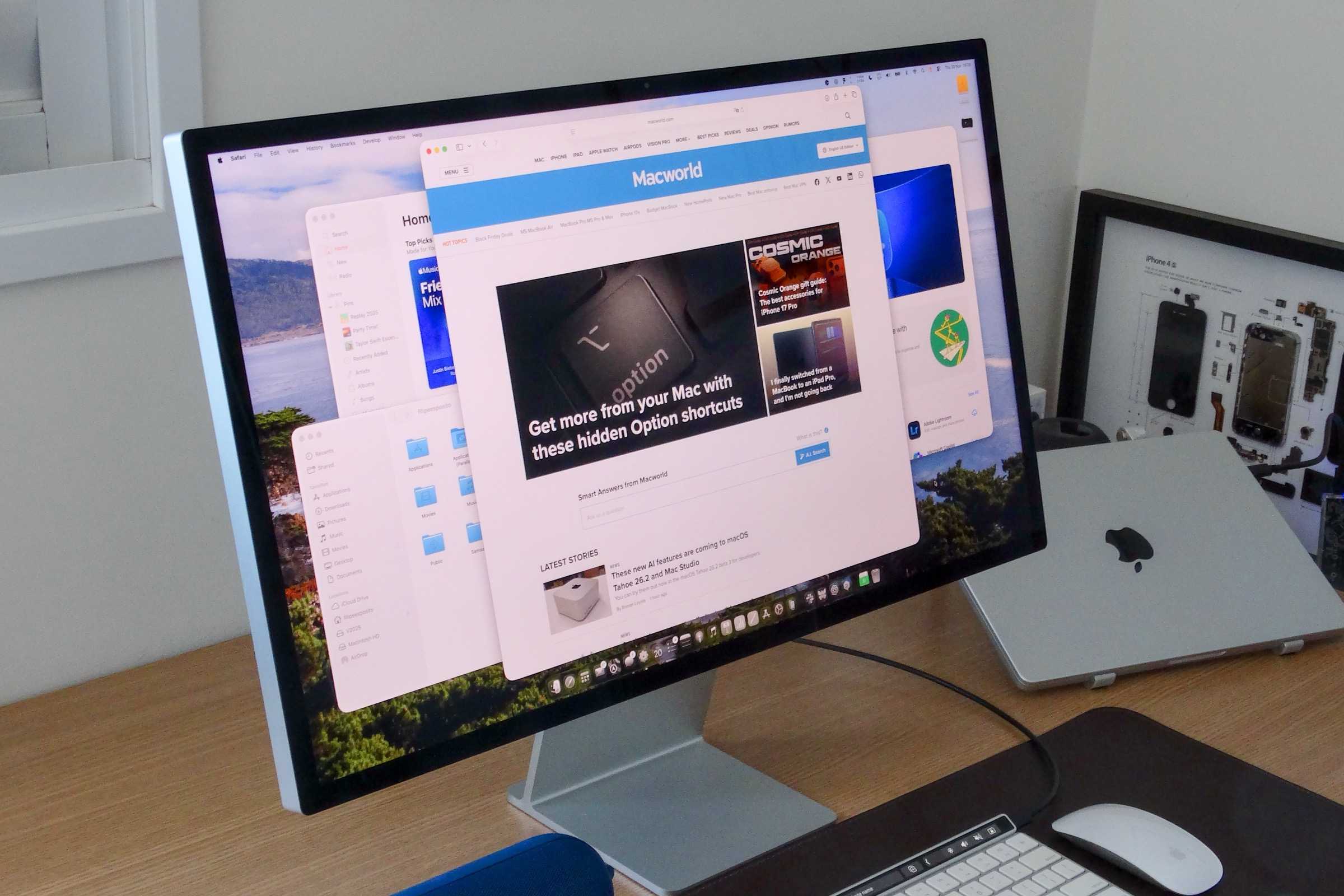
- External Displays: The Pro Display XDR and Studio Display do not currently feature ProMotion in their standard configurations, as they focus on color accuracy and resolution rather than variable high refresh rates.
Potential Drawbacks and Considerations
Despite the clear advantages, there are factors users should consider before prioritizing a ProMotion-capable device.
Battery Impact in High-Performance Modes: While the adaptive nature saves battery on static content, sustained 120Hz usage (such as in an intensive 3D game) will drain the battery faster than a 60Hz limit would. Users who are low on power often find that Low Power Mode automatically disables ProMotion, capping the refresh rate at 60Hz to extend the remaining charge.
Sensitivity to PWM (Pulse Width Modulation): Some users are sensitive to how OLED screens manage brightness. While ProMotion itself doesn't cause eye strain, the LTPO panels used for these displays often employ PWM flickering at lower brightness levels. A small percentage of the population may experience headaches or "tech neck" symptoms due to this flickering, though this is a characteristic of the OLED panel rather than the ProMotion refresh rate specifically.
The "Acclimatization" Effect: One of the most common "complaints" regarding ProMotion is that once a user becomes accustomed to 120Hz, returning to a 60Hz screen is difficult. Standard displays can appear "broken" or "laggy" to an eye trained to see the fluidity of ProMotion. This makes it a significant point of no return for many consumers.
Troubleshooting ProMotion Issues
If your ProMotion-capable device does not feel as smooth as expected, there are several settings to check:
- Low Power Mode: As mentioned, this is the most common culprit. Check Settings > Battery to see if Low Power Mode is enabled.
- Limit Frame Rate: Apple includes an accessibility setting to cap the frame rate. Navigate to Settings > Accessibility > Motion and ensure "Limit Frame Rate" is toggled off.
- Thermal Throttling: If a device (especially an iPhone) becomes too hot, the system will automatically throttle the display refresh rate to 60Hz or lower to reduce heat generation and protect internal components.
- App Support: Not every third-party app supports 120Hz. While most modern apps do, some older games or poorly optimized web views may still be locked to 60fps by the developer.
Future Outlook
Looking ahead through 2026 and beyond, the next evolution of ProMotion is expected to focus on increasing the brightness efficiency of LTPO panels and potentially expanding the range of "Pro" features to more affordable devices. We are also seeing the integration of Tandem OLED (seen in the 2024 iPad Pro), which uses two layers of pixels to achieve higher peak brightness while maintaining the rapid response times required for 120Hz ProMotion.
For most users, ProMotion represents the "invisible" upgrade—you don't necessarily notice it when it's there, but you certainly notice its absence. Whether you are a gamer looking for a competitive edge, an artist seeking zero lag, or a general user who wants the most premium experience possible, understanding how ProMotion balances performance and power is key to choosing the right Apple device.
Frequently Asked Questions
Does ProMotion always stay at 120Hz? No. ProMotion is dynamic. It only hits 120Hz when there is motion on the screen that requires it. When you stop interacting with the device or when the content is static, it drops the refresh rate—sometimes as low as 1Hz—to preserve battery life.
Is ProMotion available on the standard iPhone 15 or 16? As of the current product cycles leading into 2026, ProMotion remains exclusive to the Pro and Pro Max models. The standard models typically feature a fixed 60Hz refresh rate.
Can I manually lock my screen to 120Hz? No, Apple does not provide a setting to force a constant 120Hz refresh rate. The system is designed to manage this automatically to ensure a balance between performance and battery health. The only manual control is the ability to "Limit Frame Rate" to 60Hz in the Accessibility settings.
Does ProMotion affect video quality? Yes, it improves it by matching the screen's refresh rate to the video's frame rate. This eliminates "judder" in 24fps movies and ensures that 30fps or 60fps videos are displayed with perfect synchronization.
Is ProMotion worth the extra cost? This is subjective, but for users who spend several hours a day on their devices, the reduced eye strain from smoother motion and the increased responsiveness are often considered worth the premium. For creative professionals using an Apple Pencil, it is widely considered an essential feature.
Image Gallery