How to Request a New Chase Debit Card: A Complete Step-by-Step Guide
To request a new Chase debit card, log into the Chase Mobile® app or Chase Online℠, navigate to the specific account, select "Replace card," and choose the reason for your request. You may also call Chase customer service or visit a lo...
To request a new Chase debit card, log into the Chase Mobile® app or Chase Online℠, navigate to the specific account, select "Replace card," and choose the reason for your request. You may also call Chase customer service or visit a local branch. Standard shipping is free and typically takes 3 to 5 business days.
Contents
Understanding Your Replacement Options
In 2026, Chase continues to streamline its card management systems, offering users multiple digital and physical pathways to secure a replacement debit card. Whether your card has been physically damaged, lost, or compromised by unauthorized activity, the method you choose for requesting a new one can impact how quickly you regain access to your funds.
Before initiating a request, it is critical to distinguish between a damaged card and a lost or stolen card. If your card is merely damaged (e.g., the chip is failing or the plastic is cracked), your card number usually remains the same, which means your recurring payments and digital wallet tokens may not need updating. However, if you report a card as lost or stolen, Chase will issue a completely new card number for security reasons, necessitating a more thorough update of your financial ecosystem.
Prerequisites for Card Replacement
Before you begin the process, ensure you have the following information and access points ready:
- Verified Contact Information: Ensure your mailing address in the Chase system is current. Cards are typically sent to the address on file for security.
- Active Digital Access: Having the Chase Mobile® app installed or knowing your Chase Online℠ credentials is the fastest way to request a card.
- Identity Verification: Be prepared for multi-factor authentication (MFA). Chase will likely send a one-time passcode to your registered mobile number or email address during the request process.
How to Request a New Card via the Chase Mobile® App
The Chase Mobile® app is the most efficient tool for card management in 2026. It provides a direct interface that handles the request and allows for immediate integration with digital wallets.
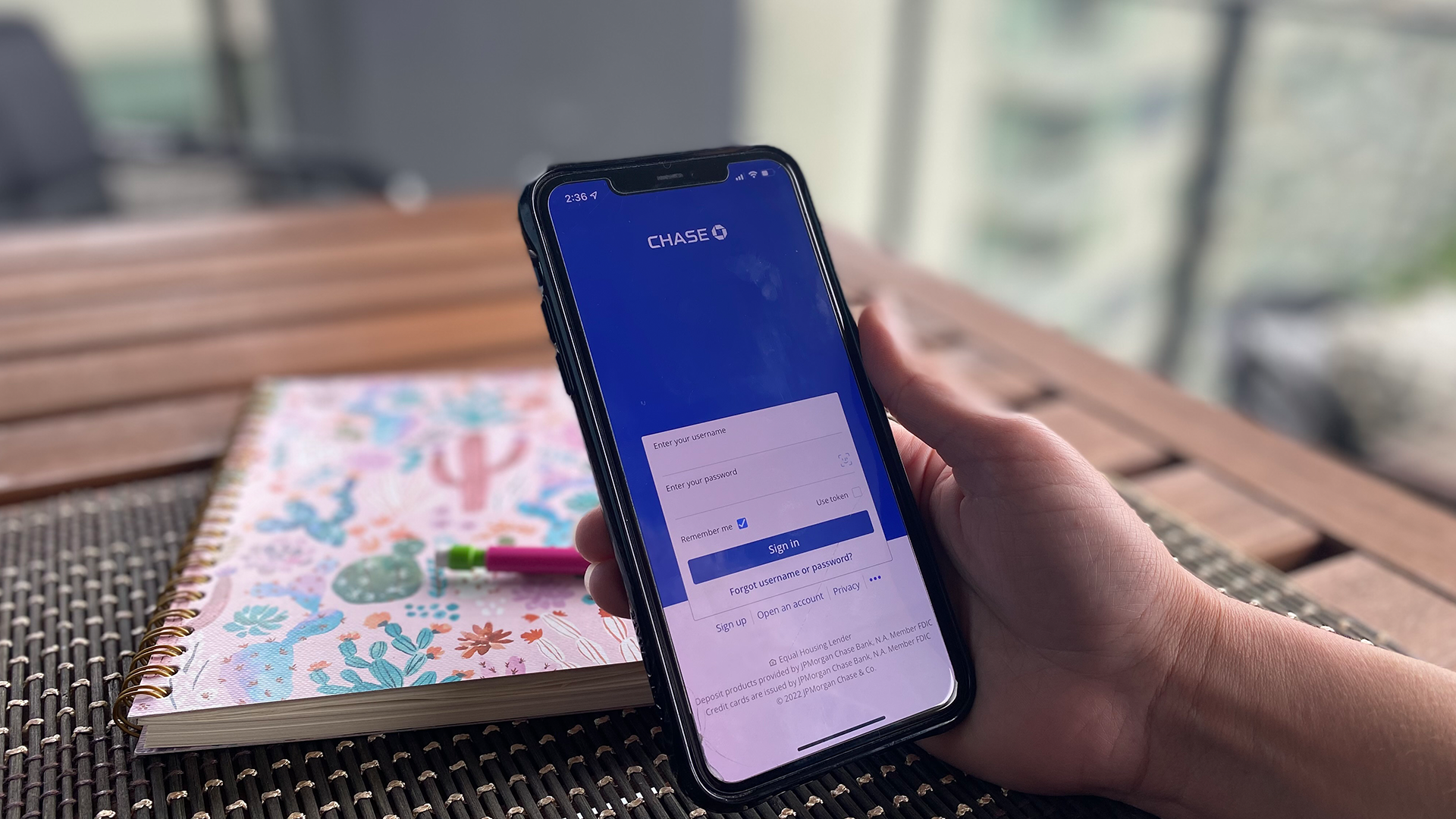
- Log In and Select Account: Open the app and authenticate using your biometric data (Face ID/Fingerprint) or passcode. On the main dashboard, tap the checking account associated with the debit card you wish to replace.
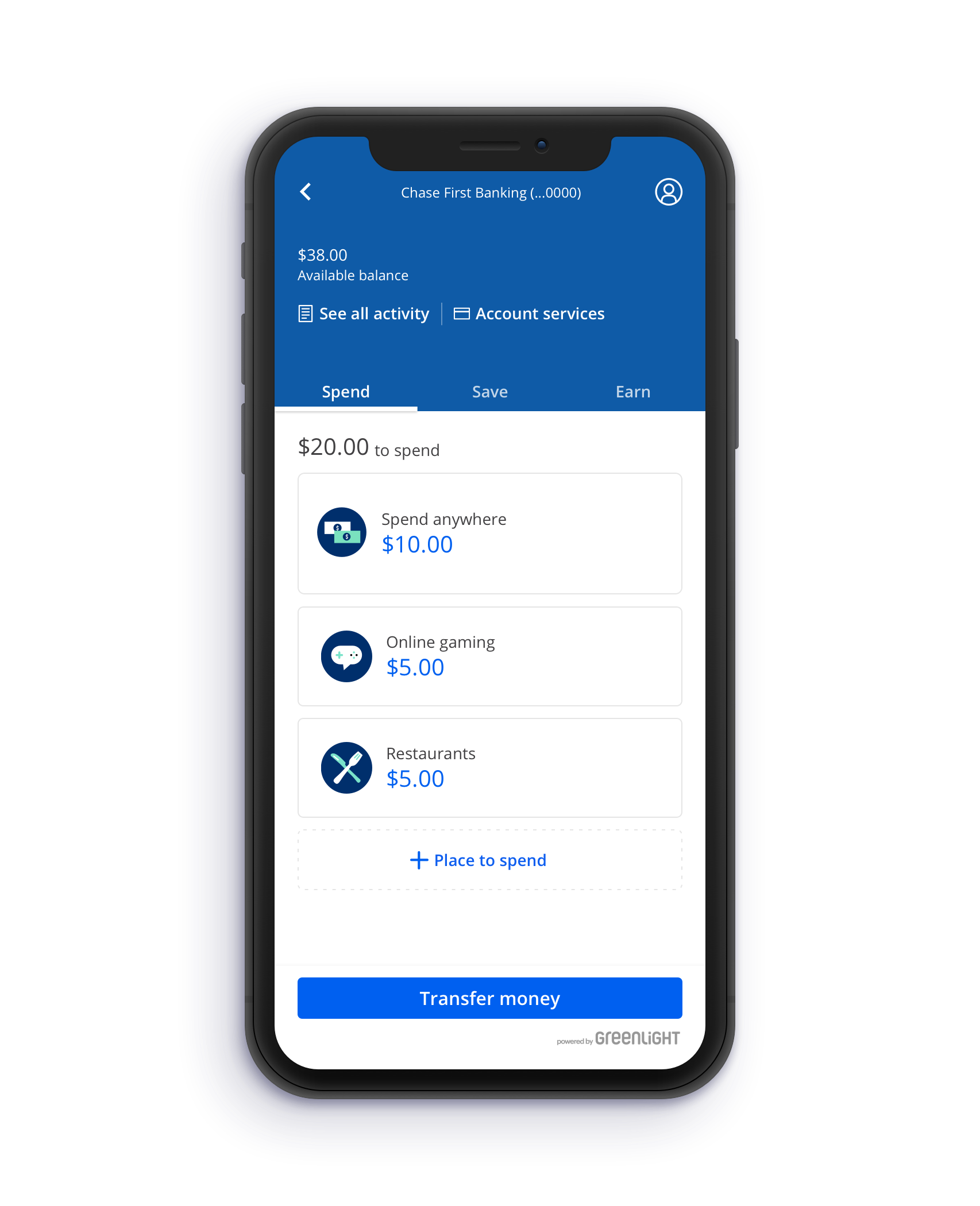
- Access Card Management: Scroll down to the "Account services" section and select "Replace card."
- Choose the Replacement Reason: You will be prompted to select a reason: "Damaged," "Lost," or "Stolen." This choice is vital. Selecting "Lost" or "Stolen" will immediately deactivate your current card and trigger the issuance of a new card number.
- Verify Shipping Details: The app will display your current mailing address. Confirm this is correct. If you need it sent elsewhere, you may need to update your profile settings first or call a representative.
- Review and Submit: Chase will provide an estimated delivery date. Tap "Submit" to finalize the order.
One of the primary advantages of using the app is the "Add to Digital Wallet" feature. In many cases, once the replacement request is processed, you can immediately add the new card details to Apple Pay, Google Pay, or Samsung Pay before the physical card even arrives in the mail.
Requesting a Replacement via Chase Online℠
For users who prefer a desktop environment, Chase Online℠ offers a comprehensive suite of tools for managing banking credentials and hardware.
- Sign In: Navigate to the official Chase website and log in to your account.
- Find the Account Menu: Click on the specific checking account. On the account details page, locate the "More..." or "Account services" dropdown menu.
- Select "Replace Card": Within the "Card management" sub-menu, click on "Replace card."
- Follow the On-Screen Prompts: Similar to the mobile app, you will need to identify the card and the reason for the replacement.
- Confirm the Request: Review the delivery timeframe and the mailing address. Click "Submit" to initiate the shipment.
The online portal is particularly useful if you need to download a temporary shopping pass or review recent transactions to ensure no fraudulent activity occurred before the card was reported missing.
Requesting a Card by Phone or In-Person
While digital methods are faster, traditional methods remain essential for certain troubleshooting scenarios or for users who require personalized assistance.
Calling Chase Customer Service
If you do not have access to your online account, you can call Chase at 1-800-935-9935.
- Verification: You will be asked to enter your existing card number or your Social Security Number via the automated system.
- Automated vs. Representative: You can often complete a card replacement through the automated prompts. However, if you suspect fraud, it is advisable to speak with a specialist in the Chase Fraud Department.
- International Requests: If you are traveling abroad and lose your card, call the international collect number at 1-713-262-3300. Chase can often coordinate with Visa or Mastercard to provide emergency card replacement or cash disbursement.
Visiting a Local Branch
Visiting a physical branch is a viable option if you need immediate identity verification or if you are opening a new account.
- Instant Issue: While not all branches offer "instant issue" debit cards (printing a card on-site), many major hubs in 2026 have this capability for standard debit cards.
- Identification: Bring a valid government-issued photo ID (driver’s license, passport) to ensure the banker can verify your identity before ordering a replacement.
Shipping Methods and Delivery Timelines
Chase offers different shipping tiers based on the urgency of your request. Understanding these options helps manage expectations regarding when you can resume physical transactions.
| Shipping Method | Estimated Delivery | Cost | Best For |
|---|---|---|---|
| Standard Shipping | 3–5 Business Days | $0.00 | Routine replacements (damaged cards) |
| Expedited Shipping | 1–2 Business Days | ~$5.00 (may vary) | Urgent needs or traveling soon |
| International Shipping | 5–10 Business Days | Varies | Users currently outside the U.S. |
Note: Expedited shipping costs may be waived for certain premium account tiers, such as Chase Sapphire Banking or Chase Private Client.
Security Protocols: Lost vs. Stolen vs. Damaged
When you request a card, the security "backend" of the bank behaves differently depending on the status of your current card.
If Your Card is Damaged
When you select "Damaged" as the reason, Chase assumes you still have physical possession of the card. The existing card usually remains active until you activate the new one. Your card number, PIN, and expiration date often remain identical (unless the card was near expiration anyway), minimizing the disruption to your automated bill payments.
If Your Card is Lost or Stolen
Selecting "Lost" or "Stolen" triggers a high-security response. The old card is permanently deactivated within seconds. You will be issued a card with a new 16-digit number, a new CVV code, and a new expiration date.
- Action Item: You must manually update your card information for Netflix, Amazon, utility companies, and any other merchants that charge your debit card automatically.
- PIN Selection: You may be asked to choose a new PIN, though in many cases, you can keep your old PIN if the bank determines the security of the PIN itself wasn't compromised.
How to Activate Your New Chase Debit Card
Once your card arrives in the mail (usually in a discreet white envelope to prevent mail theft), you must activate it before it can be used for POS (Point of Sale) transactions or ATM withdrawals.
- Chase Mobile App: This is the fastest method. Log in, find the "Activate card" prompt that usually appears on the home screen once a card is mailed, and follow the instructions.
- Online Activation: Visit the URL provided on the sticker attached to the card. You will need to log in and verify the card's security code.
- ATM Activation: Insert the new card into any Chase ATM and enter your PIN. Performing a simple balance inquiry or a small withdrawal will automatically activate the card.
- Phone Activation: Call the activation number printed on the sticker (usually 1-800-290-3935) from your registered phone number.
Frequently Asked Questions
Can I use my debit card while waiting for the replacement?
If you reported your card as damaged, you can usually continue to use the old physical card until it literally stops working or until you activate the new one. If you reported it as lost or stolen, the old card is dead. However, you can often use the "Digital Version" of your new card via the Chase Mobile app for contactless payments at merchants that accept Apple Pay or Google Pay.
Is there a fee for a new Chase debit card?
Chase generally does not charge a fee for a standard replacement debit card. However, if you request multiple replacements within a short timeframe, or if you request expedited overnight shipping, a fee (typically around $5 for shipping) may be applied to your account.
Will my PIN stay the same?
If the card is replaced due to damage, your PIN typically remains the same. If the card is replaced due to theft or loss, you may be prompted to set a new PIN for security. You can change your PIN at any time through the Chase Mobile app or at a Chase ATM.
What should I do if my replacement card doesn't arrive?
If it has been more than 5 business days since your request, check the "Card Management" section of the app to see the shipping status. If the status says "Delivered" but you don't have it, call Chase immediately. The card may have been intercepted, and the bank will need to cancel that card and issue another one with a different number.
Can I request a specific card design?
Yes, Chase offers several designs, including the popular Disney-themed debit cards. When requesting a replacement online or in the app, you can often browse available designs. Note that some designs may be tied to specific account types or may have minor requirements (like the Disney card providing specific Disney store discounts).
Final Recommendations
When your new card arrives, immediately destroy your old card using a cross-cut shredder, ensuring the EMV chip is destroyed. Additionally, review your transaction history one last time to ensure that no unauthorized charges occurred during the transition period. For the highest level of security, consider enabling Real-Time Alerts in the Chase app, which will notify you the instant a transaction is made, providing you with immediate oversight of your new card's activity.
Image Gallery