Comprehensive Guide to Buying a Used iPhone in 2026
Buying a used iPhone in 2026 requires a systematic approach to verifying hardware integrity, software compatibility, and ownership status. To secure a reliable device, prioritize models that support the latest iOS features, verify the...
Buying a used iPhone in 2026 requires a systematic approach to verifying hardware integrity, software compatibility, and ownership status. To secure a reliable device, prioritize models that support the latest iOS features, verify the battery health remains above 80%, and ensure the device is not bound by an Activation Lock or carrier contract.
Contents
The secondary market for smartphones has matured significantly, offering a range of options from manufacturer-certified refurbished units to private-party sales. While the potential for savings is high, the complexity of modern hardware—including sophisticated camera systems and proprietary security chips—means that a cursory glance is no longer sufficient for a safe purchase. This guide provides a detailed framework for navigating the used iPhone market, ensuring you receive a device that performs as expected.
Determining the Right Model for 2026
By 2026, the landscape of the iPhone lineup has shifted toward devices that prioritize neural processing and high-speed data transfer. When selecting a used model, the primary consideration should be its longevity and support for modern software features, specifically Apple’s advanced AI integrations which became standard with the iPhone 15 Pro and later models.
The USB-C Transition and Connectivity
A critical technical threshold for buyers in 2026 is the charging port. The iPhone 15 series marked the definitive switch from the proprietary Lightning connector to the universal USB-C standard. Buying a model with USB-C (iPhone 15 and newer) simplifies cable management and allows for faster data transfer speeds, which is essential for users who record high-resolution video or use the device for professional productivity.
Hardware Longevity and Software Support
Apple typically provides software updates for approximately six to seven years after a device's release. For a purchase in 2026, the iPhone 13 series represents the "entry-level" of viable used devices. While older models like the iPhone 11 or 12 may still function, they are nearing the end of their support cycles and may lack the processing power required for modern applications.
| Model Series | Ideal User | Key Feature in 2026 | Recommended Minimum Capacity |
|---|---|---|---|
| iPhone 16 / 17 | Power Users | Advanced AI & ProMotion | 256GB |
| iPhone 15 Pro | Photographers | USB-C 3.0 & Action Button | 128GB |
| iPhone 14 / 15 | General Users | Reliable Battery & 5G | 128GB |
| iPhone 13 | Budget Conscious | OLED Display & Solid Build | 128GB |
Where to Buy: Evaluating Sellers and Platforms
The safety of your transaction depends heavily on the platform you choose. Each source offers a different balance of price, protection, and verification.
Manufacturer Refurbished (Apple Certified)
The Apple Certified Refurbished store remains the gold standard. These devices are stripped down, fitted with a new battery and outer shell, and come with a standard one-year warranty. While the prices are higher than those of private sellers, the risk is effectively zero. This is the best option for those who want a "like-new" experience without the full retail price of a current-year model.
Professional Resale Marketplaces
Platforms such as Back Market, Gazelle, and Swappa act as intermediaries or high-volume resellers. These sites usually offer:
- Tiered Grading: "Fair," "Good," and "Excellent" conditions.
- Standardized Testing: Professional diagnostic checks on screen, speakers, and ports.
- Short-term Warranties: Usually 90 days to 12 months.
- Buyer Protection: Escrow-style payments that prevent the seller from receiving funds until you verify the device.
Private Sellers (eBay, Craigslist, Facebook Marketplace)
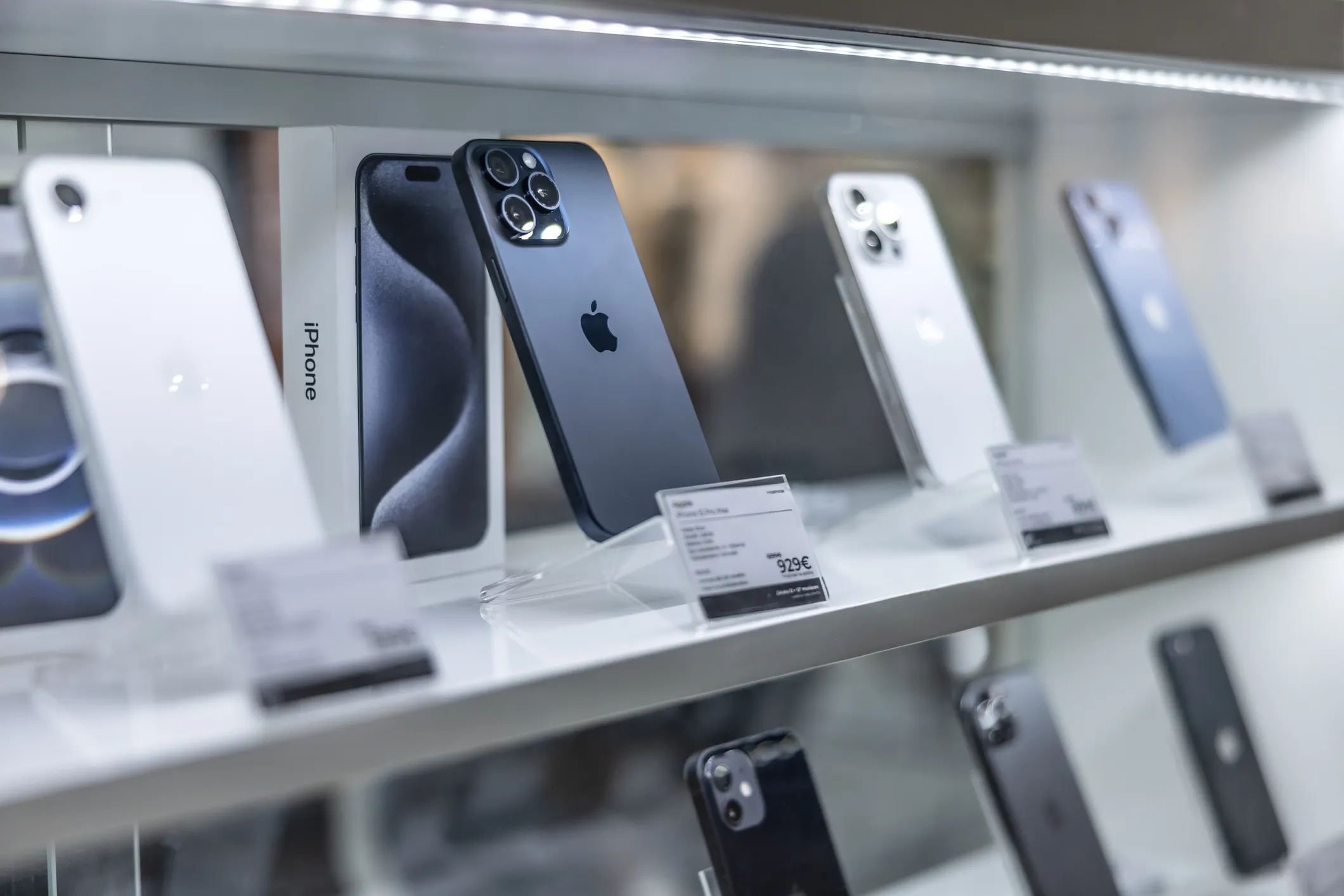
Buying directly from an individual often yields the lowest price but carries the highest risk. When buying from a private party, you must perform an in-person inspection in a safe, public location. It is essential to verify that the device is not stolen and that all features are functional before the exchange of funds.
The Critical Verification Checklist
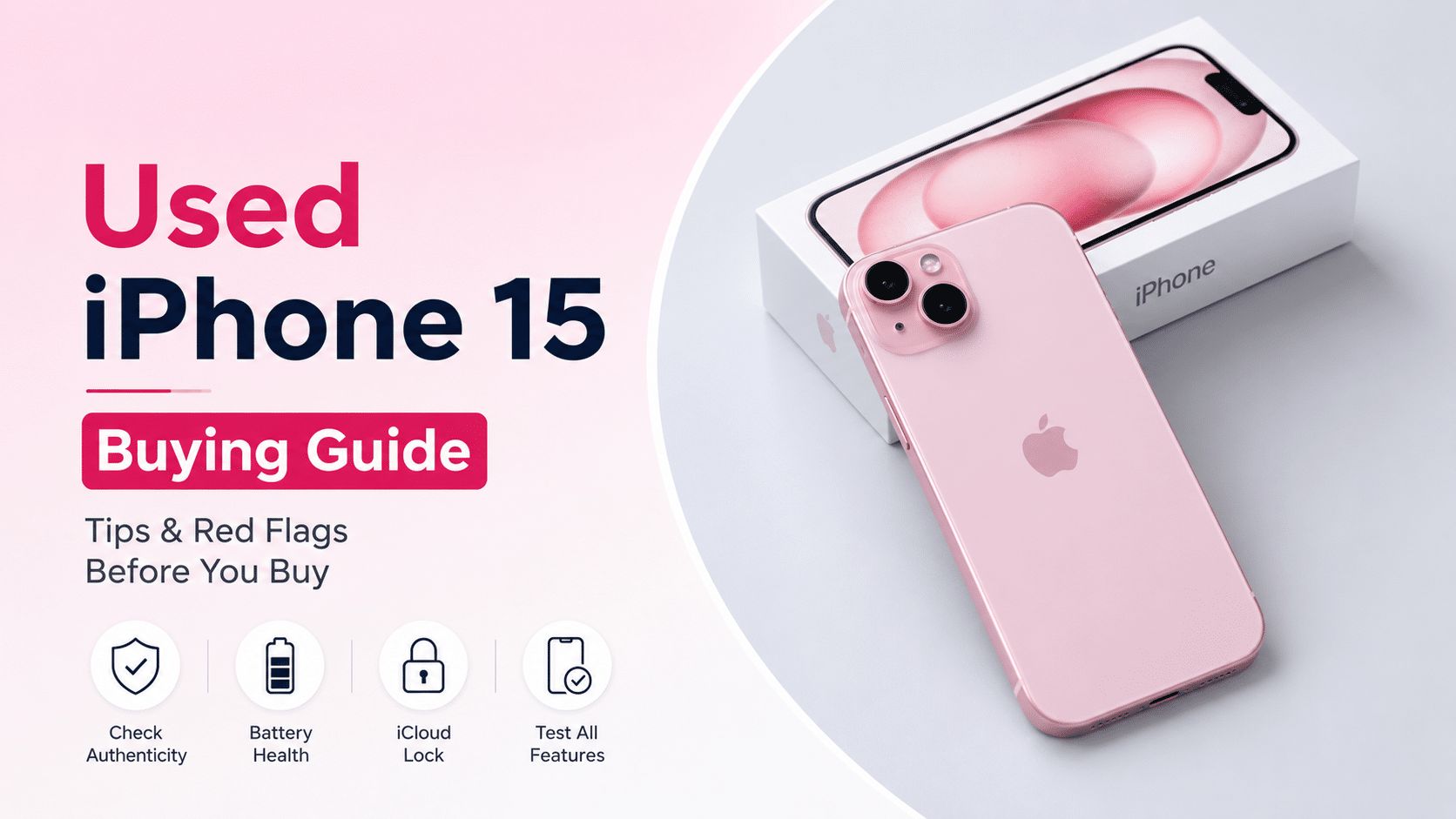
Before finalizing any used iPhone purchase, you must perform a series of technical checks. These steps protect you from buying a "brick"—a device that is software-locked or has catastrophic internal damage.
1. Verification of Activation Lock and "Find My"
The most important check is ensuring the previous owner has disabled Activation Lock. If a device is still linked to someone else's Apple ID, it is useless.
- How to check: Go to Settings > General > About. If you see an Apple ID logged in at the top of the Settings menu, the device is locked.
- The Factory Reset Test: The most reliable way to verify this is to have the seller "Erase All Content and Settings" in front of you. If the device asks for an Apple ID password during this process, it is still locked.
2. IMEI and Blacklist Check
Every iPhone has a unique International Mobile Equipment Identity (IMEI) number. If a phone is reported stolen or has unpaid carrier balances, the IMEI will be "blacklisted," preventing it from connecting to cellular networks.
- Action: Locate the IMEI in Settings > General > About or by dialing *#06#.
- Verification: Use a reputable tool like the CTIA Stolen Phone Checker to ensure the device is clean.
3. Battery Health and Performance Capability
Lithium-ion batteries degrade over time. In 2026, an iPhone’s value is heavily tied to its remaining battery capacity.
- The 80% Threshold: Navigate to Settings > Battery > Battery Health & Charging. If the "Maximum Capacity" is below 80%, the battery is considered chemically aged, and you may experience performance throttling or unexpected shutdowns. Use this as a negotiation point or a reason to look for another unit.
4. Parts and Service History
Since iOS 15.2, iPhones include a feature that identifies if a component (like the screen or battery) has been replaced.
- Check: In Settings > General > About, look for a "Parts and Service History" section.
- Genuine vs. Unknown: "Genuine Apple Part" indicates a certified repair. "Unknown Part" suggests a third-party repair of potentially lower quality, which could affect FaceID functionality or display accuracy.
Testing Hardware Functionality
Once the software and ownership status are confirmed, you must physically test the device's components. Modern iPhones are tightly integrated, and a single failure can be expensive to repair.
- Display Integrity: Set the brightness to maximum and open a white image. Check for yellowing, "burn-in" (ghost images), or dead pixels. On models with OLED screens (iPhone 12 and later), ensure there are no green lines or flickering.
- FaceID or TouchID: These are non-negotiable. If FaceID fails to set up, it often indicates a botched screen replacement or water damage. These sensors cannot be easily swapped between devices due to cryptographic pairing with the logic board.
- Camera Array: Open the camera app and switch between all lenses (.5x, 1x, 2x, 5x). Listen for a "rattling" sound, which can indicate a failing Optical Image Stabilization (OIS) motor. Focus on a close object and a distant one to ensure the autofocus works.
- Physical Buttons and Ports: Test the volume rockers, the power button, and the Action Button (on 15 Pro and newer). If buying a USB-C model, ensure the port holds the cable securely and supports both charging and data transfer.
Understanding Pricing and Value in 2026
Pricing for used iPhones is influenced by the release cycle of the newest flagship. Generally, when the "iPhone 18" (hypothetically the 2026 model) is released, the value of the previous two generations drops by approximately 15-20%.
When evaluating a price, compare it against the "Trade-In" value offered by Apple. If a private seller is asking for less than the Apple Trade-In value, it is a significant red flag for a potential scam or hidden hardware defect. Conversely, professional resellers will always charge more than the trade-in value to account for their overhead and warranty services.
Common Mistakes to Avoid
- Ignoring MDM Locks: Some used iPhones are former corporate devices. If a phone is under Mobile Device Management (MDM), the company can remotely lock or wipe the device at any time. If you see a "Remote Management" screen during setup, do not buy the device.
- Falling for "New in Box" Scams: Scammers often shrink-wrap old or counterfeit phones in high-quality replica packaging. Never buy a "sealed" phone from a private party without opening it and verifying the IMEI and software settings.
- Overlooking Water Damage: Check the SIM card tray slot for the Liquid Contact Indicator (LCI). If the small strip inside is red or pink, the device has had significant moisture exposure, leading to inevitable long-term motherboard corrosion.
Frequently Asked Questions
Is a refurbished iPhone better than a used one? Yes, generally. A "refurbished" device has undergone professional inspection, cleaning, and often component replacement (like a new battery). A "used" device is sold "as-is" by the previous owner. Refurbished units typically come with a warranty, providing a safety net that used units lack.
Will an iPhone 13 still be good in 2026? The iPhone 13 remains a capable device in 2026 for basic tasks like messaging, browsing, and photography. However, it lacks the advanced AI capabilities and the USB-C port of newer models. It is an excellent budget choice, but expect it to lose software support within two to three years.
What is the most important thing to check when buying in person? The most critical step is the "Find My" status. If you cannot sign into your own iCloud account on the device after it has been reset, the phone is essentially a paperweight. Always perform a factory reset and reach the "Hello" setup screen before paying.
How do I know if the screen was replaced with a fake one? Check for True Tone in the Control Center (long-press the brightness slider). If the True Tone toggle is missing, the screen was likely replaced with a third-party component that didn't have the sensor data transferred. Additionally, third-party screens often have thicker bezels and lower peak brightness.
Should I worry about high cycle counts on the battery? Yes. If a battery has over 500-800 cycles, it is nearing the end of its peak performance life. You can check the exact cycle count on iPhone 15 and newer models directly in the "About" section of the settings menu.
Final Recommendation
For most buyers in 2026, the iPhone 15 Pro represents the best value on the used market. It offers the modern USB-C port, supports the full suite of Apple's AI features, and features a titanium chassis that ages better than the stainless steel of previous generations. Regardless of the model you choose, always prioritize sellers who offer a return policy or allow for a comprehensive, hands-on inspection of the hardware and activation status.
Image Gallery