How Mailchimp SPF Record Changes Affect Domain Authentication
Mailchimp’s updated domain authentication workflow replaces legacy mandatory root-level SPF inclusions with CNAME-based DKIM alignment. While adding include:servers.mcsv.net to your SPF record was historically required, Mailchimp now h...
Mailchimp’s updated domain authentication workflow replaces legacy mandatory root-level SPF inclusions with CNAME-based DKIM alignment. While adding include:servers.mcsv.net to your SPF record was historically required, Mailchimp now handles SPF verification on its own envelope domain, allowing your emails to pass DMARC checks strictly through custom DKIM signing without consuming your domain's SPF lookup limit.
Contents
Understanding Mailchimp’s Domain Authentication Model
Email authentication has evolved from an optional deliverability enhancement to a strict requirement enforced by major mailbox providers, including Google, Yahoo, and Microsoft. For years, email service providers (ESPs) instructed domain administrators to modify their domain’s Sender Policy Framework (SPF) TXT record by adding direct server inclusion tags.
Under Mailchimp’s traditional setup, account owners were instructed to add include:servers.mcsv.net directly into their domain's root SPF record. However, as email security protocols modernized and mailbox providers aligned around Domain-based Message Authentication, Reporting, and Conformance (DMARC), Mailchimp shifted its core authentication protocol.
Today, Mailchimp authenticates custom sending domains primarily through DomainKeys Identified Mail (DKIM) implemented via CNAME records. When you authenticate a custom domain inside Mailchimp, the platform requires you to publish two CNAME records pointing to Mailchimp’s key infrastructure (k2.vip.mcsv.net and k3.vip.mcsv.net). This grants Mailchimp permission to cryptographically sign outbound emails on behalf of your domain.
Header From: user@yourdomain.com DKIM Signature: d=yourdomain.com (Passes Alignment) Envelope From (Return-Path): bounce@mailchimp-domain.com (Passes Mailchimp SPF) DMARC Evaluation: PASS (via DKIM Alignment)
Because DMARC requires alignment from either SPF or DKIM to pass, establishing aligned DKIM via CNAME records satisfies DMARC requirements without requiring Mailchimp to be listed in your domain’s SPF record.
Why Mailchimp Changed Its SPF Authentication Requirements
The transition away from requiring root-level SPF inclusions addresses fundamental limitations within DNS architecture and adapts to strict enforcement rules established by major email receivers.
The 10 DNS Lookup Limit (RFC 7208)
The official specification for SPF, defined in RFC 7208, enforces a strict limit of 10 DNS lookups during an SPF check to prevent Denial of Service (DoS) attacks on DNS infrastructure. When an receiving mail server evaluates an incoming message's SPF record, every mechanism that requires a DNS query (such as include, a, mx, ptr, and exists) counts toward this limit.
If an organization uses multiple cloud tools—such as Google Workspace, Salesforce, Zendesk, and Mailchimp—adding SPF inclusions for every provider quickly causes the domain to exceed 10 DNS lookups. Exceeding this limit results in a PermError (Permanent Error) during SPF evaluation. Receiving servers treat a PermError as an authentication failure, which severely damages email deliverability or causes messages to be routed to spam folders.
By shifting authentication to DKIM and handling SPF on dedicated Mailchimp subdomains (the envelope sender or Return-Path address), Mailchimp saves domain administrators from wasting valuable SPF lookups on their root domain.
Sender Requirements Enforced by Google and Yahoo
Industry requirements introduced by Google and Yahoo mandated that bulk senders authenticate their domains with both SPF and DKIM, alongside publishing a valid DMARC policy. Crucially, these receiver guidelines require domain alignment.
Domain alignment occurs when the domain visible in the email’s From: header matches the domain evaluating under SPF or DKIM:
- SPF Alignment: The domain in the
From:header matches the domain in theReturn-Path:(envelope sender) address. - DKIM Alignment: The domain in the
From:header matches thed=domain in the cryptographic DKIM signature header.
When sending bulk marketing campaigns, Mailchimp uses its own domain in the Return-Path header to capture bounce activity processing. Because the Return-Path domain (e.g., mcsv.net) differs from your brand's From: header domain (e.g., yourdomain.com), standard SPF alignment fails under DMARC anyway. Therefore, custom DKIM signing is the primary mechanism that achieves DMARC compliance for Mailchimp campaigns.
Technical Impact on SPF, DKIM, and DMARC Settings
Understanding how domain authentication functions requires examining how receiving mail servers evaluate incoming messages sent from Mailchimp.
| Authentication Component | Legacy Setup (include:servers.mcsv.net) |
Modern Setup (CNAME-Based DKIM) |
|---|---|---|
| Primary Authentication Method | Direct SPF Inclusion + Generic DKIM | CNAME Records for Custom DKIM Signing |
| DNS Lookup Overhead | Consumes 1 or more SPF DNS lookups | Consumes 0 lookups on root SPF record |
| DKIM Domain Alignment | Often unaligned or shared | Fully aligned (d=yourdomain.com) |
| SPF Evaluation Result | Checked against sending domain SPF record | Checked against Mailchimp Return-Path domain |
| DMARC Pass Mechanism | Relied on broad SPF inclusion | Evaluates successfully via DKIM Alignment |
Risk of SPF PermError |
High (contributes to 10-lookup limit) | None (no root SPF modification required) |
How DMARC Evaluates Mailchimp Messages
DMARC relies on a logical OR condition between SPF alignment and DKIM alignment:
$$\text{DMARC Pass} = (\text{SPF Pass} \land \text{SPF Alignment}) \lor (\text{DKIM Pass} \land \text{DKIM Alignment})$$
When an email is dispatched from Mailchimp using custom CNAME authentication:
- DKIM Check: The receiving server retrieves your DKIM key via the CNAME record (
k2._domainkey.yourdomain.com). The server verifies the signature against the header. Thed=domain matches yourFrom:header domain. Result: PASS with Alignment. - SPF Check: The receiving server inspects the envelope sender (
Return-Path:). The Return-Path points to Mailchimp's bounce domain (mailchimpapp.netormcsv.net). The server checks Mailchimp’s SPF record, which permits its own IP addresses. Result: PASS (on Mailchimp's domain). - DMARC Decision: Because DKIM passes both verification and domain alignment, DMARC evaluates to PASS, regardless of whether your root domain lists Mailchimp in its SPF record.
How to Correctly Authenticate Your Domain for Mailchimp
To align with modern email standards, domain owners should configure DKIM CNAME records within their DNS provider (such as Cloudflare, GoDaddy, Namecheap, or AWS Route 53) and manage SPF accordingly.
Step 1: Generate Authentication Records in Mailchimp
- Log into your Mailchimp account.
- Navigate to Admin / Account & Billing $\rightarrow$ Domains $\rightarrow$ Email Domains.
- Locate your sending domain and click Authenticate.
- Mailchimp displays two distinct CNAME record requirements:
- CNAME 1 Name:
k2._domainkey.yourdomain.com$\rightarrow$ Value:k2.vip.mcsv.net - CNAME 2 Name:
k3._domainkey.yourdomain.com$\rightarrow$ Value:k3.vip.mcsv.net
- CNAME 1 Name:
Step 2: Publish CNAME Records in Your DNS Management Console
- Log into your domain registrar or DNS hosting platform.
- Access the DNS Management or Name Server settings for your target domain.
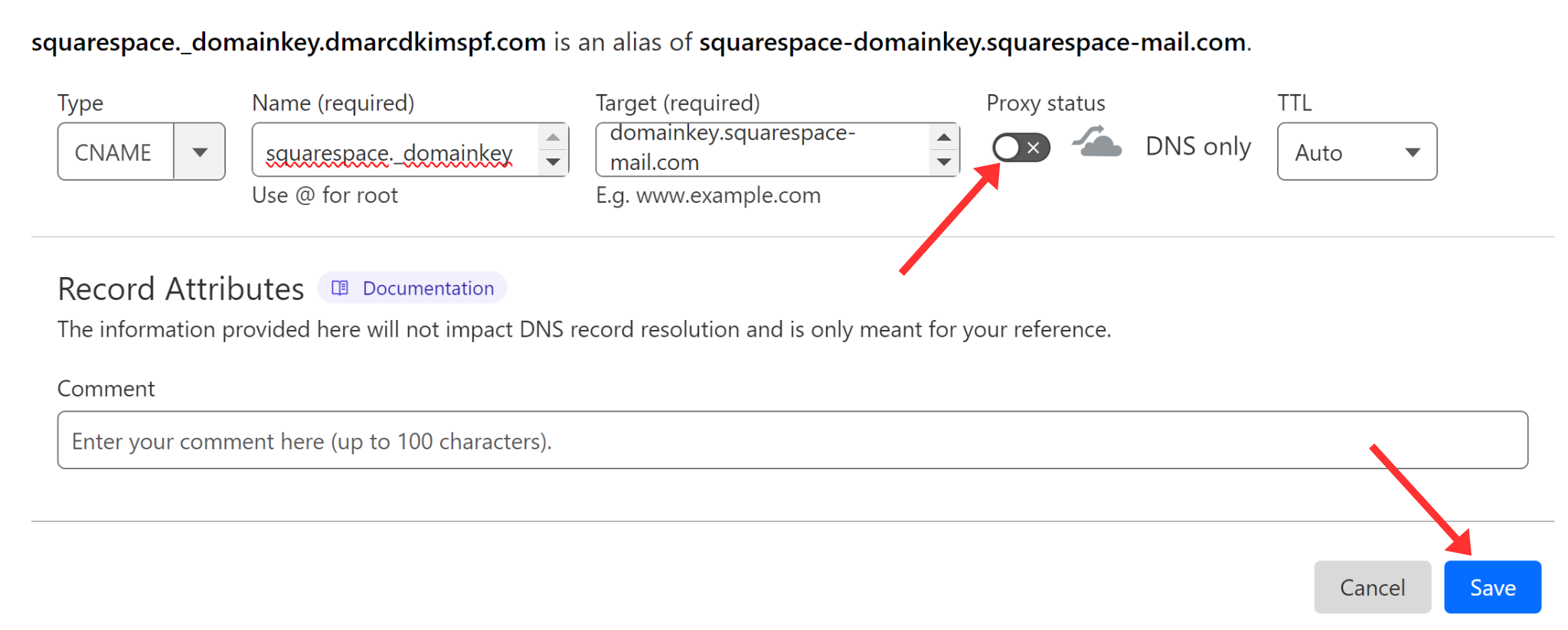
- Add a new record with the following settings:
- Type:
CNAME - Host / Name:
k2._domainkey(Note: Some DNS providers automatically append your domain name; enter onlyk2._domainkey). - Target / Value:
k2.vip.mcsv.net - TTL: Automatic or 3600 seconds.
- Type:
- Add the second CNAME record:
- Type:
CNAME - Host / Name:
k3._domainkey - Target / Value:
k3.vip.mcsv.net
- Type:
- Save changes. Disable any proxy features (such as Cloudflare's orange cloud) on these specific records to allow direct DNS resolution.
Step 3: Evaluate Your Root Domain SPF Record
Review your domain's existing root SPF TXT record (the record starting with v=spf1).
- If Mailchimp is NOT present in your SPF record: Do not add
include:servers.mcsv.net. The CNAME DKIM setup is sufficient for authenticating Mailchimp messages under DMARC. - If Mailchimp IS present in your SPF record (
include:servers.mcsv.net): You can safely removeinclude:servers.mcsv.netonce your CNAME-based DKIM authentication is verified inside Mailchimp. Removing it frees up a DNS lookup slot for other services.
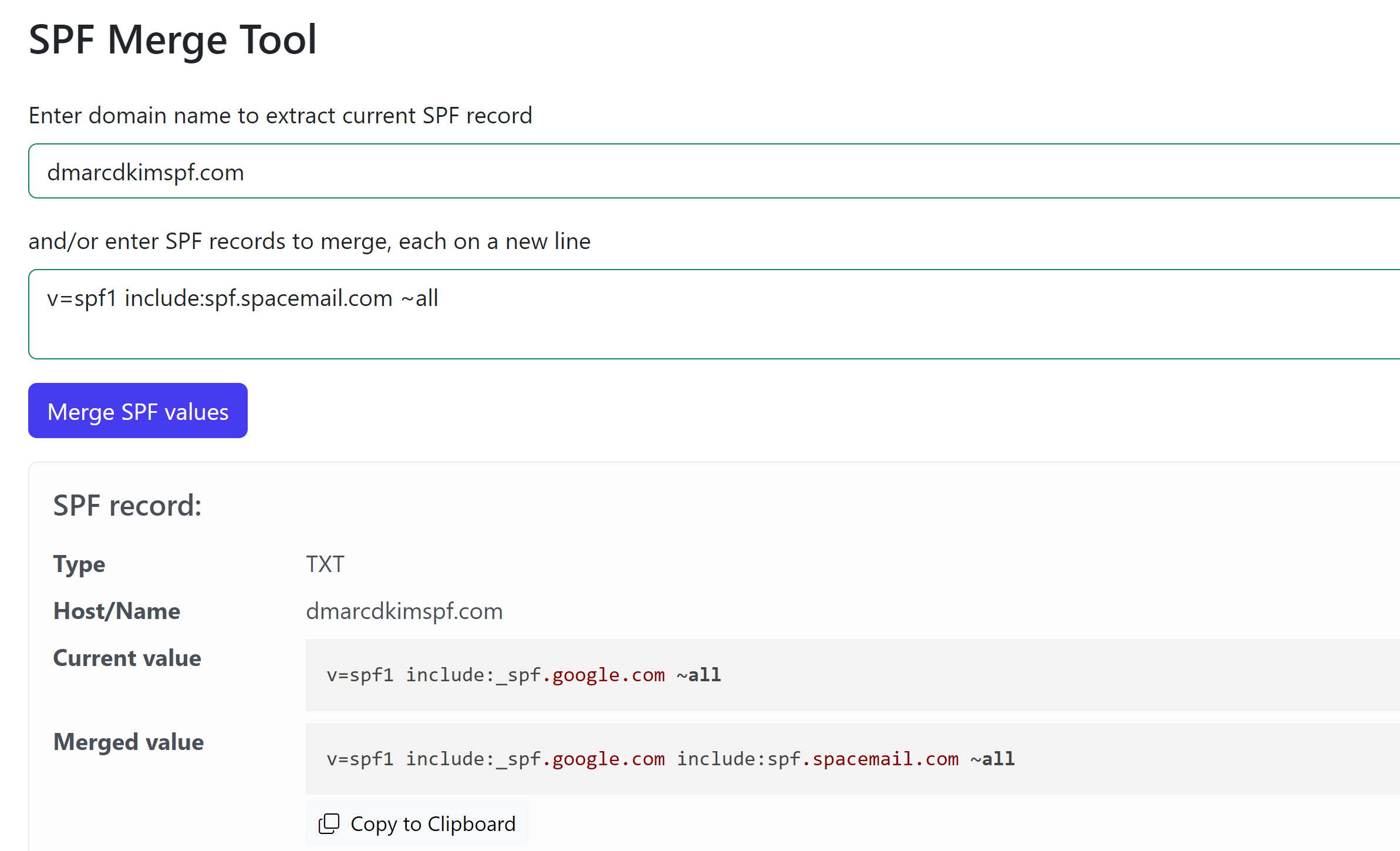
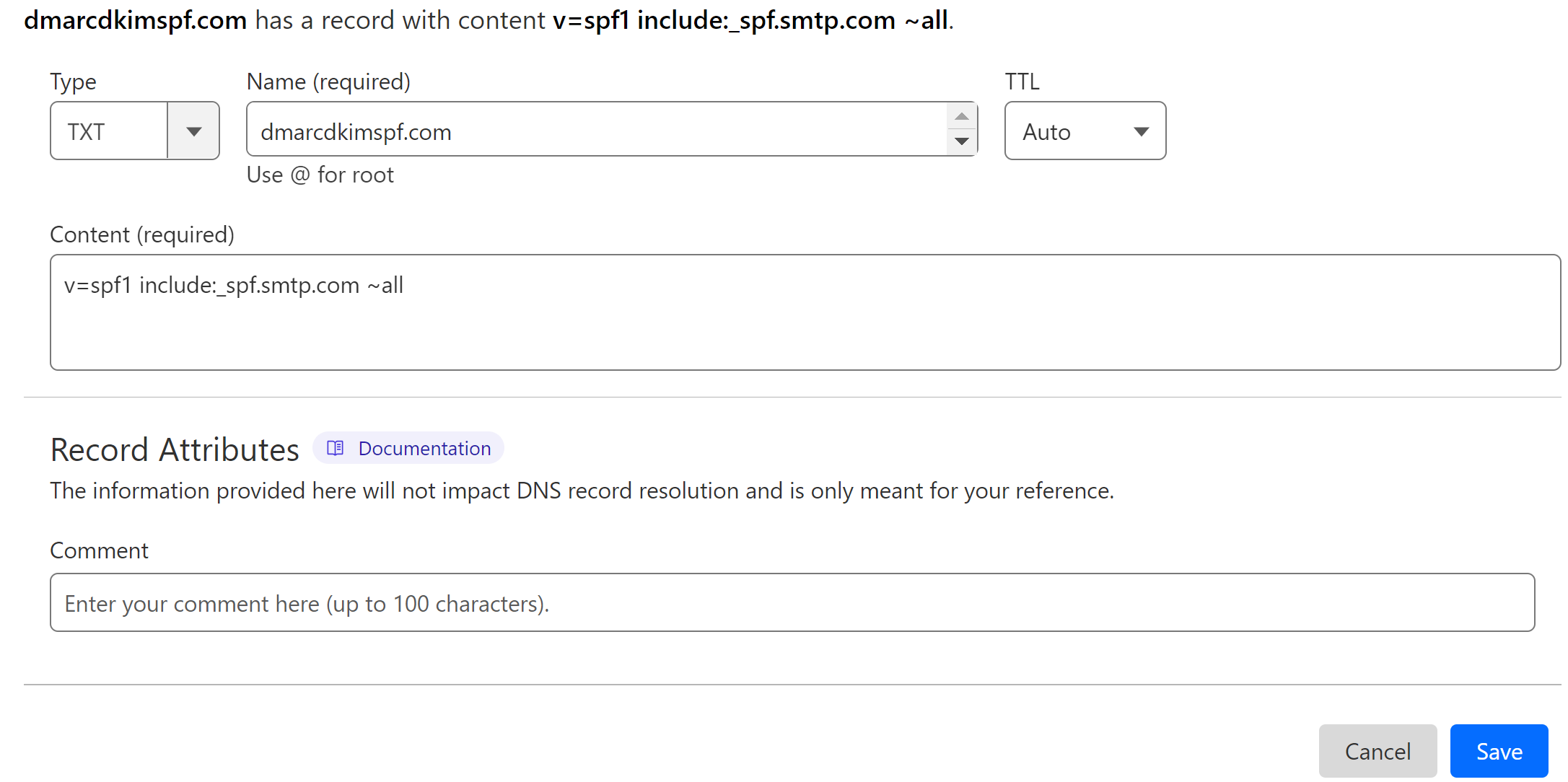
Caution: Never publish more than one SPF TXT record on a single domain. If an SPF record already exists (e.g.,
v=spf1 include:_spf.google.com ~all), edit the existing string rather than adding a second TXT record. Multiple SPF records cause an immediate evaluation failure.
Step 4: Publish a DMARC Record
To finalize domain authentication, ensure your domain has an active DMARC record published at _dmarc.yourdomain.com. A baseline monitoring DMARC record appears as follows:
- Type: TXT
- Name / Host:
_dmarc - Value:
v=DMARC1; p=none; rua=mailto:dmarc-reports@yourdomain.com;
As you confirm that all legitimate sending sources pass DKIM alignment, transition your DMARC policy from p=none to p=quarantine or p=reject to defend your domain against spoofing.
Common Misconceptions and Troubleshooting
1. Third-Party Testing Tools Reporting Missing SPF
Third-party domain analysis tools often flag Mailchimp as "Missing from SPF" if they scan your domain's root TXT record and do not detect include:servers.mcsv.net.
This is frequently a false positive. Synthetic scanners look for direct text string matches rather than evaluating practical DMARC compliance. If your CNAME records are correctly published and Mailchimp shows your domain status as Authenticated, your emails will pass DMARC checks at major receiving ISPs.
2. Standard Mailchimp vs. Mailchimp Transactional (Mandrill)
It is critical to distinguish between Mailchimp Marketing campaigns and Mailchimp Transactional Email (formerly Mandrill).
- Mailchimp Marketing: Uses standard CNAME authentication for DKIM. Does not require modifying root SPF records.
- Mailchimp Transactional (Mandrill): Offers custom Return-Path domain configuration. If you configure a custom Return-Path subdomain (e.g.,
send.yourdomain.com) for transactional emails, you will publish a specific SPF TXT record on that custom subdomain (such asv=spf1 include:spf.mandrillapp.com ~all), keeping it completely isolated from your root domain SPF record.
3. Exceeding the 10-Lookup Limit During Transition
If your root SPF record currently includes multiple cloud vendors alongside servers.mcsv.net, run your domain through an online SPF analyzer. If the total DNS lookup count exceeds 10, immediately remove include:servers.mcsv.net after verifying that your Mailchimp DKIM CNAME records are active.
Example SPF Cleanup: Before: v=spf1 include:_spf.google.com include:servers.mcsv.net include:sendgrid.net ~all (Lookups: high) After: v=spf1 include:_spf.google.com include:sendgrid.net ~all (Lookups: reduced)
Frequently Asked Questions
Do I still need include:servers.mcsv.net in my SPF record for Mailchimp?
No, Mailchimp no longer requires you to add include:servers.mcsv.net to your root SPF record for standard domain authentication. Mailchimp uses CNAME records to authenticate outgoing emails via DKIM, while handling SPF alignment on its own sending domain.
What happens if I remove Mailchimp from my SPF record?
If you have configured custom domain authentication in Mailchimp via CNAME records, removing include:servers.mcsv.net from your SPF record will not harm your deliverability. In fact, it optimizes your SPF record by freeing up DNS lookups, helping prevent PermError failures caused by exceeding the 10-lookup limit.
Why does Mailchimp show my domain as authenticated if SPF isn't in my root record?
Mailchimp checks for the presence of the two required DKIM CNAME records published in your DNS. Once verified, Mailchimp cryptographically signs outgoing emails with your domain. Because DMARC passes when DKIM is authenticated and aligned, root-level SPF inclusion is unnecessary.
Can having multiple SPF records break Mailchimp deliverability?
Yes. Having more than one SPF TXT record published on a single domain causes a syntax failure under RFC 7208. Receiving mail servers fail SPF checks automatically when multiple records are detected. Combine all authorized senders into a single TXT record starting with v=spf1 and ending with an enforcement flag like ~all.
How does this affect Google and Yahoo receiver policies?
Google and Yahoo require bulk email senders to pass DMARC via SPF or DKIM domain alignment. Because Mailchimp achieves full DKIM alignment using your custom CNAME records, your emails fully satisfy Google and Yahoo authentication requirements without needing Mailchimp listed in your root SPF record.
Recommended Next Actions
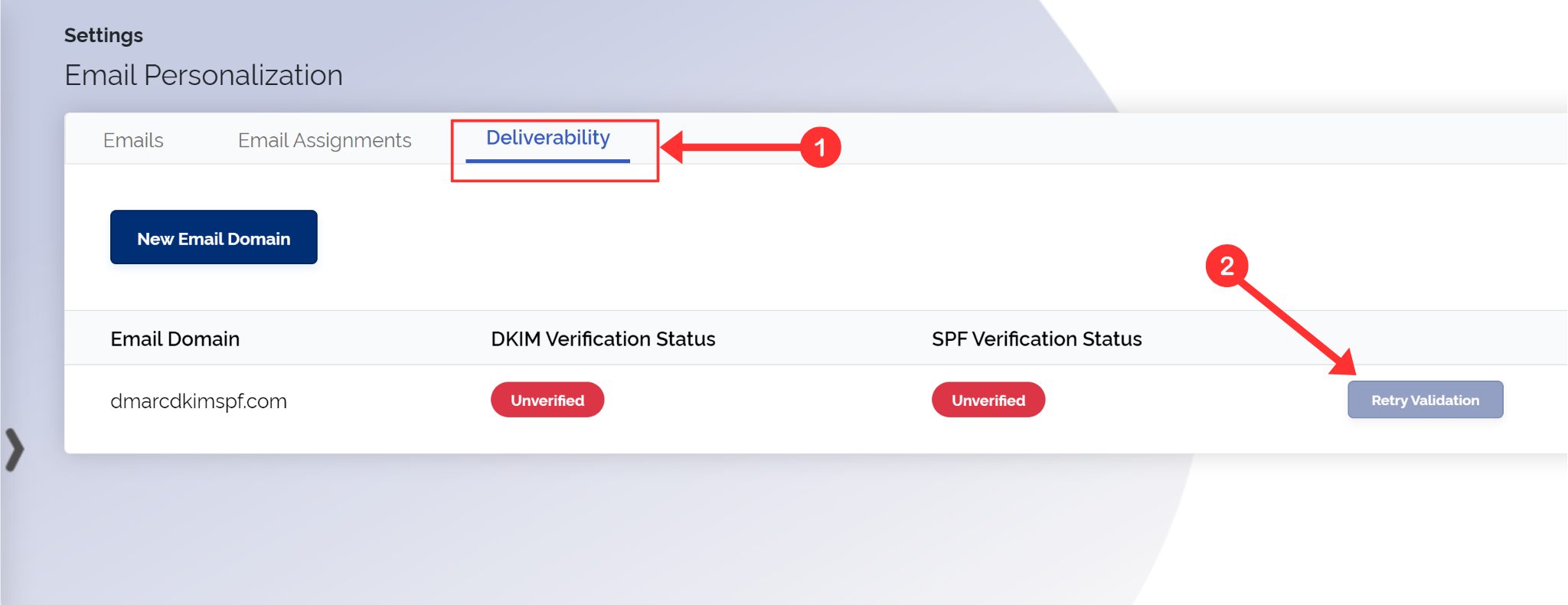
- Verify Mailchimp Domain Status: Log into Mailchimp and navigate to Account & Billing $\rightarrow$ Domains. Confirm that your domain displays an Authenticated status.
- Inspect DNS CNAME Records: Ensure
k2._domainkeyandk3._domainkeyare correctly resolving tok2.vip.mcsv.netandk3.vip.mcsv.netwithout DNS proxying interference. - Audit Your Root SPF Record: Check your root SPF TXT record for lookup count compliance. If DKIM authentication is active in Mailchimp, safely remove
include:servers.mcsv.netto reduce DNS lookup overhead. - Monitor DMARC Alignment: Maintain a published DMARC record and review aggregate reports (
rua) to ensure your campaign messages consistently pass DKIM evaluation across all receiving networks.
Image Gallery