Search Workers Compensation PA: A Comprehensive Guide to Coverage and Claims
To search workers' compensation in Pennsylvania, use the Workers' Compensation Coverage Verification (WCOOP) system to check an employer’s insurance status or the Workers’ Compensation Automation and Integration System (WCAIS) to track...
To search workers' compensation in Pennsylvania, use the Workers' Compensation Coverage Verification (WCOOP) system to check an employer’s insurance status or the Workers’ Compensation Automation and Integration System (WCAIS) to track specific claims. These official portals are maintained by the Pennsylvania Department of Labor & Industry to ensure transparency and compliance with state law.
Contents
In Pennsylvania, the workers' compensation system is a mandatory insurance program that provides medical care and wage loss benefits to employees who sustain work-related injuries or illnesses. As of 2026, the complexity of navigating these records requires a firm understanding of the different databases managed by the Bureau of Workers' Compensation (BWC). Whether you are an employee verifying a firm's coverage or a claimant tracking a legal petition, knowing how to conduct an efficient search is critical for protecting your rights.
The Two Primary Search Portals in Pennsylvania
When individuals use the phrase "search workers compensation PA," they are typically looking for one of two things: verifying that an employer is properly insured or checking the status of an existing legal claim. The Pennsylvania Department of Labor & Industry (DLI) maintains separate digital infrastructures for these tasks.
1. Workers’ Compensation Coverage Verification (WCOOP)
The WCOOP system is a public-facing database designed to allow employees, healthcare providers, and legal professionals to verify if a specific employer maintains the required workers' compensation insurance. Under the Pennsylvania Workers' Compensation Act, nearly every employer in the Commonwealth is required to carry this insurance, even if they only have one employee.
Searching this database is vital immediately following an injury. If an employer does not appear in the search results, it may indicate they are illegally uninsured, or they may be "self-insured." Self-insured employers are large entities or groups that have been granted permission by the BWC to pay their own claims rather than purchasing a policy from an external carrier.
2. Workers’ Compensation Automation and Integration System (WCAIS)
WCAIS is the primary engine for managing active claims, petitions, and adjudications. Unlike the coverage verification tool, WCAIS is a secure environment. While some information regarding hearing schedules and general forms is public, specific claim details are protected by privacy laws.
As of 2026, WCAIS remains the central hub where injured workers (claimants), employers, insurance carriers, and attorneys interact with the BWC. If you have a pending petition—such as a challenge to a benefit denial or a request for a hearing—searching your dashboard in WCAIS is the only way to get real-time updates on your case status.
How to Verify Employer Insurance Coverage (WCOOP Search)
The process of verifying coverage is straightforward but requires precision. The WCOOP database relies on data reported by the Pennsylvania Compensation Rating Bureau (PCRB) and individual insurance carriers.
Information Required for a Successful Search
To search for an employer's coverage, you should ideally have:
- The Full Legal Name of the Employer: Note that many companies use a "Doing Business As" (DBA) name that differs from their official legal entity name.
- The Federal Employer Identification Number (FEIN): This is the most accurate way to search, as it eliminates confusion between companies with similar names.
- The Date of Injury: Insurance coverage is recorded by specific dates. A company might have been insured in 2025 but allowed their policy to lapse by 2026.
- Physical Location: Providing the city or county helps narrow down results for national chains with multiple branches in Pennsylvania.
Steps to Complete the Search
- Access the Bureau of Workers' Compensation official site.
- Navigate to the "Coverage Verification" section.
- Input the employer details. If the search returns "No Record Found," try searching for variations of the name or using only a portion of the name followed by an asterisk as a wildcard character.
- Review the "Policy Period." Ensure the policy was active on the exact date your injury occurred.
If the search confirms an employer is uninsured, the injured worker may be eligible to file a claim with the Uninsured Employers Guaranty Fund (UEGF). This fund serves as a safety net, providing benefits to workers whose employers failed to comply with the law.
Tracking a Claim via WCAIS
For those who have already filed a claim or are involved in litigation, the WCAIS system is the necessary point of entry. By 2026, the system has been refined to offer a more mobile-friendly interface, but the underlying legal requirements for access remain strict.
Registration and Access Levels
- Public Access: This level allows individuals to search for workers' compensation forms, general information about the Bureau, and look up Judge (WCJ) office locations. It does not provide access to private claim data.
- Claimant Access: Injured workers can register for a WCAIS account. Once verified, they can see the status of their petitions, view upcoming hearing dates, and check if documents sent by their employer’s insurance company have been officially filed with the state.
- Attorney and Carrier Access: These users have the highest level of access, allowing them to file electronic petitions, upload evidence, and receive real-time notifications of judicial orders.
Why Claim Searches Are Necessary
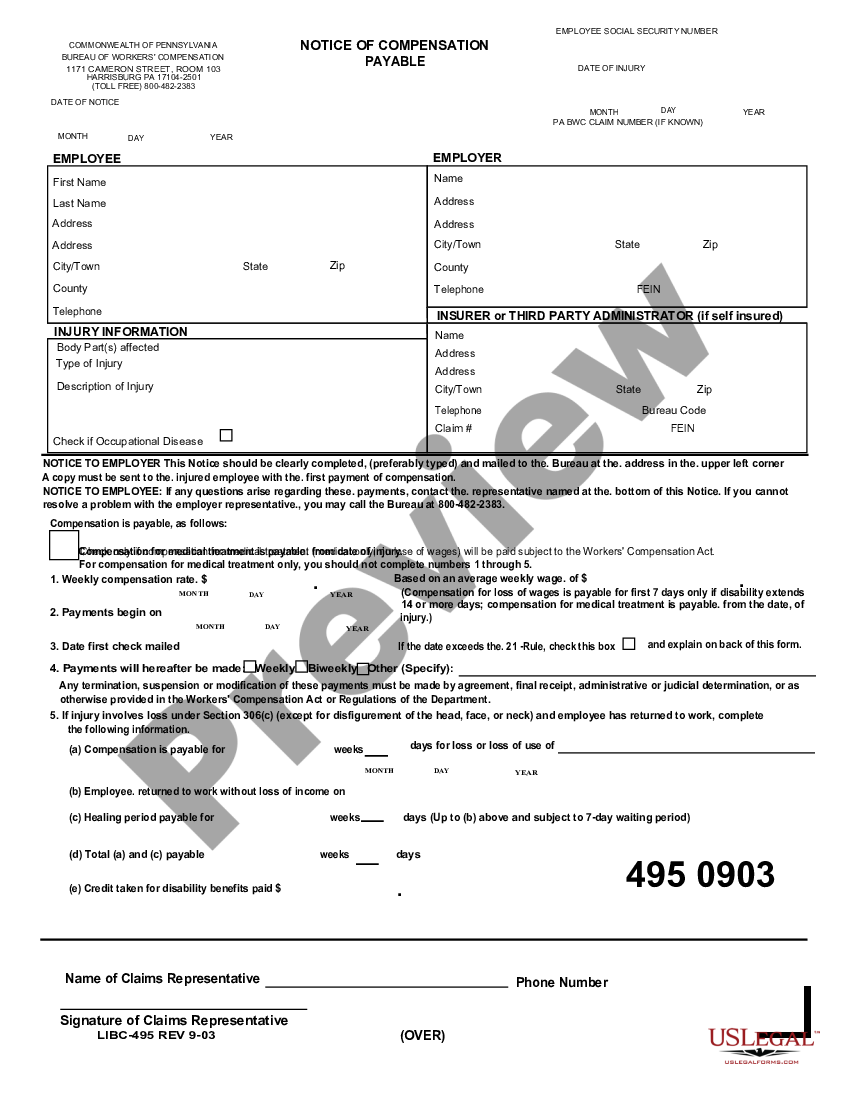
Searching your claim status in WCAIS is essential for monitoring deadlines. In Pennsylvania, the "Answer" to a petition must be filed within 20 days. If you are searching for updates and see that a "Notice of Compensation Payable" (NCP) has been filed, it means the insurance company has officially accepted liability for your injury. Conversely, a "Notice of Workers' Compensation Denial" indicates that the carrier is refusing to pay, and you must search for legal counsel to initiate a petition.
Understanding Search Results and Key Terminology
When searching workers' compensation records in PA, you will encounter specific legal terms that dictate the next steps in your case.
| Term/Entity | Definition and Search Relevance |
|---|---|
| NCP (Notice of Compensation Payable) | A document confirming the carrier accepts the claim. Searching for this in WCAIS confirms your benefits are secured. |
| TNCP (Temporary Notice of Compensation Payable) | Provides up to 90 days of benefits without a final admission of liability. Check your search results for the expiration date. |
| WCJ (Workers' Compensation Judge) | The official who presides over disputes. You can search the BWC website for the specific Judge assigned to your local hearing district. |
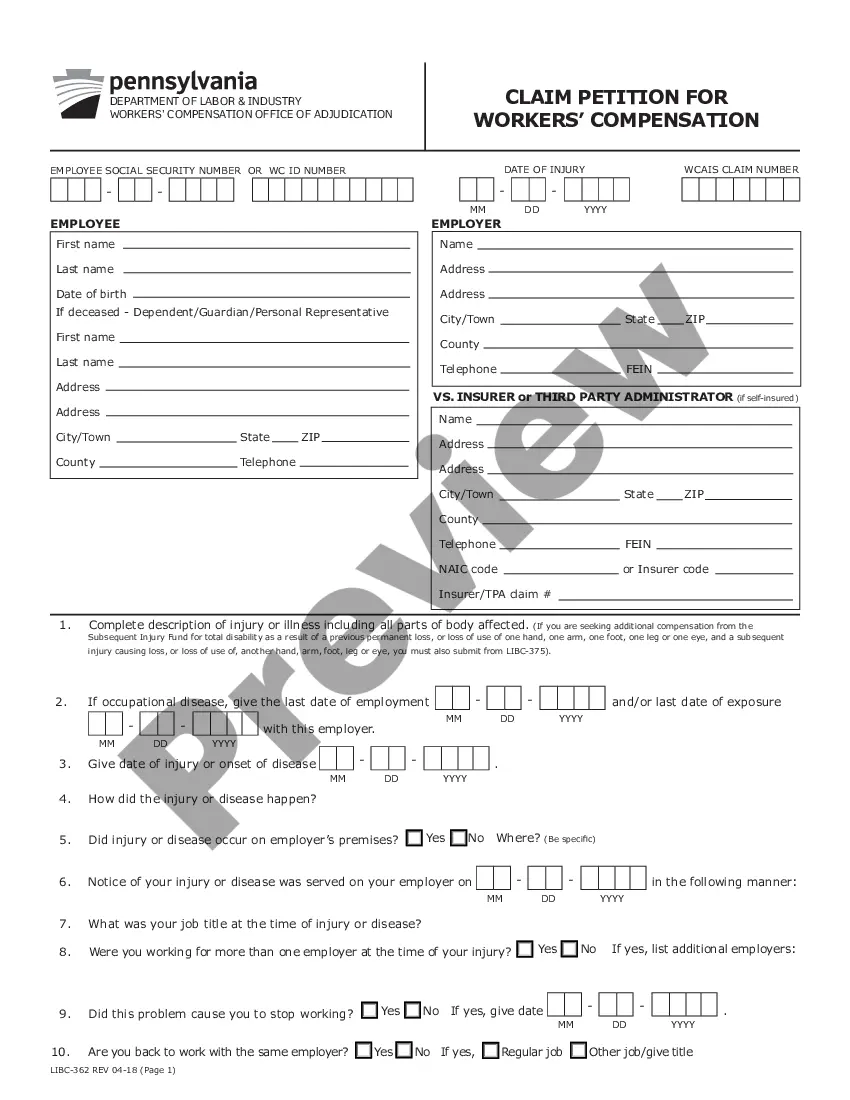
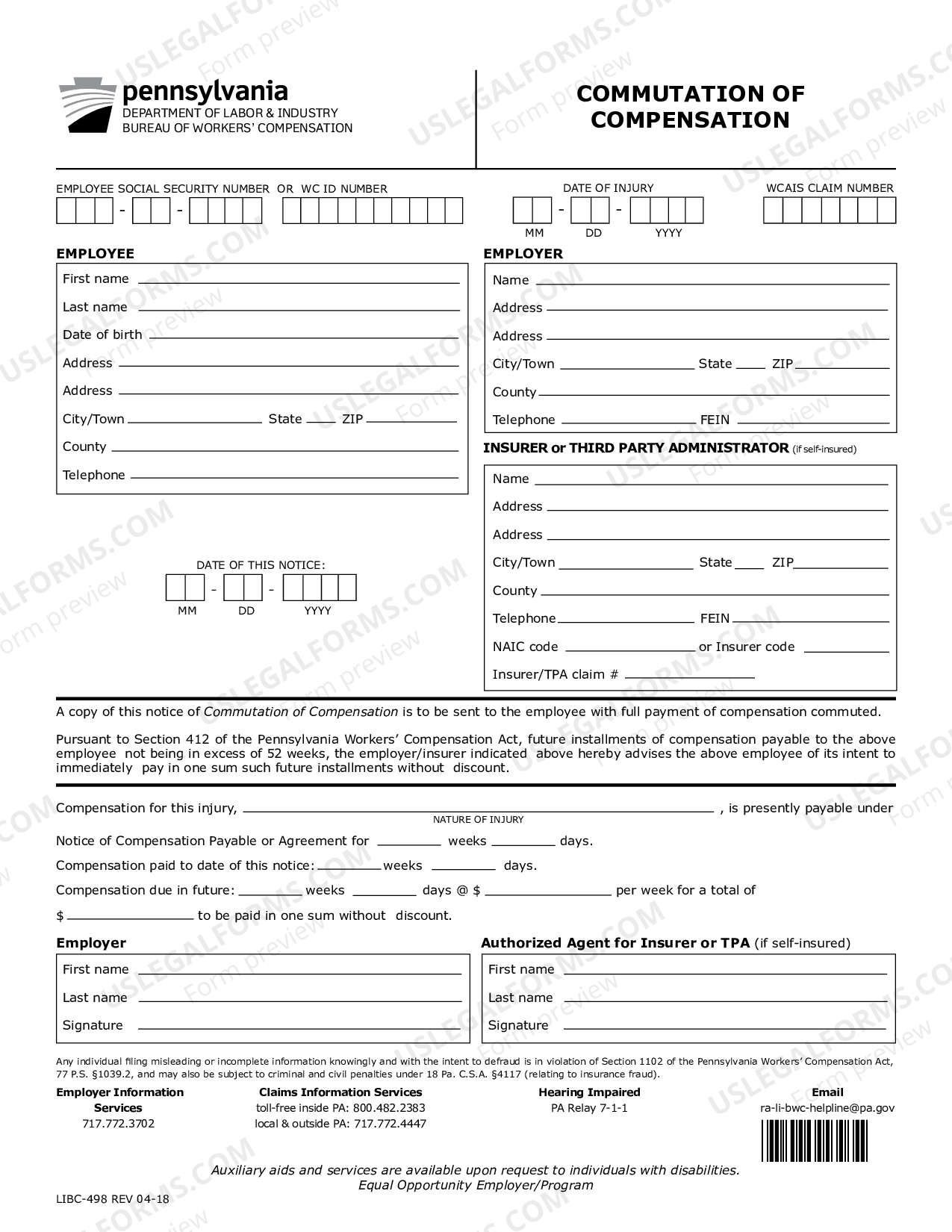
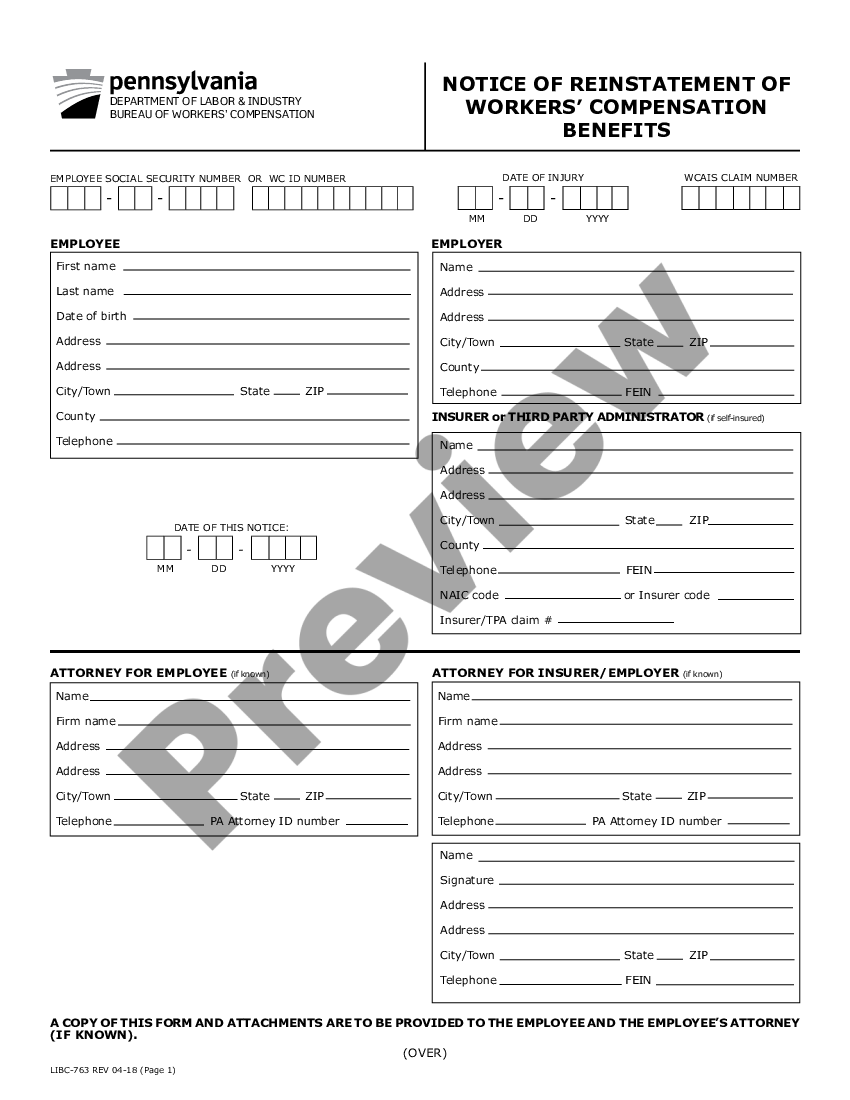
| LIBC Forms | The standard forms used in PA workers' comp. All searches for downloadable paperwork will point to the LIBC series of documents. |
| PCRB (PA Compensation Rating Bureau) | The organization that tracks insurance data. WCOOP search results are largely derived from PCRB records. |
Common Issues When Searching for PA Workers' Comp Info
Many users encounter hurdles when trying to "search workers compensation PA." These are rarely technical glitches and are usually related to how data is reported or categorized.
The "PEO" Complication
Professional Employer Organizations (PEOs) are firms that handle HR and payroll for other companies. If you work for a small construction firm that uses a PEO, a search for the construction firm’s name in WCOOP might return no results. In this case, the insurance is actually held under the name of the PEO. You may need to check your paystub to see the legal entity responsible for your payroll to find the correct insurance record.
Self-Insured Status
Large employers like the Commonwealth of Pennsylvania, major hospital systems, or national retailers (e.g., Walmart or Amazon) often do not have a traditional insurance policy with a carrier like Travelers or Liberty Mutual. Instead, they are "Self-Insured." Searching for these entities in the standard WCOOP database will indicate their self-insured status. The BWC maintains a separate list of authorized self-insured employers that can be searched as a PDF or Excel document on their official site.
Statutory Employer Issues
In industries like construction, a worker might be employed by a subcontractor who is uninsured. Under Pennsylvania law, the "Statutory Employer"—often the General Contractor—may be held liable for workers' compensation benefits. If your search for a subcontractor fails, your next step should be searching for the coverage of the general contractor on the job site.
Legal Timeframes and Search Deadlines
Searching for information is only useful if it is done within the windows established by the Pennsylvania Workers' Compensation Act.
- Reporting the Injury (120 Days): You must notify your employer within 120 days of the injury. Searching for the correct "Notice of Injury" form (LIBC-344) is the first task.
- Statute of Limitations (3 Years): Generally, a claim petition must be filed within three years of the date of injury. Searching for an attorney to file this via WCAIS should happen long before this deadline.
- Medical Treatment (90 Days): If your employer has a posted list of designated healthcare providers (a "Panel List"), you must seek treatment from them for the first 90 days. You can search your workplace for this physical posting or ask the BWC to verify if a list is on file.
FAQs
How can I find out if my employer has workers' comp insurance in PA?
You should visit the DLI WCOOP search portal. Enter the employer's legal name and the date of your injury. If they are not listed, they might be self-insured or using a Professional Employer Organization (PEO). You can also contact the Bureau of Workers' Compensation Helpline at 800-482-2383 for assistance with difficult searches.
Can I search for someone else's workers' compensation claim?
No. Individual claim records in Pennsylvania are private. While you can search for general information such as a Judge’s schedule or a firm's insurance status, specific medical records, settlement amounts, and personal claim data are only accessible to the parties involved (the claimant, their attorney, the employer, and the insurance carrier).
What if my employer is not found in the coverage search?
If a search of the WCOOP system yields no results for your employer, you should first double-check the legal name on your W-2 or paystub. If they are truly uninsured, you may be able to seek benefits through the Pennsylvania Uninsured Employers Guaranty Fund (UEGF). It is highly recommended to consult with a workers' compensation attorney to navigate the complexities of a claim against an uninsured employer.
Is there a way to search for workers' compensation settlements in PA?
There is no public database where you can search for specific settlement amounts by name. However, the BWC publishes annual reports and aggregate data that show trends in settlement amounts and total benefits paid across the Commonwealth. To find information on your own settlement, you must log into your secure WCAIS account or contact your legal representative.
Where can I search for workers' compensation forms?
All official Pennsylvania workers' compensation forms are available on the Department of Labor & Industry website under the "Forms" section. These are categorized by "LIBC" numbers. Most forms can be filled out electronically, but petitions must generally be filed through the WCAIS system.
Practical Recommendation for 2026
If you are currently searching for workers' compensation information in Pennsylvania, your first action should be to secure your Bureau of Workers' Compensation (BWC) Claim Number. This number is the "master key" for all searches within the WCAIS system. If your employer has not provided this, and you have sustained a work injury, contact the BWC Helpline directly to see if a claim has been established in your name. If no claim exists and your search for employer coverage reveals they are uninsured, do not delay—contact a qualified Pennsylvania workers' compensation attorney immediately to protect your right to medical care and wage loss replacement.
Image Gallery