How to Make a Resume That Lands Job Interviews
To create a resume that consistently lands job interviews, you must design it for both Applicant Tracking System (ATS) algorithms and human recruiters. This requires using a clean single-column format, matching job-description keywords...
To create a resume that consistently lands job interviews, you must design it for both Applicant Tracking System (ATS) algorithms and human recruiters. This requires using a clean single-column format, matching job-description keywords naturally, and framing your work experience using quantifiable achievements rather than standard job duties.
Contents
Understanding the Modern Hiring Process: ATS and Human Readers
Securing a job interview requires passing through two distinct screening phases: automated software and human evaluation. Most medium-to-large employers, as well as many recruiting agencies, utilize an Applicant Tracking System (ATS) to filter applications before a hiring manager ever sees them. Understanding how these tools function determines how you structure and write your document.
- Job Application
- ATS Resume Parser
- Recruiter 6-Sec Scan
- Hiring Manager Review
- Interview Invitation
How Applicant Tracking Systems Parse Resumes
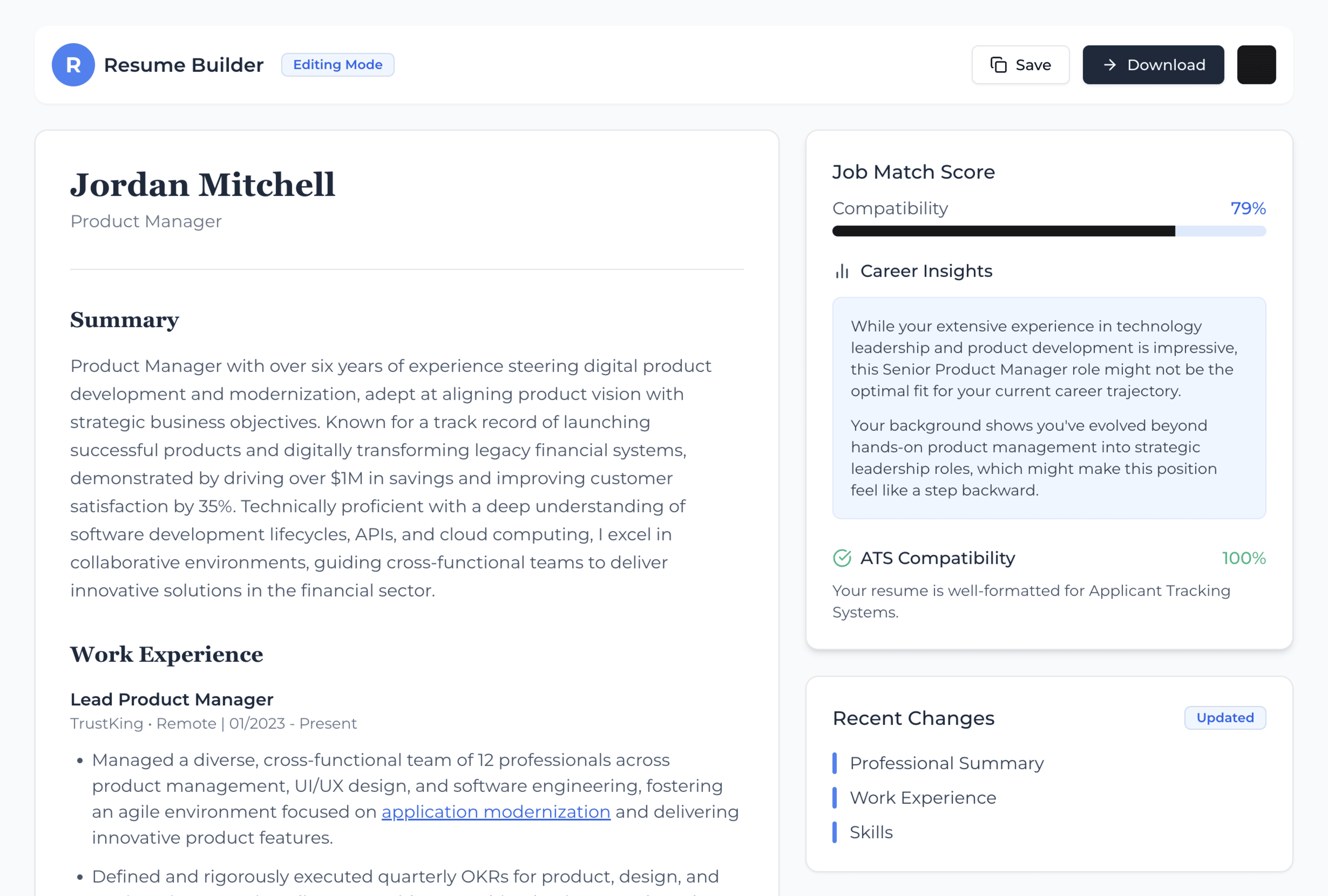
An ATS works by extracting plain text from your submitted document and parsing it into structured candidate profile fields such as contact information, work history, skills, and educational background. The software then compares the extracted data against the target job posting to assign a relevance score or match percentage.
If your document uses complex design elements—such as embedded graphics, text boxes, multi-column tables, or headers and footers—the ATS parser may misread or entirely drop critical text. Consequently, your application could be rejected automatically despite your actual qualifications. Ensuring high ATS compatibility requires adhering to clean typography, standard section titles (such as "Work Experience" or "Skills"), and clear file formats (typically .docx or unflattened text-based .pdf).
Navigating the Human Recruiter's Initial Scan
Once your resume clears the automated filter, it reaches a recruiter or hiring manager. Industry studies show that recruiters spend an average of six to seven seconds on their initial visual scan of a resume. During this brief window, their eyes look for specific signals:
- Your most recent job title and employer name.
- Total years of relevant experience.
- Core technical or functional skill sets aligned with the job role.
- Clear visual hierarchy and legible formatting.
If your key accomplishments are buried inside dense blocks of text or organized poorly, the reviewer will move on to the next candidate. Your goal is to structure every section so that high-value information is immediately scan-ready.
Choosing the Best Resume Format for Your Career Stage
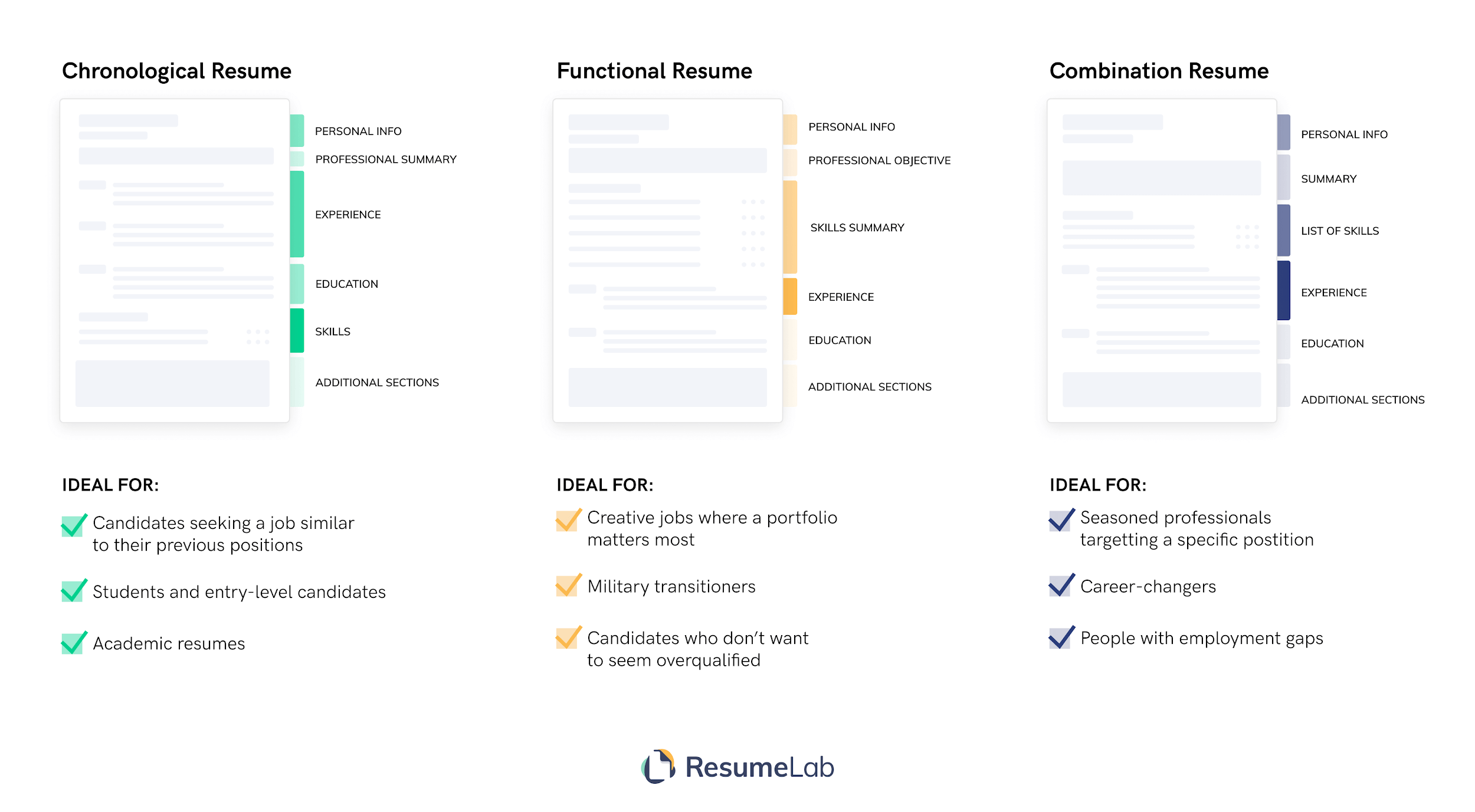
Selecting the appropriate structure dictates how effectively your background is presented. The three primary resume formats each serve distinct career situations, work histories, and employment backgrounds.
| Resume Format | Best Suited For | ATS Compatibility | Primary Advantage | Main Disadvantage |
|---|---|---|---|---|
| Reverse-Chronological | Job seekers with continuous career progression in the same field | Very High | Highlights steady promotion and clear trajectory | Draws immediate attention to employment gaps |
| Hybrid / Combination | Career changers, mid-level professionals, and candidates with diverse skill sets | High | Balances core technical competencies with chronological work history | Can exceed a single page if not formatted tightly |
| Functional / Skill-Based | Candidates re-entering the workforce or undergoing drastic career pivots | Low to Moderate | Emphasizes transferrable skills over timeline | Frequently flagged by recruiters who suspect hidden gaps |
Reverse-Chronological Format
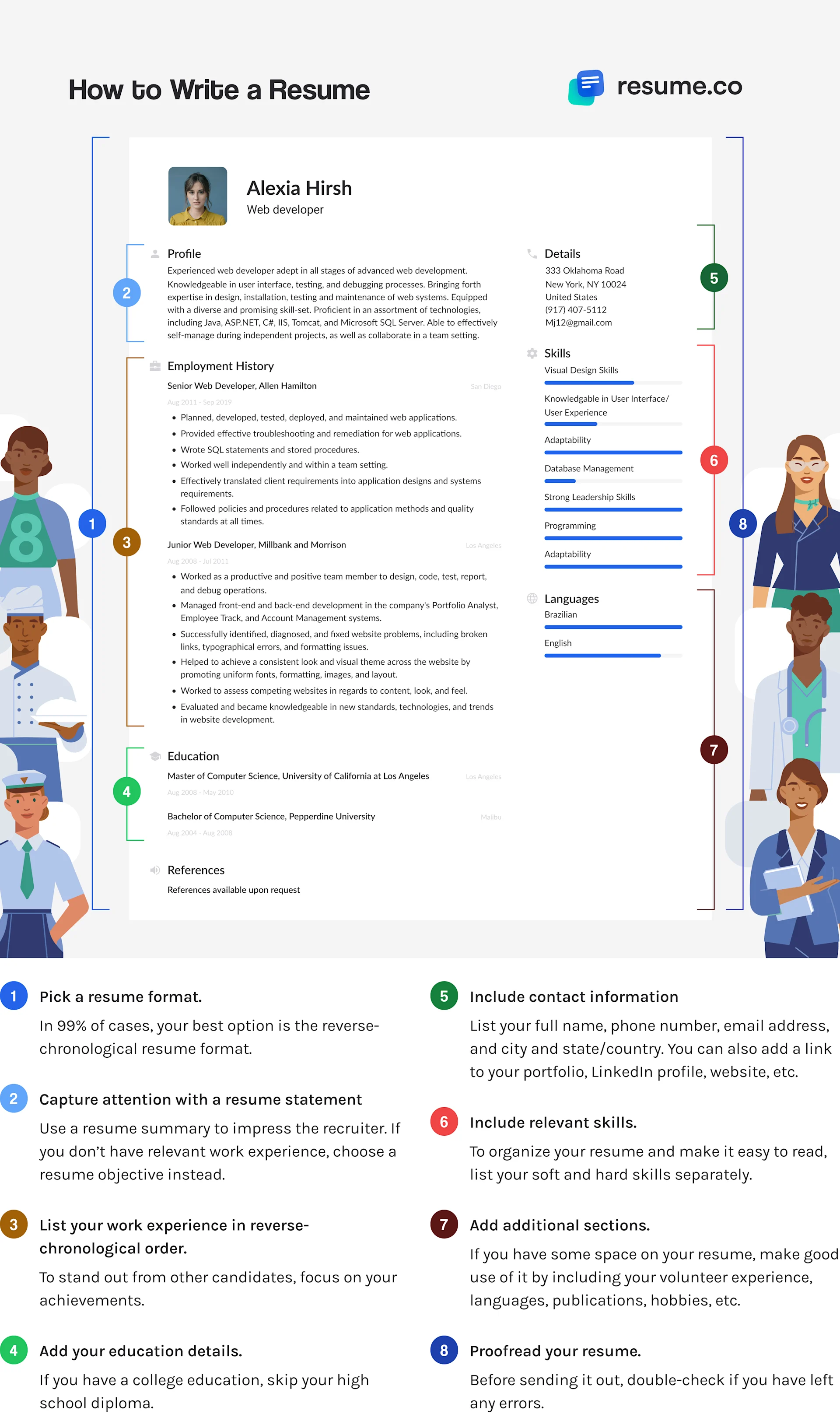
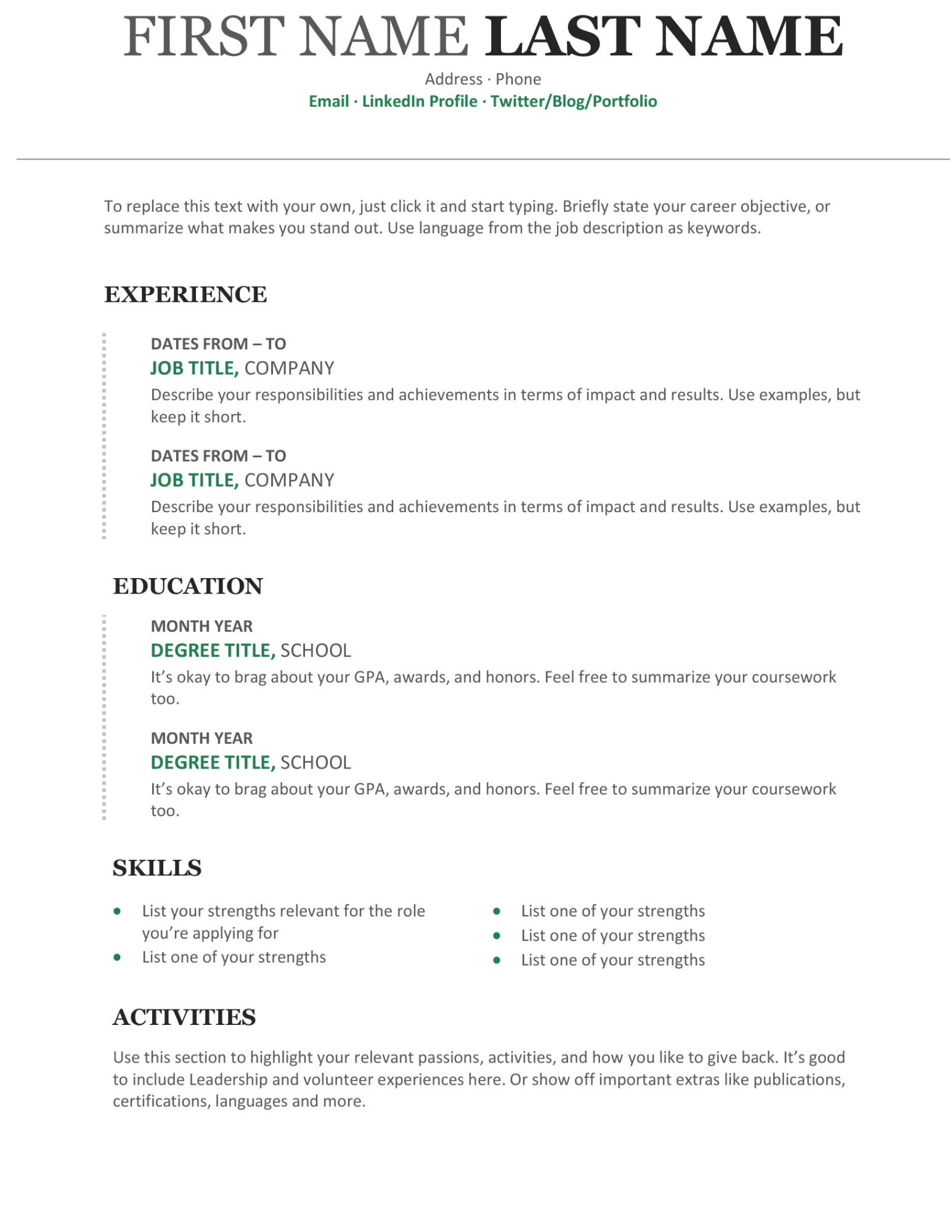
The reverse-chronological layout remains the gold standard for mainstream corporate hiring. In this layout, your current or most recent position appears first under the work experience section, followed by prior roles in descending order. Hiring managers prefer this layout because it quickly presents your career growth, tenure length, and recent accomplishments.
Hybrid (Combination) Format
The hybrid layout merges the strengths of the functional and chronological formats. It begins with a prominent, categorized technical or core skills section near the top, followed by a detailed chronological work history. This format allows candidates to emphasize transferable skills and core competencies immediately while still providing recruiters with the detailed employment timeline they expect.
Functional Format
The functional resume groups experience entirely under skill headings rather than employment dates or company names. While designed to obscure career gaps or lack of industry experience, many automated screeners struggle to index experience tied to skills rather than specific jobs. Additionally, human recruiters often view purely functional resumes with skepticism, assuming the format hides performance issues.
Step-by-Step Guide to Writing High-Impact Resume Sections
Every section of your resume must serve a defined purpose. Removing unnecessary content ensures that high-value achievements receive maximum emphasis.
- FULL NAME, PROFESSIONAL CERTIFICATION
- Phone | Professional Email | LinkedIn URL | Location (City, State/Country)
- PROFESSIONAL SUMMARY
- 3-4 sentence value proposition highlighting core domain expertise & key metrics.
- CORE COMPETENCIES & TECHNICAL SKILLS
- Technical Tools | Strategic Methodologies | Industry Compliance Standards
- PROFESSIONAL EXPERIENCE
- Job Title — Company Name | Dates of Employment
- Action Verb + Task + Context + Quantified Impact / Metric (Google XYZ Formula)
- Action Verb + Task + Context + Quantified Impact / Metric
- EDUCATION & CERTIFICATIONS
- Degree — Institution Name | Year
- Professional Certifications / Licenses
1. Header and Contact Information
Place your contact details at the top of the main body page rather than inside the document header margin, as some older ATS tools do not parse standard header/footer zones.
- Name: Display your legal or professional name in a larger font (18–24 pt).
- Location: City and State (or City and Country) are sufficient. Full residential addresses are unnecessary and present privacy risks.
- Phone Number: A reliable direct mobile number.
- Email Address: Use a professional format containing your name (e.g.,
firstname.lastname@email.com). Avoid non-professional personal handles. - Professional Links: Include your custom LinkedIn Profile URL and, if relevant for your field, a link to an online portfolio, GitHub repository, or professional website.
2. Professional Summary
Replace outdated "Objective Statements" (which focus on what you want from an employer) with a concise Professional Summary (which highlights what value you deliver to the employer). Limit this section to three to four sentences:
- Sentence 1: Professional title, years of relevant domain experience, and core area of specialization.
- Sentence 2: Highest-impact technical skills or core competencies aligned with the job posting.
- Sentence 3: Major career achievement supported by specific data or metrics.
3. Work Experience: Transforming Duties into Achievements
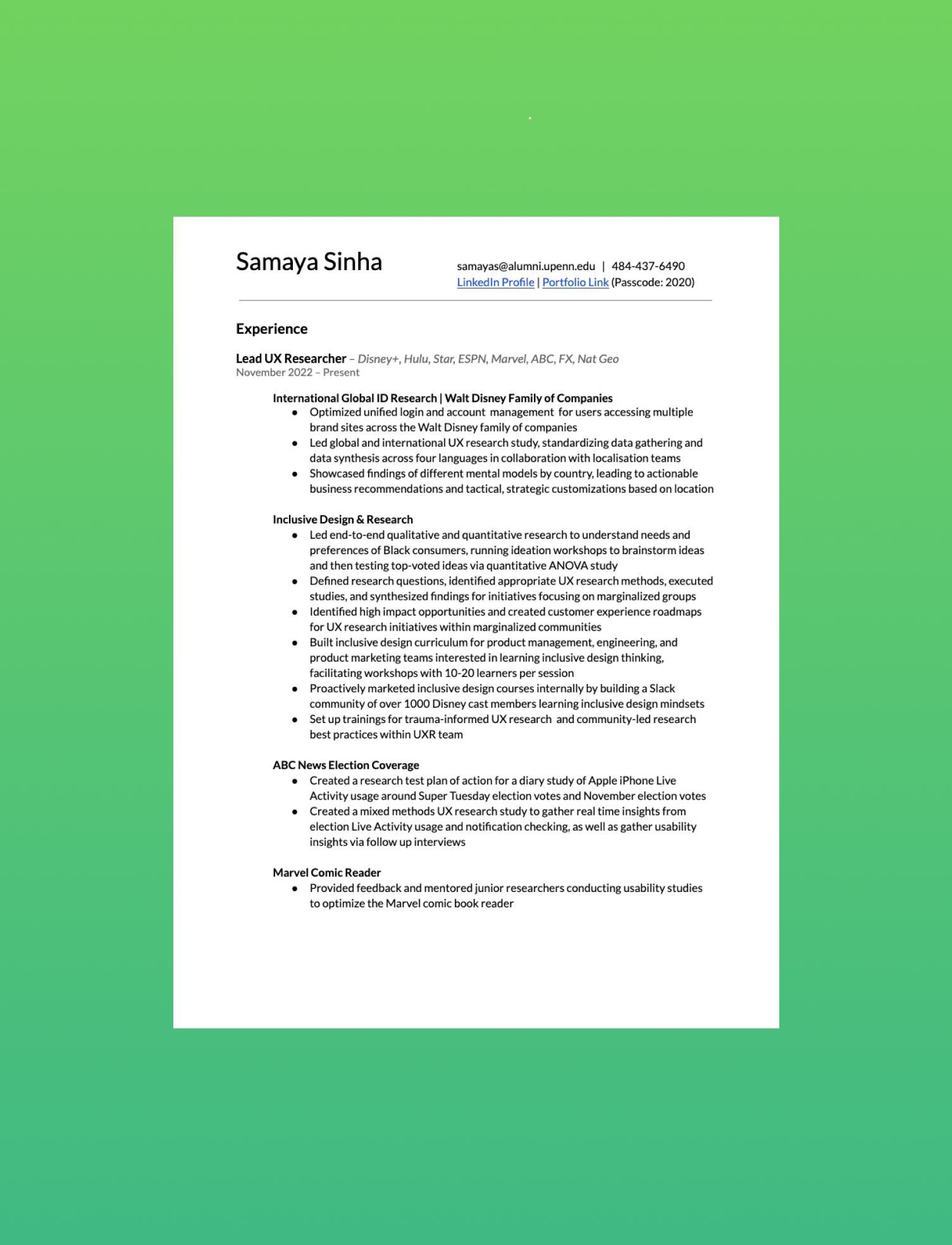
The work experience section forms the core of your document. Avoid simply copying responsibilities from your job description. Instead, frame each bullet point around accomplishments using concrete business outcomes.
Use the established Google XYZ Formula: * "Accomplished [X], as measured by [Y], by doing [Z]." *
- Weak Duty-Based Example: * "Responsible for managing the department marketing budget and social media accounts." *
- Strong Impact-Based Example: * "Increased organic lead generation by 42% over six months by reallocating a $50,000 digital marketing budget toward high-converting search channels." *
Start every bullet point with a strong, active verb in the correct tense (past tense for previous positions, present tense for current responsibilities).
Action Verbs Category Breakdown
- Leadership & Management: Spearheaded, Directed, Orchestrated, Overhauled, Steered, Consolidated.
- Optimization & Growth: Accelerated, Amplified, Expanded, Generated, Scaled, Yielded.
- Technical & Engineering: Architected, Deployed, Engineered, Automated, Migrated, Refactored.
- Problem-Solving & Efficiency: Streamlined, Restructured, Eliminated, Mitigated, Standardized.
4. Skills: Balancing Hard and Soft Skills
Organize your skills section so it can be scanned easily by both automated screeners and human reviewers. Group related competencies into distinct sub-categories.
TECHNICAL SKILLS • Programming & Tools: Python, SQL, R, Tableau, Docker, Kubernetes • Frameworks & Cloud: AWS (EC2, S3), React, Django, PostgreSQL • Methodologies: Agile/Scrum, CI/CD Pipeline Automation, ETL Architecture
Avoid listing generic, unprovable soft skills like "great communicator," "team player," or "hard worker" as standalone bullet points. Instead, demonstrate these soft skills directly within your work experience bullets through examples of leadership, cross-functional collaboration, or project ownership.
5. Education and Certifications
List your highest educational degrees in reverse-chronological order. Include the formal degree title, major, institution name, and location. If you have significant professional experience, graduation dates can be omitted to prevent potential age bias.
Place relevant industry credentials, state licenses, or technical certifications in a dedicated "Certifications" section to ensure they receive clear visibility. The U.S. Bureau of Labor Statistics CareerOneStop provides comprehensive tracking of recognized industry certifications that carry measurable market value.
How to Tailor Your Resume for Specific Job Descriptions
Submitting a generic resume to dozens of job listings yields low callback rates. Tailoring your document for each application significantly improves your interview match rate.
- Job Description Analysis
- Extract Hard Keywords (Tools, Technologies, Metrics)
- Extract Soft Keywords (Methodologies, Leadership Styles)
- Identify Core Pain Points (What problem are they hiring to solve?)
- Resume Customization
- Re-order Skills list to match Job Posting priority
- Adjust Professional Summary to highlight targeted pain points
- Re-frame Bullet Points using identical keyword terminology
1. Keyword Extraction Technique
Carefully read the target job posting and highlight recurring nouns, required technical tools, specialized methodologies, and required qualifications.
- Required Skills Identified: Project Management, Agile, Budgeting, JIRA, Vendor Management.
- Action Steps: Ensure these exact terms appear naturally in your skills section and work experience bullets. If the job listing explicitly requests "Project Management," avoid relying solely on the abbreviation "PMP" without writing out the full phrase.
2. Strategic Terminology Matching
Always match your terminology to the employer's phrasing. If a posting asks for "Customer Relationship Management software" rather than "CRM," use both the full phrase and the standard acronym: * "Customer Relationship Management (CRM) tools like Salesforce." * This satisfies both strict literal ATS keyword rules and quick human scans.
Formatting, Design, and Technical Standards
A well-designed resume maintains a visual hierarchy that makes reading effortless. Complicated layout templates often cause formatting errors during automated parsing.
Fonts and Typography
Use modern, highly legible system fonts available across all platforms. Recommended choices include:
- Sans-Serif Fonts: Calibri, Arial, Helvetica, Segoe UI, Roboto.
- Serif Fonts: Georgia, Garamond, Times New Roman.
- Font Sizing: Body text should be set between 10 pt and 12 pt. Section headings should range from 13 pt to 16 pt, and your name heading should be between 18 pt and 24 pt. Keep line spacing between 1.15 and 1.25 for comfortable reading.
Margins and Page Counts
Set document margins between 0.5 inches and 1.0 inch on all sides. Going below 0.5 inches makes the page look cluttered, while margins greater than 1 inch artificially inflate page count.
- Single-Page Resume: Ideal for students, recent graduates, and professionals with under five to seven years of experience.
- Two-Page Resume: Recommended for mid-level to senior professionals, managers, and technical specialists with extensive relevant achievements.
- Three+ Pages: Typically reserved for executive leadership, academic CVs, or comprehensive federal government job applications.
File Format Selection
Save and submit your document as a standard Microsoft Word file (.docx) or a clear PDF (.pdf), depending on the application system's requirements. PDF preserves your layout formatting across different operating systems. However, if an online application specifically requests a .docx file, comply with that instruction to guarantee full compatibility with their ATS.
Common Resume Mistakes That Reduce Interview Callbacks
Even small formatting or phrasing errors can derail an application. Avoid these common mistakes:
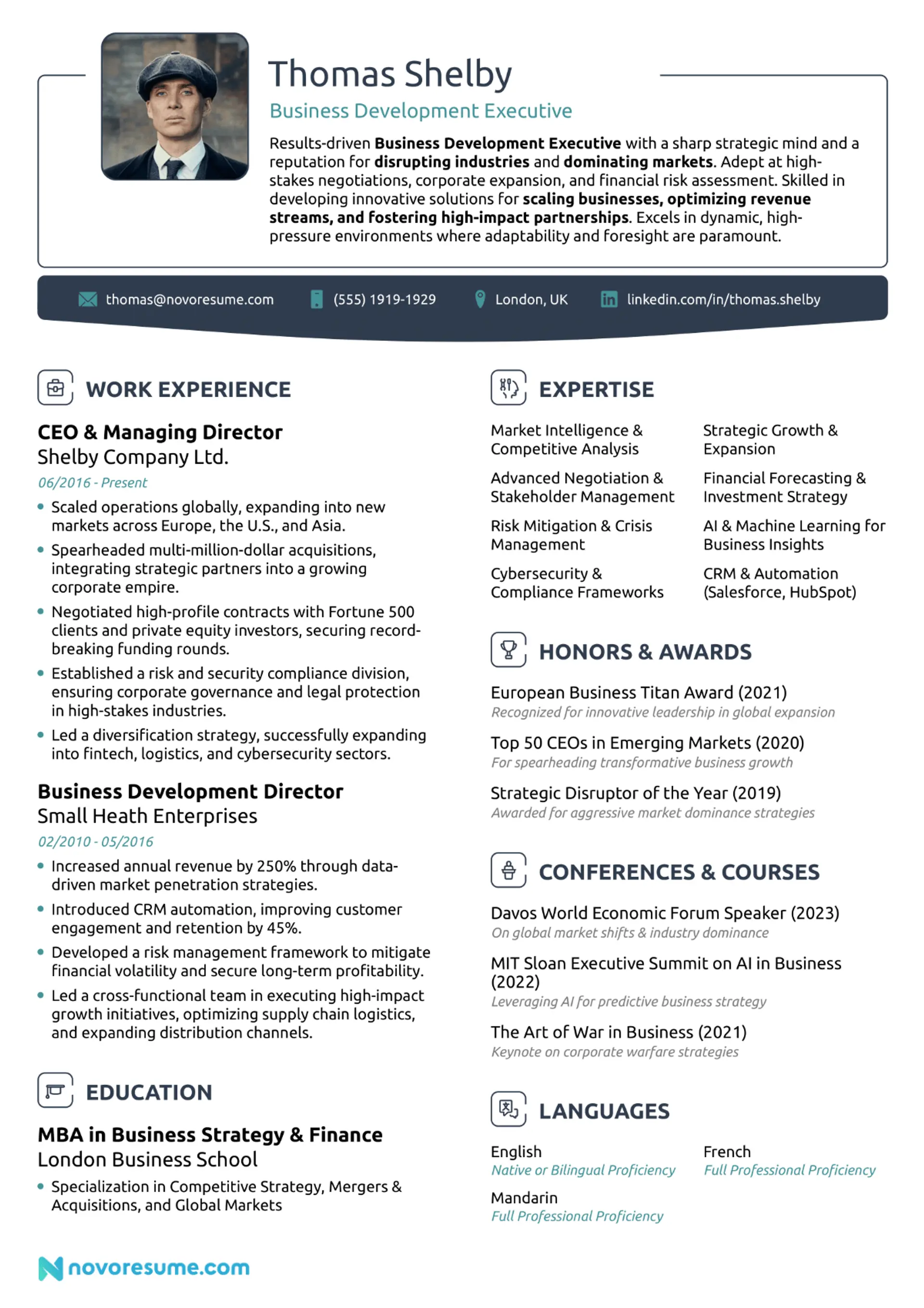
1. Graphics, Charts, and Progress Bars
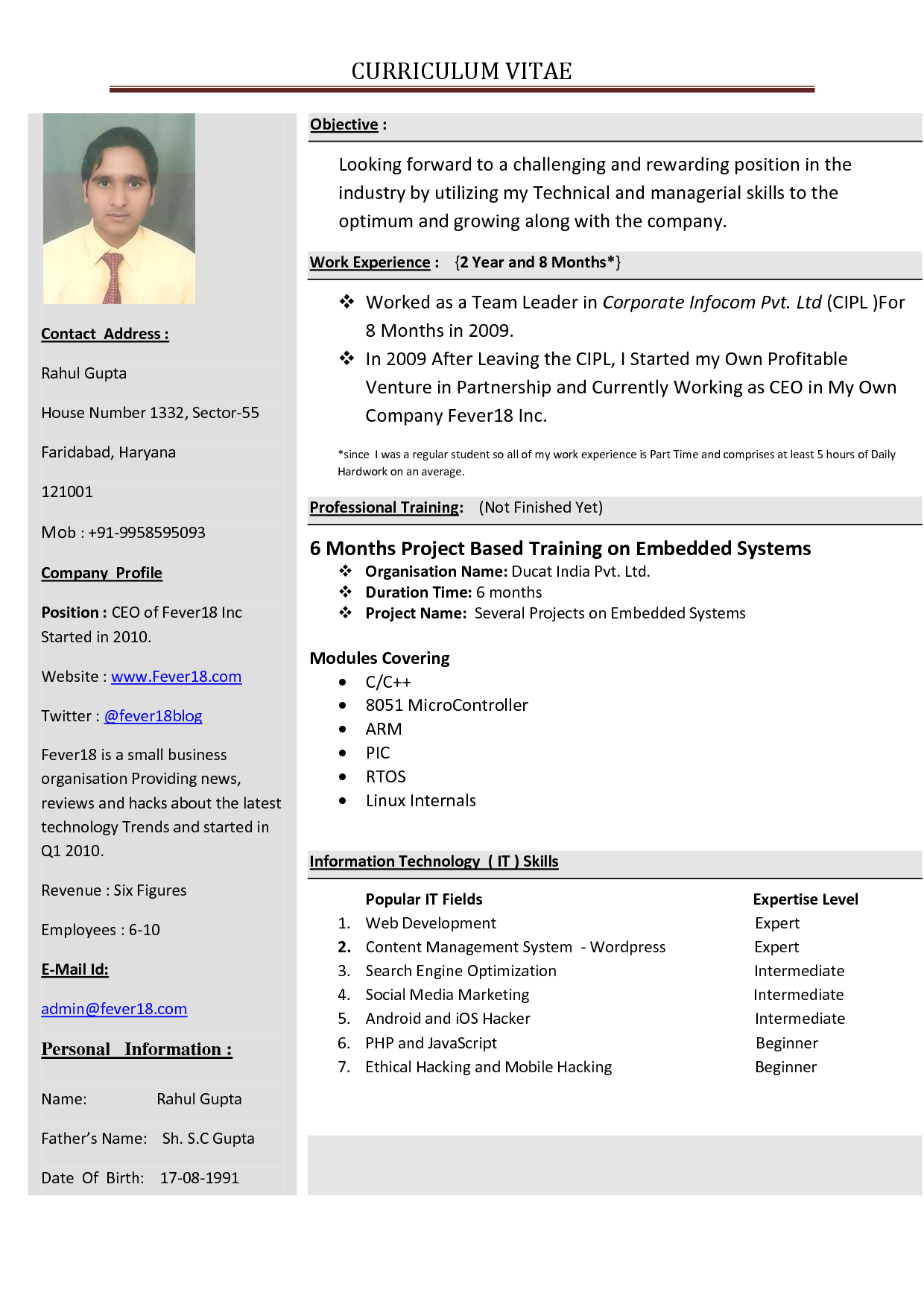
Design elements like visual rating scales for skills (e.g., listing "Python: 4 out of 5 stars"), graphical icons, charts, or embedded images cannot be indexed accurately by ATS screeners. Replace visual skill meters with simple text categories that list your actual proficiency level (e.g., Proficient, Advanced, Fluent).
2. Including Passive Language and Duty Statements
Avoid using phrases like "Assisted with," "Duties included," or "Worked on." Replace them with strong, definitive action verbs that clearly show your personal contribution and ownership of the project.
3. Submitting an Unedited Document
Spelling mistakes, grammatical errors, and inconsistent punctuation signal a lack of attention to detail. Review your text carefully using built-in proofing tools, read the document aloud to catch awkward phrasing, and have a trusted peer review your finalized copy.
Frequently Asked Questions
How far back should my work experience section go?
Focus on the last 10 to 15 years of your career. Experience beyond 15 years can usually be summarized briefly in an "Earlier Career History" section or omitted if it is no longer relevant to your target role.
Should I include references directly on my resume?
Do not include references or the phrase "References available upon request." Hiring managers know they can ask for references later in the interview process. Reserving this layout space for tangible achievements provides far more value.
How do I handle employment gaps without losing interview opportunities?
Address brief gaps (under six months) by simply listing employment dates using years rather than months (e.g., "2023–2024"). For longer gaps, consider using a hybrid resume format to highlight relevant freelance work, contract assignments, self-directed education, certifications, or community leadership completed during that period.
Is a cover letter still necessary when applying for jobs?
Yes, unless the job posting explicitly directs candidates not to submit one. A targeted cover letter allows you to explain context that does not fit neatly into a resume, such as career transitions, relocating to a new geographic area, or your specific motivation for joining that organization.
Final Next Steps to Finalize Your Resume
- Select a Clean Format: Open a blank document in Microsoft Word or Google Docs using a single-column layout with 0.75-inch margins.
- Deconstruct 3–5 Target Job Listings: Identify recurring technical terms, core software tools, and required qualifications.
- Draft Your Achievement Bullets: Convert standard duty descriptions into quantified bullet points using the Google XYZ formula (Accomplished X, as measured by Y, by doing Z).
- Run an ATS Text Test: Copy your entire resume text and paste it into a plain text editor (like Notepad). If the text renders in a logical order without missing sections, your format will parse cleanly through ATS software.
- Proofread and Export: Check your document carefully for spelling and grammatical errors, then export your final copy as a properly named PDF (e.g.,
FirstName_LastName_Resume.pdf).
Image Gallery