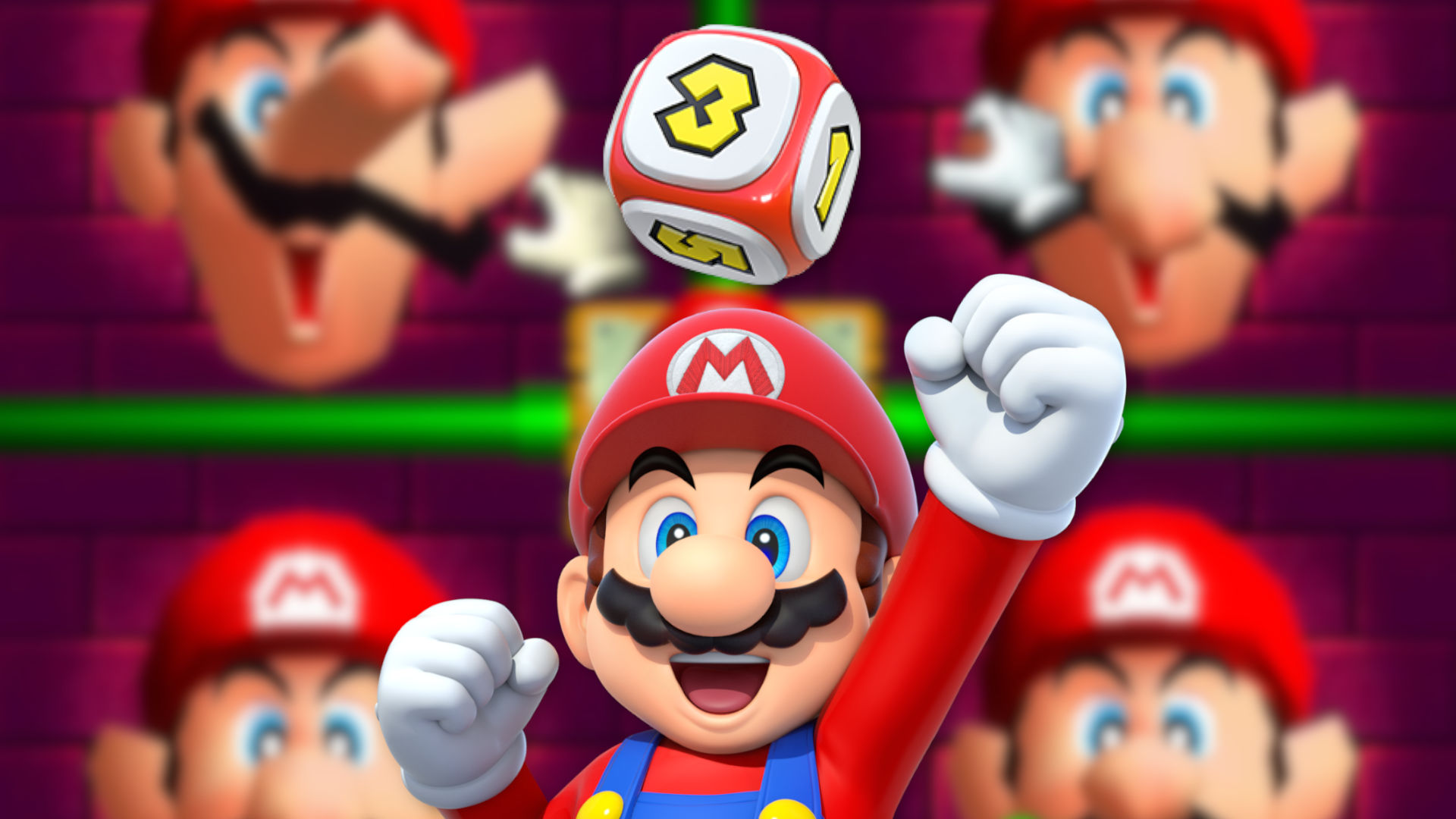
Why Mario Party Superstars Minigames Matter for Campus Life
Mario Party Superstars minigames matter for campus life because they provide accessible, high-energy multiplayer entertainment that bridges social gaps in dormitories, student unions, and campus clubs. Featuring button-only controls, 1...
Mario Party Superstars minigames matter for campus life because they provide accessible, high-energy multiplayer entertainment that bridges social gaps in dormitories, student unions, and campus clubs. Featuring button-only controls, 100 remastered classic minigames, and flexible game modes, the title enables resident advisors and student leaders to host inclusive, low-friction community-building events without hardware or skill barriers.
Contents
The Social Architecture of Dorm Lounges and Campus Spaces
Building organic social connections on a college campus presents a unique structural challenge. During orientation weeks, residence hall moves, and club recruitment pushes, students navigate unfamiliar environments where traditional icebreakers often feel forced or uncomfortable. To foster authentic interaction, campus organizers rely on "third spaces"—dorm lounges, recreation rooms, and common areas—that feature low-stakes, shared activities. Digital party games have historically filled this role, but few titles balance accessibility and social friction as effectively as Mario Party Superstars.
Released by Nintendo for the Nintendo Switch, Mario Party Superstars distills the most engaging elements of the franchise's decades-long history into a package tailored for local multiplayer environments. Unlike complex esports titles or deep fighting games like Super Smash Bros. Ultimate, which often carry high mechanical learning curves and skill disparities, minigame-focused titles level the playing field. A competitive fighting game tournament in a residence hall can inadvertently marginalize non-gamers, whereas a rotation of bite-sized minigames allows experienced players and complete novices to compete on nearly equal footing.
The structural importance of the game's 100 curated minigames lies in their brevity and emotional immediacy. Each minigame lasts between 30 seconds and two minutes, creating rapid feedback loops of triumph, hilarious failure, and friendly banter. This fast-paced cycle breaks down social awkwardness far faster than passive activities like movie nights or structured conversational icebreakers, making the title an operational staple for campus engagement teams.
Mechanical Accessibility: Button-Based Controls and Equalizer Gameplay
A primary bottleneck when running digital gaming events on campus is controller compatibility and control scheme complexity. The preceding series entry on the system, Super Mario Party, relied heavily on Joy-Con motion controls, which restricted input options, required specific physical setups, and excluded handheld-only devices like the Nintendo Switch Lite.
In contrast, Mario Party Superstars utilizes traditional button and analog stick controls across every single minigame. This design choice provides significant practical advantages for campus environments:
- Universal Input Compatibility: The game supports Joy-Cons, Nintendo Switch Pro Controllers, third-party wired USB controllers, and handheld configurations. Student organizations hosting events can utilize whatever mixed hardware attendees bring to the room.
- Zero Motion Control Friction: Games do not require spatial calibration, standing room, or physical wrist straps, allowing four players to sit comfortably on a single couch in a cramped dorm room.
- Immediate Comprehension: Every minigame opens with a clear instruction screen, a simple control diagram, and an optional practice mode. Players spend under ten seconds learning the mechanics before jumping into active play.
Minigame Accessibility Pipeline:
- Select Minigame
- 10-Sec Control Prompt
- Optional Practice
- 30-90 Second Match
- Instant Social Replay
Furthermore, the mechanical design of the minigames incorporates balanced variance. While skill-based games (such as Mecha Marathon or Shell Shocked) reward precise inputs, button-mashing games, luck-based challenges, and chaotic free-for-alls ensure that outcome predictability remains low. This balance prevents dominant players from sweeping every round, preserving high morale and continuous engagement among all participants.
Quick-Burst Engagement: Mt. Minigame and Campus Event Programming
While full Mario Party board games offer deep tactical play, their 60-to-90-minute commitment is often impractical for casual campus drop-ins or structured resident assistant (RA) programming. The true asset for campus life is Mt. Minigame, a dedicated mode that bypasses the board game mechanics entirely to focus exclusively on back-to-back minigame action.
Mt. Minigame features several distinct operational modes that align directly with different campus event formats:
1. Free Play Mode
Free Play allows groups to select specific minigames or random selections from categories like 4-Player Free-for-All, 1-vs-3, 2-vs-2, and Sports & Puzzles. This mode is ideal for informal dorm lounge sessions where players rotate in and out after every few rounds.
2. Survival Mode
In Survival Mode, players compete globally or locally to maintain winning streaks against progressively tougher opponents. For campus gaming clubs, setting up a "King of the Hill" challenge in a high-traffic area allows passing students to step up, challenge the current champion in a 90-second match, and move on if defeated.
3. Tag Match (2-vs-2)
Tag Match pairs players into fixed two-person teams. Resident Advisors frequently use 2-vs-2 modes to pair roommates, dorm floor neighbors, or strangers together, fostering immediate teamwork and communication during floor orientation events.
4. Coin Battle
Players compete across a set series of minigames to collect the highest coin total. Because coins can be stolen or lost based on placement, Coin Battle provides a structured, point-based competition ideal for running quick multi-round campus tournaments within a strict 30-minute timeframe.
Comparing Minigame Formats for Campus Event Planning
Selecting the right game mode depends on event scale, available time, and intended social outcomes. The following table outlines how different Mario Party Superstars minigame configurations fit common higher-education scenarios:
| Mode / Format | Play Time per Session | Target Audience / Group Size | Social Dynamic | Best Campus Use Case |
|---|---|---|---|---|
| Mt. Minigame: Free Play | 5–15 minutes | 4 active players (High turnover) | Casual, highly adaptable | Open dorm lounge drop-in sessions |
| Mt. Minigame: Coin Battle | 15–20 minutes | 4 active players per bracket | Competitive, score-tracked | Resident hall floor tournaments |
| Mt. Minigame: Tag Match (2v2) | 10–20 minutes | Pairs (4 players total) | Collaborative, communication-heavy | Icebreakers for new roommates & floor mates |
| Mt. Minigame: Survival | 2–3 minutes per attempt | Leaderboard / Queue system | High-intensity, spectator-friendly | Student Union recruitment booths |
| Full Board Game (10 Turns) | 45–60 minutes | Fixed group of 4 | Strategic, long-form bonding | Weekend dorm game nights & small gatherings |
Nostalgia as a Social Bridge Across Student Generations
Higher education brings together students from diverse geographic, socioeconomic, and cultural backgrounds. Finding common cultural ground can take time, but nostalgia acts as an effective social bridge. Mario Party Superstars specifically targets this dynamic by drawing its 100 minigames entirely from legacy franchise entries, spanning the Nintendo 64, GameCube, and Wii eras.
Classic minigames like Bumper Balls, Shy Guy Says, Crazy Cutters, and Mushroom Mix-Up carry instant recognition for students who grew up playing video games with siblings or friends. This shared nostalgia serves several psychological functions on campus:
- Reduces Social Anxiety: Shared familiar memories give students an immediate topic of conversation, bypassing awkward small talk.
- Validates Casual Gaming: Because the visual presentation is vibrant and retro-inspired, the environment feels non-intimidating to casual gamers who might feel out of place around hardcore competitive setups.
- Generates Spectator Excitement: Students standing around a TV monitor in a student center quickly recognize classic minigames, encouraging crowd participation, cheering, and spontaneous spectating.
Best Practices for Organizing Campus Mario Party Events
To maximize student engagement and ensure smooth logistics, campus event planners and RAs should follow established hardware and event setup guidelines.
Event Setup Checklist for RAs:
- Hardware: Switch Dock + High-Lumen Display + 4 Controllers
- Audio: External Soundbar (Enhances Spectator Engagement)
- Rules: Disable Motion/Mic Prompts + Select "All Minigames"
- Rotation: Winner-Stays or 3-Game Cap to Manage Queues
Hardware and Display Optimization
- Use Large Secondary Displays: Connect the Nintendo Switch to a high-lumen projector or large screen in common areas so onlookers can follow the action easily.
- Provide Color-Coded Controllers: Use distinct controller colors (or label Joy-Con grips) to prevent confusion during frantic 4-player minigames where player indicators correspond to red, blue, yellow, and green UI elements.
- Audio Matters: Connect the console output to an external soundbar or lounge sound system. The iconic music and sound effects drive energy levels in communal rooms.
Managing Player Rotations and Fairness
To prevent individual players from dominating a common-room TV for hours, organizers should implement clear rotation rules:
- The Three-Game Rule: In Free Play mode, cap every group at three consecutive minigames before rotating all four players out for the next group in line.
- Winner-Stays Variant: In casual competitive setups, the top-placing player stays on for one additional round while three new challengers step up. Limit maximum consecutive stays to three wins to maintain inclusion.
- Handicap Settings: When running full board games or customized minigame sets between experienced players and complete beginners, utilize the built-in star or point handicap options to balance outcomes.
Frequently Asked Questions
Can you play Mario Party Superstars minigames without playing a full board game?
Yes. Mario Party Superstars includes a standalone game mode called Mt. Minigame, which allows players to jump directly into minigames without rolling dice, moving on a board, or managing board event spaces. This mode supports Free Play, team battles, coin competitions, and survival challenges.
Is Mario Party Superstars playable on a Nintendo Switch Lite for campus gaming?
Yes. Unlike Super Mario Party, which requires detached Joy-Con motion controllers, Mario Party Superstars relies entirely on traditional button and analog stick inputs. While the Switch Lite can play the game in handheld mode, connecting additional wireless controllers or docking standard Switch consoles to a lounge television is recommended for group campus events.
How does Mario Party Superstars differ from Super Mario Party for group events?
The key operational difference is control compatibility and minigame selection. Mario Party Superstars uses standard button controls compatible with all Switch-supported controllers, whereas Super Mario Party requires individual Joy-Cons and motion controls. Additionally, Super Mario Party features newer minigames, while Super Mario Party Superstars compiles 100 remastered classic minigames from the franchise's historical lineup.
How many controllers are needed to run a 4-player session in a dorm lounge?
You need four individual inputs. This can consist of two pairs of Joy-Cons (used sideways or in grips), four Nintendo Switch Pro Controllers, four third-party USB/wireless controllers, or any combination of these options.
What is the best minigame mode in Mario Party Superstars for quick icebreakers?
Mt. Minigame: Tag Match (2-vs-2) and Coin Battle are the most effective formats for campus icebreakers. Tag Match forces two-person communication and teamwork, while Coin Battle delivers a fast, competitive 15-minute game loop that easily fits into orientation blocks.
Next Steps for Campus Event Organizers
To implement a successful gaming initiative in residence halls or student organizations, take the following actionable steps:
- Audit Available Hardware: Confirm that your student center or dorm association possesses a Nintendo Switch OLED or standard console, an HDMI display, and four functional controllers with charging accessories.
- Pre-configure Control Profiles: Turn on the console prior to the event, update the game software to the latest version, and pair all four controllers to eliminate setup delays in front of attendees.
- Establish Clear Play Time Slots: Schedule 45-minute drop-in sessions using Mt. Minigame for high-turnover orientation events, and reserve 90-minute blocks for evening board game tournaments.
- Promote the Event with Familiar Nostalgia: Highlight classic minigame titles (like Bumper Balls and Booksquirm) on flyers and digital bulletin boards to attract both casual and competitive participants across campus.
Image Gallery