How to Avoid Phantom Freddy: A Strategic Guide to Surviving Five Nights at Freddy's 3
To avoid Phantom Freddy in Five Nights at Freddy's 3, you must ignore him when he appears in the hallway outside your office window. As he limps across the glass, do not look directly at him. Instead, immediately open your camera monit...
To avoid Phantom Freddy in Five Nights at Freddy's 3, you must ignore him when he appears in the hallway outside your office window. As he limps across the glass, do not look directly at him. Instead, immediately open your camera monitor or maintenance panel to block your view until he disappears.
Contents
Understanding the mechanics of the "Phantom" animatronics is essential for any player attempting to survive the later nights of Fazbear's Fright. Unlike Springtrap, the game’s primary antagonist who causes an immediate "Game Over," Phantom Freddy acts as a secondary hazard. His goal is not to kill you directly, but to sabotage your systems, leaving you vulnerable to the real threat. As of 2026, Five Nights at Freddy's 3 remains a cornerstone of the horror genre, and mastering the avoidance of Phantom Freddy is still a primary requirement for completing the "Aggressive Nightmare" mode.
The Mechanics of Phantom Freddy
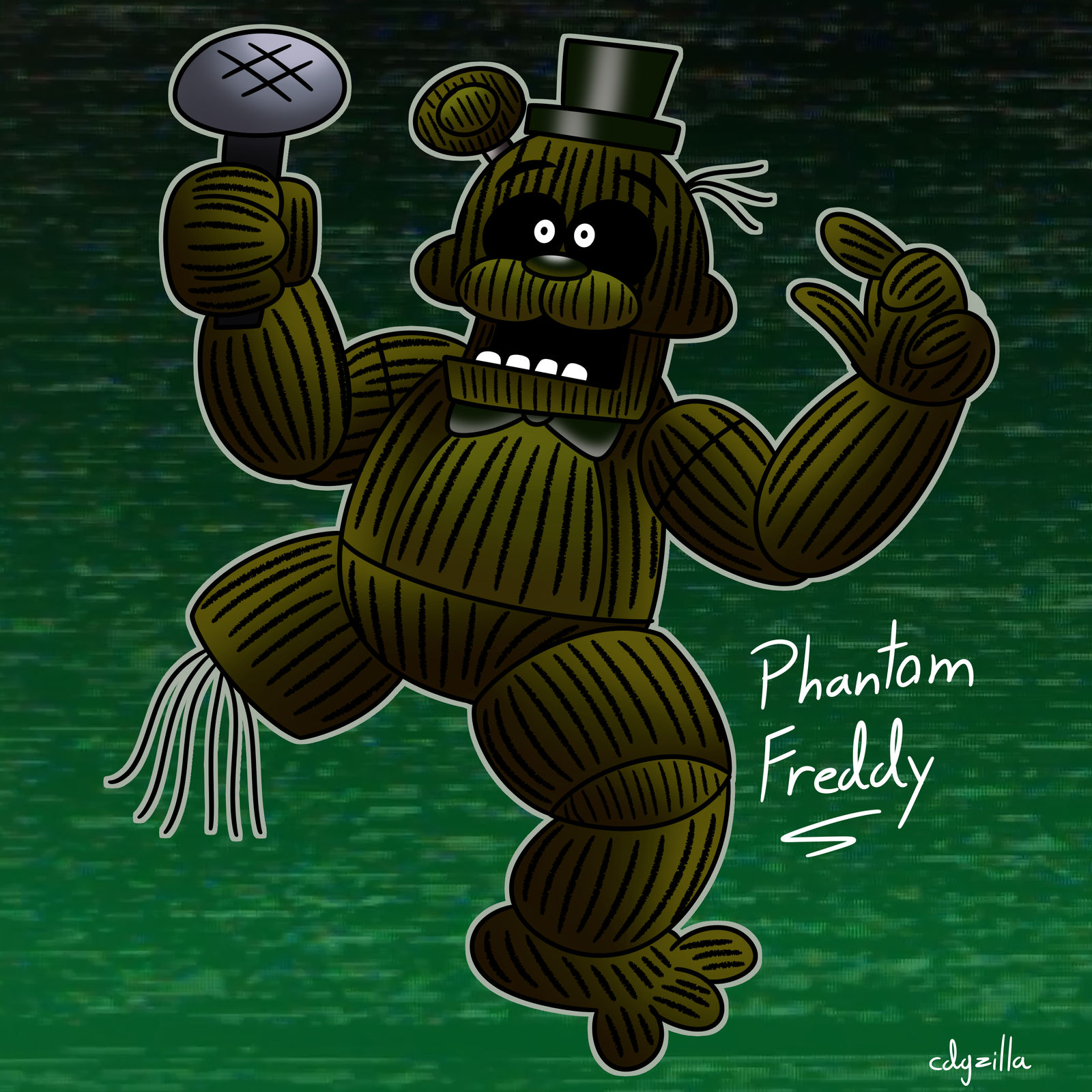
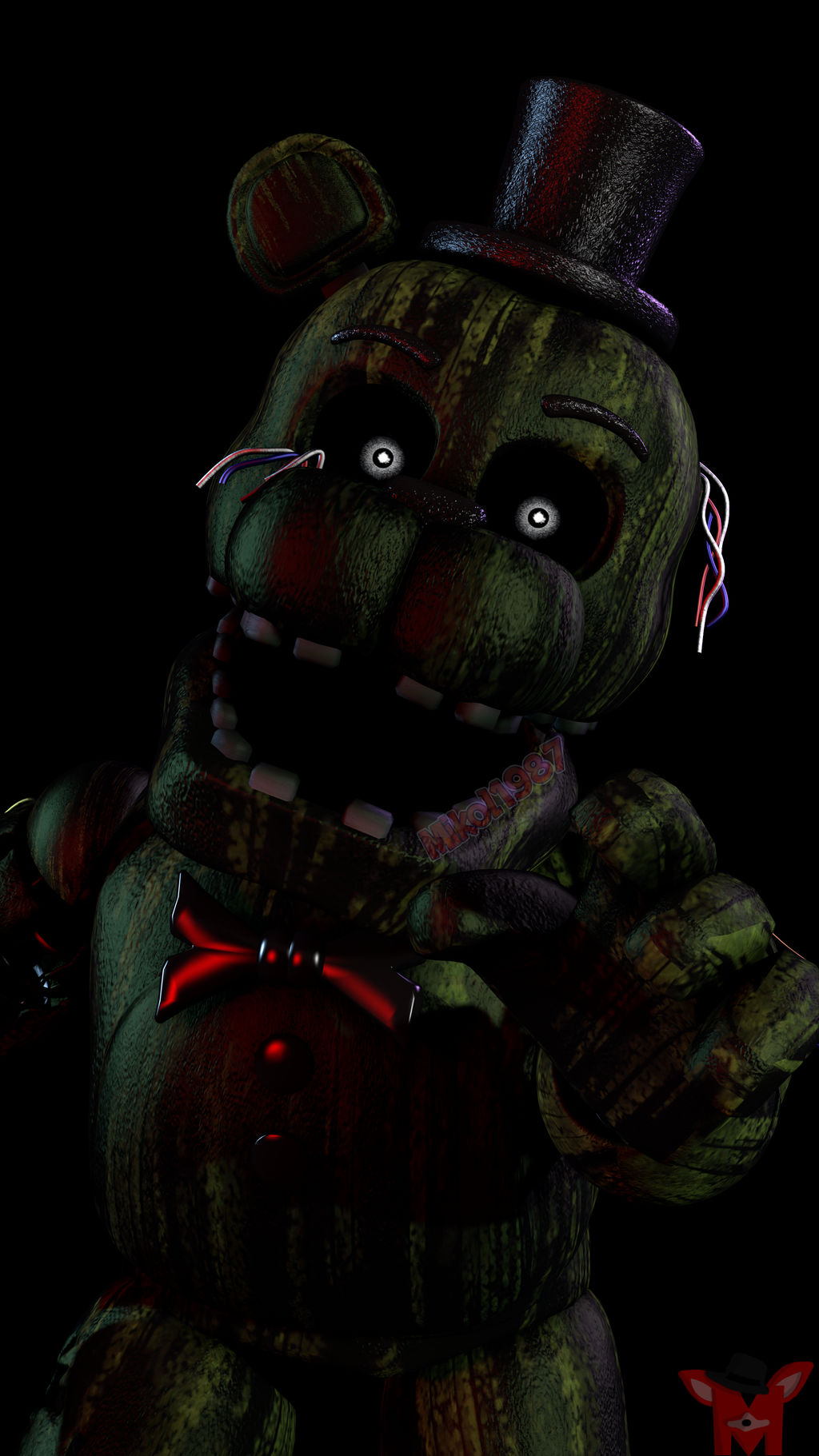
Phantom Freddy is a hallucination that haunts the player starting as early as Night 2, though he becomes significantly more aggressive as the week progresses. Visually, he is a charred, withered version of Freddy Fazbear—specifically using the model of Golden Freddy from the second game—and is notably missing his left leg.
He does not appear on the camera feeds. Instead, his arrival is signaled by his silhouette slowly limping across the large window directly in front of the player’s desk. This movement is slow and rhythmic, designed to draw the player’s eye. If you stare at him for too long, or if you are caught looking at him when he finishes his walk across the window, he will duck down out of sight and then lunges into the office for a jump-scare.
The Trigger for the Jump-scare
The jump-scare is triggered by a "gaze" mechanic. The game checks if the player's reticle (the center of the screen) is focused on Phantom Freddy while he is in the hallway. If he manages to walk from one side of the window to the other while being observed, or if the player is simply looking at the window when he decides to strike, the system registers a failure.
It is important to note that Phantom Freddy’s jump-scare does not end your run. However, it causes a mandatory Ventilation Error. In Five Nights at Freddy's 3, a ventilation error causes the player's vision to fade to black periodically and eventually triggers multiple hallucinations, making it nearly impossible to track Springtrap’s location.
Step-by-Step Guide to Avoiding Phantom Freddy
Avoiding Phantom Freddy requires discipline and a break from the natural instinct to track movement on the screen. Follow these steps to ensure he never enters your office.
1. Monitor the Hallway with Peripheral Vision
While you are managing the cameras or the maintenance panel, you can still see the window. When you see a charred figure limping from right to left, do not close your panels to look at him. Recognize his silhouette through your peripheral vision. If you are already looking at the window when he appears, do not panic.
2. Utilize the Monitor and Maintenance Panel
The most effective way to avoid Phantom Freddy is to stay occupied. If you see him walking in the hallway, immediately pull up your camera monitor (on the right) or your maintenance panel (on the left). While these panels are up, the game considers your "view" of Phantom Freddy to be blocked.
- If using the Camera Monitor: Keep it open and continue tracking Springtrap or playing audio lures. Do not close the monitor until you are reasonably sure Phantom Freddy has finished his walk.
- If using the Maintenance Panel: This is often the safer bet if you also need to reboot systems. Since Phantom Freddy’s jump-scare causes a ventilation error, being already inside the maintenance panel allows you to react faster if you fail the avoidance.
3. The "Ignore" Technique
If you are caught in a situation where you need to look at the office (for example, to check for Phantom Foxy on the left or to see if Springtrap is at the door), simply keep your "eyes" away from the center of the window. Phantom Freddy’s detection box is located in the middle of the glass. By keeping your cursor and focus on the far left or far right of the office, you can often avoid triggering his "ducking" animation.
Comparison of Phantom Animatronic Avoidance Strategies
Phantom Freddy is only one of several hallucinations. To succeed, you must differentiate your response to him versus the other phantoms.
| Animatronic | Location | Trigger | Avoidance Method |
|---|---|---|---|
| Phantom Freddy | Hallway Window | Staring at him while he limps. | Ignore him; look at cameras or panels. |
| Phantom Balloon Boy | Cameras | Seeing him on any camera feed. | Quickly switch cameras or close the monitor. |
| Phantom Mangle | CAM 04 | Seeing it hanging from the ceiling. | Switch cameras immediately. |
| Phantom Puppet | CAM 08 | Seeing it standing in the hallway. | Switch cameras immediately. |
| Phantom Foxy | Office (Left) | Looking to the far left of the office. | Slowly turn left or pull up the monitor. |
| Phantom Chica | CAM 07 | Seeing her face on the arcade machine. | Switch cameras immediately. |
The Synergy Between Phantom Freddy and Springtrap
The danger of Phantom Freddy is not the scare itself, but the tactical advantage it gives to Springtrap. In the 2026 meta of FNaF 3 strategy, players recognize that the game is a resource management puzzle. Your most valuable resource is "Clear Vision."
When Phantom Freddy jump-scares you, the ventilation system fails. Within seconds, the screen will start to pulse with red lights and fade to black. During these blackouts, Springtrap can move multiple rooms at once. If he is already at your window or door, a ventilation error almost guarantees a death, as you will be unable to use the audio lure effectively while the system reboots.
Managing the Ventilation Error
If you do fail to avoid Phantom Freddy, your priority must shift instantly:
- Don't Panic: The jump-scare lasts about two seconds.
- Open Maintenance Panel: Do this immediately after the jump-scare ends.
- Reboot Ventilation: Select "Reboot Ventilation." Do not "Reboot All" unless multiple systems are down, as "Reboot All" takes significantly longer.
- Listen for Audio Cues: While the system reboots, listen for the sound of Springtrap moving in the vents. If you hear a thud, you may need to check the vent cameras and seal a vent immediately after the reboot finishes.
Common Mistakes When Dealing With Phantom Freddy
Even experienced players can fall into traps when the tension rises on Night 5 or the Nightmare Night.
- Panic-Closing the Monitor: Many players see Phantom Freddy and reflexively close their monitor to "deal" with him. This is the opposite of what you should do. Closing the monitor while he is mid-walk is what triggers the jump-scare.
- Staring at the Window: In later nights, Springtrap will often stand directly behind Phantom Freddy in the hallway. This is a "trap" layout. The game wants you to look at Springtrap to track him, which forces you to look at Phantom Freddy. In this scenario, you must use the cameras to track Springtrap and ignore the window entirely.
- Neglecting the Maintenance Panel: If Phantom Freddy is walking, it is an excellent time to proactively reboot any systems that are "flickering" or at risk of failing. Since you have to wait for him to pass anyway, use that time productively behind the safety of the panel.
Advanced Tactics: The "Flick" and "Buffer"
For players aiming for the 4-star completion (beating Nightmare mode with all cheats off), advanced movement is required.
The Buffer: When you see Freddy start his walk, you can "buffer" your actions. Open the camera and keep it open for roughly 3 to 5 seconds. This is the average time it takes for his animation to complete. By timing your camera usage to his walk cycle, you maximize your uptime on Springtrap while remaining invulnerable to Freddy.
The Perspective Trick: Phantom Freddy’s detection is based on the player’s field of view. If you keep the office scrolled all the way to the right (looking at the monitor toggle), Freddy often cannot trigger his jump-scare even if he finishes his walk, because he is technically "off-screen" to the left.
Frequently Asked Questions
Can Phantom Freddy kill you?
No, Phantom Freddy cannot cause a "Game Over." Only Springtrap can kill the player in Five Nights at Freddy's 3. However, Phantom Freddy causes a ventilation failure, which leads to vision blackouts and makes it much easier for Springtrap to reach your office and kill you.
Does Phantom Freddy appear on the cameras?
No, Phantom Freddy does not appear on any of the camera feeds (CAM 01 through CAM 10). He only appears in the window directly in front of the player's desk. If you see an animatronic on the cameras that looks like Freddy, it is likely Phantom Chica (CAM 07) or Phantom Balloon Boy.
How do I know if Phantom Freddy is about to jump-scare me?
If you see Phantom Freddy duck down below the window sill, the jump-scare is inevitable. Once he disappears from the window by crouching, he will wait a split second before popping up from the bottom of the screen. At this point, opening a monitor will not save you.
What night does Phantom Freddy start appearing?
Phantom Freddy can appear as early as Night 2, but his appearance rate is low. His frequency increases significantly on Night 3 and becomes a constant nuisance on Night 4, Night 5, and the Nightmare Night.
Why does he look like Golden Freddy?
Lore-wise, the Phantoms are hallucinations created by the player's mind, influenced by the derelict environment of Fazbear's Fright and the presence of Springtrap. The model used is a burnt, green-tinted version of the "Withered Golden Freddy" model from the second game, likely chosen to represent a decayed, spectral entity.
Final Recommendations for Success
To master the avoidance of Phantom Freddy, you must train yourself to view the office window as a "danger zone" rather than a source of information. Use the cameras for 90% of your information gathering. When you must look at the window, do so quickly and return to your panels. If you see that limping silhouette, treat your camera monitor as a shield—pull it up, keep it up, and wait for the ghost to pass. By remaining calm and focusing on your system reboots, you can render Phantom Freddy a minor distraction rather than a run-ending threat.
Image Gallery