How to Find a Good Free VPN: A Technical Guide for 2026
To find a reliable free VPN, prioritize "freemium" services from reputable cybersecurity firms rather than "100% free" standalone apps. Look for providers that offer a verified no-logs policy, utilize the WireGuard protocol, and are he...
To find a reliable free VPN, prioritize "freemium" services from reputable cybersecurity firms rather than "100% free" standalone apps. Look for providers that offer a verified no-logs policy, utilize the WireGuard protocol, and are headquartered in privacy-friendly jurisdictions. Avoid any service that lacks a clear revenue model or independent security audits.
Contents
Finding a high-quality Virtual Private Network (VPN) that costs nothing is a significant challenge in 2026. As online tracking becomes more sophisticated and AI-driven data harvesting expands, the infrastructure required to maintain a secure server network has become increasingly expensive. Consequently, the adage "if you aren't paying for the product, you are the product" applies heavily to the VPN industry. However, by understanding the business models of legitimate providers and the technical requirements of modern encryption, you can find a free service that protects your privacy without compromising your security.
The Business Models of Free VPNs
To identify a "good" free VPN, you must first understand how the provider sustains its operations. Servers, bandwidth, and security researchers require capital. There are generally three categories of free VPN services:
The Freemium Model
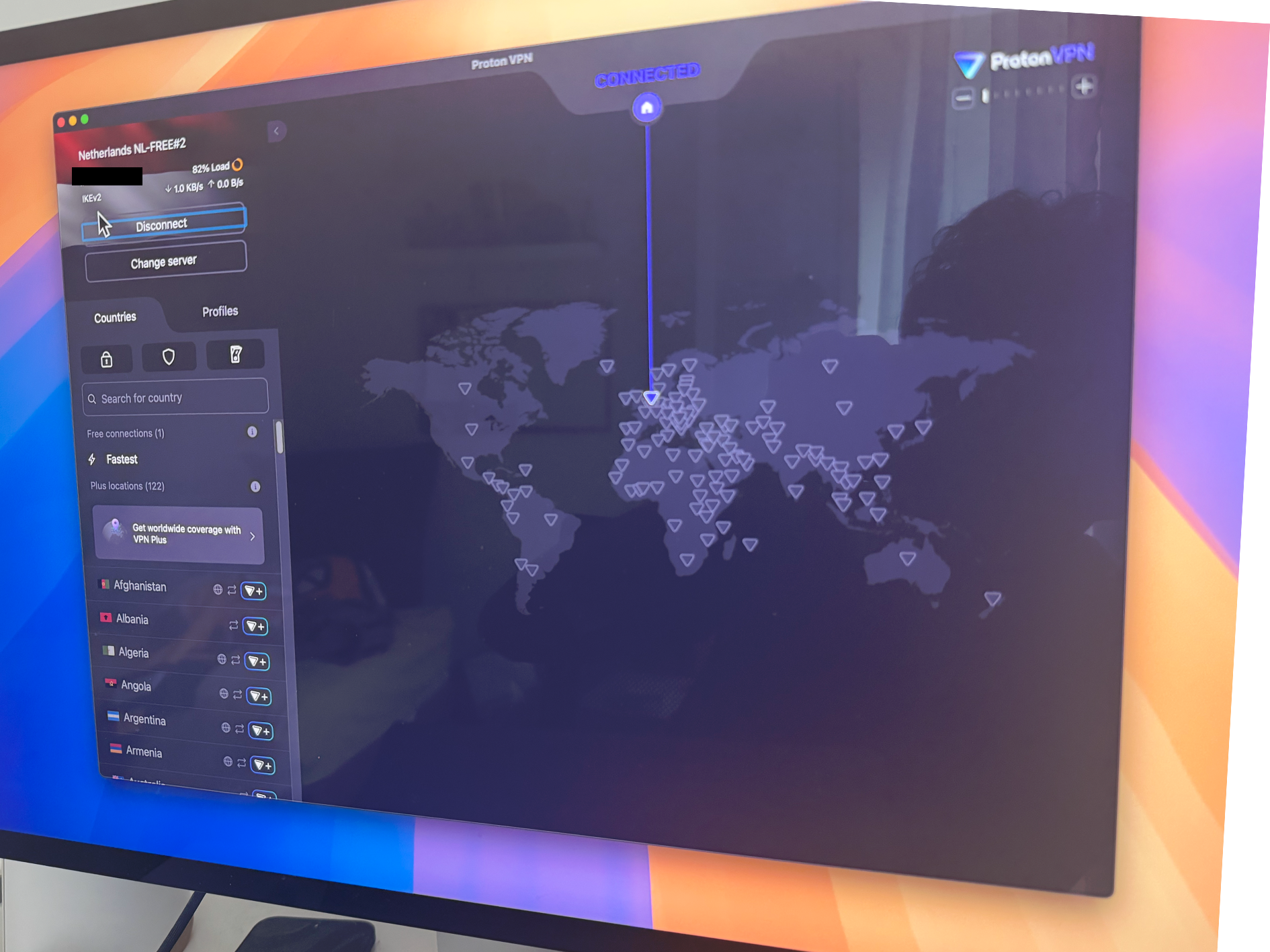
This is the gold standard for free VPNs. Established companies like Proton VPN or Windscribe offer a limited free version of their premium service. They use the free tier as a marketing tool to entice users to upgrade. The security infrastructure is identical to the paid version, but the provider imposes restrictions on data usage, server locations, or connection speeds. This model is trustworthy because the revenue from paying customers subsidizes the free users.
The Ad-Supported Model
Many mobile VPN apps fall into this category. While they provide encryption, they often inject advertisements into your browsing experience or track your metadata to sell to advertisers. While not always "malicious," these services compromise the primary reason for using a VPN: privacy.
The Data-Harvesting Model (Dangerous)
These are often "100% free" services with no paid tier and no clear source of income. These services frequently log your IP address, browsing history, and personal information, selling it to third-party data brokers. In extreme cases, they may even act as a botnet, utilizing your device’s idle bandwidth for other users. Avoid these at all costs.
Technical Indicators of a Quality VPN
When vetting a potential service, do not rely on marketing claims. Instead, look for specific technical specifications and certifications that prove the service is functional and secure.
1. Robust Encryption Protocols
As of 2026, a good VPN must support WireGuard. It is the industry standard for speed and security, featuring a leaner code base that is easier to audit than older protocols. While OpenVPN remains a reliable backup for high-security needs or obfuscation, any free VPN only offering outdated protocols like PPTP or L2TP/IPSec should be discarded immediately as they are fundamentally insecure.
2. Verified No-Logs Policy
A "No-Logs" policy is a claim that the provider does not store data about your browsing habits. However, a claim is not proof. A reputable VPN will have undergone an independent security audit by firms such as Deloitte, PwC, or Cure53. These audits verify that the provider’s server configuration matches their privacy claims.
3. Jurisdiction and Legal Framework
The physical location of the VPN's headquarters matters. Countries within the 5/9/14 Eyes Alliances (such as the US, UK, and Australia) have domestic laws that could compel a VPN provider to hand over data or secretly install "backdoors." Look for providers based in privacy-friendly regions like Switzerland, Panama, or the British Virgin Islands.
4. Advanced Security Features
Even a free version should include these three essential features:
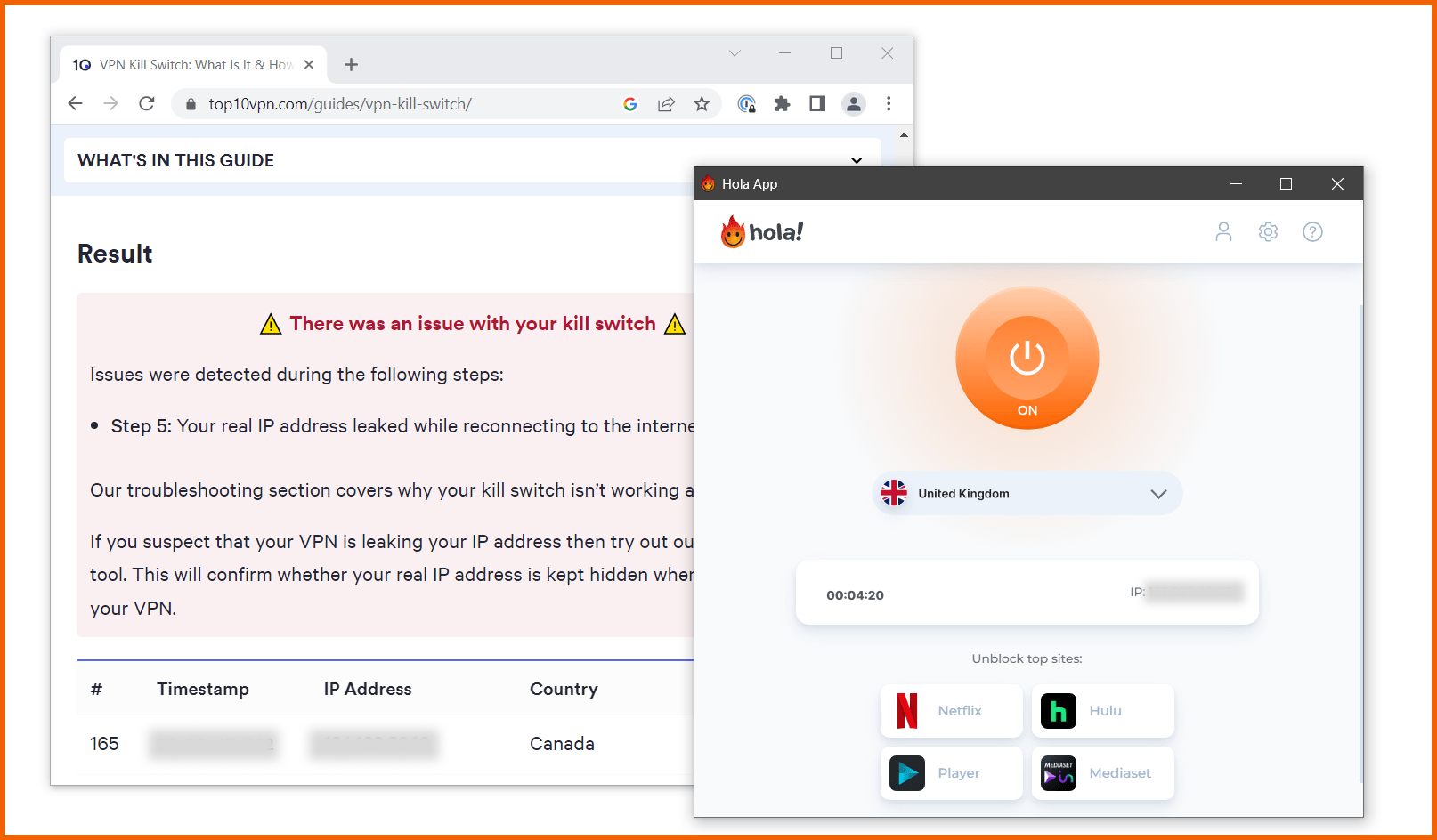
- Kill Switch: This automatically disconnects your device from the internet if the VPN connection drops, preventing your real IP address from leaking.
- DNS Leak Protection: This ensures that your DNS queries (the websites you visit) are routed through the VPN tunnel rather than your ISP's servers.
- AES-256 or ChaCha20 Encryption: These are the industry-standard ciphers for encrypting the actual data packets.
Comparing Top Free VPN Providers in 2026
The following table compares the most reputable freemium providers currently available. These services are verified to use the same security standards for their free tiers as they do for their paid tiers.
| Provider | Monthly Data Limit | Server Locations | Independent Audit? | Key Strength |
|---|---|---|---|---|
| Proton VPN | Unlimited | 5 Countries | Yes (SEC Consult) | Best for privacy; no data caps. |
| PrivadoVPN | 10GB (Full Speed) | 10+ Countries | Yes | Good for occasional streaming. |
| Windscribe | 10GB (with email) | 11 Countries | Yes | Advanced customization & ad-blocking. |
| TunnelBear | 2GB | 40+ Countries | Yes | Extremely user-friendly interface. |
| Hide.me | Unlimited (Reduced speed after 10GB) | 8 Locations | Yes | High degree of technical configurability. |
Step-by-Step: How to Vet a Free VPN Service
If you encounter a new VPN service not listed above, follow these steps to verify its safety before installation.
Step 1: Research the Parent Company
Search for the company name on platforms like OpenCorporates. Many "free" VPNs are owned by companies with a history of data mining or are subsidiaries of firms based in jurisdictions with heavy surveillance. For example, several popular free VPNs have been traced back to parent companies in mainland China, where data privacy laws are non-existent for the end-user.
Step 2: Read the Privacy Policy (The "Search" Method)
You do not need to read every word. Open the policy and use "Ctrl+F" to search for key terms: "Log," "IP Address," "Third Party," and "Sell." A good policy will explicitly state that they do not log your source IP or the destination of your traffic. If the policy uses vague language like "we may share anonymized data with partners for marketing purposes," avoid it.
Step 3: Check for Leaks Post-Installation
Once installed, use a tool like DNSLeakTest.com or IPLeak.net. With the VPN active, the site should show a different IP address and DNS server location than your actual physical location. If your ISP’s name appears anywhere in the results, the VPN is leaking and is not providing protection.
Step 4: Verify the Kill Switch
A simple way to test a kill switch is to connect to the VPN and then manually disable your Wi-Fi or unplug your ethernet. Attempt to load a page immediately after. If the page loads (using a secondary connection) or if your system doesn't block traffic while the VPN is "reconnecting," the kill switch is ineffective.
Common Red Flags to Avoid
When searching for a free VPN, stay alert for these "danger signs" that often indicate a malicious or low-quality service:
- Requesting Excessive Permissions: If a mobile VPN app asks for access to your contacts, photos, or microphone, it is likely a data-harvesting tool. A VPN only needs network access permissions.
- Generic Branding: Be wary of apps with names like "Free Secure Turbo VPN 2026." These are often template-based apps designed to generate ad revenue without providing real security.
- Poor Website Transparency: If a provider does not list a physical address, a management team, or a clear "About Us" page, they are likely trying to avoid accountability.
- "Life-time" Free Premium: Any service claiming to give you "Premium for Free Forever" is almost certainly a scam or a cracked version of an app that contains malware.
Use Cases: What Can You Actually Do with a Free VPN?
It is important to manage expectations. While a good free VPN provides security, it has functional limitations compared to paid services.
- Privacy and Security: High. A freemium VPN like Proton or Windscribe provides the same level of encryption as a paid one. This is perfect for browsing on public Wi-Fi at cafes or airports.
- Streaming (Netflix/Hulu): Low to Moderate. Most free VPNs are actively blocked by streaming services. If they aren't blocked, the data caps will usually run out after a single movie in HD.
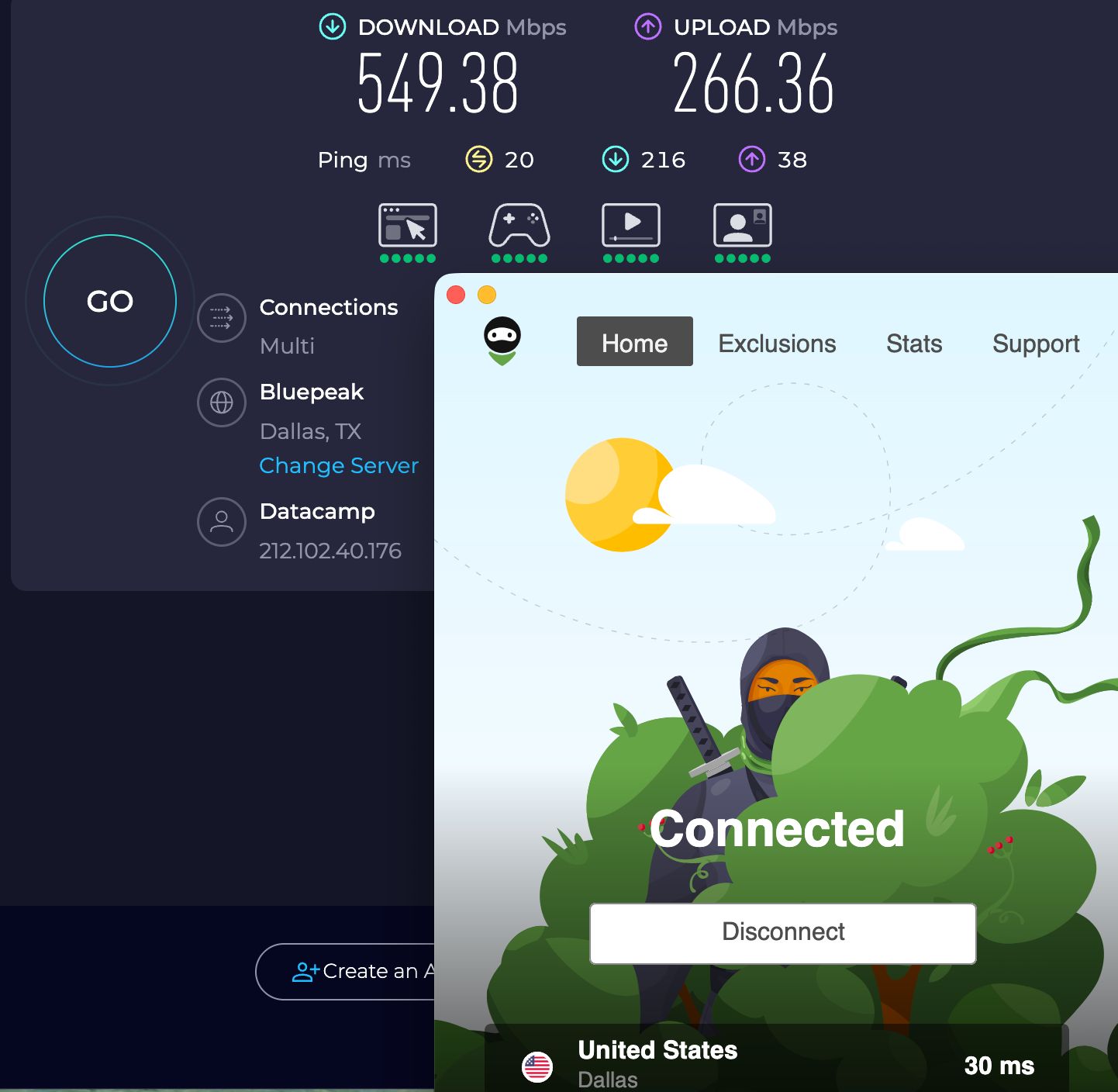
- Gaming: Low. Free tiers often have more congested servers, leading to higher latency (ping), which is detrimental to competitive gaming.
- Torrenting (P2P): Restricted. Many free VPNs block P2P traffic entirely on their free servers to save bandwidth for general browsing.
Frequently Asked Questions
Can a free VPN be as safe as a paid one?
Technically, yes. If the free VPN is a "freemium" version of a reputable paid service, it uses the same encryption protocols and no-logs infrastructure. However, you will be restricted in terms of speed, data, and server choices. The safety lies in the company's reputation, not the price tag.
Why do some free VPNs require a credit card?
If a "free" VPN requires a credit card up front, it is usually a "Free Trial" rather than a "Free Tier." They intend to charge you automatically once the trial period ends. Genuine free tiers from companies like Proton or TunnelBear only require an email address.
Are browser-based "free VPNs" actually VPNs?
Most browser-based free services (like the one built into Opera) are actually HTTPS Proxies, not true VPNs. They only encrypt the traffic within the browser itself. Any other application on your computer (like Spotify, Zoom, or your email client) will still use your regular, unencrypted connection.
Is it legal to use a free VPN in 2026?
In most democratic countries, using a VPN is perfectly legal. However, some nations like China, Russia, Iran, and North Korea have strict regulations or outright bans on unapproved VPN services. Always check the local laws of your current location before connecting.
Why is my internet slower when using a free VPN?
VPNs add an extra layer of encryption and route your data through a distant server, which naturally adds some overhead. Free VPNs often have more users per server than paid versions, leading to congestion and slower speeds during peak hours.
Strategic Recommendation
If you need a VPN for consistent, daily use, a free service is rarely a permanent solution due to data caps and speed throttling. However, for occasional security on public networks, Proton VPN remains the strongest recommendation in 2026 because it offers unlimited data on its free tier. For users who need access to specific regions for light browsing, Windscribe is the better choice due to its wider array of free server locations. Always ensure your software is updated to the latest version to protect against newly discovered vulnerabilities.
Image Gallery