Optimizing Operations with an Integrated Sales and Inventory System
A sales and inventory system is an integrated software platform that records transaction data at the point of sale, updates inventory balances in real time, and automates reordering workflows. By synchronizing revenue processing with s...
A sales and inventory system is an integrated software platform that records transaction data at the point of sale, updates inventory balances in real time, and automates reordering workflows. By synchronizing revenue processing with stock management, businesses eliminate manual inventory tracking, prevent stockouts, reduce carrying costs, and gain operational visibility across physical storefronts and digital commerce channels.
Contents
Core Components of a Sales and Inventory System
Modern commercial enterprises rely on unified digital architectures to bridge the gap between sales generation and stock control. Rather than maintaining disparate spreadsheet ledgers and standalone payment registers, an integrated sales and inventory system links revenue collection directly to database-level inventory balances.
Understanding how these sub-systems interact allows organizations to streamline order fulfillment, reduce human error, and establish consistent financial reporting.
- Sales & Inventory Platform
- Point-of-Sale Engine (POS)
- Sales Orders
- Multi-Channel Data
- Payment Processing
- Stock Control & Warehouse Ledger
- SKU Tracking
- Reorder Points (ROP)
- Cycle Counting
- Procurement & Vendor Management
- Automated Purchase Orders
- Receiving Dock Reconciliation
- Vendor Lead-Time Tracking
- Point-of-Sale Engine (POS)
Point-of-Sale (POS) Engine
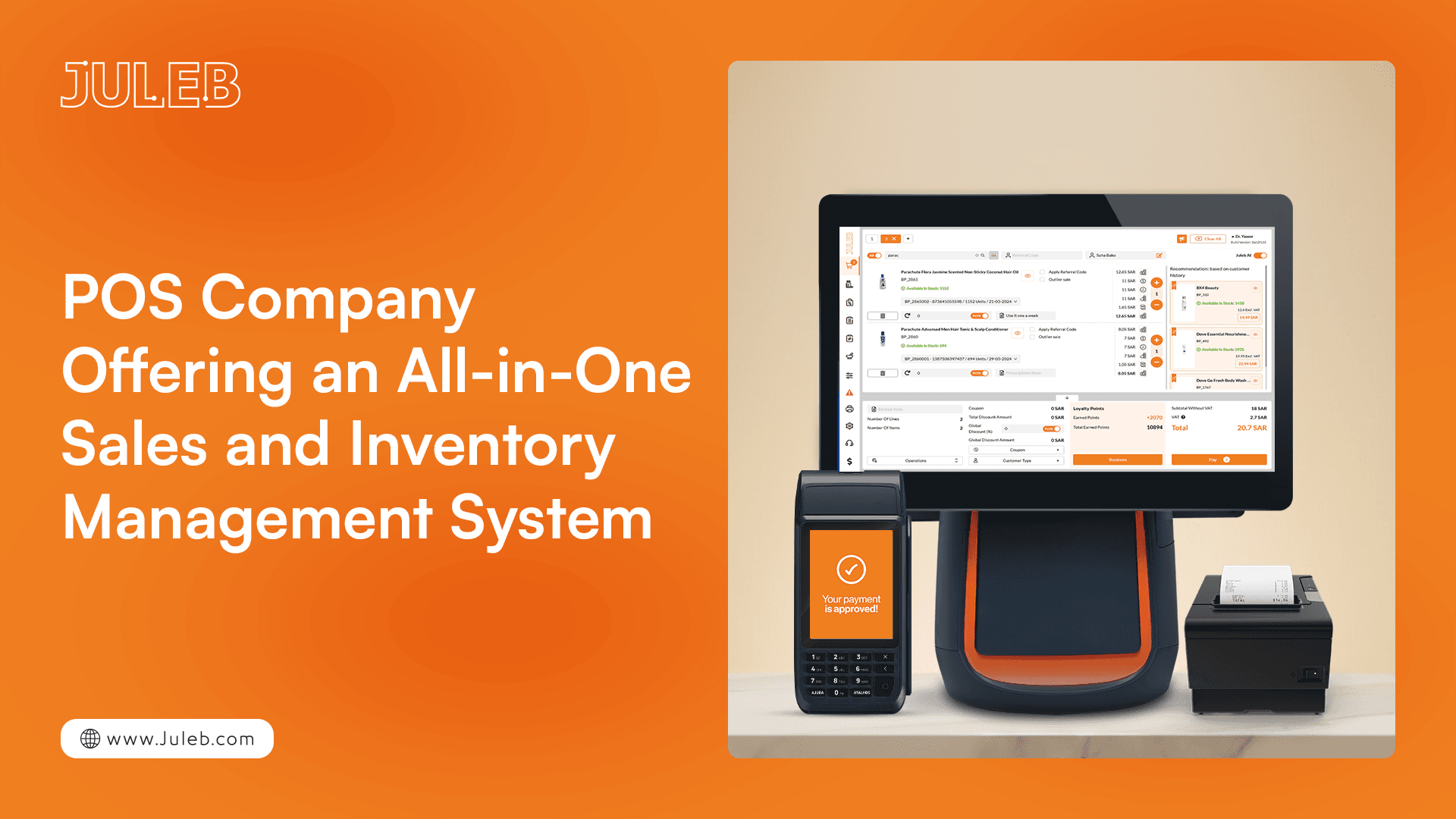
The Point-of-Sale (POS) interface acts as the customer-facing frontend of the system. It processes retail, wholesale, or e-commerce transactions, calculates tax rates, applies promotional discounts, and issues customer receipts. Every time a barcode is scanned or a digital shopping cart is checked out, the POS engine captures item details, quantity, pricing tier, and salesperson metadata. Beyond basic register functions, modern POS modules handle split payments, gift card redemptions, store credit, and omnichannel transactions such as Buy Online, Pick Up In Store (BOPIS).
Stock Control and Warehouse Ledger
The inventory ledger acts as the central database tracking every Stock Keeping Unit (SKU) across warehouses, backrooms, and store shelves. It logs baseline metrics including:
- Stock on Hand (SOH): The actual physical units currently present in the facility.
- Committed Stock: Units allocated to open sales orders or pending online fulfillments that are not yet shipped.
- Available Stock: The unreserved balance (Stock on Hand minus Committed Stock) eligible for immediate sale.
- On-Order Stock: Units expected from vendors via open purchase orders.
When transactions clear the POS engine, the inventory module instantly deducts sold units from Available Stock. This real-time perpetual inventory method replaces periodic physical counting as the primary tool for day-to-day operational decisions.
Automated Procurement and Vendor Management
To maintain stock continuity, systems use rule-based procurement workflows. Managers set dynamic parameters, such as Minimum Reorder Points (ROP) and Safety Stock thresholds, tailored to historical demand patterns and supplier lead times.
When available inventory drops below the designated reorder point, the system generates a draft Purchase Order (PO) containing pre-configured vendor pricing, master item codes, and target delivery dates. Once approved, the PO transmits directly to vendors via Electronic Data Interchange (EDI), email, or supplier APIs.
Analytics, Valuation, and Reporting Modules
Combining sales speed with inventory holding costs allows platforms to evaluate product margins accurately. Standard valuation models include:
- First-In, First-Out (FIFO): Assumes the oldest stock units are sold first, reflecting standard perishables management and rising price environments.
- Weighted Average Cost (AVCO): Calculates a moving average unit price across all acquired stock, smoothing cost fluctuations.
- Last-In, First-Out (LIFO): Allocates recent acquisition costs to current sales, used primarily in specialized tax and accounting frameworks.
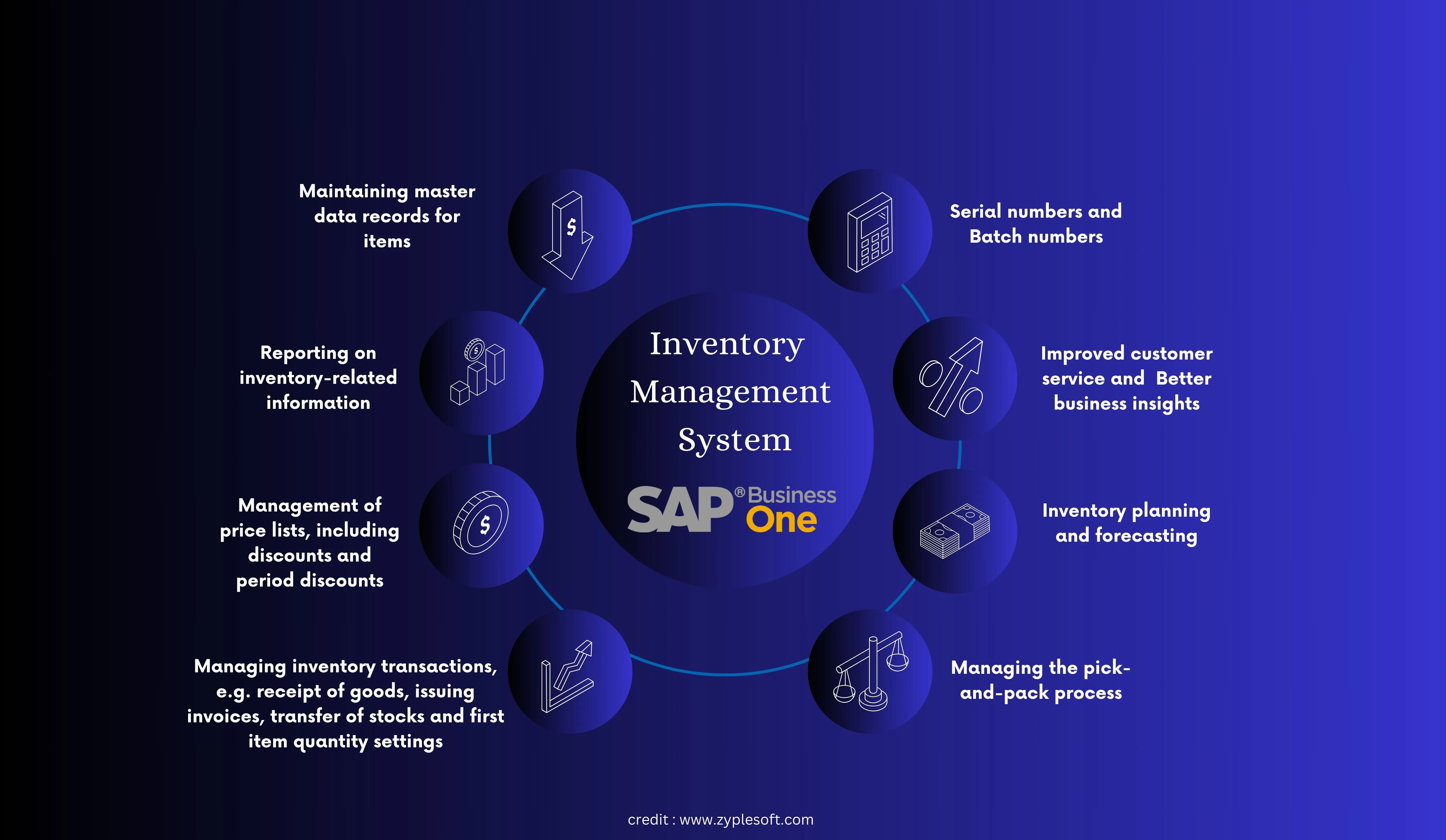
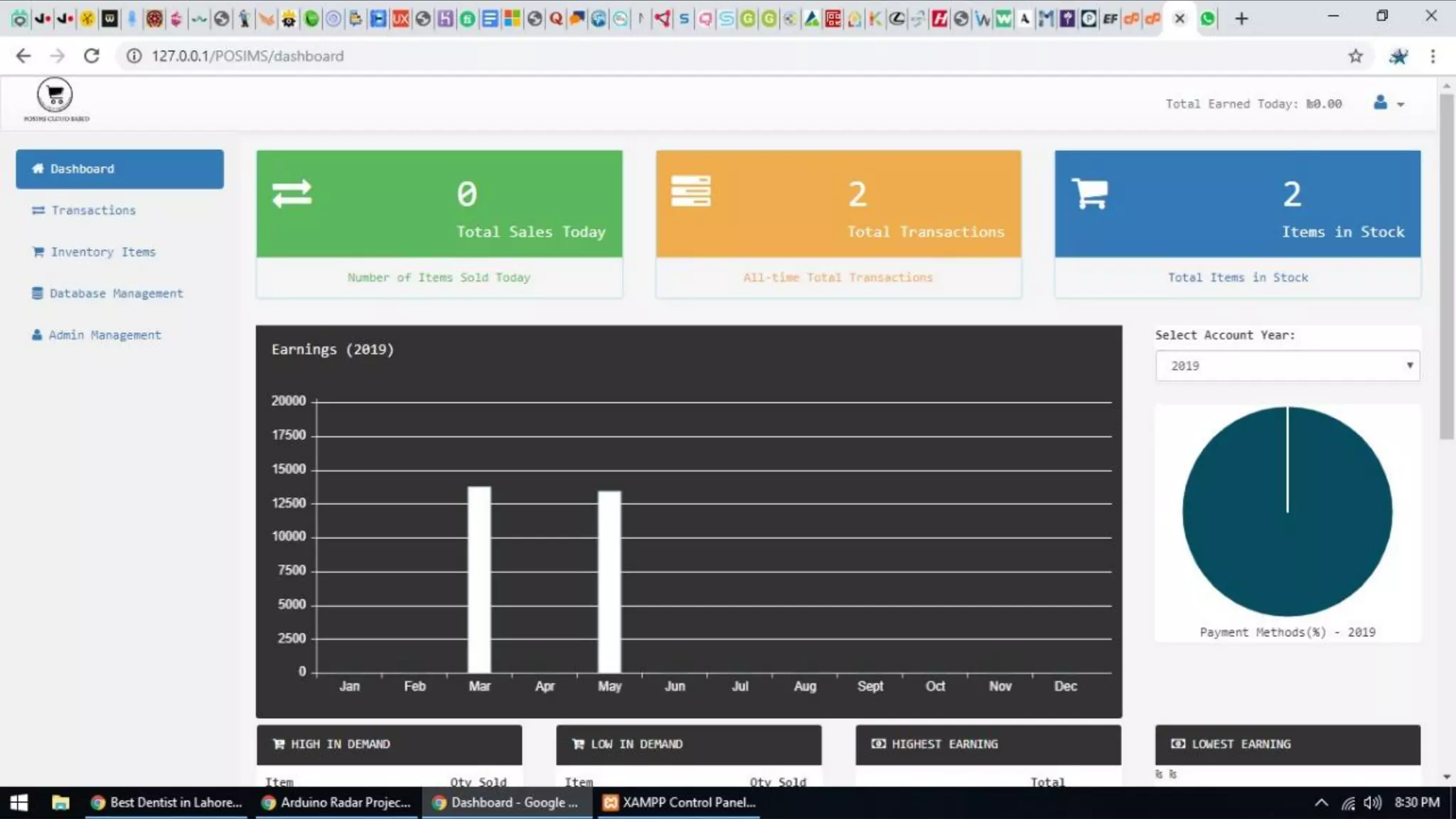
Built-in business intelligence tools monitor metrics like Gross Margin Return on Investment (GMROI), inventory turnover rates, velocity categorization (ABC analysis), and sell-through rates to help merchandising teams refine buying strategies.
Deployment Architectures: Cloud vs. On-Premises
Choosing an architecture depends on multi-location requirements, available IT management resources, budget structures, and network stability.
| Feature / Metric | Cloud-Based SaaS Architecture | On-Premises Server Architecture |
|---|---|---|
| Primary Deployment Model | Hosted on remote cloud infrastructure; accessed via web browser or app | Self-hosted on local hardware servers located within the physical facility |
| Capital Expenditure (CapEx) | Low initial costs; subscription-based operating expense (OpEx) model | High upfront cost for server hardware, perpetual licenses, and infrastructure |
| Multi-Location Syncing | Real-time native synchronization across global stores and warehouse nodes | Requires complex VPN networks, database replication scripts, or localized databases |
| System Maintenance & Updates | Automated vendor-managed updates, security patches, and database backups | Internal IT staff handles updates, security hardening, network hardware, and backups |
| Offline Functionality | Relies on local browser caching; syncs queued transactions when connection resumes | Native local network performance unaffected by internet service provider outages |
| API & System Integration | Webhooks and RESTful APIs allow rapid integration with e-commerce and ERPs | Requires custom database connectors, legacy middleware, or specialized development |
Key Technical Features and Integration Capabilities
Selecting enterprise sales and inventory software requires evaluating core functions to ensure the technology scales alongside business growth.
Dynamic Barcoding and Hardware Support
Software must interface directly with physical hardware peripherals via USB, Bluetooth, or wireless local networks. Key integrations include:
- Barcode Scanners: Support for 1D (UPC, EAN-13) and 2D (QR, Data Matrix) barcodes to speed up checkout and inventory counts.
- Label and Thermal Printers: Direct printing of barcode shelf tags, serial labels, and receipts.
- Scale Systems: Integration with certified commercial scales for weight-based pricing in grocery or raw material environments.
- Mobile Mobile Handheld Terminals (MHT): Ruggedized Android or iOS devices running dedicated warehouse management apps for stock picking, receiving, and cycle counting.
Serial Number, Batch, and Expiration Date Tracking
For businesses operating in regulated sectors—such as pharmaceuticals, consumer electronics, or food distribution—simple SKU-level tracking is insufficient. Advanced systems log unique serial numbers, lot codes, and expiration dates.
This traceability allows precise stock rotation (First-Expired, First-Out or FEFO), simplifies manufacturer warranty claims, and allows targeted recalls down to specific customer sales transactions without pulling unaffected product lots.
Enterprise API Architecture and ERP Ecosystems
A sales and inventory system cannot operate as an isolated data island. Modern systems use RESTful APIs or GraphQL endpoints to pass transactional, financial, and logistics data across the enterprise software stack.
Sales & Inventory Central Engine
- Central ERP System / Ledger (General Ledger Sync)
- E-Commerce Portal (Online Store)
- 3PL & Fulfillment Freight Networks
Accounting Platforms: Daily posting of cost of goods sold (COGS), accounts payable, cash sales, and credit card receivables directly to systems like QuickBooks, Xero, or NetSuite.
E-Commerce Connectors: Synchronizing stock levels between central fulfillment warehouses and storefronts like Shopify, WooCommerce, or Amazon to prevent overselling.
Third-Party Logistics (3PL): Transmitting pick, pack, and ship instructions to external fulfillment provider warehouses via automated JSON payload exchanges.
Step-by-Step Implementation Framework
Deploying a sales and inventory system requires a structured implementation plan to ensure business continuity and preserve data integrity during the migration.
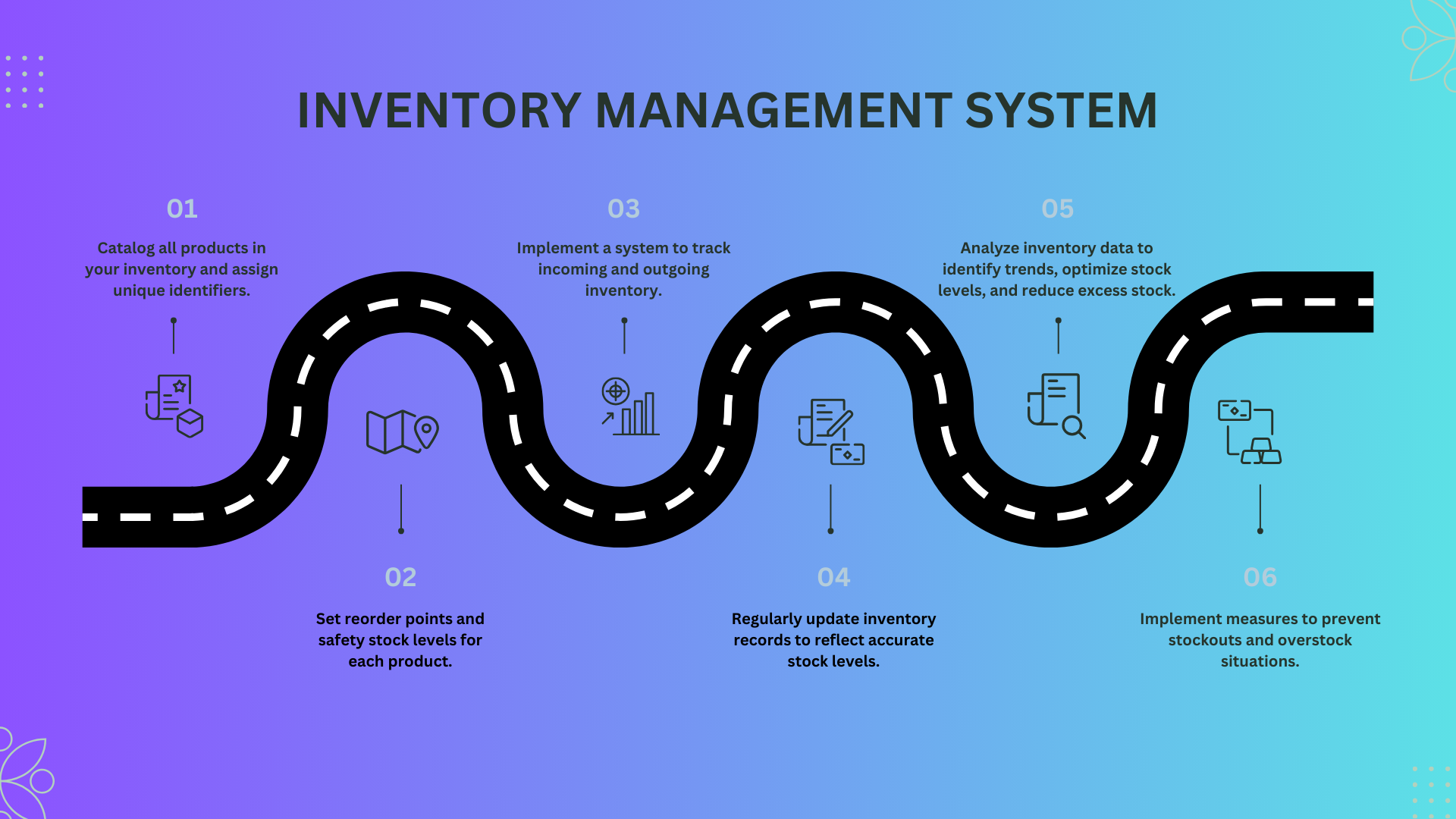
- Phase 1: Operational Audit
- Phase 2: Data Sanitation & Taxonomy
- Phase 3: Hardware & API Integration
- Phase 4: User Acceptance & Parallel Runs
- Phase 5: Final Migration & Go-Live
Step 1: Conduct an Operational Audit and Map Workflows
Before selecting or configuring software, analyze your operational workflows. Trace how inventory enters the warehouse, how purchase orders are authorized, how damaged goods are written off, and how sales channels fulfill orders. Document every step to ensure your software choice accommodates your business logic rather than forcing inefficient manual workarounds.
Step 2: Cleanse and Standardize Master Data
Legacy databases often suffer from duplicate listings, inconsistent naming conventions, missing cost figures, and invalid barcode mapping. Before importing data into the new platform:
- Standardize item description formats (e.g., Brand - Category - Model - Color - Size).
- Assign standardized UPC/EAN barcodes or generate unique internal SKU numbers.
- Audit vendor catalog numbers, unit of measure (UOM) conversions (such as individual units vs. master cases), and historical cost bases.
Step 3: Configure Hardware and Integrate Systems
Install and test edge hardware, including checkout terminals, barcode scanners, network receipt printers, and warehouse mobile terminals. Establish API credentials, map custom data fields between software modules, and verify sandbox test transactions to ensure sales entries generate accurate journal postings and inventory deductions.
Step 4: Run Parallel Tests and Train Employees
Train employees using real-world scenarios tailored to their roles: cashier sales processing, return processing, receiving dock check-ins, and manual stock adjustments. Conduct parallel test runs where physical store locations run legacy processes alongside the new system for a defined test period. Compare database outputs daily to spot sync errors or operational bottlenecks before launch.
Step 5: Perform the Final Stock Cutover and Go-Live
Schedule the final system migration during off-peak hours or inventory shutdown windows:
- Freeze all purchasing, receiving, and order fulfillment actions.
- Conduct a complete, verifiable physical count of all inventory items.
- Import the audited opening balance counts and unit costs into the live database.
- Update local hardware terminals to the production environment.
- Unfreeze operational channels, resume transaction processing, and monitor immediate live data entries.
Overcoming Common Operational Challenges
Discrepancies Between Digital Records and Physical Stock
Even automated sales and inventory systems can develop discrepancies over time due to shoplifting, supplier short-shipments, unrecorded damage, or improper cashier scanning.
Resolution Strategy: Shift away from annual storewide inventory shutdowns in favor of perpetual cycle counting. Divide store products into velocity categories using an ABC classification model:
- Category A (High Value / High Velocity): Counted weekly or bi-weekly. Represents ~20% of items accounting for ~80% of revenue.
- Category B (Moderate Velocity): Counted monthly or quarterly.
- Category C (Low Velocity / Slow-Moving): Counted semi-annually or annually.
Small, frequent cycle counts isolate shrinkage causes early without interrupting operations.
Staff Resistance and Adoption Gaps
Frontline personnel may bypass newly established barcode procedures or create custom workarounds if software interfaces feel slow or confusing.
Resolution Strategy: Simplify POS screens by restricting advanced features to authorized managers. Provide hands-on training with clear, step-by-step documentation for high-frequency actions like processing returns, modifying line item quantities, or searching for unbarcoded items. Monitor audit logs regularly to identify staff members who may need follow-up training.
Frequently Asked Questions
What is the main difference between a standalone POS system and an integrated sales and inventory system?
A standalone POS system acts primarily as a digital cash register that processes payments and logs transaction totals. An integrated sales and inventory system links every payment directly to a unified inventory database. It updates available inventory balances in real time, automates vendor reorders, tracks product margin performance, and manages fulfillment across multiple sales channels from a single platform.
How does a sales and inventory system calculate reorder points?
Systems calculate the Minimum Reorder Point (ROP) by assessing daily usage rates and supplier lead times:
$$\text{Reorder Point} = (\text{Average Daily Sales Quantity} \times \text{Supplier Lead Time in Days}) + \text{Safety Stock}$$
When available inventory drops to or below this calculated number, the system automatically alerts purchasing managers or issues a purchase order to the designated supplier.
Can a sales and inventory system operate offline during network outages?
Many modern cloud-based solutions feature an offline mode using local browser storage or native app memory. The software processes sales, prints paper receipts, and queues transactional data locally while the connection is lost. Once network connectivity is restored, the system automatically uploads queued offline transactions to the cloud database to update master inventory balances.
What is perpetual inventory control, and how does it differ from periodic control?
Perpetual inventory control tracks inventory balances continuously, updating stock levels instantly whenever items are bought, returned, received, or moved. Periodic inventory control relies on manual end-of-period counts to calculate Cost of Goods Sold (COGS) and remaining inventory balances. Perpetual systems offer real-time operational visibility, while periodic systems leave businesses blind to stock levels between counts.
Which accounting method should a business use for inventory valuation?
The choice depends on industry regulations, tax requirements, and inventory characteristics. Perishable goods, fashion items, and products with short shelf lives typically use FIFO (First-In, First-Out) to match true inventory flows. Businesses with homogeneous products, like raw materials or bulk commodities, often use Weighted Average Cost (AVCO) to balance price fluctuations. Consult a qualified certified public accountant (CPA) to choose the best valuation model for your regional tax regulations.
Strategic Implementation Checklist
To upgrade or deploy a sales and inventory system efficiently, follow this strategic checklist:
- Define Requirements: Document the specific hardware, location count, daily transaction volume, and omnichannel integrations your enterprise requires.
- Audit Data Integrity: Audit legacy master files, scrub invalid SKU descriptions, and verify supplier catalogs before system configuration.
- Choose the Right Architecture: Evaluate cloud SaaS platforms against on-premises options based on IT support resources, network reliability, and growth projections.
- Prioritize User Training: Set up a dedicated sandbox environment to train cashiers and warehouse teams on routine tasks before going live.
- Implement Perpetual Cycle Counting: Establish structured cycle counts to maintain match rates between physical warehouse shelves and real-time software ledgers.
Image Gallery