Best Free Point of Sale (POS) Software for Small Businesses in 2026
Free point of sale (POS) software allows businesses to process transactions, manage inventory, and track sales without paying a monthly subscription fee. These systems typically generate revenue through integrated payment processing fe...
Free point of sale (POS) software allows businesses to process transactions, manage inventory, and track sales without paying a monthly subscription fee. These systems typically generate revenue through integrated payment processing fees, making them ideal for startups, small retailers, and boutique service providers looking to minimize fixed overhead costs.
Contents
Understanding the True Cost of "Free" POS Systems
In the landscape of 2026, the term "free" in the POS industry almost exclusively refers to the absence of a recurring monthly SaaS (Software as a Service) fee. However, operating a business requires more than just software. To make an informed decision, business owners must distinguish between software costs, hardware investments, and transaction-based expenses.
Most reputable free POS providers utilize a payment processing model. Instead of charging $50 to $100 per month, the provider takes a small percentage of every credit or debit card transaction (e.g., 2.6% + $0.10). For a low-volume business, this is significantly more cost-effective than a fixed subscription. For a high-volume enterprise, however, these percentages can eventually exceed the cost of a paid software tier with lower processing rates.
Furthermore, hardware remains a capital expenditure. While some companies offer a free mobile card reader upon signup, professional-grade setups—including tablets, cash drawers, thermal receipt printers, and barcode scanners—require an upfront investment. Many modern free POS systems are cloud-based and compatible with consumer-grade hardware like iPads or Android tablets, which helps reduce the initial barrier to entry.
Top Free Point of Sale Software Solutions for 2026
Choosing the right platform depends heavily on your industry niche, whether it be retail, food and beverage, or professional services. The following providers have maintained their position as leaders in the free software space by offering robust features without the "paywall" fatigue common in enterprise software.
Square: The Most Versatile All-Rounder
Square remains the dominant force in the free POS market. Its primary appeal lies in its "Free" plan, which includes comprehensive tools for both brick-and-mortar and e-commerce operations. Square does not charge a monthly fee for its standard POS, and it provides a free online store that syncs directly with physical inventory.
- Best For: General retail, quick-service cafes, and mobile vendors.
- Key Features: Automated inventory alerts, basic employee management, and a robust app marketplace.
- The Catch: Users are locked into Square’s internal payment processing. You cannot use a third-party processor to find lower rates while using the free software.
Loyverse: Ideal for Multi-Store Management
Loyverse (short for Loyalty Universe) is a standout because it offers features that most competitors reserve for "Pro" tiers. It is one of the few platforms that allows for multi-store management and advanced inventory tracking on a completely free plan.
- Best For: Small restaurants and retail chains with multiple locations.
- Key Features: Built-in loyalty programs, kitchen display system (KDS) integration, and offline sales capabilities.
- The Catch: While the core POS is free, specialized add-ons like advanced employee management or professional integrations require a monthly subscription.
Helcim: Best for High-Volume Transparency
Helcim takes a different approach to "free." There is no monthly fee, but they specialize in interchange-plus pricing. This is often significantly cheaper for businesses than the flat-rate pricing offered by companies like Square, as it passes the actual cost of the transaction from the credit card networks directly to the merchant with a small, transparent markup.
- Best For: Established businesses with higher transaction volumes who want to save on processing.
- Key Features: Robust B2B tools, automated volume discounts, and excellent customer service.
- The Catch: Helcim requires an application process and may not be as "plug-and-play" as mobile-first competitors.
Toast (Starter Kit): The Powerhouse for Restaurants
For the food and beverage sector, Toast offers a "Starter Kit" designed for small cafes and food trucks. While Toast is primarily an enterprise-grade system, this specific tier allows new entrepreneurs to access professional kitchen workflows without the standard monthly software fees.
- Best For: Small restaurants, bakeries, and pop-up eateries.
- Key Features: Tableside ordering, menu management, and specialized restaurant reporting.
- The Catch: Similar to Square, you must use Toast’s proprietary payment processing and hardware.
Comparison of Leading Free POS Providers
| Provider | Best Use Case | Monthly Fee | Payment Processing Rate (Standard) | Offline Mode |
|---|---|---|---|---|
| Square | General Retail / Mobile | $0 | 2.6% + 10¢ (In-person) | Yes (Limited) |
| Loyverse | Multi-location / Cafe | $0 | Choice of Integrated Partners | Yes |
| Helcim | High Volume Retail | $0 | Interchange + ~0.30% + 8¢ | No |
| Toast | Small Restaurants | $0 | Variable / Fixed Tiers | Yes |
| Zettle | Occasional / Mobile | $0 | 2.29% + 9¢ | No |
Key Features to Evaluate Before Implementation
When selecting a free POS, it is easy to get distracted by the price tag. However, the software must meet the operational demands of your specific business. Deep-dive into the following categories before committing your data to a platform:
1. Inventory Management Depth
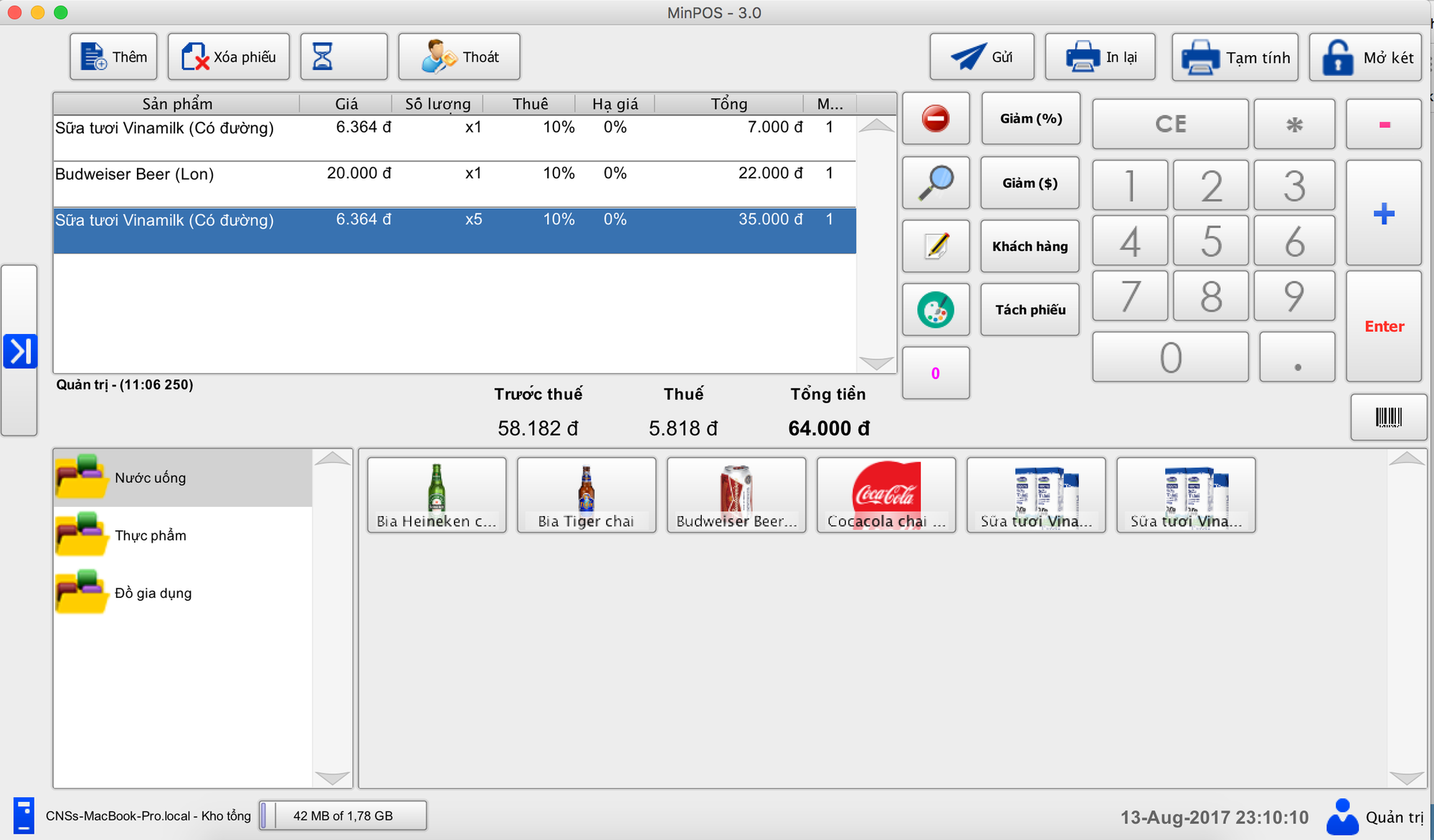
Basic inventory management allows you to add products and track stock levels. Advanced "free" versions should include SKU management, variant tracking (sizes, colors), and low-stock notifications. If you run a retail shop, look for software that supports barcode scanning via a tablet camera or an external Bluetooth scanner.
2. Reporting and Analytics
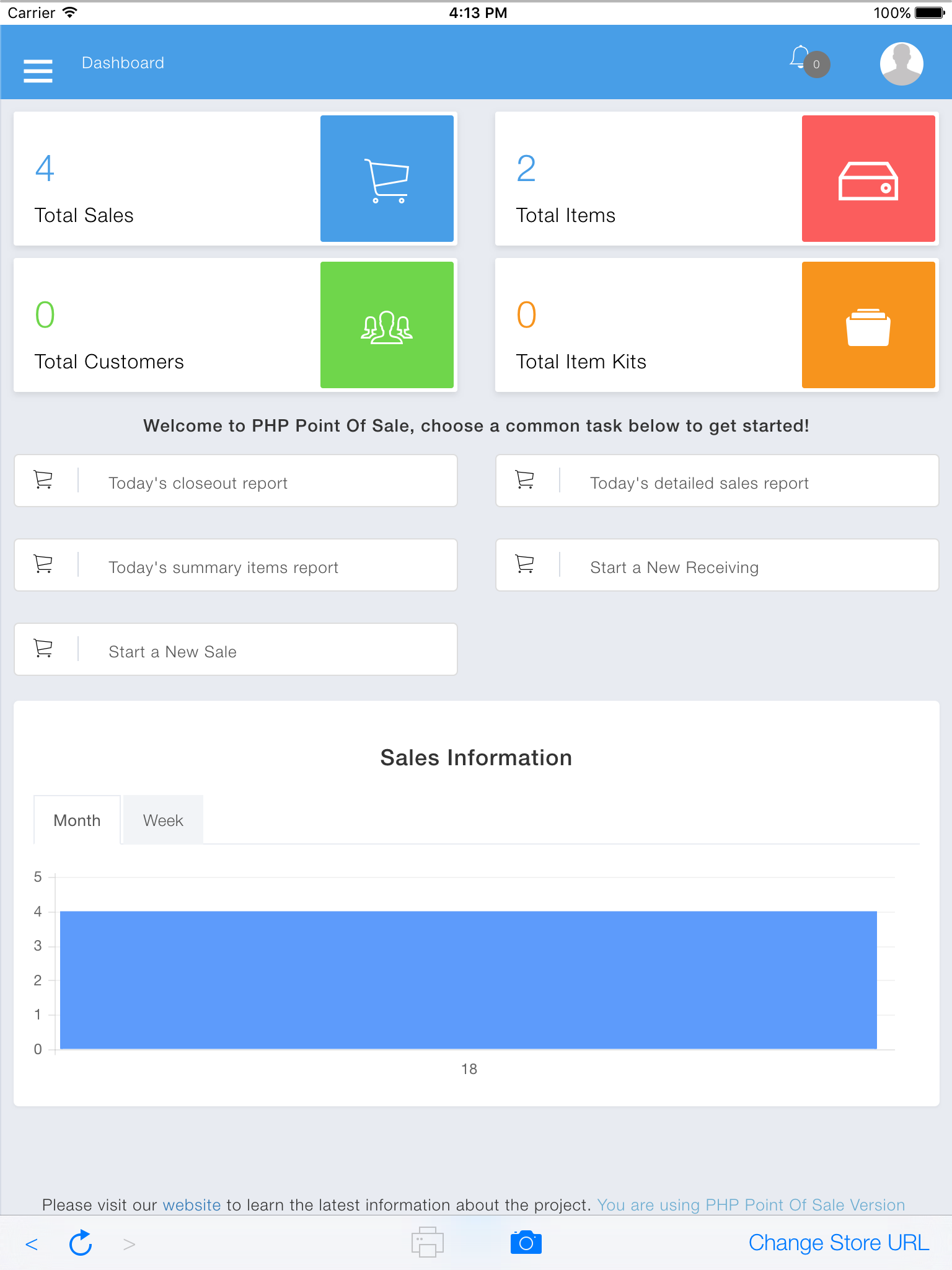
Data is the foundation of growth. A quality free POS should provide real-time dashboards showing your best-selling items, peak sales hours, and profit margins. Avoid platforms that "gate" historical data, only allowing you to see the last 30 days of sales unless you upgrade.
3. Customer Relationship Management (CRM)
Building a loyal customer base is easier when your POS tracks purchase history. Many free systems allow you to create customer profiles, store email addresses for marketing, and even run basic loyalty programs where customers earn points per dollar spent.
4. Employee Permissions
Even if you are currently a solo operator, you may eventually hire staff. Ensure the software allows you to create separate logins with restricted permissions. You likely do not want every cashier to have access to your total profit reports or the ability to issue unlimited refunds.
Technical Requirements and Hardware Compatibility
Most modern free POS software is designed to run on consumer hardware, but there are nuances regarding operating systems.
- iOS vs. Android: Square and Toast are heavily optimized for specific ecosystems (iOS for Square, Android for Toast). Ensure your existing tablets are compatible before downloading the software.
- Connectivity: While cloud-based systems are the standard in 2026, look for a system with a robust Offline Mode. This allows you to continue taking credit card payments during an internet outage, syncing the data once the connection is restored.
- Peripherals: Verify if the software uses proprietary or universal drivers. Some free POS systems only work with specific (and expensive) Bluetooth printers, while others can connect to any standard Star Micronics or Epson thermal printer.
Potential Drawbacks of Free POS Software
While the financial benefits are clear, there are trade-offs associated with "zero-dollar" software.
Limited Customer Support: Paid software often comes with 24/7 phone support. Free tiers may restrict you to email-only support or a searchable knowledge base. In a "system down" emergency on a Saturday night, this can be a significant liability.
Feature Gating: You may find that the "free" version is a stripped-down model. For example, you might get the POS for free, but if you want to integrate it with your accounting software like QuickBooks or Xero, you might be forced into a paid tier or charged an integration fee.
Processing Lock-in: By using free software, you often forfeit the ability to negotiate your credit card processing rates. The provider makes their money on the "spread" between what the banks charge them and what they charge you. As your business grows, a 2.6% flat rate might become a massive expense compared to a negotiated 1.8% rate on a paid platform.
How to Choose the Right Software for Your Niche
To make the final decision, follow these three steps:
- Calculate Your Volume: If you process more than $15,000 per month, a "free" system with high processing rates might be more expensive than a $79/month system with lower rates.
- Audit Your Hardware: If you already own iPads, look for iOS-native software like Square or Zettle. If you are starting from scratch, look at the total cost of a "Starter Bundle" from the provider.
- Test the Interface: Most free POS systems allow you to create an account and explore the back office without a credit card. Spend an hour adding products and simulating sales to see if the workflow feels natural for your team.
For the vast majority of new business owners in 2026, starting with a free POS like Square or Loyverse is the most logical path. It preserves capital for inventory and marketing while providing the professional infrastructure needed to scale. As your operations become more complex, you can then decide whether to upgrade within the same ecosystem or migrate to a specialized enterprise solution.
Frequently Asked Questions
Can I use my own credit card processor with free POS software?
In most cases, no. Companies like Square and Toast provide the software for free specifically because they want to earn money on the payment processing. If you want to use your own bank or a third-party processor, you will typically need to use an "open" POS like Loyverse or pay a monthly fee for software that supports "BYO" processing.
Is free POS software secure for my customers?
Yes, reputable free POS providers are required to be PCI-DSS compliant. This means they adhere to strict industry standards for data encryption and security. Because these are cloud-based systems, the sensitive card data is usually encrypted at the point of entry and never stored directly on your tablet or phone.
Does free POS software work without the internet?
Some systems, like Square and Loyverse, offer an offline mode that allows you to queue payments. However, there is a risk involved; the system cannot verify if the card has sufficient funds until the internet is restored. If the card is declined later, you may lose that sale.
Can I run a free POS on a laptop or desktop?
While most free POS systems are designed for tablets (iPad/Android), many also offer a "Virtual Terminal" that can be accessed via a web browser on a Mac or PC. This is particularly useful for service-based businesses that take payments over the phone or at a desk.
Are there any hidden fees I should watch out for?
The most common "hidden" fees include chargeback fees (if a customer disputes a charge), non-compliance fees (if you don't complete your annual security profile), and hardware shipping costs. Always read the payment terms of service to understand the exact cost per transaction.
Image Gallery