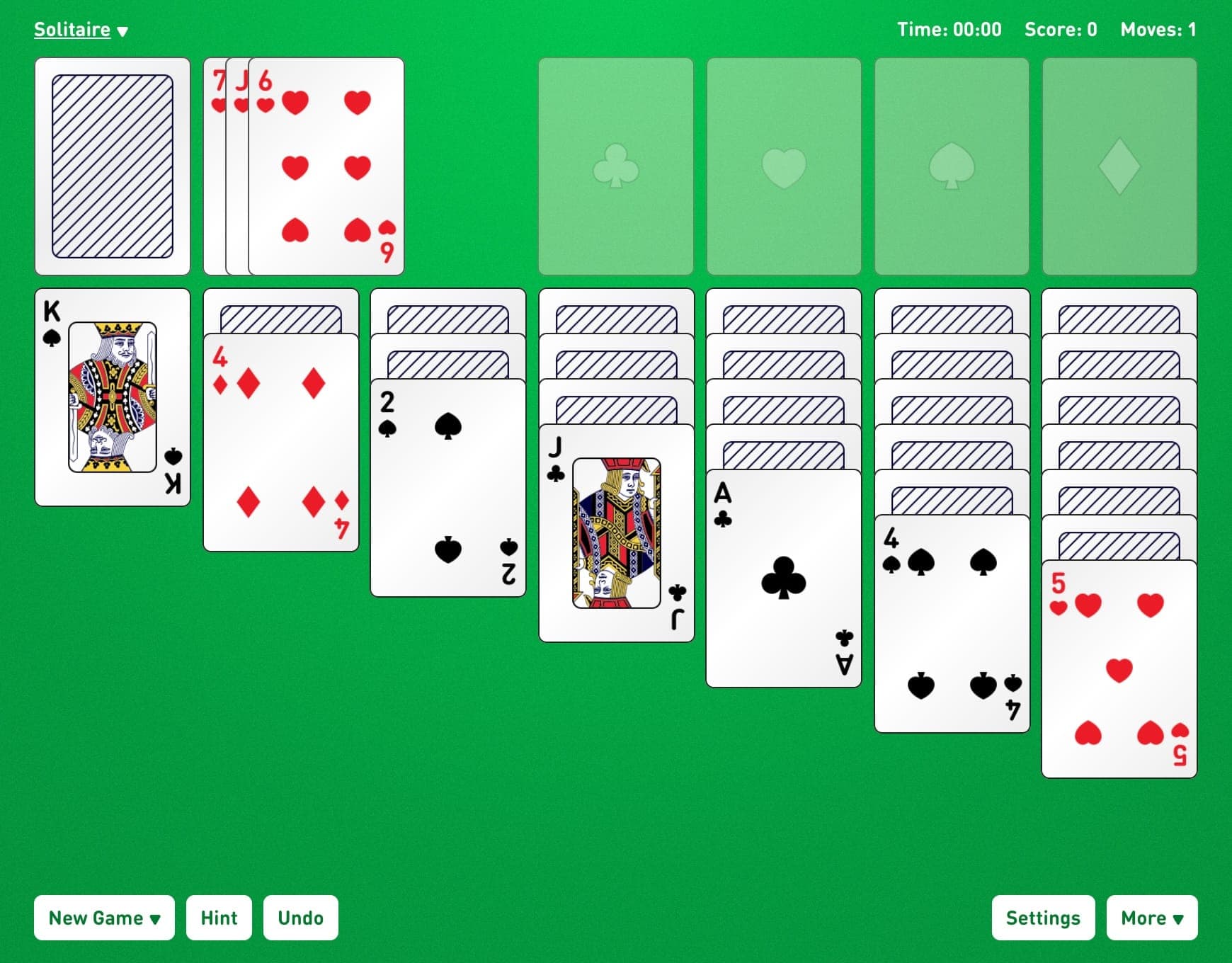
How to Play Solitaire Online for Free
Playing solitaire online for free requires selecting a reputable web browser platform, understanding the foundational rules of classic Klondike solitaire, and using basic card-movement strategies to maximize your chances of winning. Mo...
Playing solitaire online for free requires selecting a reputable web browser platform, understanding the foundational rules of classic Klondike solitaire, and using basic card-movement strategies to maximize your chances of winning. Modern digital platforms allow players to enjoy this timeless single-player card game instantly across desktop and mobile devices without requiring software downloads, registration forms, or subscription fees.
Contents
Understanding the Landscape of Free Online Solitaire
Solitaire has transitioned from a physical tabletop pastime played with a standard 52-card deck into a digital staple available on nearly every internet-connected device. Historically popularized by desktop operating systems in the late 20th century, digital solitaire is now accessible instantly via web browsers using modern technologies like HTML5. This technological shift means users no longer need to install standalone applications or navigate intrusive software bundles to enjoy a quick match.
The primary appeal of playing online for free lies in accessibility and convenience. Modern web portals host multiple variations of the game—ranging from classic Klondike to Spider, FreeCell, and Pyramid—all accessible through standard web browsers such as Google Chrome, Mozilla Firefox, Apple Safari, or Microsoft Edge. Because these sites rely on ad-supported models or open-source preservation projects, players can enjoy endless rounds of cards without encountering paywalls or mandatory microtransactions.
Evaluating digital platforms requires looking for specific quality-of-life features. A reliable free solitaire website should offer clean graphics, responsive drag-and-drop mechanics, an undo button, a scoring tracker, and options for both "Draw 1" and "Draw 3" modes. Furthermore, trusted platforms avoid aggressive tracking cookies and minimize disruptive pop-up advertisements that interfere with the gameplay experience.
Core Rules and Mechanics of Classic Klondike Solitaire
Before diving into digital gameplay, understanding the fundamental mechanics of Klondike solitaire—the undisputed standard version found on most online portals—is essential. The game utilizes a standard 52-card deck, devoid of jokers. The objective is to move all cards from the tableau and the stock pile into four distinct foundation piles, sorted by suit in ascending order from Ace to King.
The layout of the game consists of three main areas:
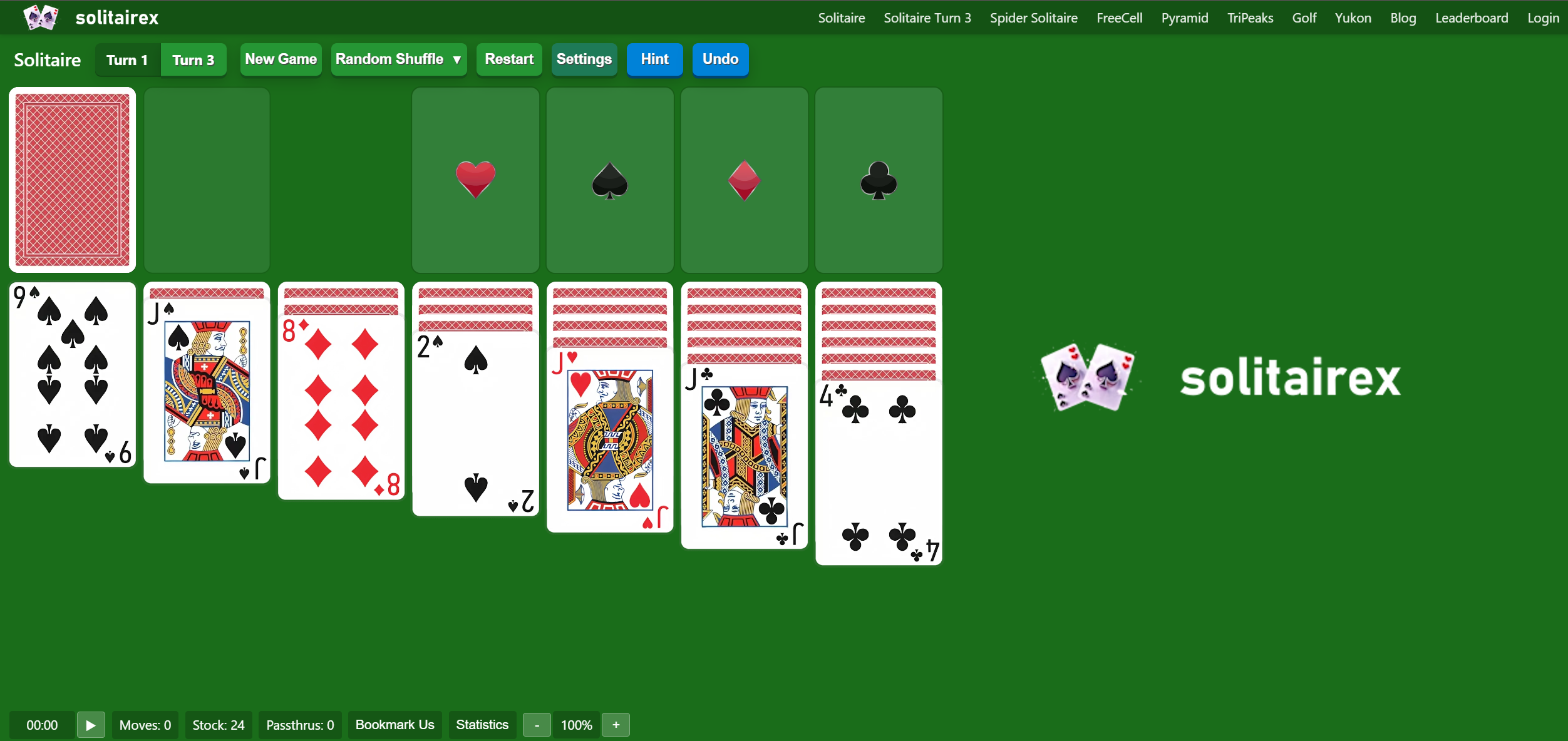
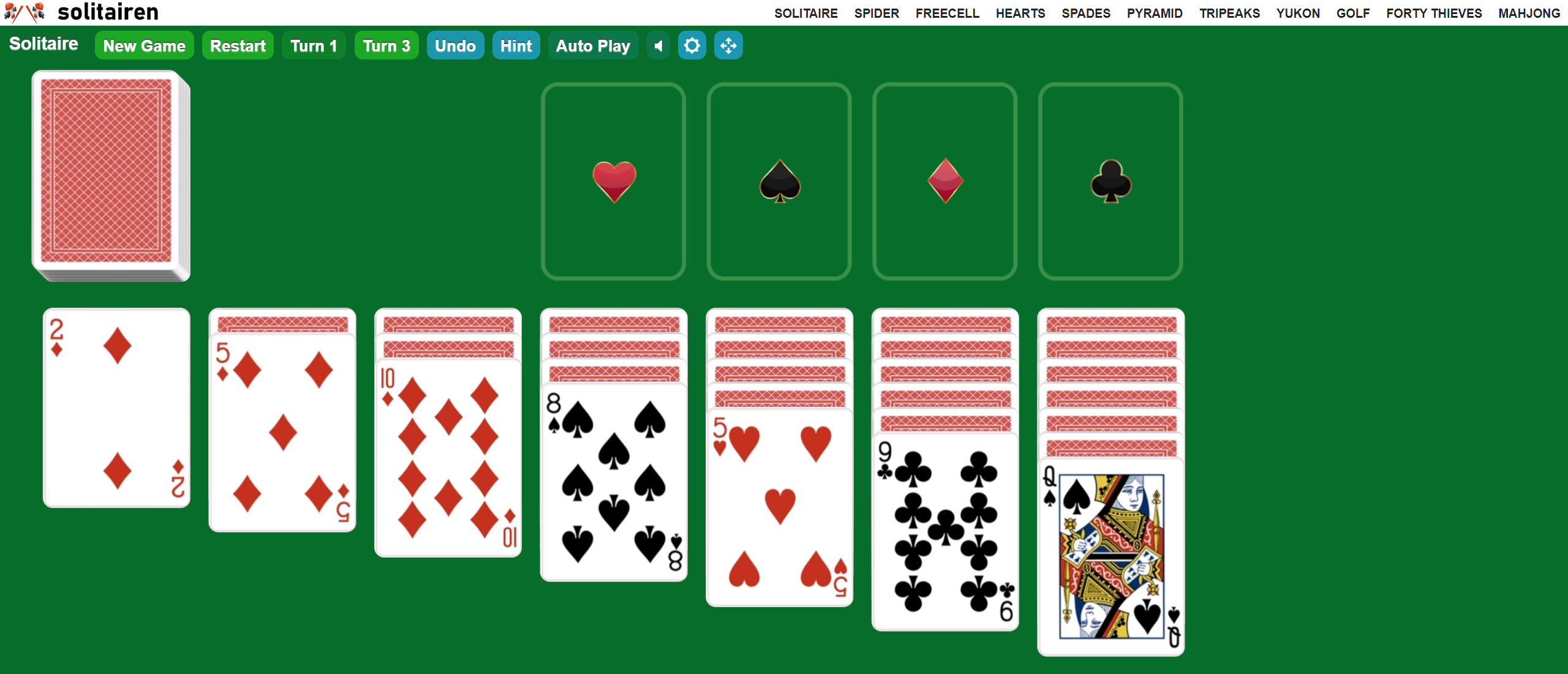
- The Tableau: Seven columns of cards that make up the central playing field. The first column contains one card, the second contains two, and so on up to the seventh column, which contains seven cards. Only the top card of each column is face-up; the rest remain face-down.
- The Stock and Waste Piles: The remaining cards form the stock pile face-down. When you draw from the stock, cards move to the waste pile face-up, where they become available for play onto the tableau or foundations.
- The Foundation Piles: Four empty target spaces located at the top of the screen where suits are built sequentially from Ace up to King.
Building sequences on the tableau requires alternating colors (placing a red card on a black card, or vice versa) in descending numerical order (for example, placing a black 8 on a red 9). If an entire tableau column becomes completely empty, only a King—or a sequential stack of cards headed by a King—can be moved into that vacant space.
Step-by-Step Guide: How to Play Solitaire Online
Navigating to a free online platform and launching your first game is a straightforward process that takes less than a minute. Follow these procedural steps to start playing immediately:
- Open a Web Browser: Launch your preferred web browser on a desktop computer, tablet, or smartphone.
- Navigate to a Trusted Solitaire Portal: Enter a search query for free online solitaire or visit a well-known, ad-light gaming directory. Ensure the site loads securely via HTTPS.
- Select the Game Variation: Choose "Klondike" for the classic experience, or explore alternatives like Spider or FreeCell if you prefer a different strategic challenge.
- Choose Your Draw Setting: Select between "Draw 1" (easier, where every card in the stock pile can be accessed) or "Draw 3" (harder, where cards are drawn in groups of three, restricting access).
- Begin Making Moves: Use your mouse or touchscreen to drag face-up cards into alternating color descending sequences on the tableau, or tap cards to automatically send eligible aces and low cards to the foundation piles.
- Utilize Helpful Features: If you make a tactical miscalculation, click the "Undo" button to revert your last move, or click the "Hint" button if you are stuck and need help identifying a legal play.
Comparison of Popular Online Solitaire Variations
While Klondike is the most universally recognized version, online platforms typically host several distinct variants. Choosing the right variation depends on your skill level and desired level of complexity.
| Variation Name | Deck Count | Difficulty Level | Primary Objective | Key Strategic Difference |
|---|---|---|---|---|
| Klondike | 1 Deck | Easy to Moderate | Move all cards to 4 suit foundations. | Alternating colors on tableau; classic draw 1 or draw 3 rules. |
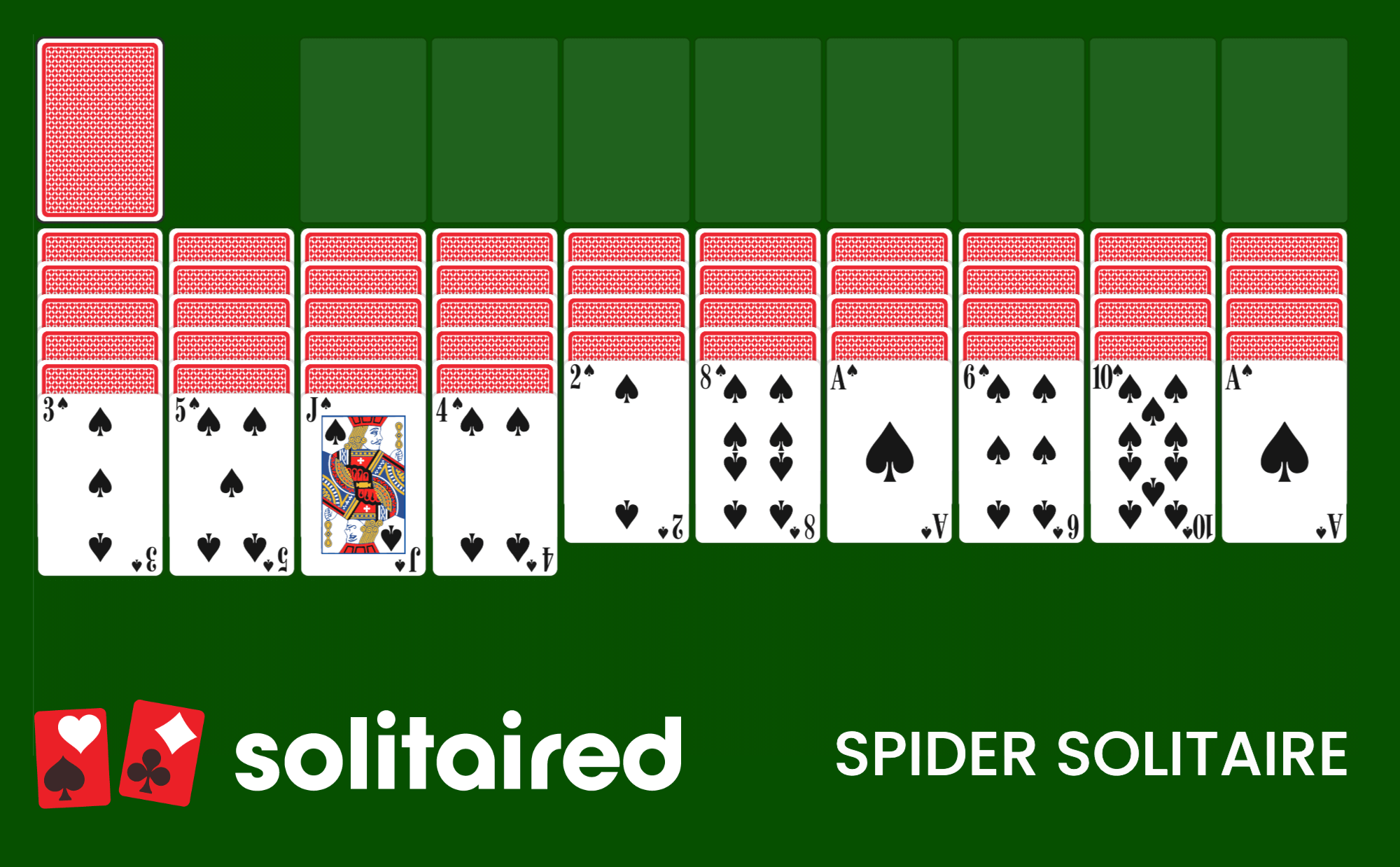
| Spider | 2 Decks | Hard | Build 8 descending suit sequences from King down to Ace. | Uses 10 tableau columns; completed same-suit runs remove automatically. |
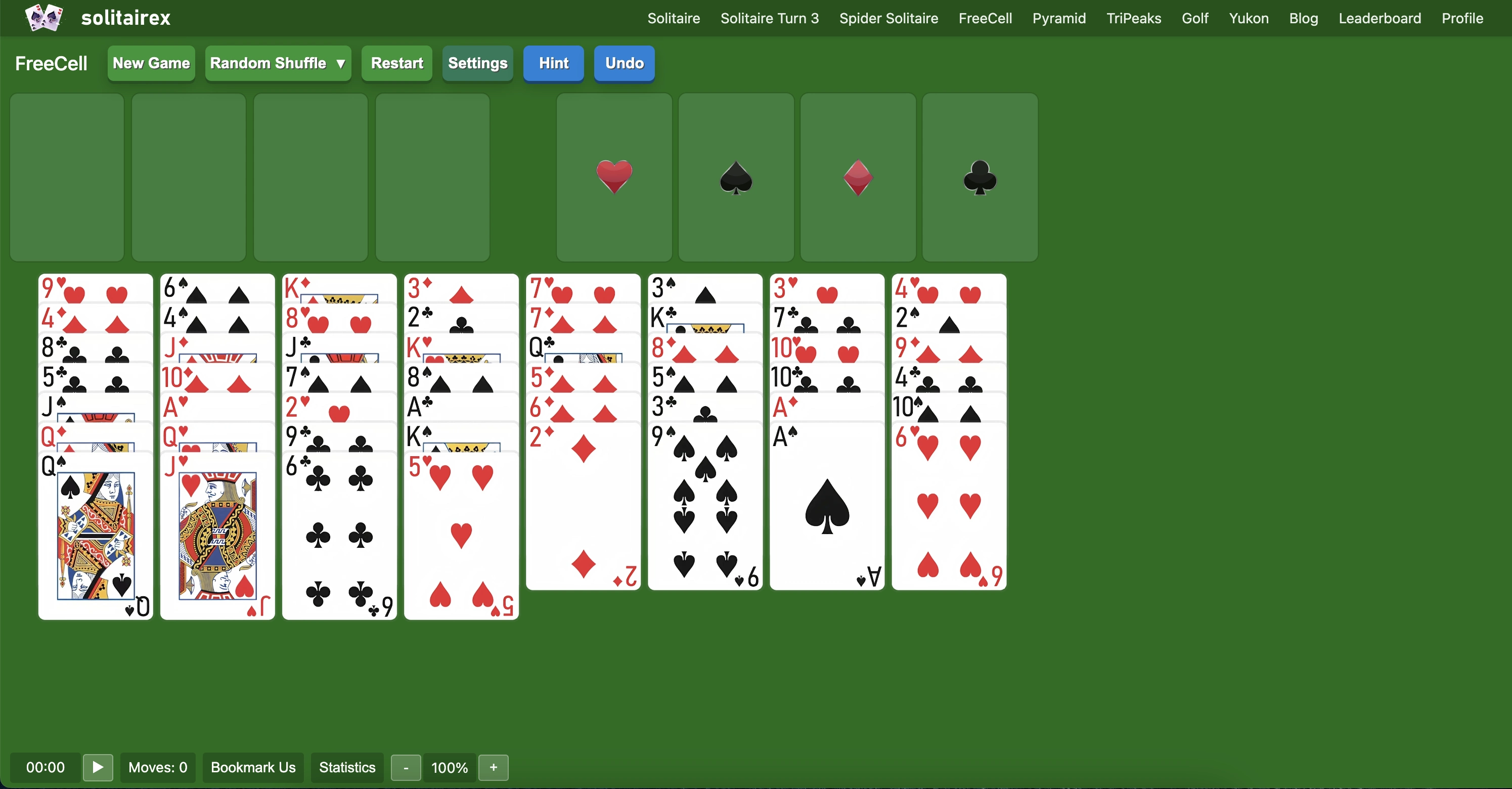
| FreeCell | 1 Deck | Moderate to High | Move all cards to 4 suit foundations using open cells. | All cards dealt face-up; four temporary holding cells add deep puzzle logic. |
| Pyramid | 1 Deck | Moderate | Clear the pyramid structure by pairing cards that total 13. | Kings equal 13 and clear alone; Queens=12, Jacks=11, Aces=1. |
Advanced Strategies for Winning More Games
While solitaire involves a significant element of chance—some deals are mathematically impossible to solve—employing rigorous tactical discipline dramatically increases your win rate, particularly in "Draw 1" and "FreeCell" modes.
Expose Face-Down Cards First
Your primary operational priority should always be uncovering hidden cards in the tableau columns. Prioritize moves that flip a face-down card over maintaining a sequence in the waste pile. A visible card gives you strategic flexibility, whereas hidden cards block your long-term path to victory.
Exercise Caution with Empty Columns
Clearing a tableau column can feel like a major victory, but rushing to fill it with a King can backfire. Only move a King to an empty space if doing so unlocks hidden cards or allows you to reorganize lower-ranking cards effectively. If you lack a useful King, leaving the column empty allows you to temporarily park other sequences.
Manage the Foundation Piles Wisely
Do not automatically send every eligible card to the foundation piles. Sometimes, keeping a low card (such as a 3 or 4) on the tableau is necessary so you can continue building alternating color sequences beneath it. Once a card is locked into a foundation pile, it cannot be retrieved to help build tableau runs.
Keep Your Options Open
Avoid rushing through the stock pile. Inspect the entire layout of visible cards before drawing new cards from the deck. Planning two or three steps ahead prevents you from burying crucial cards that you might need to maneuver later in the match.
Common Mistakes and Troubleshooting
Players transitioning from physical card decks to online interfaces frequently encounter minor technical hiccups or strategic blind spots. Reviewing these common pitfalls helps maintain a smooth gaming experience.
- Accidental Misclicks: Digital drag-and-drop mechanics can occasionally result in dropping a card in the wrong column. Use the site's built-in "Undo" feature immediately to correct the positioning without penalty.
- Browser Performance Issues: If cards lag or freeze during gameplay, clear your browser's cache, disable heavy ad-blocking extensions that may conflict with site scripts, or switch to a modern Chromium- or Gecko-based browser.
- Overlooking Movable Aces: Beginners frequently miss Aces sitting buried in the waste pile or lower tableau tiers because they focus exclusively on the top-level cards. Always scan your entire screen for low-ranking cards before drawing from the stock.
- Assuming Every Deal is Winnable: Not all random shuffles in Klondike solitaire have a winning solution. If you encounter a deal where no legal moves remain, do not hesitate to click "New Game" and start fresh.
Frequently Asked Questions
Do I need to download an app to play solitaire online?
No downloads are required to play free online solitaire on modern devices. Web-based platforms run entirely inside standard internet browsers using HTML5, allowing you to load and play games instantly without installing software or creating user accounts.
Is online solitaire truly free?
Yes, reputable online solitaire websites are entirely free to play. These platforms typically sustain their operations through non-intrusive banner advertisements rather than charging subscription fees or requiring in-app purchases.
What is the difference between Draw 1 and Draw 3 solitaire?
In "Draw 1" mode, you draw one card at a time from the stock pile, making every card accessible and resulting in a much higher win rate. In "Draw 3" mode, you draw three cards at a time, but only the top card can be played, creating a significantly harder puzzle.
Can I play solitaire online on my smartphone or tablet?
Yes, nearly all modern online solitaire platforms feature responsive design frameworks optimized for mobile touchscreens. You can play directly in your mobile browser without needing to download dedicated mobile applications from app stores.
How do I undo a mistake in digital solitaire?
Most digital solitaire platforms feature an "Undo" button located on the top or bottom game toolbar. Clicking this button reverses your last action, returning the card to its previous position without incurring scoring penalties in casual modes.
Next Actions
To start playing right now, open your preferred web browser, search for a trusted and secure online solitaire platform, and launch a casual "Draw 1" Klondike game. Focus on uncovering face-down tableau cards and utilize the undo feature to experiment with different strategic pathways as you master the game.
Image Gallery