How Event CRM Software Works for Event Teams
Event CRM software functions as the centralized nervous system for event teams, transforming disparate guest lists, email threads, and spreadsheets into a unified, actionable database. By capturing attendee data across multiple touchpo...
Event CRM software functions as the centralized nervous system for event teams, transforming disparate guest lists, email threads, and spreadsheets into a unified, actionable database. By capturing attendee data across multiple touchpoints—such as registration portals, email marketing platforms, and on-site check-in systems—the software provides event managers with a longitudinal view of every participant’s history, preferences, and engagement level, enabling data-driven decision-making throughout the event lifecycle.
Contents
The Core Architecture of Event CRM Systems
At its most fundamental level, an Event CRM (Customer Relationship Management) system is designed to solve the problem of data fragmentation. Unlike generic CRM platforms, which are built primarily for long-term sales cycles, event-specific CRM software focuses on time-sensitive, high-velocity data. It functions by creating a "Single Source of Truth" (SSOT) for every contact.
When a potential attendee interacts with an event brand, the CRM records the action. If a user clicks an invitation link, views a session agenda, or registers for a webinar, the software updates that contact's profile in real-time. This ensures that when the event team prepares for a conference or gala, they are looking at a living profile that includes historical attendance, dietary requirements, preferred session tracks, and past feedback.
The software operates through three distinct layers:
- Ingestion Layer: Connects to registration forms, social media, and website analytics to pull data into the central repository.
- Processing Layer: Cleans, deduplicates, and tags data, often using automated workflows to segment users based on their interactions.
- Activation Layer: Deploys personalized communications, facilitates check-ins, and generates post-event analytical reports.
Operational Benefits for Event Teams
Event teams gain significant operational leverage by automating repetitive tasks that previously required manual data entry. For example, when an attendee changes their registration status, the CRM automatically notifies the relevant team members and adjusts the headcount for catering, materials, and security logistics.
Strategic Audience Segmentation
One of the most powerful features of an Event CRM is the ability to segment audiences dynamically. Instead of sending a blast email to an entire list, teams can create specific sub-segments—such as "VIPs who attended the 2024 London Summit," "First-time registrants," or "Exhibitors interested in sustainability tracks." This granular approach increases open rates and engagement because the content is demonstrably relevant to the recipient's history.
Unified Attendee Profiles
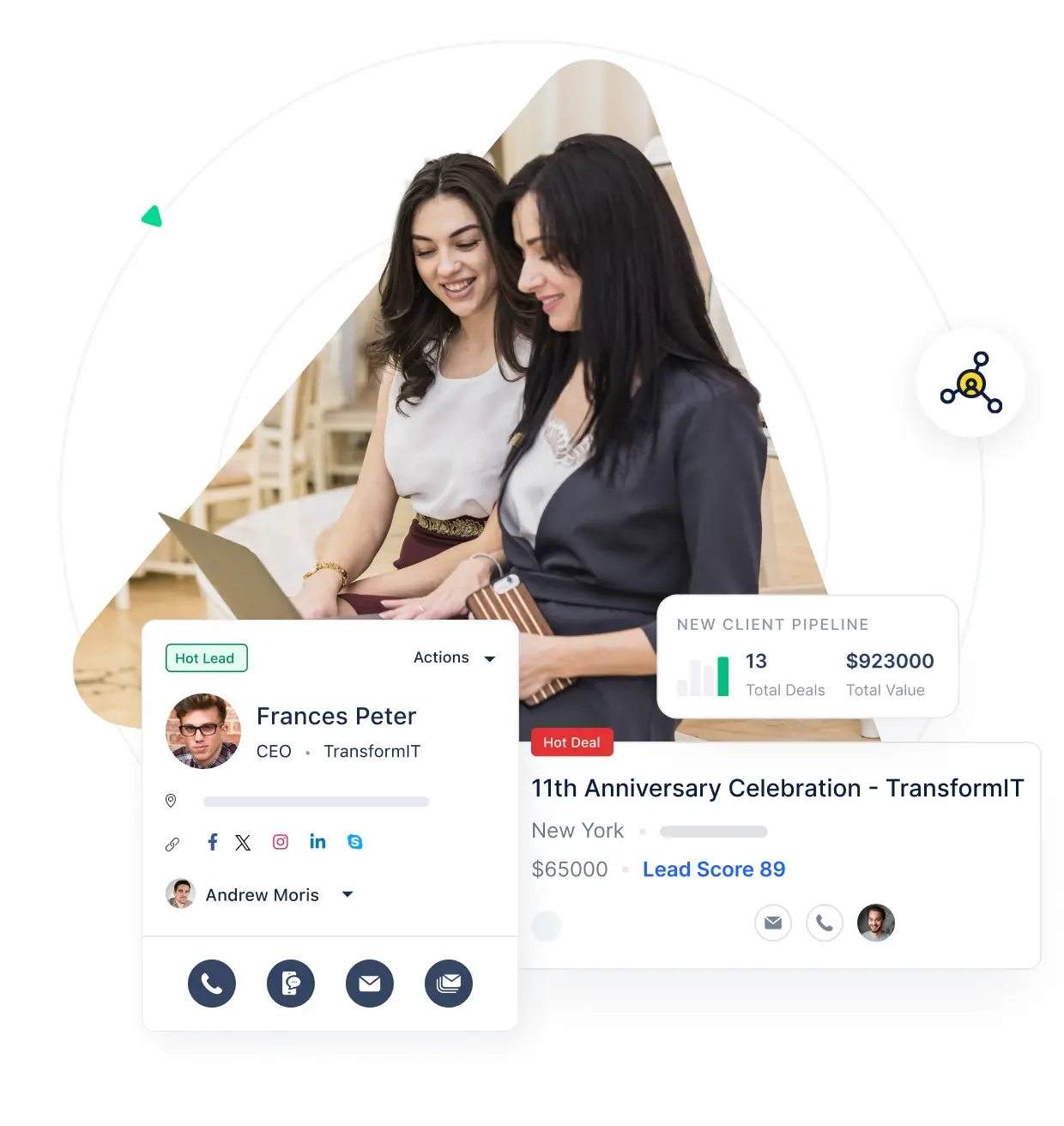
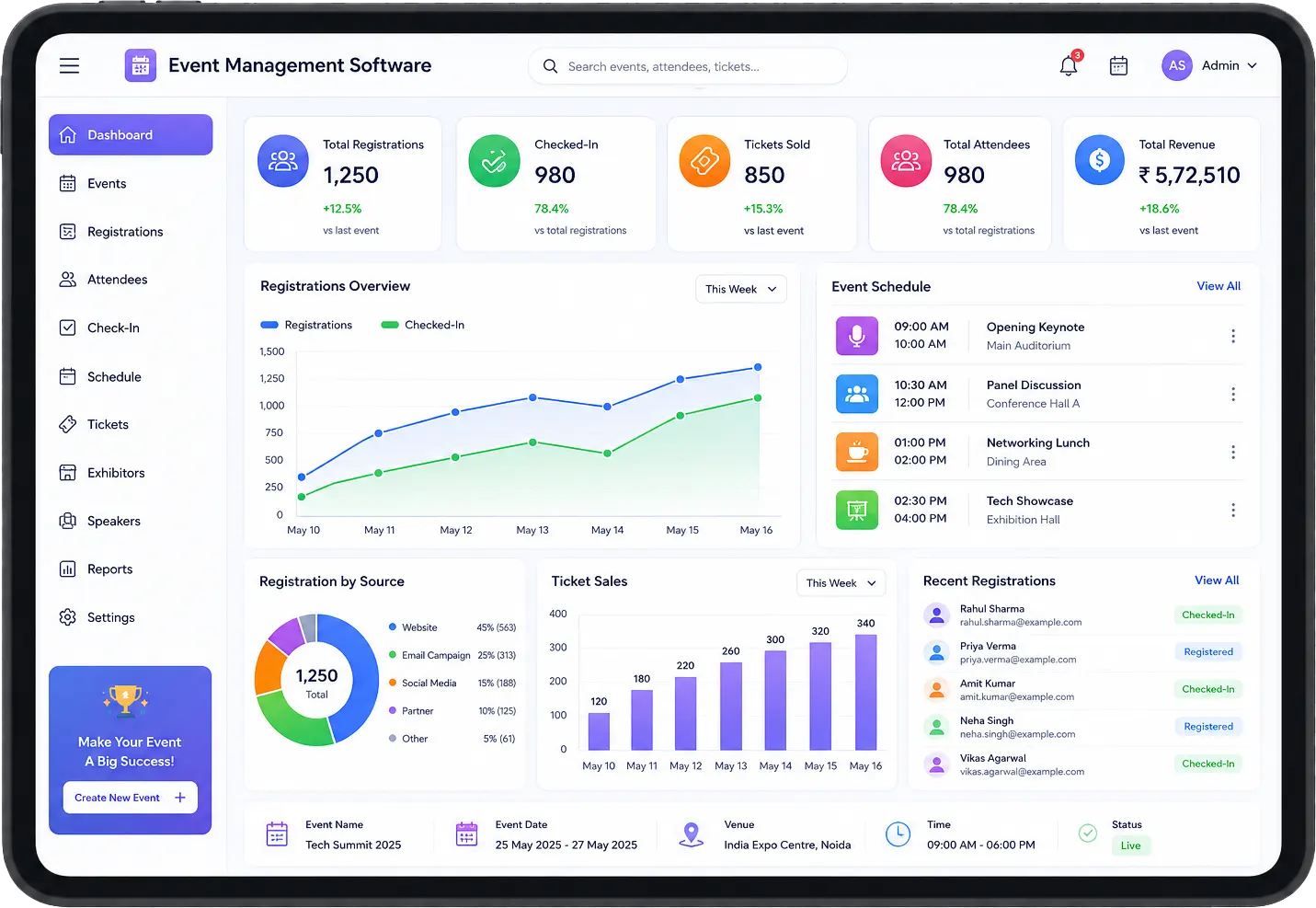
The "Attendee Profile" is the primary view for an event coordinator. It gathers:
- Registration Data: Contact info, job title, and ticket tier.
- Engagement History: Which sessions they attended in previous years.
- Communication Log: A history of every email the attendee has received and opened.
- Financial Records: Status of payments, invoices, and refunds.
Technical Comparison of CRM Integration Methods
Event teams often choose between "All-in-One" event platforms that include CRM features and specialized CRM systems that integrate with various event tools via API (Application Programming Interface).
| Feature Type | All-in-One Event Platforms | Dedicated Event CRM Systems |
|---|---|---|
| Primary Focus | Execution (Registration/Check-in) | Relationship Management (Retention) |
| Data Scope | Event-specific data only | Comprehensive historical data |
| Integration | Built-in, minimal setup required | Requires API connectivity to tools |
| Scalability | Best for one-off or small events | Best for multi-year engagement cycles |
| Team Skillset | Low-technical threshold | Moderate technical knowledge needed |
Prerequisites for Implementation
Before an event team adopts an Event CRM, they must establish a data governance strategy. The software is only as effective as the quality of the data entered into it.
- Data Auditing: Identify all current silos. Where is the guest list stored? Are there legacy spreadsheets with contact information? All this data must be scrubbed for duplicates before migration.
- Mapping Fields: Define custom fields. If the event team frequently needs to track "Speaker Status" or "Hotel Block Preference," these fields must be created and normalized across the entire database.
- Privacy Compliance: As of 2026, ensure the CRM settings align with local data protection regulations, such as GDPR in the EU or CCPA in California. The CRM must facilitate the "Right to be Forgotten" and track opt-in consent for marketing communications.
Troubleshooting Common Data Silos
Even with a CRM, teams often encounter issues where data becomes misaligned. A common failure point is the "Sync Gap," where registration data fails to pass from the registration portal to the CRM.
To mitigate this, event managers should implement an automated monitoring system that triggers an alert if registration counts in the portal do not match the contact counts in the CRM. Furthermore, avoid manual "quick fixes" in the CRM. If a piece of data is missing, edit it at the source (the registration form) rather than in the CRM to ensure that updates are pushed through properly and do not get overwritten during the next synchronization cycle.
Frequently Asked Questions
How does an Event CRM differ from a standard Salesforce or HubSpot CRM? A standard CRM is built for long-term sales pipelines (leads moving through stages). An Event CRM is designed for short-burst, high-volume activity, focusing on session attendance, badge printing, and event-specific engagement metrics that general CRMs are not optimized to handle natively.
Can I use my existing company CRM for event management? Yes, but you will likely need to add an event management middleware or plug-in to manage the logistics, such as seating charts and room capacity, which standard CRMs lack. Most modern event teams use an event-focused software that integrates with their main corporate CRM to keep data unified.
What happens to the data after the event ends? The data enters a "nurture phase." Your team should use the event engagement metrics to categorize attendees into post-event follow-up campaigns. The CRM retains this data for future event marketing, allowing you to identify "repeat offenders" who attend every year and reward them with loyalty offers.
Do I need a developer to connect my event tools to the CRM? For most modern SaaS platforms, no. Most vendors offer "native integrations" (plug-and-play connectors). However, if you are using custom-built registration forms or proprietary legacy systems, you may require a developer to use APIs to ensure data flows correctly between the platforms.
Next Steps for Your Team
To begin the process of integrating an Event CRM, start by mapping your current event lifecycle. Identify the "data leakage" points—the moments where attendee information is lost or becomes disorganized. Once identified, select an Event CRM that specifically integrates with your current registration provider.
Audit your contact list for quality and privacy compliance before performing your first bulk import. If you are managing multiple events per year, prioritize a system that allows for multi-event reporting so you can view your organization’s total engagement over time rather than just individual event performance.
Image Gallery