Automate Email: A Practical Reference for Operational Efficiency
Automating email involves implementing workflows that trigger, send, or organize messages without manual intervention, utilizing rules, API integrations, or dedicated CRM platforms. By standardizing communication, organizations reduce...
Automating email involves implementing workflows that trigger, send, or organize messages without manual intervention, utilizing rules, API integrations, or dedicated CRM platforms. By standardizing communication, organizations reduce human error, maintain consistent response times, and scale outreach efforts, provided they adhere to authentication standards and clear communication strategies.
Contents
Understanding the Mechanics of Email Automation
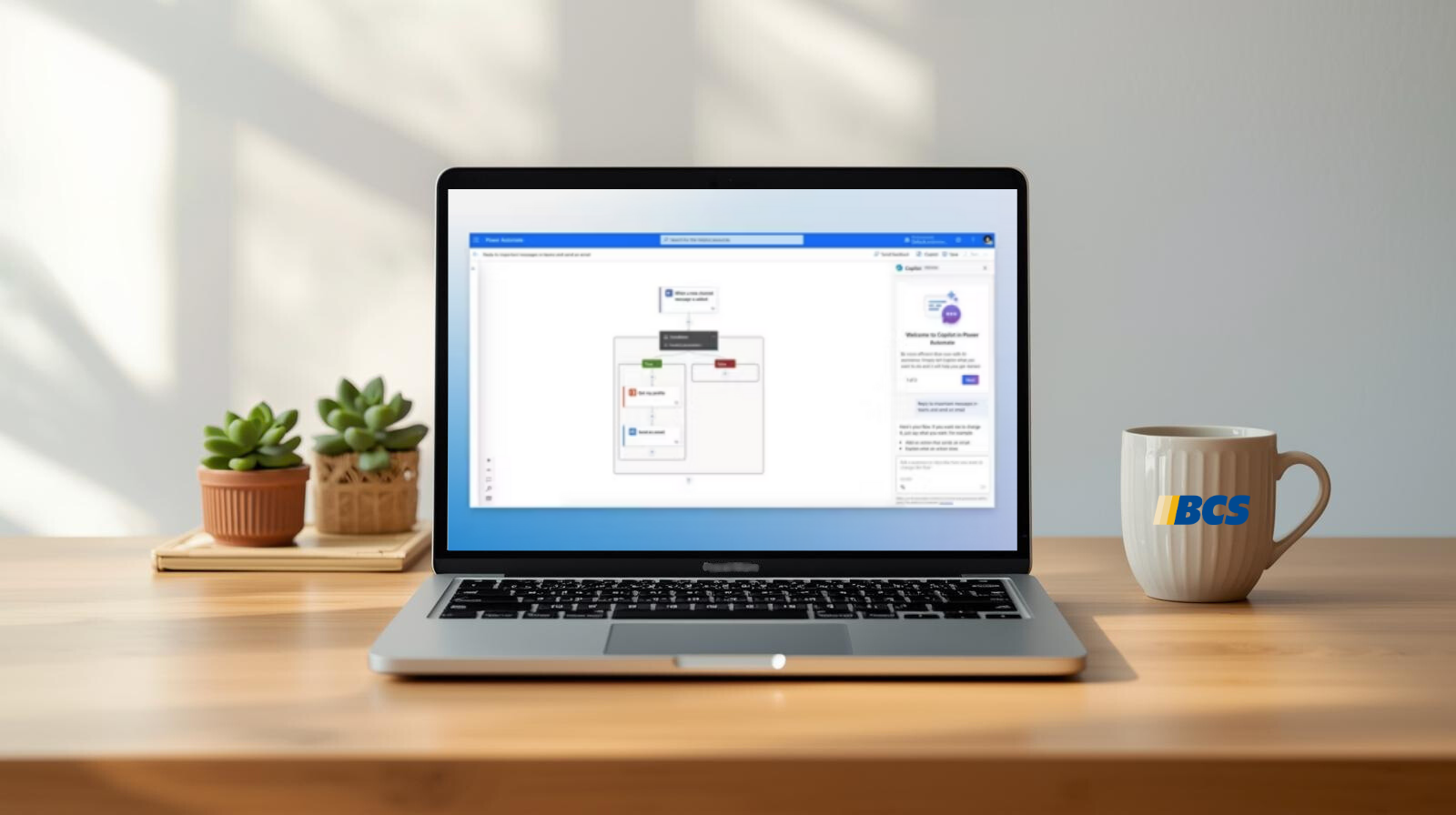
Email automation is not merely about scheduling messages for a later time; it is the practice of creating logic-based systems where a specific event or data point triggers a communication sequence. At its core, the architecture relies on three components: the Trigger, the Condition, and the Action.
- The Trigger: This is the catalyst for the process. Common examples include a customer signing up for a newsletter, an e-commerce order confirmation, or a specific date reaching a threshold (e.g., three days before a subscription renewal).
- The Condition: These are the filters applied to the trigger. For instance, you may only want to trigger an email if the customer is located in a specific region or has an active account status.
- The Action: This is the execution step. It encompasses sending the email, moving a user to a different list, updating a CRM field, or creating a task for a human team member.
Establishing the Prerequisites for Success
Before deploying automation, you must ensure your underlying infrastructure is sound. Automating emails from an unverified or poorly maintained domain often results in delivery failure or classification as spam.
- Authentication Records: You must verify your sender identity. This requires configuring SPF (Sender Policy Framework), DKIM (DomainKeys Identified Mail), and DMARC (Domain-based Message Authentication, Reporting, and Conformance). These records act as a digital passport, confirming that your mail server has the authority to send emails on behalf of your domain.
- List Hygiene: Automation is only as effective as the data it acts upon. Sending automated messages to inactive, outdated, or invalid email addresses damages your sender reputation with major providers like Gmail, Outlook, and Yahoo. Implement a double opt-in process to verify the intent of every new subscriber.
- Technical Infrastructure: Determine whether your current email service provider (ESP) or CRM has the native capability to handle your required automation volume. If your needs involve complex API calls—such as pulling custom data from a proprietary database—you may require middleware solutions like Zapier, Make, or custom-coded webhook handlers.
Selecting the Right Approach
The method you choose for email automation depends on the complexity of your requirements and the technical resources available to your team.
| Approach | Best For | Technical Effort | Scalability |
|---|---|---|---|
| Native ESP Automation | Marketing drip campaigns, newsletters | Low | Moderate |
| CRM-Integrated Workflows | Sales pipelines, lead nurturing | Moderate | High |
| API/Webhook Integration | Transactional triggers, custom databases | High | Very High |
| No-Code Middleware | Connecting disparate platforms | Low-Moderate | Moderate |
For most professional environments in 2026, using an integrated CRM (such as Salesforce, HubSpot, or Zoho) provides the best balance. These platforms allow you to tie email automation directly to customer behavior, allowing for highly personalized, context-aware messaging that increases conversion rates.
Designing Effective Automated Workflows
Effective automation design requires a transition from "broadcasting" to "conversational" logic. A common mistake is creating overly rigid sequences that ignore the user’s subsequent actions.
- Map the User Journey: Before building, draw out the paths a user might take. What happens if they click a link? What happens if they remain unresponsive for seven days? A successful workflow accounts for both positive engagement and lack of action.
- Maintain Personalization: Use merge tags to insert dynamic data—such as names, company details, or recent purchase history—into your templates. However, avoid overuse; personalization should serve the recipient, not clutter the email.
- A/B Testing Loops: Automation allows you to test variables at scale. Create two variations of a subject line or a call-to-action (CTA) and automate the distribution so 50% of your audience receives version A and 50% receives version B. Use the results to optimize future flows.
Addressing Compliance and Legal Constraints
When you automate email, you are essentially establishing a permanent record of communication. You must ensure your automated systems comply with global regulations such as the CAN-SPAM Act, the GDPR (General Data Protection Regulation), and various regional privacy laws.
- Clear Unsubscribe Mechanisms: Every automated email must include a clear, easy-to-find, and functional unsubscribe link. Failure to honor opt-out requests within the legally mandated time frame (usually 10 business days) can result in significant fines and permanent blacklisting of your sending domain.
- Permission-Based Sending: Never automate emails to recipients who have not explicitly provided consent. Importing purchased lists is generally discouraged and often technically prohibited by modern ESPs, as it triggers rapid spam complaints.
- Data Minimization: Only store the data necessary to execute the automation. If you are handling sensitive personal information, ensure your automation platform has appropriate data encryption and access controls.
Troubleshooting Common Automation Failures
Even the best-planned systems encounter issues. When an automation workflow fails to deliver, follow this systematic diagnostic approach:
- Check Trigger Logs: Most modern platforms keep a log of trigger events. Verify that the trigger actually fired at the expected time.
- Examine Filter Logic: If a trigger fired but the email did not send, check if the recipient was excluded by a secondary condition (e.g., they were already in another sequence or they belong to a suppression list).
- Review Deliverability Reports: If the emails are being sent but not received, check the bounce reports. Hard bounces indicate an invalid address; soft bounces might indicate that the recipient’s mailbox is full or the server is temporarily rejecting your messages.
- Audit Template Rendering: Sometimes, complex HTML or broken merge tags cause an email to be dropped or blocked by security filters. Send a test email to yourself to ensure the dynamic fields are rendering the correct data.
Frequently Asked Questions
How do I prevent my automated emails from going to spam? Focus on domain authentication (SPF, DKIM, DMARC) and maintain high engagement. If your open rates are consistently low, providers will eventually direct your emails to the spam folder. Periodically remove unengaged subscribers from your automated lists to keep your sender reputation high.
What is the best frequency for automated follow-ups? Frequency depends on the context of the relationship. In a sales context, an initial follow-up within 24 hours is standard, followed by a gap of 2–3 days. Avoid "spamming" the user. Use behavioral triggers—such as clicking a link or viewing a pricing page—to time your follow-ups rather than relying strictly on time-based intervals.
Can I use AI to improve my email automation? In 2026, many platforms offer generative AI features to optimize send times and draft subject lines. While AI can improve efficiency, always review AI-generated content to ensure it aligns with your brand voice and factual accuracy. Never rely on AI for critical compliance language.
Should I use subdomains for transactional and marketing emails?
Yes. Using a dedicated subdomain (e.g., updates.yourdomain.com for marketing and notifications.yourdomain.com for transactional) protects your main domain’s reputation. If one stream receives many complaints, it is less likely to impact the deliverability of the other.
What is the "next step" after setting up basic automation? Once you have stable, basic sequences, move toward "behavior-based segmentation." This involves tagging users based on their specific interactions—such as what pages they visited or what features they used—and creating hyper-specific automated branches for each segment.
Final Recommendation
To begin automating your email, perform a manual audit of your three most repetitive communication tasks. Choose the one that requires the most frequent, predictable data inputs and implement a single-sequence automation for it within your existing CRM. By isolating one process, you can verify your configuration and deliverability before scaling the system to more complex, multi-layered workflows.
Image Gallery