Mastering the Large Conference Call: A Complete Guide for 2026
Successfully hosting a large conference call—defined as a virtual gathering ranging from 100 to over 50,000 participants—requires a strategic shift from standard meeting management to event production. To execute a high-capacity call i...
Successfully hosting a large conference call—defined as a virtual gathering ranging from 100 to over 50,000 participants—requires a strategic shift from standard meeting management to event production. To execute a high-capacity call in 2026, organizations must prioritize robust bandwidth management, tiered participant permissions, and professional moderation tools to ensure a seamless experience for all attendees.
Contents
As of 2026, the term "conference call" has evolved. While it once referred primarily to audio-only PSTN (Public Switched Telephone Network) dial-ins, it now encompasses integrated video, audio, and interactive data streams. Whether you are hosting a global town hall, a massive investor relations briefing, or a virtual industry summit, the infrastructure required to support high-concurrency traffic is more accessible than ever, provided you select the right platform and follow strict operational protocols.
Defining the Scope of Large-Scale Virtual Events
Before selecting a provider, it is essential to distinguish between a "large meeting" and a "webinar" or "broadcast." This distinction dictates the technical requirements and the level of control you will have over the audience.
Large Meetings vs. Webinars
A large meeting is typically collaborative. In these environments, most participants have the ability to unmute their microphones, share their screens, and turn on their cameras. Most enterprise-grade platforms support up to 500 or 1,000 interactive participants in this format.
In contrast, a webinar or broadcast (often used for town halls) is a one-to-many communication style. In this scenario, a small group of "panelists" or "presenters" is visible and audible, while the "attendees" are in view-only mode. This format is the standard for calls exceeding 1,000 participants, as it prevents the chaos of accidental interruptions and significantly reduces the bandwidth load on the hosting server.
Capacity Thresholds in 2026
In the current landscape, "large" typically falls into three tiers:
- Tier 1 (100–500 participants): Managed by standard enterprise licenses (e.g., Zoom Business, Microsoft Teams Enterprise).
- Tier 2 (500–3,000 participants): Usually requires a "Large Meeting" add-on or a standard webinar license.
- Tier 3 (3,000–50,000+ participants): Requires specialized broadcast platforms or "Enterprise Events" licenses that utilize ECDN (Enterprise Content Delivery Network) technology.
Platform Comparison for High-Capacity Calls
Choosing the right platform is the most critical decision in the planning process. Below is a comparison of the leading solutions available in 2026 for hosting large conference calls.
| Feature | Microsoft Teams (Town Hall) | Zoom Events & Webinars | Cisco Webex Webinars |
|---|---|---|---|
| Max Capacity | Up to 20,000 (standard) | Up to 50,000+ | Up to 100,000 |
| Primary Strength | Deep Microsoft 365 integration | Ease of use and reliability | High-end security and hardware |
| Interactivity | Q&A, Polls, Reactions | Breakout rooms, Chat, Polls | Slido integration, Real-time translation |
| Bandwidth Optimization | Built-in eCDN support | Zoom Mesh (Native eCDN) | Dedicated Webex Edge |
| Best For | Internal corporate town halls | External marketing and summits | Highly secure government/legal calls |
Microsoft Teams Town Hall
By 2026, Microsoft has fully transitioned from "Live Events" to the "Town Hall" feature. This allows organizations to host massive internal events with 1-to-many streaming. The integration with the broader Microsoft 365 ecosystem makes it the default choice for companies already utilizing Outlook and SharePoint. Its biggest advantage is the native support for eCDN, which prevents local office networks from crashing when thousands of employees try to watch the same stream simultaneously.
Zoom Events and Webinars
Zoom remains a dominant force due to its low latency and "it just works" reputation. For large conference calls, Zoom Webinars allow for significant customization, including registration pages and post-event analytics. In 2026, Zoom Mesh—their native eCDN solution—is widely used to optimize media streams within corporate networks, reducing the need for expensive third-party bandwidth management tools.
Cisco Webex
Webex continues to lead in the "high-security" niche. If your large conference call involves sensitive data, Webex’s end-to-end encryption (E2EE) and robust administrative controls are industry standards. Their partnership with Slido provides the most advanced audience engagement tools, such as live word clouds and prioritized Q&A.
Technical Prerequisites and Infrastructure
Hosting thousands of people on a single call is not as simple as clicking "Start Meeting." You must ensure your technical foundation can support the load.
Bandwidth and ECDN
The primary failure point for large internal conference calls is the local network. If 5,000 employees in one building join a high-definition video call, the outbound internet gateway will likely saturate. To solve this, organizations use an Enterprise Content Delivery Network (eCDN). An eCDN caches the video stream locally and distributes it across the internal network, so only one "copy" of the video is actually pulled from the internet, rather than 5,000.
Hardware Considerations
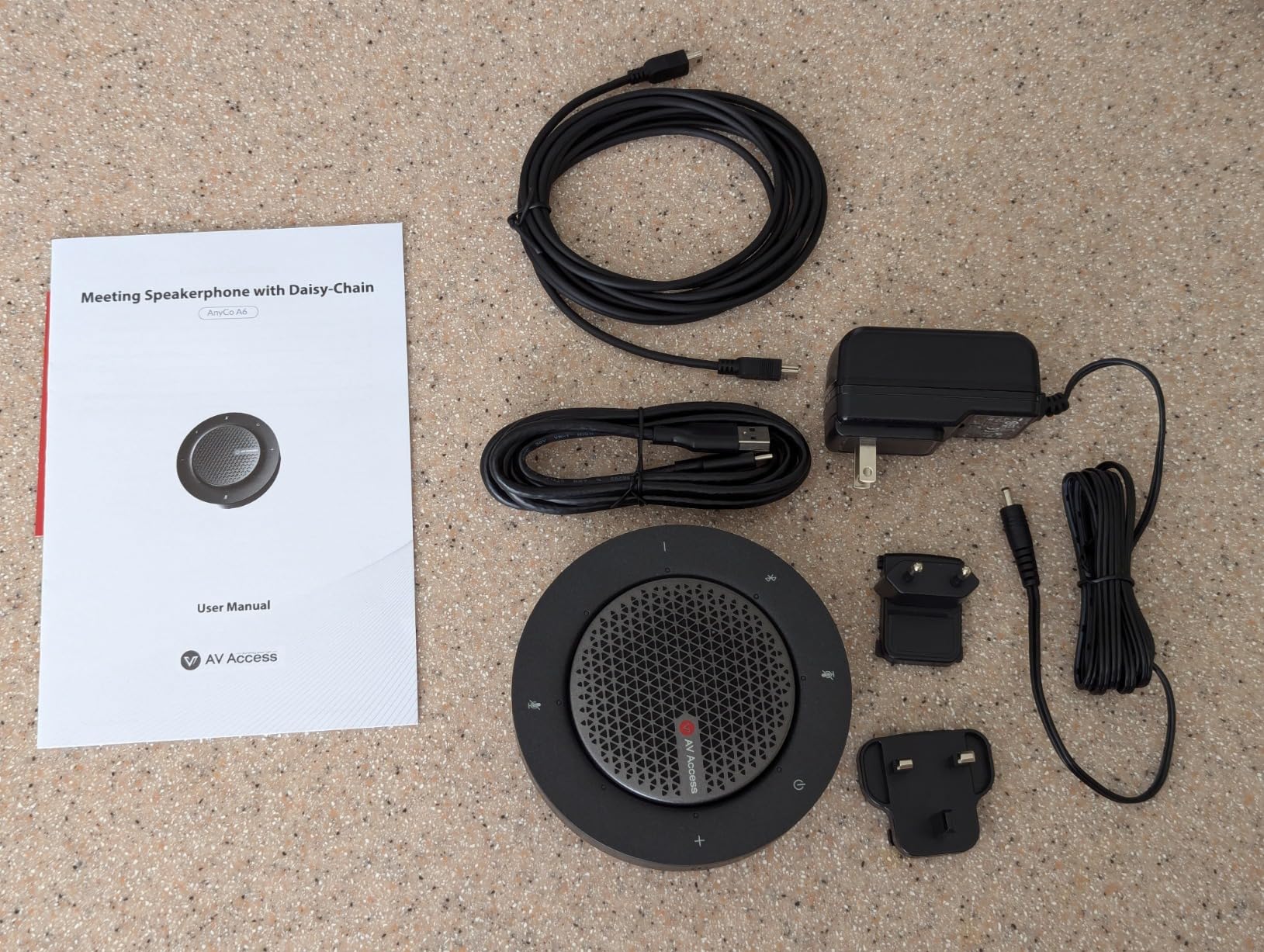
For the presenters, consumer-grade webcams and built-in laptop microphones are insufficient for large-scale events.
- Audio: Use a dedicated XLR microphone with an interface or a high-quality USB condenser mic. Clear audio is more important than clear video.
- Lighting: Three-point lighting or a simple LED ring light ensures the presenter looks professional.
- Connection: Presenters should always use a hardwired Ethernet connection. Wi-Fi is prone to jitter and interference, which can cause the stream to lag or drop.
Essential Roles for Managing the Call
A large conference call is a production, not just a conversation. You need a dedicated team to manage the moving parts.
- The Host/Producer: This person does not speak on camera. They manage the technical "behind the scenes" work—starting the stream, switching between presenters, and managing the slide deck.
- The Moderator: This person manages the audience. They monitor the Q&A panel, filter out duplicate questions, and relay the best questions to the speakers. They also handle disruptive participants if the call is interactive.
- The Speakers/Panelists: These are the subject matter experts. They should focus entirely on their delivery, knowing that the Producer and Moderator are handling the technicalities.
- Technical Support: For very large calls, have a dedicated person or "Help Desk" available in the chat to assist attendees who are having trouble with their audio or video settings.
Step-by-Step Execution Guide
1. Pre-Event Configuration
Set up your event at least two weeks in advance. Configure your registration settings: do you want it open to the public or restricted to your domain? Enable "Practice Mode," which allows presenters to join the call and test their equipment before the "Live" broadcast starts for attendees.
2. The Tech Rehearsal
Conduct a "dry run" 24 to 48 hours before the event. This is not for content, but for technology. Check every presenter's lighting, audio levels, and internet stability. Verify that screen sharing works and that any embedded videos play with sound.
3. During the Call: Interaction Management
In a call with 1,000+ people, "open mic" is impossible. Use structured interaction:
- Structured Q&A: Use a dedicated Q&A tool where attendees can "upvote" questions. This ensures the speakers answer what the majority of the audience cares about.
- Live Polling: Use polls every 15–20 minutes to keep the audience engaged.
- Chat Moderation: If you enable the general chat, ensure you have two moderators to monitor it for spam or inappropriate behavior.
4. Post-Event Follow-up
Once the call ends, your work continues. Enterprise platforms provide detailed analytics:
- Engagement Reports: Who stayed for the whole duration?
- Q&A Transcripts: Answer any questions that weren't addressed live.
- Recording Distribution: Provide a high-quality link to the recording, often with AI-generated chapters or a summary for those who couldn't attend.
Troubleshooting Common Issues
Even with perfect planning, technical glitches can occur. Here is how to handle the most common problems during a large conference call.
- Presenter Lag: If a speaker’s video is stuttering, have them turn off their camera and continue with audio-only. Audio uses significantly less bandwidth and is usually the last thing to fail.
- Audio Feedback: If you hear an echo, it is usually because a presenter has the call open on two devices or is using speakers instead of a headset. The Moderator should identify the source and mute them immediately.
- Slide Sync Issues: If the audience sees a different slide than the presenter, have the Producer take over the screen sharing. Centralizing the presentation deck often prevents sync issues caused by a presenter's slow upload speed.
Security Best Practices
Large calls, especially those open via a public link, are targets for "Zoom-bombing" or unauthorized access.
- Unique Meeting IDs: Never use your Personal Meeting ID (PMI) for a large call.
- Registration Barriers: Require registration to track who is attending.
- Waiting Rooms: For sensitive meetings, use a waiting room to vet participants before they enter.
- Disable Join Before Host: This prevents participants from interacting with each other before the moderators arrive.
Frequently Asked Questions
How many people can join a standard conference call?
In 2026, most standard business licenses (like Zoom Pro or Teams Business) allow up to 100–300 participants. To host more, you generally need an "Enterprise" tier or a specific "Large Meeting" add-on, which can expand capacity to 500 or 1,000. For anything larger, you must move to a Webinar or Town Hall format.
Can I host a large conference call for free?
While there are free versions of platforms like Google Meet or Zoom, they have strict limitations. Zoom's free tier typically limits meetings to 40 minutes and 100 participants. For a truly "large" call (over 100 people) with no time limits and professional controls, a paid subscription is required.
Is a "Large Meeting" the same as a "Webinar"?
No. In a "Large Meeting," everyone can theoretically talk and share video, which is better for collaboration. In a "Webinar," the audience is passive (view-only), which is better for control and scale. Webinars are the preferred choice for events with more than 500 attendees.
What is the best way to handle Q&A with 1,000 people?
The best method is to use a "moderated Q&A" panel where attendees type their questions. This allows a moderator to dismiss duplicates and "feature" the best questions for the speaker. Opening the phone or mic lines for 1,000 people is virtually never recommended as it leads to significant background noise and interruptions.
Do I need a special phone line for a large conference call?
While most participants join via the internet (VoIP) in 2026, providing a PSTN (Public Switched Telephone Network) dial-in number is still a vital backup. This allows people with poor internet connections or those traveling to call in using a traditional phone line. Ensure your provider offers "Toll-Free" options if you have international participants.
Final Recommendation for 2026
If you are planning a large conference call this year, start by auditing your internal network capacity. For events where security and Microsoft integration are the priority, Microsoft Teams Town Hall is the most efficient choice. For external-facing events where user experience and registration marketing are paramount, Zoom Events remains the gold standard. Always assign a dedicated technical producer to handle the interface, allowing your speakers to focus entirely on their message.
Image Gallery