Understanding USDA Pay Stubs: A Comprehensive Guide for Federal Employees
Understanding USDA Pay Stubs requires navigating a specialized system of earnings, deductions, and federal leave records managed through federal payroll providers. For employees of the United States Department of Agriculture, interpret...
Understanding USDA Pay Stubs requires navigating a specialized system of earnings, deductions, and federal leave records managed through federal payroll providers. For employees of the United States Department of Agriculture, interpreting this financial document ensures proper compensation, accurate tax withholding, and precise tracking of retirement contributions and benefits.
Contents
Introduction to USDA Payroll and the Earnings and Leave Statement
For personnel working within the United States Department of Agriculture (USDA), tracking compensation involves reviewing a document officially known as the Earnings and Leave Statement (ELS), commonly referred to as a pay stub. Federal payroll processing for the USDA is primarily handled through centralized federal service providers, such as the National Finance Center (NFC), an operating unit of the USDA itself that also services other federal agencies.
Unlike standard private-sector pay stubs, federal pay statements contain specific nomenclature, civil service retirement codes, complex health benefit abbreviations, and detailed leave accrual tracking. Whether an employee is under the General Schedule (GS) pay scale, the Federal Wage System (FWS), or a specialized executive schedule, deciphering these line items is essential for personal financial management, tax preparation, and career planning. This guide breaks down the structural anatomy of a USDA pay stub, explains key earnings and deduction categories, outlines how to access these documents, and provides troubleshooting steps for common payroll discrepancies.
The Structure of a USDA Earnings and Leave Statement
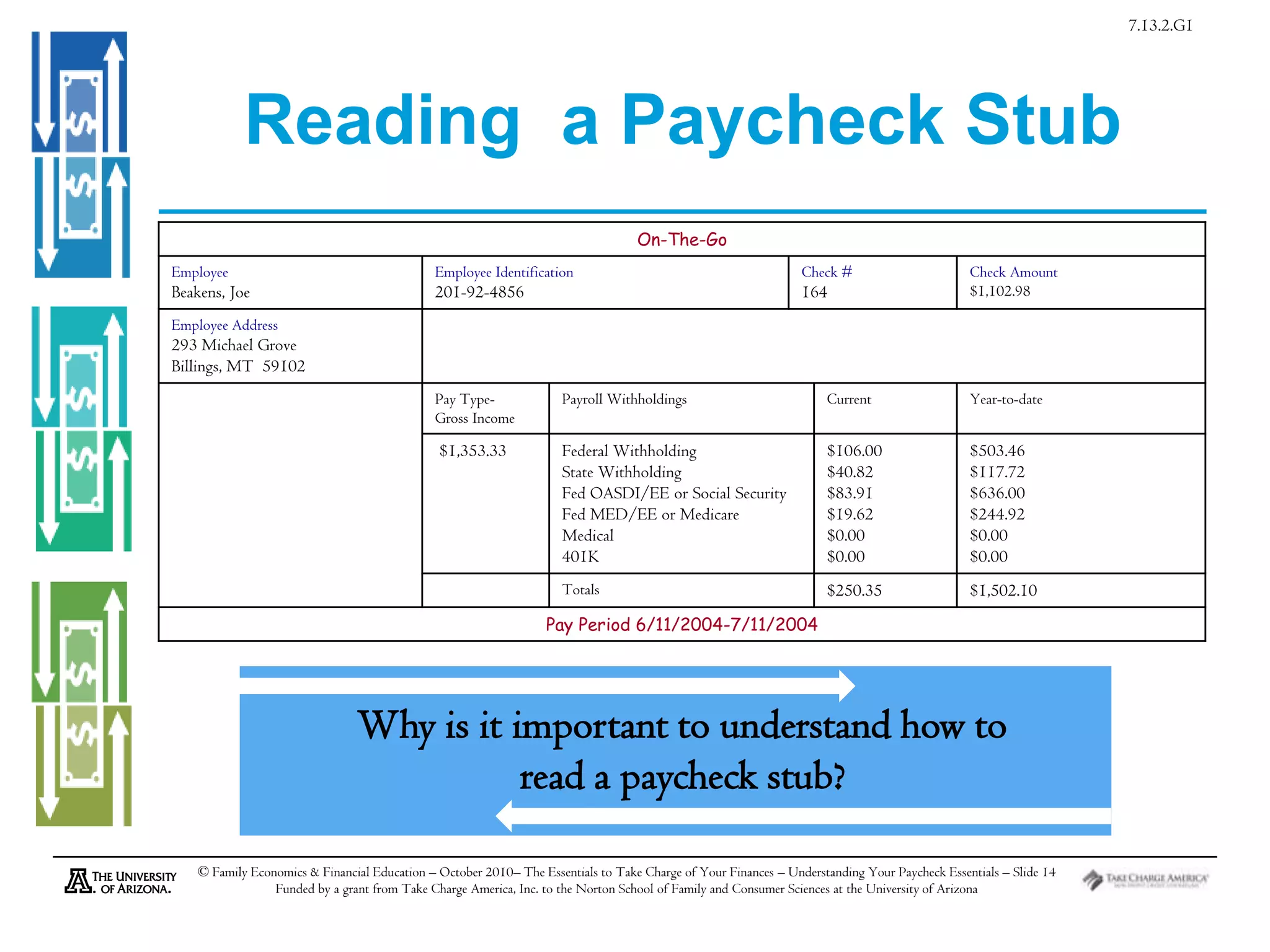
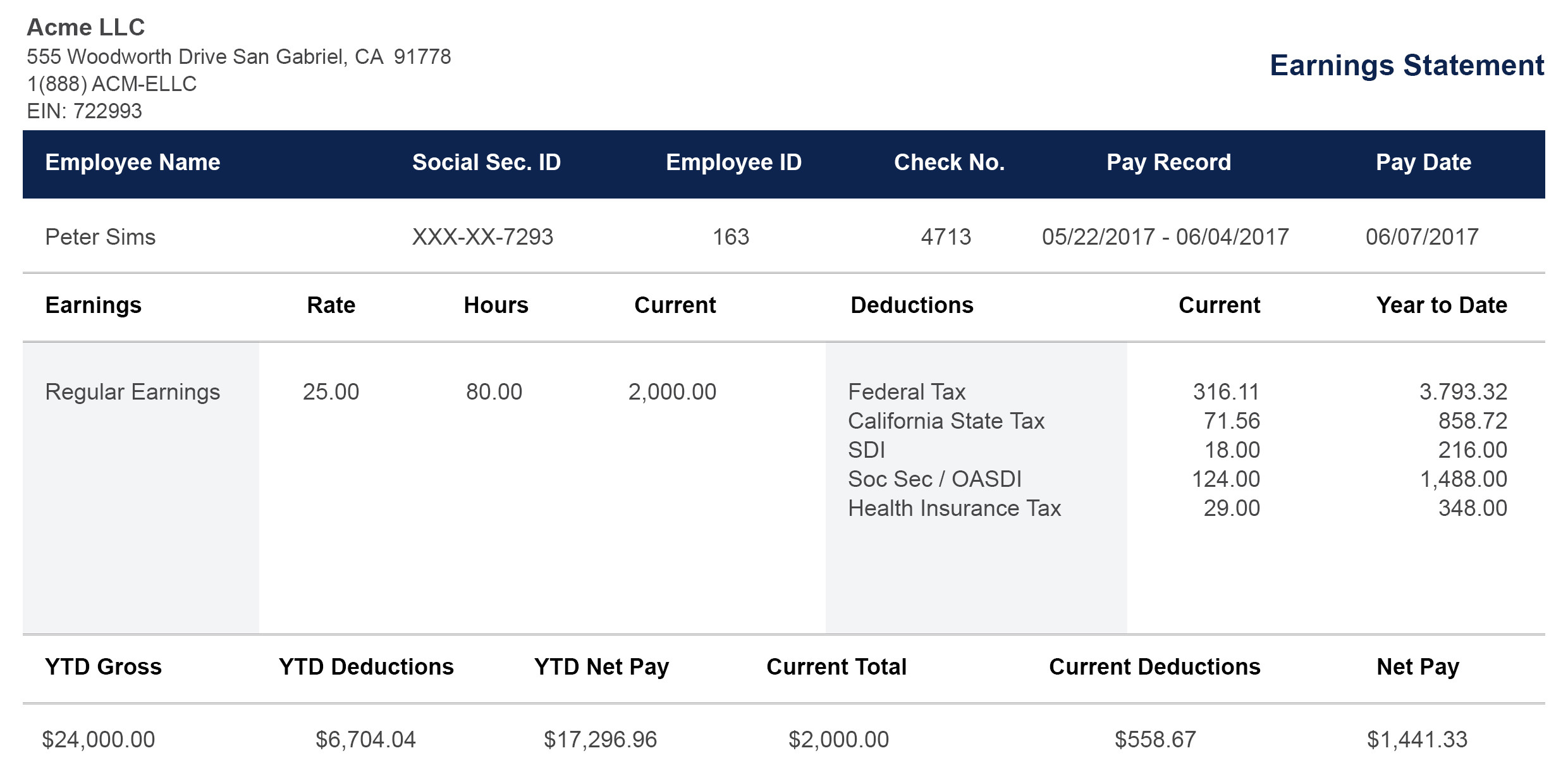
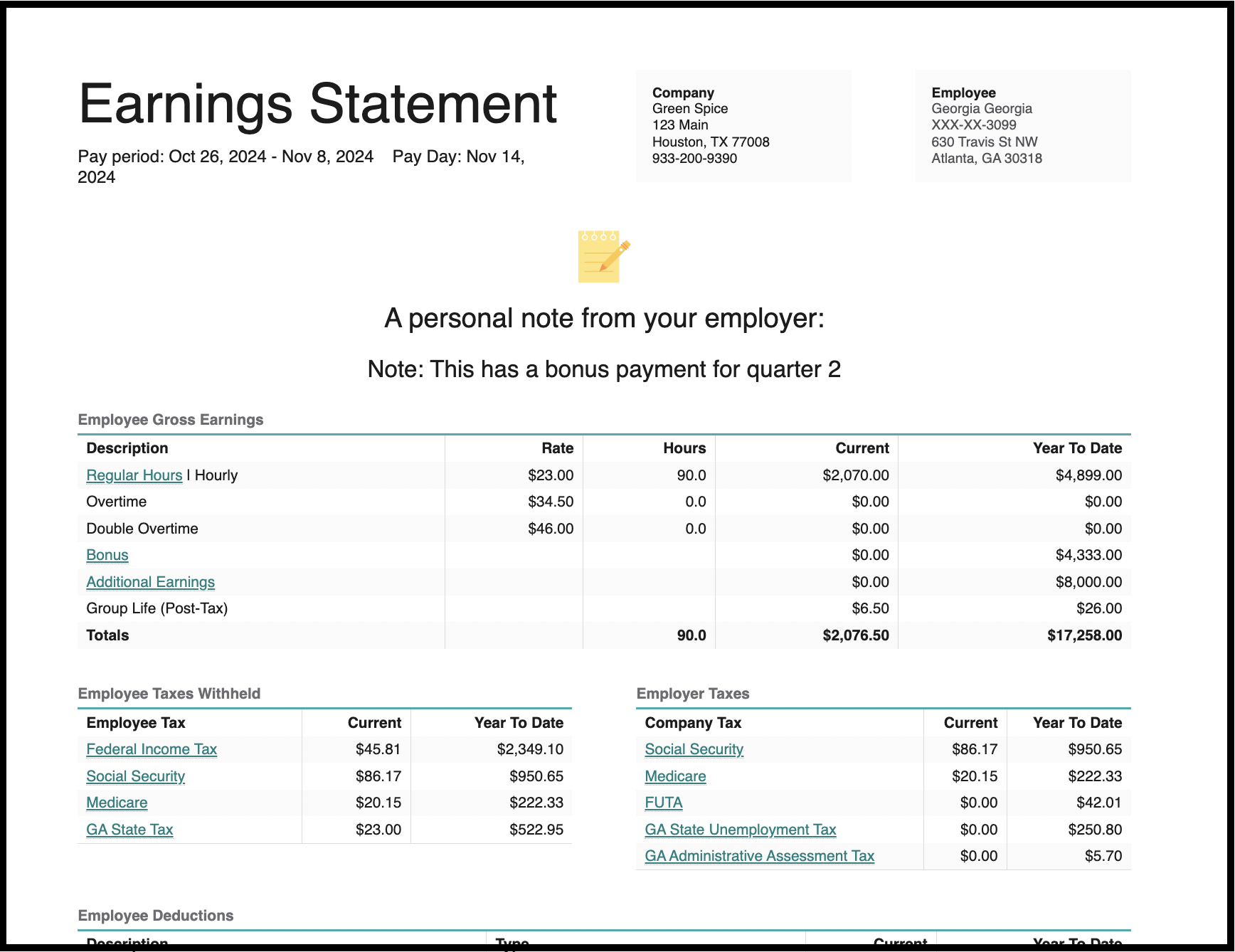
A standard USDA ELS is divided into distinct sections that organize an employee’s financial and leave data for a specific biweekly pay period, alongside cumulative year-to-date (YTD) totals. Recognizing how these sections are organized prevents confusion when auditing compensation or verifying employment.
The top portion of the statement generally contains administrative data: employee name, Social Security Number (or a truncated identifier), agency sub-organization, pay period number, calendar year, pay date, and duty station. Below this header, the document splits into logical blocks covering gross earnings, itemized deductions, net pay, and leave balances.
Header and Administrative Details
The administrative block establishes the timeline and accountability of the payment.
- Pay Period (PP): Federal employment uses a 26-pay-period calendar, usually numbered 01 through 26.
- Pay Date: The official disbursement date, typically the Thursday following the close of the pay period.
- Leave Year: Indicates the specific leave year cycle, which occasionally differs slightly from the standard calendar year regarding carryover calculations.
Earnings Section Breakdown
The earnings section lists every category of compensation allocated to the employee for the current pay period and the year-to-date aggregate. For a GS employee, this starts with the base salary calculated from their grade and step.
| Earnings Category | Current Amount | Year-to-Date (YTD) |
|---|---|---|
| Base Pay (GS/FWS) | $2,500.00 | $65,000.00 |
| Overpay / Premium Pay | $150.00 | $1,200.00 |
| Locality Adjustment | $450.00 | $11,700.00 |
| Awards / Incentives | $0.00 | $500.00 |
Beyond base pay, this section captures locality pay adjustments, which vary by geographic region, and specialized additions such as night differential, Sunday premium pay, hazard duty pay, or administrative overtime. If an employee receives a recruitment, retention, or performance award, it appears here as a discrete line item.
Decoding Federal Deductions and Withholdings
Deductions on a USDA pay stub represent mandatory taxes, statutory retirement contributions, and voluntary benefit selections. Understanding these codes prevents unpleasant surprises during tax season and ensures active benefits coverage.
Mandatory and Tax Withholdings
Federal employees are subject to standard federal, state, and local income taxes, alongside Federal Insurance Contributions Act (FICA) taxes.
- FIT (Federal Income Tax): Withheld based on the employee's selections on Form W-4.
- SIT (State Income Tax) & Local Tax: Determined by the employee's official duty station or state of residence, depending on interstate tax agreements.
- FICA-OASDI: Social Security tax withholding, capped at the annual statutory wage base.
- FICA-MED: Medicare tax withholding, which applies to all earned income without a wage cap, plus the Additional Medicare Tax for high earners.
Retirement and Benefit Deductions
Federal retirement systems involve mandatory deductions that differ significantly from private sector 401(k) plans. Depending on the employee's hire date, they participate in either the Civil Service Retirement System (CSRS) or the Federal Employees Retirement System (FERS), with modern hires falling under FERS, FERS-RAE, or FERS-FRAE.
- Retirement System: FERS deductions appear with specific percentage rates based on the exact hire tier (e.g., standard FERS vs. FERS-FRAE).
- TSP (Thrift Savings Plan): Employee contributions—either traditional (pre-tax) or Roth (after-tax)—appear here alongside agency automatic 1% contributions and matching allocations.
- FEHB (Federal Employees Health Benefits): The employee’s share of health insurance premiums is deducted on a pre-tax basis under the premium conversion plan unless specifically waived.
- FEGLI (Federal Employees Group Life Insurance): Premiums for basic and optional life insurance coverage.
- FSAFEDS: Flexible Spending Account deductions for health care or dependent care flexible spending accounts.
Tracking Leave Balances and Accruals
The bottom or side panel of a USDA pay stub details leave usage and accruals. Federal leave management is strictly regulated by Title 5 of the United States Code and Office of Personnel Management (OPM) guidelines.
Standard Leave Categories
- Annual Leave: Accrued at rates of 4, 6, or 8 hours per biweekly pay period, depending on years of federal service (under 3 years, 3 to 15 years, and 15+ years, respectively). The stub displays beginning balance, earned, used, adjusted, and ending balance, alongside the maximum allowable carryover limit (typically 240 hours for most domestic civilian employees).
- Sick Leave: Full-time civilian employees accrue 4 hours of sick leave per pay period regardless of length of service, with no ceiling on cumulative carryover.
- Use-or-Lose Annual Leave: Projected toward the end of the leave year, this highlights hours that must be used before the start of the new leave year to prevent forfeiture.
Accessing and Managing USDA Pay Stubs via Employee Portals
USDA employees access their official pay statements through designated electronic self-service portals rather than receiving paper statements by mail. The primary portal utilized for NFC-serviced USDA personnel is EmpowHR or the National Finance Center’s Employee Personal Page (EPP).
Using the Employee Personal Page (EPP)
The Employee Personal Page is a secure, web-based application provided by the NFC that allows federal employees to view and print historical pay stubs, W-2 forms, and leave data.
- Authentication: Access requires multi-factor authentication (MFA), typically utilizing Login.gov, a Personal Identity Verification (PIV) card, or a Common Access Card (CAC).
- Document Retrieval: Users can navigate to the "Earnings and Leave Statement" menu to download PDF copies spanning multiple years.
- Profile Management: Employees can also update direct deposit allocations, adjust federal and state tax withholding elections (W-4 and state equivalents), and manage address changes through linked portals.
Common Pay Stub Discrepancies and Troubleshooting
Errors in federal payroll processing, though rare, can occur due to delayed personnel action processing, retroactive pay adjustments, or coding mistakes in human resources systems. Knowing how to identify and resolve these issues protects employee financial standing.
Identifying Pay Discrepancies
Common warning signs on a pay stub include unexpected drops in net pay, missing premium pay for overtime worked, incorrect step or grade designations following a promotion, or miscalculated tax withholding rates. Employees should review their ELS every pay period rather than waiting for annual tax filings.
Steps to Resolve Payroll Issues
- Verify Time and Attendance: Cross-reference the ELS hours worked against personal timesheet records submitted via systems like WebTA or PayIt.
- Contact the Timekeeper or Supervisor: Local agency timekeepers can verify whether hours were correctly approved and transmitted to the NFC payroll interface before the cutoff deadline.
- Submit a Payroll Inquiry: If the error persists, employees should submit a ticket through their respective mission area human resources or financial management office (such as the USDA Human Resources Management Directorate) or contact the NFC Contact Center directly for technical payroll audits.
Conclusion and Recommended Next Actions
Mastering the components of a USDA pay stub provides federal employees with financial clarity, ensures accurate benefit management, and facilitates seamless tax preparation. Reviewing the Earnings and Leave Statement biweekly allows for early detection of discrepancies in pay, leave accruals, or retirement deductions. For ongoing financial health, active employees should routinely log into the Employee Personal Page to verify TSP contribution percentages, monitor use-or-lose annual leave balances, and ensure tax withholdings align with personal financial goals.
Image Gallery