How PayPal Works for Netflix: A Complete Guide to Setup and Troubleshooting
Using PayPal to pay for a Netflix subscription provides a secure and centralized way to manage monthly streaming costs without sharing credit card details directly with the platform. To use it, you must select PayPal as your payment me...
Using PayPal to pay for a Netflix subscription provides a secure and centralized way to manage monthly streaming costs without sharing credit card details directly with the platform. To use it, you must select PayPal as your payment method during signup or within your account settings, allowing Netflix to automatically deduct the subscription fee from your PayPal balance or linked funding sources each month.
Contents
The relationship between digital payment processors and streaming giants has evolved significantly by 2026. As consumers increasingly prioritize data privacy and financial consolidation, using an intermediary like PayPal for recurring subscriptions has become a standard practice. This guide explores the technical mechanics, regional availability, and troubleshooting steps required to manage your Netflix subscription via PayPal.
Prerequisites for Using PayPal with Netflix
Before attempting to link PayPal to your Netflix account, it is essential to understand the technical and regional requirements. While both companies operate globally, their integration is not universal.
Regional Availability
PayPal is available as a Netflix payment method in dozens of countries, including the United States, Canada, Mexico, and much of the European Union. However, availability is determined by the region in which your Netflix account was created. For example, if you created an account in a region where PayPal is not supported—even if you are currently traveling in a supported country—the option may not appear in your billing settings.
Account Verification Requirements
Netflix typically requires a "verified" PayPal account for recurring billing. This means your PayPal account must be linked to a valid bank account or a credit/debit card. Because Netflix uses an automatic payment agreement (often referred to as a "billing agreement"), PayPal must have a secondary funding source to ensure the transaction clears if your PayPal balance is zero.
Third-Party Billing Conflicts
If you receive Netflix as part of a bundle through a mobile carrier (like T-Mobile), an internet service provider (like Comcast or Virgin Media), or a third-party platform like Apple or Roku, you generally cannot switch your payment method to PayPal directly through the Netflix interface. In these instances, your billing is managed by the partner company, and any changes must be made through their respective portals.
How to Set Up PayPal on a New Netflix Account
For new users, integrating PayPal is a straightforward process completed during the initial registration. By 2026, Netflix has streamlined this interface to minimize friction during the onboarding process.
- Visit the Netflix Website: Go to the official Netflix signup page and enter your email address to begin the process.
- Choose Your Plan: Select from the available tiers (Standard with Ads, Standard, or Premium). The payment method you choose will apply regardless of the plan level.
- Set Up Payment: When prompted to "Set up your payment," select the PayPal icon.
- Redirect to PayPal: You will be redirected to a secure PayPal login window. Enter your credentials and authorize Netflix to charge your account for recurring monthly fees.
- Confirm the Billing Agreement: Review the terms. This step establishes the "Automatic Payment" link, which allows Netflix to pull funds on your billing date without requiring a manual login every month.
- Finalize: Once redirected back to Netflix, confirm your details to start your subscription.
Switching an Existing Netflix Account to PayPal
If you are already a Netflix subscriber and wish to move away from direct credit card billing, you can update your information in the account management dashboard.
To change your payment method, log into Netflix via a web browser (as payment settings are often restricted in smart TV apps for security). Navigate to the "Account" section and look for Manage Payment Info. From there, you can select "Add Payment Method" and choose PayPal.
Once you have successfully linked your PayPal account, it is advisable to set it as the "Preferred" or "Primary" payment method. You can then remove your old credit card information. This shift ensures that if your physical card is lost or expires, you only need to update the card information within PayPal, rather than updating every individual streaming service you use.
The Mechanics of Recurring Billing
Understanding how PayPal handles the "handshake" with Netflix is vital for avoiding service interruptions. Netflix initiates a charge exactly one month from the date you signed up.
The Authorization Process
When Netflix requests payment, PayPal first looks at your available PayPal Balance. If the balance is sufficient, the funds are drawn from there. If the balance is insufficient, PayPal immediately attempts to charge your "Preferred Funding Source" (usually a linked bank account or credit card).
Backup Funding Sources
One of the primary benefits of using PayPal in 2026 is the ability to set a backup payment method. If your primary card linked to PayPal is declined—perhaps due to an expired expiration date—PayPal can automatically attempt the charge on a secondary card. This prevents Netflix from immediately suspending your account due to a failed payment.
Comparative Overview: Payment Methods for Netflix
The following table compares PayPal with other common payment methods available on Netflix in 2026 to help users decide which fits their financial habits best.
| Feature | PayPal | Direct Credit/Debit Card | Netflix Gift Cards |
|---|---|---|---|
| Privacy | High (Card info hidden from Netflix) | Moderate (Shared with Netflix) | High (Anonymous) |
| Recurring Billing | Automatic | Automatic | Manual (Must add credit) |
| Ease of Update | Centralized in PayPal app | Must update on Netflix site | N/A |
| Refund Ease | Handled through PayPal/Netflix | Handled through Bank/Netflix | Generally non-refundable |
| Backup Options | Multiple linked sources | Single source only | None |
Security and Privacy Considerations
Using PayPal for Netflix provides a layer of abstraction that enhances digital security. When you pay directly with a credit card, your sensitive financial data is stored on Netflix’s servers. While Netflix maintains high security standards, using PayPal means your card number and CVV are never shared with the streaming service.
In the event of a dispute or unauthorized charge, PayPal’s Purchase Protection and dispute resolution center offer an additional path for recovery that is often more user-friendly than dealing with a traditional bank's fraud department. Furthermore, users can monitor and cancel the "Netflix Automatic Payment" agreement directly from the PayPal dashboard, providing an extra "kill switch" for the subscription.
Troubleshooting Common PayPal-Netflix Issues
Even with a robust integration, users may encounter technical hurdles. Below are the most frequent issues and their resolutions.
"Your Payment Method Was Declined"
This is the most common error. It usually occurs not because Netflix is down, but because the "Automatic Payment" agreement within PayPal has been revoked or the funding source behind PayPal has failed. Check your PayPal "Wallet" to ensure your linked card hasn't expired.
PayPal Not Appearing as an Option
If you do not see PayPal listed during checkout or in your account settings, it is likely due to one of three reasons:
- Geographic Restriction: You are in a country where the partnership is not active.
- VPN Usage: If you are using a VPN to access Netflix, the site may detect an IP address from a region that doesn't support PayPal.
- Account History: If a previous PayPal dispute was filed against Netflix, the platform may temporarily restrict that payment method for your specific email address.
Currency Mismatches
If your PayPal account is set to USD but your Netflix account is registered in a region that bills in EUR, PayPal will perform a currency conversion. While convenient, this often includes a conversion fee (typically around 3-4%). To avoid this, ensure your Netflix account region and PayPal primary currency match.
Managing Subscriptions via the PayPal Dashboard
A significant advantage of using PayPal is the transparency it offers. In 2026, users often struggle with "subscription fatigue." PayPal helps mitigate this through its "Automatic Payments" portal.
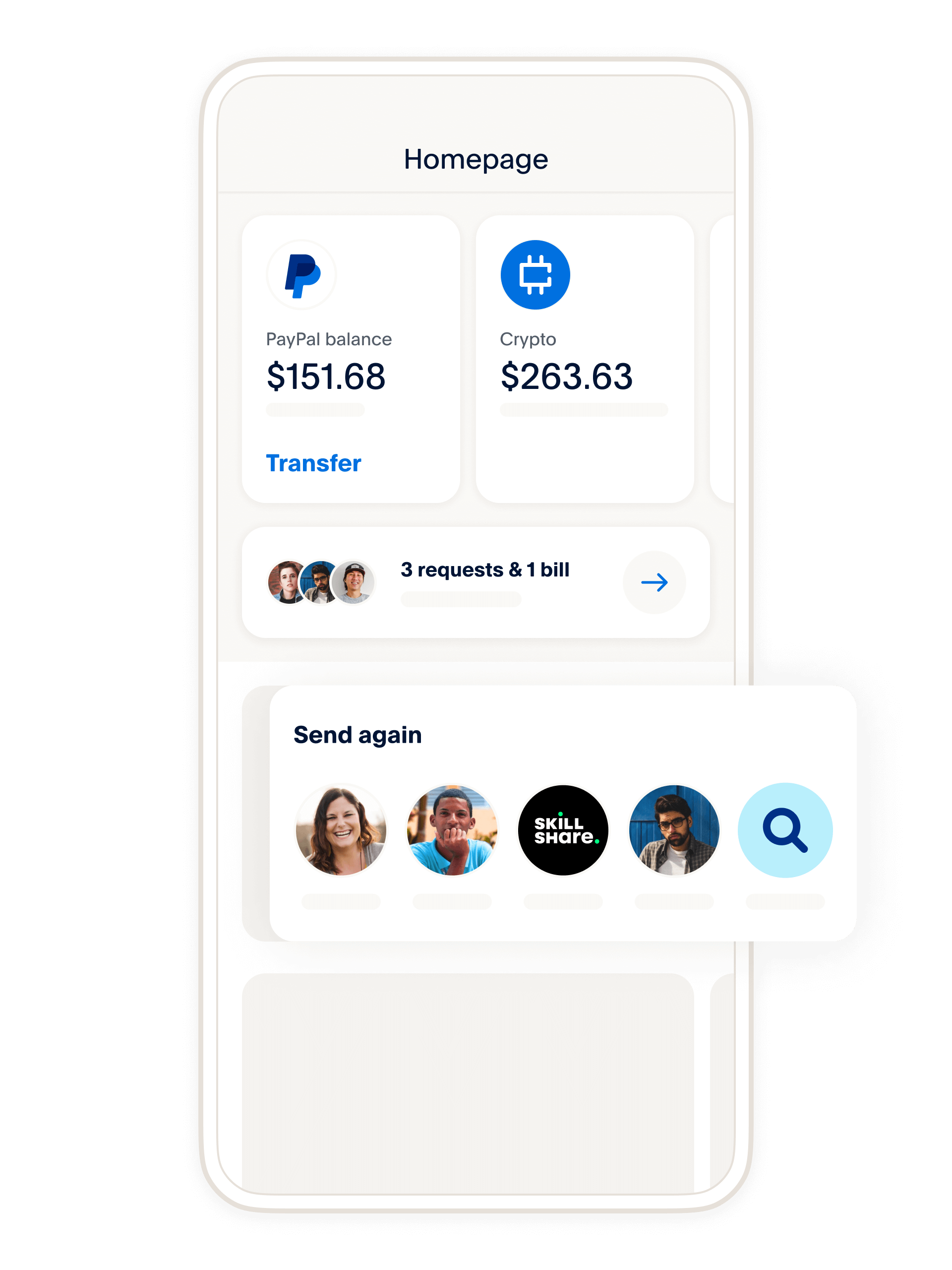
To manage this, log into your PayPal account and navigate to Settings > Payments > Manage Automatic Payments. Here, you will see a list of every merchant authorized to charge your account. Selecting "Netflix" will show you the history of every monthly payment made, the current funding source being used, and a button to "Cancel" the agreement. Canceling here effectively stops Netflix from being able to pull funds, which will lead to a subscription suspension at the end of your current billing cycle.
FAQ
Can I use a PayPal Business account for Netflix? Yes, PayPal Business accounts function the same as Personal accounts for Netflix subscriptions. However, ensure that the "Automatic Payments" feature is not restricted by any corporate spending limits set on the account.
Why does Netflix ask for a credit card even though I chose PayPal? This usually happens if your PayPal account is not "verified" or does not have a linked credit/debit card. Netflix requires a backup payment method to be on file within the PayPal ecosystem to ensure the monthly subscription can be fulfilled if your PayPal balance is empty.
Can I pay for Netflix with PayPal Credit or "Pay in 4"? Standard Netflix subscriptions typically do not qualify for "Pay in 4" or short-term installment plans because they are recurring monthly services rather than one-time retail purchases. However, you can use PayPal Credit as your preferred funding source within your PayPal wallet, provided you have an available credit line.
Does Netflix accept PayPal in every country? No. While it is widely accepted in North America and Europe, many countries in Asia, Africa, and South America require local credit cards or integrated mobile billing. Always check the "Payment Methods" section of the Netflix Help Center for your specific region.
What happens to my Netflix if I delete my PayPal account? If you delete your PayPal account without first adding a new payment method to Netflix, your subscription will be canceled at the end of the current billing period once Netflix attempts the next charge and fails.
Practical Recommendation
For the best experience, link a dedicated debit or credit card to your PayPal account specifically for subscriptions. This allows you to utilize PayPal’s security features while maintaining a clear audit trail of your entertainment spending. If you are setting up a new account in 2026, verify that your PayPal account is fully "Verified" before starting the Netflix signup process to prevent "payment declined" errors during the initial handshake.
Image Gallery