Choosing Jira Over Slack for Structured Work in 2026
Choosing Jira over Slack for structured work is necessary when a project requires clear accountability, multi-stage approval processes, and a permanent record of progress. While Slack excels at real-time communication, Jira provides th...
Choosing Jira over Slack for structured work is necessary when a project requires clear accountability, multi-stage approval processes, and a permanent record of progress. While Slack excels at real-time communication, Jira provides the essential framework for tracking complex tasks, managing dependencies, and maintaining a centralized source of truth for long-term deliverables.
Contents
The landscape of professional productivity in 2026 is defined by a clear separation between "synchronous communication" and "systematic execution." For years, teams have struggled with the "Slack trap"—the tendency to treat an instant messaging platform as a project management tool. However, as organizational complexity increases, the limitations of managing work through chat threads have become undeniable. Structured work demands more than just a conversation; it requires a database of record, a workflow engine, and granular reporting capabilities that only a dedicated platform like Jira can provide.
Understanding the Nature of Structured Work
Structured work is defined by its predictability, its metadata, and its lifecycle. Unlike a brainstorm or a quick status check, structured work follows a predefined path from inception to completion. It is characterized by specific attributes: an owner, a priority level, a deadline, and a set of dependencies. When work is structured, it can be measured, audited, and optimized.
In a professional environment, structured work typically includes software development sprints, legal contract reviews, marketing campaign launches, and IT service requests. These activities are not "one-offs." They are repeatable processes where the cost of losing information is high. Using a chat-based interface like Slack for these tasks often results in "information decay," where vital details are buried under a mountain of newer, less relevant messages.
Jira is designed specifically to house this structure. By treating every piece of work as a discrete "issue" or "object" rather than a message, Jira ensures that the context remains attached to the task regardless of how much time passes. In 2026, with the integration of advanced Atlassian Intelligence (AI), Jira can now even predict bottlenecks based on historical structured data—a feat that is virtually impossible in the unstructured environment of a chat app.
The Limitations of Slack as a Primary Execution Tool
Slack is an industry-leading communication tool, but it was never intended to be a project management system. When teams attempt to manage structured work within Slack, they encounter several systemic points of failure that can compromise project integrity.
The Ephemeral Nature of Chat
The primary issue with Slack is its chronological bias. The most recent message is always given the most prominence, while older, potentially more important information is pushed "above the fold." Even with features like "Canvas" or pinned messages, the core architecture of Slack is designed for the now. In structured work, the status of a task is more important than the latest comment about it. In Jira, the status is a persistent state that governs what can happen next; in Slack, the status is often a subjective interpretation of the last few messages in a thread.
Lack of Native Workflow Enforcement
Slack lacks a native "state machine." In Jira, you can configure a workflow so that a task cannot move from "In Progress" to "Done" without a peer review or a specific documentation update. This enforcement is critical for compliance and quality control. Slack relies on social contracts—meaning you hope your teammate follows the process—but it cannot programmatically prevent a step from being skipped. For teams operating in regulated industries or high-stakes environments in 2026, this lack of enforcement is a significant liability.
Reporting and Data Visualization
Visualizing progress in Slack is notoriously difficult. While you can use third-party integrations to pull charts into a channel, the data itself is not natively structured for longitudinal analysis. Jira provides robust reporting out of the box: Burndown charts, Cumulative Flow Diagrams, and Velocity reports. These tools allow managers to see not just what is happening today, but how the team is performing over months or years.
Why Jira is the Superior Choice for Structured Work
Jira’s architecture is built around the concept of a "system of record." Every action taken on a task is logged, timestamped, and attributed. This creates an immutable audit trail that is essential for accountability.
Granular Issue Tracking and Custom Fields
One of Jira’s greatest strengths is the ability to define exactly what information is required for a piece of work. Through custom fields, a team can ensure that every "Marketing Asset" task includes a target audience, a budget code, and a link to a creative brief. This level of detail is difficult to maintain in Slack, where data entry is free-form and often inconsistent. By the time a project reaches its midpoint, a Jira-managed project will have a clean, filterable database of tasks, whereas a Slack-managed project will have a fragmented history of conversations.
Dependency Management and Hierarchy
Structured work rarely exists in a vacuum. A software feature might depend on a database update, which in turn depends on a security audit. Jira’s "linking" capability allows teams to visualize these relationships clearly. Furthermore, Jira’s hierarchy—Epics, Stories, Tasks, and Sub-tasks—provides a way to roll up granular work into high-level strategic goals. In 2026, Jira’s "Advanced Roadmaps" feature has become the standard for cross-team synchronization, allowing organizations to see how a delay in one department will impact a product launch six months down the line.
Automation and AI Integration
As of 2026, Atlassian has deeply embedded AI into the Jira ecosystem. This goes beyond simple text generation. Jira can now automatically assign tasks based on team capacity, suggest the best "sprint" for a new item based on historical velocity, and even flag "at-risk" issues before they miss a deadline. Because Jira has a structured data set to learn from, its AI agents are significantly more accurate than those operating in the noisy, unstructured environment of Slack.
Comparing Jira and Slack for Project Management
The following table outlines the fundamental differences between the two platforms when applied to structured work scenarios.
| Feature | Slack (Communication Focus) | Jira (Execution Focus) |
|---|---|---|
| Primary Unit of Work | The Message / Thread | The Issue / Ticket |
| Data Persistence | Ephemeral (Buried by new chat) | Persistent (Searchable database) |
| Workflow Control | Social (Relies on team behavior) | Programmatic (State-machine rules) |
| Accountability | Distributed (Hard to track ownership) | Centralized (Explicit assignees) |
| Historical Audit | Difficult (Requires searching chat) | Native (Full history on every issue) |
| Reporting | Minimal (Manual or via plugins) | Robust (Native charts and dashboards) |
| Scalability | Low (Channel noise increases with size) | High (Hierarchies manage complexity) |
| Ideal Use Case | Brainstorming, urgent alerts, social | Sprints, launches, audits, pipelines |
When to Use Which Tool: The "Hybrid" Reality
While Jira is superior for structured work, it is important to recognize that it does not replace Slack entirely. The most successful organizations in 2026 use a "linked ecosystem" approach.
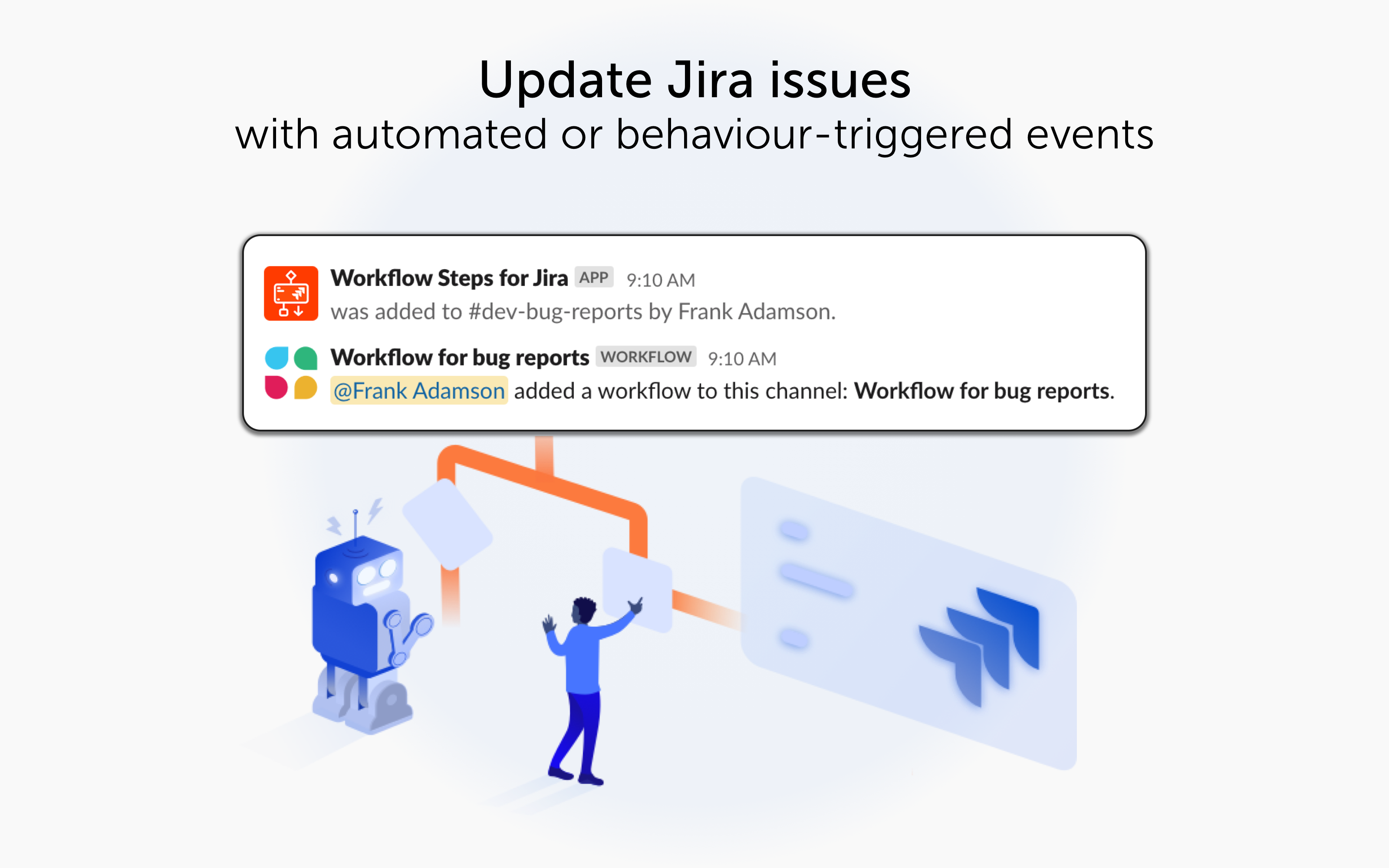
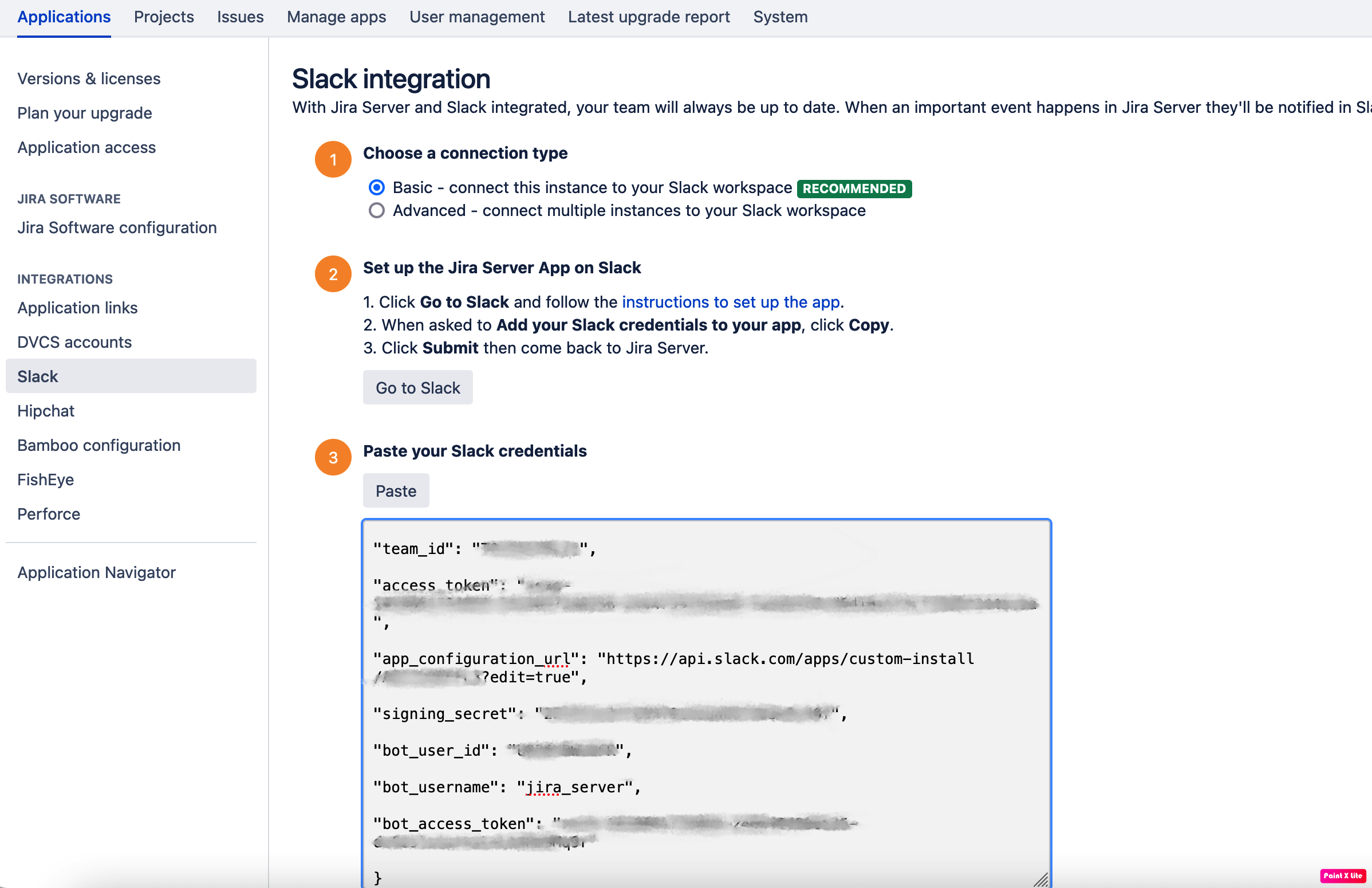
Slack should be used for the "Fringe of Work"—the initial discussions, the quick clarifications, and the social bonding that keeps a team healthy. Once a decision is made or a task is defined, it should immediately be "promoted" to Jira. In fact, many teams use Slack-to-Jira integrations to turn a message into a Jira ticket with a single click.
The rule of thumb is simple:
- If you are talking about work, use Slack.
- If you are committing to work, use Jira.
By moving structured work out of Slack, you reduce "notification fatigue" for your team. They no longer have to scan 500 unread messages to find out what they are supposed to be doing today. Instead, they open their Jira dashboard, see their assigned tasks, and focus on execution.
Common Pitfalls When Transitioning to Jira
Transitioning from a chat-heavy culture to a structured Jira environment is not without its challenges. Teams often complain that Jira feels "heavy" or "bureaucratic" compared to the fluidity of Slack.
- Over-complicating Workflows: A common mistake is creating a Jira workflow with 20 different statuses. This creates friction and leads to "tool resentment." Start with a simple "To Do," "In Progress," and "Done" workflow and only add complexity when it is absolutely necessary for reporting or compliance.
- Neglecting the User Experience: If Jira is not configured correctly, it can become a "data graveyard." Ensure that screens are clean and only show the fields that are actually needed for the task at hand.
- Treating Jira as a Silo: If the team never talks about the work in Jira, the tool becomes a chore. Use Jira during your daily stand-ups and meetings. When the tool reflects the reality of the work, the team is more likely to keep it updated.
Final Recommendation: Making the Choice
For any project that spans more than a week, involves more than three people, or requires a specific sequence of steps, Jira is the definitive choice. In 2026, the complexity of the global business environment means that "winging it" in a chat app is no longer a viable strategy for professional teams.
To begin the transition, identify one repeatable process—such as your weekly content calendar or your IT help desk—and move it entirely into a Jira project. Set the expectation that if it isn't in Jira, it doesn't exist. Within a single month, you will notice a marked decrease in "lost" tasks and a significant increase in the clarity of your team’s output.
Frequently Asked Questions
1. Isn't Jira too complex for non-technical teams?
In 2026, Jira has evolved significantly through "Jira Product Discovery" and "Jira Work Management" templates tailored specifically for Marketing, HR, and Operations. These versions offer a much friendlier UI than the classic software development interface while maintaining the same underlying power of a structured database.
2. Can't we just use Slack Lists for structured work?
Slack has introduced features like "Lists" to bridge the gap, and while they are useful for simple personal to-do lists, they lack the enterprise-grade permissions, advanced automation, and cross-project reporting that Jira provides. For professional, cross-functional projects, Lists are often an insufficient middle ground.
3. How does the cost of Jira compare to Slack in 2026?
Typically, both platforms use a per-user-per-month pricing model. While Slack is often seen as a "standard" utility, Jira is viewed as a high-value productivity investment. Many companies find that the "cost of lost work" in Slack far outweighs the licensing fees of a structured tool like Jira.
4. Will my team stop using Slack if we move to Jira?
No, and they shouldn't. Slack remains the best place for culture, immediate feedback, and "watercooler" talk. The goal is to move the execution of the work to Jira, not to kill the conversation. Most teams find that Slack becomes a more pleasant place to be once the stress of project management is moved to a more appropriate tool.
5. Does Jira's AI really make a difference in structured work?
Yes. Because Jira contains structured data (start dates, end dates, assignees, and labels), the AI can perform actual predictive analysis. It can identify that a specific team member is over-capacity or that a project is likely to be delayed based on historical patterns. Slack's AI is largely limited to summarizing conversations, which is helpful but does not provide the same level of strategic foresight.
Image Gallery