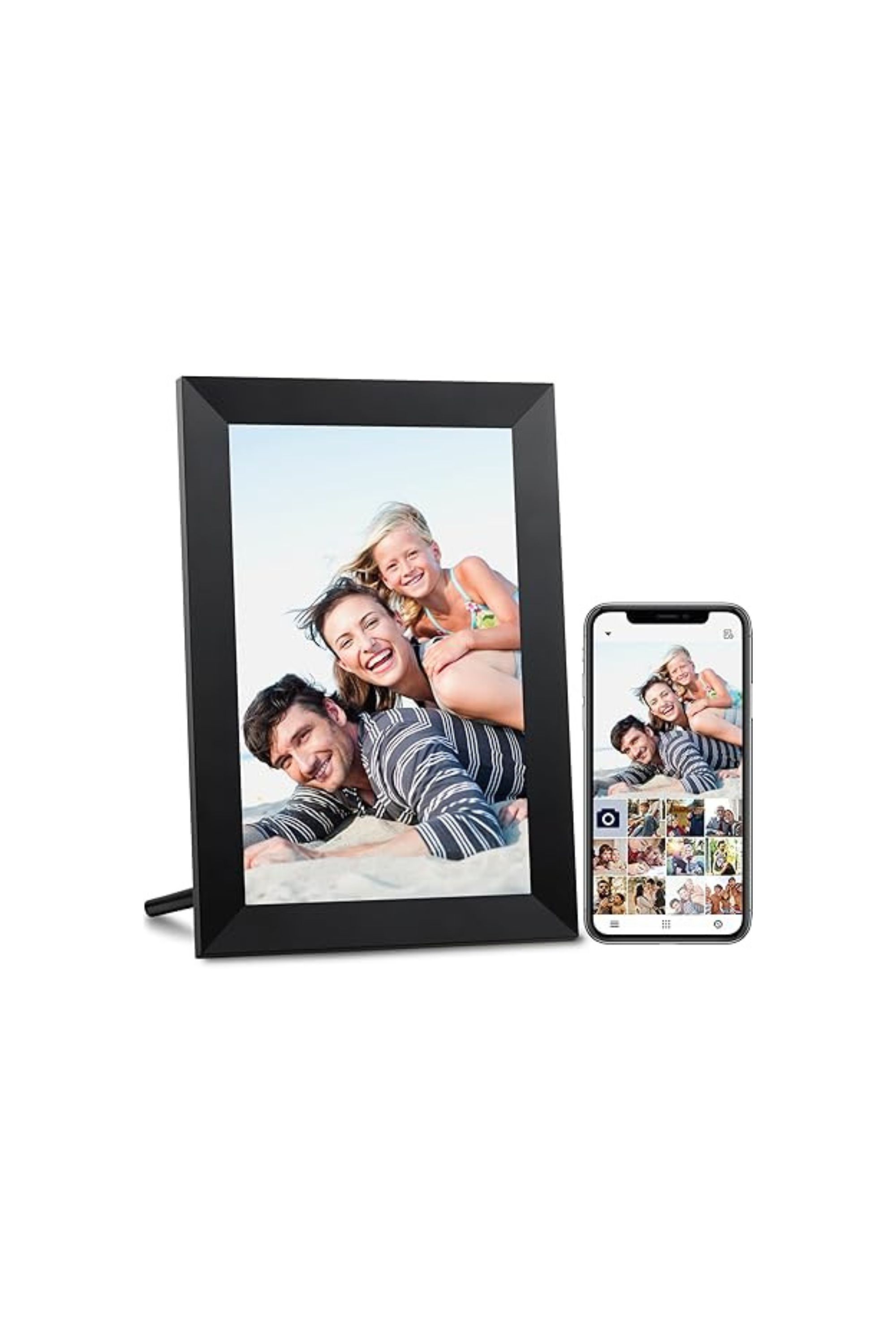
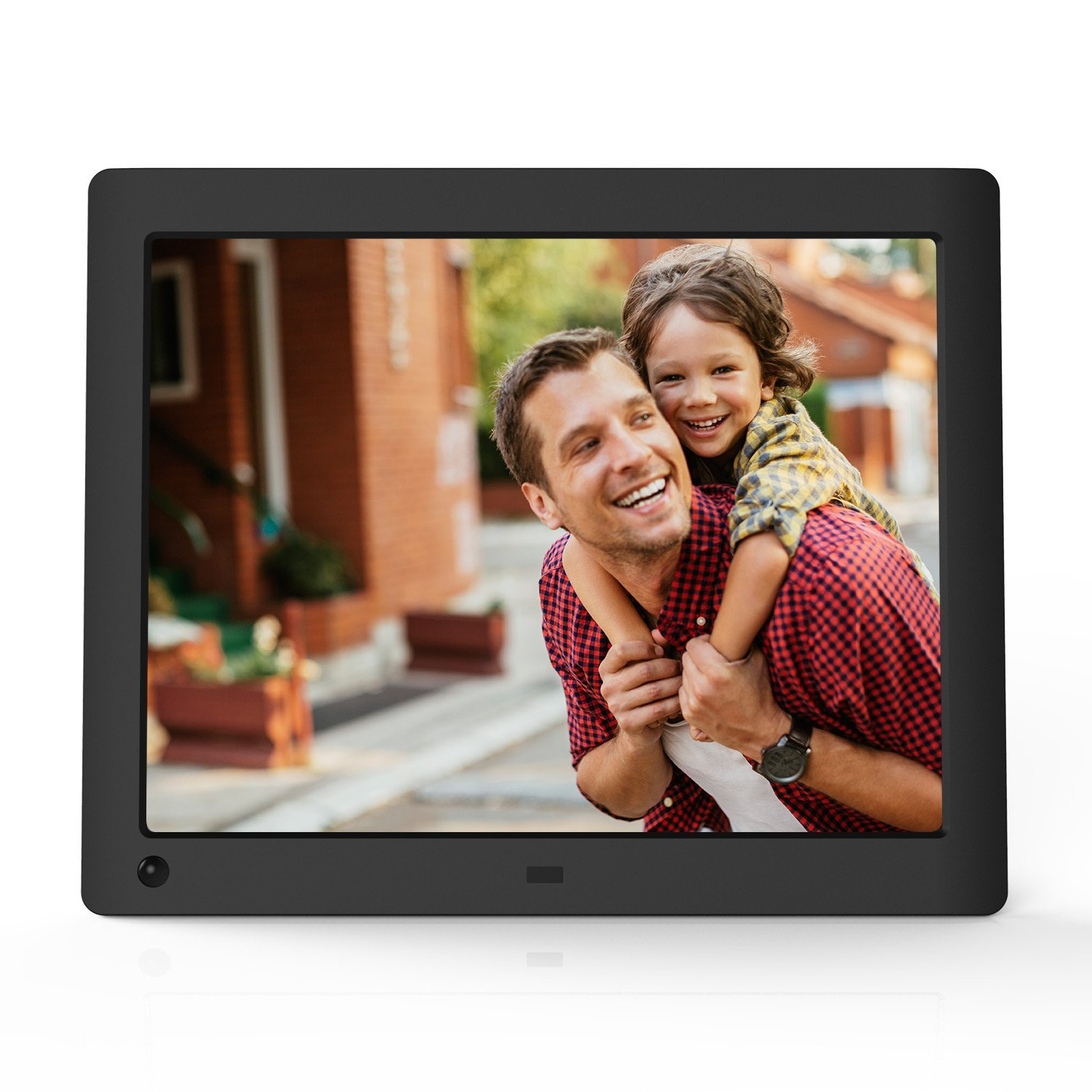
The Best Digital Photo Frame for Everyday Use: A Comprehensive Guide
For most households in 2026, the best digital photo frame for everyday use is a cloud-connected, high-resolution device that prioritizes ease of content management, automatic orientation adjustments, and a display capable of accurate c...
For most households in 2026, the best digital photo frame for everyday use is a cloud-connected, high-resolution device that prioritizes ease of content management, automatic orientation adjustments, and a display capable of accurate color reproduction. The ideal frame simplifies the transition from static physical prints to a dynamic, ever-changing gallery of memories that updates wirelessly without requiring manual intervention.
Contents
Understanding the Everyday Digital Photo Frame
Digital photo frames have evolved from simple devices requiring physical USB drives or SD cards into sophisticated, internet-connected home appliances. For "everyday use," the focus shifts away from professional-grade color calibration or massive internal storage toward seamless integration with mobile devices and cloud services.
An everyday frame must be reliable. It should function as a "set-and-forget" appliance, meaning once you have performed the initial Wi-Fi setup and linked your photo sources—such as Google Photos or iCloud—it should remain operational for years. Reliability in this context includes consistent server connectivity, a responsive interface for remote contributors, and hardware that can withstand continuous operation without overheating or burning out its display pixels.
Essential Features to Evaluate
When choosing a frame for daily use, prioritize features that reduce the friction of maintaining the photo library.
Connectivity and Cloud Integration
The most critical feature is the ability to sync wirelessly. Frames that require a user to plug in a drive every time they want to add photos are generally considered obsolete for everyday household use. Look for frames that support dedicated mobile applications or email-to-frame functionality. The latter is particularly useful for families, as it allows grandparents or distant relatives to send photos directly to the frame via email without needing to navigate complex app menus.
Display Quality and Aspect Ratio
Resolution is often marketed heavily, but for a standard 8-to-10-inch frame, anything above 1280x800 pixels is usually sufficient for clarity at typical viewing distances. More important than resolution is the aspect ratio. Most smartphone photos are shot in 4:3 or 16:9 ratios. A frame that forces an aspect ratio that contradicts your primary photo source will result in distracting black bars (letterboxing) or the unwanted cropping of heads and limbs.
Automation and Power Management
Everyday frames should include ambient light sensors and sleep timers. A screen that stays at full brightness at 3:00 AM is a nuisance. Advanced models use motion sensors to wake up when someone enters the room and put the display to sleep when the space is vacant, effectively extending the lifespan of the LCD or OLED panel.
Comparing Common Frame Types
The following table outlines the trade-offs between different categories of frames available in the current market.
| Feature Type | Basic Plug-and-Play | Connected Smart Frame | Premium Art-Centric |
|---|---|---|---|
| Connectivity | Local (USB/SD) | Cloud/Wi-Fi | Cloud/Wi-Fi/Subscription |
| Ease of Use | Moderate (Manual) | High (Automated) | High |
| Resolution | Standard | High (1080p+) | Ultra-High (4K) |
| Primary Goal | Media Playback | Photo Sharing | Gallery Aesthetics |
| Best For | Minimalists | Families/Gift-giving | Art Enthusiasts |
Prerequisites for Optimal Setup
To ensure your digital photo frame serves you well, establish your digital infrastructure before the device arrives.
- Cloud Consolidation: If your photos are scattered across local folders, cloud backups, and social media, move the images you want to display into a dedicated folder or shared album. Most smart frames integrate best with a single primary source, such as a shared Google Photos album.
- Network Stability: These devices rely on 2.4GHz or 5GHz Wi-Fi. Ensure your router provides a stable signal in the location where you intend to place the frame. Avoid placing the frame behind large metal objects or in areas with high electromagnetic interference, as this can lead to slow photo loading times.
- Account Permissions: If multiple family members will be contributing photos, verify that your cloud service settings allow for shared album access. Setting this up in advance prevents the "request access" delay once the frame is plugged in.
Operational Limitations and Maintenance
Even the best digital photo frames have constraints. First, consider the hardware lifecycle. Unlike a physical picture frame that can last for decades, a digital frame is a computer. You can expect the software support (firmware updates) to eventually taper off.
Second, consider the "burn-in" risk. While modern LCD frames are resistant, displaying the same high-contrast image for extended periods can cause ghosting. Utilize the "shuffle" or "slideshow" features to ensure the pixels are constantly changing.
Finally, manage your expectations regarding video. While many frames support short video clips, audio playback is often limited or requires external speakers. If you want a frame that acts as a video playback device, ensure it supports high-fidelity audio output via Bluetooth, though this is rarely the best use case for a digital frame designed for still photography.
Troubleshooting Common Issues
When a frame stops functioning, the culprit is usually network-related rather than hardware failure.
- Connectivity Drops: If the frame stops updating, check if your router has performed an automated update that changed security protocols. A quick power cycle (unplugging for 30 seconds) usually clears the cache and forces a re-handshake with your Wi-Fi network.
- Frozen Images: This often occurs due to a corrupted file or a lost cloud connection. Try removing the photo that was last displayed from your cloud album. If the frame resumes, the file itself may have been the issue.
- Screen Dimming Irregularities: If the frame seems too dark during the day, check the sensor location. It might be covered by dust or located in a shadow, causing the auto-dimmer to mistake the room for being darker than it actually is.
Frequently Asked Questions
How long should I expect a digital photo frame to last? Under normal everyday use, you should expect a high-quality connected frame to last 3 to 5 years. While the display may remain functional, software updates often cease after this period, which may impact your ability to connect to newer versions of cloud services like Google Photos or iCloud.
Do I need a subscription for these frames? Some manufacturers offer subscription services that provide additional cloud storage or enhanced features like cloud-based video editing. However, for everyday use—simply displaying photos—a subscription is generally not required. Always check the fine print for "premium" features that might be pay-walled.
Can I use a tablet instead of a dedicated digital photo frame? Yes, you can use an old tablet as a frame using a stand and a slideshow application. However, tablets are not optimized for 24/7 operation and may suffer from battery swelling if left plugged in constantly. Dedicated frames are designed for continuous power and offer a more "frame-like" aesthetic.
Are these frames secure? Because these devices connect to the cloud, they are technically IoT (Internet of Things) devices. Always use a strong, unique password for the account associated with your frame and, where possible, enable two-factor authentication on the cloud service you use to feed photos to the frame.
Recommendation
For the most reliable everyday experience, prioritize frames that allow for independent management. This means choosing a device that does not rely on a proprietary, subscription-based cloud platform that could be shut down. Opt for hardware that natively supports major open APIs or widely used platforms like Google Photos or iCloud. By doing so, you ensure that your investment remains a vibrant part of your home decor for years to come, regardless of the manufacturer's corporate status.
Image Gallery