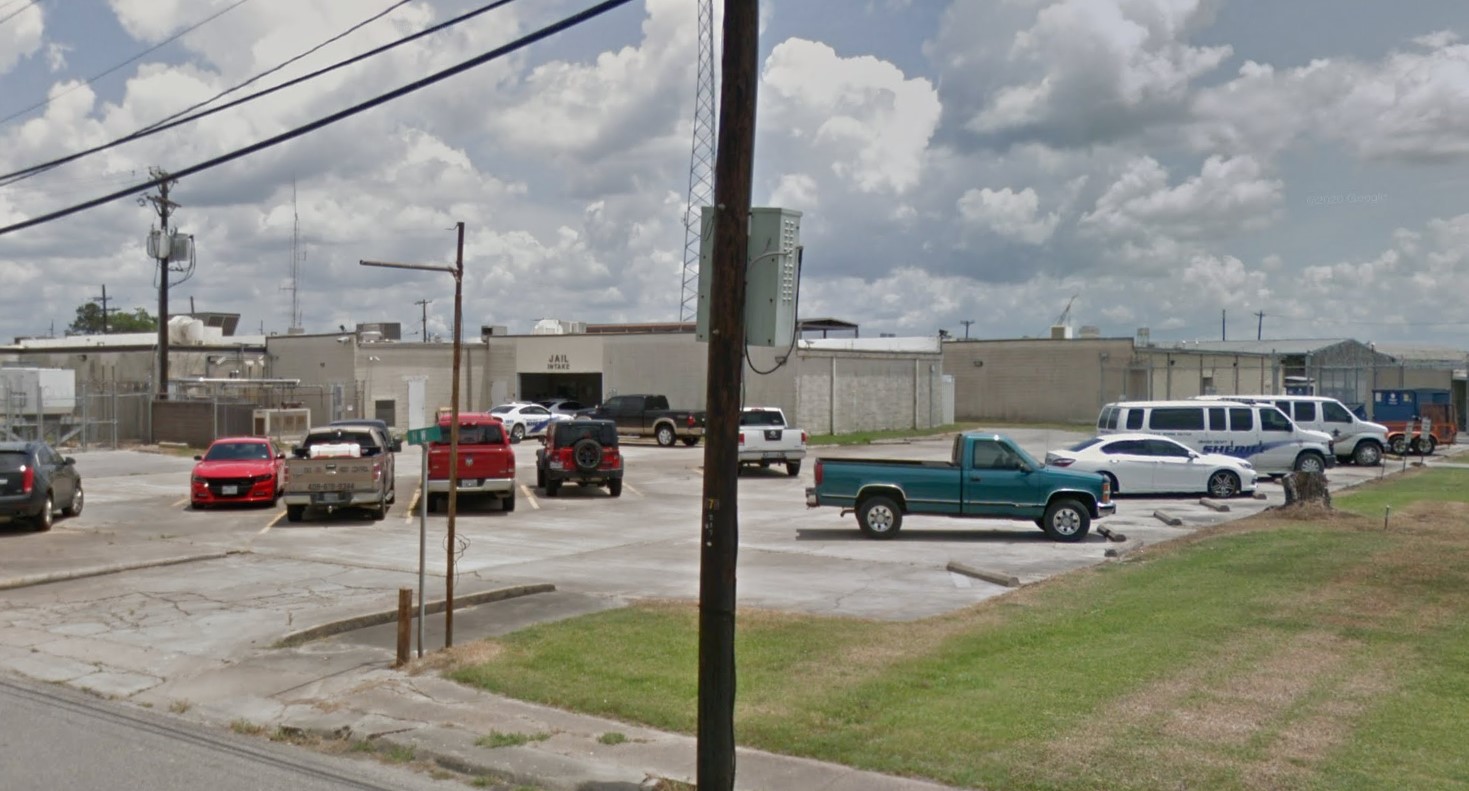
Navigating the Orange County Corrections (OCC) Inmate Search Process
Locating an individual within the Orange County Corrections system requires navigating the official inmate inquiry portal managed by the Orange County Sheriff’s Office. To perform an accurate search, you must provide the detainee's ful...
Locating an individual within the Orange County Corrections system requires navigating the official inmate inquiry portal managed by the Orange County Sheriff’s Office. To perform an accurate search, you must provide the detainee's full legal name or their specific booking number. This 2026 guide clarifies the steps to access public records, verify current custody status, and understand the limitations of the electronic database.
Contents
Understanding the Role of the Orange County Corrections Portal
The Orange County Corrections (OCC) search tool serves as the primary gateway for the public, legal representatives, and families to confirm an individual's presence within the county jail system. The system aggregates real-time data regarding individuals who have been booked and are currently being held pending trial, sentencing, or transfer.
It is vital to recognize that this database is restricted to individuals currently in custody. Once an individual is released, bonded out, or transferred to a state-level Department of Corrections (DOC) facility, their information is typically removed from the active county portal. Consequently, if a search returns zero results, it does not necessarily imply the person was never there; it simply indicates they are no longer under the immediate jurisdiction of the Orange County Sheriff’s Office.
Prerequisites for a Successful Inmate Search
Before initiating a search, ensure you have the necessary identifying information. The digital portal relies on specific database fields to prevent "false positives" or incorrect identification.
- Booking Number: This is the most accurate identifier. If you possess this unique numeric string, the system will return an exact match.
- Legal Name: You must enter the full legal name. The system may struggle with nicknames or shortened versions of names. If you encounter errors, verify the spelling on court documents or previous correspondence.
- Date of Birth: While not always required, inputting a date of birth significantly filters the results, especially when searching for common names that may produce multiple records.
Step-by-Step Procedure for Executing an Inquiry
Follow this workflow to navigate the search interface efficiently. Note that the portal is designed for desktop and mobile browsers, and no specialized software is required.
- Access the Official Portal: Navigate directly to the official Orange County Sheriff’s Office website. Avoid third-party "inmate finder" aggregators, as these are often outdated and may charge unnecessary fees for public information.
- Agree to Terms of Service: Most public portals require the user to acknowledge a disclaimer stating that the information provided is for general reference and should not be used as an official record for legal or employment purposes.
- Input Search Parameters: Enter the subject's last name in the designated field. To narrow the results, provide the first name and the middle initial if available.
- Review Search Results: The system will generate a list of matches. Click on the individual's name to view their public profile.
- Identify Current Status: The record will display the charges, the booking date, the bond amount (if applicable), and the court case number.
Data Points Provided via the Search Tool
When you access an individual’s profile within the system, you are granted access to specific, non-confidential administrative data. The table below outlines what information is generally available through the 2026 public search interface.
| Data Field | Utility for the Public |
|---|---|
| Booking Number | Essential for scheduling video visits or sending funds. |
| Inmate Full Name | Confirms the identity of the individual. |
| Housing Location | Identifies the specific facility or wing for mail delivery. |
| Current Charges | Lists the statutes or code sections allegedly violated. |
| Bond/Bail Amount | Provides the financial requirements for release prior to trial. |
| Court Date | Indicates when the individual is next scheduled to appear. |
Limitations and Troubleshooting Common Search Failures
Even when using the correct name, users often encounter scenarios where a search yields no results. This is frequently due to administrative factors rather than a system failure.
- Processing Delays: When an individual is first arrested, it can take several hours for their information to populate the database. The booking process includes fingerprinting, medical screening, and classification, all of which must be completed before the digital record is activated.
- System Maintenance: Like all secure government databases, the portal undergoes periodic maintenance. If the site is inaccessible, wait 30 to 60 minutes before attempting to search again.
- Jurisdictional Boundaries: Ensure you are searching the correct county. If the arrest occurred in a neighboring county or by a city police department that utilizes a different jail system, the Orange County portal will not contain that data.
- Name Variations: If the search fails, try searching by the booking number exclusively, or use only the last name to see a broader list of individuals, which may help you identify the person despite minor spelling variations.
Guidelines for Communication and Visitation
Once you have confirmed an inmate's status through the search portal, you may be eligible to contact or visit them. Every facility has strict guidelines regarding the types of items that can be sent and the methods for scheduling visits.
Visitation Protocols All visitors must register within the official visitor management system. In 2026, most facilities emphasize video visitation as the primary mode of contact. Ensure your government-issued ID is current and matches your registration profile. Failure to adhere to the facility's dress code or behavior policy can result in the permanent suspension of your visitation privileges.
Frequently Asked Questions
Why does the search system show no record for someone I know was arrested? The individual may be in the intake process, or they may have already been transferred to a different facility, such as a state prison or a regional medical unit. Please allow 12 to 24 hours post-arrest for the record to become available in the public database.
Can I find out the details of an inmate's medical condition or personal status? No. Due to privacy laws such as HIPAA, the jail cannot release private health information or personal details of inmates to the public. The search portal is strictly for custodial and judicial status updates.
How can I pay an inmate’s bond using the booking number? Once you have the booking number from the search portal, you can visit the designated cashier or the official online payment portal. Always ensure you are using the official government payment site to avoid fraudulent websites.
Is the information on the search portal legally binding for court records? No. The website is for informational purposes only. For official court documents, case dispositions, or sentencing transcripts, you must contact the Clerk of the Court in the county where the charges were filed.
Can I see the arrest photo of an inmate? Many jurisdictions provide booking photos (mugshots) as part of the public record, but this depends on local policy. If a photo is not visible in the profile, the facility may have restricted the display of these images to the public portal.
Final Recommendations for Legal and Procedural Needs
If you are navigating the system to assist a loved one, maintain a log of all booking numbers and court dates identified through the portal. For legal matters, prioritize direct communication with a licensed attorney who can access privileged information and represent the inmate in court proceedings. Always use official government links (ending in .gov) to ensure data integrity and security when interacting with local law enforcement databases.
Image Gallery