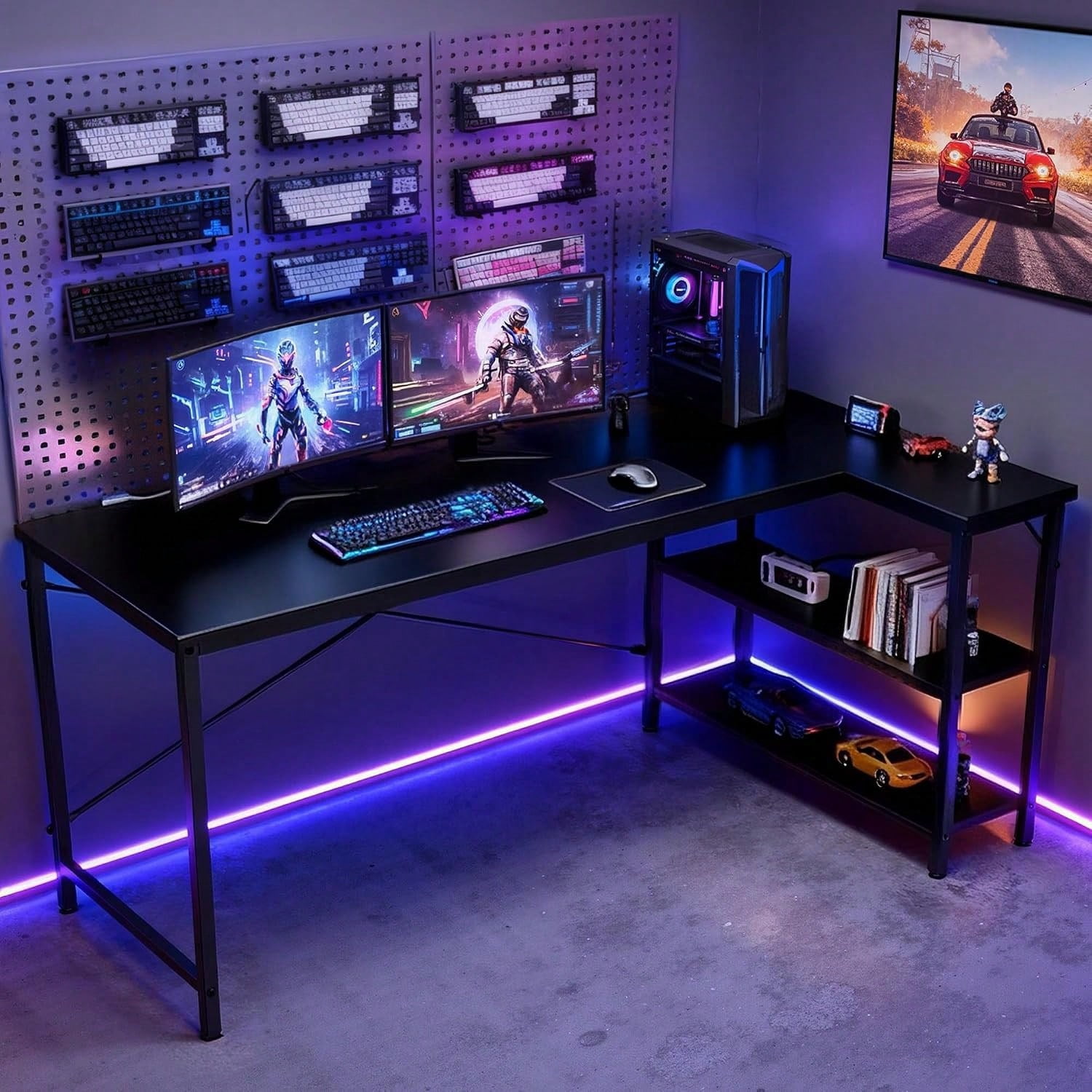
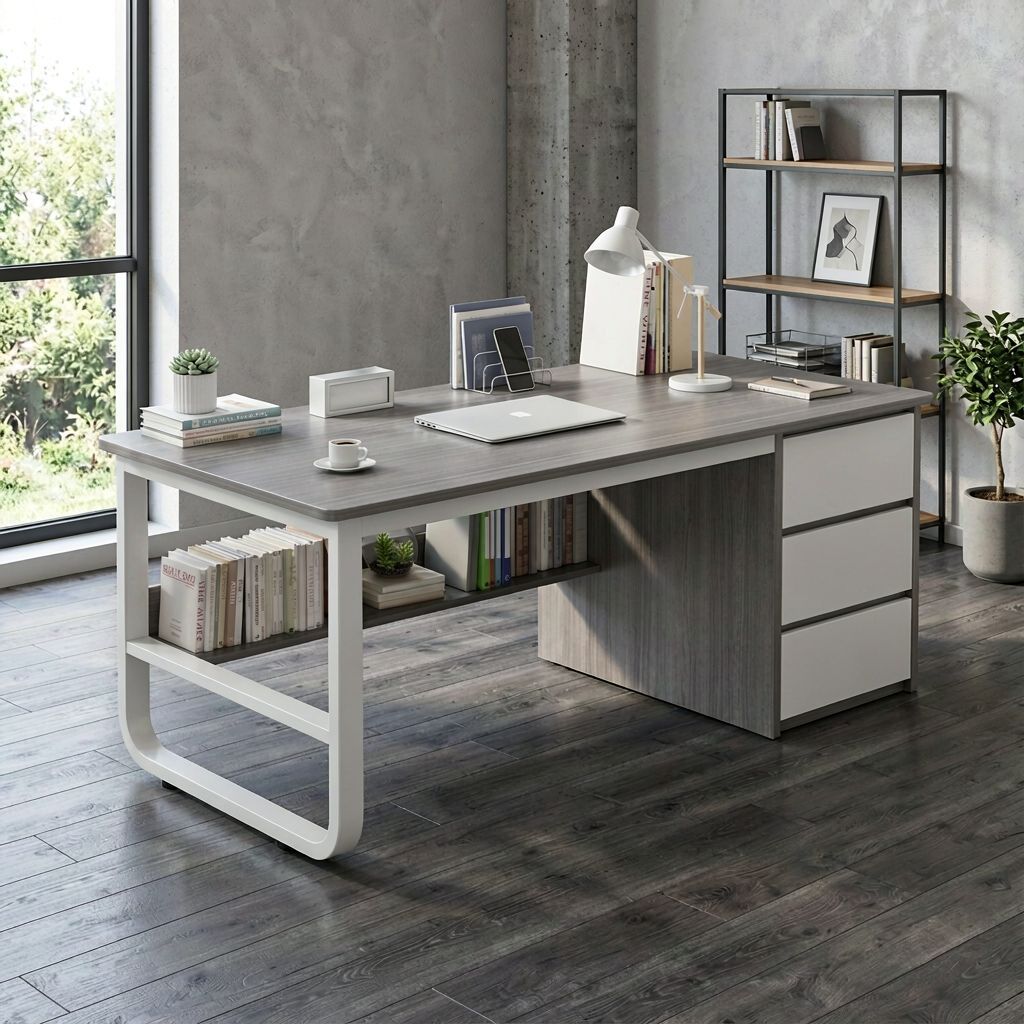
The Coolest Computer Desks for Ultimate Workstations and Gaming Setups
The coolest computer desk combines ergonomic engineering, seamless cable management, and high-performance material design to create an ideal environment for work and gaming. From motorized sit-stand desks with magnetic cable ecosystem...
The coolest computer desk combines ergonomic engineering, seamless cable management, and high-performance material design to create an ideal environment for work and gaming. From motorized sit-stand desks with magnetic cable ecosystem systems to custom desk frames with built-in liquid-cooled PC chassis, modern workstations prioritize both aesthetic appeal and physical wellness.
Contents
What Defines the "Coolest" Computer Desk?
A modern workstation has evolved beyond a simple wooden slab resting on four static legs. Today’s high-performance desks serve as active technological hubs designed to maximize human performance, reduce physical fatigue, and maintain pristine visual organization.
When evaluating elite workspace design, several critical engineering standards set superior desks apart:
- Integrated Power and Cable Management: The cleanest setups eliminate dangling power cords, display cables, and power strips through structural channels, magnetic columns, or under-desk raceways.
- Motorized Ergonomic Height Adjustment: Smooth dual-motor or quad-motor lifting mechanisms allow effortless transitions between sitting and standing, helping prevent chronic back strain and low energy during long work sessions.
- Thermal and Structural Engineering: Desks built to support high-end multi-monitor setups, heavy audio equipment, or built-in computer components require reinforced steel frames, high load capacities, and thermal venting solutions.
- Premium Tactile Materials: High-pressure laminates, solid American walnut, matte powder-coated steel, and anti-fingerprint tempered glass elevate the physical feel and long-term durability of the desk.
Top Categories of High-Tech and Futuristic Computer Desks
Computer desks span several distinct design philosophies. Identifying which category fits your workflow is the first step in building an efficient setup.
High-Performance Desk Architectures:
- Integrated Case (Built-in PC)
- Liquid-Cooling Ready
- Tempered Glass Top
- Zero Desktop Footprint
- Smart Sit-Stand (Magnetic Tech)
- Integrated Power Column
- Magnetic Cable Covers
- Dynamic Height Memory
- Hardwood Craft (Solid Walnut)
- Timeless Aesthetics
- Wireless Charging Pad
- Natural Wood Grain
Integrated Chassis Desks: The Ultimate Built-in PC Workstations
For enthusiasts seeking the ultimate blend of hardware integration and visual impact, integrated chassis desks—such as the Lian Li DK series—house the computer components directly inside the desk frame.
- Enclosed Hardware Layout: The desktop surface features custom cutouts, mounting trays, and transparent tempered glass top panels, transforming graphics cards, custom liquid-cooling loops, and motherboard RGB lighting into a centerpiece.
- Thermal Efficiency: Built-in fan mounts (typically support for up to twelve 120mm or 140mm fans) draw cool air from the sides or undercarriage and exhaust warm air out the rear, preventing thermal throttling even under heavy computing loads.
- Space Optimization: Housing components inside the desk frame completely eliminates the bulky PC tower from the floor or desktop, freeing up maximum usable surface area for monitors, peripherals, and desk accessories.
Smart Sit-Stand Electric Desks: Sleek Ergonomics & Power Delivery
Motorized height-adjustable desks have matured from basic office utility furniture into smart tech platforms. Models like the Secretlab Magnus Pro lead this space by solving the primary drawback of standing desks: dangling power cables when raising or lowering the frame.
- Single-Cable Power Columns: High-end motorized desks route a central power supply directly through one of the desk legs. An integrated socket at the top powers an under-desk strip, leaving only a single main power wall plug visible regardless of desk height.
- Magnetic Cable Ecosystems: Using magnetic cable sheaths, magnetic clips, and dedicated rear cable-tray hinges, user cables remain completely hidden from view.
- Precision Control Interfaces: Integrated touch controls flush with the desk edge feature millimeter-precise digital readouts, memory height presets, and safety anti-collision sensors that halt motor movement if an obstruction is detected.
Handcrafted & Custom Aesthetic Slabs: Hardwood Meets High-Tech
For creators, software developers, and executive spaces where natural materials take priority over industrial metal aesthetics, custom hardwood desks represent the peak of workspace design.
- Solid Hardwood Construction: Made from natural American Walnut, White Oak, or reclaimed timber, these tops offer unique grain patterns and long-term repairability. Scratches can be sanded and re-oiled, unlike synthetic laminates.
- Concealed Tech Inlays: Modern hardwood craftspeople embed high-speed Qi wireless charging coils flush beneath the wood surface, insert custom brass or aluminum cable grommets, and route deep CNC channels beneath the desk for invisible power-strip mounting.
- Resin River and Epoxy Accents: Custom epoxy desks combine natural wood edges with semi-transparent, tinted resin fills. When paired with subtle under-desk LED accent lighting, they create a striking ambient glow.
Space-Saving Modular & Wall-Mounted Workstations
For compact apartments or minimalist studios, wall-mounted floating desks provide a sleek look while preserving room floor space.
- Zero-Footprint Mounting: Anchored directly into wall studs using heavy-duty steel brackets, floating desks create an open look that makes small spaces feel larger.
- Modular Accessories: Many floating systems use pegboard backings, track systems, or modular shelving slots that let users reconfigure monitor arms, speaker platforms, and storage bins over time.
Key Features to Look For Before Buying
Selecting a desk requires balancing aesthetic preference against key mechanical specifications.
Critical Selection Parameters:
- Motor Capacity: Dual vs. Single
- Depth & Spacing: 28" to 32" Min
- Cable Trims: Magnetic Tracks
Motor Systems and Weight Capacities
Single-motor standing desks often stutter under heavy loads and exhibit horizontal wobble at standing heights. Dual-motor systems—featuring dedicated motors inside each leg column—provide smoother movement, lower operating noise (under 50 dB), and higher stability.
- Light Duty (Single Motor): 150 lbs (68 kg) weight limit – suitable for basic laptops and single monitors.
- Heavy Duty (Dual Motor): 275–350 lbs (125–158 kg) weight limit – ideal for triple monitors, heavy steel monitor arms, desktop accessories, and studio speakers.
- Extreme Duty (Quad Motor / Commercial Grade): 450+ lbs (204+ kg) weight limit – required for integrated PC chassis desks or heavy solid-oak tops with massive monitor arrays.
Desktop Depth and Ergonomic Distance
Desk depth is one of the most frequently overlooked specifications. Using a large modern monitor (such as a 34-inch ultrawide or 42-inch OLED panel) on a desk less than 28 inches deep places the screen too close to your eyes, leading to eye strain and reduced usable space for a keyboard and wrist rest.
- 24 Inches Deep: Compact; best for laptops or single 24-inch monitor setups.
- 30 Inches Deep: Standard sweet spot; provides ample distance for 27-inch to 32-inch dual monitors with monitor arms.
- 34+ Inches Deep: Professional/Studio size; optimal for massive curved ultrawides, desktop studio monitors, and deep drawing tablets.
Feature Comparison of Top Desk Architectures
The following table breaks down the core functional trade-offs across major computer desk architectures:
| Desk Architecture Type | Weight Capacity | Cable Concealment Rating | Ergonomic Adjustment | Ideal Use Case | Relative Cost Range |
|---|---|---|---|---|---|
| Integrated PC Chassis Desk | 300 – 450 lbs | Exceptional (Internal Wiring) | Manual or Motorized (Varies) | Extreme Enthusiast / PC Showcases | $1,500 – $4,000+ |
| Magnetic Smart Sit-Stand | 250 – 330 lbs | Outstanding (Channel & Leg Sockets) | Electric Dual-Motor Preset Control | High-Tech Gaming / Remote Work | $800 – $1,600 |
| Solid Hardwood Sit-Stand | 275 – 350 lbs | Good (Under-desk Trays Required) | Electric Dual-Motor Preset Control | Professional Office / Creative Studios | $900 – $2,500 |
| Minimalist Steel Frame | 150 – 250 lbs | Basic (Requires External Ties) | Static (Fixed Height) | Budget-Conscious / Small Spaces | $150 – $450 |
| Modular Wall-Mounted | 75 – 150 lbs | Moderate (Wall-Raceway Required) | Static or Folding | Micro-Apartments / Secondary Workspaces | $200 – $600 |
How to Assemble a High-Performance Desk Setup
Building a clean, functional workspace requires careful planning beyond just assembling the desk frame.
Desk Setup Implementation Flow:
- Step 1: Power Foundation: Mount surge protector beneath desktop.
- Step 2: Ergonomic Mounting: Install heavy-duty monitor arms.
- Step 3: Cable Management: Group & route cables along structural channels.
- Step 4: Height Calibration: Set sit/stand memory presets to proper posture.
1. Establish the Power Foundation
Before adding hardware to the desktop, establish a single central power source under the desk:
- Mount a high-quality, surge-protected power strip to the underside of the desk surface using heavy-duty mounting tape or chassis screws.
- Plug all static components (monitors, PC power supply, audio interface, desk lamps) directly into this under-desk power strip.
- Run only one single heavy-duty extension power cord down to your wall socket. This eliminates the visual clutter of multiple cords dangling to the floor.
2. Ergonomic Height Calibration
Proper ergonomic setup prevents neck tension and repetitive strain injuries.
Correct Visual & Typing Angles:
- Monitor: Top third of screen at or slightly below horizontal eye level
- Head / Sightline: 90°–100°
- Elbow: Arms relaxed at 90°–100° angle, resting evenly on desktop or armrests
- Feet: Feet flat on floor (or footrest)
Adjust your desk and chair so that:
- Elbow Angle: Your elbows rest comfortably at a 90 to 100-degree angle on the desktop surface while typing, keeping your shoulders relaxed.
- Eye Level: The top third of your display screen sits at or slightly below eye level, preventing you from tilting your head forward or backward.
- Leg Clearance: While seated, ensure at least 3 to 4 inches of clearance between the top of your knees and the underside of the desk frame.
3. Implement Cable Routing Channels
Use a multi-stage approach to manage cables beneath the desk:
- Bundle Groupings: Group monitor cables (DisplayPort, HDMI, power) together using braided cable sleeves or reusable hook-and-loop straps.
- Anchor Points: Secure cable bundles along the underside of the desk frame using adhesive cable clamps, preventing them from drooping into view.
- Slack Management: If using a motorized sit-stand desk, ensure you leave adequate cable slack near the wall connection point so cords do not pull tight or disconnect when elevated to maximum height.
Frequently Asked Questions
Are motorized standing desks worth the investment for gaming and office work?
Yes. Alternating between sitting and standing throughout the day improves posture, helps prevent lower back stiffness, and boosts alertness during long work or gaming sessions. Dual-motor sit-stand desks offer the structural stability and smooth weight capacity needed to hold heavy gaming setups securely at standing heights.
How do built-in PC chassis desks stay cool without overheating?
Chassis desks rely on engineered directional airflow paths. Fresh air is drawn into the desk through intake fan cutouts equipped with dust filters on the front or sides, forced across key components like the CPU and GPU liquid coolers, and exhausted out dedicated rear vents. When properly balanced, chassis desks deliver thermal performance equal to or better than standard desktop towers.
What is the optimal desk depth for a multi-monitor setup?
For standard dual 27-inch monitors or 34-inch ultrawides mounted on monitor arms, a desk depth of 30 inches is recommended. This provides sufficient distance to reduce eye fatigue while keeping full access to your keyboard, mouse, and desktop accessories.
How can I hide cables on a desk without internal routing slots?
You can retrofit any standard computer desk with hidden cable routing by installing an under-desk cable tray or wire basket beneath the rear edge. Use mounting tape or short wood screws to attach a surge protector inside the tray, and bundle loose wires with reusable hook-and-loop straps to keep them concealed from front view.
What desktop material is best for durability and mouse tracking?
High-pressure laminate (HPL) and powder-coated steel are exceptionally durable, scratch-resistant, and easy to clean. Solid hardwoods like walnut offer excellent longevity because surface scratches can be refinished. For optimal optical mouse performance, standard desk pads or fabric desk mats are recommended over smooth tempered glass surfaces, which can interfere with optical mouse sensors.
Final Recommendation: Choosing Your Ideal Computer Desk
Selecting the right desk comes down to your primary workspace goal:
- For Tech Enthusiasts & Builders: Choose an integrated PC chassis desk if your main goal is creating a custom computer showcase that completely removes towers from your floor and workspace.
- For Everyday Remote Workers & Gamers: Select a dual-motor smart sit-stand desk with magnetic cable accessories and integrated leg power routing to combine healthy ergonomics with a clean workspace layout.
- For Creative Professionals & Executive Spaces: Opt for a solid American walnut or oak desk slab paired with custom under-desk routing trays, balancing classic natural materials with modern tech support.
Before making a purchase, measure your room space, confirm your total hardware weight (including monitor arms and peripherals), and prioritize setups with built-in cable management to maintain a clean, organized work environment.
Image Gallery