Mastering Swimlanes in Jira: The Ultimate Guide for High-Efficiency Teams
Swimlanes in Jira are horizontal categorizations used to group related issues on Scrum and Kanban boards. By providing a secondary dimension of organization beyond vertical status columns, swimlanes allow teams to visualize work by pri...
Swimlanes in Jira are horizontal categorizations used to group related issues on Scrum and Kanban boards. By providing a secondary dimension of organization beyond vertical status columns, swimlanes allow teams to visualize work by priority, assignee, epic, or custom JQL queries. This helps project managers and developers identify bottlenecks, manage workload distribution, and ensure that high-priority tasks are never overlooked in a crowded backlog.
Contents
The Role of Swimlanes in Modern Project Management
In the landscape of 2026, agile project management has shifted from simple task tracking to sophisticated flow optimization. While columns represent the "stage" of a task (e.g., To Do, In Progress, Done), they do not inherently explain the "nature" or "urgency" of the task. This is where swimlanes provide critical context.
Without swimlanes, a Kanban board with 50 issues in the "In Progress" column becomes a visual soup. It is difficult to distinguish a critical production bug from a low-priority feature request. Swimlanes resolve this by slicing the board horizontally. For example, a "Expedite" swimlane at the very top of the board ensures that any issue placed there demands immediate attention, regardless of how many other tasks are in progress.
In Jira, swimlanes are not merely decorative; they are functional logic layers. They dictate the visual hierarchy of the board and can be configured to reflect the specific workflow requirements of a team, whether they are focused on individual accountability (Assignee swimlanes) or feature-driven development (Epic swimlanes).
Core Types of Swimlanes in Jira
Jira provides several native options for configuring swimlanes. Understanding the strengths and weaknesses of each is essential for choosing the right setup for your team’s specific goals.
1. Queries (JQL-Based)
This is the most flexible and powerful swimlane type. Using Jira Query Language (JQL), you can create lanes based on any criteria imaginable. Common uses include grouping issues by priority, specific labels, or even age (e.g., tasks that haven't been updated in 5 days). The "Queries" option allows you to define the order of the lanes, ensuring that the most important categories appear at the top.
2. Stories
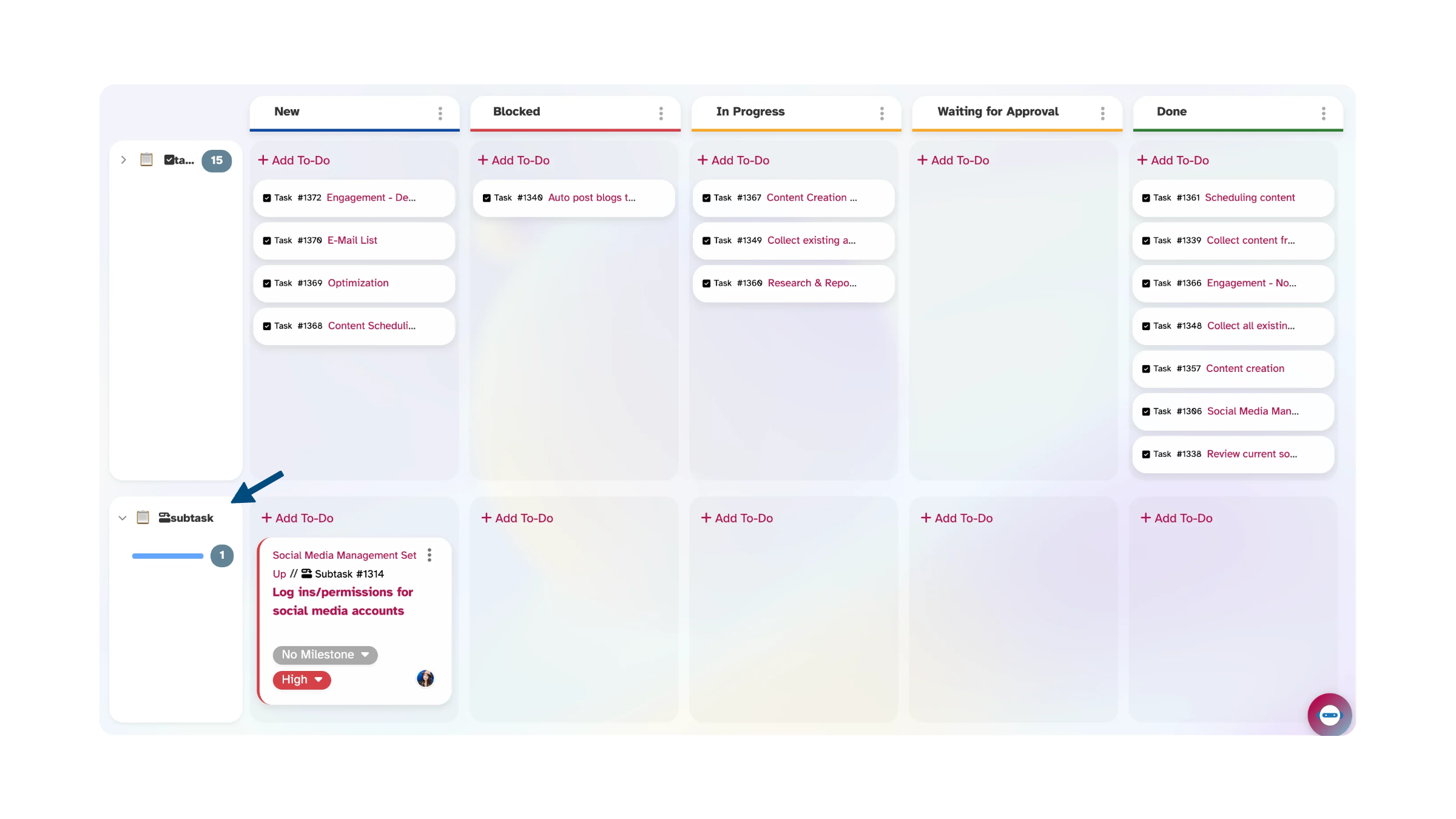
Commonly used in Scrum boards, this setting creates a swimlane for every "Parent" issue (usually a User Story). All sub-tasks related to that story are displayed within that specific lane. This is highly effective for teams that work on complex stories with many moving parts, as it keeps the sub-tasks contextualized.
3. Epics
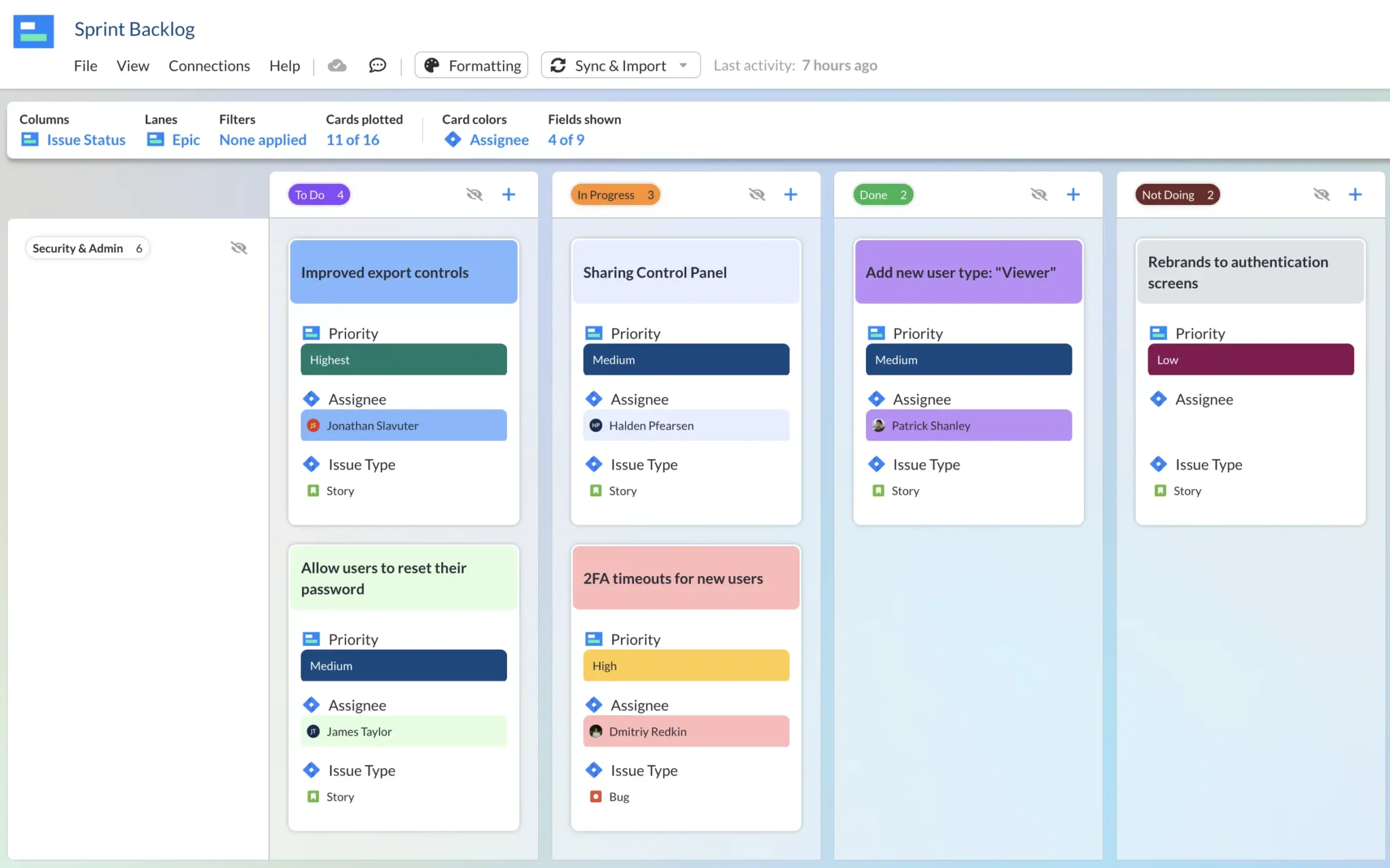
Epic swimlanes group all issues belonging to a specific Epic into a horizontal row. This is the preferred method for high-level project tracking where the focus is on feature completion. It allows stakeholders to see exactly how close an entire feature is to being finished across all workflow stages.
4. Assignees
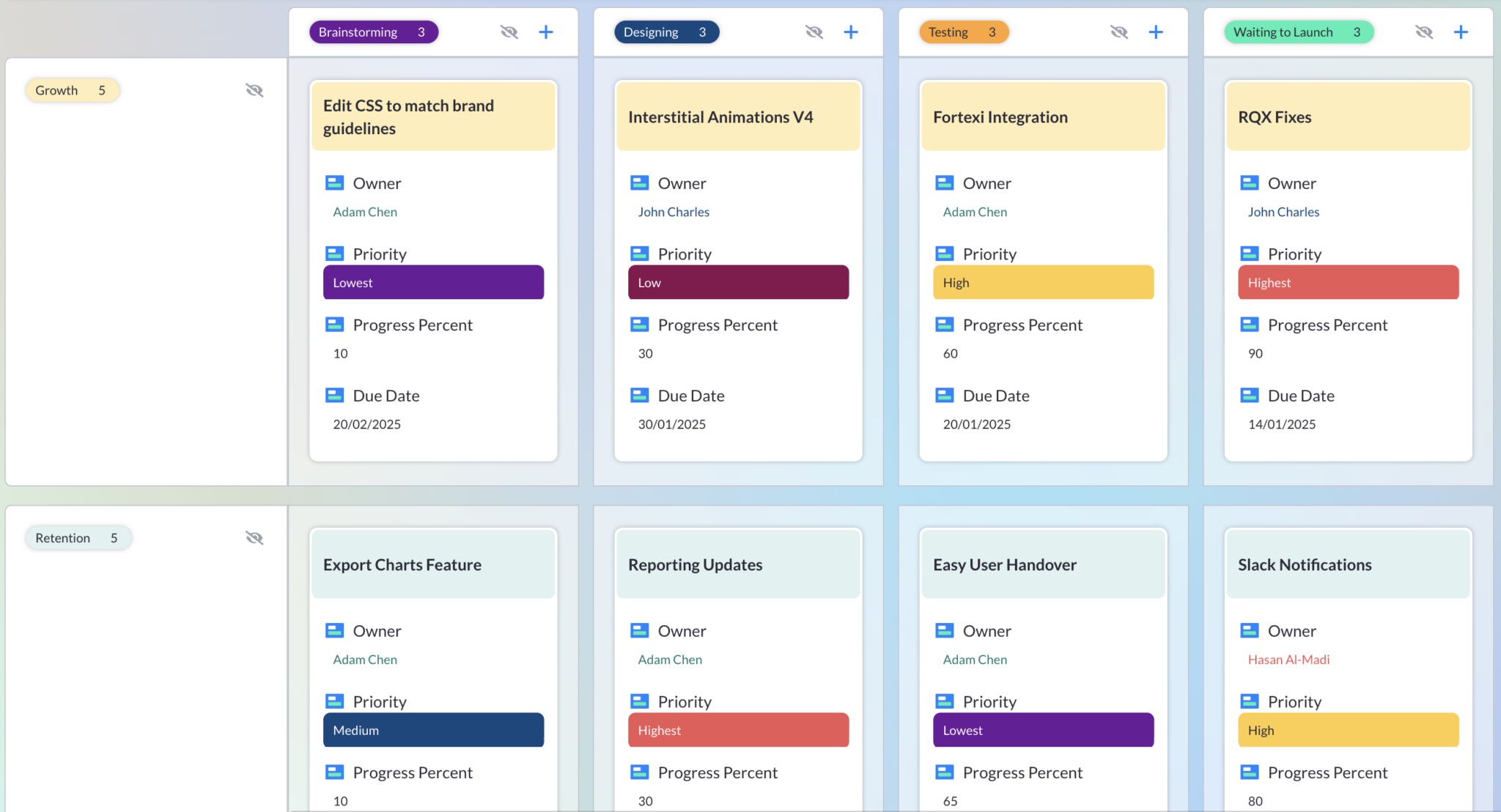
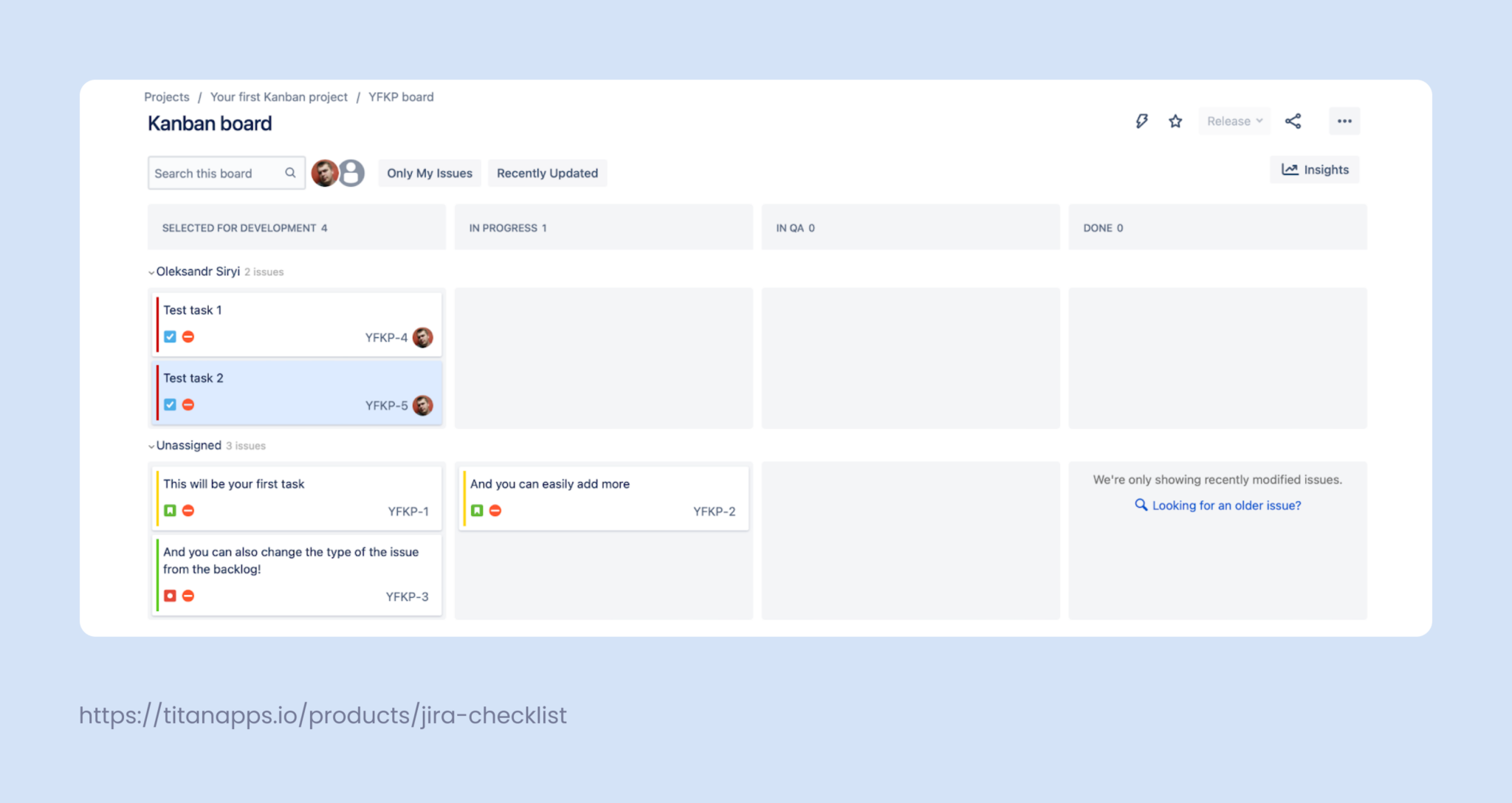
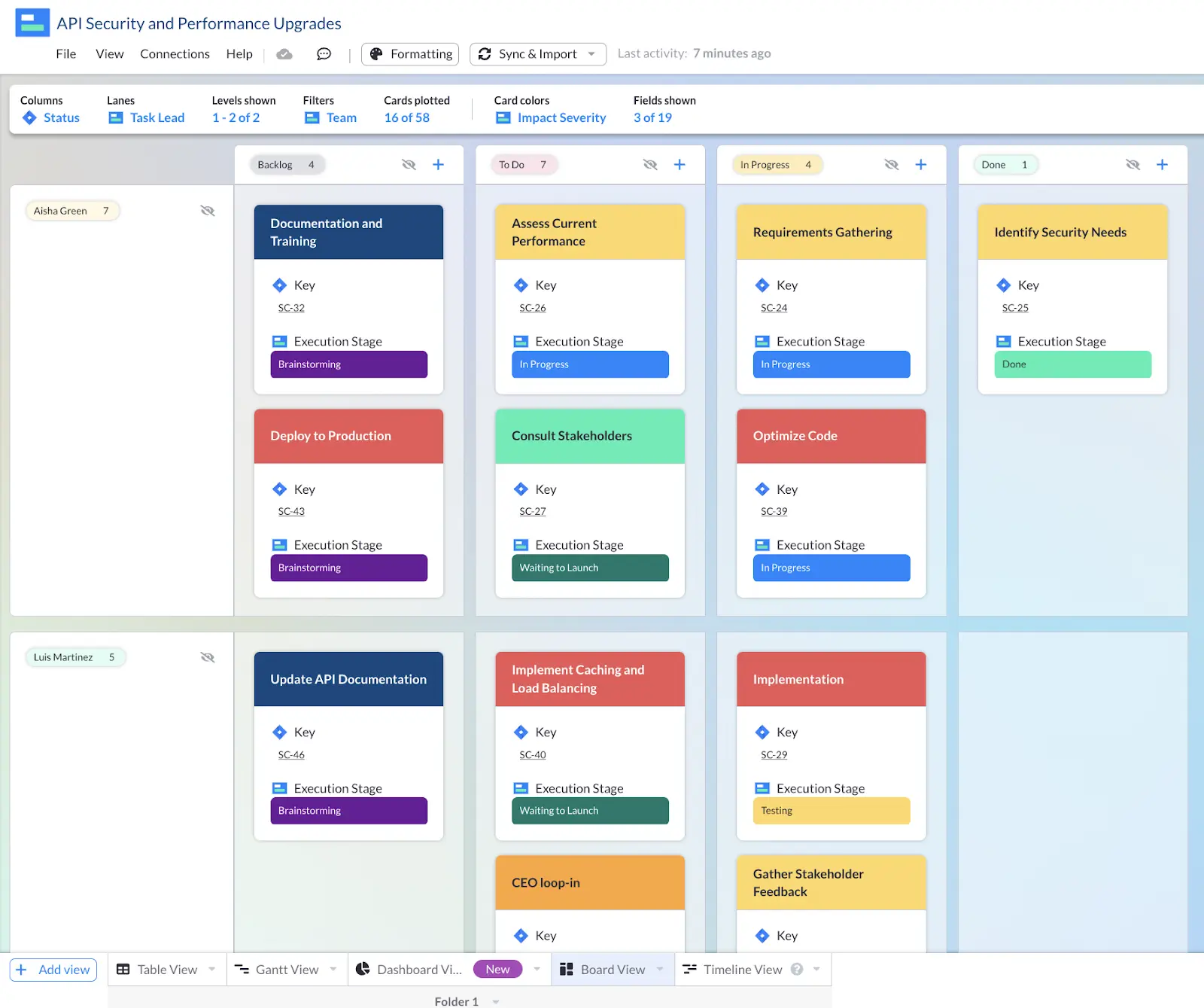
Assignee swimlanes create a row for every person on the team. This is particularly useful during daily stand-up meetings. It allows the team to go "person by person" rather than "task by task," making it easy to identify if one developer is overloaded while another has excess capacity.
5. No Swimlanes
In some cases, a single, flat view is preferred. This is often the case for very small teams or simple projects where the overhead of horizontal categorization adds more clutter than value.
Technical Comparison of Swimlane Types
| Swimlane Type | Best Use Case | Primary Benefit | Potential Downside |
|---|---|---|---|
| Queries (JQL) | Priority Management | Total customization of board flow. | Requires basic JQL knowledge to set up. |
| Stories | Sub-task tracking | Keeps sub-tasks tied to their parent context. | Can lead to a very "tall" board with many lanes. |
| Epics | Feature-driven development | Visualizes progress of major initiatives. | Issues not assigned to an Epic fall into "Other." |
| Assignees | Resource management | Clearly shows individual workload/bottlenecks. | Not ideal for collaborative or shared tasks. |
| No Swimlanes | Simple, low-volume projects | Maximum screen real estate for cards. | No way to distinguish priority at a glance. |
Step-by-Step: How to Configure Swimlanes in Jira
To modify swimlanes, you must have "Board Administrator" permissions for the specific board you are working on. Note that in 2026, the interface for Company-managed projects and Team-managed projects remains distinct.
For Company-Managed Projects:
- Navigate to your Board: Open the Jira project and select the desired Scrum or Kanban board.
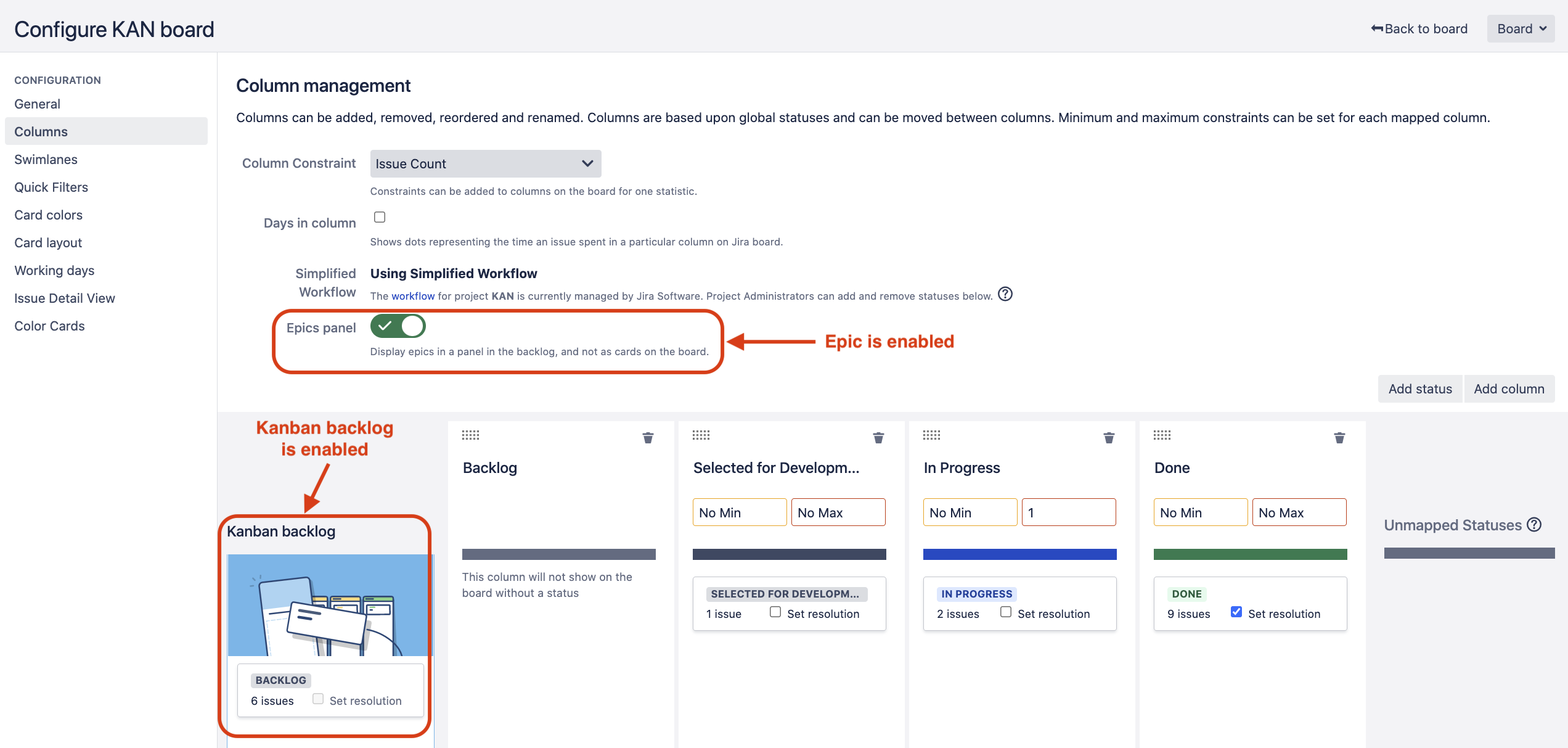
- Access Board Settings: In the top right corner, click the ellipsis (...) and select Board settings.
- Select Swimlanes: On the left-hand sidebar, click the Swimlanes tab.
- Choose the Base: Use the dropdown menu under "Base Swimlanes on" to select your preferred type (e.g., Queries, Epics, etc.).
- Configure Queries (Optional): If you chose JQL, you will see fields to enter your JQL query and a name for the lane.
- Example: Name:
High Priority, JQL:priority in (Highest, High).
- Example: Name:
- Save and Return: Changes are saved automatically. Return to your board to see the new layout.
For Team-Managed Projects:
In Team-managed projects, swimlanes are often referred to as "Group by" options.
- Go to your board.
- Locate the Group by dropdown menu at the top right of the board view.
- Select between Assignee, Epic, or Subtask.
- Note: Team-managed projects are more streamlined and do not currently support complex JQL-based swimlane customization in the same way Company-managed projects do.
Strategic Use Cases for JQL Swimlanes
Since JQL swimlanes are the most versatile, mastering them is a hallmark of a senior Jira administrator. Here are three advanced configurations used by top-tier engineering teams.
The "Expedite" Lane
Agile teams often struggle with "unplanned work" or critical bugs that break the sprint. By creating a JQL swimlane with the query priority = "Highest" OR type = "Incident", you can create a permanent "Fast Track" lane at the top of your board. This ensures that the team always sees these items first, regardless of what else is in the "In Progress" column.
The "Blocked" Lane
Visibility into impediments is the core of the Kanban methodology. You can create a swimlane for blocked items using: flagged = "Impediment". This pulls all flagged items into a specific horizontal row, making it painfully obvious to Scrum Masters and Product Owners where the team is stuck.
The "Old Work" Lane
To prevent "dark work" or tasks that linger in the "In Progress" state for weeks, you can create a swimlane based on age: updated < -7d AND status = "In Progress". This highlights tasks that have gone stale, prompting a discussion during the daily stand-up about whether the task should be moved back to the backlog or if it needs additional resources.
Common Pitfalls and How to Avoid Them
While swimlanes are powerful, over-configuration can lead to "dashboard fatigue" where the team ignores the board because it is too complex.
1. Too Many Lanes
If you have 15 different swimlanes on a single board, users will have to scroll excessively to see their work. As a rule of thumb, if your board requires more than two full scrolls to see all active lanes, you should consider consolidating your queries or using Quick Filters instead.
2. The "Other Issues" Catch-all
When using Epics or Queries, Jira will automatically create an "Everything Else" or "Other Issues" lane at the bottom for items that don't fit your criteria. If 90% of your work ends up in the "Other" lane, your swimlane strategy is likely too narrow. Ensure your JQL covers the majority of active work or rethink your categorization.
3. Performance Latency
In very large Jira instances (tens of thousands of issues), complex JQL queries for swimlanes can occasionally cause board loading delays. Always optimize your JQL by including a project key (e.g., project = "PROJ" AND priority = "High") to limit the search scope and improve performance.
The Intersection of Swimlanes and WIP Limits
One of the most effective ways to use swimlanes is in conjunction with Work In Progress (WIP) limits. In Jira Kanban boards, you can set limits on columns, but you cannot natively set a "horizontal" WIP limit on a swimlane.
However, a senior technical editor would suggest a "pseudo-limit" strategy. By using Assignee swimlanes, a manager can instantly see if a single developer has five tasks in the "In Progress" column. While Jira won't throw a red warning like it does for column limits, the visual evidence of a single person’s lane being "clogged" serves as a manual WIP trigger, prompting the team to "Stop starting and start finishing."
Troubleshooting Visibility Issues
If you have configured swimlanes but they aren't appearing as expected, check the following:
- Quick Filters: Ensure a Quick Filter isn't active that hides the very issues that would populate your swimlane.
- Board Permissions: Verify that you are actually looking at the board you edited; it’s common in large organizations to have multiple boards with similar names.
- Sub-task Settings: If using "Stories" swimlanes, remember that sub-tasks will appear in the lane of their parent. If an issue is not a sub-task, it will move to the "Other" category.
Frequently Asked Questions
Can I have different swimlanes for different users on the same board?
No, swimlane configuration is a board-level setting that affects every user viewing that board. However, users can use Quick Filters to temporarily hide certain issues, which can help clean up the view without changing the board structure for everyone else.
How do I change the order of swimlanes?
In the Board Settings > Swimlanes tab, you can drag and drop the defined JQL queries to reorder them. The query at the top of the list will be the top-most swimlane on the board. For other types like "Assignee" or "Epic," Jira typically defaults to alphabetical order or the order defined in the project settings.
Do swimlanes affect how issues are ranked?
Swimlanes change the visual organization, but they do not necessarily change the underlying Global Rank of an issue. However, many teams adopt the culture that "Higher swimlane = Higher priority," which effectively replaces the standard vertical ranking system.
Can I use swimlanes in Jira Service Management (JSM)?
Yes. JSM queues are the primary way to view tickets, but you can create a Jira board that pulls data from a JSM project. Once that board is created, you can apply swimlanes (like "SLA Breached" vs "SLA Active") to help agents prioritize their responses.
Is there a limit to the number of swimlanes I can create?
Jira does not impose a strict technical limit on the number of JQL swimlanes, but browser performance and human readability typically cap the practical limit at around 10–12 lanes.
Final Recommendation
For most agile teams, the most effective setup is a Query-based (JQL) swimlane configuration. Start by creating a single "Expedite" lane for critical blockers and leave the rest of the work in the default lane. As your team matures, consider adding lanes for "Blocked" items or "Internal Peer Review." Avoid using Assignee swimlanes unless you are specifically in a resource-allocation phase, as they can sometimes discourage the "team-first" mentality central to Scrum.
Image Gallery