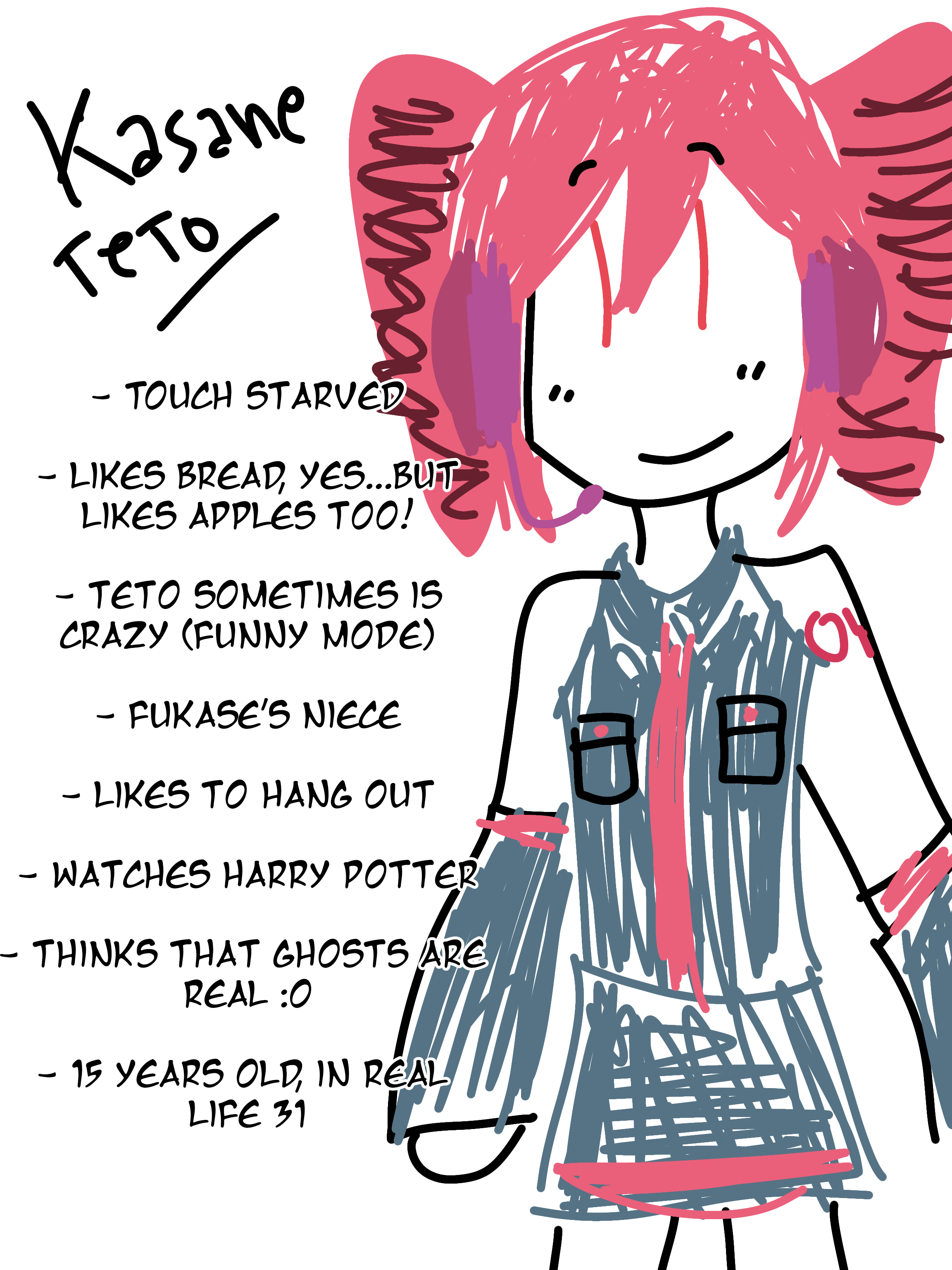
Kasane Teto English for Beginners: A Complete Guide to Vocal Synthesis
Using Kasane Teto in English requires understanding her evolution from a fan-made "Utau" character to a professional-grade Synthesizer V voicebank. While Teto was originally designed for Japanese, the release of her AI-powered Synthesi...
Using Kasane Teto in English requires understanding her evolution from a fan-made "Utau" character to a professional-grade Synthesizer V voicebank. While Teto was originally designed for Japanese, the release of her AI-powered Synthesizer V version in 2023 allows for high-quality English performance through cross-lingual synthesis, provided you follow specific configuration steps.
Contents
Understanding Kasane Teto: From Utau to Synthesizer V
Kasane Teto originated as a prank character created by the internet community in 2008 to mimic the success of Vocaloid icons. For over a decade, she existed primarily within the Utau software, a community-driven, free vocal synthesis program. However, in 2023, AHS Co. Ltd. released "Kasane Teto SV," an official AI voicebank compatible with the Synthesizer V Studio engine.
This is the version essential for beginners. Unlike the older Utau iterations, which require manual tuning of pitch and phoneme mapping for English, the Synthesizer V version leverages a neural network that can interpret English lyrics with surprising fluency. When you load her into the Synthesizer V Studio Pro or Basic editor, she functions as a cross-lingual instrument capable of singing in English, provided you utilize the software’s phoneme engine correctly.
Prerequisites for Using Teto in English
To begin, you need the appropriate software environment. Using Teto in English is not as simple as typing in English text; it requires specific software versions and configuration settings.
- Synthesizer V Studio (Pro or Basic): Ensure you are running version 1.10.0 or higher. While the Basic (free) version is capable, the Pro version offers advanced features like "Cross-Lingual Synthesis," which significantly improves the quality of the accent and pronunciation.
- Kasane Teto SV License: You must own the official AHS Synthesizer V voicebank. Installing pirated or unofficial Utau conversions will not provide the AI engine required for natural English synthesis.
- The Engine Context: Even though Teto is Japanese-native, the AI engine is trained on a broad dataset. This allows it to handle English phonemes. You will need to switch the language setting within the note properties of your project to "English" to enable the appropriate phoneme mapping.
Step-by-Step: Setting Up Teto for English Vocals
Once your software is installed, follow these steps to configure a project for English:
- Create a New Track: Open Synthesizer V Studio and load the Kasane Teto SV voicebank onto a new track.
- Input Lyrics: Enter your English lyrics into the piano roll. You will notice that by default, the software may try to interpret these as Japanese sounds.
- Switch the Language Mode: Select the notes you have entered. In the "Note Property" panel (usually on the right side of the interface), look for the "Language" or "Language Override" setting. Change this from "Japanese" to "English."
- Refine Phonemes: After setting the language, the software will automatically generate English phonemes. You can inspect these by clicking on the note and viewing the phoneme sequence. If a word sounds distorted, you can manually adjust the phonemes to better approximate the desired vowel or consonant sound.
- Adjusting Tension and Breathiness: English requires different vocal textures than Japanese. Navigate to the "Parameters" section to adjust the "Tension" and "Breathiness" settings. Lowering the tension slightly often makes Teto’s English sound more natural and less "strained."
Comparing Teto’s Vocal Engines
Beginners often confuse the legacy Utau engine with the modern Synthesizer V engine. The following table highlights the differences relevant to English production.
| Feature | Kasane Teto (Utau) | Kasane Teto (Synthesizer V) |
|---|---|---|
| Technology | Concatenative Synthesis | AI Neural Synthesis |
| English Support | Requires manual phoneme alias mapping | Native cross-lingual synthesis |
| Learning Curve | High (Requires manual tuning) | Moderate (Easier interface) |
| Realism | Robotic/Retro | Highly natural/Human-like |
| System Cost | Free (Open Source) | Paid (License required) |
Troubleshooting Common English Synthesis Issues
If Teto’s English sounds "off" or contains strong Japanese accents, it is usually due to phoneme interpretation errors.
- Vowel Clipping: In English, vowels are often sustained longer than in Japanese. Use the "Duration" tool in the piano roll to ensure vowels are held appropriately. If a note is too short, the AI may cut off the consonant sounds prematurely.
- Diphthong Management: English relies heavily on diphthongs (sounds where two vowel sounds are combined in one syllable, like "eye" or "cow"). If Teto struggles with these, manually separate the diphthong into two distinct notes and adjust the phonemes for each.
- The "Japanese Accent" Trap: Because the voicebank was originally trained in Japanese, it may default to a "consonant-vowel" structure. If the AI is struggling, check if it is adding extra vowel sounds to the end of your English words (e.g., turning "cat" into "ca-to"). You can fix this by deleting the extra vowel phoneme in the note property window.
Best Practices for Beginners
Do not aim for perfection on your first attempt. The AI engine excels at handling context, so write your lyrics clearly and use standard English spelling. The software's dictionary is highly sophisticated, but it occasionally fails on proper nouns or archaic words. If Teto mispronounces a specific word, click on the note and use the "Phonetic Input" box to type the word out as it sounds, rather than how it is spelled.
Experimentation with the "Vocal Mode" settings is also recommended. Synthesizer V allows you to select different "styles" for the voice. For English tracks, selecting a mode that emphasizes clarity or breathiness can help Teto blend better with a Western pop or rock arrangement. Always ensure your "Pitch" and "Timing" parameters are synced to your DAW (Digital Audio Workstation) if you are exporting your vocal tracks for a multi-track mix.
Frequently Asked Questions
1. Is Kasane Teto officially an English voicebank? No, she is officially a Japanese-language voicebank. However, her Synthesizer V AI engine is sophisticated enough to perform cross-lingual singing, making her highly effective for English songs.
2. Can I use Kasane Teto for free? The Synthesizer V Basic editor is free, but the official Kasane Teto SV voicebank requires a paid license from AHS. Avoid "free" versions found on file-sharing sites, as they often lack the necessary AI data for high-quality English pronunciation.
3. Why do my English lyrics sound like Japanese? This usually occurs because the note property is still set to "Japanese" or the phonemes have not updated. Double-check that you have selected the notes and manually changed the language setting to English in the editor.
4. Can I use Teto in a standard DAW like Ableton or FL Studio? Yes, Synthesizer V Studio works as a VST (Virtual Studio Technology) plugin inside most major DAWs. You can compose your melody and lyrics within the Synthesizer V interface and stream the audio directly into your project.
5. How do I make Teto’s English less robotic? Use the "Tension" and "Gender" parameters. Reducing the "Tension" often helps Teto achieve a smoother, more "pop-star" tone that is better suited for English language phonetics compared to her default, punchy Japanese-style settings.
Next Steps for Your Production
To master Kasane Teto’s English capabilities, your next action should be to download the Synthesizer V Studio Basic editor and a short sample of the Teto voicebank if a trial is available, or proceed with the full license if you are committed to production. Begin by importing a simple MIDI melody and inputting basic, one-syllable English lyrics. This will allow you to hear how the engine responds to standard phonetic inputs without the complication of complex rhythms. Once you are comfortable with the phoneme editor, move on to adjusting the AI parameters to suit your specific musical genre.
Image Gallery