Mastering the Metro Exodus Interactive Map: A Comprehensive Guide
Navigating the Metro Exodus interactive map is essential for players aiming to maximize efficiency, track hidden collectibles, and ensure they do not miss critical narrative triggers. By utilizing a browser-based companion map, you can...
Navigating the Metro Exodus interactive map is essential for players aiming to maximize efficiency, track hidden collectibles, and ensure they do not miss critical narrative triggers. By utilizing a browser-based companion map, you can toggle specific icon layers, filter by item type, and mark progress as you traverse the expansive semi-open-world environments of Artyom’s journey.
Contents
Understanding the Role of Interactive Maps in Metro Exodus
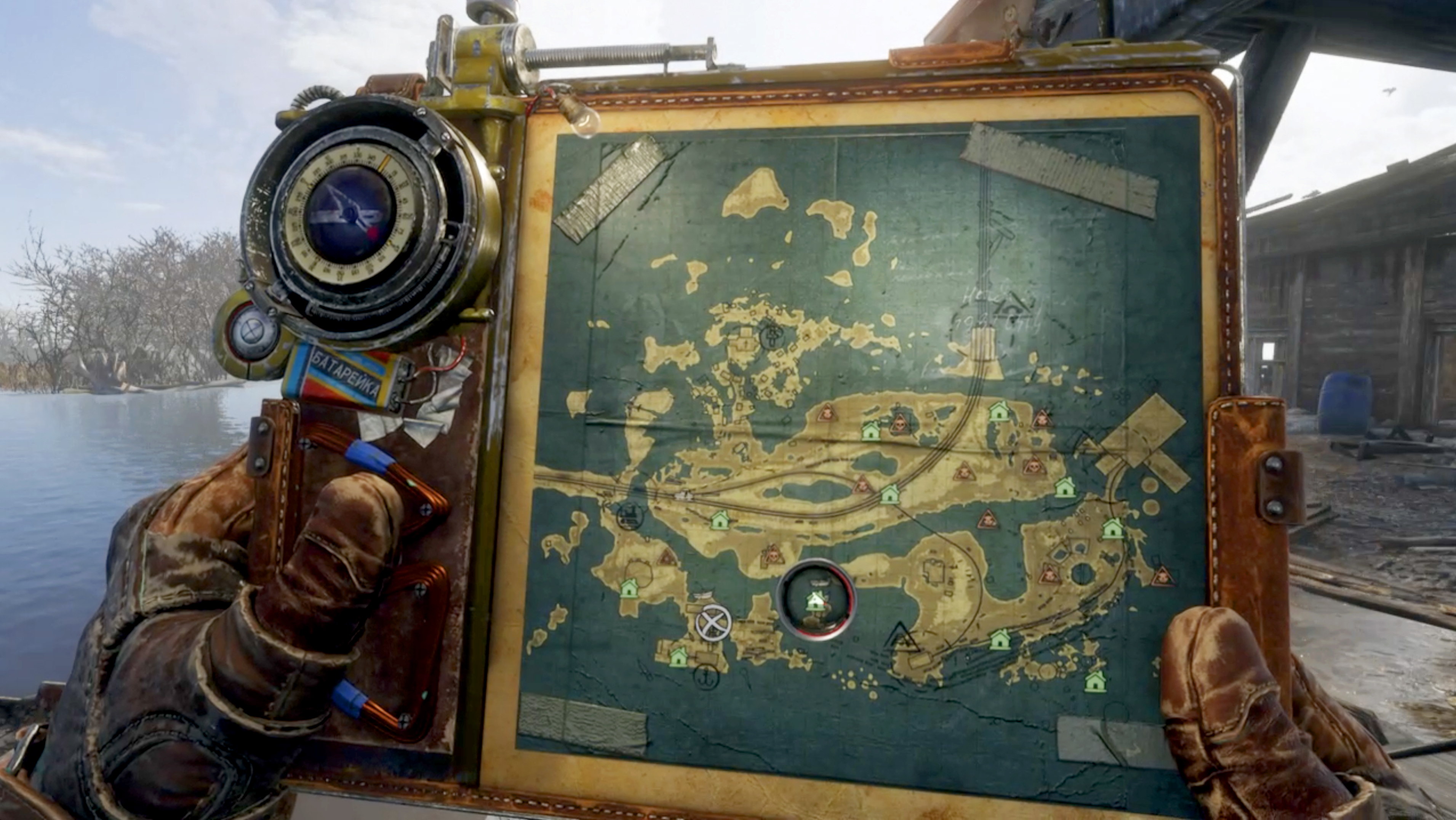
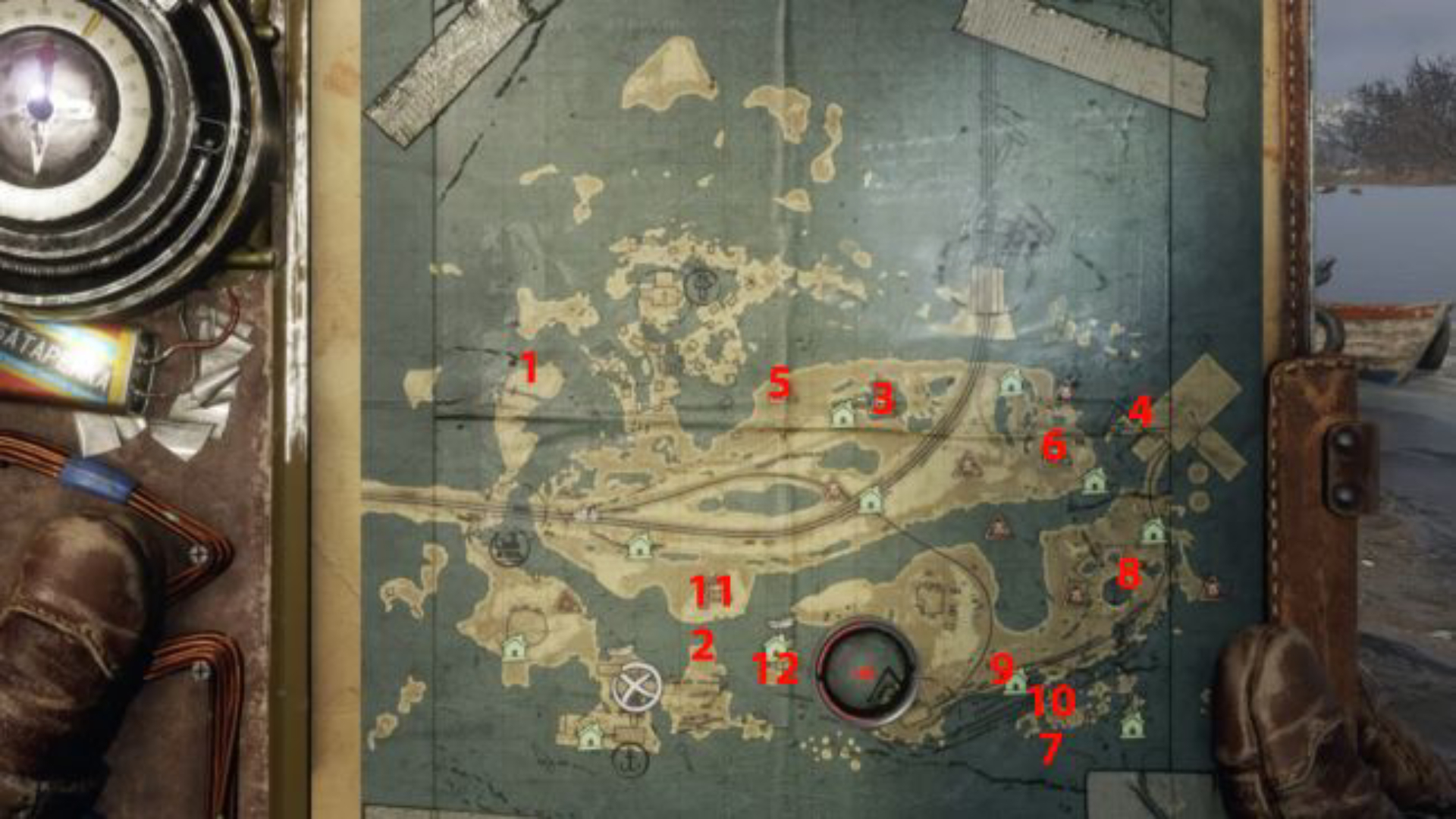
Unlike the linear corridors of previous entries in the 4A Games series, Metro Exodus introduces vast, expansive zones such as the Volga, the Caspian, and the Taiga. While the in-game map provides a general sense of direction and objective markers, it lacks the depth required to track the hundreds of hidden items, weapon upgrades, and lore-rich notes scattered across the landscape.
The interactive map acts as an external tool, often hosted on community-driven platforms like MapGenie, which serves as a centralized database for everything from enemy outposts to "Suit Upgrade" locations. Because the game relies heavily on exploration—often punishing players who rush through levels by depriving them of essential resources—using this tool can fundamentally change your gameplay loop from a frantic search for gas mask filters into a strategic, completionist-oriented expedition.
Key Features and Interface Navigation
To navigate these tools effectively, you must understand the standard interface layout. Most interactive maps follow a uniform design language:
- Category Sidebar: Located typically on the left, this panel allows you to check or uncheck categories. If you are specifically searching for "Postcards" or "Diary Pages," turning off all other markers reduces screen clutter and makes specific objectives easier to spot.
- Global Search and Filter: Use this to isolate specific items. For instance, if you are low on ammunition and need to find a crafting workbench, you can filter for "Workbench" icons specifically.
- Progress Tracking: Most platforms allow you to create an account. Once logged in, clicking an icon on the map marks it as "Found." This is the most crucial feature for players attempting to achieve specific achievements or trophies, as it prevents you from double-checking areas you have already cleared.
- Zonal Navigation: You can switch between map regions using a dropdown menu or a world-selection tab. It is vital to ensure you are viewing the correct map, as coordinates for the Caspian desert do not correlate with those of the Volga.
Strategic Application: Utilizing Maps for Resource Management
In Metro Exodus, resource scarcity is a core gameplay mechanic. Navigating the interactive map strategically means prioritizing locations based on your current inventory status rather than mere proximity.
- Workbench Locations: Identifying these early is vital. Workbenches are the only places where you can clean your weapons, craft ammunition, and modify your gear. If your weapon condition is low, prioritize the nearest workbench over exploration objectives.
- Suit Upgrades: These are scattered randomly throughout the world. By filtering your interactive map to show "Suit Upgrades," you can plan your route to hit these permanent stat boosts. These upgrades—such as increased ammo capacity or reinforced armor—are essential for the higher "Ranger Hardcore" difficulty settings.
- Safehouses: These serve as fast-travel points and areas to rest. When exploring, mark the nearest safehouse on your interactive map so that if your gas mask breaks or you are overwhelmed by mutants, you have a pre-planned retreat route.
Comparison of Exploration Methods
While some purists argue that using a guide ruins the immersion, the scale of Metro Exodus often leads to "map fatigue." Below is a comparison of how different navigation methods affect the gameplay experience.
| Method | Accessibility | Completionist Potential | Immersive Impact |
|---|---|---|---|
| In-Game Map | Immediate | Low (Easy to miss items) | High (Natural) |
| Interactive Map | Requires External Device | High (Full tracking) | Moderate (Visual aid) |
| Video Guides | Low (Linear) | Moderate (Hard to track) | Low (Constant pausing) |
The interactive map stands out as the superior choice for players who want to ensure 100% completion without the constant pausing required by traditional video walkthroughs.
Troubleshooting Common Navigation Issues
If you find that the interactive map is not helping, the issue often stems from one of two things: scale or localization.
- The "Fog of War" Discrepancy: The game’s in-game map only reveals areas you have physically visited. Sometimes, players confuse the in-game map’s ambiguity for a lack of content. If your interactive map shows a structure but you cannot find the entrance in-game, look for environmental cues—caves, tunnels, or destroyed buildings—that aren't explicitly marked on your internal compass.
- Verticality: The Metro Exodus environments, particularly the Caspian, have high verticality. An icon on a 2D map might suggest an item is at ground level, but the entrance may be in a cliffside cave or atop a platform. Always check the item description on the interactive map if you cannot find a target; these tools often include "clues" or screenshots to explain how to reach difficult spots.
- Browser Compatibility: Because these maps are resource-heavy, they may lag on older mobile devices. If you are using a tablet or phone as a second screen, ensure you are using a modern browser and that "Hardware Acceleration" is enabled in your settings.
Frequently Asked Questions (FAQ)
1. Does using an interactive map disable Achievements or Trophies? No. Interactive maps are external tools that do not interact with your game files. They have no impact on your ability to unlock achievements or progress through the game’s narrative.
2. Are the locations on the interactive map 100% accurate? Most high-quality interactive maps are maintained by the community. While they are highly accurate, occasional discrepancies may occur due to updates or regional versions. Always trust your in-game compass for precise positioning.
3. Do I need to be online to use the interactive map? Yes, these are web-based tools. You will need an active internet connection to access the maps, though some sites may allow for cached usage if you load the page before going offline.
4. Can I contribute to the map if I find a missing item? Many community platforms allow users to submit feedback or report missing markers. If you discover a hidden stash that isn't on the map, check the "Submit" or "Feedback" button on the platform’s sidebar to help other players.
Final Recommendation
To get the most out of your experience, load the interactive map on a secondary device like a tablet or smartphone. Set your filters to "Collectibles" and "Suit Upgrades" before entering a new zone. As you finish clearing an area, take a moment to mark your progress on the map. This method balances the desire for exploration with the need for efficiency, ensuring you experience all the environmental storytelling 4A Games has meticulously crafted without the frustration of missing a single piece of lore.
Image Gallery