How to Choose Free Contact Management Software: A Strategic Guide for 2026
Choosing free contact management software requires evaluating your contact volume, team size, and integration needs against the technical limitations of "freemium" models. By prioritizing mobile accessibility, data security, and ease o...
Choosing free contact management software requires evaluating your contact volume, team size, and integration needs against the technical limitations of "freemium" models. By prioritizing mobile accessibility, data security, and ease of migration, you can find a solution that scales without immediate financial investment while maintaining high professional organizational standards.
Contents
Understanding the Landscape of Contact Management in 2026
Contact management software (CMS) has evolved significantly from the basic digital Rolodexes of the past. In 2026, even free versions of these tools often incorporate sophisticated automation and artificial intelligence to help small businesses, freelancers, and non-profits maintain relationships. The primary goal of a CMS is to store, track, and organize information about your leads, customers, and partners in a centralized database.
While many people use "CMS" and "CRM" (Customer Relationship Management) interchangeably, there is a nuance. A contact manager focuses on the "who" and "how" of communication, while a full CRM tracks the entire sales pipeline and revenue forecasting. For many users, a free contact manager is the perfect entry point, offering enough utility to stay organized without the complexity of enterprise-grade sales software.
Step 1: Define Your Scale and User Requirements
Before looking at software lists, you must define the scope of your operations. Free software always comes with ceilings, and hitting those ceilings unexpectedly can disrupt your workflow.
Contact Volume and Database Limits
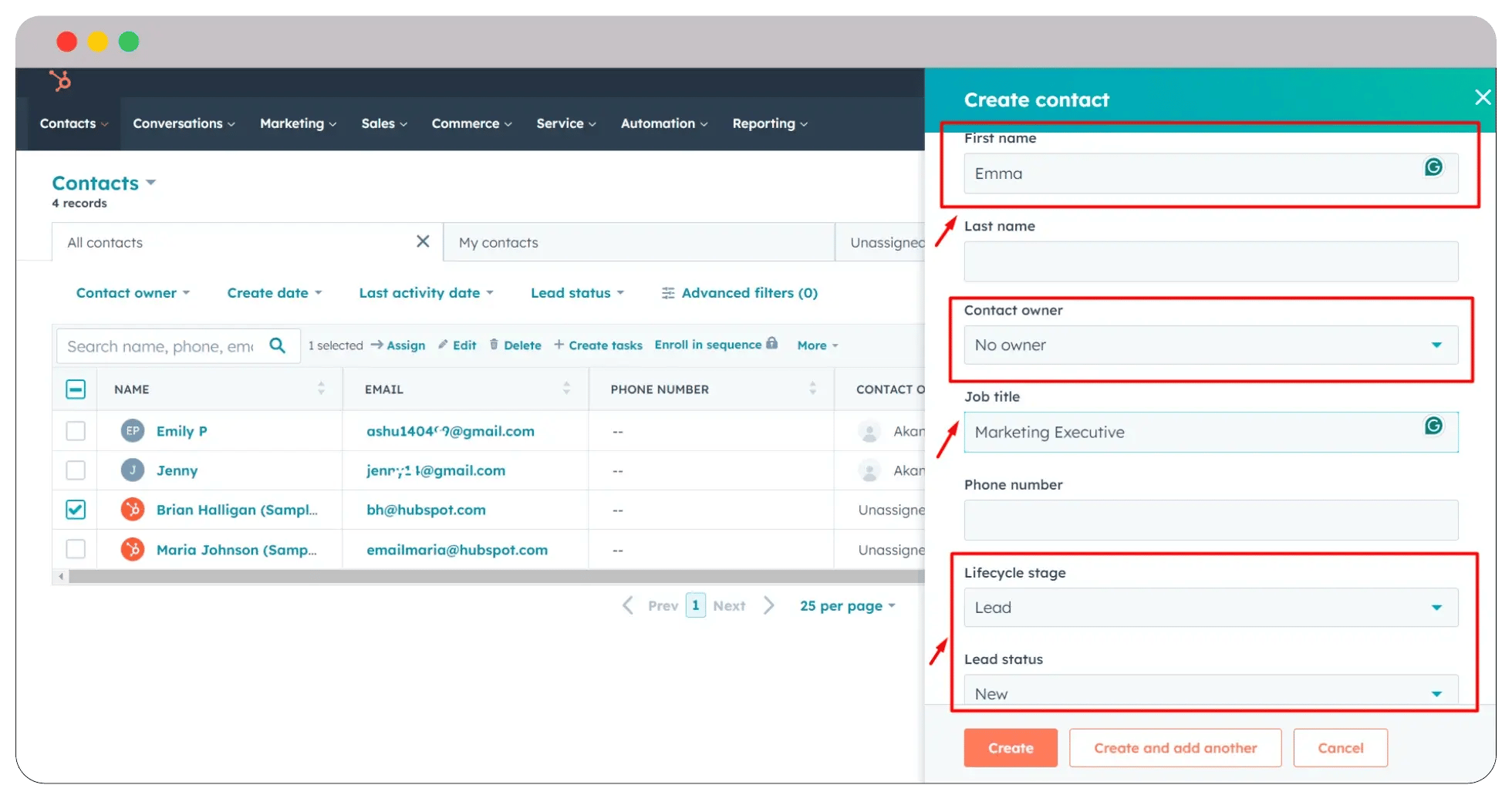
Most free contact management tools cap the number of records you can store. Some providers allow up to 1,000 contacts, while others, like HubSpot, have historically offered much higher limits (up to one million), though they restrict the features available to manage them. You must audit your current list and estimate your growth rate for the remainder of 2026. If you add 50 contacts a month and the software caps at 500, you will be forced to upgrade or migrate within a year.
Team Access and Seat Limits
Who needs to see this data? Many free plans are "single-user" licenses. If you have a partner or an assistant who also needs to log in, you must specifically look for "multi-user" free tiers. Tools like Zoho CRM or Bitrix24 often provide free access for small teams (usually up to 3 or 10 users), making them ideal for collaborative environments.
Step 2: Identify Essential Functional Features
Not all contact managers are created equal. To choose the right one, focus on features that eliminate manual data entry and improve communication clarity.
Interaction History and Activity Tracking
The most valuable part of a contact manager is the timeline of interactions. Every email, phone call, and meeting should be logged against the contact record. In 2026, look for software that offers automatic email BCC syncing or direct integration with Gmail and Outlook. This ensures that even on a free plan, you don't have to manually copy and paste every conversation into the system.
Custom Fields and Segmentation
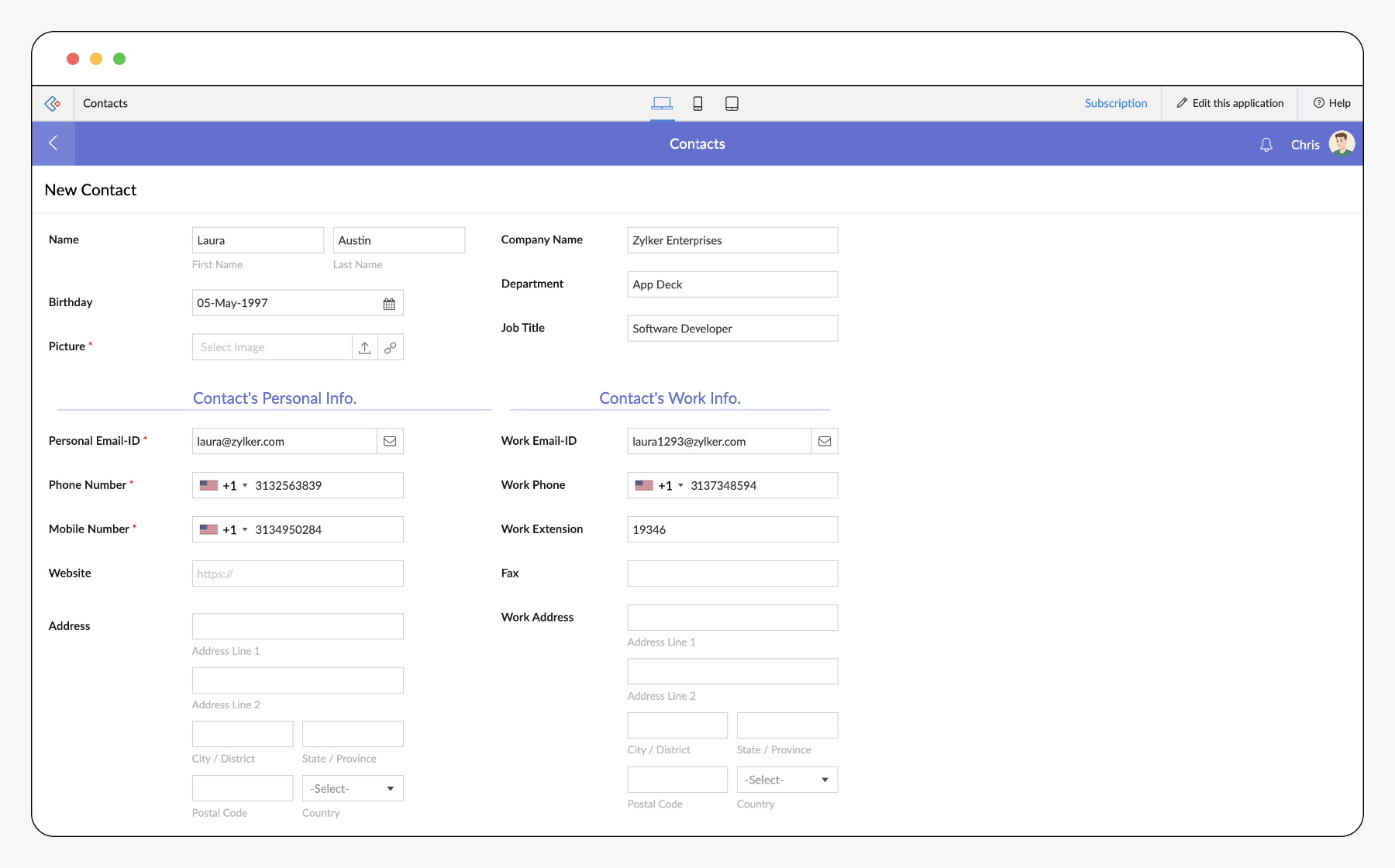
Your business has unique data points. A real estate agent needs a field for "Property Interest," while a freelance designer might need "Software Preference." Ensure the free software allows for at least a few custom fields. Furthermore, the ability to "tag" or segment contacts is vital for sending targeted messages. Avoid any software that forces you into a rigid, unchangeable data structure.
Mobile Accessibility
Business happens on the move. A contact manager that only works on a desktop is a liability. Ensure the provider offers a native iOS or Android app. In 2026, mobile apps should not just be "view-only"; they should allow you to add contacts via business card scanning or voice-to-text notes immediately after a meeting.
Step 3: Evaluate Integration Capabilities
Your contact manager should not be a data island. It needs to speak to the other tools you use daily. Even on a free tier, certain integrations are non-negotiable for efficiency.
- Email Service Providers (ESP): If you use Mailchimp or Constant Contact, your CMS should be able to sync contact lists to prevent manual imports.
- Calendar Sync: Integration with Google Calendar or Microsoft 365 ensures that scheduled meetings appear automatically in the contact’s activity timeline.
- Lead Capture Forms: Many free tools provide a snippet of code for your website. When a visitor fills out a form, their details should automatically flow into your contact manager.
Step 4: Analyze Data Security and Compliance
"Free" should never mean "insecure." As of 2026, data privacy regulations like GDPR in Europe and various state-level laws in the U.S. (like CCPA/CPRA) require businesses of all sizes to handle personal data responsibly.
When choosing a provider, verify that they use industry-standard encryption (AES-256) and offer two-factor authentication (2FA). Check their privacy policy to ensure they do not sell your contact data to third parties—a common "hidden cost" of some lower-quality free applications. Reputable providers like Zoho or Freshworks have clear, publicly available documentation regarding their data processing standards.
Comparison of Top Free Contact Management Software in 2026
The following table compares the most reliable free options currently available, focusing on their primary strengths and the limitations of their free versions.
| Software | Best For | Key Free Feature | Main Limitation |
|---|---|---|---|
| HubSpot | Scaling Businesses | Unlimited users and high contact limits | Advanced automation and reporting are paid |
| Zoho CRM | Small Teams | Robust mobile app and social media integration | Limited to 3 users on the free tier |
| Freshsales | Sales-Focused Users | AI-powered contact scoring (basic) | No bulk emailing in the free version |
| Capsule CRM | Freelancers | Simple, clean interface and easy tagging | 250 contact limit on the "Free" plan |
| Bitrix24 | Collaboration | Integrated chat and project management | High learning curve due to feature density |
Step 5: Recognize the "Freemium" Trap
It is essential to understand why companies offer free software. Usually, the free version is a "teaser" designed to get you embedded in their ecosystem. Common limitations you will encounter in 2026 include:
- Data Export Restrictions: Some "bad actor" software makes it easy to put data in but nearly impossible to get it out without paying. Always test the "Export to CSV" function during your trial period.
- Lack of Support: Free users are typically restricted to self-service knowledge bases or community forums. If the software breaks, you won't have a dedicated account manager to call.
- The "Feature Wall": You may find that you can store a contact's phone number, but clicking it to "Click-to-Call" requires a Pro subscription. Identify which specific actions you take most often and ensure they are included in the free tier.
Step 6: The Testing and Migration Process
Do not commit your entire database to a new tool immediately. Follow a "Sandbox" approach:
- Import a Sample: Take 10–20 varied contacts and import them via CSV.
- Check Formatting: Ensure that names, international phone numbers, and notes appear correctly.
- Test the Workflow: Try to perform a common task, such as adding a note after a simulated call or filtering for "Leads from New York."
- Evaluate Speed: If the web interface is sluggish in 2026, it will only get worse as your database grows.
Frequently Asked Questions
Can I really get a "forever free" contact manager?
Yes, many companies offer "free forever" tiers because they hope you will eventually upgrade to their marketing or sales suites. However, "forever free" only applies as long as you stay under their specific limits (e.g., number of contacts or users). If your business grows, you will eventually outgrow the free tier.
Is my data safe in free software?
Generally, data in free versions of reputable SaaS (Software as a Service) platforms is stored in the same secure data centers as their paid counterparts. The security risk usually comes from the user side, such as not using a strong password or failing to enable two-factor authentication. Always choose a well-known provider with a transparent security policy.
How do I move my contacts from an Excel sheet to a contact manager?
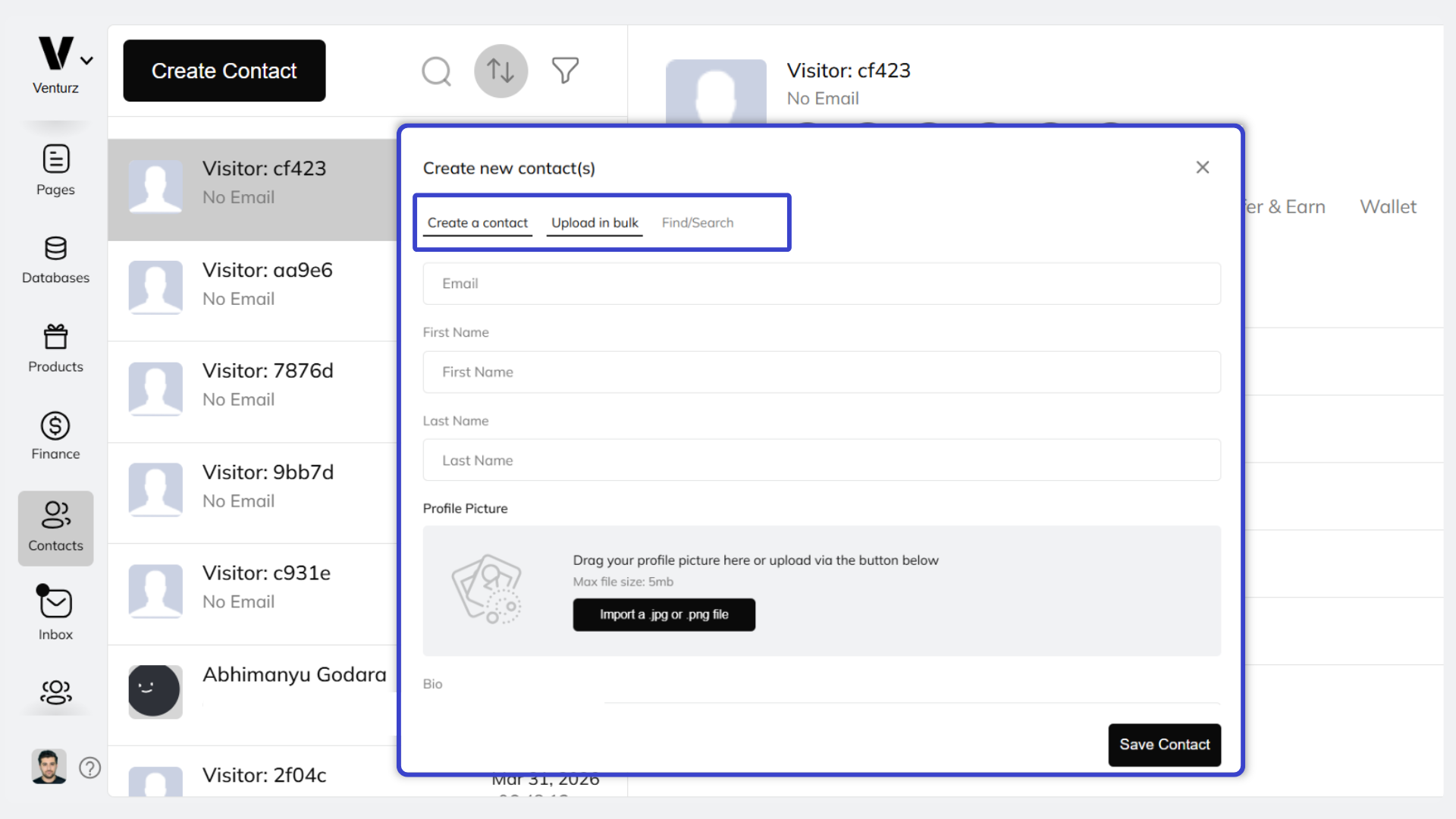
Most software provides an "Import" wizard. You will need to save your Excel file as a .CSV (Comma Separated Values) file. During the import process, you will "map" your columns (e.g., "Phone" in Excel becomes "Work Phone" in the software). Most tools in 2026 also offer direct integrations with Google Contacts for seamless syncing.
Do free contact managers include email marketing?
Some do, but with heavy restrictions. For example, you might be able to send 100 emails a day or 500 a month. If you need robust email marketing (newsletters, sequences, and analytics), you will likely need to integrate your free contact manager with a dedicated email marketing tool like MailerLite or Moosend.
What happens if I exceed the contact limit?
Usually, the software will block you from adding new contacts until you either delete old records or upgrade to a paid plan. Some services may offer a "grace period," but it is best to monitor your usage monthly to avoid an abrupt shutdown of data entry capabilities.
Final Recommendation
For most individuals and very small teams in 2026, HubSpot remains the gold standard for free contact management due to its generous contact limits and ease of use. However, if you require a more structured, traditional database with specific team-sharing needs, Zoho CRM is the superior choice. Regardless of which you choose, always prioritize a platform that allows for easy data export, ensuring that you remain the owner of your valuable relationship data as your business evolves.
Image Gallery