How to Create a Professional Email Signature: The 2026 Technical and Design Standard
To create a professional email signature, you must compile your essential contact information, design a mobile-responsive layout using inline HTML, and install the result into your specific email client’s settings. In 2026, effective s...
To create a professional email signature, you must compile your essential contact information, design a mobile-responsive layout using inline HTML, and install the result into your specific email client’s settings. In 2026, effective signatures function as dynamic marketing assets, integrating live scheduling links, brand-consistent visuals, and verified digital identity markers to ensure deliverability and professional trust.
Contents
Creating an email signature is no longer just about adding your name and phone number to the bottom of a message. It has evolved into a critical component of digital identity and corporate branding. As email clients have become more sophisticated in their filtering of HTML content, the technical requirements for a signature that renders correctly across all devices—from desktop Outlook to mobile Apple Mail—have become increasingly stringent.
Foundational Requirements and Technical Standards
Before designing the visual elements of your signature, it is essential to understand the technical environment of 2026 email communication. Modern email clients use various rendering engines, and what looks perfect in a browser-based Gmail interface may appear broken in a legacy desktop application or a privacy-focused mobile app.
Technical Specifications for 2026 Email Signatures
HTML and CSS Constraints Because email clients often strip out external stylesheets and certain CSS properties for security, all styling must be applied using inline CSS. Modern signatures avoid complex layout techniques like Flexbox or Grid, which still lack universal support in email rendering, and instead rely on nested tables for layout stability.
Image Optimization and DPI Images should be hosted on a reliable Content Delivery Network (CDN) rather than attached directly to the email. To ensure clarity on high-resolution Retina and OLED displays, images should be designed at twice the intended display size (e.g., a 100x100 pixel logo should be uploaded as 200x200 pixels) while maintaining a small file footprint to prevent slow load times or being flagged as spam.
Accessibility and Compliance Every image within a signature must include descriptive Alt-text to assist screen readers and provide context if the recipient has image-loading disabled. Furthermore, signatures in 2026 must adhere to regional privacy regulations like GDPR and CCPA, which often necessitate the inclusion of specific corporate disclosures or easy access to privacy policies.
Essential Components of a Modern Email Signature
A professional signature serves multiple stakeholders: the sender (for branding), the recipient (for information), and the IT department (for security and deliverability). To satisfy all three, a signature should include a hierarchy of information.
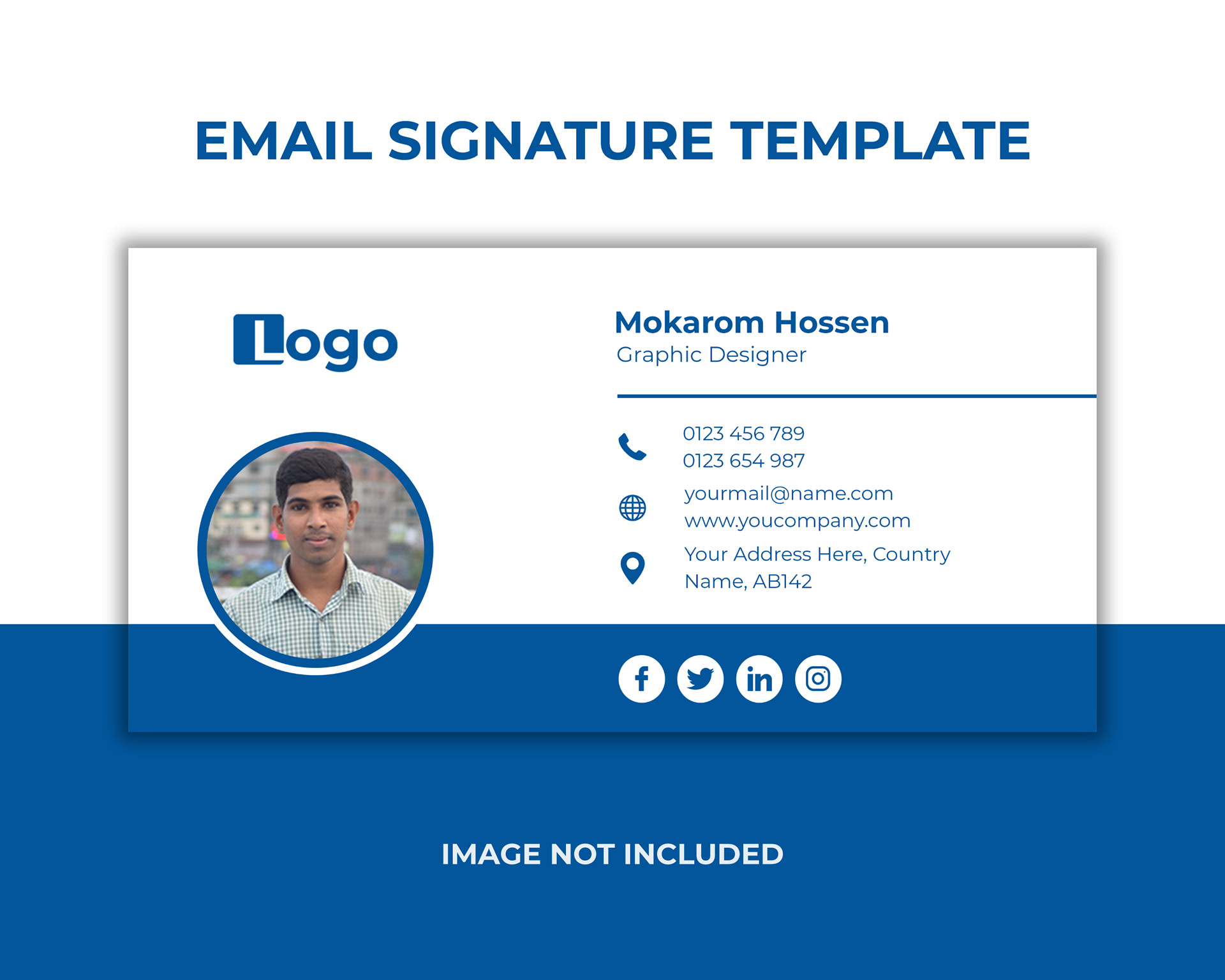
- Identity Markers: Your full name, job title, and department. In 2026, many professionals also include a verified badge or a link to a digital identity credential to mitigate the risks of AI-generated email spoofing.
- Contact Information: A primary phone number, physical office address (if applicable), and a link to your official website.
- Visual Branding: A high-resolution company logo or a professional headshot. Personal photos have seen a resurgence in 2026 as a way to "humanize" digital interactions in an AI-heavy landscape.
- Social Proof and Dynamic Content: Links to professional social profiles (LinkedIn) and dynamic elements such as a "Book a Meeting" button that syncs with your real-time availability.
- Legal Disclaimers: Standardized text required by your industry or jurisdiction, typically rendered in a smaller, unobtrusive font size.
Step-by-Step Implementation Guide
The process of creating and installing your signature varies depending on your platform. Below are the optimized procedures for the most common professional email environments in 2026.
Creating a Signature in Google Gmail
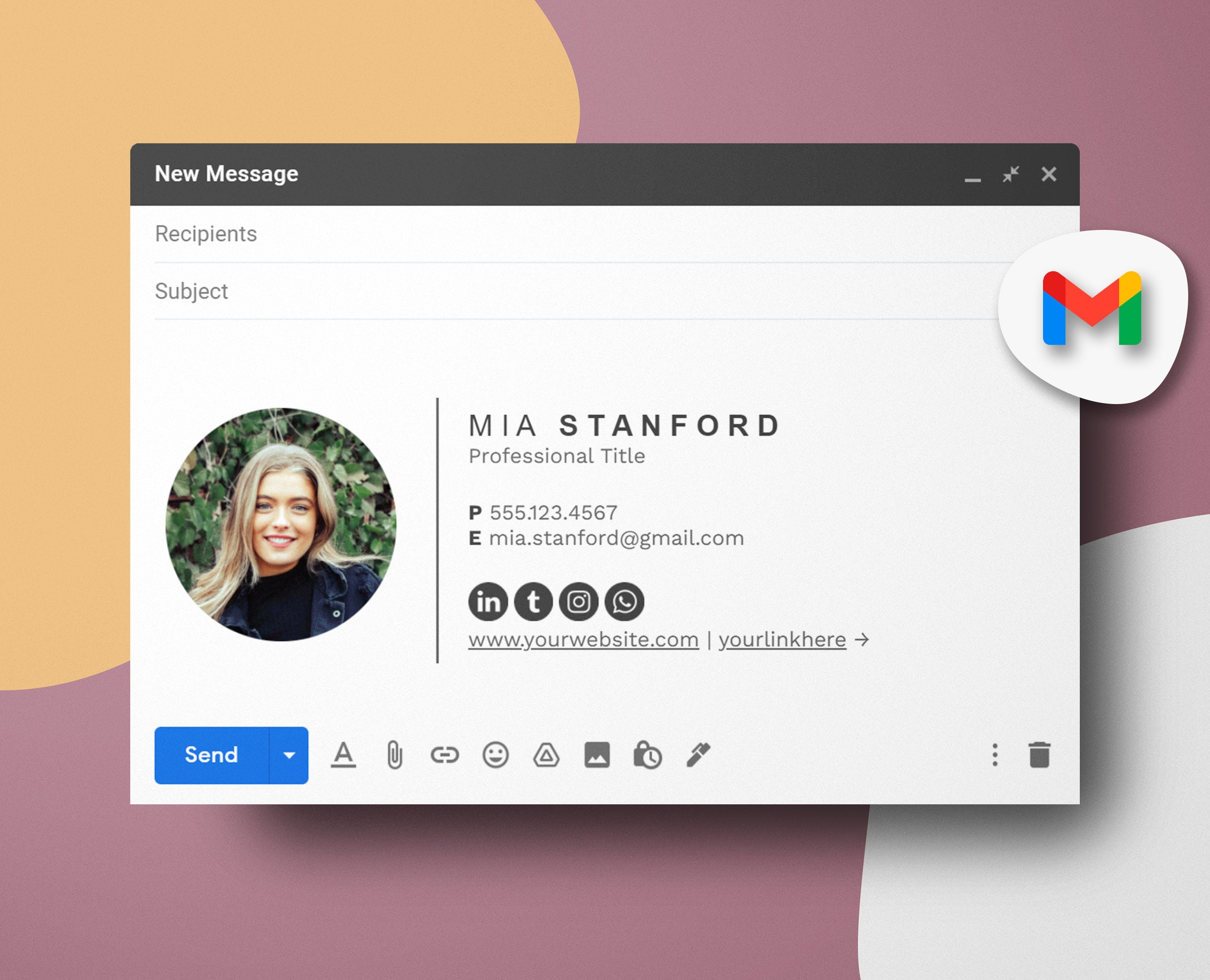
Gmail remains the dominant platform for both personal and enterprise (Google Workspace) use.
- Open Gmail and click the gear icon (Settings) in the top right corner, then select "See all settings."
- Scroll down to the "Signature" section under the "General" tab.
- Click "Create new" and provide a name for your signature.
- In the text editor, enter your information. To add a logo, click the "Insert Image" icon. Ensure the image is hosted on your website or a public drive; do not copy-paste a local file.
- Highlight your website or social media handles and click the "Link" icon to add URLs.
- Under "Signature defaults," select which signature to use for new emails and which for replies/forwards.
- Crucial Step: Scroll to the bottom and click "Save Changes."
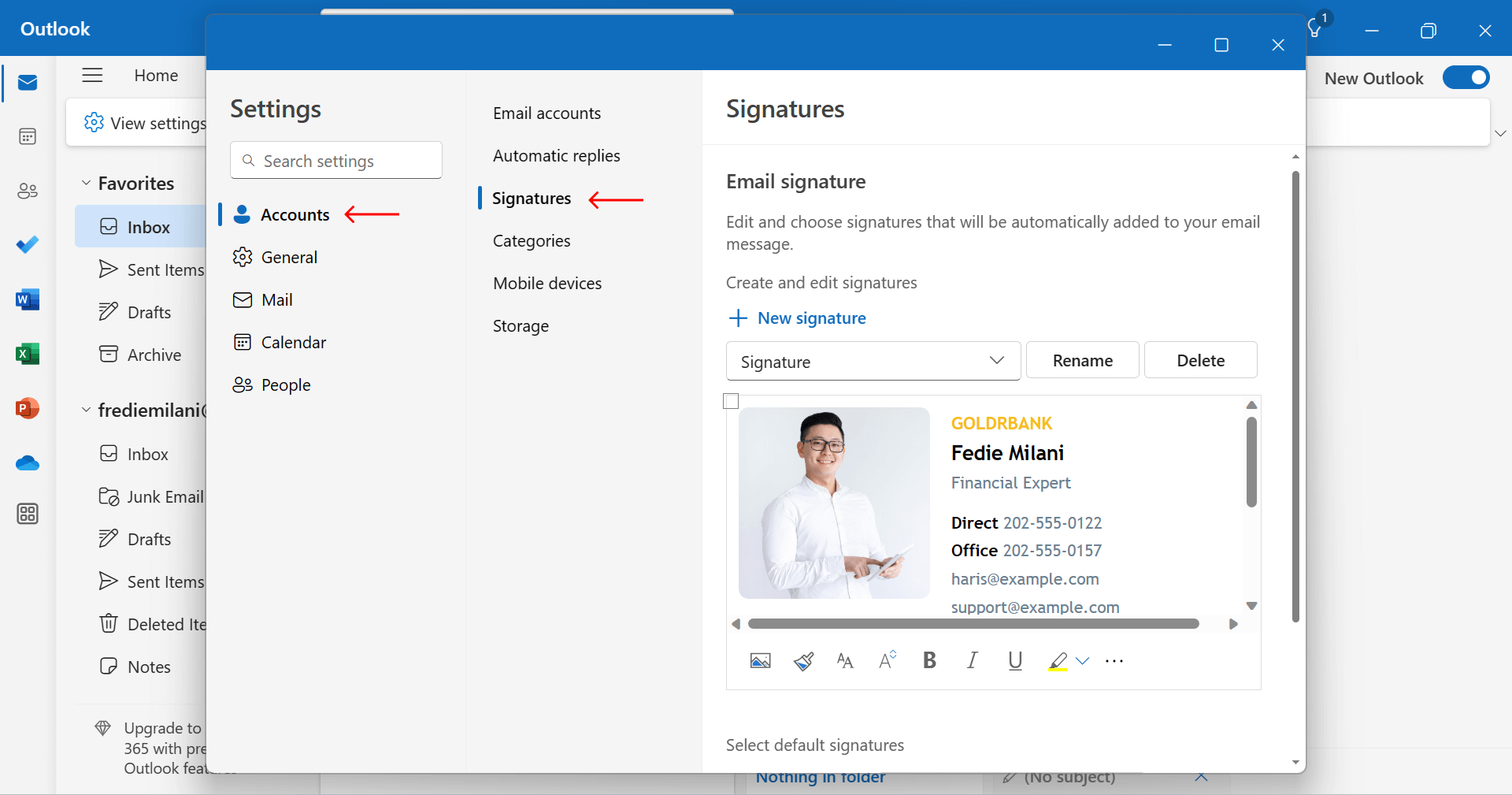
Creating a Signature in Microsoft Outlook (Web and Desktop)
Microsoft Outlook’s rendering engine is notoriously specific, especially regarding how it handles image scaling and line heights.
- Desktop App: Go to File > Options > Mail > Signatures.
- Web Version: Click the gear icon > View all Outlook settings > Mail > Compose and reply.
- In the edit box, use the formatting tools to build your signature. For complex designs, it is often better to design the signature in a specialized HTML editor and paste the rendered result into this box.
- Outlook 2026 features "Cloud Signatures," which means once you save your signature here, it will automatically sync across your mobile and web versions of Outlook.
- Check the boxes for "Include my signature on messages I originate" and "Include my signature on messages I forward or reply to."
Creating a Signature for Apple Mail (macOS and iOS)
Apple Mail is highly flexible with HTML but requires specific steps for mobile synchronization.
- On macOS, go to Mail > Settings > Signatures.
- Select the account on the left and click the plus (+) button.
- Uncheck the "Always match my default message font" box to ensure your custom font choices are preserved.
- On iOS, go to Settings > Mail > Signature. You can choose "All Accounts" or "Per Account."
- To use a rich HTML signature on iPhone, design it on your desktop, email it to yourself, copy it from the email, and paste it into the iOS signature box. Shake your phone to "Undo Change" if iOS tries to strip the formatting immediately after pasting.
Comparison of Email Signature Management Solutions
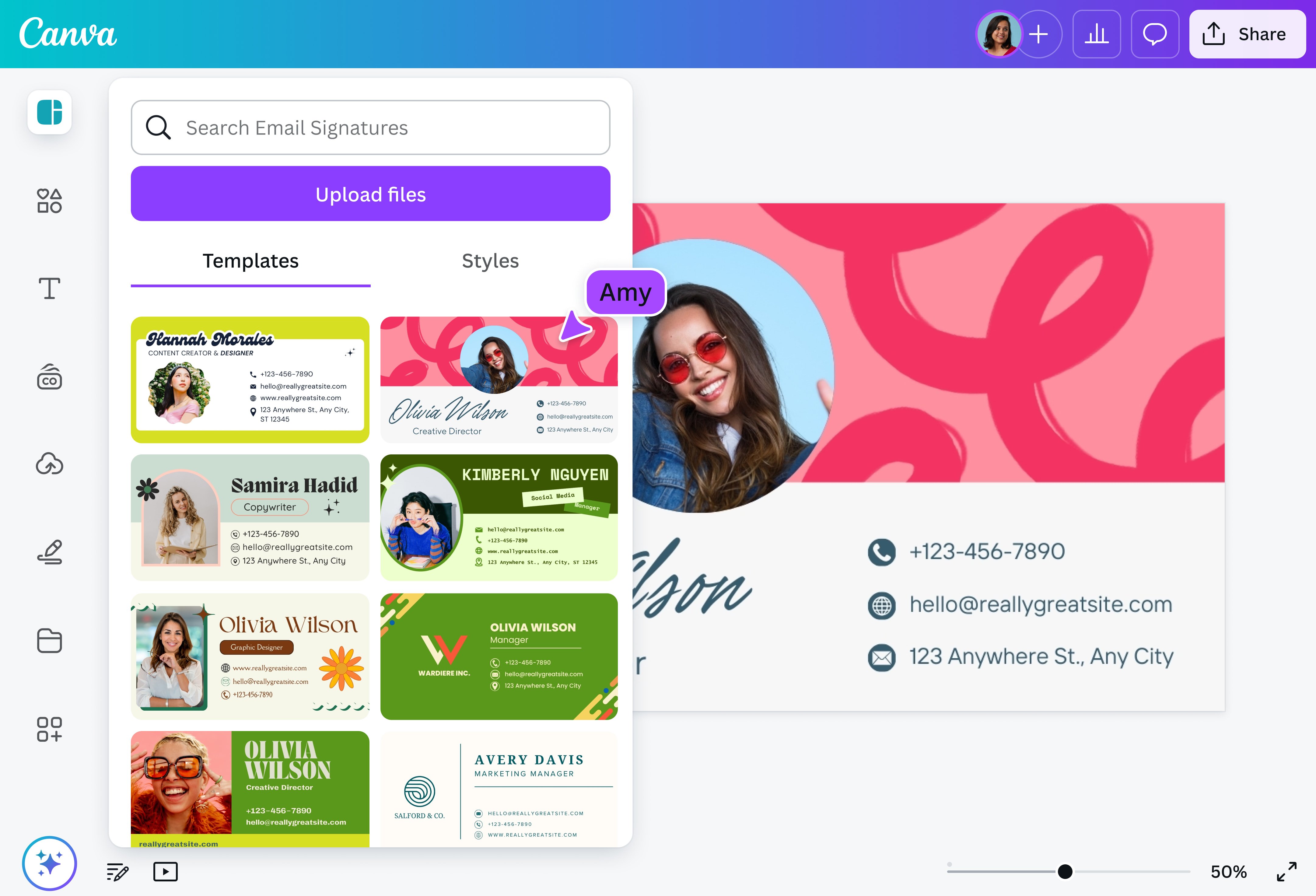
For larger organizations or individuals seeking advanced features, manual creation is often replaced by signature generators. The following table compares the top standards for 2026.
| Feature | Manual HTML Coding | HubSpot Signature Generator | Wisestamp for Business | Exclaimer (Enterprise) |
|---|---|---|---|---|
| Cost | Free | Free | Subscription | Subscription |
| Ease of Use | Difficult (Requires Coding) | Very Easy | Easy | Moderate (IT-focused) |
| Centralized Control | No | No | Yes | Yes (Server-side) |
| Dynamic Elements | Limited | Basic | Advanced | Unlimited |
| Brand Consistency | Hard to enforce | Manual | Automated | Global Enforcement |
| 2026 AI Integration | None | Basic Templates | AI Design Assistant | Automated Content Tuning |
Advanced Customization: The HTML and CSS Approach
For those who want a truly bespoke signature, writing the HTML manually is the only way to ensure pixel-perfect results. In 2026, the industry standard is to use "MSO" (Microsoft Office) conditional tags to handle Outlook-specific quirks.
Best Practices for Custom HTML Signatures
Use Inline Styles Only Do not use
blocks in the header. Usestyle="color: #333333; font-family: Arial, sans-serif;"directly on every,, ortag. This ensures that even the most restrictive email clients will display your colors and fonts correctly.
Table-Based Architecture
Use
with specific widths (usually 320px to 600px) instead of. Setborder="0",cellpadding="0", andcellspacing="0"to prevent unwanted gaps in the layout. This legacy approach remains the most stable way to ensure your signature doesn't "collapse" on mobile devices.
Web-Safe Font Stacks While custom web fonts are more supported in 2026, always provide a "stack" of fallback fonts. For example:font-family: 'YourCustomFont', Helvetica, Arial, sans-serif;. This ensures that if the recipient's device cannot load your brand font, the signature still looks professional in a standard typeface.
Common Pitfalls and Troubleshooting
Even with careful design, several common issues can degrade the effectiveness of an email signature.Images as Attachments: If not properly hosted, images may appear as attachments (the "paperclip" icon) rather than inline visuals. This is often caused by copy-pasting an image directly from a local drive. Always host images on a web server. Broken Layouts on Mobile: If your signature is wider than 320-400 pixels, it will likely cause horizontal scrolling on mobile devices. Ensure your table widths are either fluid (percentage-based) or kept within a narrow fixed width. The "Double Signature" Problem: When using enterprise-level tools like Exclaimer, ensure that individual users have their local signatures turned off. Otherwise, the recipient will see both the local signature and the server-side injected signature. Overwhelming CTA Density: Including too many links (website, social, scheduling, portfolio, latest blog post) can trigger spam filters. Limit yourself to 3-4 clickable elements.
Trends in 2026: The Future of the Signature
As we navigate 2026, the email signature is becoming a tool for transparency and environmental awareness.Sustainability Badges: Many organizations now include a small line of text or a verified icon indicating the carbon-neutral status of their digital communications or their company’s ESG (Environmental, Social, and Governance) rating. Interactive Scheduling: Static "Email me to book" text has been replaced by embedded mini-calendars or "Next Available" widgets that update every time the email is opened, providing real-time utility. BIMI Integration: While Brand Indicators for Message Identification (BIMI) usually apply to the sender's avatar, 2026 signatures are increasingly designed to complement these verified brand marks, creating a cohesive "verified" experience for the recipient.
Frequently Asked Questions
What is the ideal size for an email signature image in 2026?
Images should generally be kept under 50KB to ensure fast loading. In terms of dimensions, a logo is typically 100-200 pixels wide, but it should be uploaded at 2x resolution (e.g., 400px wide) and then constrained using HTML width attributes for high-DPI display compatibility.
Should I include my email address in my email signature?
Generally, no. Including your email address is redundant because the recipient is already reading an email from you. Removing it saves space and reduces the "clutter" score of your signature, which can help with deliverability.
Why does my signature look different when I reply to an email?
Many email clients switch to "Plain Text" mode during replies to save space or follow the original sender's format. If your signature relies on HTML, it will be stripped of all styling. To combat this, ensure your signature has a logical flow even when viewed as plain text.
How do I make my email signature dark mode friendly?
Use transparent PNGs or WebP files for logos so they don't appear as white boxes on a dark background. Additionally, avoid using pure black (#000000) or pure white (#FFFFFF) for text; instead, use slightly off-shades that allow the email client’s dark mode inversion algorithms to work more gracefully.
Can I use a video in my email signature?
Directly embedding video (MP4) is still not widely supported and will often trigger spam filters. The 2026 standard is to use a high-quality GIF or an image with a "Play" button overlay that links to a hosted video on a platform like YouTube or Vimeo.
To ensure your professional communications carry the weight and authority your brand deserves, audit your signature at least once a year. Verify that all links are active, images are rendering correctly across updated software versions, and your legal disclaimers remain compliant with the latest regulations.
Image Gallery