How to Access Your Patient Labcorp Com Results Online Securely in 2026
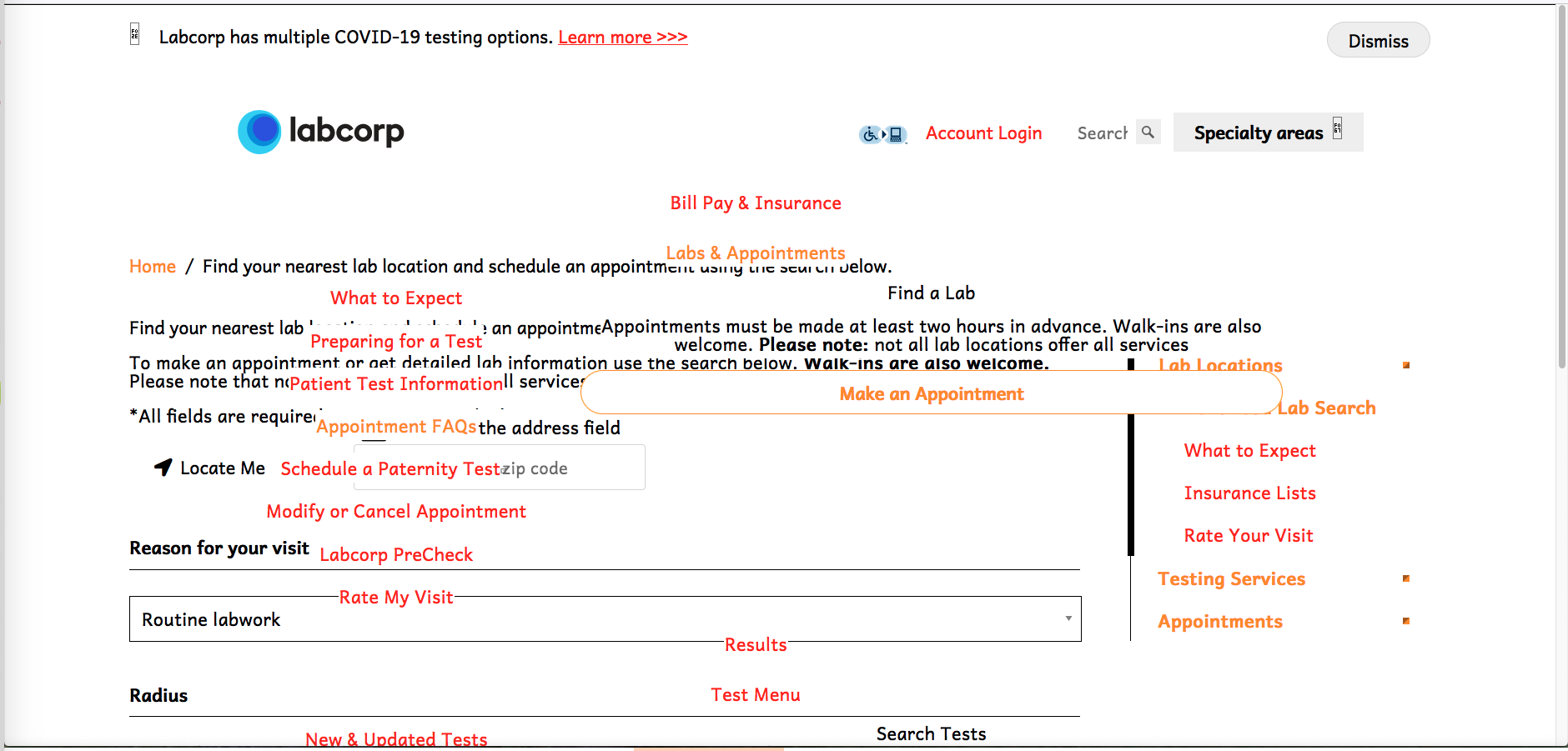
Accessing your patient labcorp com results online requires logging into your secure Labcorp Patient portal account using verified credentials or the official mobile application. This digital platform allows individuals to review diagno...
Accessing your patient labcorp com results online requires logging into your secure Labcorp Patient portal account using verified credentials or the official mobile application. This digital platform allows individuals to review diagnostic test panels, track historical health metrics, and manage medical documents safely from any internet-connected device.
Contents
Understanding how to navigate the Labcorp patient portal effectively ensures you can retrieve diagnostic reports promptly, interpret standard reference ranges, and share critical health data with your primary care provider. Whether you are tracking routine metabolic panels or specialized diagnostic tests, utilizing the correct digital channels protects your personal health information while streamlining your medical care management.
Navigating the Official Patient Portal Ecosystem
The digital gateway for diagnostic retrieval is centered around the official Labcorp Patient platform. Patients can access their accounts through standard web browsers on desktop computers or via dedicated mobile applications available for iOS and Android operating systems.
When navigating to the portal, users must ensure they are visiting the authentic web domain to protect sensitive Protected Health Information (PHI) governed by the Health Insurance Portability and Accountability Act (HIPAA). Secure connections are indicated by HTTPS protocols and valid SSL certificates. The digital ecosystem is designed to minimize administrative friction while maintaining strict cybersecurity protocols, including multi-factor authentication (MFA) and data encryption both in transit and at rest.
Core Features Available on the Platform
- Secure, HIPAA-compliant storage of diagnostic test reports and pathology panels.
- Historical tracking graphs showing biomarker trends over multiple test dates.
- Integration capabilities to download or securely transmit records to external healthcare providers.
- Appointment scheduling and bill payment functionalities within the same unified dashboard.
Step-by-Step Guide to Creating Your Account and Retrieving Reports
Setting up your account correctly the first time prevents common access lockouts and ensures your medical records link properly to your patient profile. If you have recently visited a patient service center, your laboratory order contains unique identifiers that streamline the registration process.
- Navigate to the official Labcorp Patient portal homepage using a secure web browser or open the downloaded mobile application.
- Select the option to create a new account if you are a first-time user, or choose sign-in if your credentials are already established.
- Enter your legal first name, last name, date of birth, and contact information precisely as they appear on your laboratory requisition order or government-issued identification.
- Verify your identity through the automated security prompt, which may involve receiving a one-time passcode via SMS or email.
- Create a strong, unique password adhering to complex character requirements and enable multi-factor authentication for enhanced security.
- Once logged into your dashboard, navigate to the Test Results section to view, download as a PDF, or print your completed diagnostic reports.
Understanding Your Diagnostic Reports and Biomarker Data
Once you successfully open your patient labcorp com results, you will encounter various medical terms, numerical values, and reference intervals. Laboratory reports typically display the test name, your specific numerical result, the standard reference range established by the testing laboratory, and flags indicating whether a value falls outside normal parameters.
It is vital to recognize that reference ranges can vary based on testing methodologies, laboratory equipment, age, and biological sex. A flagged value (often marked with an asterisk, "H" for high, or "L" for low) does not automatically indicate a severe medical condition; rather, it serves as a prompt for clinical correlation by your ordering physician.
| Section of Report | Description & Clinical Significance | What Patient Action Is Required |
|---|---|---|
| Patient Demographics | Verifies legal name, date of birth, and medical record numbers. | Confirm accuracy to prevent misidentification of medical data. |
| Test Name & Code | Identifies the specific assay performed (e.g., Comprehensive Metabolic Panel). | Review against your physician's original order to ensure completeness. |
| Numerical Result | The quantified measurement of the biomarker in your specimen sample. | Compare against the provided reference interval. |
| Reference Range | The normal expected range established for the healthy general population. | Use only as a general baseline; do not self-diagnose out-of-range flags. |
| Physician Comments | Notes added by the ordering clinician or reviewing pathologist. | Read carefully for specific follow-up instructions or medication adjustments. |
Comparing Access Methods: Portal Versus Traditional Channels
Patients frequently debate whether to retrieve their diagnostic data digitally or rely on traditional communication methods. Each approach carries distinct operational characteristics regarding speed, security, and depth of information.
Digital Portal Advantage
Utilizing the online patient portal grants immediate access to results the moment they are released by the clinical laboratory, often bypassing mailing delays. Furthermore, digital archives allow you to maintain a comprehensive, portable medical history that can be shared instantly across different healthcare networks during specialist referrals or emergency consultations.
Portal Access vs. Traditional Retrieval Comparison
- Speed of Delivery: Digital portals provide results within hours to days of test completion, whereas traditional mail or manual provider callbacks can take over a week.
- Data Completeness: Portals offer full multi-page PDF documents containing detailed methodology notes, whereas phone calls provide only high-level summaries.
- Security Standards: Digital portals utilize end-to-end encryption and MFA, while traditional phone communication carries inherent risks of identity verification errors.
- Accessibility: Online platforms are available 24/7 globally, whereas traditional office retrieval is bound by clinical operating hours.
Common Troubleshooting and Access Recovery Strategies
Experiencing technical difficulties when attempting to view your patient labcorp com results can be frustrating, especially when waiting on vital health information. Most access barriers stem from simple credential mismatches, browser cache conflicts, or strict identity-verification checkpoints designed to protect patient privacy.
- Forgotten Passwords: Use the automated recovery link on the sign-in screen to reset your password via your verified email address.
- Identity Verification Failures: If the system cannot verify your identity during registration due to recent address or name changes, contact customer support to update your demographic profile manually.
- Delayed Results: Remember that certain specialized genetic, pathology, or culture tests require extended processing times and will not appear instantly alongside routine blood draws.
- Browser Compatibility: Clear your browser cache, disable aggressive tracking blockers, or switch to an updated modern browser if the dashboard fails to load correctly.
Frequently Asked Questions
How soon will my patient labcorp com results be available online?
Most routine test results are available within 1 to 3 days after your specimen is collected. Specialized tests, cultures, or complex genetic panels may take a week or longer to finalize and populate in your dashboard.
Why are some of my test results visible while others are missing?
Different diagnostic assays require varying processing times in the laboratory. Furthermore, ordering physicians occasionally place manual holds on sensitive or complex results until they can schedule a consultation to discuss the findings directly with you.
Can I share my Labcorp portal reports with a doctor outside my primary network?
Yes, the platform allows you to download your diagnostic reports as secure PDF files or transmit them electronically using integrated health data sharing protocols. You can present these files to any specialist during your consultation.
What should I do if I see an abnormal flag on my lab report?
An abnormal flag indicates that your measurement falls outside the standard laboratory reference range, but it is not a formal diagnosis. Schedule an appointment with your ordering physician to review the findings within the full context of your overall health history.
Is my personal health information secure on the Labcorp patient platform?
The platform utilizes robust administrative, physical, and technical safeguards, including advanced encryption standards and multi-factor authentication, to protect your sensitive medical data in compliance with federal privacy regulations.
Secure Your Health Management Today
Retrieving your diagnostic data online empowers you to take an active role in managing your wellness journey in collaboration with your healthcare team. Take a moment to log into your account, verify your notification settings, and ensure your contact details remain current so you never miss an important update regarding your health reports.
Image Gallery