How to Get Free Music for iPhone Legally and Safely in 2026
Finding free music for an iPhone involves balancing access to digital media with Apple's strict iOS ecosystem protocols, digital rights management (DRM) laws, and file management limitations. Users can securely listen to audio without...
Finding free music for an iPhone involves balancing access to digital media with Apple's strict iOS ecosystem protocols, digital rights management (DRM) laws, and file management limitations. Users can securely listen to audio without paying subscription fees by leveraging legitimate streaming tier ad-supported models, open-source audio archives, system-level file management tools, and authorized podcast repositories.
Contents
Understanding iOS Audio Architecture and File Management Limitations
Navigating audio files on an iPhone requires understanding how Apple structures its mobile operating system. Unlike Android or desktop computers, iOS sandboxes applications, meaning apps cannot freely share or access file directories without explicit system permissions. This architectural design directly impacts how users store, manage, and play free audio tracks downloaded from the internet.
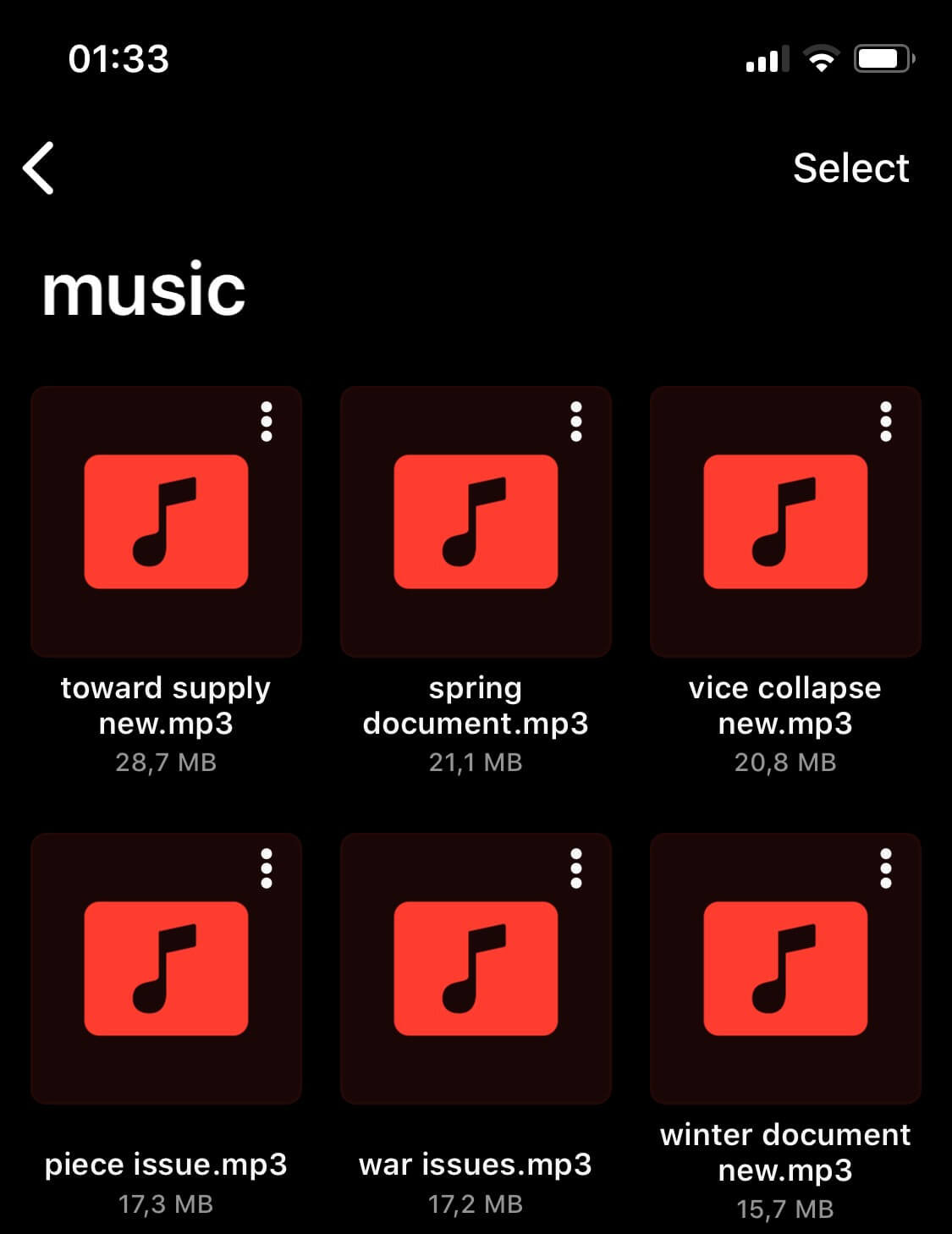
When acquiring audio files externally, users typically work with compressed formats such as MP3, AAC, FLAC, or WAV. The default Apple Music application is designed primarily for ecosystem-locked streaming or manually synchronized files via a Mac or Windows PC running Apple Music or Finder. To bypass the necessity of a desktop computer, iPhone users rely on the native Files app, which acts as a centralized repository for downloaded media.
Furthermore, digital rights management (DRM) laws dictate what constitutes legal acquisition. Downloading copyrighted music from unauthorized ripping websites or torrent networks violates copyright infringement laws. Conversely, downloading tracks explicitly released under Creative Commons licenses, public domain repositories, or promotional artist giveaways remains fully compliant with legal standards.
Official Free Streaming Services with iOS Apps
The most seamless method to enjoy zero-cost music on an iPhone involves utilizing official, ad-supported streaming tiers available on the App Store. These platforms operate legally by embedding targeted advertisements between tracks, funding royalty payments to artists and record labels while offering free access to millions of songs.
Spotify (Free Tier)
Spotify’s mobile app provides access to its massive catalog without requiring a premium subscription. However, the free tier on iOS includes specific operational constraints:
- Shuffle Play Mode: Users on mobile devices cannot select and play specific tracks on demand; instead, albums and playlists play in shuffle mode.
- Skip Limitations: Free accounts are restricted to a limited number of track skips per hour.
- Audio Quality: Streaming bitrate is capped at standard quality (up to 160 kbps) rather than high-definition or lossless formats.
- Advertisements: Audio and visual ads interrupt playback periodically.
Pandora and SoundCloud
Pandora offers a radio-style free listening experience where users create stations based on favorite artists or genres. While customizable, skip limits apply similarly to Spotify. SoundCloud operates differently by hosting a vast community of independent artists, DJs, and podcasters. Many tracks on SoundCloud are available for direct, free streaming or even authorized offline caching depending on the creator's distribution settings.
Downloading Public Domain and Creative Commons Music to the Files App
For users who prefer local file playback without relying on streaming applications, the internet hosts numerous legal repositories dedicated to copyright-free audio.
Internet Archive (Audio Archive)
The Internet Archive contains millions of live concert recordings, vintage broadcasts, and independent audio tracks released under public domain or Creative Commons licenses.
- Open Safari on your iPhone and navigate to the Internet Archive audio section.
- Search for the desired artist, genre, or spoken-word audio.
- Locate the download options for the specific item and select the VBR MP3 or high-quality FLAC file link.
- When the download prompt appears in Safari, confirm the download.
- Access the native Files app on your iPhone, navigate to the Downloads folder, and tap the audio file to begin playback using the built-in quick player or third-party audio apps like VLC for Mobile.
Free Music Archive (FMA) and Jamendo
Platforms like FMA and Jamendo aggregate legal tracks provided directly by independent creators for commercial or personal use. Users can download these files directly through Safari and organize them into custom folders within the Files app, building a local music library completely independent of cloud streaming services.
Comparison of Free iPhone Music Methods
| Method / Platform | Offline Playback | Requires Subscription | Ad-Supported | Legal / Compliance Risk | Audio Format Support |
|---|---|---|---|---|---|
| Spotify (Free Tier) | No | No | Yes | 100% Legal | Proprietary Stream |
| SoundCloud (Free) | Limited (Select Tracks) | No | Yes | 100% Legal | MP3 / Stream |
| Internet Archive | Yes (Local Files) | No | No | 100% Legal | MP3, FLAC, WAV |
| Free Music Archive | Yes (Local Files) | No | No | 100% Legal | MP3 |
| Third-Party YouTube Rippers | Yes | No | Varies | High (Copyright Risk) | Variable |
Step-by-Step Guide: Managing and Playing Local Audio Files on iOS
Playing downloaded music natively or organizing it for seamless background playback requires utilizing the iOS Files app alongside dedicated media players.
Step 1: Prepare the Files Directory
Launch the Files app and tap on On My iPhone. Create a dedicated folder titled "Music" or "Offline Audio" to keep downloaded tracks organized and separate from general documents.
Step 2: Download and Transfer Audio
Use Safari to download MP3 or AAC files from trusted public domain sites. Ensure downloads route directly to your iCloud Drive or local device storage by checking Safari download settings. Move downloaded tracks from the default Downloads folder into your newly created "Music" folder.
Step 3: Install an Advanced Local Player App
While the Files app permits basic audio playback, it lacks advanced features like equalizer settings, playlist creation, and gapless playback. Download a trusted free application from the App Store such as VLC for Mobile or foobar2000.
Step 4: Import and Play
Open your chosen third-party audio application, grant permissions to access local storage or import files directly from the Files app directory, and organize your tracks into customized playlists for uninterrupted listening.
Risks, Safety, and Limitations of Unverified Methods
Many users attempt to acquire free music by utilizing third-party YouTube-to-MP3 converter websites, unauthorized sideloaded IPA apps, or modified media players downloaded via alternative app stores. These methods carry significant security and operational risks:
- Malware and Adware Vectors: Unverified conversion websites frequently utilize aggressive pop-up redirects, drive-by download scripts, and malicious profile installations that compromise iOS device security.
- Certificate Revocation: Sideloaded modified apps rely on enterprise developer certificates that Apple regularly revokes, causing the apps to crash or stop working without warning.
- Account Bans: Using modified streaming client applications violates terms of service agreements, frequently resulting in permanent account termination and loss of playlist history.
- Audio Degradation: Third-party conversion tools often re-encode audio files at severely compressed bitrates, resulting in poor sound quality characterized by metallic distortion and high-frequency clipping.
Frequently Asked Questions
Can I download free music directly to the native Apple Music app?
No, the Apple Music app only stores tracks streamed through an active paid subscription or purchased individually from the iTunes Store. Free external files must be stored in the Files app or played through third-party local media players.
Is it legal to download music from YouTube videos for personal use?
Extracting audio from copyrighted YouTube videos via third-party rippers violates YouTube's Terms of Service and often infringes upon copyright laws unless the content creator has explicitly marked the video as public domain or downloadable.
What is the best app for playing local MP3 files on an iPhone?
VLC for Mobile and foobar2000 are widely regarded as the most stable, feature-rich, and ad-free media players for managing and playing locally downloaded audio files on iOS.
How do I transfer music from a Windows PC to my iPhone without iTunes?
You can transfer music files by connecting your iPhone to a PC, opening the device storage via file explorer, or utilizing cloud storage solutions like iCloud Drive, Google Drive, or Dropbox to sync files into the iOS Files app.
Why do some downloaded music files not play in the background?
Standard web browsers or basic document viewers may suspend audio playback when the iPhone screen turns off. Using a dedicated background audio player application resolves this limitation.
Practical Recommendations
Securing a reliable library of free music on an iPhone depends on prioritizing safety and long-term convenience. For casual listening without storage management overhead, utilize the official ad-supported tiers of Spotify or SoundCloud. For total ownership, offline portability, and zero advertising interruptions, curate public domain libraries from verified platforms like the Internet Archive and manage playback through VLC for Mobile. Avoid unverified conversion utilities to protect your device data security and ensure an optimal listening experience.
Image Gallery