Does the iPhone 13 Have a Fingerprint Sensor? Biometric Security Explained
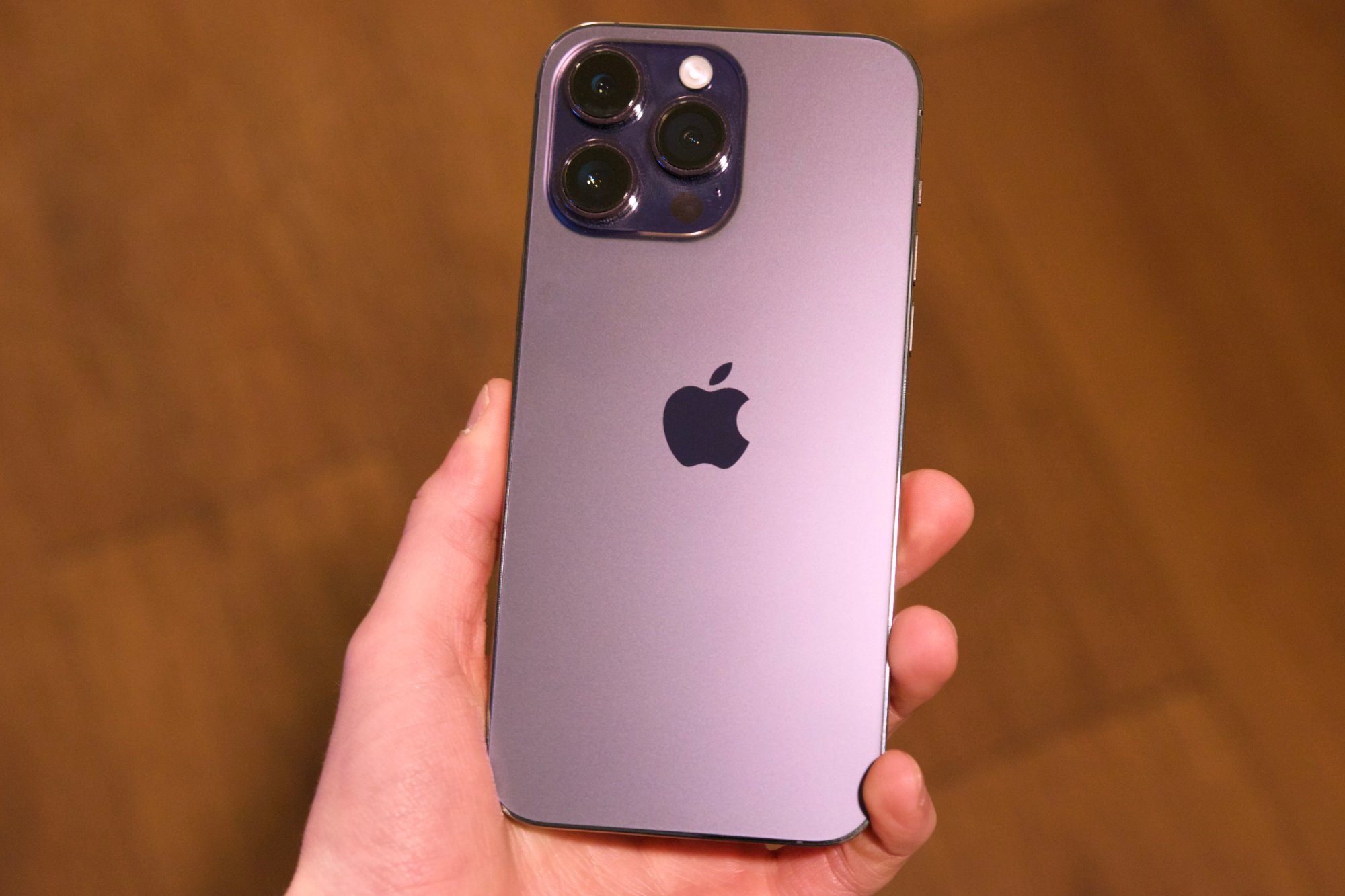
The iPhone 13 does not have a fingerprint sensor or Touch ID. Across all four models in the lineup—the iPhone 13, iPhone 13 mini, iPhone 13 Pro, and iPhone 13 Pro Max—Apple exclusively utilizes Face ID for biometric authentication, sup...
The iPhone 13 does not have a fingerprint sensor or Touch ID. Across all four models in the lineup—the iPhone 13, iPhone 13 mini, iPhone 13 Pro, and iPhone 13 Pro Max—Apple exclusively utilizes Face ID for biometric authentication, supplemented by traditional numerical passcodes for secure access.
Contents
Despite persistent rumors leading up to its 2021 release and continued interest from users in 2026, the iPhone 13 remains a Face ID-only device. For users who specifically require a fingerprint sensor, the primary alternative within the Apple ecosystem remains the iPhone SE series or specific iPad models that integrate Touch ID into the power button or home button.
Understanding the Absence of Touch ID on iPhone 13
When the iPhone 13 was launched, many users expected Apple to reintroduce Touch ID, perhaps via an under-display sensor or by integrating it into the side power button, similar to the iPad Air and iPad mini. However, Apple chose to double down on Face ID technology.
The decision to omit a fingerprint sensor was largely driven by Apple’s design philosophy of "all-screen" displays. To include a traditional Home button would require significant bezels, which contradicts the aesthetic of the flagship numbered series. While under-display fingerprint technology existed in the Android market at the time, Apple maintained that Face ID offered a more seamless and secure user experience.
In 2026, looking back at the iPhone 13’s lifecycle, it is clear that this device served as a bridge, refining facial recognition even during a period when global health circumstances made face-mask usage common. Apple eventually solved the "mask problem" via software updates rather than hardware changes, further cementing their commitment to facial biometrics over fingerprint scanning for their premium handsets.
How Face ID Replaces the Fingerprint Experience
Since the iPhone 13 lacks a fingerprint scanner, it relies on the TrueDepth camera system housed within the "notch" at the top of the display. This system is significantly more complex than a standard webcam or a capacitive fingerprint sensor.
The Components of Face ID
Face ID works by projecting and analyzing thousands of invisible dots to create a precise depth map of your face. The hardware involves:
- The Proximity Sensor: Detects when you are close to the device.
- Flood Illuminator: Throws a beam of infrared light over your face, allowing it to work in total darkness.
- Dot Projector: Projects over 30,000 invisible infrared dots onto your face to build a 3D pattern.
- Infrared Camera: Reads the dot pattern and sends the data to the Secure Enclave.
The Secure Enclave is a dedicated coprocessor isolated from the rest of the system. It stores the mathematical representation of your face (or fingerprint on older devices) and performs the matching process locally. This ensures that your biometric data never leaves the device or gets uploaded to the cloud, providing a level of privacy that Apple has championed for years.
Comparing iPhone 13 Biometrics with Other Models
To understand where the iPhone 13 stands, it is helpful to compare it with other devices in the Apple lineup that do or do not feature fingerprint technology. As of 2026, the iPhone SE remains the only current iPhone model maintaining the legacy Touch ID hardware.
| Feature | iPhone 13 / 13 Pro | iPhone SE (3rd Gen) | iPhone 15 / 16 Series | iPad Air (M2) |
|---|---|---|---|---|
| Biometric Type | Face ID | Touch ID | Face ID (Dynamic Island) | Touch ID |
| Sensor Location | Top Notch | Home Button | Dynamic Island | Power Button |
| Mask Support | Yes (iOS 15.4+) | N/A | Yes | N/A |
| Under-Display? | No | No | No | No |
| Secure Enclave | Yes | Yes | Yes | Yes |
While the iPhone 13 lacks the fingerprint sensor, it offers a more modern design with thinner bezels than the iPhone SE. Conversely, users who find facial recognition unreliable—perhaps due to specific types of polarized sunglasses or medical facial coverings—often gravitate toward the SE or the iPad Air, which utilizes a fingerprint sensor embedded in the top power button.
Why Some Users Still Prefer Fingerprint Sensors
The "does iPhone 13 have fingerprint" query often stems from a preference for the tactile reliability of Touch ID. There are several functional areas where a fingerprint sensor holds a perceived advantage over the iPhone 13’s Face ID:
- Angle of Use: Face ID requires the phone to be pointed at the user's face. If the iPhone 13 is sitting flat on a desk, the user must lean over it or pick it up to unlock it. A fingerprint sensor allows for "blind" unlocking while the device remains stationary.
- Speed in Specific Scenarios: While Face ID is incredibly fast, Touch ID can sometimes feel faster because the device can be unlocked as it is being pulled out of a pocket, before the screen is even visible to the user.
- Physical Feedback: For users with visual impairments or those who prefer physical buttons, the haptic "click" or touch of a sensor provides immediate confirmation of success.
Despite these preferences, Apple’s data has historically suggested that Face ID is statistically more secure, with a 1 in 1,000,000 chance of a random person unlocking your phone, compared to 1 in 50,000 for Touch ID.
Software Solutions for the Missing Fingerprint Sensor
If you are using an iPhone 13 in 2026 and miss the convenience of a fingerprint sensor, Apple has introduced several software features to bridge the gap.
Face ID with a Mask
Initially, the iPhone 13 faced criticism because Face ID didn't work well with surgical or N95 masks. Apple resolved this with the release of iOS 15.4. The iPhone 13 can be configured to recognize the unique features around the eye area to authenticate the user even when the lower half of the face is covered. This feature requires no additional hardware and effectively eliminated the most significant argument for the return of Touch ID during that era.
Apple Watch Unlock
For those who own an Apple Watch, the iPhone 13 can be set to unlock automatically whenever the watch is on your wrist and unlocked. This creates a "proximity-based" authentication that mimics the ease of a fingerprint sensor. When the iPhone detects a covered face, it pings the Apple Watch; if the watch is nearby, the phone unlocks instantly with a haptic buzz on the wrist.
AssistiveTouch and Digital Alternatives
While you cannot add a physical fingerprint sensor to an iPhone 13, you can use AssistiveTouch to create custom on-screen shortcuts for tasks that usually require biometric confirmation, such as Apple Pay. However, for security reasons, a passcode or Face ID scan will still eventually be required to authorize the actual transaction.
Troubleshooting Face ID on the iPhone 13
If the lack of a fingerprint sensor is causing frustration because Face ID is failing, it is usually due to environmental factors or software glitches rather than a hardware limitation.
- Clean the Notch: The TrueDepth camera is sensitive. A smudge of oil from your skin or a buildup of dust in the notch can prevent the infrared camera from seeing the dot pattern. Wipe the top of the screen with a clean microfiber cloth.
- Check for Obstructions: Ensure your screen protector or case is not partially covering the sensors. Some cheap tempered glass protectors do not have the proper cutouts for the iPhone 13's specialized sensors.
- Reset Face ID: Navigate to Settings > Face ID & Passcode and select "Reset Face ID." Re-scanning your face in natural lighting can often resolve persistent recognition issues.
- Attention Aware Features: If you find the phone isn't unlocking when you look at it, check the "Require Attention" setting. Disabling this allows the phone to unlock even if you aren't looking directly at the sensor, though this slightly reduces security.
Summary of Findings
The iPhone 13 remains a powerful and relevant device in 2026, but it does not support fingerprint authentication in any capacity. Apple transitioned the iPhone's flagship line away from Touch ID starting with the iPhone X in 2017, and the iPhone 13 followed this trajectory by focusing exclusively on the TrueDepth camera system.
For users who find the lack of a fingerprint sensor a dealbreaker, the market offers the iPhone SE (3rd Generation) or later versions of the SE, which retain the physical Home button. Alternatively, many Android flagship competitors continue to offer under-display ultrasonic fingerprint sensors, which provide an experience closer to what some iPhone 13 users may be looking for.
Frequently Asked Questions
Can I buy a case with a fingerprint sensor for the iPhone 13?
No. There are no third-party cases or external plug-in accessories that can add Touch ID functionality to the iPhone 13. The iOS security architecture requires the biometric sensor to be integrated directly into the device's Secure Enclave at the hardware level during manufacturing.
Does the iPhone 13 Pro Max have a fingerprint sensor?
No. All models in the 13-series (Mini, Standard, Pro, and Pro Max) use Face ID exclusively. There is no "hidden" fingerprint sensor in the Pro models or the power buttons.
Is Face ID on the iPhone 13 better than the fingerprint sensor on older iPhones?
From a security standpoint, yes. Face ID has a much lower false-acceptance rate than Touch ID. From a convenience standpoint, it depends on user preference. Face ID is generally better for hands-free use, while Touch ID is often preferred for unlocking a phone that is lying flat on a table or inside a pocket.
Why does my iPhone 13 ask for a passcode if it has Face ID?
Face ID is designed to be a "convenience" layer on top of a passcode. The iPhone 13 will require a manual passcode entry if the device has just been restarted, if it hasn't been unlocked for 48 hours, or if there have been five unsuccessful attempts to match a face. This is a security feature to prevent brute-force attacks on biometric data.
Will a future software update add fingerprint support to the iPhone 13?
No. Fingerprint recognition requires specific hardware (capacitive or ultrasonic sensors) that is physically absent from the iPhone 13's internal components. Software updates cannot enable hardware that does not exist.
Practical Recommendation
If you are currently shopping for an iPhone and absolutely require a fingerprint sensor, do not purchase the iPhone 13. Look instead at the iPhone SE (2022) or newer SE models available in 2026. However, if you are choosing the iPhone 13 for its superior camera, battery life, and display, you will find that the Face ID system—especially with the mask-compatible updates—is a highly capable and secure alternative to the traditional fingerprint scanner.
Image Gallery