Understanding the QuickBooks ProAdvisor Exam: A Comprehensive Guide for 2026
The QuickBooks ProAdvisor exam is a professional certification assessment designed to verify a practitioner's mastery of Intuit’s accounting software. By passing this exam, accountants and bookkeepers earn the ProAdvisor badge, gaining...
The QuickBooks ProAdvisor exam is a professional certification assessment designed to verify a practitioner's mastery of Intuit’s accounting software. By passing this exam, accountants and bookkeepers earn the ProAdvisor badge, gaining access to specialized support, marketing tools, and a listing in the official Find-a-ProAdvisor directory to attract new clients.
Contents
What is the QuickBooks ProAdvisor Certification?
The QuickBooks ProAdvisor certification serves as a benchmark for professional competency within the Intuit ecosystem. As we move through 2026, the certification is no longer just a "nice-to-have" badge; it has become a fundamental requirement for accounting professionals who wish to demonstrate their technical proficiency in cloud-based and desktop accounting solutions. The program is divided into several tracks, most notably QuickBooks Online and QuickBooks Desktop, with further specializations available in areas like Payroll and Advanced Online features.
For the modern bookkeeper, understanding the exam means recognizing it as a multi-stage validation process. It is not merely about knowing where buttons are located in the interface; it is about understanding the underlying accounting logic that QuickBooks applies to transactions. The exam tests your ability to troubleshoot common client errors, set up complex chart of accounts, manage intricate inventory workflows, and utilize the latest AI-driven automation features that have become standard in the 2026 software environment.
The certification is hosted within the QuickBooks Online Accountant (QBOA) portal. This platform acts as the "firm" headquarters for practitioners, providing the training modules, study guides, and the exam interface itself. Successfully navigating this ecosystem is the first step toward professional recognition by Intuit.
Eligibility and Prerequisites: How to Access the Exam
Accessing the QuickBooks ProAdvisor exam is remarkably straightforward, particularly for the Online version of the software. To begin, an individual must create a QuickBooks Online Accountant (QBOA) account. This account is free for accounting professionals and provides a "firm" version of QuickBooks that allows you to manage multiple clients from a single dashboard.
Once the QBOA account is active, the "Training" tab within the side navigation menu becomes the primary hub for all certification activities. There are no strict academic prerequisites—such as a CPA license or a degree in accounting—to sit for the exam. However, a foundational understanding of double-entry bookkeeping is highly recommended. The exam assumes you understand the relationship between the Balance Sheet and the Profit and Loss statement, as well as the difference between accrual and cash-basis reporting.
For the QuickBooks Desktop certification, the requirements differ. Unlike the Online version, the Desktop ProAdvisor program usually requires a paid annual subscription. This subscription provides the software licenses needed for the practitioner's firm and grants access to the Desktop-specific certification exams. Practitioners must decide which path aligns with their client base, though many modern firms opt for the Online certification due to its accessibility and the market's shift toward cloud-based solutions.
The Structure of the Exam: Modules and Sections
The QuickBooks ProAdvisor exam is structured as a modular assessment. Instead of one massive, uninterrupted test, the exam is broken down into several sections that correspond to specific functional areas of the software. This modularity allows candidates to focus their studies and tackle the exam in manageable increments.
Typically, the QuickBooks Online certification consists of five to eight sections, covering topics such as:
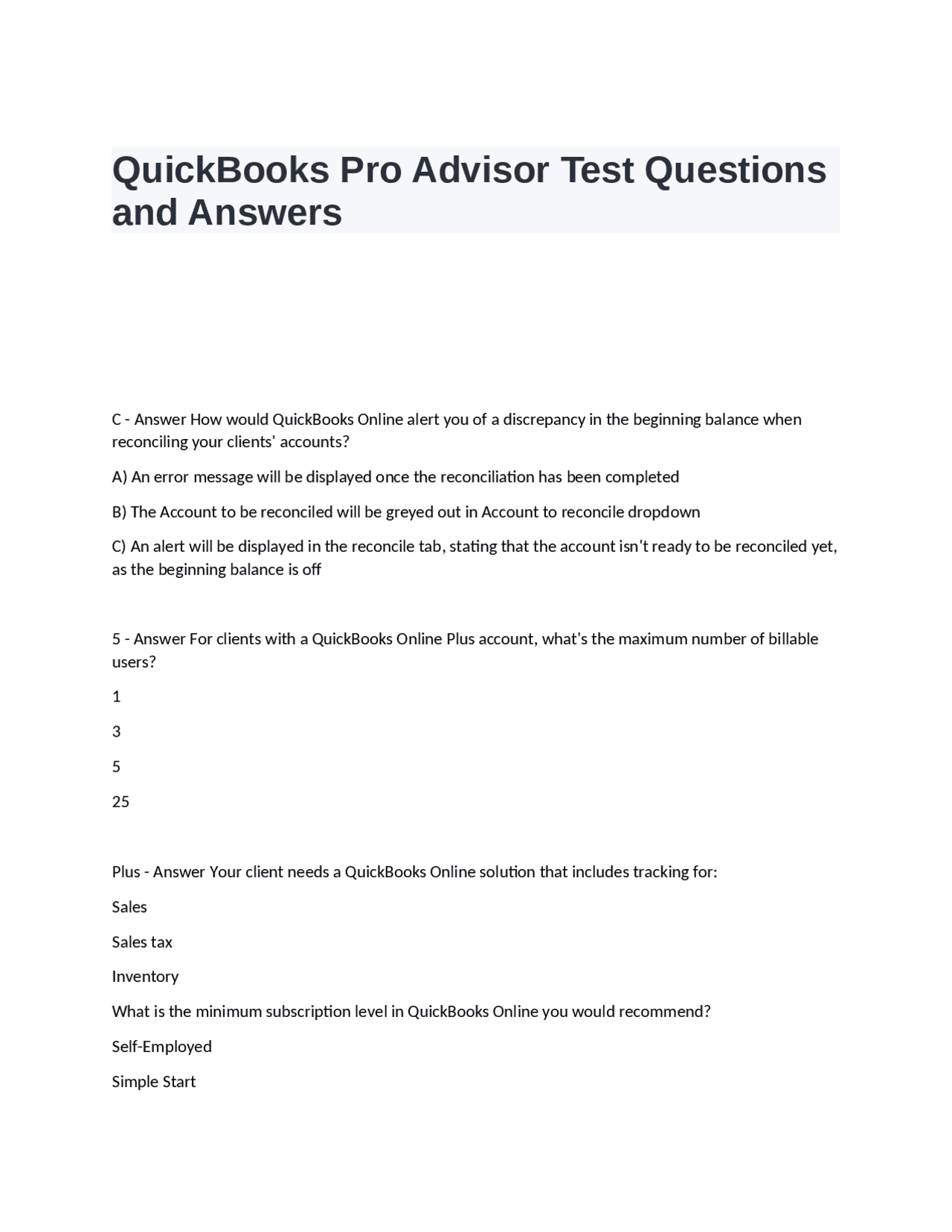
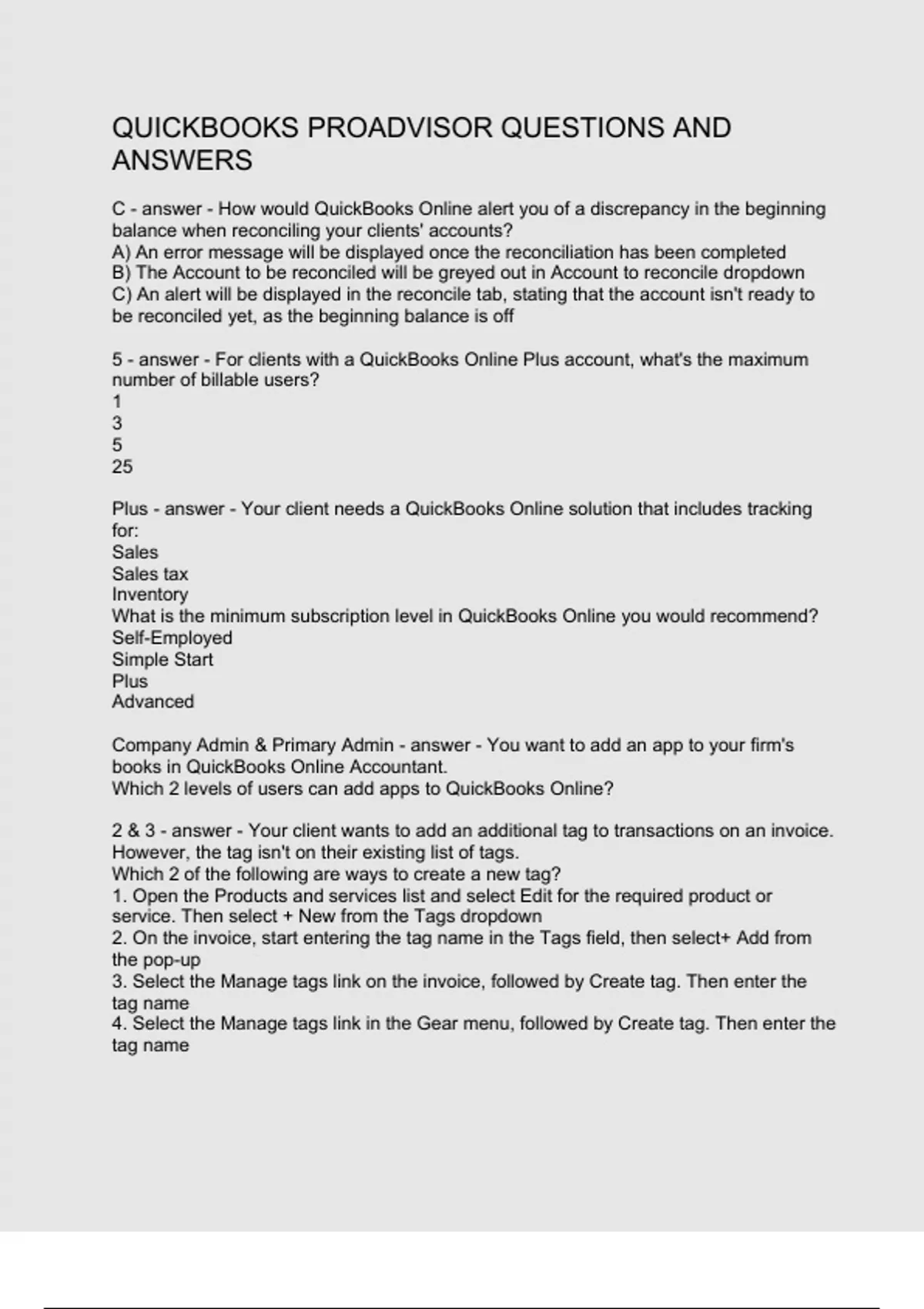
- Solutions for Clients: Identifying which QuickBooks subscription level fits a client's specific needs.
- Company Setup: Managing the Chart of Accounts, importing data, and configuring company settings.
- Navigating Sub-ledgers: Handling Customers, Vendors, and the related accounts receivable/payable workflows.
- Banking and Tools: Mastering bank feeds, reconciliation, and the automated "Rules" engine.
- Reporting and Closing: Generating financial statements and performing year-end closing procedures.
Each section contains a series of multiple-choice or "choose all that apply" questions. One of the most important aspects of the exam structure is the passing threshold. Candidates must generally achieve a score of 80% or higher in each individual section to pass. If a candidate fails a specific section, they are usually only required to retake that specific section, rather than the entire exam, although there are limits on the number of attempts allowed within a certain timeframe (typically three attempts before a mandatory 60-day lockout).
Key Topics and Technical Depth
To pass the exam in 2026, candidates must go beyond surface-level knowledge. The exam frequently presents "scenario-based" questions where you are asked to determine the best course of action for a hypothetical client. This requires a deep dive into the following technical areas:
Bank Feeds and Automation
In 2026, QuickBooks relies heavily on AI-driven categorization. The exam tests your ability to manage these automations without compromising data integrity. You must understand how to create "Bank Rules" that don't result in duplicate entries and how to use the "Match" function effectively to reconcile transactions against existing records.
Advanced Inventory Management
For those pursuing the Advanced Certification, inventory is a major focal point. This includes understanding First-In, First-Out (FIFO) valuation, tracking bundled items, and managing stock across multiple locations. You will need to know how QuickBooks handles inventory adjustments and how these adjustments impact the Cost of Goods Sold (COGS) and the Balance Sheet.
Complex Journal Entries and Corrections
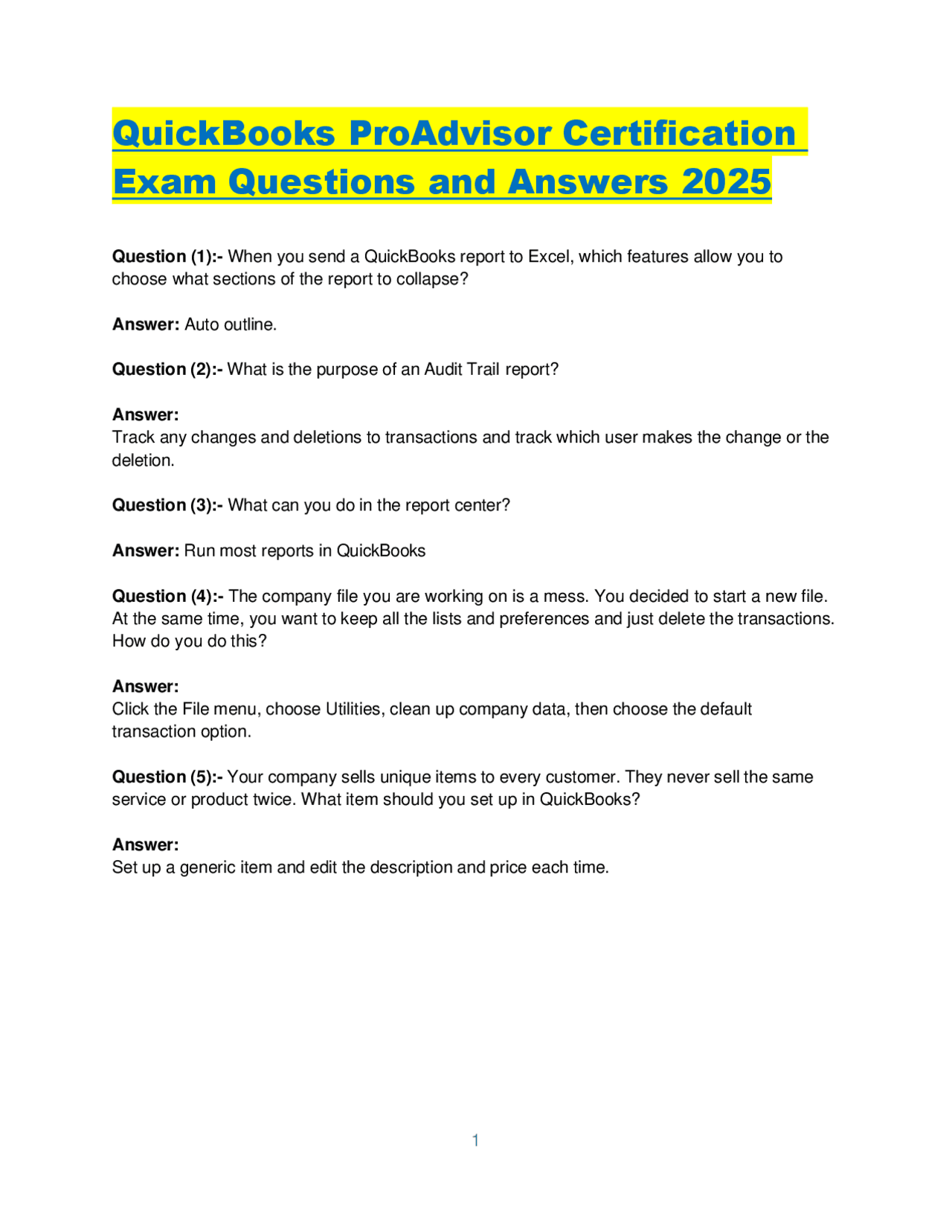
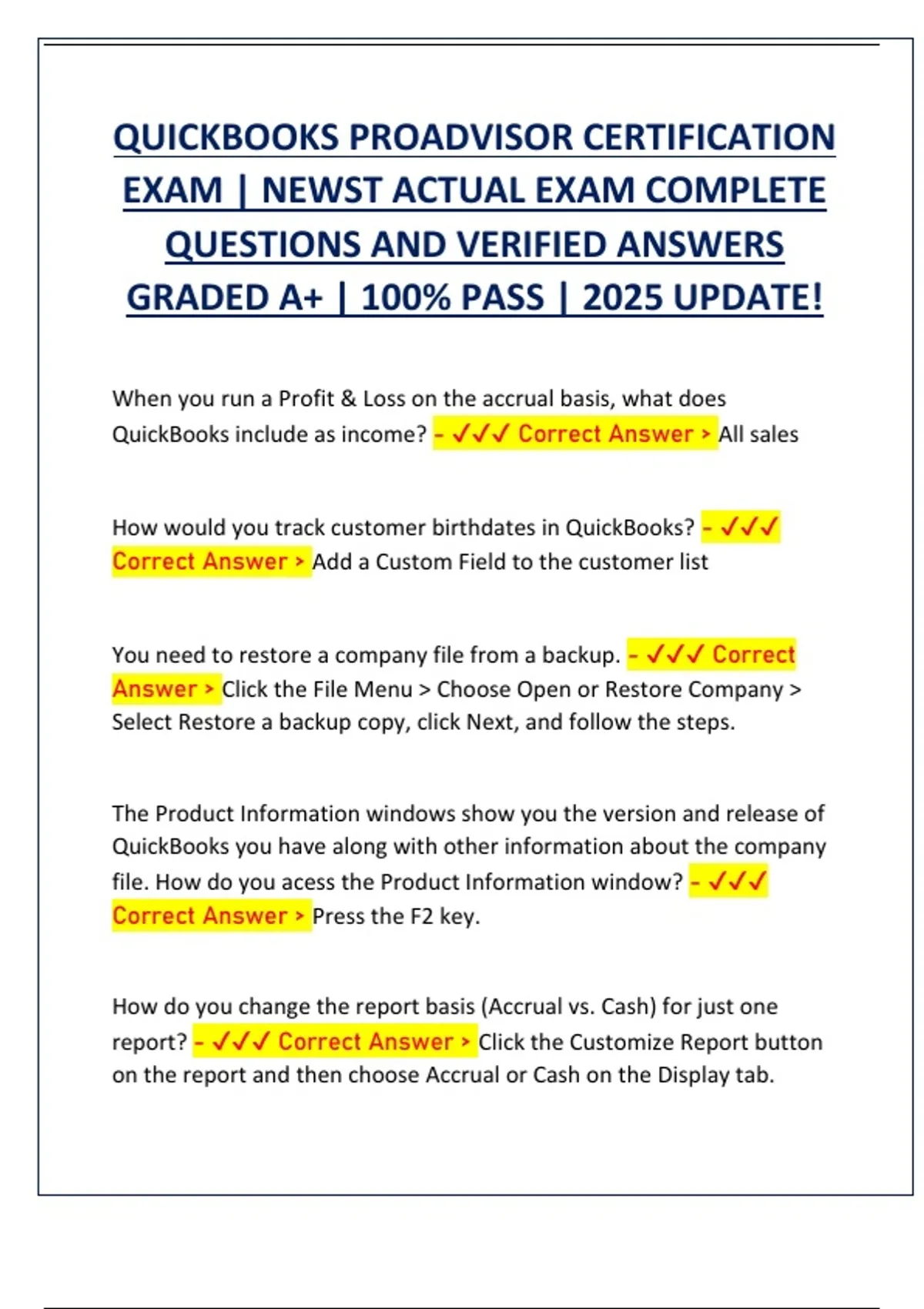
The exam often tests your ability to fix mistakes. This might involve reclassifying transactions using the "Reclassify Tool" (available only in QBO Accountant) or identifying why a bank reconciliation doesn't balance. Understanding the "Audit Log" is essential for tracking changes and identifying the source of discrepancies.
Exam Rules and Best Practices
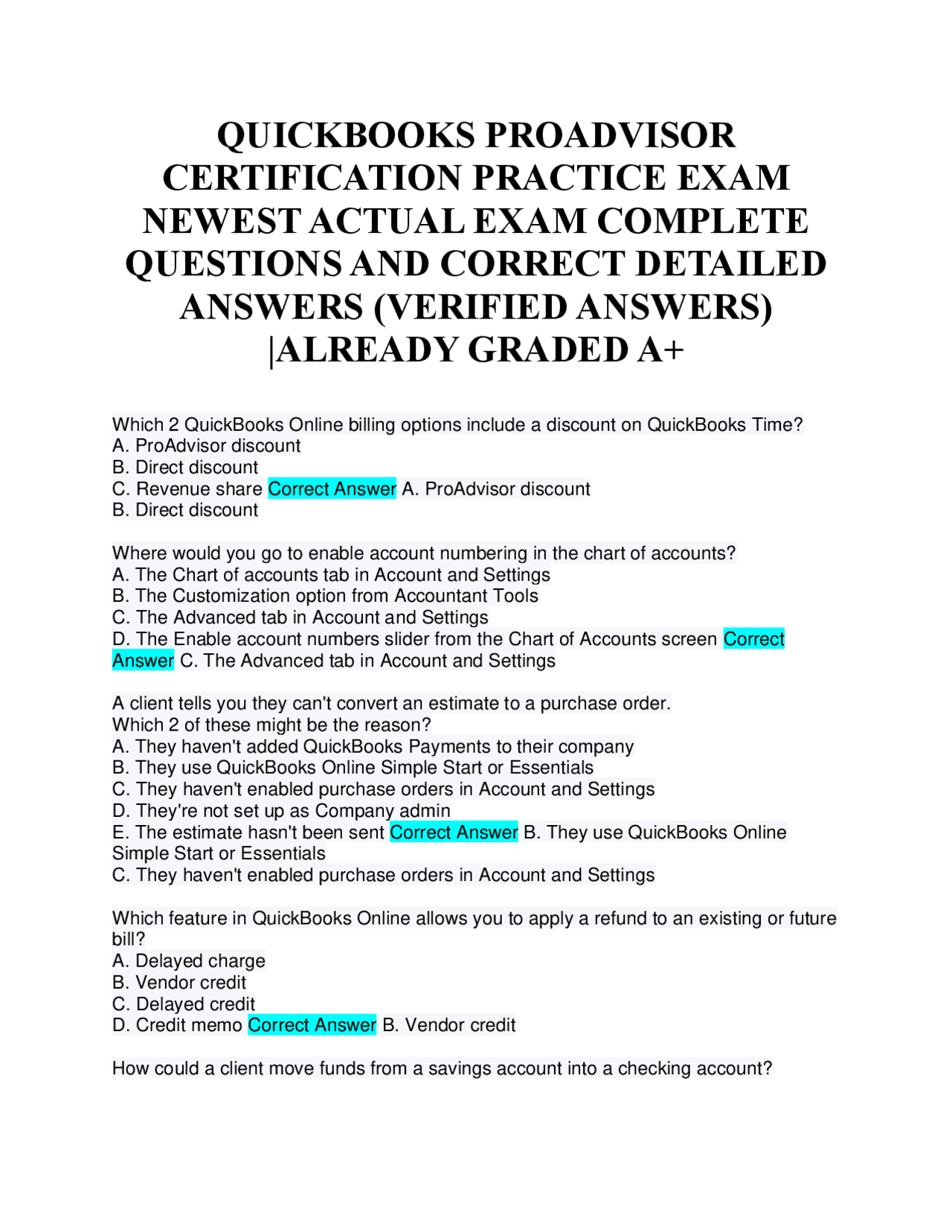
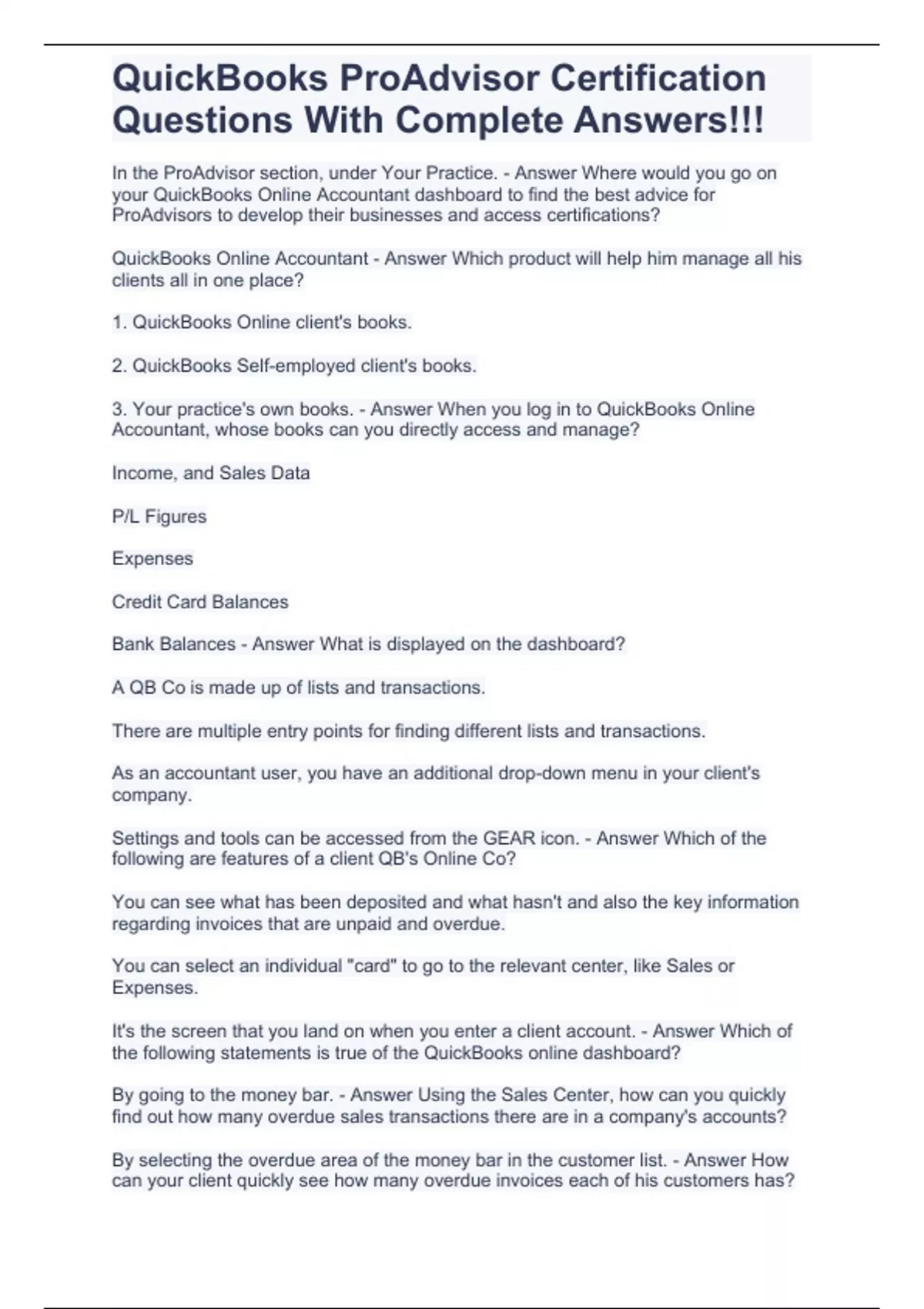
The ProAdvisor exam is an "open-book" assessment, meaning you are permitted to use your QuickBooks Online Accountant account, your notes, and the official training materials while taking the test. However, do not let this lead to a false sense of security. The questions are designed to be difficult to "search" for; they often require you to navigate a sample company to find the correct answer or perform a calculation.
Key Rules to Remember:
- Time Management: While the sections themselves are often not strictly timed, your session may timeout if left inactive. It is best to complete a full section in one sitting.
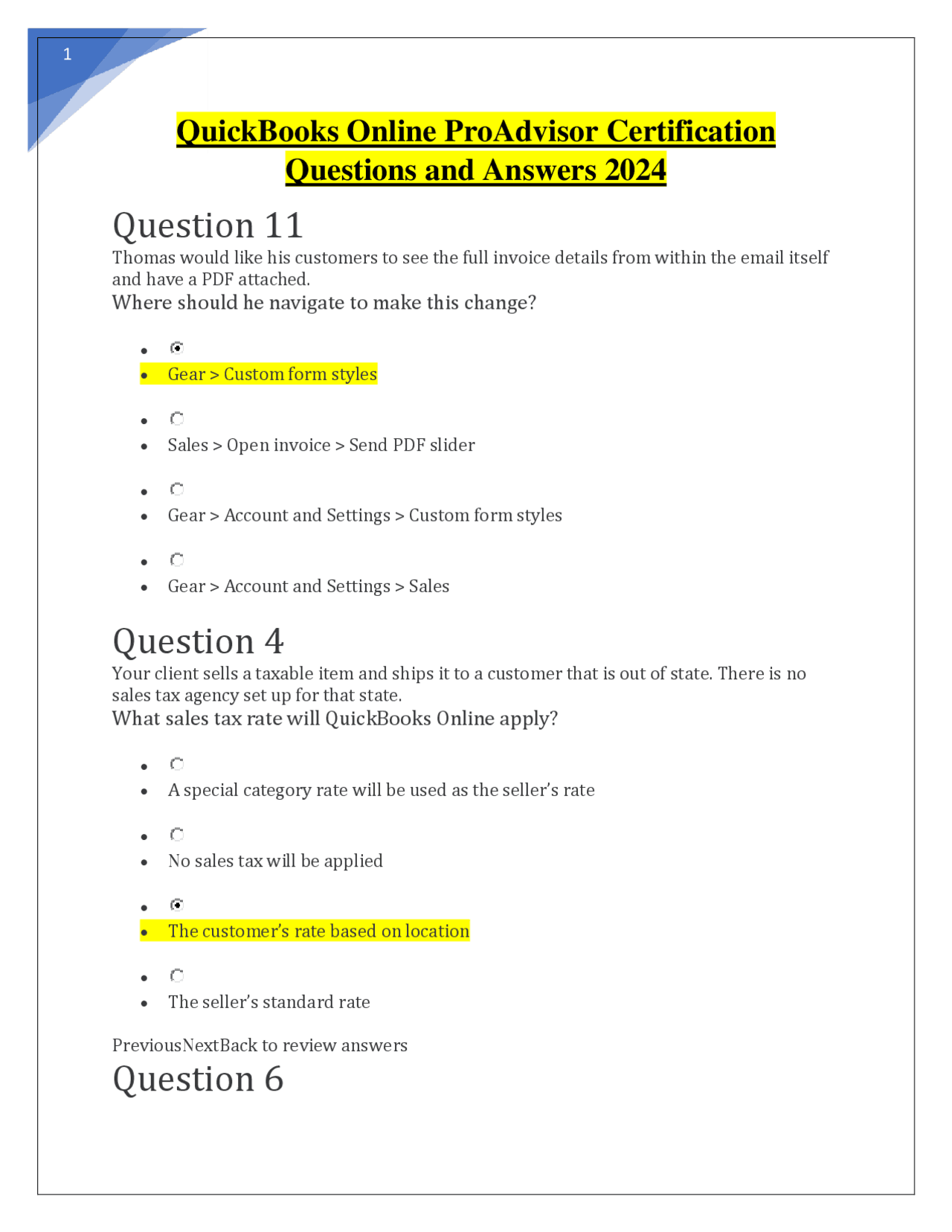
- Accuracy over Speed: Because many questions are "Select all that apply," missing a single checkbox results in the entire question being marked wrong.
- The Sample Company: Intuit provides a "test drive" or sample company. Using this during the exam to test a workflow before answering a question is a highly effective strategy used by successful candidates.
Comparing ProAdvisor Certification Paths
| Feature | QBO Basic Certification | QBO Advanced Certification | QB Desktop Certification |
|---|---|---|---|
| Target Audience | New users & general bookkeepers | Power users & complex consultants | Firms supporting legacy/local clients |
| Cost | Free (with QBOA account) | Free (after Basic pass) | Paid (Annual Membership) |
| Difficulty | Moderate | High | Moderate to High |
| Renewal | Annual Update | Annual Update | Annual Update |
| Key Focus | Core workflows & setup | Complex reporting & troubleshooting | Local data management & desktop tools |
Preparation Strategies for Success
Preparation is the difference between passing on the first attempt and facing a lockout period. Intuit provides a robust "Training" portal within QBOA that includes self-paced modules, webinars, and PDF study guides.
- Utilize the Practice Tests: At the end of each training module, there are short quizzes. These are often very similar in phrasing and logic to the actual exam questions. If you cannot pass the practice quiz with 100% accuracy, you should review the material before starting the exam section.
- Hands-on Experience: There is no substitute for using the software. Spend time in the "Sample Company" (accessible via the QBOA settings) to practice tasks like setting up recurring invoices, performing a bank reconciliation, and customizing a management report.
- Focus on the "Why": When studying, don't just memorize the steps to create a report. Understand what that report tells the business owner and which filters were applied to get that data. The exam frequently asks about the impact of certain actions on financial reports.
Maintaining Your Status: Recertification
Earning your certification is not a one-time event. To maintain the ProAdvisor badge and stay listed in the directory, you must complete an annual recertification.
The recertification window typically opens in the early part of the year (often January or February) and must be completed by mid-year (usually June 30th). The recertification exam is shorter than the initial exam, focusing specifically on the new features, interface changes, and updated workflows introduced in the software over the previous twelve months. In 2026, these updates frequently focus on new AI capabilities, integrated fintech services, and enhanced reporting visualizations. Failure to complete the recertification by the deadline will result in your certification status becoming "expired," and your profile will be removed from the public directory.
Frequently Asked Questions
Is the QuickBooks ProAdvisor exam free?
For QuickBooks Online, the exam and the associated training materials are completely free. You simply need to sign up for a QuickBooks Online Accountant account. However, the QuickBooks Desktop certification usually requires a paid annual subscription to the ProAdvisor Program for Desktop.
How many times can I retake the exam if I fail?
If you fail a section of the exam, you are allowed three attempts to pass it. If you fail a section three times, you are typically locked out of the exam for 60 days. This "cooling-off" period is intended to give you time to thoroughly review the training materials and gain more hands-on experience before trying again.
Is the exam "open book"?
Yes, the exam is open book. You are encouraged to use the training manuals, your own notes, and a live QuickBooks Online session (specifically the sample company) to verify your answers. The exam tests your ability to apply knowledge and use the tool effectively, rather than just your ability to memorize facts.
What is the difference between the Basic and Advanced certifications?
The Basic (or "Core") certification covers everyday tasks like navigation, sales, expenses, and banking. The Advanced certification goes much deeper, covering complex topics such as inventory management, multi-currency transactions, advanced reporting, and professional troubleshooting of client data.
How long does it take to complete the exam?
The time required varies by experience level. For a beginner, the training and exam sections for the Basic certification might take 12 to 15 hours in total. Experienced users can often complete the exam sections in 3 to 5 hours, though it is recommended to take your time to avoid simple errors on "select all that apply" questions.
Practical Recommendation
For those looking to establish professional credibility in 2026, the first step is to create a QuickBooks Online Accountant account and begin the "QuickBooks Online Certification" path. Prioritize the training modules for "Banking" and "Reporting," as these are the areas where most candidates struggle. Once you pass the Basic certification, immediately aim for the Advanced status; the Advanced badge significantly improves your ranking in the Find-a-ProAdvisor directory, leading to higher-quality lead generation for your practice.
Image Gallery