How to Play Cards Against Humanity Online Unblocked in 2026
To play Cards Against Humanity online unblocked in 2026, you should utilize third-party web platforms like All Bad Cards or Pretend You’re Xyzzy through a Virtual Private Network (VPN) or a web-based proxy. These methods bypass local n...
To play Cards Against Humanity online unblocked in 2026, you should utilize third-party web platforms like All Bad Cards or Pretend You’re Xyzzy through a Virtual Private Network (VPN) or a web-based proxy. These methods bypass local network filters by encrypting your traffic or routing it through an unrestricted server.
Contents
The Legal and Technical Landscape of Online Party Games
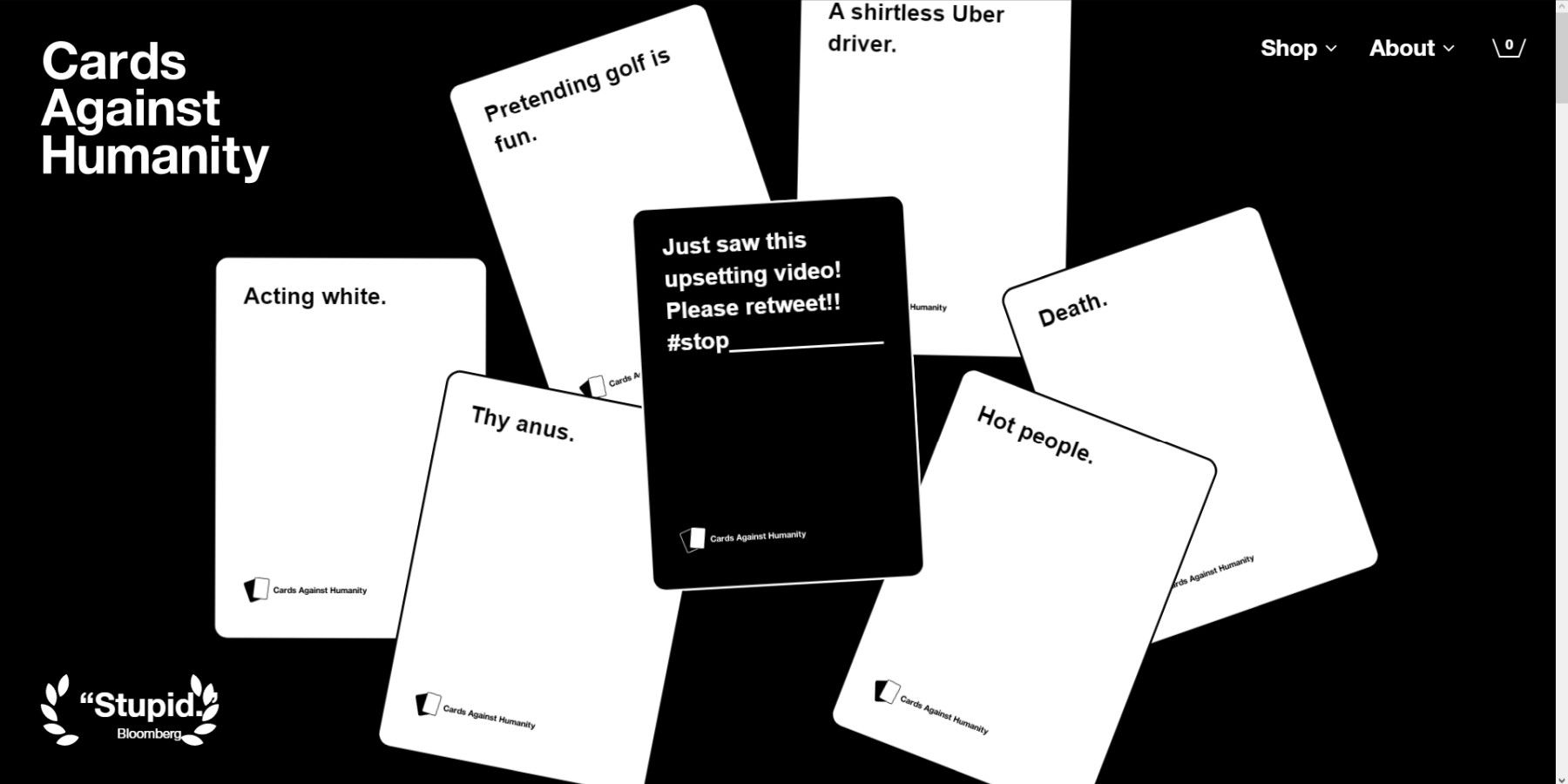
Cards Against Humanity (CAH) has maintained its popularity through 2026 due to its unique licensing model. Unlike most proprietary tabletop games, CAH is published under a Creative Commons BY-NC-SA 2.0 license. This specific legal framework allows anyone to use, remix, and redistribute the game’s content for free, provided they do not sell it and they credit the original creators. This is the primary reason why dozens of "unblocked" clone sites exist.
From a technical perspective, these "clones" are web applications that store the game’s vast database of black "prompt" cards and white "answer" cards. In 2026, these platforms have evolved from simple text-based interfaces to high-fidelity, synchronized web apps using WebSockets for real-time interaction. Because these sites are often hosted on secondary domains or cloud platforms like GitHub Pages and Heroku, they frequently escape the initial sweep of basic network firewalls found in schools and corporate environments.
However, as network security has advanced, many administrators now use AI-driven content filtering that categorizes websites based on active content rather than just URL blacklists. This makes finding a truly "unblocked" version more difficult, requiring a deeper understanding of how to navigate network restrictions.
Top Platforms for Playing Cards Against Humanity Online
When searching for a way to play, the platform you choose determines both the quality of the experience and the likelihood of it being accessible on a restricted network.
All Bad Cards
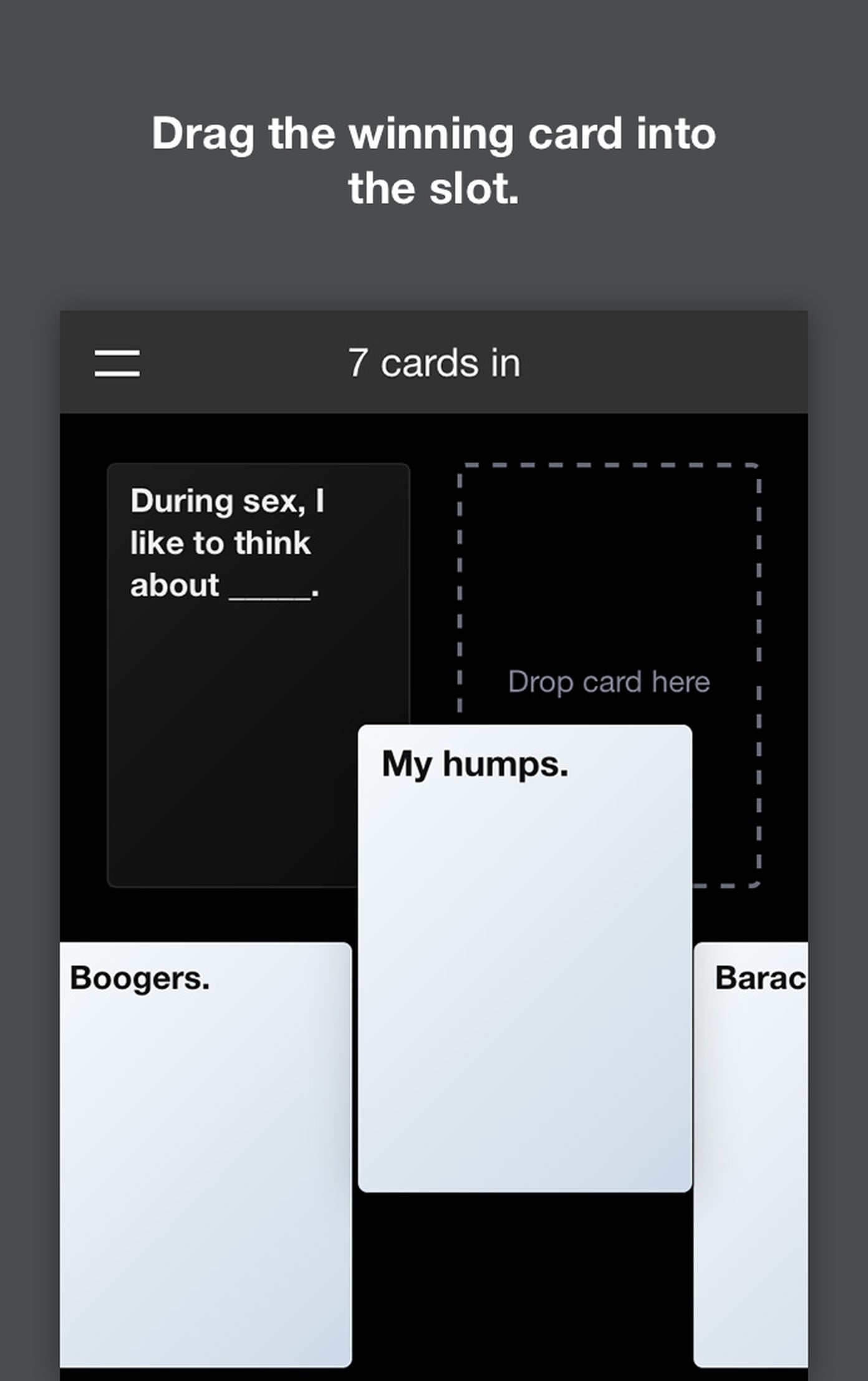
All Bad Cards has become the gold standard for online party games by 2026. It features a clean, mobile-responsive UI that works across tablets, smartphones, and desktops without requiring an app installation.
- Why it works for unblocked access: It often uses rotating subdomains, which can occasionally bypass static URL filters.
- Features: It supports custom deck uploads and allows for "AI players" if you don’t have enough friends online to fill a lobby.
Pretend You’re Xyzzy
As one of the oldest clones, Pretend You’re Xyzzy (PYX) is often the first site blocked by administrators. However, because its source code is available on platforms like GitHub, many users host their own private versions of the game.
- Technical Depth: PYX uses a basic interface that consumes very little bandwidth, making it ideal for environments with throttled internet speeds.
- Access Strategy: Look for "mirrors" of PYX hosted on obscure IP addresses rather than the main domain.
Cards Against Formality
This is a newer entrant that focuses on "work-friendly" or "school-friendly" iterations, which might sound counterintuitive for a game "for horrible people." However, by offering filtered decks, it is less likely to trigger automated "Adult Content" flags on modern enterprise firewalls.
Methods to Unblock Game Sites in Restricted Environments
If the primary URLs for the games above are restricted, you must use a method to circumvent the filter. In 2026, these are the most reliable strategies.
Virtual Private Networks (VPN)
A VPN is the most robust solution for accessing unblocked games. It creates an encrypted tunnel between your device and a remote server. Because the network administrator can only see that you are connected to a VPN—and not what site you are visiting—the CAH clone remains accessible.
- 2026 Status: Many networks now block known VPN ports. To counter this, use a VPN that supports "obfuscation" or "Stealth VPN" modes, which disguise VPN traffic as standard HTTPS web traffic.
Web-Based Proxies
A proxy acts as an intermediary. Instead of your browser requesting data from allbadcards.com, it requests it from the proxy, which then fetches the game data for you.
- Limitation: Proxies often struggle with WebSockets, which are required for the real-time card updates in CAH. If the game feels "laggy" or cards aren't appearing, the proxy is likely failing to handle the persistent connection.
Google Translate Mirror
A classic "low-tech" hack that still occasionally works involves using Google Translate as a proxy. By entering the URL of the game site into the translator and selecting "Translate Page," you are technically viewing the site through Google's servers. Since most organizations cannot block Google without breaking essential services, the game remains unblocked.
Technical Requirements and Prerequisites
Before attempting to launch an online game, ensure your hardware and software environment meet the 2026 standards for synchronized web applications.
- Browser Compatibility: You must use a browser that supports HTML5 and WebSockets. Current versions of Chrome, Firefox, and Safari are mandatory. Older versions of Internet Explorer or early Edge builds will fail to render the card animations.
- JavaScript Enablement: Most "unblocked" sites rely heavily on JavaScript for the game logic. If your network has a "No-JS" policy, the game will not load.
- Latency (Ping): Because CAH online requires synchronized timers (for choosing cards), a latency higher than 250ms can cause "de-sync" errors where you might miss a round.
| Platform | Difficulty to Unblock | Mobile Support | Custom Decks | Privacy Level |
|---|---|---|---|---|
| All Bad Cards | Medium | Excellent | Yes | High (Private Rooms) |
| Pretend You're Xyzzy | High | Poor | Yes | Medium (Public Lists) |
| Cards Against Formality | Low | Good | No | High |
| Private GitHub Mirrors | Very Low | Variable | No | Very High |
Safety and Privacy While Playing Unblocked
Playing on "unblocked" sites carries inherent risks, especially on public or institutional networks. Since you are bypassing security protocols, you should remain vigilant.
- Avoid Account Creation: Do not use your real name or primary email address to create "accounts" on third-party clone sites. Most of these platforms allow "Guest" access, which is the safer option.
- Encryption Verification: Always ensure the URL begins with
https://. This ensures that the data sent between your computer and the game server (including your witty responses) is encrypted and not visible to local network sniffers. - The "Boss Key" Awareness: Many unblocked clones include a "Boss Key" or a quick-close shortcut. In 2026, many of these have been replaced by "Focus Modes" in browsers, which you should familiarize yourself with before playing in a professional environment.
Troubleshooting Common Connectivity Issues
If you find a site that is unblocked but the game won't start, the issue is likely not the filter but a configuration error.
- WebSocket Disconnects: This is the #1 issue in 2026. If the game loads but you cannot join a room, your network is likely performing "Deep Packet Inspection" (DPI) and dropping non-standard web traffic. Switching to a mobile hotspot is often the only workaround for DPI.
- Blank Screen on Load: This usually indicates a Content Security Policy (CSP) error where the game is trying to load cards from a different domain that is blocked. Check your browser's developer console (F12) to see which specific assets are failing.
- Persistent Redirects: If the site keeps redirecting you to a "Policy Violation" page, your DNS cache may be poisoned. Flushed your DNS settings or switch to a public DNS provider like Cloudflare (1.1.1.1) if your device settings allow it.
Frequently Asked Questions
Is it legal to play Cards Against Humanity on these third-party sites?
Yes, it is generally legal for the players. The original game creators released the content under a Creative Commons BY-NC-SA 2.0 license, which permits free use and redistribution for non-commercial purposes. As long as the site you are using is not charging a fee to play the base game, it operates within the spirit of that license.
Why do some unblocked sites look different from the original game?
To avoid direct trademark infringement, many "unblocked" versions change the name (e.g., "All Bad Cards" or "Cards Against Formality") and the color scheme. However, the core mechanic—matching a white answer card to a black prompt card—remains identical because the text content itself is open-source.
Can I play unblocked CAH on a school Chromebook?
Yes, but it is more difficult because Chromebooks are often managed via the Google Admin Console, which can block extensions and specific URLs at the browser level. The most effective method for Chromebooks is using a web-based proxy or finding a "Google Sites" mirror that hosts the game inside a frame.
Do I need a microphone to play online?
While the game itself is text-based, the social aspect is significantly enhanced by voice chat. Most unblocked platforms do not have built-in voice. Players typically use Discord or a similar service in a separate window to communicate, though these services may also require their own "unblocking" methods.
How do I add custom card decks to an unblocked game?
Most modern clones support "Cardcast" or similar JSON-based deck formats. You can find "decks" on various community forums, copy the code, and paste it into the game settings before starting a lobby. This is a great way to add "inside jokes" if you are playing with a specific group of friends.
Practical Recommendation for 2026
For the best experience in 2026, we recommend using All Bad Cards via a browser-based VPN extension. This combination offers the highest compatibility with modern web standards while providing the necessary encryption to bypass most mid-tier network filters. If you are on a highly restricted device like a locked-down work laptop, prioritize finding GitHub Pages mirrors, as these are often whitelisted by default for "educational" or "development" purposes. Always remember to play responsibly and be mindful of the content's nature in a professional or academic setting.
Image Gallery