Optimizing Your Personal Desk: The 2026 Guide to Ergonomic Excellence and Productivity
A personal desk is the primary physical interface between an individual and their professional or creative output, requiring a precise configuration of ergonomic alignment, hardware integration, and organizational systems. In 2026, an...
A personal desk is the primary physical interface between an individual and their professional or creative output, requiring a precise configuration of ergonomic alignment, hardware integration, and organizational systems. In 2026, an optimized desk setup prioritizes dynamic movement, individualized lighting, and advanced cable management to prevent musculoskeletal strain while fostering deep cognitive focus and workflow efficiency.
Contents
While "my personal desk" typically refers to a physical workstation consisting of a surface, chair, and peripheral equipment, it may also describe the primary digital interface of a computer operating system. This guide focuses 100% on the physical workstation environment, including its hardware components and the ergonomic standards necessary to maintain long-term health and peak performance in a modern remote or hybrid work setting.
The Foundation of Ergonomic Design: Health and Performance Standards
The configuration of a personal desk is not merely a matter of aesthetic preference; it is a critical health intervention. According to the current 2026 Occupational Safety and Health Administration (OSHA) guidelines and the updated Business and Institutional Furniture Manufacturers Association (BIFMA) standards, a desk setup must account for the anthropometric data of the specific user to prevent Repetitive Strain Injuries (RSIs), such as Carpal Tunnel Syndrome and lower back disc compression.
The 90-90-90 Rule for Workspace Alignment
The most effective way to calibrate your personal desk is through the 90-90-90 rule. This requires your elbows, hips, and knees to remain at approximately 90-degree angles during work.
- Elbow Position: Your desk height should allow your forearms to rest parallel to the floor while typing, with your wrists in a neutral, straight position.
- Hip Alignment: Your chair should provide enough lumbar support to maintain the natural curve of the spine, with your hips slightly higher than your knees to reduce pelvic pressure.
- Knee and Foot Placement: Your feet must rest flat on the floor or a footrest. If your desk is too high and cannot be lowered, a footrest is mandatory to prevent blood pooling in the lower extremities.
Desk Surface Dimensions and Material Selection
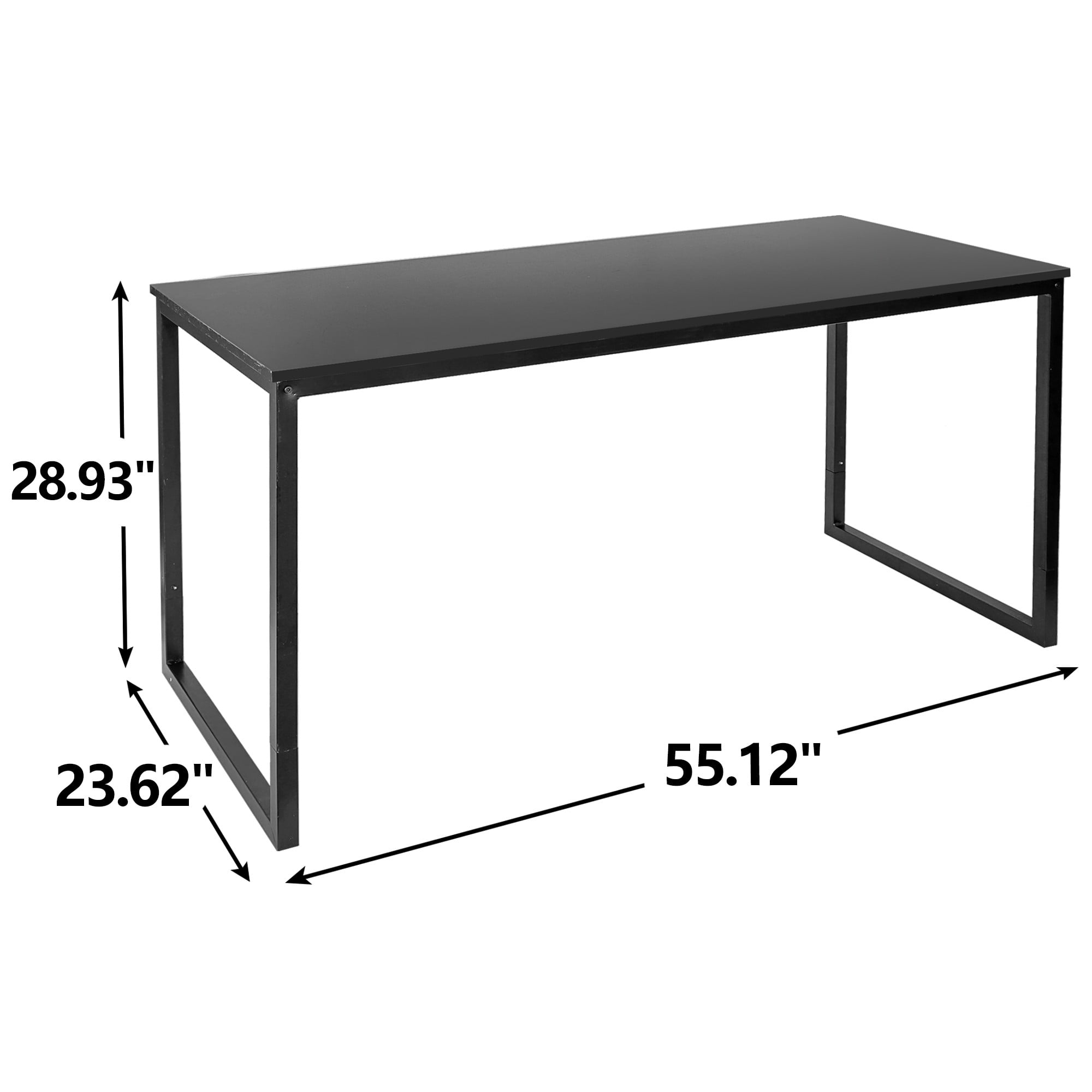
In 2026, the standard for a professional-grade personal desk surface has shifted toward sustainable, high-density materials that minimize vibration and noise. A depth of at least 30 inches (76 cm) is recommended to ensure that high-resolution monitors can be placed at a distance that reduces digital eye strain.
Technical Specification: Load Capacity and Stability
When selecting a desk frame, prioritize dual-motor linear actuators for sit-stand models. These systems offer a higher weight capacity (typically exceeding 300 lbs) and smoother transitions compared to single-motor versions. Stability is measured by the "wobble factor" at maximum extension; look for frames with reinforced T-style or C-style legs that utilize heavy-duty steel gauge construction to ensure the surface remains still during intensive typing or multi-monitor adjustments.
Advanced Workspace Components and 2026 Technology Integration
The modern personal desk is no longer just a piece of furniture; it is a tech-integrated ecosystem. As we move through 2026, the integration of smart sensors and environmental controls has become a standard for high-performance setups.
Smart Sit-Stand Functionality
Current sit-stand desks now include AI-driven reminders that sync with wearable health devices. These systems analyze your postural fatigue and suggest transitions between sitting and standing intervals. Research suggests a ratio of 20 minutes sitting to 8 minutes standing, followed by 2 minutes of movement, is optimal for metabolic health.
Monitor Placement and Visual Ergonomics
The top of your primary monitor should be at or slightly below eye level. In 2026, multi-monitor setups often utilize gas-spring tension arms, which allow for three-dimensional movement. This flexibility is crucial for switching between focused deep work and collaborative video conferencing where camera angles must be optimized.
Lighting and Circadian Rhythm
Lighting is the most overlooked aspect of desk organization. A three-tier lighting strategy is recommended:
- Ambient Light: General room lighting that prevents harsh shadows.
- Task Light: A dedicated desk lamp with a high Color Rendering Index (CRI > 90) to reduce eye fatigue during paperwork or manual tasks.
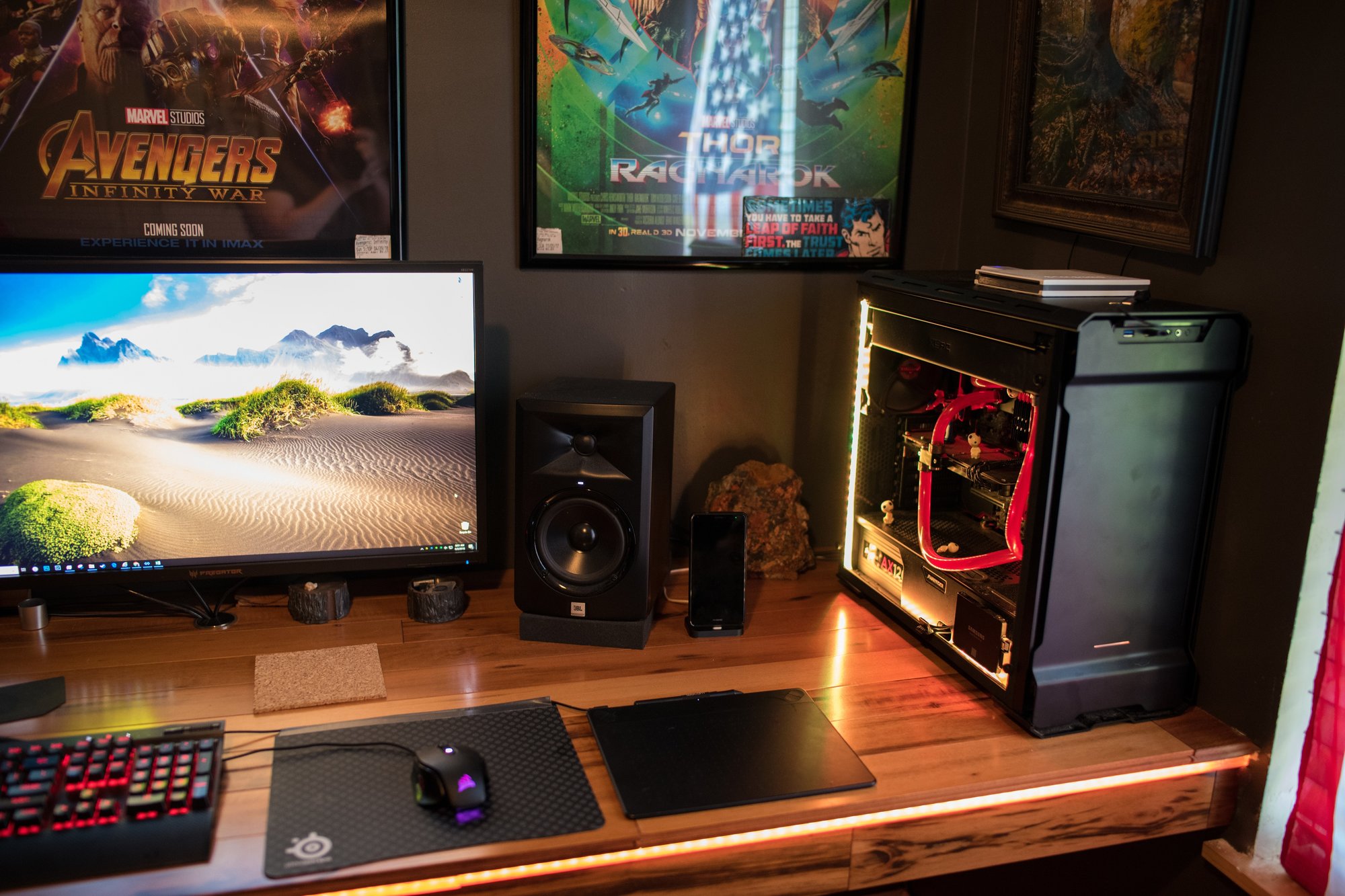
- Bias Lighting: LED strips placed behind monitors to reduce the contrast between the bright screen and the dark wall, which significantly lowers ocular pressure.
Comparative Analysis of Desk Configurations
Choosing the right desk type depends on your specific workflow and space constraints. The following table provides a technical comparison of the most common desk architectures available in 2026.
| Feature | Fixed-Height Desk | Electric Sit-Stand Desk | L-Shaped Corner Desk | Wall-Mounted Floating Desk |
|---|---|---|---|---|
| Primary Use | Traditional office work | Health-conscious, dynamic work | Multi-monitor/Large surface needs | Small space optimization |
| Ergonomic Rating | Moderate (requires adjustable chair) | Excellent (promotes movement) | High (easy access to gear) | Low to Moderate |
| Load Capacity | 200 - 500 lbs | 150 - 350 lbs | 300 - 600 lbs | 50 - 100 lbs |
| Technical Complexity | Low | High (motors/controllers) | Moderate | Moderate (stud mounting) |
| BIFMA Compliance | Standards X5.5 | Standards X5.5 & G1 | Standards X5.5 | Limited |
| Cable Management | Manual DIY | Integrated Channels | Extensive Surface Area | Specialized Concealment |
Organizational Systems: The "Zero-Clutter" Framework
A cluttered personal desk leads to cognitive overload. In 2026, professional organizers and productivity experts advocate for a "modular" approach to desk management. This involves categorizing every item on your desk based on its frequency of use.
The Zones of Reach
- Primary Zone (Immediate Reach): This area includes your keyboard, mouse, and notepad. These items should be within 10-15 inches of your body.
- Secondary Zone (Arm's Length): This includes monitors, reference books, or beverages. These are accessed frequently but do not require constant contact.
- Tertiary Zone (Extended Reach): Items like printers, scanners, or decorative elements. These should be placed on the periphery or on shelving units to keep the main surface clear.
Cable Management Solutions
Effective cable management is the hallmark of a high-tier personal desk. As of 2026, the standard for excellence includes:
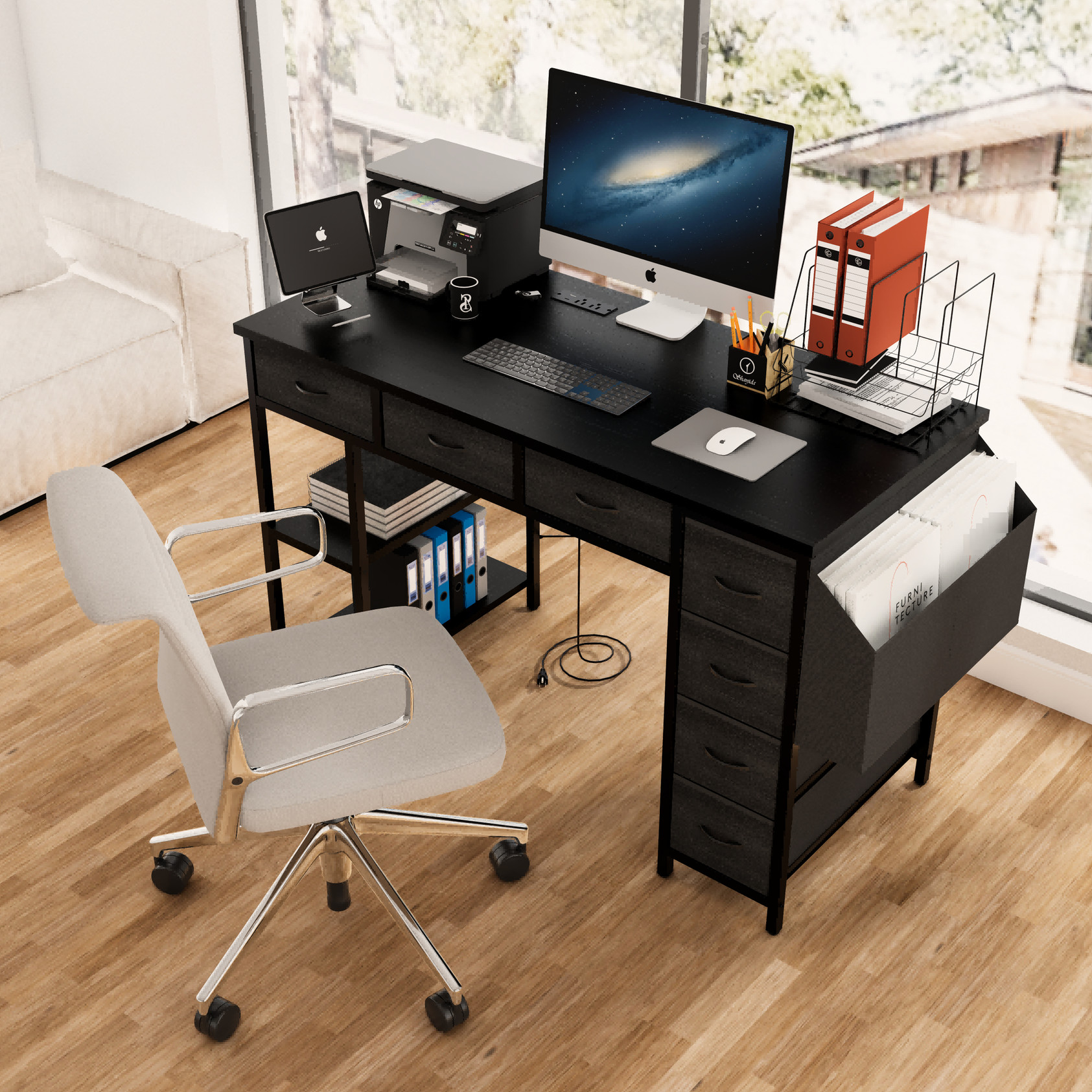
- Under-Desk Cable Trays: Large enough to house power strips and excess cabling.
- Magnetic Cable Ties: These allow for easy reconfiguration as hardware is upgraded.
- Wireless Power Integration: Many modern desk surfaces now feature embedded Qi2 charging pads for mobile devices and peripherals, eliminating the need for visible USB cables on the surface.
Practical Guide: Setting Up Your Personal Desk for the First Time
If you are establishing a new workstation or upgrading an existing one, follow these systematic steps to ensure compliance with 2026 ergonomic and technical standards.
Step 1: Evaluate the Physical Environment
Before purchasing a desk, measure your available floor space and identify power outlet locations. Ensure the area has adequate ventilation and access to natural light, but position the desk perpendicular to windows to avoid screen glare.
Step 2: Select the Frame and Surface
Prioritize a frame that meets the BIFMA G1-2026 height range requirements (approximately 22 to 48 inches). For the surface, solid wood provides the best longevity, while high-pressure laminate (HPL) offers the best resistance to scratches and moisture.
Step 3: Install Peripheral Support
Mount your monitors on adjustable arms before placing other items. This frees up significant surface area. Route cables through the arms to the under-desk management tray.
Step 4: Calibrate Your Seating
Adjust your chair height so your feet are flat. Fine-tune the lumbar support so it fits firmly into the small of your back. Ensure the armrests do not prevent you from pulling the chair close to the desk edge.
Step 5: Test and Iterate
Spend one full workday in the new setup. Note any areas of tension in your neck, shoulders, or wrists. Most ergonomic issues are solved by minor height adjustments of 0.5 to 1 inch.
Troubleshooting Common Desk Setup Issues
Even with high-end equipment, users often encounter specific problems that hinder productivity. Below are common issues and their 2026-standard remedies.
Neck Pain and "Tech Neck"
The Problem: Constant downward gaze at a monitor or laptop screen. The Remedy: Increase the height of your monitor arm or use a laptop riser. Your eyes should naturally hit the top third of the screen. If you use a laptop as a secondary screen, an external keyboard and mouse are mandatory to allow the screen to be raised to eye level.
Wrist Strain and Numbness
The Problem: Typing with wrists angled upward or resting on hard desk edges. The Remedy: Ensure your keyboard is flat (don't use the flip-out feet) or slightly tilted away from you (negative tilt). Consider a padded wrist rest only for use between typing sessions, not while actively striking keys.
Unstable Surface (Wobble)
The Problem: The desk shakes during typing or when motors are engaged. The Remedy: Check that all bolts in the frame are torqued correctly. Ensure the desk is level using the adjustable feet (glides) on the bottom of the legs. On carpeted floors, use a hard plastic chair mat to provide a more stable foundation for the desk feet.
Frequently Asked Questions
What is the ideal height for a personal desk in 2026?
For a seated position, the average desk height should be between 28 and 30 inches (71-76 cm). However, the "ideal" height is entirely dependent on your height; your desk should be level with your elbows when your shoulders are relaxed and your feet are flat on the floor.
Should I choose a manual or electric standing desk?
In 2026, electric standing desks are the industry standard due to their precision and ease of use. Manual (crank) desks are often avoided because the effort required to change heights frequently leads to the user remaining in a seated position, defeating the purpose of the ergonomic investment.
How do I manage cables if my desk doesn't have built-in channels?
You can retrofit any desk using adhesive cable clips, J-channel raceways, and mesh cable sleeves. The goal is to bundle all wires into a single "umbilical cord" that runs down one of the desk legs, hidden from view.
Is a treadmill desk worth the investment for a personal setup?
Treadmill desks are excellent for low-intensity tasks like checking emails or attending passive meetings. However, they are generally not recommended for high-precision work or intensive typing, as the constant movement can decrease accuracy and increase cognitive load.
How often should I replace my desk chair?
A high-quality ergonomic chair (such as those from Herman Miller, Steelcase, or Haworth) is designed to last 10-12 years. You should consider a replacement if the pneumatic cylinder fails to hold height, the foam padding has bottomed out, or the structural mesh has lost its tension.
Achieving Long-Term Productivity Through Workspace Mastery
Your personal desk is more than a piece of furniture; it is a foundational tool for your health and professional success. By adhering to 2026 ergonomic standards, integrating modern cable management, and selecting materials that support your specific workflow, you create an environment that minimizes physical strain and maximizes mental clarity. As work continues to evolve, the ability to customize and optimize your immediate physical surroundings remains the most effective way to ensure sustainable performance. Start with the basics of alignment, invest in quality components that meet BIFMA standards, and commit to a clutter-free philosophy to transform your desk into a true center of excellence.
Image Gallery