Navigating the Clerk of Courts Cuyahoga County Docket: Official Public Records Guide
Accessing the Cuyahoga County Clerk of Courts docket requires navigating the online public portal managed by the Cuyahoga County Clerk of Courts office in Ohio. Users can search for civil, criminal, and domestic relations case files by...
Accessing the Cuyahoga County Clerk of Courts docket requires navigating the online public portal managed by the Cuyahoga County Clerk of Courts office in Ohio. Users can search for civil, criminal, and domestic relations case files by entering party names, case numbers, or filing dates directly into the electronic filing and case management system.
Contents
Understanding the Cuyahoga County Court Structure and Case Types
The judicial system in Cuyahoga County, Ohio, handles a high volume of legal proceedings distributed across multiple specialized divisions. To effectively search the court dockets, you must first understand which court division holds the records you need. The Cuyahoga County Court of Common Pleas is split into three primary divisions, each maintaining distinct electronic docket databases for public access.
The General Division handles civil lawsuits involving monetary disputes exceeding specific jurisdictional limits, felony criminal cases, and administrative appeals from local government agencies. The Domestic Relations Division oversees matters related to divorce, legal separation, annulment, civil protection orders, and child custody or support disputes. Meanwhile, the Juvenile Division manages cases involving delinquent minors, unruly children, dependency, neglect, and abuse allegations, though juvenile records often carry strict statutory privacy restrictions limiting public viewing.
Beyond the Court of Common Pleas, municipal courts operating within Cuyahoga County—such as the Cleveland Municipal Court or suburban municipal courts—maintain completely separate docket systems for misdemeanor criminal offenses, traffic violations, and civil claims under specific financial thresholds. Confusing a Common Pleas docket search with a municipal court docket search is the most common reason users fail to locate active case files.
Step-by-Step Guide to Searching the Cuyahoga County Court Docket
Performing an effective docket search on the official Cuyahoga County Clerk of Courts website involves a systematic approach to querying the database. Whether you are tracking a civil lawsuit, verifying a criminal proceeding, or researching legal history, following a structured workflow prevents common search errors.
Official Access Notice: Always utilize the official Cuyahoga County Clerk of Courts portal hosted on the official county domain to ensure data security, accurate real-time updates, and protection against third-party data broker fees.
- Navigate to the Official Portal: Open your web browser and go to the official Cuyahoga County Clerk of Courts website to access the public case search portal.
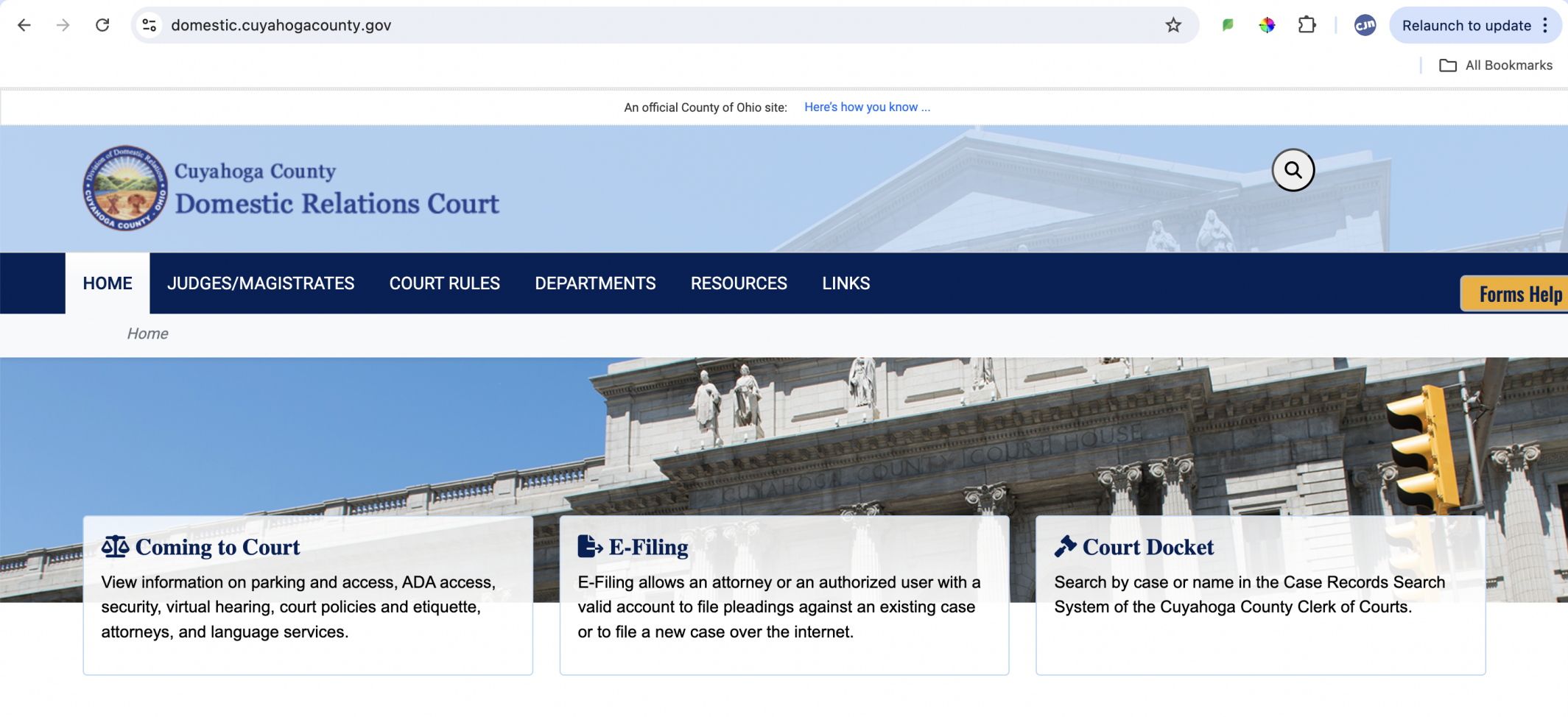
- Select the Appropriate Division: Choose between the General Division (Civil/Criminal), Domestic Relations, or appellate dockets depending on the nature of the legal matter.
- Choose Search Criteria: Select your preferred search method from the available parameters, which typically include Party Name (Last Name, First Name), Case Number, Attorney ID, or Filing Date Range.
- Execute the Query: Input the precise spelling of the individual or corporate entity name. For common names, utilize middle initials or date filters to narrow down search results.
- Review the Case Summary: Click on the specific case number from the results list to open the comprehensive docket sheet, displaying a chronological list of all motions, filings, journal entries, and scheduled hearings.
- Access Document Images: Where permitted by local court rules and privacy statutes, click on available PDF icons to view or download scanned copies of official court filings and journalized orders.
Core Features and Limitations of the Online Docket System
The online public access portal provides robust transparency into judicial proceedings, but users must understand its functional boundaries and technical limitations. The system updates dynamically as new documents are scanned and filed by the clerk's office, ensuring that docket entries reflect real-time court activity. However, certain confidential filings—such as sealed criminal records, certain juvenile proceedings, and medical or financial documents protected by protective orders—will be entirely omitted from public search results or restricted to view-only status at courthouse terminals.
| Feature / Metric | Online Public Portal | In-Person Courthouse Terminals |
|---|---|---|
| Accessibility | 24/7 remote access via internet browser | Restricted to standard courthouse operating hours |
| Document Availability | Public civil, criminal, and domestic filings (subject to privacy redaction) | Complete access including restricted or physical-only exhibits |
| Cost Implications | Free online viewing; nominal fees apply for certified copies or bulk data | Free terminal viewing; standard per-page printing fees apply |
| Search Functionality | Advanced digital search by name, date, and case number | Dedicated clerk-assisted lookup and physical archive retrieval |
Comparing Public Docket Access Methods in Cuyahoga County
When conducting legal research or tracking active litigation in Cuyahoga County, users generally choose between remote online portal searches and traditional in-person courthouse research. Each method offers distinct operational advantages depending on the urgency and depth of the required information.
- Online Portal Search
- Fast remote access from any internet-connected device
- Ideal for tracking case updates, hearing dates, and recent filings
- Limited by statutory privacy redactions and sealed record protections
- In-Person Courthouse Research (1.2.3 Euclid Ave, Cleveland, OH)
- Access to restricted files, physical exhibits, and historical archives
- Direct assistance from clerk staff for complex record requests
- Requires physical travel and adherence to facility hours and security rules
Remote electronic searches eliminate travel time and allow legal professionals and citizens to monitor docket updates continuously. Conversely, in-person visits to the Cuyahoga County Justice Center or associated court facilities remain necessary when dealing with older archival records predating digital scanning initiatives, or when certified physical copies with raised court seals are legally required for official transactions.
Navigating Case Statuses, Codes, and Common Search Pitfalls
Interpreting the abbreviations, motion codes, and status markers on a Cuyahoga County docket sheet requires familiarity with Ohio trial court terminology. A case status listed as "Active" indicates that the matter remains pending before the court, while "Disposed" or "Closed" signifies that a final judgment, dismissal, or settlement has been journalized.
Common Pitfalls to Avoid During Your Search
- Name Variations and Spelling Errors: Failing to account for alternate spellings, hyphenated surnames, or common business name abbreviations (e.g., LLC, Inc.) will yield zero results even when active cases exist.
- Confusing Court Jurisdictions: Searching the Common Pleas database for a municipal traffic ticket or misdemeanor will yield no records. Always verify the issuing agency or municipal jurisdiction.
- Ignoring Record Expungements: Cases that have been successfully expunged or sealed via court order are legally removed from public view and will not appear in standard electronic docket searches.
Frequently Asked Questions About the Cuyahoga County Docket
How can I find a criminal case docket in Cuyahoga County?
You can locate a criminal case docket by accessing the General Division search portal on the Cuyahoga County Clerk of Courts website and searching by the defendant's full name or criminal case number. The resulting docket sheet will display all charges, scheduled hearings, filed motions, and final sentencing entries.
Is there a fee to search the Cuyahoga County court dockets online?
Searching the online public docket portal and viewing basic case summaries and public document images is generally free of charge. However, obtaining certified copies of court documents or requesting bulk data exports through the clerk's office may incur statutory fees.
What should I do if I cannot find a specific case online?
If an expected case does not appear in the online portal, it may be under seal, handled in a municipal or juvenile court rather than the Court of Common Pleas, or subject to privacy restrictions. Contact the Cuyahoga County Clerk of Courts office directly or visit the courthouse terminals for assistance.
Can I view divorce or custody records through the online docket?
Domestic relations cases, including divorces and custody disputes, are accessible through the Domestic Relations Division online docket, though certain sensitive financial disclosures or psychological evaluations may be restricted from public online viewing.
How often are the online court dockets updated?
The electronic case management system updates dynamically as new documents are processed, stamped, and filed by the clerk's staff during normal business hours. Recent same-day filings may experience a brief processing delay before appearing in public search results.
Are federal court cases included in the Cuyahoga County docket search?
No. The Cuyahoga County Clerk of Courts manages local state-level courts only. Federal lawsuits and bankruptcies originating in Northeast Ohio are managed separately through the U.S. District Court for the Northern District of Ohio.
Professional Assistance and Contact Information
For complex record requests, technical support with the electronic filing system, or assistance with certified document authentication, direct communication with the clerk's office is recommended. Always ensure you have the exact case number, party names, and filing years ready when contacting court personnel to expedite your inquiry. Utilizing the official digital infrastructure correctly ensures accurate, up-to-date legal research across all Cuyahoga County judicial divisions.
Image Gallery