Why the Best Website Builder for Weddings Is Wix for Most Couples
Planning a wedding requires balancing dozens of moving parts, from tracking guest RSVPs and food preferences to managing hotel blocks and seating charts. To bring all these logistics together, most couples find that the best website bu...
Planning a wedding requires balancing dozens of moving parts, from tracking guest RSVPs and food preferences to managing hotel blocks and seating charts. To bring all these logistics together, most couples find that the best website builder for weddings is Wix, offering an ideal blend of robust design freedom, intuitive template customization, and scalable features that handle everything from traditional ceremonies to multi-event destination celebrations.
Contents
Evaluating the Wedding Website Landscape
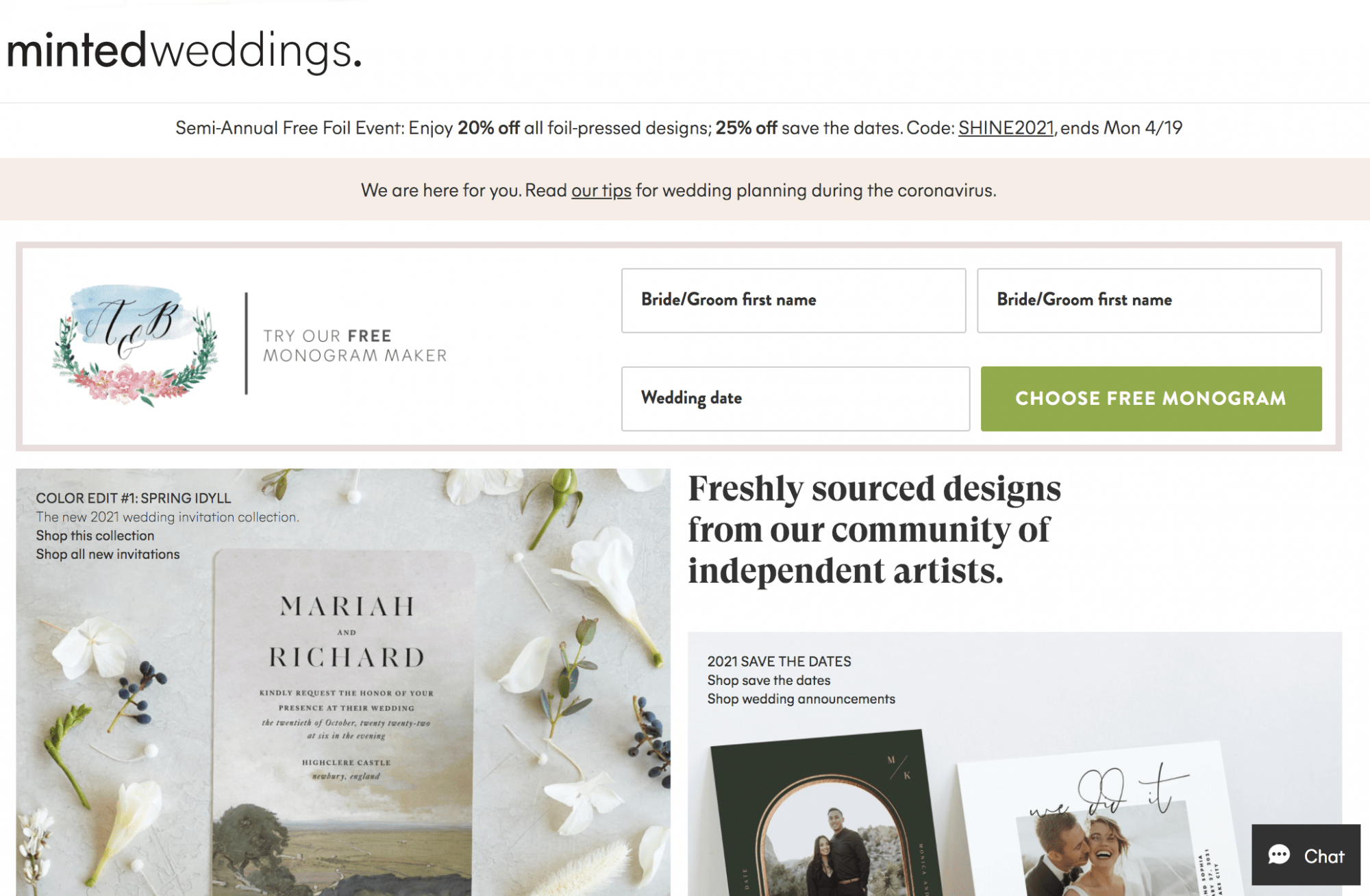
When couples begin researching digital hubs for their big day, they encounter a crowded market split into two distinct categories: niche wedding-specific platforms like The Knot and Zola, and general-purpose website builders like Wix, Squarespace, and WordPress. While niche platforms offer immediate convenience through pre-built registry integrations and guest list trackers, they often impose severe structural limitations. Users frequently run into rigid layout constraints, mandatory platform branding, and limited capability to expand the site beyond a simple event schedule.
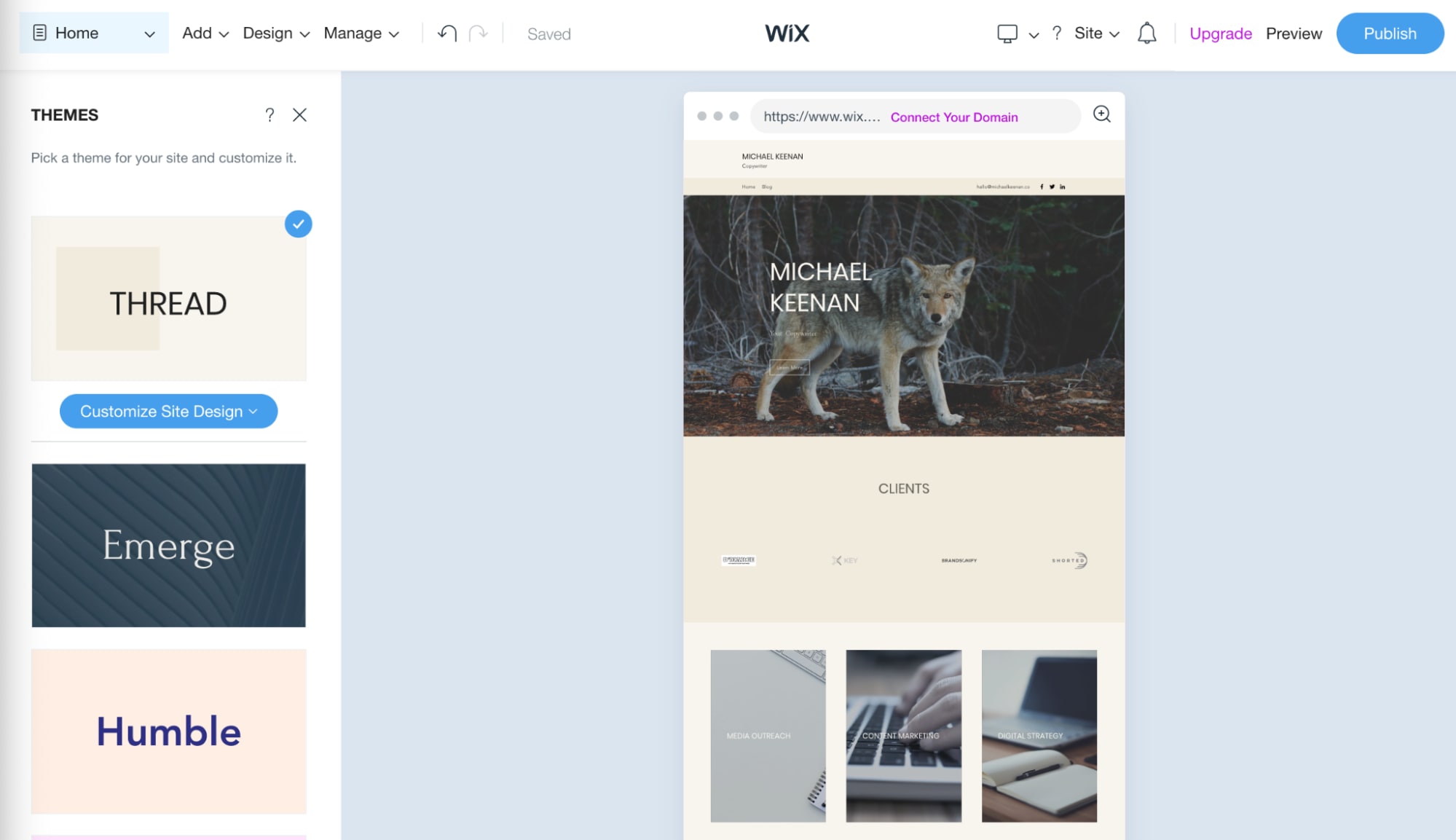
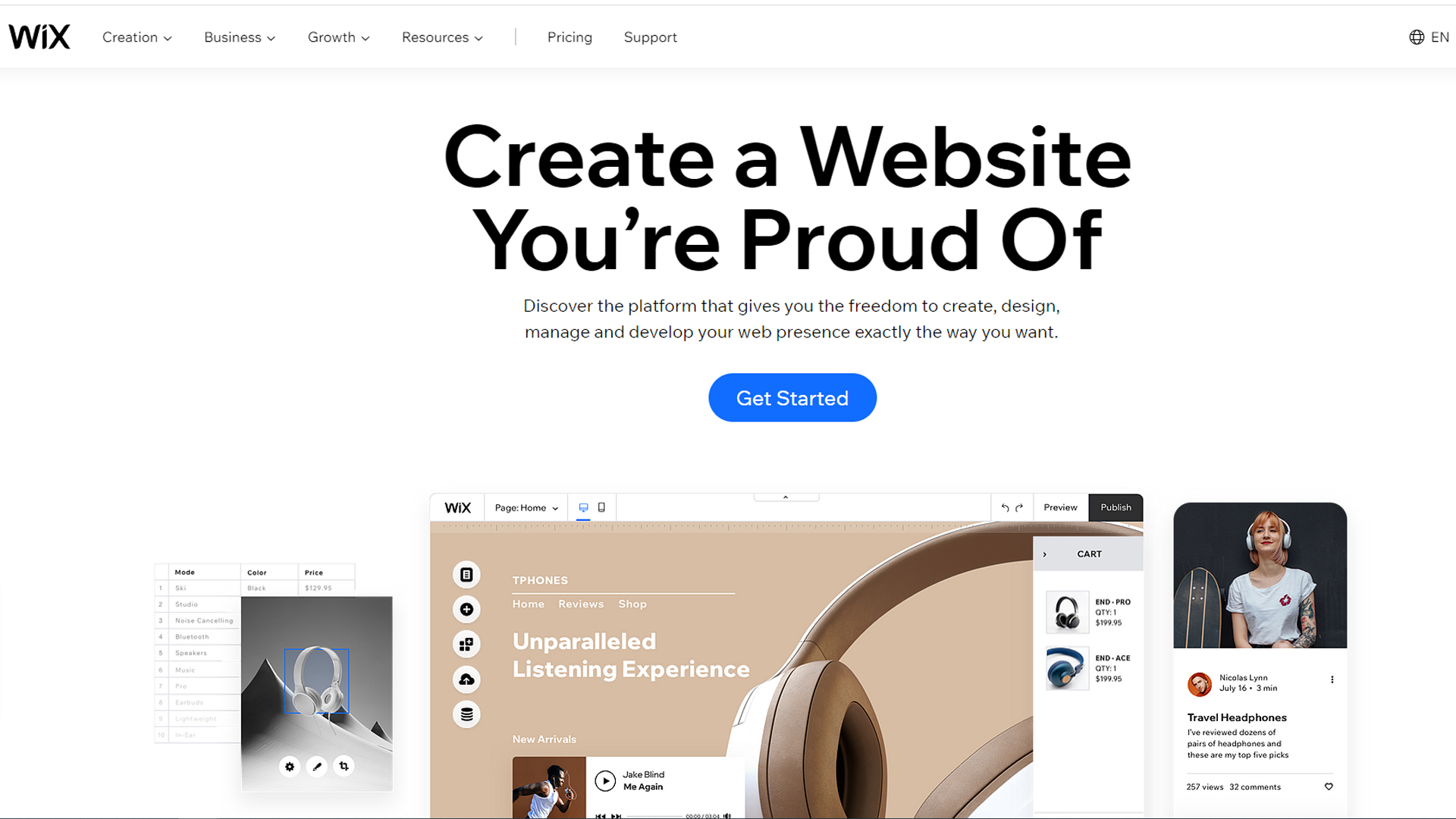
General-purpose builders, by contrast, offer complete creative control. Among them, Wix stands out because it bridges the gap between absolute beginner usability and advanced customization. Couples do not need to know a line of code to build a stunning, bespoke digital space. Instead, they can leverage drag-and-drop flexibility to position photos, stories, and schedules exactly where they want them, ensuring the final product reflects their personal aesthetic rather than a cookie-cutter template.
Core Features That Make Wix Ideal for Weddings
The platform’s dominance in the wedding space is not accidental; it stems from a comprehensive suite of tools designed to simplify event administration while elevating visual presentation.
The Power of Visual Design Flexibility
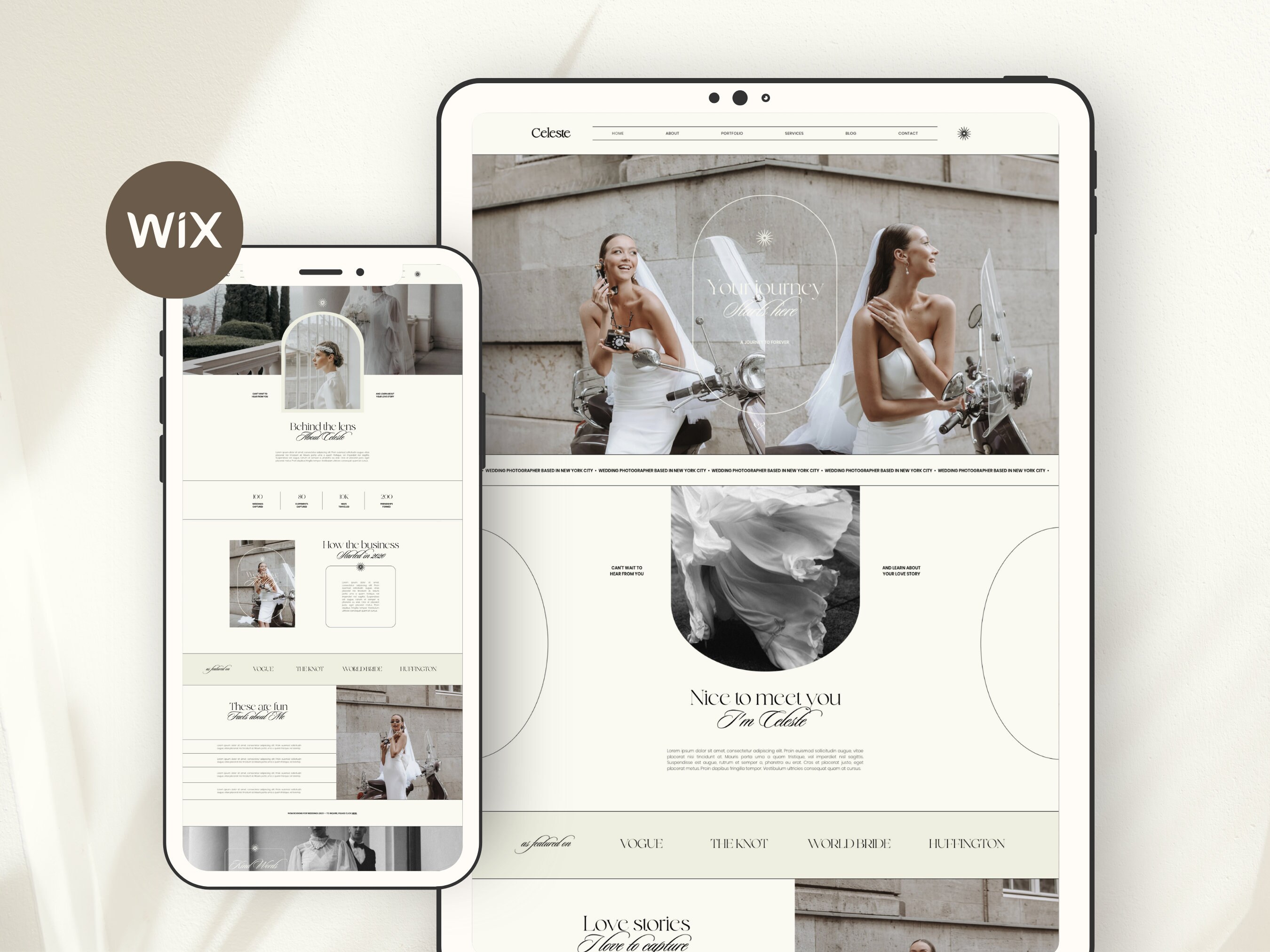
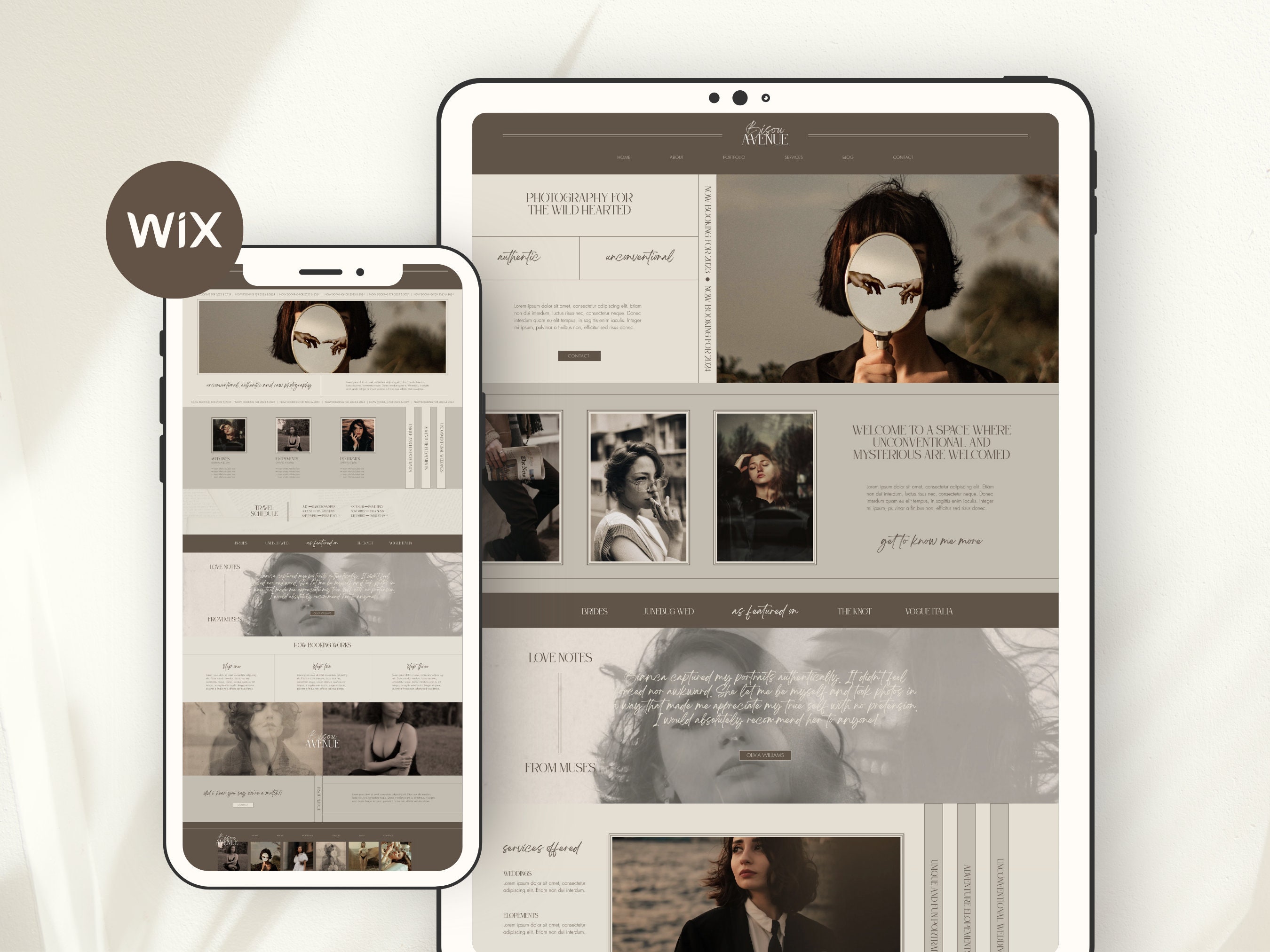
Unlike platforms that lock users into a single grid system, Wix allows pixel-level editing. Couples can upload high-resolution engagement photography, customize color palettes to match their wedding motif, and build multi-page architectures. You can easily feature dedicated pages for:
- Our Story and wedding party introductions.
- Travel guides, local airport details, and hotel accommodations.
- Registry links and direct contributions.
- An interactive photo-sharing gallery post-event.
Seamless RSVP and Guest Management
A wedding website is only as good as its guest management functionality. Wix Events allows couples to create customized RSVP forms that ask critical questions beyond simple attendance. You can collect dietary restrictions, song requests, plus-one names, and specific event attendance (such as rehearsal dinners or post-wedding brunches) all within a centralized dashboard.
Mobile Responsiveness
With a significant percentage of guests checking details on their smartphones while traveling or upon arrival, mobile optimization is vital. Wix automatically generates a mobile-optimized version of your site as you design on desktop. Couples can manually tweak the mobile layout to ensure text readability, button sizing, and image alignment look immaculate on smaller screens.
Comparing Wix Against Niche Wedding Platforms and Competitors
To understand why Wix is the preferred choice for most couples, it helps to examine how it stacks up against alternatives across key planning criteria.
| Feature / Capability | Wix | The Knot / Zola | Squarespace |
|---|---|---|---|
| Design Freedom | Absolute drag-and-drop; highly customizable. | Moderate; strictly template-bound layouts. | High; clean layouts, but less fluid than Wix. |
| RSVP Management | Robust via Wix Events; highly customizable fields. | Standardized, built specifically for weddings. | Basic; often requires third-party plugins. |
| Registry Integration | Flexible; can embed Zola, Amazon, or cash funds. | Native, centralized registry ecosystems. | Good, but requires external links or plugins. |
| Long-Term Utility | Can be repurposed into a personal or portfolio site. | Tied permanently to wedding utility. | Excellent for personal blogs or portfolios later. |
As the comparison highlights, while niche platforms win on out-of-the-box registry centralization, Wix provides superior aesthetic control and long-term versatility. Couples who want their wedding site to double as a keepsake or evolve into a family website long after the reception ends will find Wix far more adaptable.
Practical Setup Steps for Your Wedding Website
Building your wedding site on Wix requires a strategic approach to ensure your guests have a seamless experience from save-the-date to honeymoon.
- Select a Clean Template: Browse the wedding category within the Wix template library. Choose a design that matches your formality level—whether rustic, modern, minimalist, or black-tie.
- Establish Your Domain Name: While free Wix URLs work for casual sharing, investing in a custom domain (e.g.,
www.sarahandjames2026.com) adds professionalism and makes links easy for older guests to type. - Configure Privacy Settings: Weddings involve sensitive personal data, including venue addresses and event times. Use Wix’s password-protection feature to restrict site access to invited guests only.
- Embed RSVP and Registry Links: Set up your RSVP forms early to test submission flows. Group your registry links clearly on a dedicated page to prevent guests from hunting for gifting options.
- Conduct a Multi-Device Test: Before sending out physical invitations or digital save-the-dates, test the site on iPhones, Android devices, tablets, and desktop browsers to verify that links work and formatting remains intact.
Common Pitfalls to Avoid
Even with an intuitive platform like Wix, couples occasionally run into operational hurdles that cause friction for guests.
- Overloading Pages with Heavy Media: High-resolution engagement photos are stunning, but uncompressed image files will slow down page load speeds—particularly for guests with poor mobile data connections. Compress images before uploading.
- Neglecting Clear Navigation: Keep the primary menu simple. Essential tabs like RSVP, Schedule, and Travel should be immediately visible without requiring guests to dig through sub-menus.
- Forgetting Password Reminders: If you lock your site with a password, ensure that exact password is printed clearly on your physical invitations or save-the-date cards. Losing access causes frustration for guests trying to RSVP on short notice.
Frequently Asked Questions
Is Wix free to use for a wedding website?
Wix offers a free tier, but it displays Wix branding banners at the top of your site and requires you to use a branded URL (e.g., username.wixsite.com/wedding). For a wedding, upgrading to a paid plan is strongly recommended to remove ads, connect a custom domain, and secure guest data.
Can I password-protect my Wix wedding website?
Yes. Wix allows you to restrict access to your entire site or specific pages using a custom password. This ensures your event details, venue locations, and personal registry information remain private to invited guests only.
How do I collect RSVPs through Wix?
You can use the Wix Events application, which allows you to build custom registration forms. Guests can submit their names, meal choices, dietary restrictions, and attendance status directly on your site, and their responses are automatically organized into an exportable attendee list.
Can I link my external registry to a Wix website?
Absolutely. While Wix allows you to set up cash funds and custom gift registries, you can also easily embed links pointing to external registry services like Zola, Amazon, or Target, giving your guests maximum flexibility.
What happens to my wedding website after the event is over?
Your Wix site remains active as long as your subscription is maintained. Many couples choose to keep the site active for a few months post-wedding to share professional photography galleries, and some repurpose the domain and hosting plan into a personal family blog or portfolio.
Conclusion and Next Actions
Choosing the right digital foundation for your ceremony ensures that communication runs smoothly and guests arrive prepared. By offering unmatched aesthetic customizability, robust RSVP management, and reliable mobile responsiveness, Wix provides the most comprehensive toolkit for modern couples. To get started, map out your essential page structure on paper, select a template that matches your wedding theme, and begin drafting your guest list requirements today.
Image Gallery