How Electronic Deposit Works at Chase: A Complete Guide for 2026
Electronic deposits at Chase function through a secure digital network that moves funds into your account without the need for a physical trip to a branch or the use of paper currency. In 2026, this process primarily utilizes the Autom...
Electronic deposits at Chase function through a secure digital network that moves funds into your account without the need for a physical trip to a branch or the use of paper currency. In 2026, this process primarily utilizes the Automated Clearing House (ACH) network, real-time payment rails, and sophisticated mobile imaging technology to ensure that money—whether from an employer, a government agency, or another individual—is credited to your balance accurately and safely.
Contents
The transition from physical to digital banking has made electronic deposits the standard for modern financial management. For Chase customers, understanding the mechanics of these deposits is essential for managing cash flow, avoiding late fees, and ensuring security. This guide explores the different types of electronic deposits, their technical requirements, and the timelines you can expect when moving money into a Chase account.
The Core Mechanisms of Electronic Deposits
At its simplest, an electronic deposit is a digital instruction sent to Chase to increase your account balance. However, the "how" varies significantly depending on the source of the funds. Chase integrates several different technologies to facilitate these movements.
The Automated Clearing House (ACH) Network
The majority of electronic deposits, including payroll direct deposits and Social Security benefits, move via the ACH network. This is a batch-processing system used by financial institutions to aggregate transactions. When an employer initiates a deposit, they send a file to their bank, which then routes the instructions through a clearinghouse to Chase. Chase receives these instructions, verifies the account and routing numbers, and credits the funds to your account.
Real-Time Payments (RTP) and FedNow
By 2026, the adoption of the FedNow Service and the RTP network has significantly increased the speed of electronic deposits. Unlike ACH, which may take a business day or more to clear, real-time payments settle almost instantly. Chase utilizes these networks to support instant transfers between participating banks, allowing for immediate access to funds 24/7, including weekends and holidays.
Remote Deposit Capture (RDC)
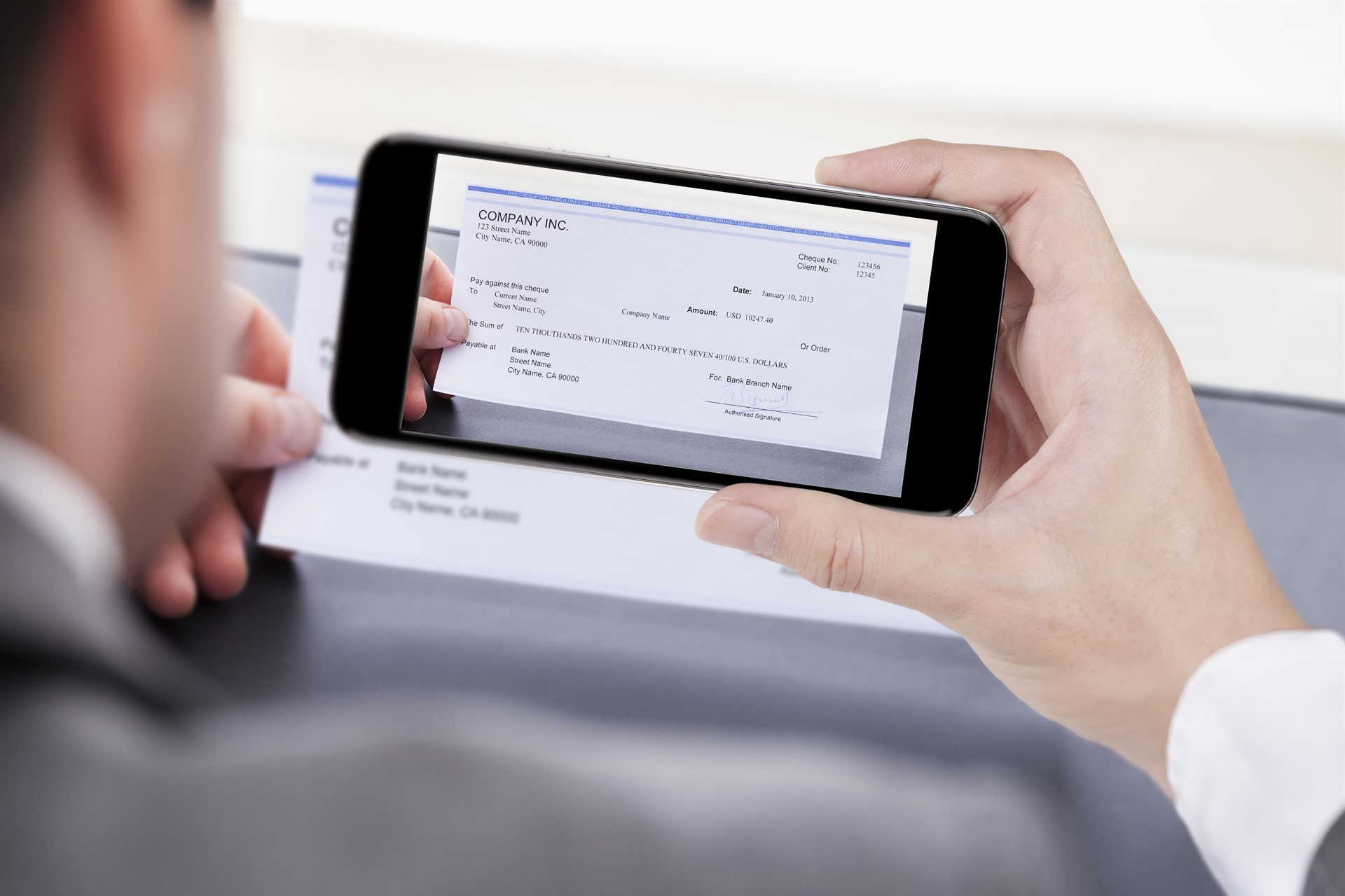
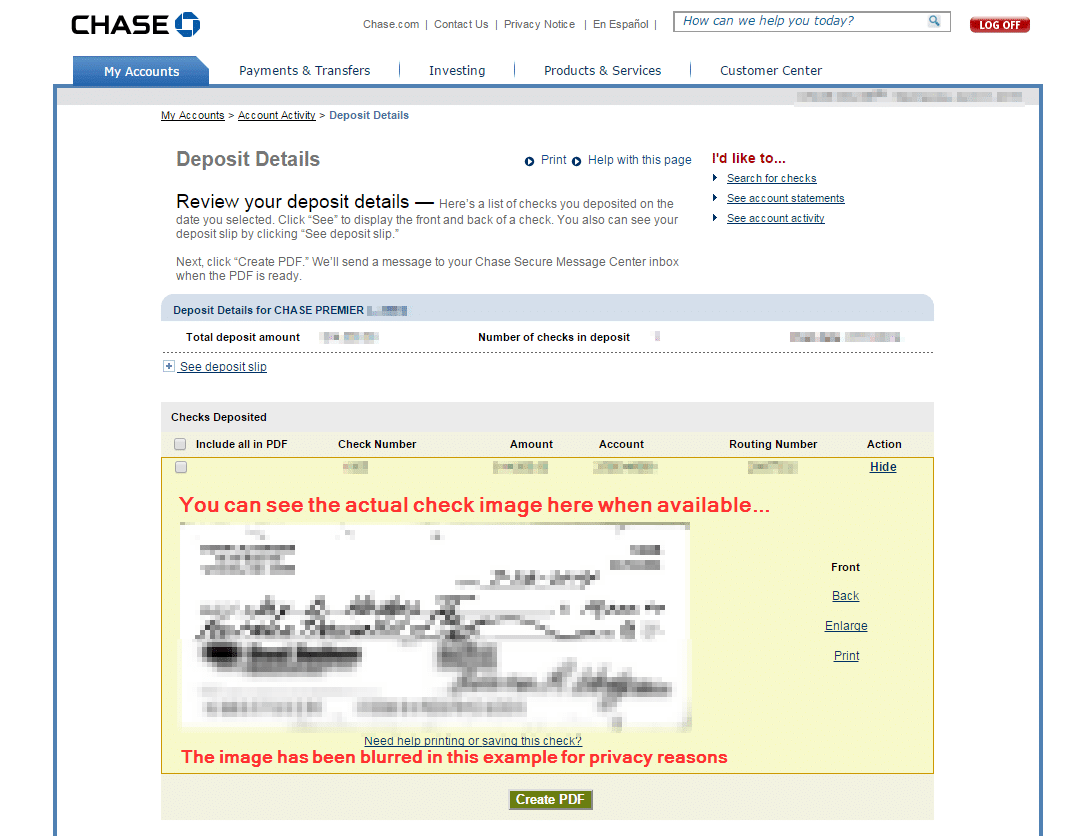
Commonly known as Chase QuickDeposit, this technology allows you to turn a physical check into an electronic deposit using the Chase Mobile app. When you snap a photo of a check, the app uses optical character recognition (OCR) to read the amount, the check number, and the routing/account information from the bottom of the check (the MICR line). This image is then transmitted to Chase as an electronic "substitute check" under the regulations of the Check 21 Act.
How to Set Up and Receive Direct Deposits
Direct deposit is the most common form of electronic deposit for Chase customers. It is the primary method for receiving wages, tax refunds, and investment distributions.
Prerequisites for Setup
To receive a direct deposit, you must provide the sender with two specific pieces of information:
- Chase Routing Number: This is a nine-digit code that identifies Chase as the receiving institution. Note that routing numbers can vary based on the state where you opened your account.
- Your Account Number: This is your unique identifier at Chase.
Steps to Initiate
You can find these details by logging into the Chase Mobile app or Chase Online. Chase also provides a pre-filled direct deposit form that you can download and give to your HR department. Once the sender (e.g., your employer) has this data, they will send a "pre-note" (a zero-dollar transaction) to verify the account is active before sending your first actual payment.
Benefits of Chase Direct Deposit
In 2026, Chase continues to offer Early Pay for many customers. If your employer sends the ACH instructions a day or two before the actual payday, Chase may credit those funds to your account as soon as they receive the notification, rather than waiting for the effective date. This is a common feature for accounts like Chase Secure Banking and Chase Total Checking.
Using Chase QuickDeposit for Mobile Deposits
When you have a physical check, the electronic deposit process happens through the Chase Mobile app. This is a form of electronic deposit because the physical paper never actually reaches a Chase vault; it is converted into a digital file.
Process Requirements
- Endorsement: You must sign the back of the check and, in 2026, it is standard practice to write "For Electronic Deposit at Chase Only" below your signature.
- Image Quality: The app requires a clear, high-contrast photo of both the front and back of the check.
- Connectivity: A stable data connection is required to upload the encrypted image files to Chase's servers.
Limits and Availability
Chase sets individual limits on how much you can deposit via mobile daily and monthly. These limits are typically higher for long-standing customers or those with premium accounts like Chase Sapphire Checking. While a portion of the deposit (often up to $500) may be available immediately, the remainder usually clears by the next business day, provided the deposit was made before the 11:00 PM ET cutoff.
Peer-to-Peer (P2P) Deposits via Zelle
Zelle is integrated directly into the Chase ecosystem, allowing for near-instant electronic deposits from other individuals.
- How it works: Instead of using routing and account numbers, Zelle uses an "alias"—typically an email address or U.S. mobile phone number—that is linked to your Chase account.
- The Deposit Path: When someone sends you money via Zelle, the funds move directly from their bank account to your Chase account. Because both banks are usually part of the Zelle network, the transaction skips the traditional multi-day clearing process of ACH.
- Security: Zelle deposits at Chase are protected by multi-factor authentication (MFA). However, because these deposits are often instantaneous and irrevocable, they should only be used with known and trusted parties.
Wire Transfers: Domestic and International
For large sums or urgent transactions, electronic deposits can arrive via wire transfer. Unlike ACH, wire transfers are processed individually and in real-time by the Federal Reserve (for domestic) or the SWIFT network (for international).
Receiving a Wire at Chase
To receive a wire, you must provide the sender with Chase’s specific wire routing number, which may be different from your standard ACH routing number. For international wires, you will also need to provide Chase’s SWIFT/BIC code.
Fees and Timelines
While most electronic deposits (like ACH or Zelle) are free to receive, Chase may charge a fee for incoming wire transfers depending on your account type. Domestic wires usually arrive within hours if sent before the cutoff, while international wires can take 3 to 5 business days due to intermediary bank processing and currency exchange.
Comparing Electronic Deposit Methods at Chase
| Method | Typical Processing Time | Common Fees | Best For |
|---|---|---|---|
| Direct Deposit (ACH) | 1–2 Business Days | Free | Payroll, Government Benefits |
| Zelle | Minutes | Free | P2P, Small Business Payments |
| QuickDeposit (Mobile) | 1 Business Day | Free | Physical Checks |
| Domestic Wire | Same Day | $0–$15 | Real Estate, Large Purchases |
| International Wire | 3–5 Business Days | $0–$15 + FX | Overseas Transfers |
| External Transfer | 1–3 Business Days | Free | Moving funds between own accounts |
Processing Times and Fund Availability
One of the most critical aspects of how electronic deposits work is the "cutoff time." At Chase, the standard cutoff for most electronic deposits is 11:00 PM Eastern Time on business days.
- Business Days: Deposits made on Saturdays, Sundays, or federal holidays are considered "received" on the following Monday (or the next business day).
- The "Available" vs. "Presentment" Balance: When an electronic deposit is initiated, you might see it in your "Pending" transactions. While the funds are "presented" to Chase, they are not "available" for withdrawal or to cover checks until the bank completes its verification and fraud checks.
- Federal Reserve Requirements: Under Regulation CC, banks are required to make certain funds available within specific timeframes. Most electronic deposits must be made available no later than the business day after the banking day on which the deposit was received.
Security Measures and Fraud Prevention
Chase employs a multi-layered security approach to protect electronic deposits. As digital fraud becomes more sophisticated in 2026, these measures are vital for maintaining the integrity of your funds.
- Encryption: All data transmitted via the Chase Mobile app or Chase Online is encrypted using industry-standard protocols to prevent interception.
- Real-Time Monitoring: Chase uses AI-driven systems to monitor incoming electronic deposits for patterns that suggest money laundering or unauthorized access.
- Indemnity and Recourse: Because electronic deposits are governed by the National Automated Clearing House Association (NACHA) and federal regulations, there are established protocols for reversing fraudulent ACH transactions, though this is much more difficult with wire transfers.
Troubleshooting Common Deposit Issues
If an electronic deposit fails to appear in your account, it is usually due to one of the following reasons:
- Incorrect Information: Even a single digit error in the routing or account number will cause the deposit to be rejected and returned to the sender.
- Account Status: If your account is frozen or closed, the electronic deposit will bounce back to the originating bank.
- Velocity Limits: For mobile deposits or Zelle, you may have reached your daily or monthly limit, preventing the transaction from processing.
- Verification Holds: If a mobile deposit appears suspicious (e.g., a high-value check or a signature mismatch), Chase may place an extended hold on the funds for up to seven business days to ensure the check clears the issuing bank.
Frequently Asked Questions
Why is my electronic deposit still pending?
A pending status means that Chase has received the notification of the incoming funds but has not yet finalized the settlement. This is common with ACH transfers, where the sending bank notifies Chase of the intent to pay, but the actual movement of money happens during a nightly batch process. Most pending deposits clear by the next business morning.
Can I cancel an electronic deposit after it is sent?
Once an electronic deposit like a wire transfer or Zelle payment is sent, it is generally considered final and cannot be cancelled. For ACH deposits (like a mistakenly sent payroll), the originating company can sometimes initiate a "reversal" if they act quickly, but this requires the consent of the receiving bank and often the account holder.
Does Chase charge for incoming electronic deposits?
Chase does not charge for standard ACH direct deposits, Zelle transfers, or mobile check deposits. However, incoming domestic and international wire transfers may incur a fee of $15 per transaction, though these fees are often waived for Sapphire, Private Client, or Business Premier accounts.
What is the limit for mobile electronic deposits at Chase?
In 2026, mobile deposit limits are personalized based on your account history and relationship with the bank. Most personal accounts have a daily limit ranging from $2,000 to $10,000. You can view your specific limit within the Chase Mobile app by clicking on "Deposit Checks" and looking at the "Remaining limit" indicator.
How do I know if an electronic deposit was successful?
The most reliable way to verify a deposit is to check your "Available Balance" in the Chase app. You can also set up Account Alerts, which will send you a push notification, text, or email the moment an electronic deposit hits your account, providing real-time confirmation of the transaction.
Summary and Next Actions
Electronic deposits at Chase are a safe and efficient way to manage your finances, combining the reliability of the ACH network with the speed of real-time payments and the convenience of mobile imaging. To ensure your deposits work smoothly, always double-check your routing and account numbers before sharing them with third parties.
If you are setting up a new income stream, download the official Chase direct deposit form (PDF) to ensure you provide the correct details. For those using mobile deposits, keep your physical checks in a secure location for at least 14 days after the deposit is marked as "Follow-up complete" before shredding them to ensure there are no processing disputes.
Image Gallery