MyChart Mount Sinai: Complete Patient Portal Access and Management Guide for 2026
MyChart Mount Sinai serves as the secure online patient portal for the Mount Sinai Health System, giving patients centralized access to their electronic medical records, test results, prescription renewals, and direct communication cha...
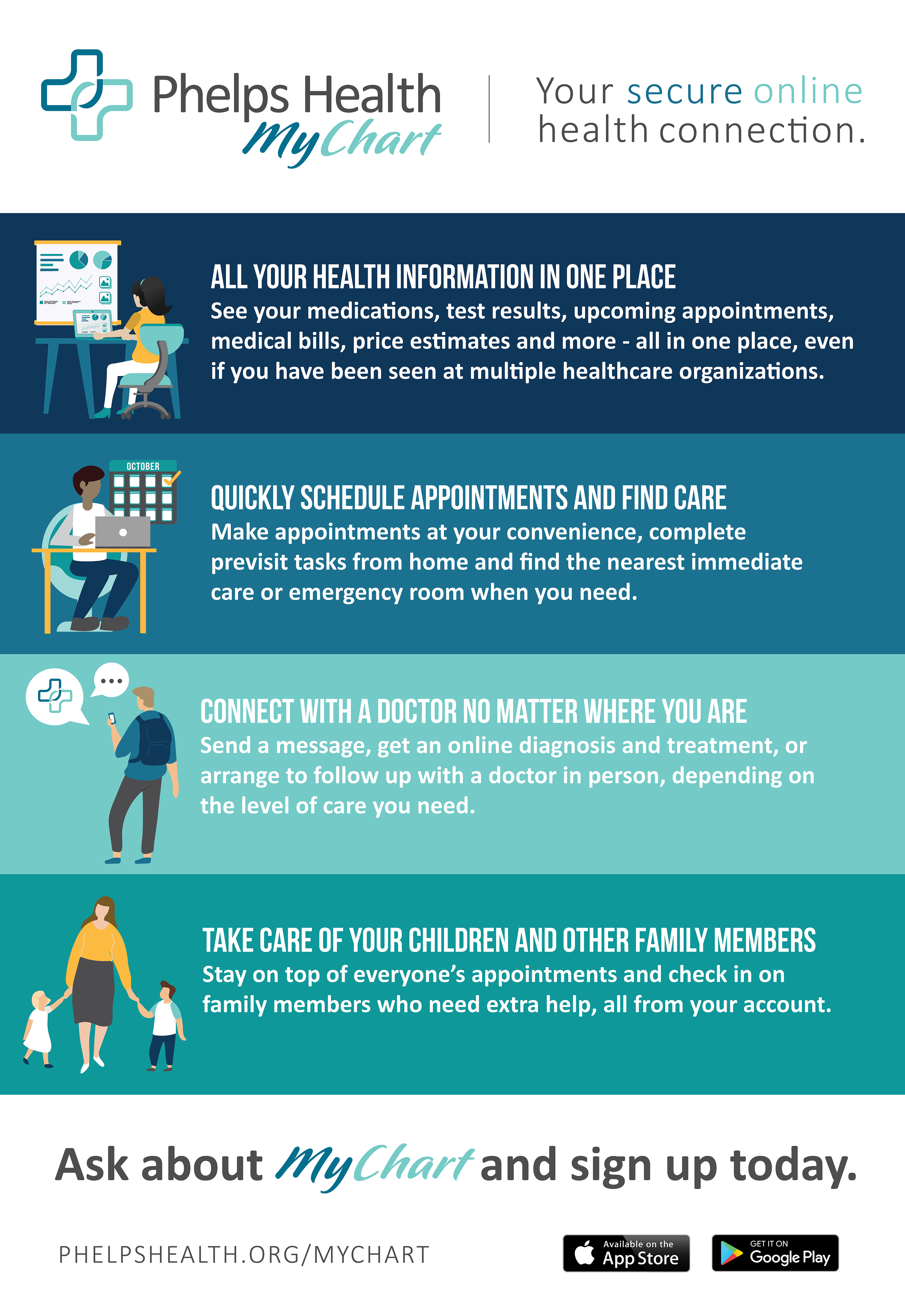
MyChart Mount Sinai serves as the secure online patient portal for the Mount Sinai Health System, giving patients centralized access to their electronic medical records, test results, prescription renewals, and direct communication channels with clinical care teams. As healthcare digital infrastructure evolves through 2026, managing your health data efficiently requires understanding portal activation, mobile app synchronization, and navigating the digital health ecosystem across all Mount Sinai hospitals and outpatient facilities in the New York metropolitan area.
Contents
Understanding the Mount Sinai Health System Digital Infrastructure
The Mount Sinai Health System relies on Epic Systems as the underlying electronic health record (EHR) framework, which powers MyChart. This enterprise-level integration means that whether you receive care at The Mount Sinai Hospital in Manhattan, Mount Sinai Morningside, Mount Sinai West, Mount Sinai Brooklyn, Mount Sinai Queens, or Mount Sinai Beth Israel, your centralized health record remains unified under a single sign-on.
Centralizing health data through MyChart eliminates the friction of managing paper records or calling clinical offices for routine administrative requests. Patients can view ambulatory notes, hospital discharge instructions, radiology imaging reports, and pathology results as soon as they are finalized by the attending physician or care team. Furthermore, Epic's MyChart platform facilitates interoperability with external health systems and consumer wellness applications through standardized APIs, supporting national health data exchange frameworks.
Core Features Available on the Platform
- Laboratory and Diagnostic Results: Immediate access to blood work, cultures, biopsies, and imaging reports, often accompanied by reference ranges and clinical notes.
- Appointment Scheduling: Direct self-scheduling for primary care providers, established specialty visits, and select diagnostic tests across participating Mount Sinai network locations.
- Prescription Management: Real-time renewal requests sent directly to your preferred retail or specialty pharmacy, alongside medication dosage histories.
- Secure Messaging: Asynchronous, HIPAA-compliant communication channels with participating clinical providers for non-urgent medical inquiries.
- Billing and Financial Services: Transparent account statements, itemized bill reviews, financial assistance applications, and secure payment processing.
Prerequisites and Account Activation Requirements
Before logging into MyChart Mount Sinai, you must establish an active account linked to your patient medical record number (MRN) within the Mount Sinai network. New patients can register during an in-person clinic visit or emergency room encounter by requesting an activation code from registration staff. Alternatively, online self-sign-up is available for individuals who can verify their identity using demographic information matching existing health system records.
Verification Criteria for Self-Sign-Up
- Matching Demographics: Your legal name, date of birth, residential address, and Social Security number (if on file) must match the database.
- Contact Information: A valid mobile phone number or email address capable of receiving a secure one-time passcode (OTP) for multi-factor authentication.
- Active Activation Code: If provided via paper visit summary or discharge paperwork, the code must be used before its standard expiration window (typically 14 days).
If online verification fails due to outdated contact information or demographic discrepancies, patients must contact the dedicated MyChart Patient Support Help Desk to verify their identity verbally and update their master patient index file.
Step-by-Step Guide to Account Setup and Mobile Synchronization
Setting up your account correctly ensures uninterrupted access to your clinical dashboard across desktop browsers and mobile devices. Follow this sequential workflow to initialize and secure your portal access.
- Initiate Registration: Navigate to the official Mount Sinai MyChart web portal or download the MyChart mobile application from the Apple App Store or Google Play Store.
- Select Organization: If using the generic MyChart mobile app, search for and select "Mount Sinai Health System" as your healthcare provider organization.
- Enter Activation Details: Input your activation code, date of birth, and MRN, or select the "Sign Up Now" link to complete identity verification via matching demographic questions.
- Create Credentials: Establish a secure username and a complex password adhering to enterprise security standards (minimum length, inclusion of numbers and special characters).
- Configure Multi-Factor Authentication (MFA): Enable SMS or email-based two-factor authentication to secure your account against unauthorized access.
- Download and Sync Mobile App: Log into the mobile app using your newly created credentials and enable biometric login (Face ID or fingerprint recognition) for streamlined access.
Comparison of Access Methods: Web Portal vs. Mobile Application
Choosing how to interact with your health record depends on your specific administrative and clinical needs. While both platforms draw from the same secure database, certain tasks are better suited for desktop environments, while others benefit from mobile notification systems.
| Feature / Capability | Web Browser Portal (Desktop/Laptop) | MyChart Mobile App (iOS/Android) |
|---|---|---|
| Document Printing & PDF Export | Highly optimized for downloading and printing multi-page medical records or immunization records. | Limited formatting options; relies on mobile device sharing sheets and print services. |
| Biometric Quick Login | Unavailable unless browser password managers are used. | Fully supported via Face ID, Touch ID, or Android biometric sensors. |
| Push Notifications for Results | Browser-based alerts (if enabled and browser is running). | Instant push notifications for new lab results, messages, and appointment reminders. |
| Complex Billing & Financial Forms | Superior interface for uploading supporting financial assistance documents and viewing detailed PDFs. | Streamlined for quick credit card payments and viewing current account balances. |
| Telehealth Video Visits | Fully supported, though desktop webcams and microphones must be configured properly. | Highly optimized for seamless integration with mobile cameras and cellular/Wi-Fi switching. |
Managing Telehealth and Virtual Care Appointments
Mount Sinai integrates virtual visits directly into the MyChart workflow, enabling patients to consult with primary care physicians and specialists without traveling to a physical facility. Virtual care appointments require specific technical preparations to ensure HIPAA compliance and clinical efficacy.
Technical and Practical Requirements for Virtual Visits
- Hardware: A smartphone, tablet, or computer equipped with a functional camera, microphone, and speakers or headphones.
- Connectivity: A stable high-speed broadband internet connection or strong 4G/5G cellular signal to prevent video dropouts.
- Software: The MyChart mobile app or an updated desktop web browser (Google Chrome, Apple Safari, or Microsoft Edge).
- Location: Patients must be physically located in the state of New York (or jurisdiction where the provider holds active licensure) at the time of the consultation due to state medical board regulations.
Log into MyChart 15 minutes prior to your scheduled appointment time, navigate to the "Visits" tab, select your upcoming appointment, and click "E-Check-in" to complete administrative questionnaires, verify insurance details, and test your video connection.
Financial Management, Billing, and Insurance Integration
Navigating healthcare costs is a critical component of the Mount Sinai patient experience. MyChart centralizes billing information for professional services (physician fees) and hospital services (facility fees) across the entire health system.
Understanding Your Statements and Insurance
- Insurance Verification: Patients should verify that their specific insurance plan participates in the Mount Sinai network prior to booking specialty appointments. Mount Sinai accepts major commercial plans, Medicare, and select Medicaid managed care plans, but narrow-network plans may require specific tier referrals.
- Consolidated Billing: The portal displays itemized statements showing charges, insurance adjustments, and out-of-pocket patient responsibility amounts.
- Financial Assistance: Patients experiencing financial hardship can access Mount Sinai’s financial assistance policy documents and initiate application workflows directly through the billing portal.
Troubleshooting Common Access and Technical Issues
Technical hurdles occasionally prevent seamless access to health records. Addressing these issues systematically saves time and reduces the need for technical support intervention.
| Common Issue | Probable Cause | Corrective Action |
|---|---|---|
| Password Locked Out | Multiple failed login attempts or expired password security window. | Use the "Forgot Password" automated recovery link to reset credentials via verified email or SMS. |
| Missing Lab Results | Results are still pending review by the attending physician or fall under sensitive regulatory holding periods. | Wait for the physician to review and release the chart, or contact the ordering clinic directly for clarification. |
| App Crash During Video Visit | Outdated app version or conflicting background applications utilizing the camera. | Update the MyChart app to the latest version, close background apps, and restart your mobile device. |
| Unlinked Family Members | Proxy access permissions have expired or require renewal documentation. | Submit a proxy access renewal request through the "Sharing" hub or contact the Health Information Management (HIM) department. |
Frequently Asked Questions
How do I reset my MyChart Mount Sinai password if I locked my account?
You can reset your password by clicking the "Forgot Password" link on the login screen and following the identity verification prompts sent to your registered email or phone. If automated recovery fails, contact the Mount Sinai MyChart Help Desk for manual identity verification and credential reset.
Can I view my child's medical records through my own account?
Yes, parents and legal guardians can obtain proxy access to minor children's records by submitting a proxy request form through the portal or clinic. Access levels change automatically or require re-verification when the child reaches specific age thresholds (typically ages 12 and 18) due to privacy laws.
Why are some of my test results not showing up immediately in MyChart?
Certain sensitive diagnostic results, such as complex pathology reports or genetic testing, may have a delayed release timeframe to allow attending physicians time to discuss findings directly with the patient. Providers can manually adjust result release timelines based on clinical discretion.
How do I connect my Mount Sinai records to external health apps?
You can share your health data with third-party applications using standard FHIR (Fast Healthcare Interoperability Resources) APIs. Navigate to the "Track My Health" or "Link My Accounts" section in MyChart to authorize secure data sharing with certified consumer health tools.
What should I do if I notice an error in my clinical notes or medication list?
If you spot an inaccuracy in your medical record, use the secure messaging feature to notify your provider's office or submit a formal amendment request through the Health Information Management department to ensure your clinical chart remains accurate.
Is there a fee to download the MyChart app or use the portal?
No, the MyChart web portal and mobile application are provided free of charge to all active patients within the Mount Sinai Health System. Standard mobile data rates may apply depending on your cellular carrier plan.
Practical Recommendation
For the most secure and efficient healthcare management experience, download the official MyChart mobile app, enable push notifications for test results, and complete your e-check-in questionnaires at least 24 hours prior to any scheduled appointment at Mount Sinai. Regularly verify that your email address and mobile phone number remain up to date within your account settings to prevent communication disruptions.
Image Gallery