Understanding MIME Attachments: Definition, Structure, and Technical Function
A MIME attachment is a digital file encoded within an email message or web document using the Multipurpose Internet Mail Extensions standard, allowing non-text content—such as images, spreadsheets, and PDFs—to be transmitted via protoc...
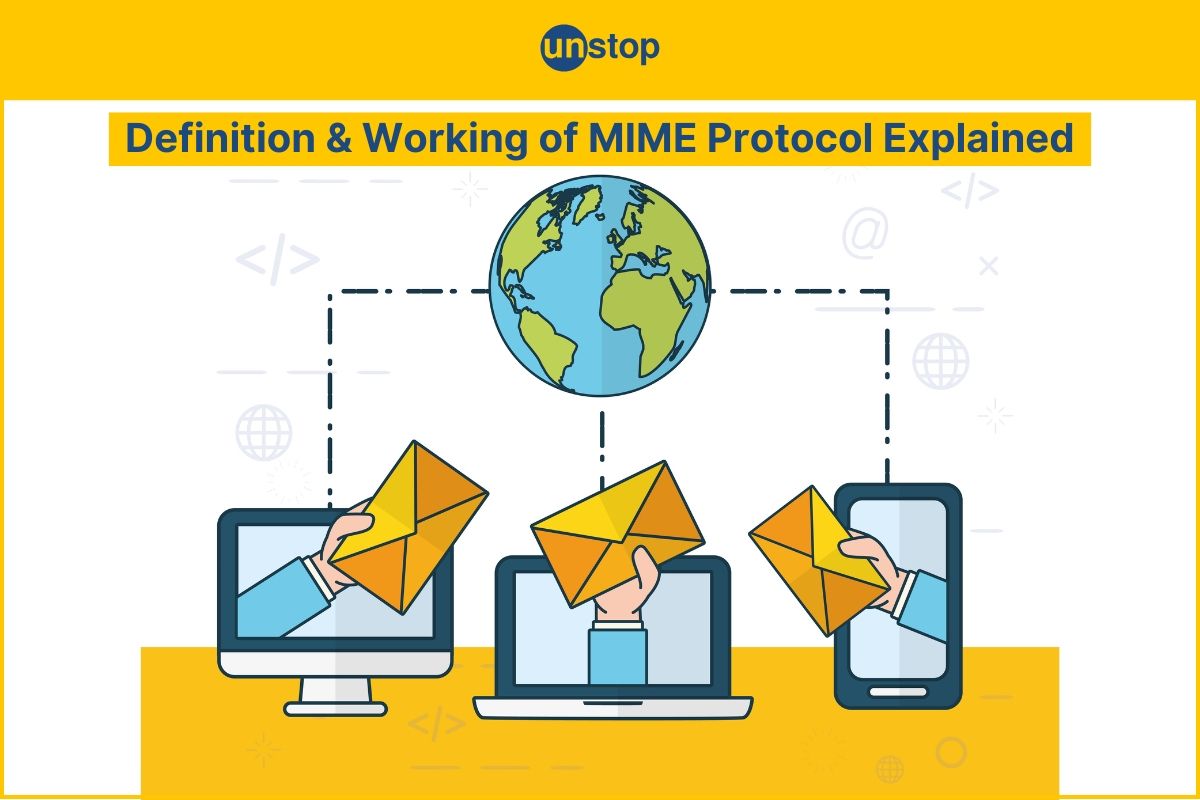
A MIME attachment is a digital file encoded within an email message or web document using the Multipurpose Internet Mail Extensions standard, allowing non-text content—such as images, spreadsheets, and PDFs—to be transmitted via protocols originally designed for plain ASCII text. This standard bridges the gap between text-based communication and binary data transmission.
Contents
The Origin and Necessity of MIME
In the early days of electronic mail, the Simple Mail Transfer Protocol (SMTP) was strictly limited to 7-bit ASCII text. This meant that users could exchange text messages but could not attach files, images, or documents without complex manual workarounds. As digital communication expanded, the need for a standardized way to package binary data became critical.
MIME, defined initially in RFC 1341 and later refined in RFC 2045 and subsequent updates, introduced a way to extend the capabilities of email. By wrapping binary data in a text-compatible format, MIME allows software to treat an attachment as a separate component of the overall message. It provides the "envelope" and the "instructions" that tell a receiving email client how to reconstruct the binary file from the text-based characters transmitted over the network.
How MIME Attachments Work
The magic of a MIME attachment lies in the encoding process. Since SMTP servers often misinterpret raw binary data—treating control characters as system commands—the data must be converted into a safe, text-based format.
- Encoding: Before sending, the email client converts the binary file (like a .jpg or .docx) into an ASCII-based format, most commonly Base64 or Quoted-Printable. Base64 converts binary bytes into a series of printable characters, effectively increasing the file size by approximately 33%.
- The MIME Header: Every MIME message includes headers that specify the content type. For an attachment, the header includes
Content-Type, which defines the media type (e.g.,image/jpeg), andContent-Disposition, which indicates how the file should be presented (e.g.,attachmentorinline). - Boundaries: If a message contains multiple parts (text, HTML, and an attachment), the email client uses "boundary strings" to separate the different sections so the recipient's software can parse the structure correctly.
Common MIME Types (Media Types)
MIME types, often referred to as Internet Media Types, act as the identifier for the data contained within the attachment. Understanding these is essential for system administrators and developers who need to configure server-side security or handle incoming automated data.
| File Extension | MIME Type Category | Common Usage |
|---|---|---|
| application/pdf | Document distribution | |
| .jpg / .jpeg | image/jpeg | Photographic images |
| .docx | application/vnd.openxmlformats | Microsoft Word documents |
| .zip | application/zip | Compressed file archives |
| .png | image/png | Graphic design and icons |
| .csv | text/csv | Data interchange |
Prerequisites for Handling MIME Attachments
To successfully manage and view MIME attachments, both the sender and the receiver rely on compliant software known as a User Agent (UA) or a Mail User Agent (MUA).
- Compatibility: The receiving email client must support the specific MIME type. If an email client does not recognize the
Content-Typeheader, it may display the attachment as raw, unreadable text or as a "noname" file. - Security Filters: Many enterprise email systems scan MIME headers specifically. Security protocols often block specific MIME types (like .exe or .js) to prevent the delivery of malicious software.
- Transmission Limits: While MIME allows for large files, the underlying SMTP protocol often has limits imposed by service providers. Attaching a file that is too large can lead to a "message rejected" error, even if the MIME structure itself is technically perfect.
Troubleshooting Common MIME Issues
Users and administrators frequently encounter issues where an attachment seems "broken." In most cases, the MIME structure is the culprit.
The "Winmail.dat" Problem
A classic example of MIME confusion is the winmail.dat file. This occurs when a Microsoft Outlook sender uses the proprietary Transport Neutral Encapsulation Format (TNEF). If the recipient's mail client is not compatible with TNEF, it interprets the entire attachment package as a single binary file named winmail.dat. The solution is usually to adjust the sender’s configuration to prefer standard MIME/HTML formats over TNEF.
Encoding Errors
Sometimes, emails appear with lines of unintelligible characters at the bottom. This occurs when an email client fails to properly "decode" the MIME body. This usually points to a corrupted message header where the boundary strings were broken, preventing the software from knowing where the text ends and the attachment begins.
Security Gateways
If your attachments are being stripped or blocked, check if your organization uses a Secure Email Gateway (SEG). These systems inspect the Content-Type header. If your MIME attachment is labeled as an application type that the gateway considers high-risk, it will be quarantined regardless of the actual safety of the file content.
The Role of MIME in Modern Web Development
While MIME is synonymous with email, the concept is fundamental to the World Wide Web. When your browser requests a webpage, the server sends a response that begins with a Content-Type header. This is a direct implementation of MIME. Your browser uses this information to determine whether to render the content as a webpage (text/html) or download it as a file (application/octet-stream). Consequently, an "attachment" in the web context is simply a resource that the browser is instructed to treat as a download rather than a displayable element.
Frequently Asked Questions
What happens if a MIME attachment is missing its header? If the header is missing, the receiving email client cannot identify the file type. The client will often default to displaying the raw, encoded text, or it may attempt to guess the file type based on the content, which frequently results in an "unsupported file format" error.
Why does my file size increase when I attach it to an email? The MIME encoding process (specifically Base64) requires converting binary data into an ASCII-only format. This conversion process typically results in a file that is about one-third larger than the original, as it maps 6 bits of data to an 8-bit character representation.
Are MIME attachments dangerous? MIME attachments themselves are just containers. However, they are a primary delivery vector for malware. Because they can hide executable files under legitimate MIME types, modern security systems perform "deep content inspection" to verify that the file content matches the declared MIME type before allowing it into the inbox.
Can I manually edit a MIME attachment? You can view the raw MIME structure of an email in most clients (such as "View Source" or "Show Original"). While you can technically edit the text headers, this is highly discouraged unless you are performing advanced troubleshooting, as one malformed character can render the entire attachment unreadable.
Next Steps for Implementation and Resolution
If you are currently experiencing issues where attachments are not appearing or are arriving as unrecognizable text, start by verifying the email client settings of the sender. Ensure that the sender is using "Standard MIME" rather than proprietary formatting like TNEF. If you are a developer tasked with handling attachments in an application, utilize established libraries (such as Python’s email module or Node.js nodemailer) which handle the complex boundary-setting and encoding requirements automatically, preventing common errors associated with manual MIME implementation.
Image Gallery