How to Unlock the Samsung Galaxy Note 9: Complete Carrier and Screen Unlock Guide
Unlocking a Samsung Galaxy Note 9 allows you to switch wireless networks or regain access to a locked device. To carrier unlock your Note 9, satisfy your provider's contract eligibility requirements and request a network unlock code or...
Unlocking a Samsung Galaxy Note 9 allows you to switch wireless networks or regain access to a locked device. To carrier unlock your Note 9, satisfy your provider's contract eligibility requirements and request a network unlock code or remote release. If locked out by a forgotten passcode, reset the device via Samsung SmartThings Find or Android Recovery.
Contents
Understanding Galaxy Note 9 Unlock Types: Network vs. Screen Lock
Before attempting to unlock a Samsung Galaxy Note 9, you must identify the exact security barrier preventing use. Users frequently confuse network (carrier) unlocking with screen lock removal or security bypasses, but each addresses a distinct hardware or software restriction.
- Network / SIM Carrier Unlock: Restricts the phone's cellular modem to a specific wireless carrier (such as AT&T, T-Mobile, or Vodafone). Removing this lock permits the device to accept SIM cards from any compatible network globally. Carrier unlocking does not alter device software, delete stored user photos, or clear personal data.
- Screen Lock (PIN, Pattern, Password, Biometrics): Local security configured by the user to prevent unauthorized physical access. Removing a forgotten screen lock requires remote account credentials or a factory hardware reset, which erases all unbacked-up local data.
- Factory Reset Protection (FRP): An Android security feature integrated by Google. If a Note 9 is factory reset through hardware recovery without first logging out of the owner's Google Account, FRP prompts for the previously synchronized Google username and password upon startup.
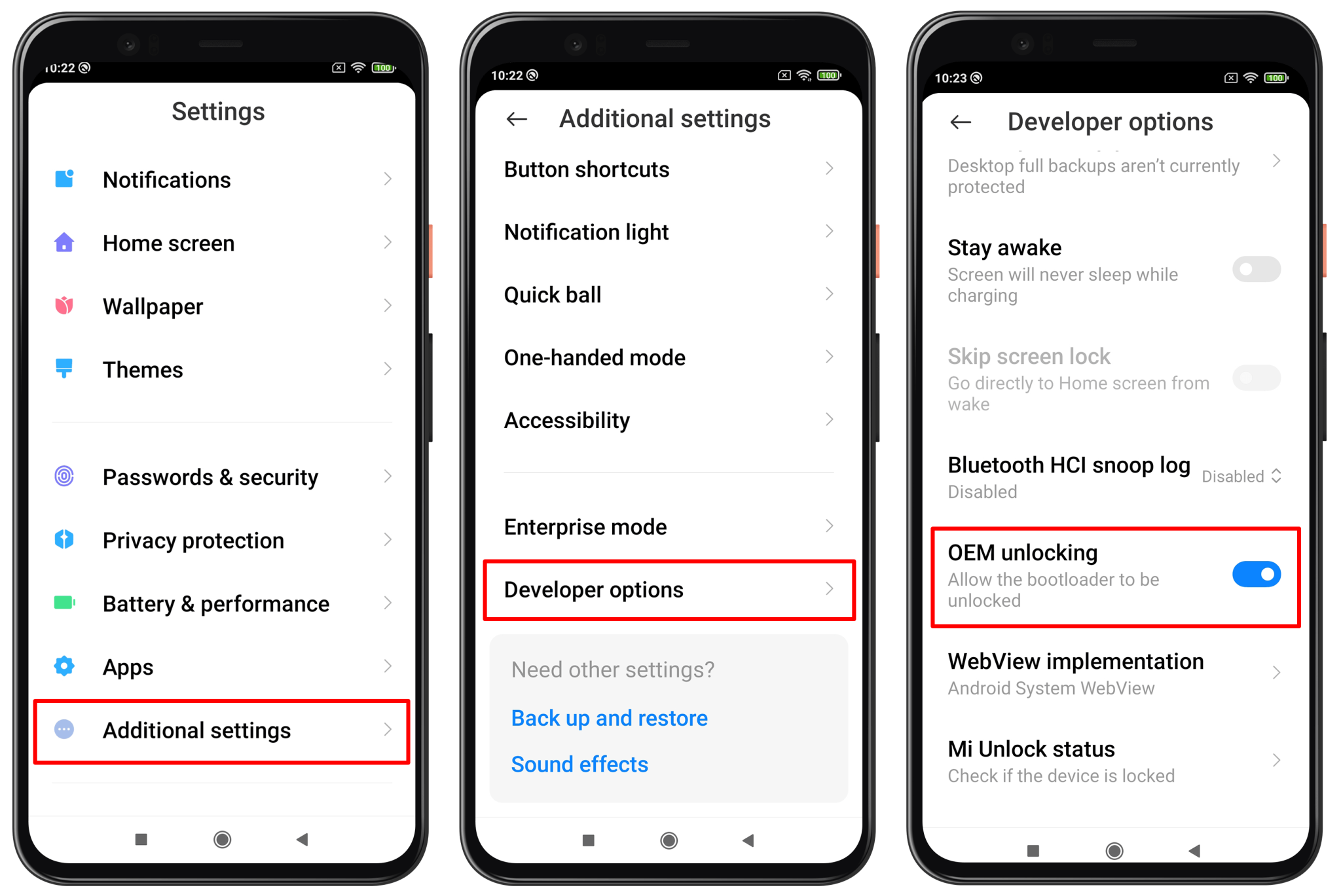
- Bootloader Unlock: Unlocks the device system partition to allow custom ROM installations, root access, or custom recovery kernels. This process is distinct from network unlocking and varies significantly between Snapdragon (US/Canada) and Exynos (International) Note 9 variants.
Prerequisites and Verification for Carrier Unlocking
Attempting a network unlock without proper verification can lead to failed code attempts, locked modems, or spent fees on third-party services. Gather the necessary device identifiers and verify network eligibility before proceeding.
1. Locate the Device IMEI Number
The International Mobile Equipment Identity (IMEI) is a unique 15-digit serial identifier required by carriers and code generators to derive your specific unlock key.
- Dialer Method: Open the Phone app key pad and dial
*#06#. The 15-digit IMEI will appear on the screen immediately. - Settings Menu: Navigate to Settings > About phone. Locate the listed IMEI.
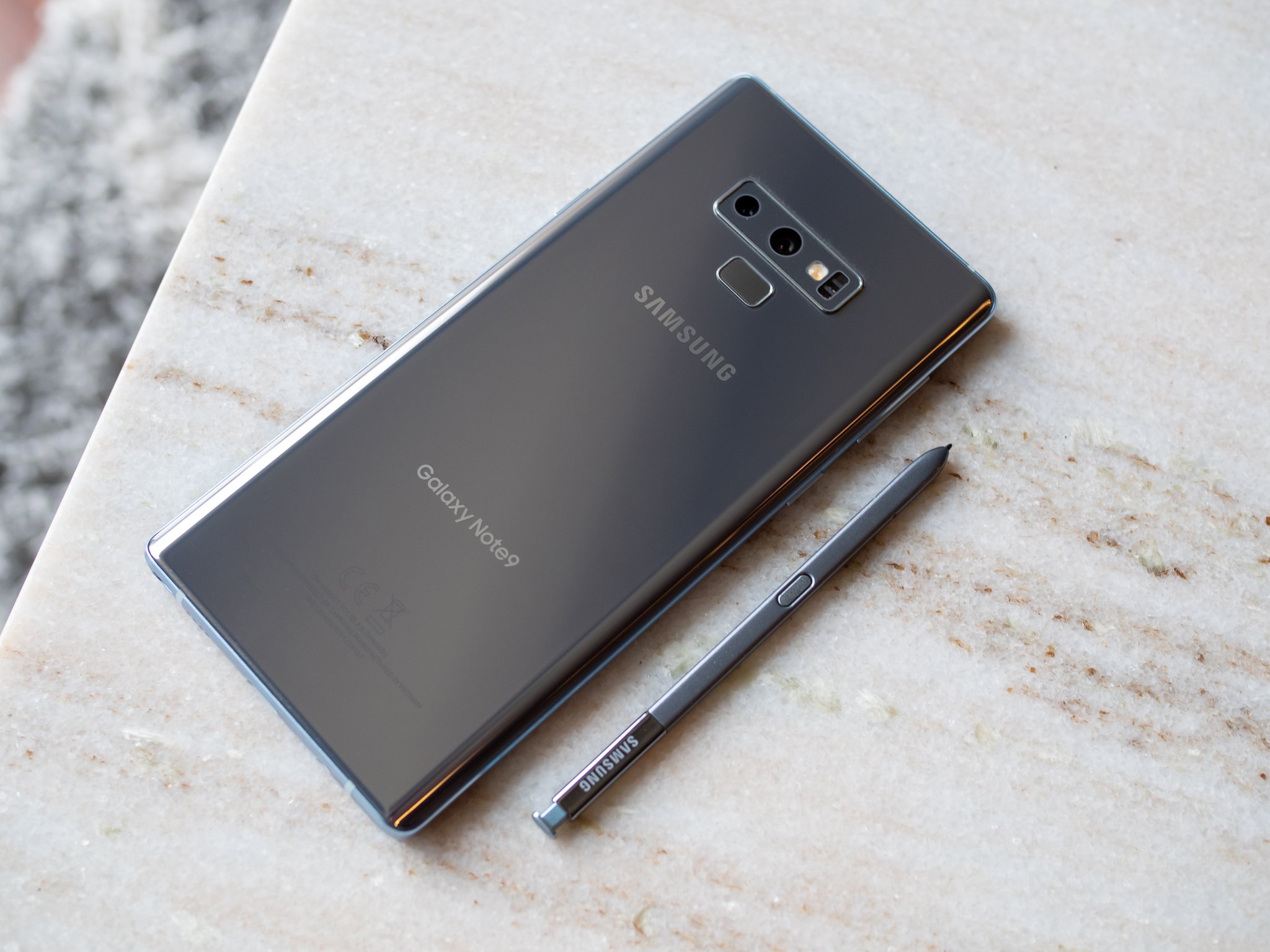
- Physical Hardware: Look at the bottom half of the glass back cover of the Galaxy Note 9, where the 15-digit IMEI is laser-etched in small print, or check the original retail packaging box.
2. Verify Blacklist Status and Financial Eligibility
Carriers maintain a shared database of lost, stolen, or unpaid devices known as the global blacklist (EIR/GSMA database).
- Financial Standing: The device must not be tied to an active installment plan with delinquent payments or an unfulfilled contract.
- Stolen/Lost Reports: If a device has been flagged as lost or stolen by the original account holder, official carriers will refuse to unlock it, and even an unlocked blacklisted phone will fail to register on major domestic cellular networks.
- Account Age Requirements: Most postpaid carriers require 40 to 60 days of continuous active service before approving an unlock request. Prepaid accounts often require 6 to 12 months of active service or a minimum cumulative refill amount.
3. Identify Hardware Variant (Snapdragon vs. Exynos)
The Samsung Galaxy Note 9 was produced in two primary hardware architecture variations:
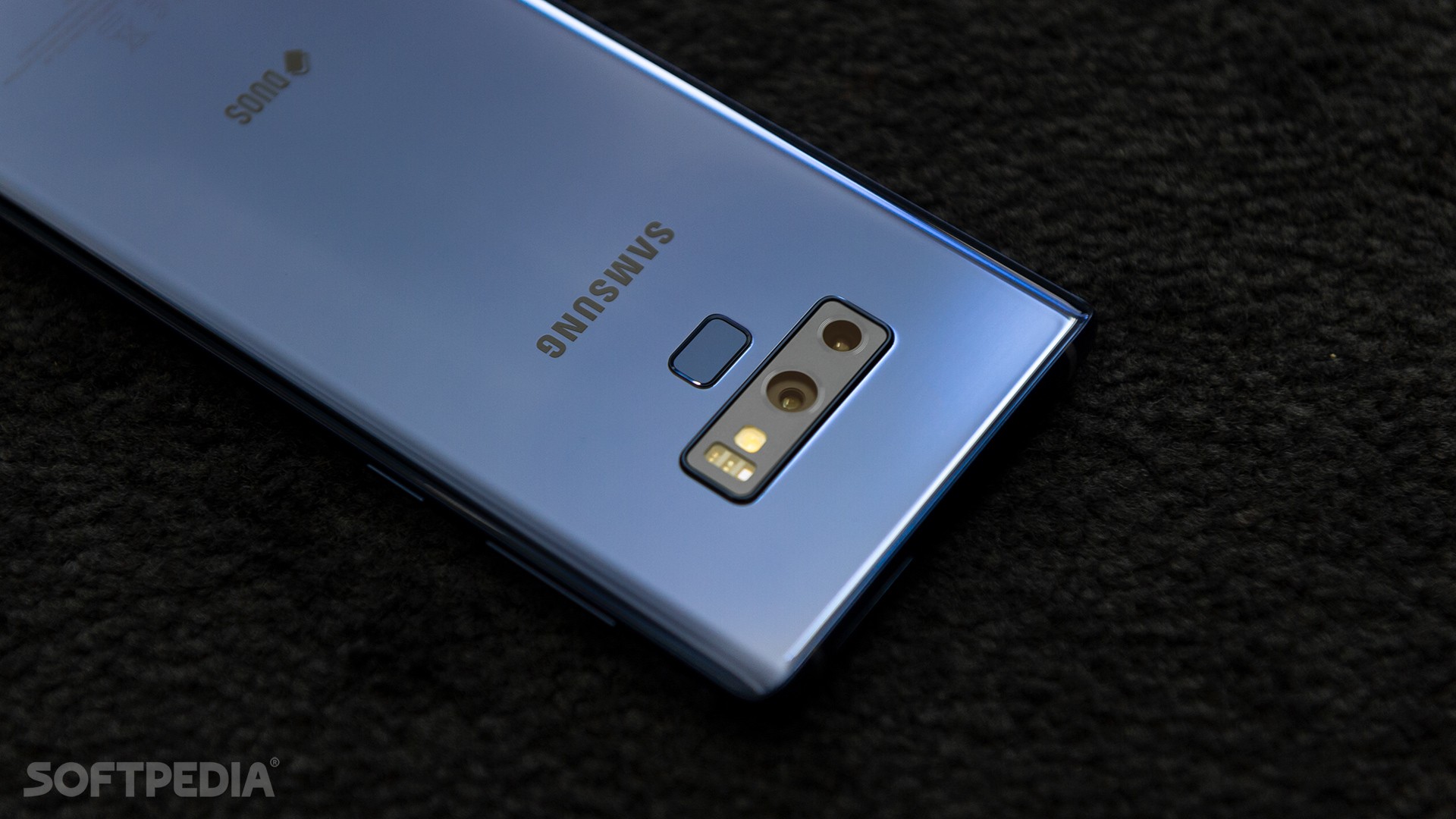
- North American Variant (SM-N960U / SM-N960U1): Powered by the Qualcomm Snapdragon 845 processor. U-models sold through US carriers are software-locked to carrier configurations but support universal US LTE/3G network bands upon network unlock.
- Global / European Variant (SM-N960F / SM-N960FD): Powered by the Samsung Exynos 9810 processor. These international models are typically factory unlocked or subject to simple regional locks resolved by making a brief local phone call with a home-region SIM card.
Method 1: How to Carrier Unlock a Note 9 via Major Wireless Networks (Official & Free)
Wireless carriers in the United States and international markets are required by industry guidelines to provide free network unlocks to eligible customers. This is the safest, most reliable method to permanently unlock your Galaxy Note 9.
AT&T Note 9 Carrier Unlock Procedure
AT&T processes all unlock requests through an automated online system.
- Visit the official AT&T Device Unlock Portal.
- Select Unlock your device and choose whether you are an AT&T wireless customer or a non-customer owning an AT&T-branded Note 9.
- Enter your 15-digit IMEI number and complete the security verification prompt.
- Submit the form and check your email for a confirmation link. Click the link within 24 hours to confirm the request.
- Once approved (typically within 24–48 hours), AT&T will email an 8-digit or 16-digit SIM Network Unlock PIN (NUCK).
- Power off the Note 9, insert a non-AT&T SIM card, and power the phone back on.
- When prompted on the screen, enter the network unlock code provided by AT&T and tap Unlock.
T-Mobile Note 9 Carrier Unlock Procedure
T-Mobile utilizes an integrated software-based unlocking system rather than traditional manual unlock codes on modern Samsung smartphones.
- Ensure the Note 9 is connected to a stable Wi-Fi network or T-Mobile cellular data connection.
- Navigate to Settings > Connections > More connection settings.
- Tap Network unlock (on older firmware versions, this may appear as a standalone app titled Device Unlock).
- Select Permanent Unlock.
- The phone communicates with T-Mobile servers. Upon verification of eligibility, the screen will display "Unlock Approved."
- Restart the Note 9 to complete the application of network parameters.
Verizon Wireless Note 9 Carrier Unlock Policy
Verizon operates an automated device unlocking policy:
- 60-Day Automatic Policy: Devices purchased directly from Verizon or authorized retailers are automatically locked for 60 days post-activation to combat fraud.
- Automatic Removal: After 60 days of continuous activation, Verizon automatically removes the network lock on their backend system. No unlock code input or manual user intervention is required.
- Troubleshooting: If your Verizon Note 9 still displays a network lock restriction after 60 days, contact Verizon customer service to request an explicit over-the-air unlock push.
Method 2: Unlocking the Note 9 Using Third-Party Services
If you are not the original account holder, purchased the device second-hand, or do not meet carrier longevity requirements, third-party code generation services offer an alternative path to unlock the device.
How Third-Party Unlock Services Work
Third-party vendors query specialized database networks to retrieve factory unlock keys tied to specific IMEI numbers. These services charge a fee depending on the carrier and region.
- Select a Reputable Vendor: Look for services offering explicit money-back guarantees if an unlock code cannot be calculated.
- Provide Device Info: Input the 15-digit IMEI, original network carrier, and exact model number (e.g., SM-N960U).
- Receive Code Set: Vendors usually send a package containing the primary Network Unlock Control Key (NCK) and a secondary Master Control Key (MCK / Defreeze code).
- Code Entry Steps:
- Power off the Galaxy Note 9.
- Insert an unsupported SIM card (from a network different from the original carrier).
- Power on the device.
- When the screen prompts "SIM network unlock PIN", carefully type the provided NCK code.
- Tap Unlock. The message "Network unlock successful" will appear, restoring full cellular connectivity.
Caution: Entering an incorrect unlock code multiple times (typically 10 failed attempts) permanently blocks the network modem, displaying "Network lock control key unlock unsuccessful" or "SIM network PIN blocked." If this occurs, you must enter the MCK (Defreeze Code) first to unblock the counter before entering the actual unlock key (NCK).
Method 3: Unlocking a Forgotten Screen Lock on the Galaxy Note 9
If you are locked out of your device due to a forgotten PIN, pattern, or password, network unlock codes will not assist you. You must reset or clear the lock screen security database.
- Galaxy Note 9 Screen Unlock Decision Tree
- Is SmartThings Find (Remote Unlock) enabled?
- YES:
- Log in to SmartThings Find online
- Select "Unlock" to clear passcode
- (Preserves all device data)
- NO:
- Must perform Hardware Recovery Factory Reset (Data will be erased)
- Is Google Account credentials known?
- YES: Complete setup post-reset via Google Account Login
- NO: Device blocked by FRP; Requires account recovery
- YES:
- Is SmartThings Find (Remote Unlock) enabled?
Option A: Samsung SmartThings Find (Preserves Device Data)
If you previously signed into a Samsung Account on the device and enabled the Remote Unlock feature prior to losing access, you can remove the lock screen remotely without losing data.
- Open a web browser on a computer or secondary device and go to the official Samsung SmartThings Find website.
- Log in using the exact Samsung Account credentials associated with the locked Note 9.
- Select your Galaxy Note 9 from the registered device list on the left panel.
- Click the Unlock icon on the control window.
- Re-enter your Samsung Account password to confirm your identity.
- The lock screen setting on your Note 9 will automatically reset to swipe status, removing the PIN, pattern, password, or biometric requirement.
Option B: Hardware Recovery Factory Reset (Erases Device Data)
If remote management was not configured, you must perform a hardware factory reset via Android Recovery Mode. This process erases all internal storage, including photos, apps, messages, and local files.
- Power off the Galaxy Note 9 completely. (If the screen lock prevents powering off, hold Power + Volume Down until the screen turns black, then instantly switch hand positioning to step 2).
- Press and hold Volume Up + Bixby Button + Power Button simultaneously.
- Release all buttons when the Android boot logo appears and the device enters Android Recovery Mode.
- Use the Volume Down button to navigate down the menu and highlight Wipe data / factory reset.
- Press the Power button to select the option.
- Navigate down to select Yes or Factory data reset and confirm with the Power button.
- Once the format process displays "Data wipe complete" at the bottom of the screen, select Reboot system now.
Factory Reset Protection (FRP) Warning
After performing a hardware recovery reset, the device setup wizard will display a screen stating: * "This device was reset. To continue, sign in with a Google Account that was previously synced on this device."*
- Authorized Access: Enter the Google email address and password previously logged into the device to complete activation.
- Forgotten Account Credentials: If you do not know the credentials, visit Google's Account Recovery portal from another device to reset your password. Once changed, wait 24 hours before logging into the reset Note 9 to clear security locks enforced by Google.
Note 9 Carrier & Screen Unlock Technical Comparison
| Unlock Type | Primary Purpose | Cost | Preserves Local Data? | Prerequisites | Processing Time |
|---|---|---|---|---|---|
| Official Carrier Unlock | Remove SIM network lock | Free | Yes | Fully paid off; active account 40–60 days; clean IMEI | 24 Hours – 7 Days |
| Third-Party Code (NCK) | Remove SIM network lock | $15 – $45 | Yes | Valid 15-digit IMEI; modem counter not frozen | 1 Hour – 72 Hours |
| Samsung SmartThings Find | Bypass lost screen PIN/Pattern | Free | Yes | Samsung Account active on phone; Remote Unlock enabled | Instant (Remote) |
| Recovery Factory Reset | Remove lost screen PIN/Pattern | Free | No (Erases storage) | Physical access; knowledge of Google Account (FRP) | 10 Minutes |
Legal Protections and Regulatory Rules for Phone Unlocking
Consumer rights regarding device unlocking vary by country, but regulatory frameworks strongly support the right of device owners to switch network providers.
In the United States, phone unlocking is regulated by the Federal Communications Commission (FCC) and governed under the Unlocking Consumer Choice and Wireless Competition Act. Under these laws:
- Carriers must disclose clear policies regarding device unlocking.
- Carriers are legally obligated to unlock devices for eligible consumers once contractual terms, installment payments, or minimum active service obligations are fulfilled.
- Carriers cannot charge existing or former customers an additional fee to unlock an eligible device.
- Unlocking a legally acquired phone does not violate copyright laws or federal anti-circumvention provisions under the Digital Millennium Copyright Act (DMCA).
For authoritative detailed regulatory guidelines, review the FCC Cell Phone Unlocking FAQ.
Troubleshooting Common Note 9 Unlock Errors
Error: "Invalid SIM Card" or "SIM Not Supported"
This error indicates that the Samsung Galaxy Note 9 hardware is currently locked to a specific original provider and cannot recognize the radio profile of the inserted SIM card.
- Solution: Follow Method 1 or Method 2 to acquire and enter a Network Unlock PIN (NCK). Verify that the target SIM card is fully active and functioning on a separate unlocked device.
Error: "Network Unlock Control Key Unlock Unsuccessful"
This message occurs when an incorrect unlock PIN has been entered repeatedly into the prompt screen. The modem security counter is temporarily or permanently locked to protect the security chip.
- Solution: Obtain the MCK (Defreeze Key) from your unlock provider or carrier. Type the MCK code into the unlock screen first, hit unlock (which may report failure or prompt for the code again), and immediately enter the correct 8-digit or 16-digit NCK code.
No Unlock Code Prompt Displayed When Inserting SIM Card
If inserting a foreign SIM card brings you directly to the home screen without prompting for an unlock code, the device may be experiencing a software glitch or may already be carrier unlocked.
- Verification: Disable Wi-Fi completely, open the Phone app, and place an outbound test call over cellular network bands. Alternatively, check Settings > About phone > Status information > SIM card status to inspect network registration states.
Frequently Asked Questions
Does carrier unlocking a Samsung Galaxy Note 9 erase phone data?
No. Carrier unlocking only modifies the network registration policies stored within the device modem partition. All your applications, photos, contacts, messages, and personal files remain entirely untouched throughout the network unlocking process.
How do I get an MCK (Master Control Key) or Defreeze code for my Note 9?
An MCK code is required if an incorrect network unlock code has been entered multiple times, locking the modem database. Official carriers can provide an MCK code by escalating your ticket to specialized tier-3 technical support. Third-party unlock services often include the MCK code alongside the standard NCK unlock code upon purchase.
Can I unlock a Note 9 if it is still under contract or financed?
Official network carriers will not approve a free network unlock request if the Galaxy Note 9 is currently attached to an active financial installment plan with an outstanding balance. You must pay off the remaining balance of the device before submitting your carrier request.
What is the difference between the US model (SM-N960U) and Global model (SM-N960F)?
The US model (SM-N960U) runs on a Qualcomm Snapdragon processor and uses carrier-specific firmware configurations that require manual NCK codes or system unlock options. The global model (SM-N960F) runs on an Exynos processor and features broader international frequency band compatibility out of the box, requiring only standard regional unlock protocols.
Will carrier unlocking my Note 9 allow it to work on any carrier worldwide?
Carrier unlocking enables the hardware modem to operate on alternative networks, but performance depends on physical frequency compatibility. The Galaxy Note 9 supports extensive global GSM, UMTS, and LTE frequency bands, allowing fully unlocked models to operate across virtually all major worldwide networks.
Final Recommendation and Next Actions
If you are attempting to switch cellular networks, start by contacting your current carrier or submitting a request through their online portal. Official carrier unlocks are free, permanent, and maintain the software integrity of your device. Always verify your device's 15-digit IMEI by dialing *#06# prior to submitting any unlock application.
If you are locked out of your device due to a forgotten passcode, attempt remote unlock using Samsung SmartThings Find to preserve your local files. If remote unlocking is not configured, perform an Android Recovery hardware reset, ensuring you have access to the original Google Account credentials to successfully navigate Factory Reset Protection.
Image Gallery