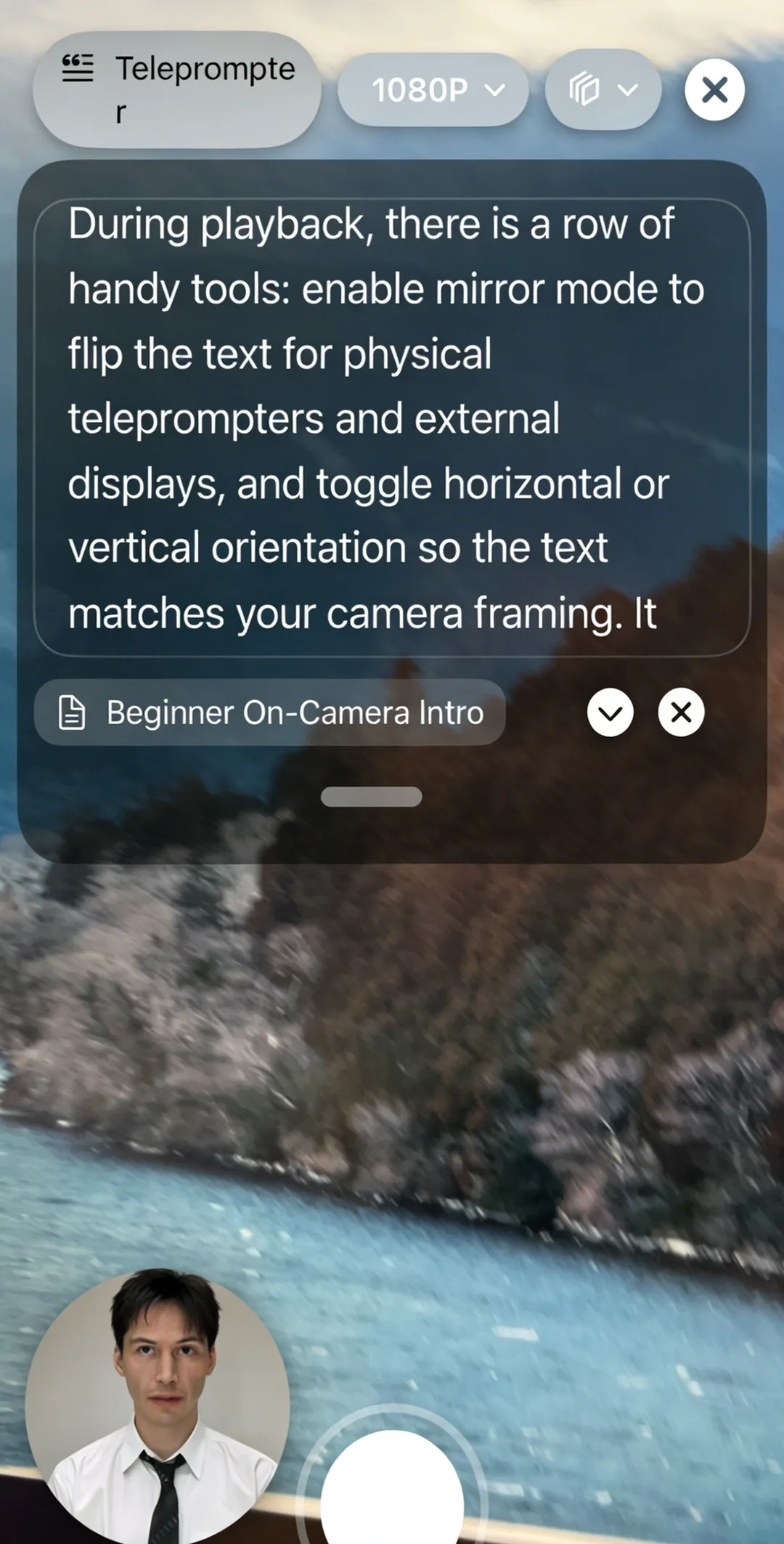
Finding the Best Teleprompter App for iPhone in 2026
Choosing the best teleprompter app for iPhone depends on your specific video production workflow, whether you record solo content for social media, stream live, or shoot professional corporate interviews. The ideal application balances...
Choosing the best teleprompter app for iPhone depends on your specific video production workflow, whether you record solo content for social media, stream live, or shoot professional corporate interviews. The ideal application balances smooth text-scrolling mechanics, high-definition camera control, remote accessory integration, and reliable audio-visual synchronization to eliminate awkward script memorization and keep your eyes aligned with the camera lens.
Contents
Essential Criteria for Evaluating iPhone Teleprompter Software
Evaluating teleprompter applications requires looking past basic text display. Modern mobile video creation demands seamless hardware integration and intuitive software design to ensure your delivery appears natural and engaging.
Text Customization and Scroll Mechanics
The foundation of any teleprompter app lies in how it presents text. Look for tools that offer granular control over:
- Font Scaling and Typeface: Ability to adjust letter size without breaking paragraph flow, alongside high-contrast display modes for various lighting conditions.
- Scroll Speed and Margins: Adjustable speed controls measured in words per minute (WPM), paired with adjustable horizontal and vertical margins so your eyes remain centered near the device's front-facing camera lens.
- Mirroring Options: Hardware support for physical glass teleprompter rigs that require inverted text reflection.
Camera Integration and Resolution Limits
A great prompter app functions simultaneously as a robust camera suite. High-performance software should grant direct access to native iPhone optics, allowing you to lock exposure, adjust white balance, and record in up to 4K resolution at 60 frames per second. Features like gridlines, framing guides, and audio level meters ensure broadcast-quality output directly from your mobile device.
Audio Management and Synchronization
Clear audio is non-negotiable for video content. Advanced applications support external microphones (Lightning, USB-C, and wireless Bluetooth lavaliers) and provide visual audio waveforms during recording. Some platforms include AI-powered noise reduction or automatic transcript generation to streamline post-production workflows.
Top Teleprompter Applications for iOS Compared
Different content creators require different feature sets. The following comparison breaks down the leading teleprompter applications available on the iOS App Store, evaluating their core strengths, pricing structures, and ideal use cases.
| App Name | Primary Strengths | Pricing Model | Best Suited For |
|---|---|---|---|
| PromptSmart Pro | Voice-recognition scrolling engine that follows your actual speaking pace | Subscription / One-time purchase | Solo creators, educators, and spontaneous speakers |
| Bigvu | All-in-one scriptwriting, teleprompter recording, and automated captioning | Freemium / Tiered subscription | Social media marketers and video journalists |
| Teleprompter Premium | Highly customizable display, remote control via Bluetooth, and mirroring | Free trial / One-time unlock | Professional presenters and studio setups |
| NanoTeleprompter | Lightweight, clean interface designed to overlay other video apps | Free / In-app purchases | Live streamers and casual content creators |
Deep Dive into Leading iOS Teleprompter Options
Understanding the nuances of individual applications helps match your production style with the right digital tool.
PromptSmart Pro: Voice-Tracking Technology
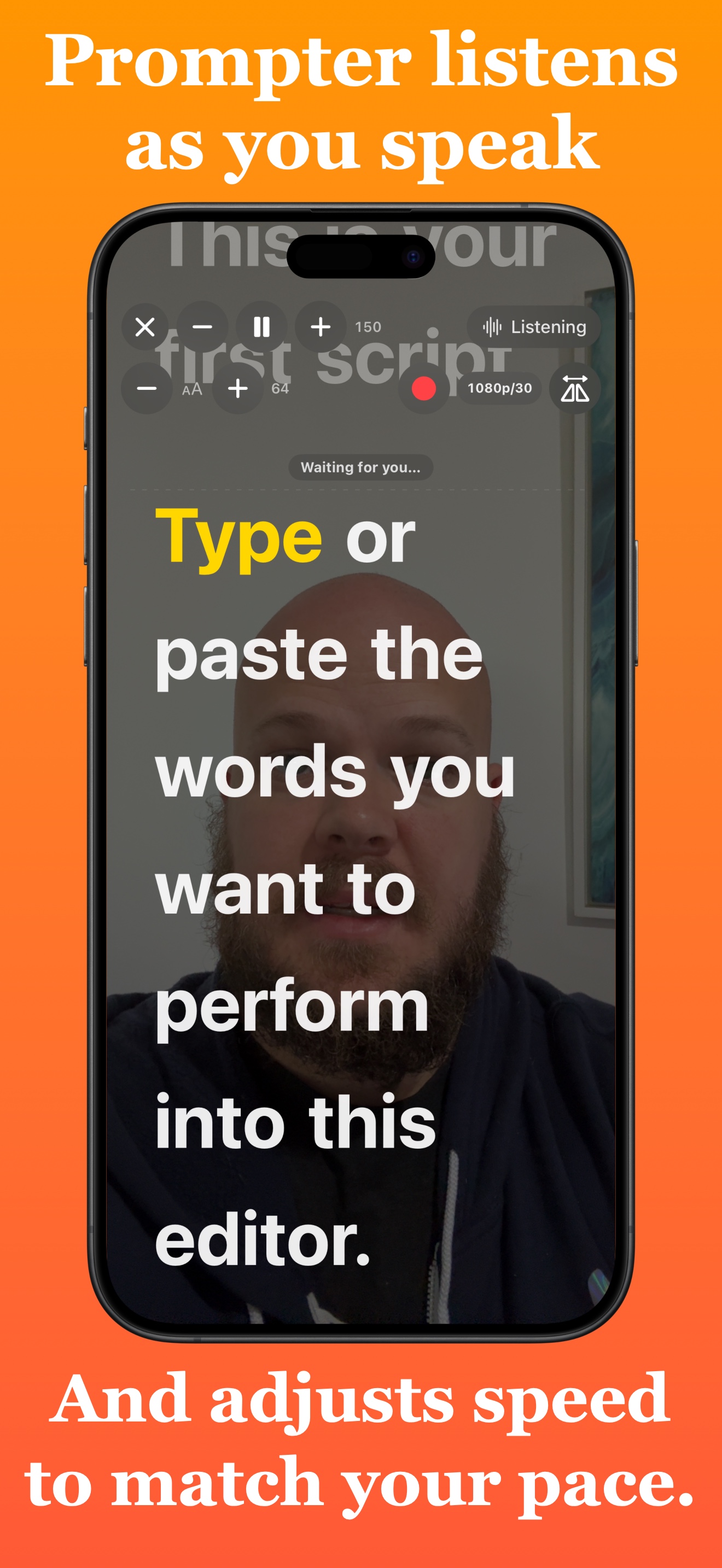
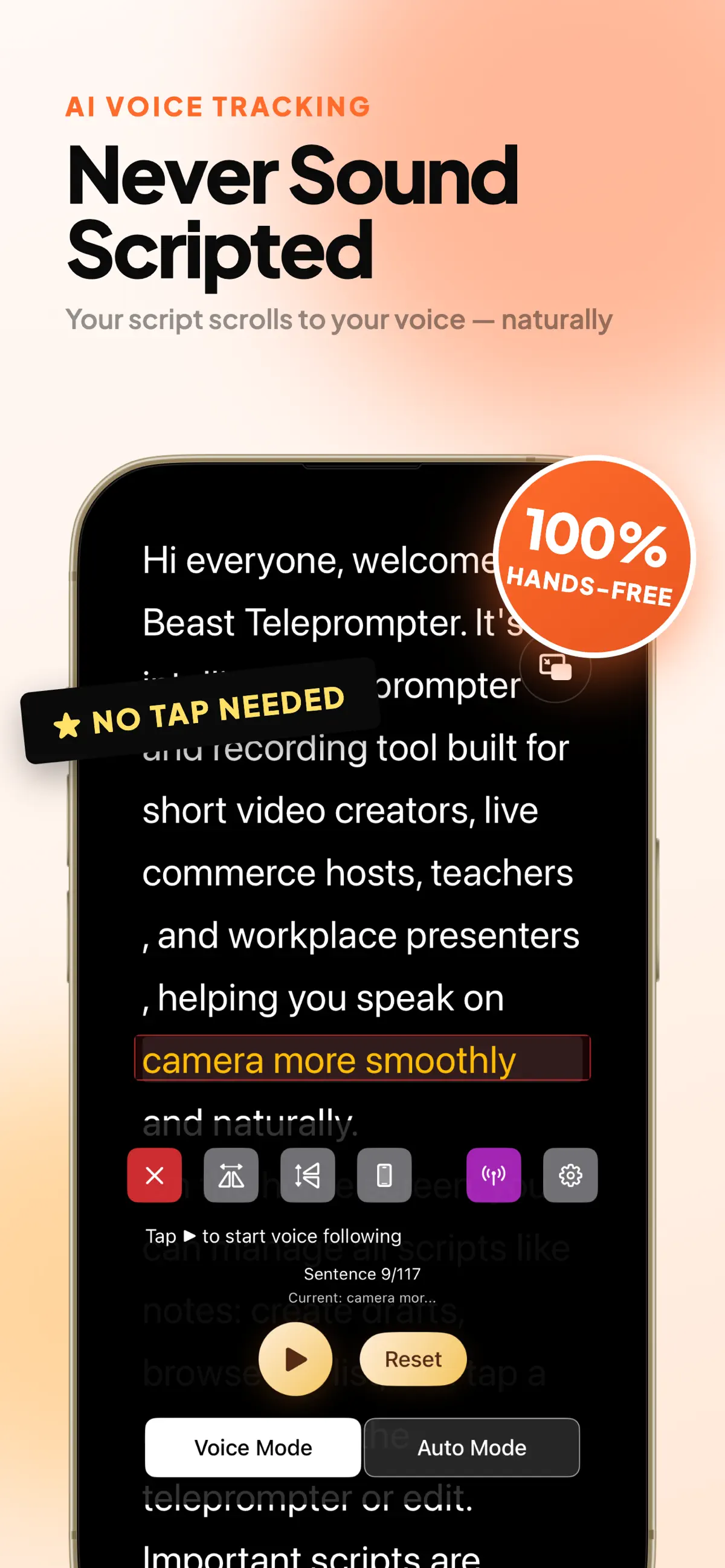
PromptSmart Pro stands out by utilizing patented voice-recognition technology. Instead of relying on a pre-set scroll speed—which forces you to match an artificial cadence—the app listens to your voice via the iPhone microphone. If you pause for emphasis, go off-script briefly, or speak quickly, the text pauses or speeds up dynamically. This approach drastically reduces the robotic delivery often associated with traditional prompts.
Bigvu: The Complete Video Studio Ecosystem
Bigvu is built for creators who want an end-to-end publishing solution. It combines a script generator, a teleprompter with adjustable text zones, and automated cloud-based video styling tools. Once recorded, Bigvu automatically adds animated captioning, trims dead air, and formats your video for vertical (TikTok, Instagram Reels, YouTube Shorts) or horizontal (YouTube, LinkedIn) aspect ratios.
Teleprompter Premium: Professional Customization
For users who operate physical hardware rigs or need granular control over display aesthetics, Teleprompter Premium offers extensive customization. It supports multi-device pairing, allowing you to control scroll speed and playback remotely using a second iOS device, a Bluetooth keyboard, or a dedicated presentation clicker.
Step-by-Step Guide to Recording Professional Videos on iPhone
Achieving polished results with your chosen teleprompter app requires a structured setup process. Follow this workflow to maximize video quality and minimize eye strain.
- Position Your Script and Eye Line: Place the teleprompter text window as close to the iPhone camera lens as physically possible on your screen. This minimizes the noticeable sideways glance of your eyes during recording.
- Optimize Lighting and Environment: Set up a clean background and position a softbox light or ring light in front of you. Proper lighting ensures your iPhone camera captures sharp footage at a low ISO, reducing digital noise.
- Configure Camera Settings: Open your prompter app's built-in camera settings. Lock your focus and exposure (AE/AF lock) to prevent the camera from hunting for light if you move your hands or body.
- Test Your Scroll Speed: Run a test read-through. If using a manual scroll app, fine-tune the words-per-minute setting. If using a voice-tracking app, calibrate the microphone input level to ensure accurate speech detection.
- Review and Iterate: Record a short 30-second clip, review the framing, audio clarity, and eye alignment, and make final adjustments before recording your full presentation.
Common Teleprompter Mistakes and How to Avoid Them
Even with advanced software, certain pitfalls can make teleprompter-assisted videos look unnatural.
- The "Reading Eyes" Trap: Placing the text box too far down the screen causes your eyes to dart up and down. Keep the text block narrow and centered near the top of the display.
- Ignoring Natural Pauses: Stiff, unblinking delivery ruins viewer engagement. Write your scripts using conversational language, and allow for natural breathing room in your punctuation.
- Relying Solely on Auto-Scroll Without Practice: Always rehearse your script at least twice with the prompter running. Knowing your content prevents you from sounding rushed when the text moves forward.
Frequently Asked Questions
What is the best teleprompter app that scrolls as I speak?
PromptSmart Pro is widely regarded as the industry standard for voice-tracking teleprompter apps on iPhone because its scrolling engine matches your real-time speaking pace using speech recognition. This eliminates the need to manually pace yourself against a rigid timer.
Can I use a Bluetooth remote with iPhone teleprompter apps?
Yes, most professional teleprompter apps for iOS support Bluetooth keyboards, presentation clickers, and companion iOS remote apps. This allows you to start, stop, pause, and speed up text scrolling without touching your recording iPhone.
How do I stop my eyes from looking back and forth while reading?
To minimize eye movement, reduce the text box width in your app settings so that words stack vertically in a narrow column, and position that column directly over the iPhone's front-facing camera lens. Stepping back slightly from the camera also broadens your focal plane.
Do these apps work with external microphones?
Major iOS teleprompter applications automatically route audio through any connected external microphone, including Lightning, USB-C, and wireless lavalier systems. Always check the app's internal audio meter before recording to verify input levels.
Are there completely free teleprompter apps for iPhone?
Several apps offer robust free tiers, though they often include watermarks, recording time limits, or locked advanced features. Paid options or freemium models are generally necessary for watermark-free, high-resolution 4K exports and remote control capabilities.
Elevate Your Mobile Video Production Today
Mastering the use of a teleprompter app on your iPhone transforms your mobile device into a portable broadcasting studio. By selecting an application that matches your content style—whether it relies on voice-tracking intelligence or high-end remote control—you can deliver confident, scripted messages with direct eye contact, saving hours of recording time and post-production editing.
Image Gallery