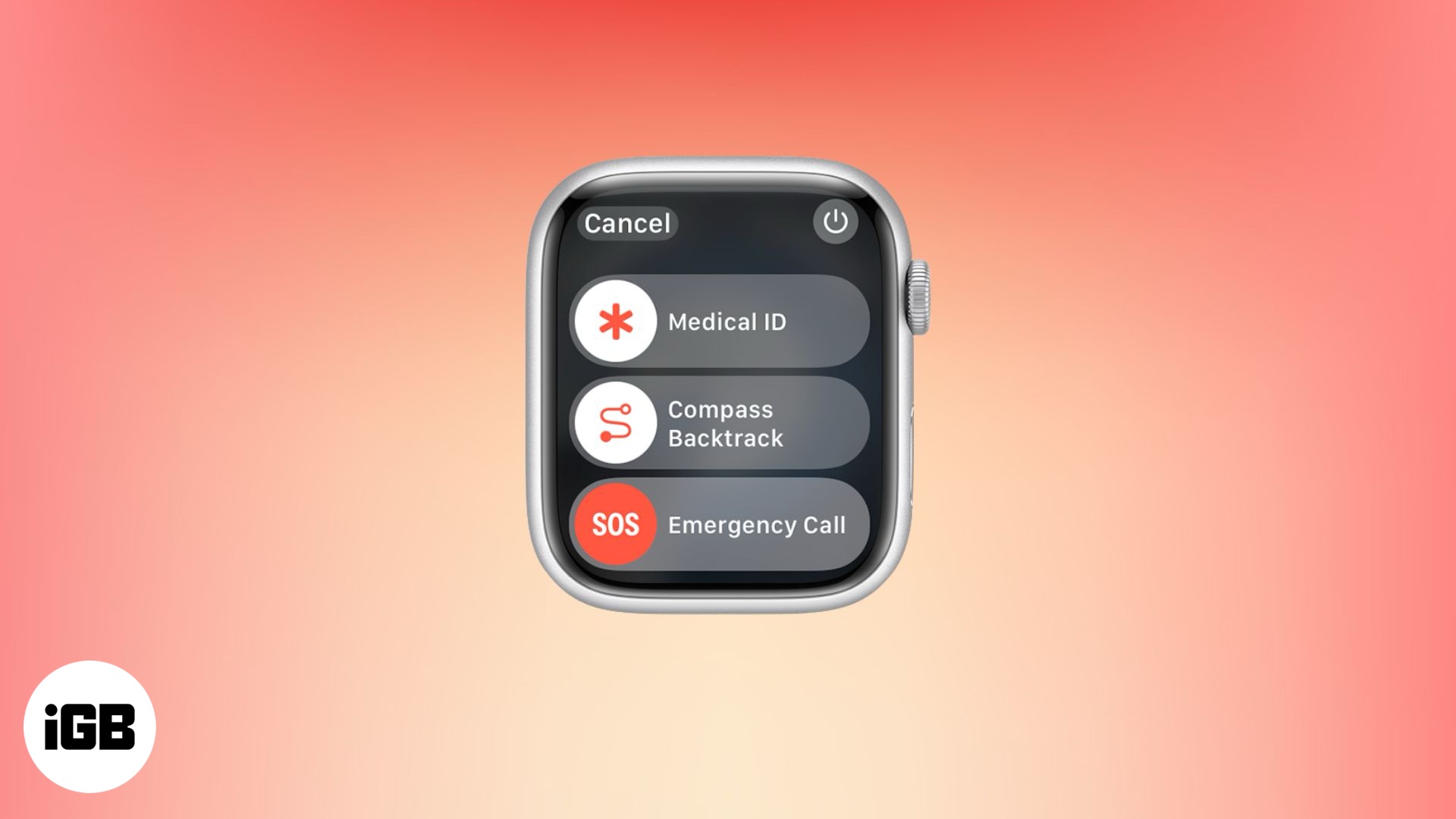
How the SOS Apple Feature Reshapes Emergency Calls
Apple’s Emergency SOS and satellite connectivity features have fundamentally transformed how individuals request help in critical situations, bridging the gap between traditional cellular networks and remote wilderness locations. By co...
Apple’s Emergency SOS and satellite connectivity features have fundamentally transformed how individuals request help in critical situations, bridging the gap between traditional cellular networks and remote wilderness locations. By combining automated crash detection, satellite text capabilities, and streamlined location sharing, these tools have altered the landscape of personal safety and emergency dispatch operations worldwide.
Contents
The Evolution of Personal Emergency Communications
For decades, seeking emergency assistance relied entirely on maintaining a stable cellular connection and verbally describing one's location to a dispatcher. If a user was trapped in a remote mountain range, a dense forest, or a deep canyon without cellular coverage, traditional emergency calls were impossible. The introduction of Apple's Emergency SOS features addresses this vulnerability by integrating hardware-level satellite connectivity directly into consumer smartphones.
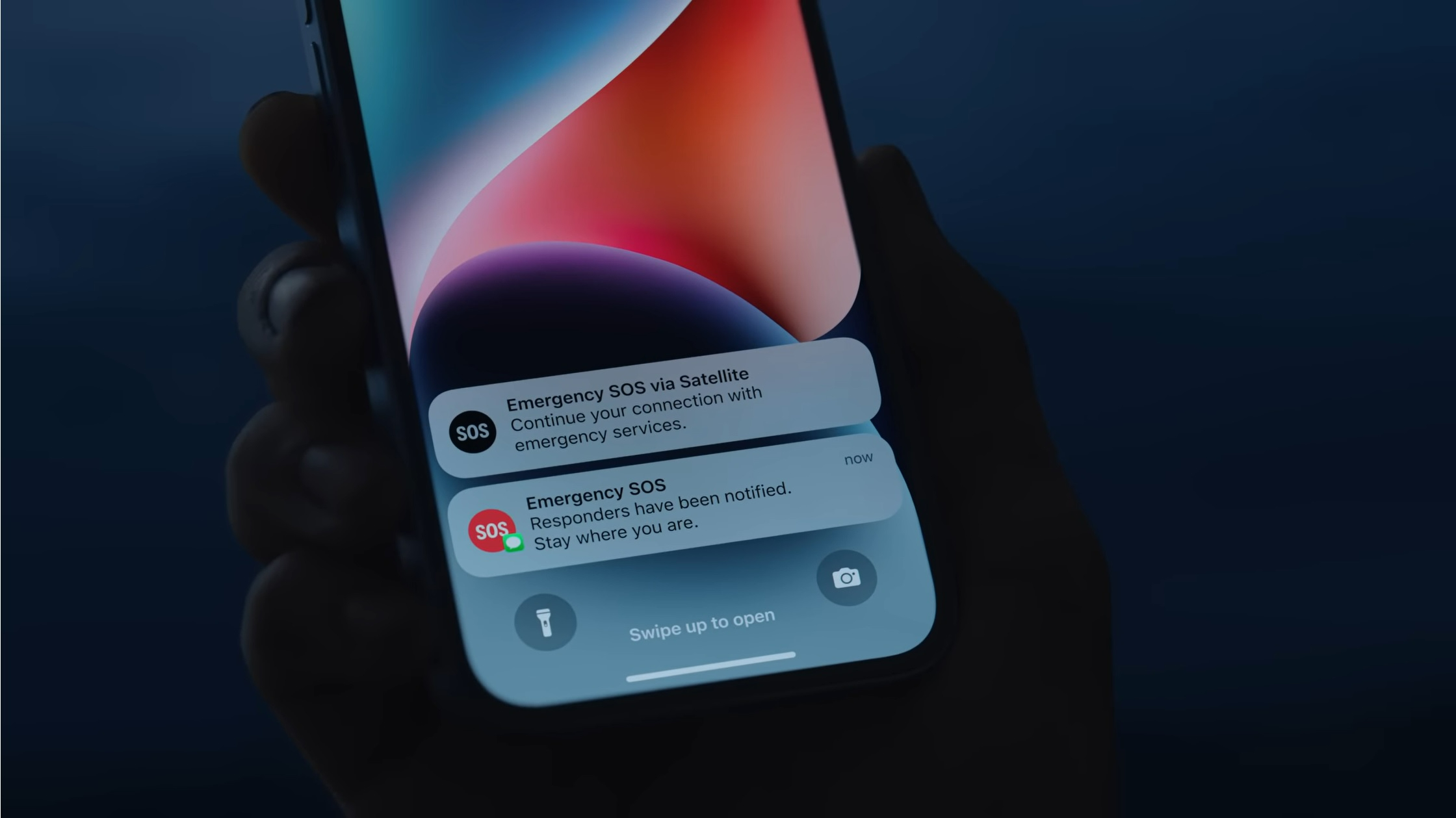
This technological shift moves emergency communication from reactive voice calls to data-efficient, structured text transmissions. When a cellular signal is absent, supported iPhone models guide users to point their devices toward overhead communication satellites. This connection allows individuals to transmit compressed data packets containing critical information—such as medical IDs, emergency contact numbers, battery levels, and exact GPS coordinates—directly to relay centers staffed by trained specialists.
The integration of these capabilities into standard consumer electronics means that millions of people carry enterprise-grade location and messaging tools without purchasing specialized satellite messengers. Consequently, public safety answering points (PSAPs) and search and rescue (SAR) organizations have had to adapt their intake procedures to handle structured data feeds originating from consumer technology manufacturers.
Core Technologies Powering Apple Emergency SOS
Understanding how Apple’s safety ecosystem operates requires examining the distinct yet interconnected technologies that work beneath the surface. These tools are designed to function seamlessly even when the user is incapacitated or disoriented.
Satellite Connectivity Architecture
The satellite-based SOS feature utilizes specialized radio frequency hardware integrated into modern iPhone models to communicate directly with Low Earth Orbit (LEO) satellites operated by providers like Globalstar. Because these satellites move rapidly across the sky rather than remaining stationary like geostationary units, the device's software utilizes a dynamic user interface to direct the user precisely where to point the phone.
To overcome the bandwidth limitations of space-based communications, Apple developed specialized text compression algorithms. Standard emergency messages are compressed to a fraction of their original size, allowing critical data like latitude, longitude, elevation, and battery status to transmit within seconds despite the extreme distance and moving orbital paths.
Crash and Fall Detection Integration
In addition to manual triggers, modern Apple devices feature automated sensors, including high-g accelerometers, high-dynamic-range gyroscopes, microphones, and barometers. These sensors continuously monitor for physical impacts consistent with severe automobile crashes or hard falls.
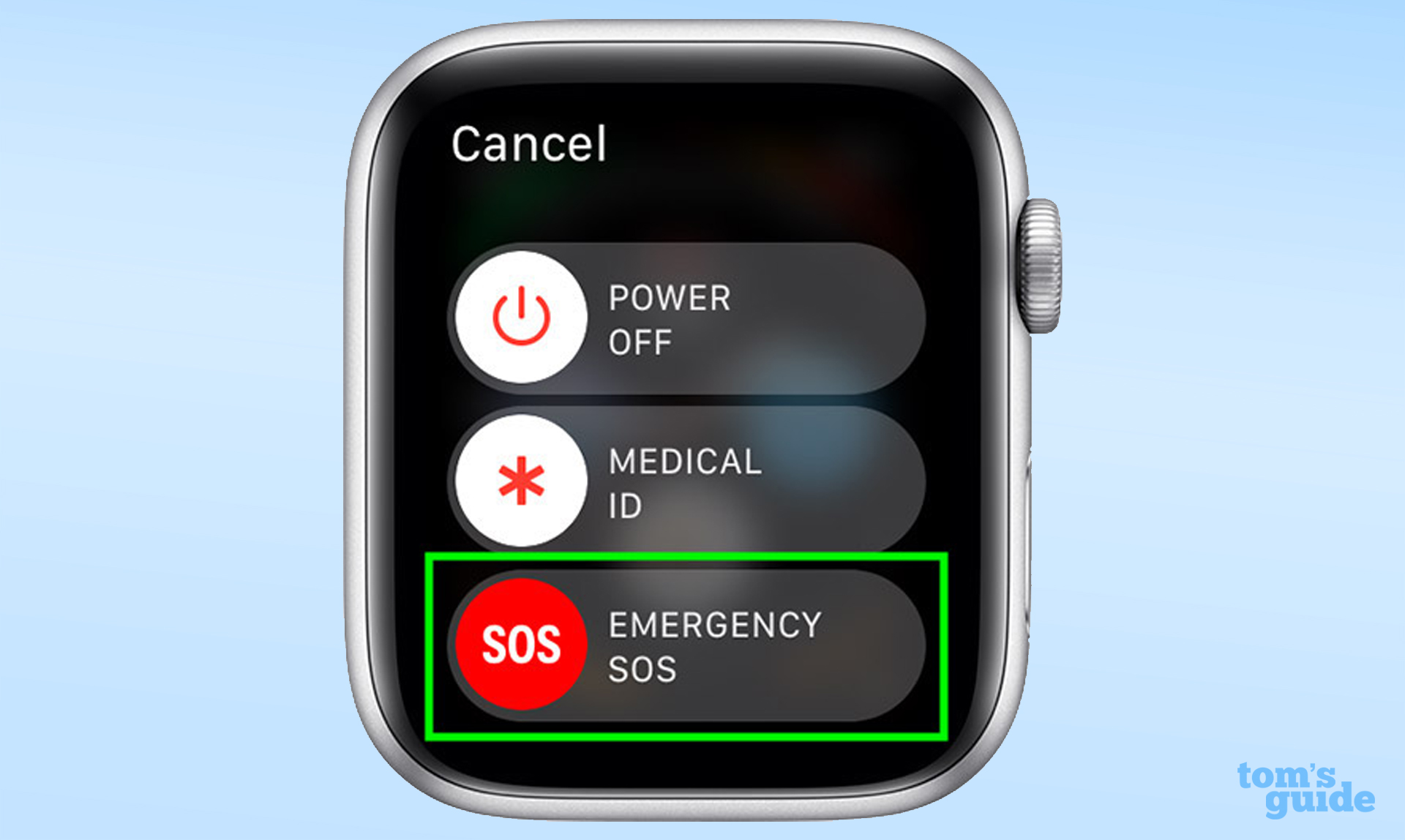
When the hardware registers a potential collision or fall, it initiates a countdown timer accompanied by an audible alarm. If the user does not dismiss the alert, the device automatically places an emergency call or transmits an SOS message via available cellular networks or satellite connections. This automated response is particularly vital when users are unconscious or trapped inside a severely damaged vehicle.
| Feature Name | Primary Requirement | Operational Medium | Key Data Transmitted |
|---|---|---|---|
| Emergency SOS (Cellular) | Active cellular coverage or Wi-Fi calling | Voice and Data | Audio channel, GPS coordinates, User Location |
| Emergency SOS via Satellite | Clear view of the sky, supported iPhone | LEO Satellite Data | Compressed text, GPS coordinates, Medical ID |
| Crash Detection | Supported iPhone or Apple Watch | Cellular or Satellite | Impact metrics, GPS coordinates, Audio status |
| Roadside Assistance via Satellite | Clear view of the sky, subscription/activation | LEO Satellite Data | Vehicle status, specific breakdown location |
Operational Impact on Emergency Dispatch and SAR Teams
The widespread deployment of smartphone-based emergency signaling has had a profound impact on emergency services, presenting both significant advantages and operational challenges for first responders.
On the positive side, the precision of GPS coordinates provided by Apple's safety features drastically reduces search radiuses. Traditional emergency calls often rely on cell tower triangulation, which can span miles in rural areas or dense terrain. Precise satellite data pinpoints a user's location to within a few meters, allowing search and rescue teams to deploy resources directly to the site rather than conducting broad sweeps.
However, this influx of precise data has also strained dispatch centers. Because relay centers filter the initial satellite texts before contacting local authorities, dispatchers receive standardized, highly accurate data packets. Nevertheless, false triggers from accidental button presses or hyper-sensitive fall detection algorithms occasionally generate unnecessary dispatches. Emergency agencies have had to establish new protocols to verify satellite-generated alerts before deploying costly helicopter or ground-search assets.
User Guidance: Prerequisites and Preparation
To ensure these safety features function correctly when an emergency occurs, users must understand the hardware requirements, software settings, and operational best practices necessary for successful deployment.
- Hardware and Software Compatibility: Satellite SOS requires compatible hardware models running up-to-date operating system software. Users should regularly check for system updates to ensure their device firmware includes the latest satellite constellation routing tables.
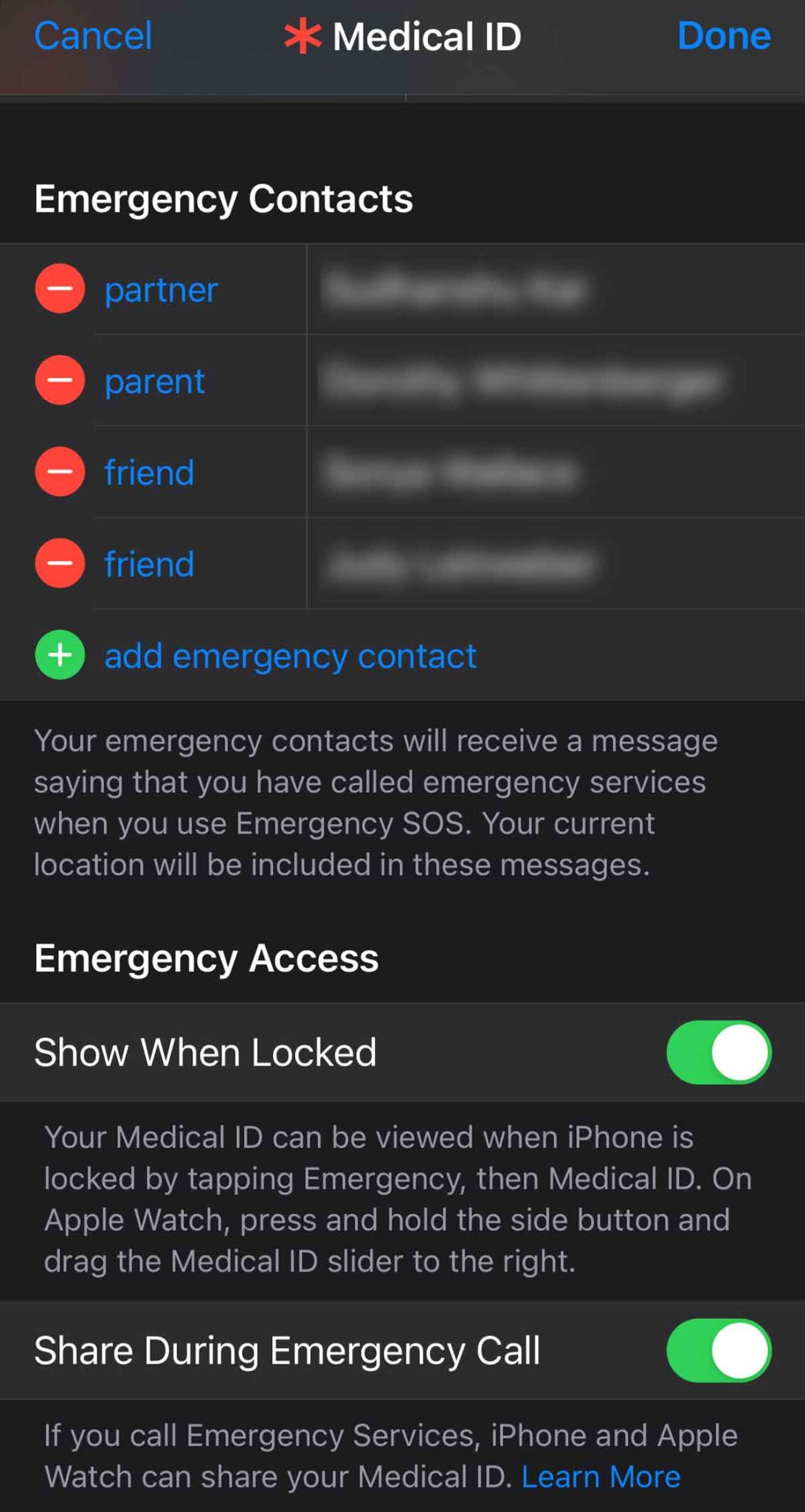
- Medical ID Configuration: Setting up the Health app's Medical ID is crucial. First responders rely on this data for critical medical history, allergies, and emergency contact details transmitted automatically during an SOS event.
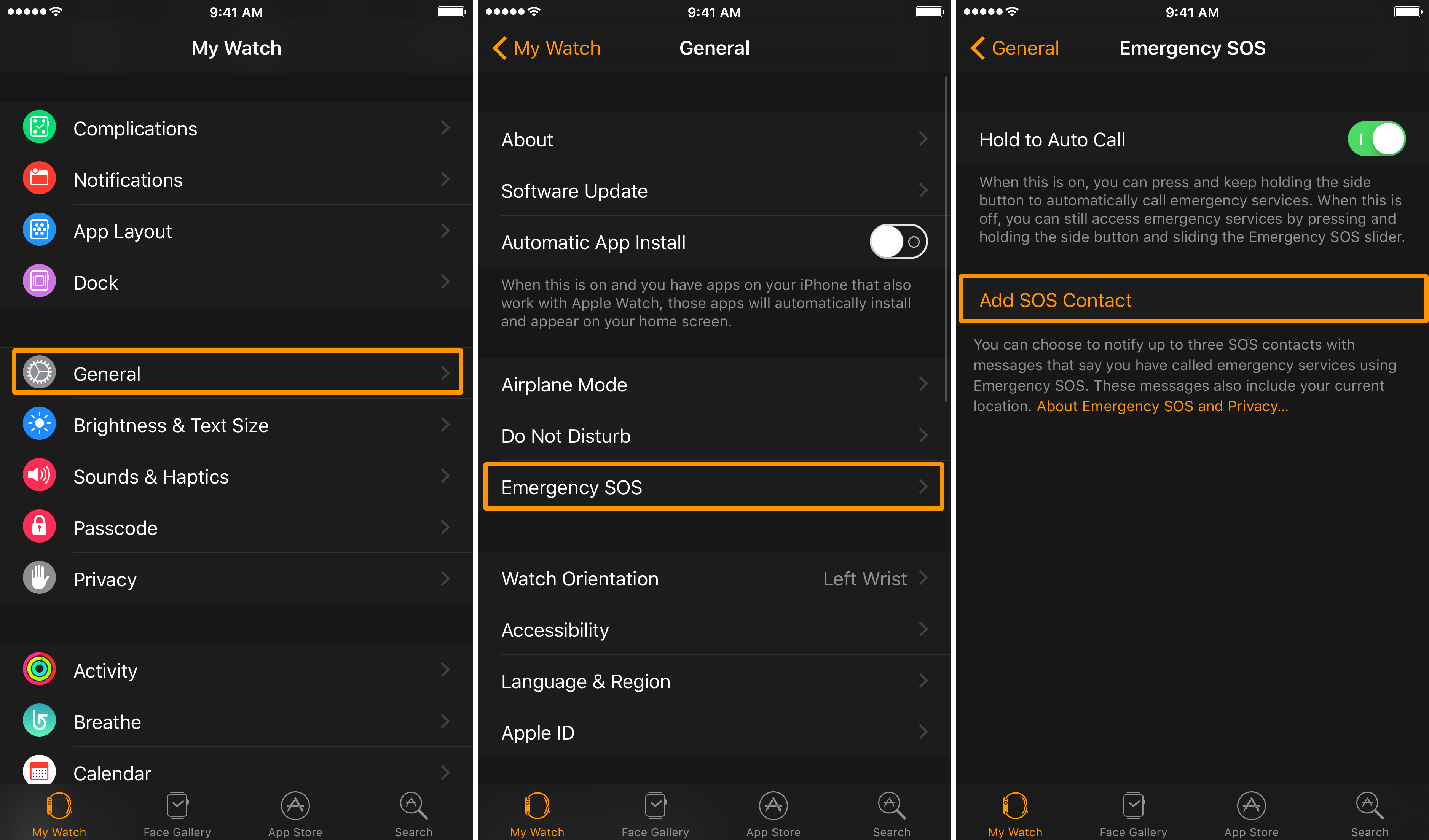
- Testing and Demonstration: Apple includes a built-in demonstration mode for satellite connectivity. Users can practice the alignment procedure in an open outdoor area without contacting actual emergency services, ensuring familiarity with the interface before a crisis occurs.
- Environmental Factors: Satellite connectivity requires a direct line of sight to the sky. Heavy overhead foliage, deep canyon walls, or dense urban concrete can obstruct the signal and increase transmission times.
Limitations and Practical Considerations
While Apple’s safety features represent a major leap forward in personal protection, they are not a replacement for traditional safety gear, proper planning, and situational awareness in hazardous environments.
The system is dependent on battery life. In extreme cold or extended wilderness excursions, device batteries can deplete rapidly, rendering the emergency transmitter useless. Furthermore, satellite services rely on infrastructure that may experience temporary capacity bottlenecks during major regional disasters when thousands of users attempt to connect simultaneously.
Cost is another consideration; while basic satellite SOS features have historically been included free of charge for initial activation periods with new device purchases, users should verify current subscription terms and service availability within their specific geographic regions, as coverage is not yet universally deployed across every country.
Frequently Asked Questions
How do I use Emergency SOS via satellite when there is no cellular service?
When you attempt to call emergency services and no cellular network is available, an option to "Emergency Text via Satellite" will appear on your screen. Tapping this option launches a short interactive questionnaire that gathers vital details about your situation. The interface then displays an onscreen guide directing you to move your phone left or right to align with a passing satellite, maintaining that position until the compressed data packet is successfully transmitted.
Does Apple Emergency SOS cost money to use?
Apple includes satellite-based emergency services for free for a designated period upon the activation of a supported device. Users should check their specific device settings under the Emergency SOS menu to confirm active status, trial expiration dates, and any applicable terms for ongoing access.
Can emergency services text me back through the satellite connection?
Yes. Once your initial emergency message and location data are received by the relay center, dispatch specialists can establish a two-way text communication channel. This allows emergency personnel to ask clarifying questions about your medical condition, changing weather, or specific rescue requirements while you maintain your satellite connection.
What happens if I accidentally trigger Crash Detection?
If your device detects a severe impact, an alarm sounds and a 20-second countdown begins before it automatically contacts emergency services. If you are safe and the impact was a false alarm, simply tap "I'm not involved in a crash" or cancel the call on your screen before the countdown concludes.
Are these satellite features available worldwide?
Availability depends on your current geographic location, local regulatory approvals, and satellite constellation coverage. While coverage spans many major regions including North America, parts of Europe, and select international areas, users should review Apple's official regional coverage map before traveling into remote or international territories.
Conclusion and Next Actions
Apple's integration of satellite connectivity and automated safety sensors into consumer devices has permanently altered emergency response dynamics, turning pocket-sized electronics into reliable lifelines. To make the most of these capabilities, verify that your device software is current, configure your Medical ID within the Health application, and practice using the satellite demonstration mode in an open outdoor space. Taking these proactive steps ensures you are prepared to communicate effectively should an unexpected emergency arise.
Image Gallery