How to Install IPA Files: A Comprehensive Guide to iOS Sideloading in 2026
Installing IPA files on an iOS device involves "sideloading," a process that bypasses the official Apple App Store to install applications. To do this in 2026, you primarily use signing tools like AltStore or Sideloadly on a computer,...
Installing IPA files on an iOS device involves "sideloading," a process that bypasses the official Apple App Store to install applications. To do this in 2026, you primarily use signing tools like AltStore or Sideloadly on a computer, or official developer utilities like Xcode and Apple Configurator. Users in the European Union may also utilize authorized alternative app marketplaces.
Contents
The IPA (iOS App Store Package) file is the backbone of the mobile ecosystem for Apple devices. While the average user rarely interacts with these files directly, developers, beta testers, and power users often need to install them manually. Understanding the technical architecture of these files and the security protocols governing their installation is essential for a successful setup.
Understanding the IPA File Structure and iOS Security
An IPA file is essentially a compressed ARM-binary archive. If you were to change the extension from .ipa to .zip, you could unzip it to find the "Payload" folder containing the .app bundle, which includes the executable code, icons, and info.plist metadata.
The primary hurdle in installing these files is Apple’s "Code Signing" requirement. Every app running on iOS must be signed by a certificate trusted by the operating system. When you download an app from the App Store, Apple provides the signature. When you install an IPA file yourself, you must provide your own signature using an Apple ID or a developer certificate.
The Role of Developer Profiles
There are two main types of signing profiles used for sideloading:
- Free Apple ID: Allows you to sign up to three apps at a time. These signatures expire every seven days, requiring a "refresh" to keep the apps functional.
- Paid Apple Developer Program ($99/year): Allows for virtually unlimited apps, and the signatures remain valid for a full year.
Prerequisites for Installing IPA Files
Before attempting any installation method, ensure you have the following components ready. By 2026, iOS security remains stringent, and missing a single prerequisite will result in installation failure.
- A Computer: Most reliable methods require a Mac (running macOS 13 or later) or a Windows PC (with the latest version of iTunes and iCloud installed directly from Apple, not the Microsoft Store).
- USB-C or Lightning Cable: While some tools support Wi-Fi syncing, the initial handshake usually requires a physical connection.
- Apple ID: A standard Apple ID is sufficient, though a dedicated "throwaway" account is often recommended for privacy when using third-party sideloading tools.
- Developer Mode: On modern versions of iOS (iOS 16 through iOS 19 and into 2026), you must manually enable Developer Mode. Go to Settings > Privacy & Security > Developer Mode and toggle it on. The device will require a restart.
Method 1: Using AltStore (Recommended for Most Users)
AltStore has remained the gold standard for sideloading because it automates the re-signing process, solving the "7-day expiration" problem associated with free Apple IDs. It works by making your computer (AltServer) act as a local development server.
Step-by-Step Installation
- Install AltServer: Download the software to your Mac or PC. Ensure iTunes and iCloud are running in the background.
- Connect Your Device: Plug your iPhone or iPad into the computer and "Trust" the connection.
- Install AltStore to Device: Click the AltServer icon in the system tray (Windows) or menu bar (macOS), select "Install AltStore," and choose your device.
- Enter Apple ID Credentials: AltStore sends these directly to Apple to generate a signing certificate.
- Trust the Profile: Once the AltStore icon appears on your phone, go to Settings > General > VPN & Device Management, tap your Apple ID, and select "Trust."
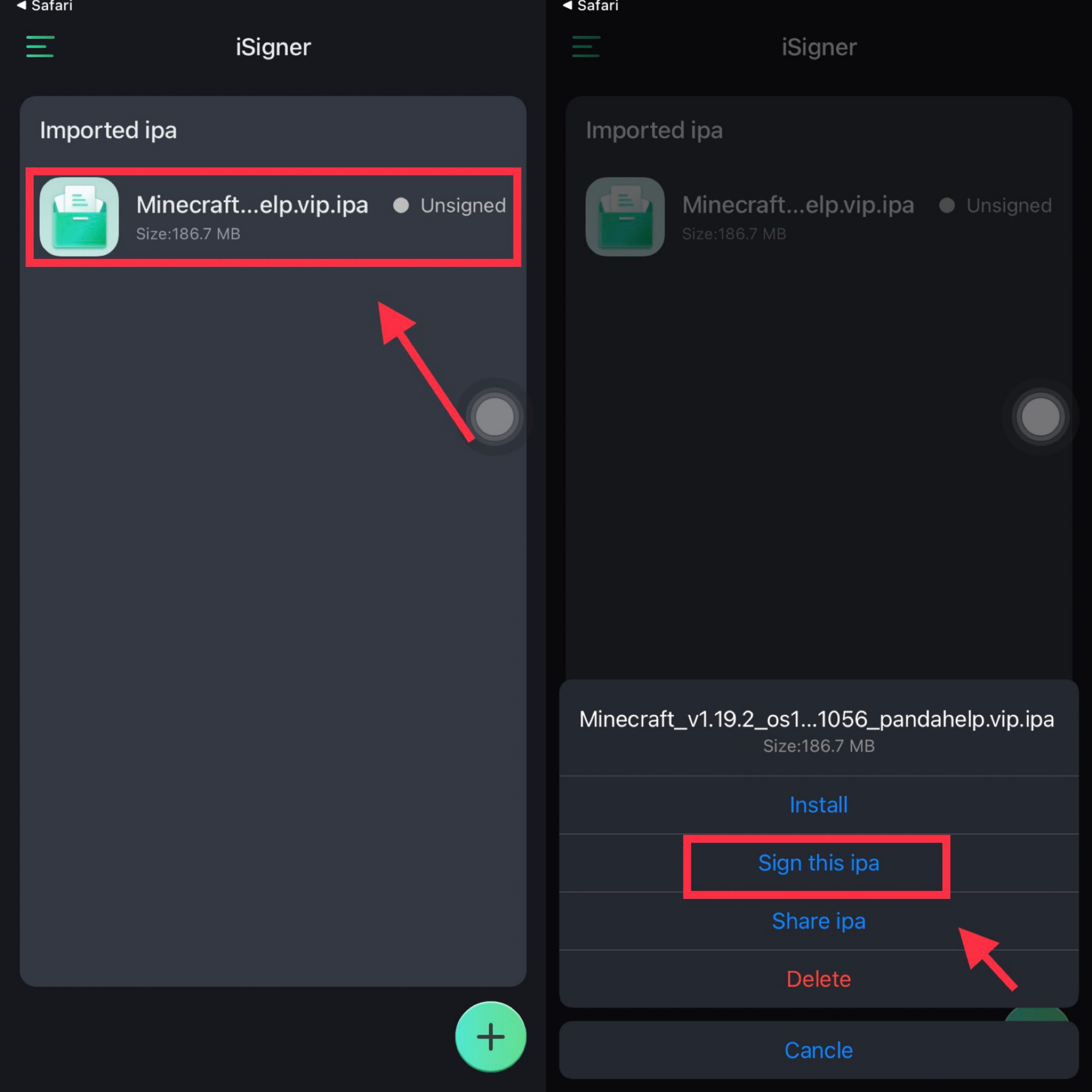
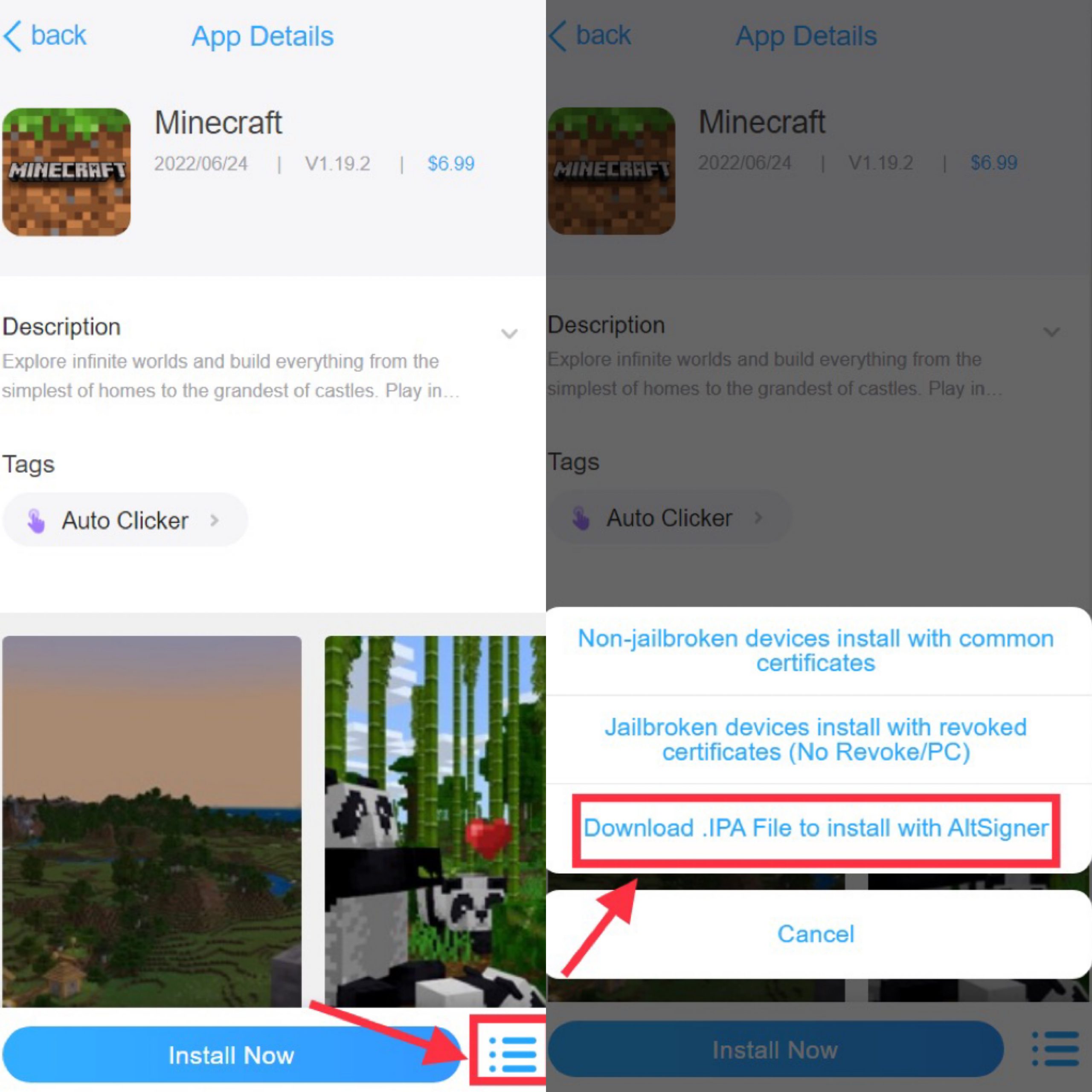
- Install the IPA: Download the IPA file onto your iPhone. Open AltStore, go to the "My Apps" tab, tap the "+" icon, and select the IPA file.
AltStore must communicate with AltServer over the same Wi-Fi network at least once every seven days to refresh the apps.
Method 2: Sideloadly (Best for Quick Testing)
Sideloadly is a desktop-based tool that is often faster than AltStore for one-off installations. It provides more granular control, such as the ability to change the app’s bundle ID or remove app extensions to save on the 3-app limit.
Key Features of Sideloadly
- JIT (Just-In-Time) Compilation: Useful for emulators that require high performance.
- Automatic Refresh: Similar to AltStore, it can refresh apps automatically when the device is plugged in.
- IPA Export: It can modify an IPA (injecting dylibs/libraries) and export it.
To use it, simply drag the IPA file into the Sideloadly window, enter your Apple ID, and click "Start." Like other methods, you will need to trust the developer profile in your iOS Settings after the first installation.
Method 3: Official Apple Developer Tools (Xcode)
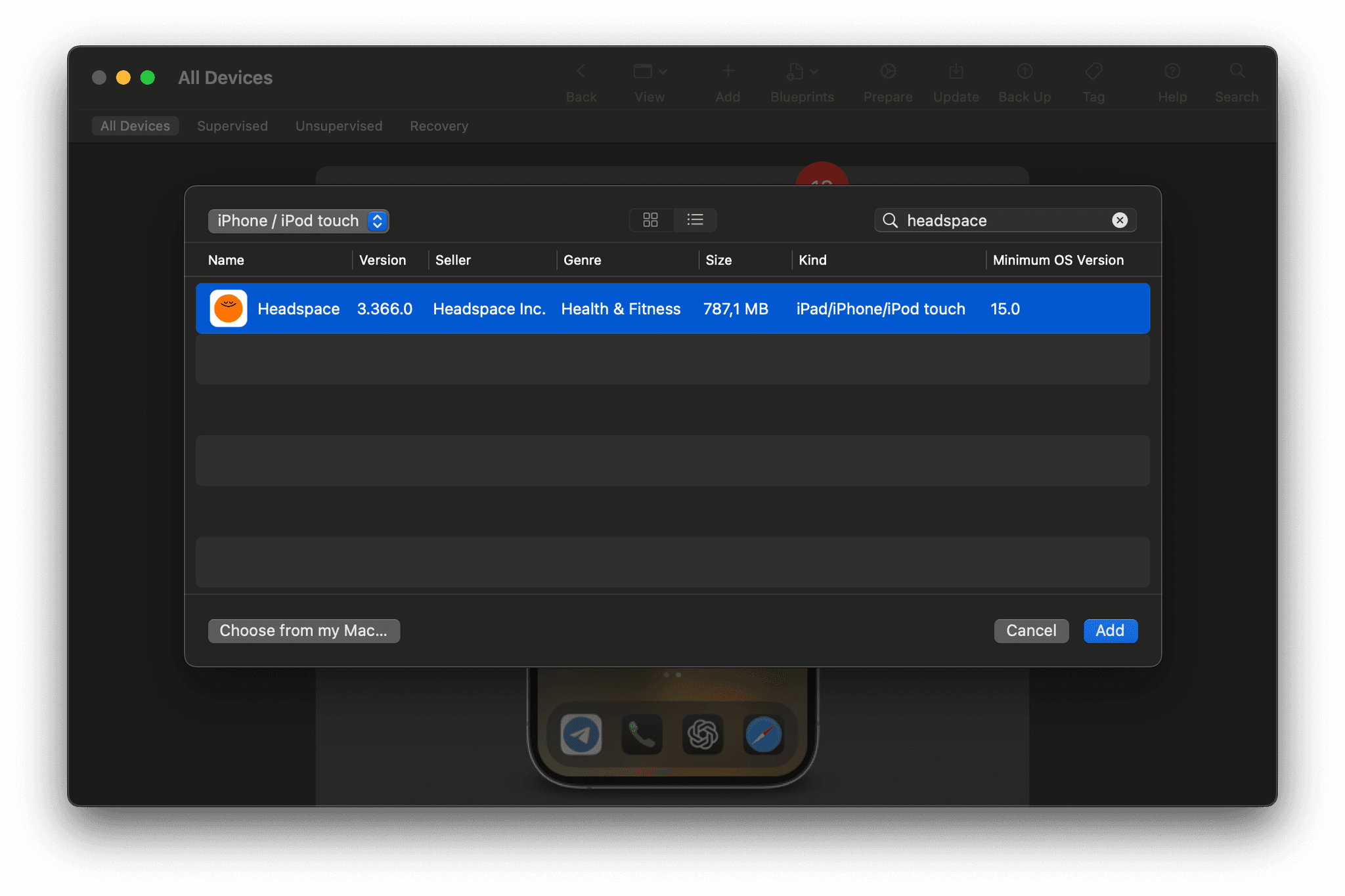
If you have access to a Mac and the source code of the application (or a pre-compiled IPA), Xcode is the most stable method. This is the official path intended by Apple for "ad-hoc" distribution.
- Open Xcode and create a "New Project" (a blank one is fine).
- Connect your iPhone via cable.
- Go to the "Window" menu and select "Devices and Simulators."
- Drag your IPA file into the "Installed Apps" section for your connected device.
Xcode provides detailed error logs, which are invaluable if an IPA fails to install due to architecture mismatches (e.g., trying to install an Intel-based binary on an ARM-based iPhone).
Comparison of IPA Installation Methods
| Method | Platform | Difficulty | Signature Duration | Best For |
|---|---|---|---|---|
| AltStore | Win/Mac | Medium | 7 Days (Auto-refresh) | Long-term use of 2-3 apps |
| Sideloadly | Win/Mac | Easy | 7 Days | Fast testing/Modifying IPAs |
| Xcode | Mac Only | Hard | 7 Days / 1 Year | Developers & stability |
| Apple Configurator | Mac Only | Medium | Dependent on Cert | Enterprise/Bulk deployment |
| Direct Signers | iOS Only | Easy | Unstable (Revokes) | Users without a computer |
Troubleshooting Common Errors
Even with the right tools, installing IPA files can trigger specific errors related to Apple's security framework.
"Unable to Verify App"
This usually happens because the 7-day signing period has expired or the device is not connected to the internet to verify the certificate with Apple's servers. Connect to Wi-Fi and refresh the app using your chosen sideloading tool.
"Maximum Number of Apps Reached"
Free Apple IDs are limited to three active sideloaded apps. If you try to install a fourth, the installation will fail. Note that AltStore itself counts as one of these three apps.
"Application is Missing the Application-Identifier Entitlement"
This error typically occurs when an IPA is improperly cracked or modified. It means the signature doesn't match the internal requirements of the app bundle. Re-downloading a clean version of the IPA is the standard fix.
"Developer Mode Required"
In 2026, iOS strictly enforces Developer Mode for any app not originating from the App Store. If you see this error, ensure the toggle is active under Settings > Privacy & Security.
Legal and Security Considerations
Installing IPA files from third-party sources carries inherent risks. Unlike the App Store, which undergoes a rigorous review process, a standalone IPA can be modified to include malicious code or "spyware."
- Source Verification: Only download IPA files from trusted repositories or official developer GitHub pages.
- Privacy: Sideloaded apps run in the same sandbox as regular apps, but they can still request permissions for your contacts, photos, and location. Be cautious with the permissions you grant.
- Legality: Sideloading for personal use, such as testing your own apps or using open-source software, is generally legal. However, using sideloading to install paid apps for free (piracy) violates Apple's Terms of Service and local copyright laws.
For more information on official deployment methods, you can visit the Apple Developer Documentation.
Summary and Recommendation
For the vast majority of users in 2026, AltStore remains the most user-friendly and sustainable way to install IPA files due to its background refresh capabilities. If you are a developer or need to install apps in a professional environment, using Xcode on a Mac provides the most robust experience.
After installing your first IPA, remember to check your "VPN & Device Management" settings frequently to ensure your certificates remain trusted and active. If you find yourself frequently hitting the 3-app limit, consider enrolling in the Apple Developer Program to extend your certificate duration to one year and remove app quantity restrictions.
Image Gallery