Can You Use EBT on DoorDash? A 2026 Policy Guide
As of 2026, you can use your Supplemental Nutrition Assistance Program (SNAP) benefits via an Electronic Benefit Transfer (EBT) card to purchase eligible grocery items on DoorDash. However, this functionality is restricted strictly to...
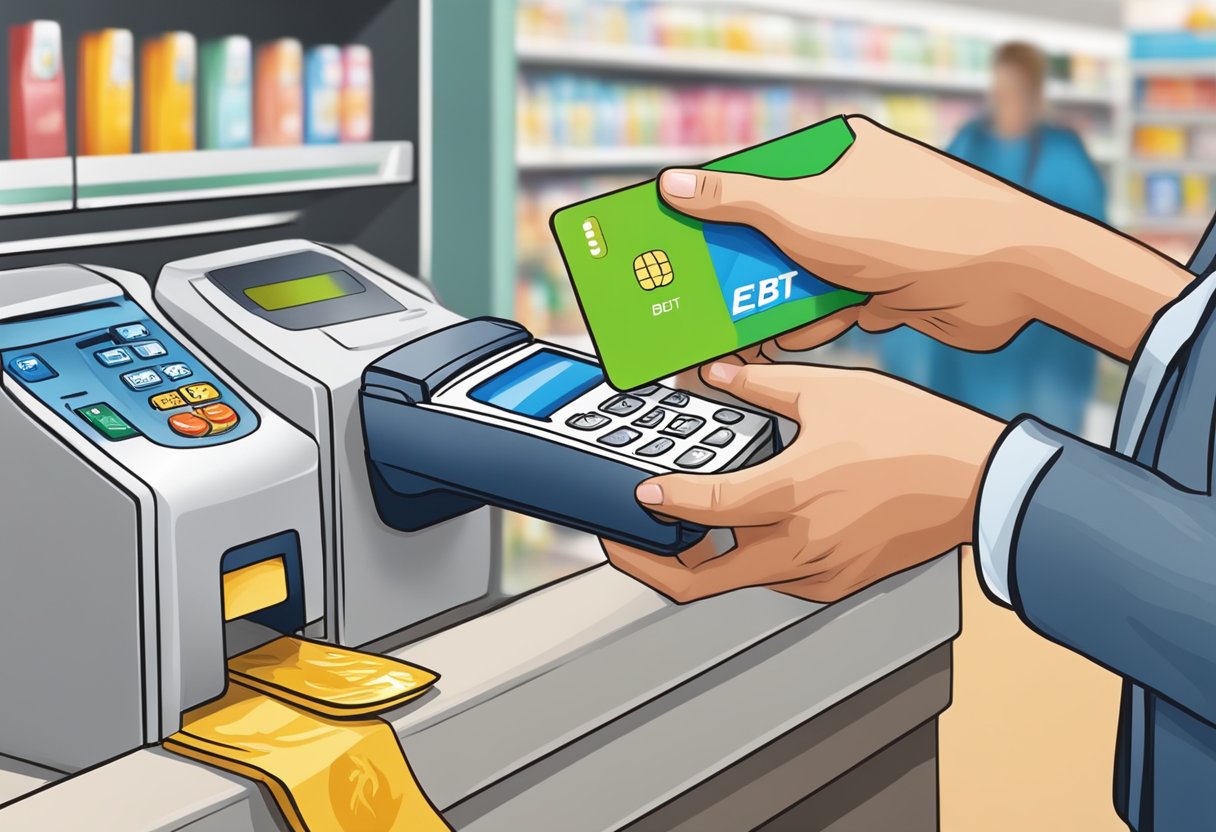
As of 2026, you can use your Supplemental Nutrition Assistance Program (SNAP) benefits via an Electronic Benefit Transfer (EBT) card to purchase eligible grocery items on DoorDash. However, this functionality is restricted strictly to grocery store orders from participating retailers and cannot be applied to restaurant meals or delivery fees.
Contents
Understanding SNAP and EBT Integration with DoorDash
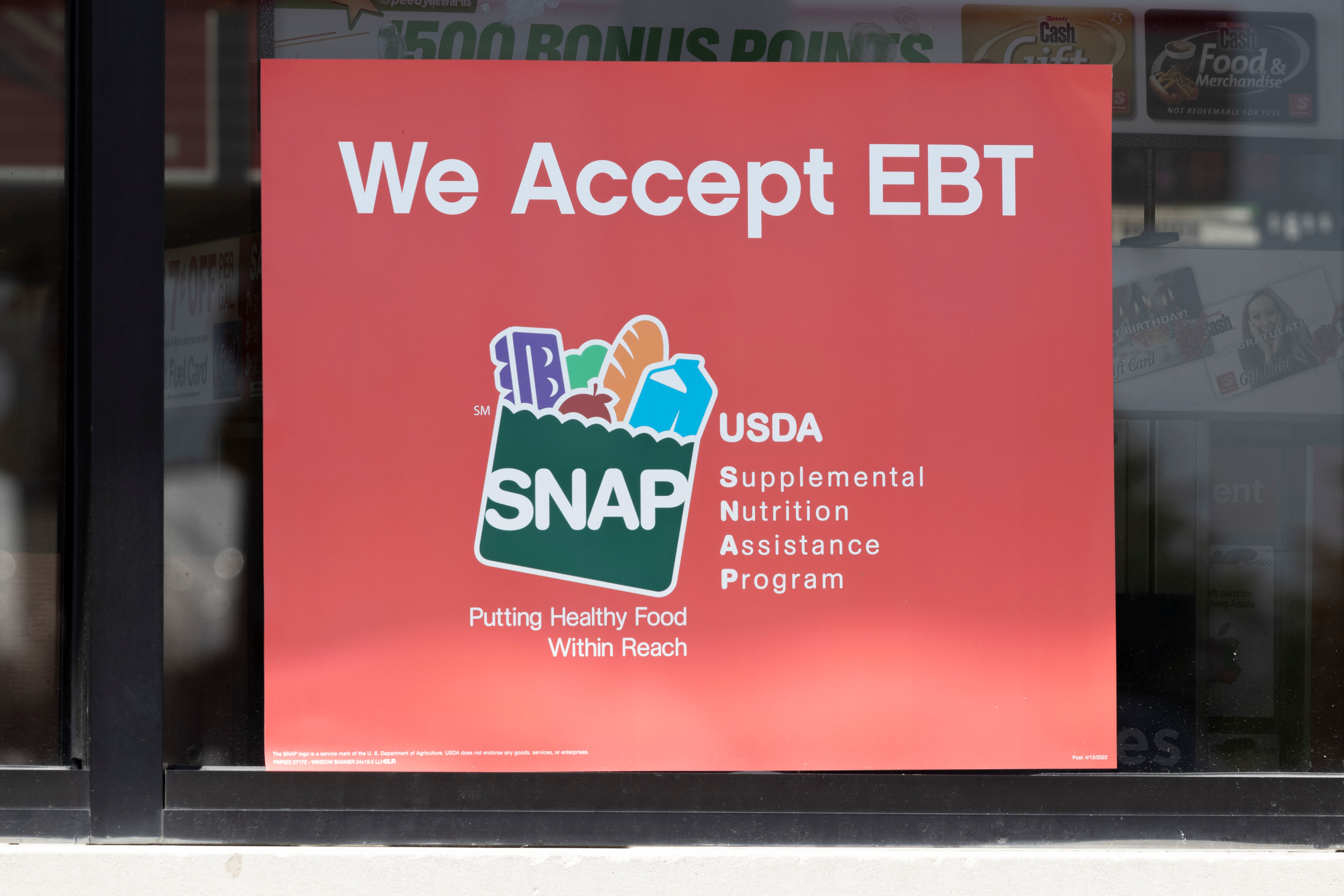
The integration of EBT payments into the DoorDash platform is part of a broader federal initiative to increase food access for households receiving government assistance. Under the U.S. Department of Agriculture (USDA) Food and Nutrition Service (FNS) guidelines, SNAP benefits are intended for the purchase of staple food items.
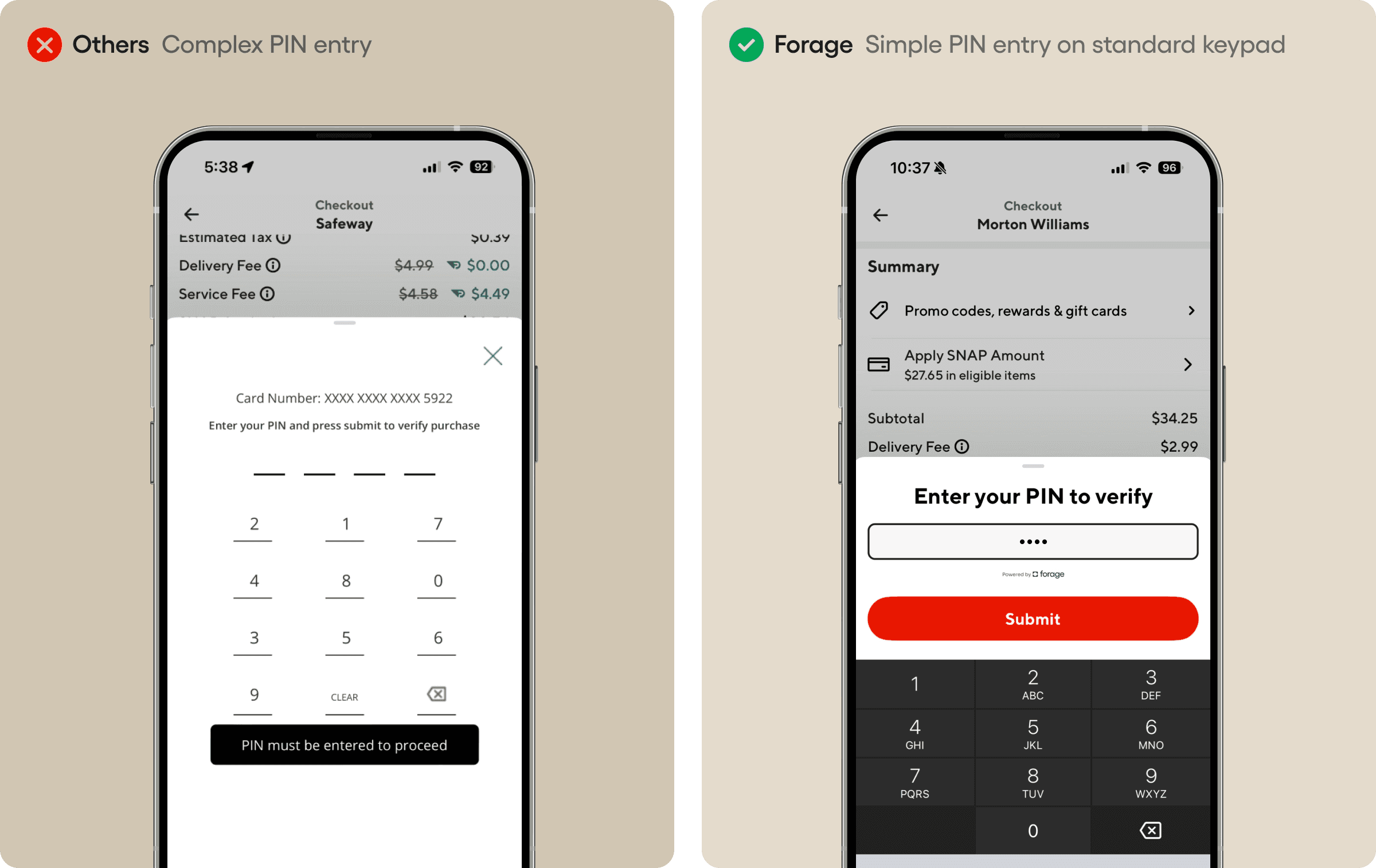
When you use your EBT card on the DoorDash app or website, the system automatically filters your cart to ensure that only eligible food items are paid for using your SNAP balance. Non-food items, such as household supplies, cleaning products, or restaurant-prepared meals, must be paid for using a secondary, non-SNAP payment method like a credit card, debit card, or gift card.
Step-by-Step Guide to Adding EBT to Your DoorDash Account
To begin using your benefits for grocery delivery, you must first register your card within the DoorDash interface. Follow these steps to ensure your account is correctly configured for 2026 operations:
- Open the DoorDash mobile app or visit the official website.
- Navigate to your Account settings.
- Select the Payment Methods option.
- Locate the section labeled Add Payment Method.
- Choose EBT SNAP Card from the list of available options.
- Enter your card details as they appear on your physical EBT card.
- Save the information.
Once saved, the app will display a "SNAP-eligible" filter or icon next to participating grocery stores in your area. Always verify that a store is SNAP-authorized before initiating your cart, as not all retailers on the DoorDash platform participate in the SNAP Online Purchasing Program.
Eligible vs. Ineligible Items: Navigating Restrictions
It is vital to understand the regulatory boundaries set by the FNS regarding what can and cannot be purchased with EBT. Because DoorDash acts as a digital marketplace, these restrictions are enforced programmatically at checkout.
| Category | Status | Examples |
|---|---|---|
| Staple Foods | Eligible | Bread, cereal, fruits, vegetables, meat, fish, dairy. |
| Non-Alcoholic Beverages | Eligible | Water, juice, milk, soda, coffee, tea. |
| Seeds and Plants | Eligible | Seeds or plants intended to grow food for consumption. |
| Restaurant Meals | Ineligible | Prepared hot food, pizza, burgers, or any ready-to-eat meal. |
| Household Items | Ineligible | Paper towels, soap, pet food, cosmetics, batteries. |
| Alcohol and Tobacco | Ineligible | Beer, wine, spirits, cigarettes, vaping products. |
If your cart contains a mix of eligible and ineligible items, the DoorDash checkout flow will prompt you to provide a secondary payment method for the ineligible portion of your order. Failure to provide a valid secondary payment method will result in an inability to complete the transaction.
Operational Realities: Delivery Fees and Taxes
A common point of confusion for SNAP recipients involves the payment of service fees, delivery fees, and sales tax. According to federal regulations, SNAP benefits are exclusively for the purchase of food items. Consequently:
- Delivery Fees: You cannot use your EBT balance to cover delivery fees, service fees, or "small order" surcharges. These costs must be settled via a credit card, debit card, or DoorDash credits.
- Tips: Gratuity for the delivery driver is not covered by SNAP. You must use a separate payment method to tip your Dasher.
- Taxes: In most jurisdictions, sales tax is not applied to SNAP-eligible food purchases. If your cart includes non-eligible items, sales tax will only apply to the taxable portion of that order.
Troubleshooting Common EBT Transaction Issues
If you encounter errors while attempting to use your EBT card on DoorDash, consider the following technical and administrative factors:
Account Sync Errors Ensure your app is updated to the latest 2026 version. Outdated versions may fail to communicate properly with the FNS verification gateway, leading to "Payment Declined" errors even if you have sufficient funds.
Store Participation Status Even if a store is a major chain, individual locations may not be authorized for SNAP online transactions. Check the store's profile page within DoorDash; if the "SNAP" icon is missing, that specific location does not support EBT payments.
Insufficient Funds vs. Restricted Items Sometimes an error occurs if your SNAP balance is lower than the total cost of the eligible items in your cart. Additionally, if the system identifies a product as "ineligible" that you believe should be covered, verify that the item's UPC code is registered as a food item in the national database.
Regional Availability and Authorized Retailers
The availability of SNAP online grocery shopping is determined at the state and local levels. As of 2026, the program is active in the vast majority of U.S. states. However, eligibility is strictly tied to your EBT card's state of issuance.
- National Chains: Major retailers such as ALDI, Safeway, Kroger, and Walgreens generally maintain robust support for EBT transactions on DoorDash.
- Local Grocers: Many independent or regional grocery stores have integrated with DoorDash. You can verify if your preferred local market accepts SNAP by using the "SNAP-eligible" filter on the DoorDash home screen.
- Non-Participation: If you are located in a region where local policies have not yet been updated to support third-party delivery for SNAP, you will not see the EBT payment option in your account settings.
Maximizing Your Benefits
To get the most out of your SNAP benefits while using DoorDash, focus on the following strategies:
- Utilize Digital Coupons: Many retailers offer digital coupons that stack with your SNAP purchases. These discounts effectively lower the total cost, allowing your benefits to cover more food items per month.
- Bulk Ordering: Since delivery fees are not covered by SNAP, plan your orders to hit the free delivery threshold (if offered by the retailer) to minimize the out-of-pocket costs required for service fees.
- Price Comparison: Use the DoorDash interface to compare prices across different SNAP-authorized grocery stores. Because stores set their own prices, you may find that the same list of staple foods costs significantly less at one retailer than another.
Frequently Asked Questions
Can I use EBT for hot, prepared foods on DoorDash? No. SNAP benefits cannot be used to purchase hot, prepared foods or restaurant meals. This remains a strict federal regulation for all third-party delivery platforms in 2026.
Why is my EBT card being declined even though I have a balance? This usually occurs if the total of your SNAP-eligible items exceeds your current balance or if you are attempting to pay for non-food items with your EBT card. Ensure you have a secondary payment method linked to cover taxes, fees, and ineligible items.
Do I have to pay delivery fees if I use SNAP? Yes. Delivery fees, service fees, and tips are not considered food items and must be paid using a secondary payment method, such as a debit or credit card.
Are there different rules for EBT in different states? While the core federal rules are uniform, the implementation of the SNAP Online Purchasing Program can vary by state. Ensure your state of residency has enabled online SNAP processing for third-party platforms.
Can I use my EBT card for alcohol or household supplies? No. Federal law prohibits the use of SNAP benefits for the purchase of alcohol, tobacco, household cleaners, grooming products, or any non-food items.
If you continue to experience issues with your EBT payments, we recommend contacting the customer support team of the specific grocery retailer or reaching out to the DoorDash help center through the "Help" tab in your app. Ensure you have your EBT card number and a recent transaction receipt available for reference to expedite the support process.
Image Gallery