How Invoice Systems Work: A Comprehensive Guide to Modern Billing
Invoice systems are structured frameworks—either manual or digital—used by businesses to request payment for goods or services provided. These systems manage the entire lifecycle of a transaction, from generating a professional billing...
Invoice systems are structured frameworks—either manual or digital—used by businesses to request payment for goods or services provided. These systems manage the entire lifecycle of a transaction, from generating a professional billing document and calculating relevant taxes to tracking payment status and reconciling the data with accounting records for financial reporting.
Contents
An invoice system is the financial pulse of any business. Whether you are a solo freelancer or a multinational corporation, the way you bill determines your cash flow, your tax compliance, and your professional reputation. By 2026, the transition from manual, paper-based processes to fully automated, cloud-integrated digital systems has become the global standard for operational efficiency.
Understanding the Foundation of an Invoice System
At its core, an invoice system is a communication tool. It translates a completed project or delivered product into a formal request for currency. However, the "system" is not just the document itself; it is the set of rules, databases, and workflows that ensure the right person is billed the right amount at the right time.
The Anatomy of a Professional Invoice
For an invoice system to function correctly, it must generate documents containing specific data points. These are not merely for the customer's benefit; they are legal requirements in most jurisdictions.
- Header Information: This includes the seller’s legal business name, address, and contact details.
- Customer Details: Clearly identifying the "bill to" party ensures the document reaches the accounts payable department.
- Unique Invoice Number: A sequential or coded identifier used for tracking and preventing duplicate payments.
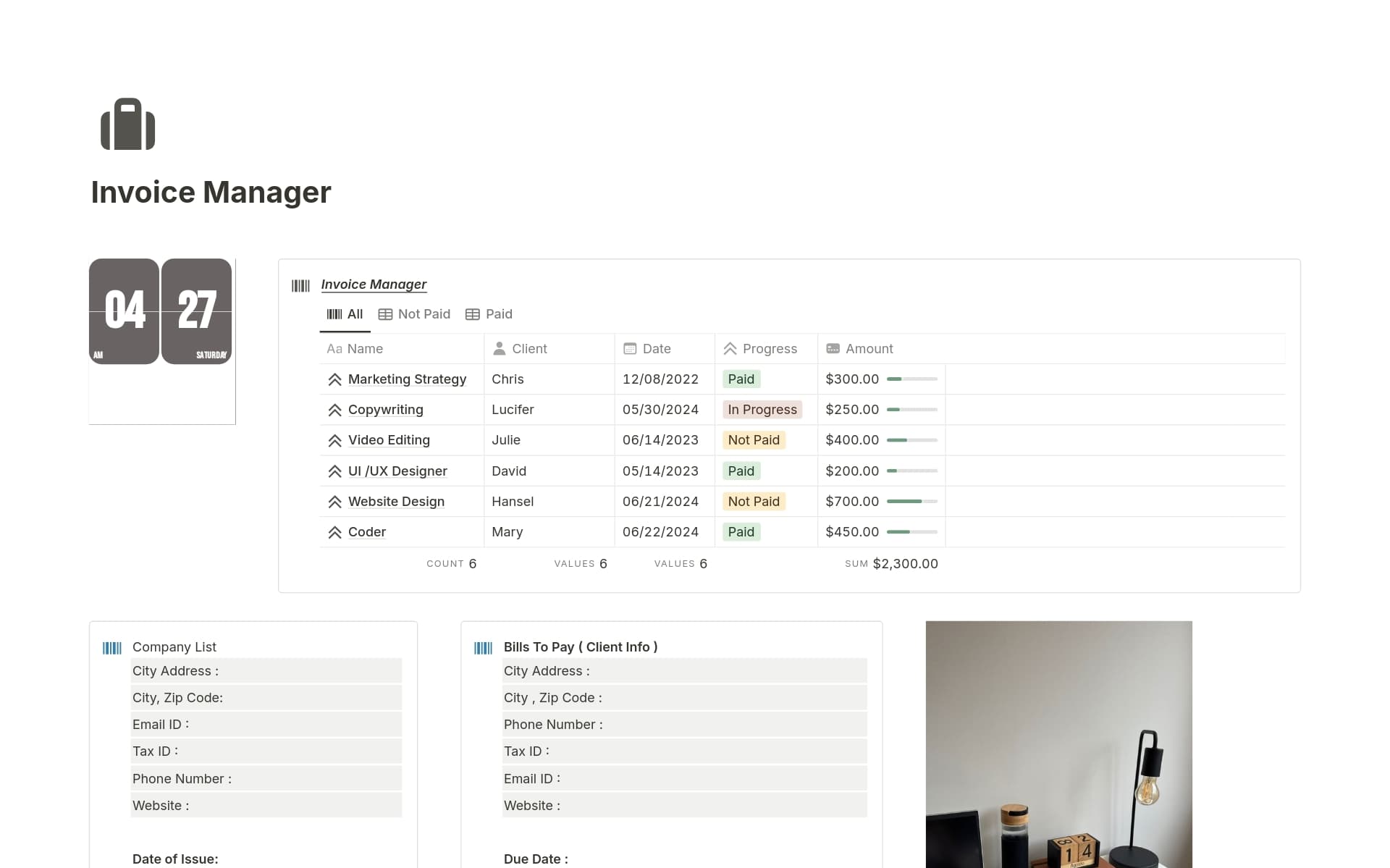
- Line Items: A detailed breakdown of the goods or services provided, including quantities, unit prices, and descriptions.
- Tax Information: Calculation of Sales Tax, VAT, or GST based on the jurisdiction of both the buyer and seller.
- Payment Terms: Clearly stated deadlines (e.g., Net 30, Due on Receipt) and late fee policies.
- Payment Methods: Instructions for bank transfers, credit card portals, or digital wallets.
The Invoice Lifecycle: Step-by-Step Workflow
A functional invoice system follows a predictable chronological path. Understanding these stages is vital for identifying where bottlenecks might occur in a business's cash flow.
1. Generation and Data Entry
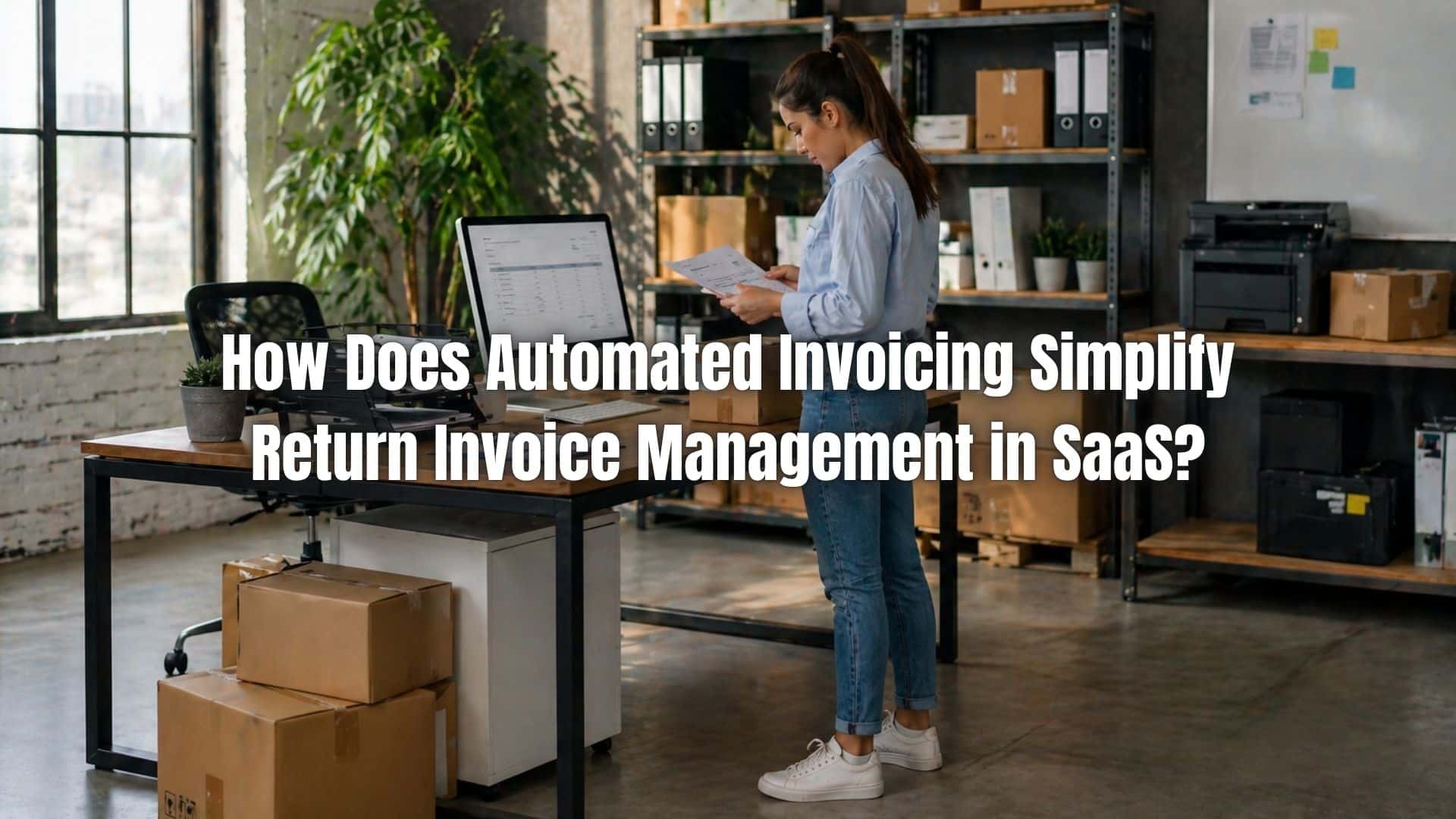
The process begins when a sale is closed or a milestone is reached. In an automated system, data might be pulled directly from a Customer Relationship Management (CRM) tool or a project management platform. This reduces human error, such as mistyping a price or an address.
2. Validation and Approval
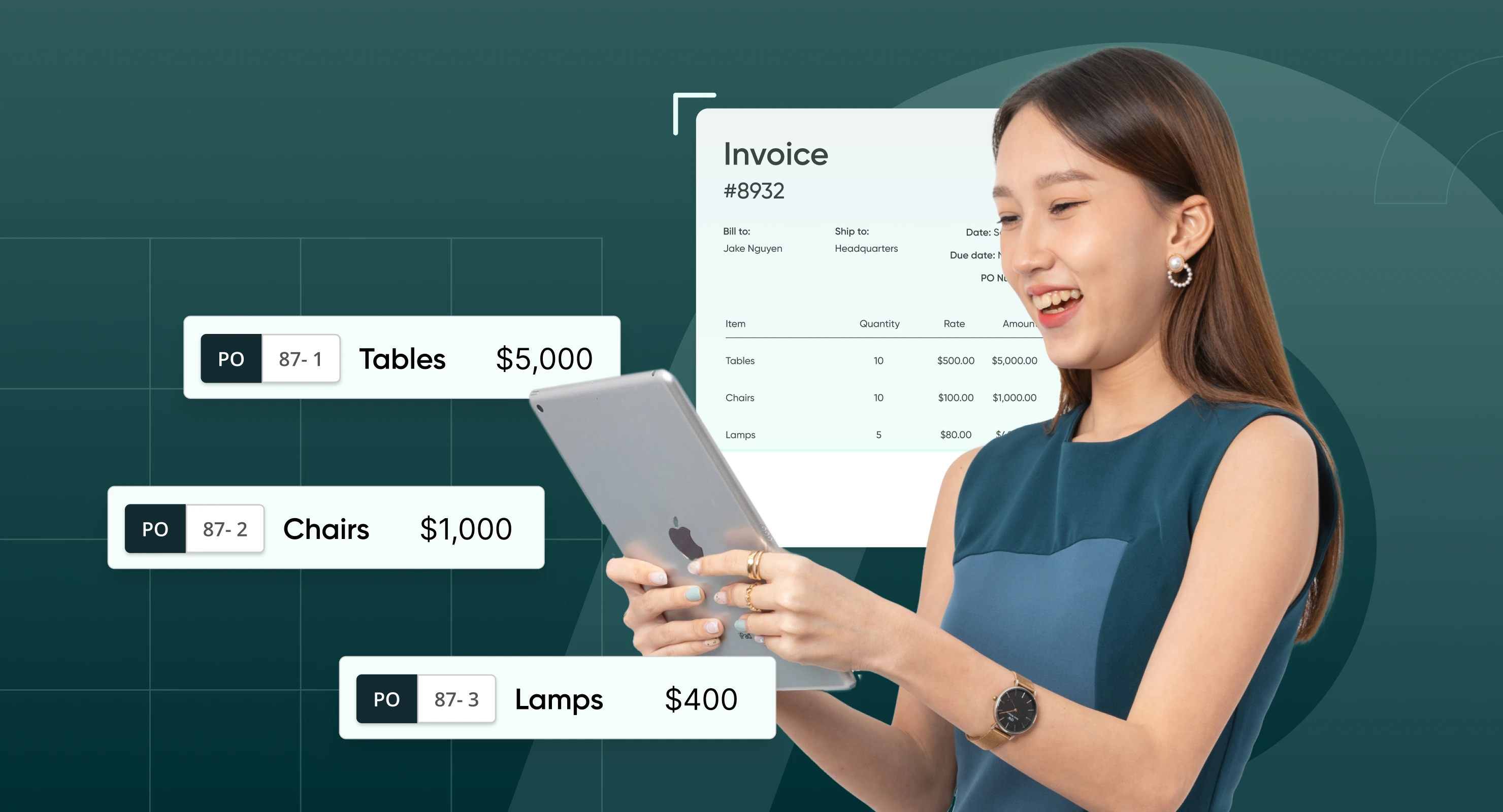
In larger organizations, an invoice must often pass through an internal approval workflow. This ensures that the work billed actually matches the work performed. Systems in 2026 often use Three-Way Matching, where the invoice is automatically compared against the Purchase Order (PO) and the Receiving Report (the confirmation that goods arrived).
3. Issuance and Delivery
Once validated, the system sends the invoice. While historically this meant physical mail, modern systems prioritize secure email links or Electronic Data Interchange (EDI). EDI allows one company’s computer system to "talk" directly to another’s, effectively bypassing the need for a human to even open an email.
4. Tracking and Reminders
A critical function of an invoice system is monitoring the "Ageing Report." This is a view of all outstanding invoices categorized by how many days they are past due. Automated systems send "nudge" emails at set intervals (e.g., 5 days before due, 1 day after due) to ensure the seller doesn't have to manually chase every client.
5. Payment and Reconciliation
When the customer pays, the system must record the transaction. If the system is integrated with a bank feed, it can use Auto-Matching to pair the incoming wire transfer with the specific invoice number, marking it as "Paid" and updating the general ledger without manual entry.
Comparing Manual vs. Automated Invoice Systems
Choosing the right system depends on the volume of transactions and the complexity of the business model. Below is a comparison of the primary methods used in 2026.
| Feature | Manual (Spreadsheets/Templates) | Cloud-Based SaaS Invoicing | Enterprise Resource Planning (ERP) |
|---|---|---|---|
| Setup Cost | Near Zero | Low Monthly Subscription | High Initial Investment |
| Error Risk | High (Manual Entry) | Low (Template-Based) | Minimal (Fully Integrated) |
| Scalability | Poor | High | Unlimited |
| Payment Integration | None (Manual Entry) | Built-in (Stripe, PayPal, etc.) | Direct Bank API Integration |
| Compliance | User-Dependent | Automated Updates | Robust/Global Standards |
| Speed | Slow (Minutes per invoice) | Fast (Seconds per invoice) | Instant (Trigger-based) |
Technical Components of Modern Invoicing Software
Modern invoicing systems are rarely standalone products. They are typically built on a stack of technologies that allow for seamless financial data flow.
The Database Layer
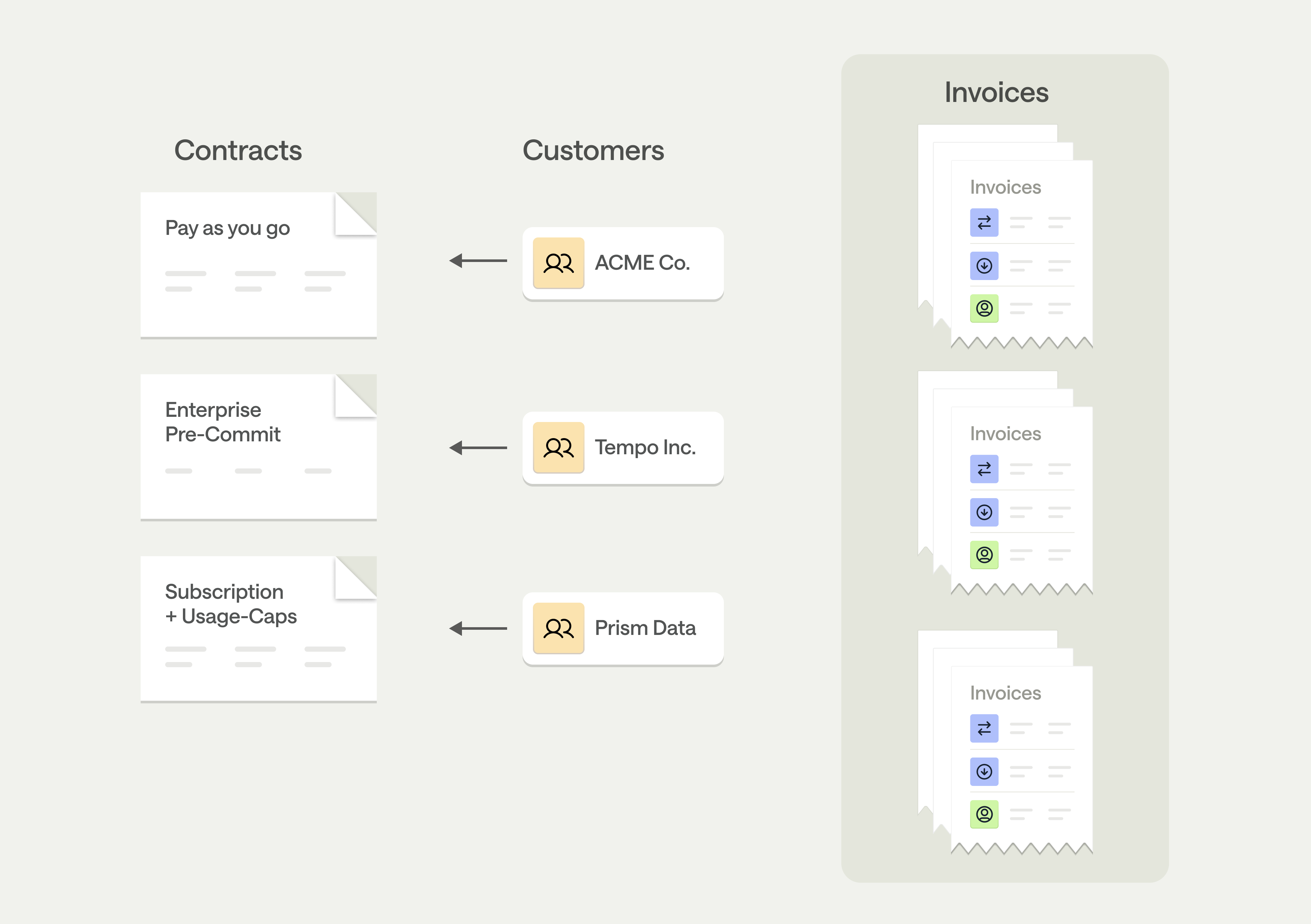
Every system relies on a relational database. When you create an invoice, the system creates a link between a "Customer ID," a "Product ID," and a "Transaction ID." This structure allows for complex reporting, such as calculating which client has been the most profitable over a specific fiscal quarter.
API Integrations
APIs (Application Programming Interfaces) are the bridges that allow an invoice system to communicate with the outside world. For example, when a customer clicks a "Pay Now" button, an API communicates with a payment processor like Stripe or Adyen to authorize the credit card. Once the payment is successful, the API sends a "webhook" back to the invoice system to update the status to "Paid."
OCR and AI
By 2026, Optical Character Recognition (OCR) has become standard for accounts payable (the receiving side of invoicing). When a business receives an invoice, the system "reads" the document, extracts the data, and populates the fields automatically. Artificial Intelligence is then used to flag anomalies, such as an invoice price that is significantly higher than previous months' averages.
Regulatory Compliance and Global Standards
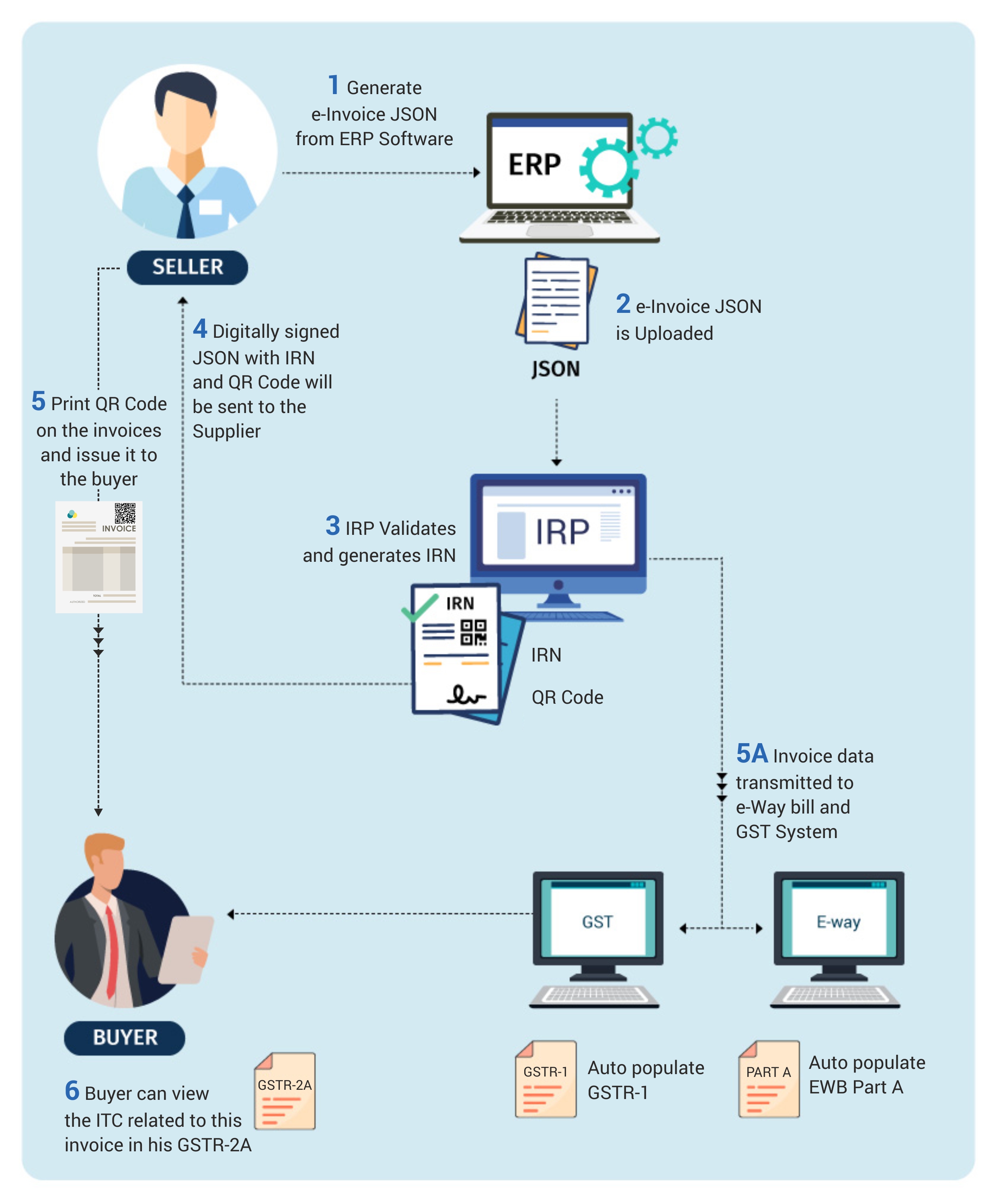
One of the most important reasons to use a dedicated invoice system is to stay compliant with tax laws. Governments worldwide are increasingly moving toward Mandatory E-Invoicing.
E-Invoicing Mandates
Many countries now require invoices to be submitted to a central government portal before they are even sent to the customer. This is common in the European Union (using the Peppol network) and across Latin America. These systems ensure that VAT/GST is tracked in real-time, significantly reducing the "tax gap." For more information on international standards, the OpenPEPPOL Association provides technical specifications for cross-border electronic procurement.
Security and Data Privacy
Since invoices contain sensitive financial information and personal data, systems must adhere to strict security protocols. This includes:
- Encryption: Data must be encrypted at rest and in transit.
- SOC 2 Compliance: A standard for managing customer data based on five “trust service principles”—security, availability, processing integrity, confidentiality, and privacy.
- GDPR/CCPA: Systems must allow for the "right to be forgotten" and ensure data is stored according to regional privacy laws.
Common Challenges in Invoicing
Even with a sophisticated system, certain hurdles remain. Identifying these early can save a business thousands in lost revenue.
- Disputed Invoices: If a customer disagrees with a line item, the entire payment is often withheld. Modern systems allow for "comment threads" directly on the digital invoice to resolve disputes quickly.
- Currency Fluctuations: For international business, the value of an invoice can change between the time it is issued and the time it is paid. Professional systems offer multi-currency support and real-time exchange rate calculations.
- Lost Invoices: Emails get stuck in spam filters. Systems that provide a "Client Portal" allow customers to log in and see all their past and current invoices in one secure location, eliminating the "I never received it" excuse.
Frequently Asked Questions
What is the difference between an invoice and a receipt?
An invoice is a request for payment issued before the money is received, outlining the terms of the sale. A receipt is a proof of payment issued after the transaction is completed. An invoice system manages the "request" phase, but often generates a receipt automatically once the payment is confirmed.
Does a small business really need an automated system?
While a small business can start with a Word template, it is not recommended once you have more than 2-3 clients. The time spent manually tracking payments and calculating taxes usually exceeds the cost of a basic SaaS invoicing tool. Furthermore, automated systems provide a professional image that builds trust with clients.
How do "Net 30" or "Net 60" terms work?
"Net 30" means the full payment is due 30 days after the invoice date. The invoice system tracks this date and automatically moves the invoice into the "Overdue" category on day 31. Many businesses offer a small discount (e.g., 2/10 Net 30) for payments made within 10 days to encourage faster cash flow.
Can invoice systems handle recurring billing?
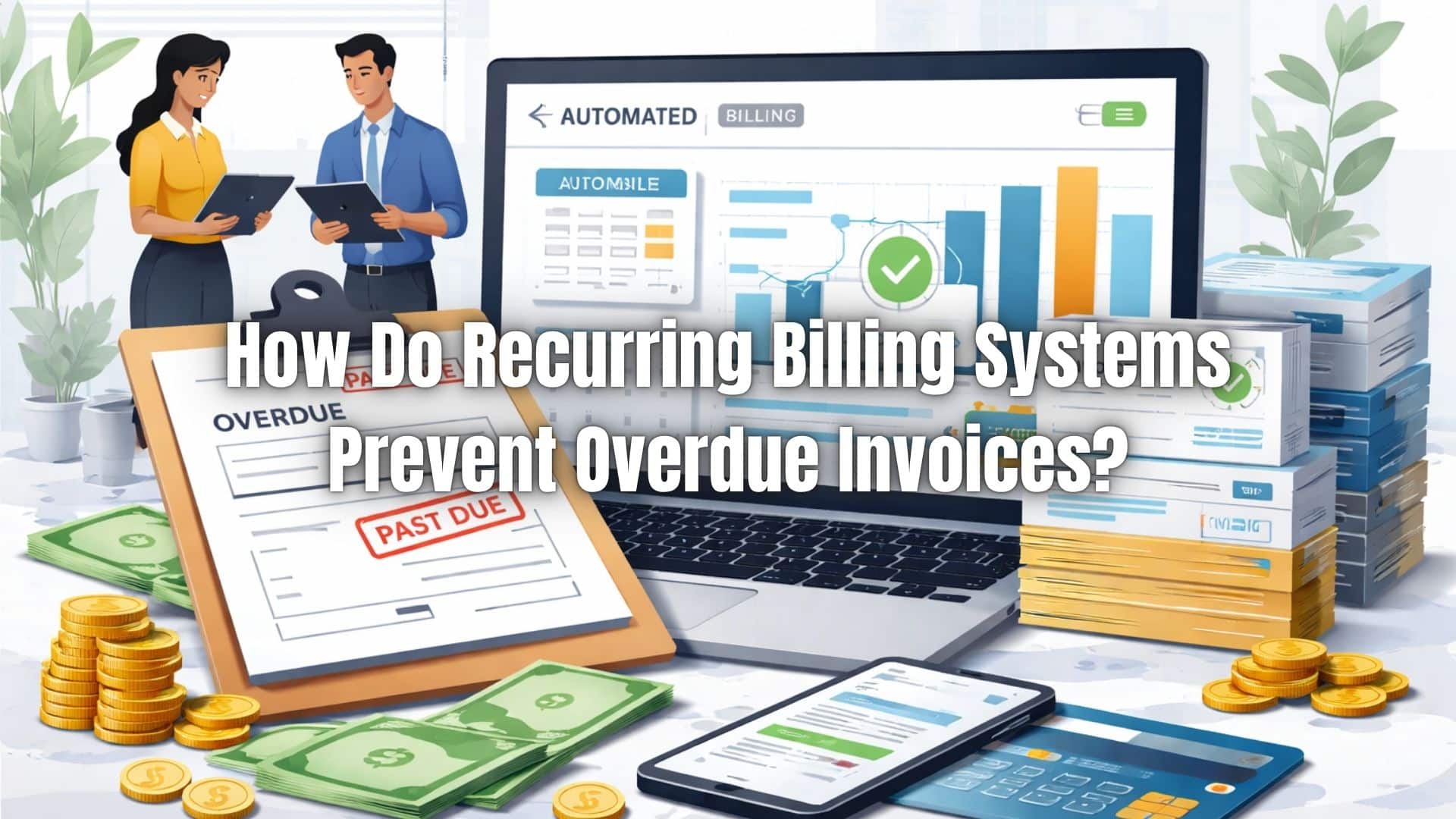
Yes. For subscription-based businesses or monthly retainers, invoice systems can be set to "recurring mode." The system will automatically generate and send an invoice on the same day every month without any manual intervention, often charging a stored credit card or direct debit automatically.
What happens if I make a mistake on a sent invoice?
In most professional accounting systems, you should not simply delete a sent invoice, as this breaks the "audit trail." Instead, you should issue a Credit Note. This is a legal document that cancels out the original invoice (or a portion of it), allowing you to issue a new, corrected invoice while keeping the financial records transparent for tax purposes.
Practical Recommendation for 2026
If you are looking to implement or upgrade an invoice system, prioritize integration and automation. Ensure the system you choose can connect directly to your bank account and your accounting software (such as QuickBooks, Xero, or a custom ERP). For businesses operating internationally, verify that the system supports the specific e-invoicing mandates of your target regions to avoid legal complications and payment delays.
Moving away from manual entry not only saves time but also provides the data analytics necessary to understand your business's financial health in real-time.
Image Gallery