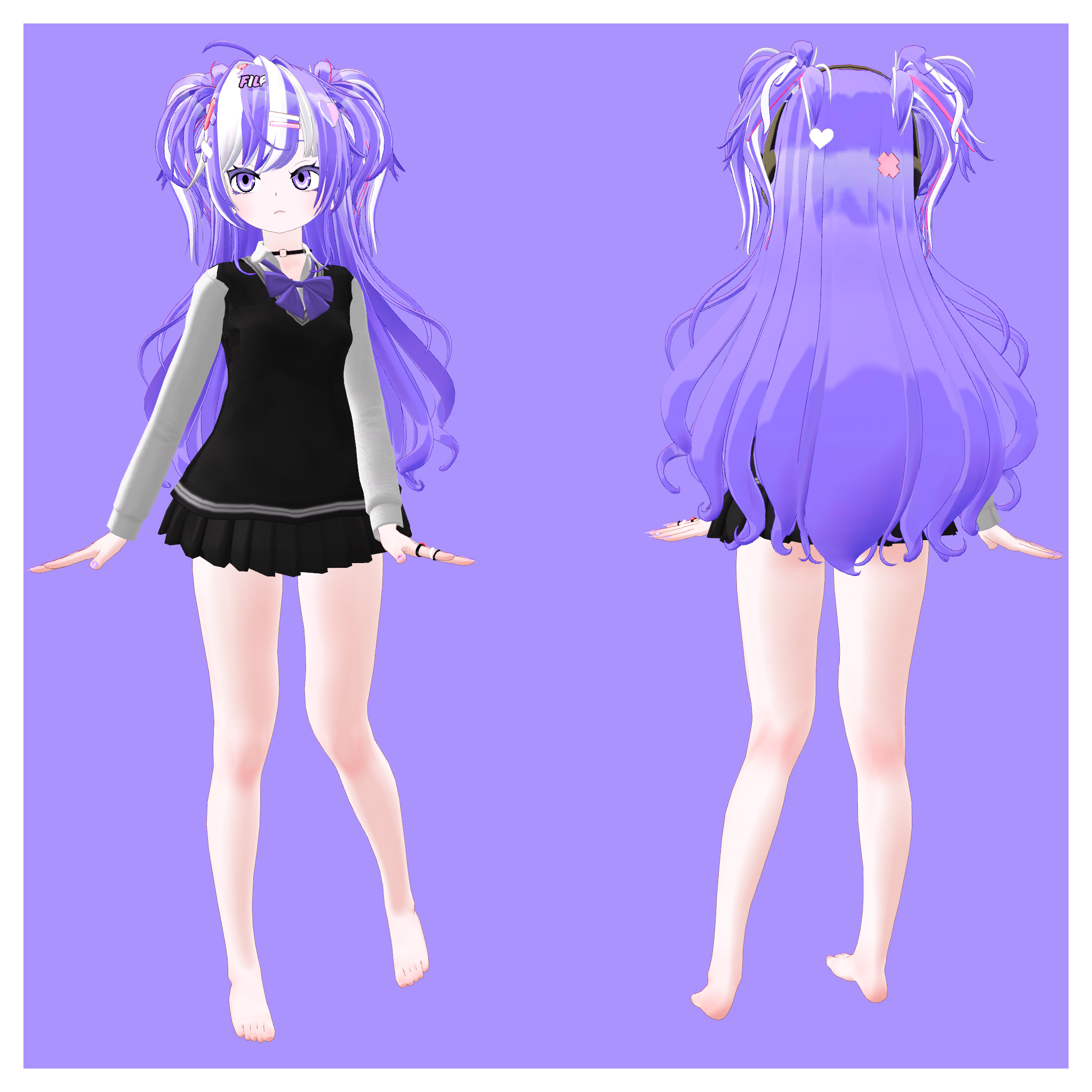
Optimizing ERP Avatars in VRChat: Technical Standards and Performance Best Practices for 2026
Configuring and optimizing ERP avatars in VRChat requires balancing visual fidelity with strict platform performance thresholds to maintain seamless multiplayer synchronization. This comprehensive guide covers the technical prerequisit...
Configuring and optimizing ERP avatars in VRChat requires balancing visual fidelity with strict platform performance thresholds to maintain seamless multiplayer synchronization. This comprehensive guide covers the technical prerequisites, optimization workflows, polygon budgets, shader configurations, and troubleshooting methods necessary for deploying high-quality custom avatars within the VRChat ecosystem.
Contents
Defining the Ecosystem and Technical Scope of Specialized VRChat Avatars
The term ERP avatars in VRChat refers to highly customized user representations specifically optimized for expressive, close-range social interaction, expressive roleplay, and immersive virtual environments. Unlike generic public avatars, these custom creations often feature advanced clothing layers, dynamic bone physics, complex facial tracking setups via OSC (Open Sound Control), and intricate material shaders. Developing or optimizing these assets requires strict adherence to VRChat's platform limitations, particularly regarding the Avatar Rank system enforced by the Unity engine and VRChat client SDK3.
Platform limits are designed to prevent frame rate degradation in crowded instances. Every added mesh, dynamic bone collider, and particle system consumes CPU and GPU resources. Understanding the architectural boundaries of the VRChat platform ensures that custom assets maintain high visual standards without causing client crashes, extreme latency, or rendering lag for other users in the same instance.
Understanding VRChat Avatar Performance Ranks and Optimization Metrics
VRChat categorizes avatars into Performance Ranks ranging from Excellent to Very Poor, determined by automated metrics evaluated upon upload through the SDK. Navigating these ranks effectively dictates whether other users will automatically hide your avatar or render it smoothly.
| Performance Rank | Max Polygons | Max Material Slots | Max Bone Count | PhysBone Component Limit | Total Particle Count |
|---|---|---|---|---|---|
| Excellent | Under 32,000 | 1 | 75 | 4 | 0 |
| Good | Under 70,000 | 2 | 150 | 8 | 300 |
| Medium | Under 70,000 | 4 | 250 | 16 | 500 |
| Poor | Under 70,000 | 8 | Unlimited | Unlimited | 1,000 |
| Very Poor | 70,000+ | 8+ | Unlimited | Unlimited | 1,000+ |
Maintaining a Medium or Good rating is the industry standard for custom social avatars. Dropping down to Very Poor forces other users to manually click to show your avatar, severely limiting social interaction. Optimizing models below the 70,000 polygon threshold while keeping material counts low ensures compatibility across both desktop clients and standalone mobile headsets like Meta Quest.
Step-by-Step Technical Optimization Workflow for Custom Avatars
Preparing a raw 3D model for VRChat deployment involves a systematic pipeline within 3D modeling software like Blender and the Unity editor. Skipping these optimization steps often results in broken textures, unweighted vertices, and unacceptable performance ratings.
- Mesh Cleanup and Reduction: Import the raw FBX model into Blender. Remove internal, hidden geometry that is completely obscured by clothing layers to drastically reduce polygon count without altering external visual fidelity.
- Material Consolidation (Atlas Mapping): Combine multiple textures into a single texture atlas to reduce material slots. Reducing material count from eight to two or three significantly improves rendering performance by lowering draw calls.
- Weight Painting and Armature Binding: Ensure proper skinning weights are applied to clothing and body meshes. Test extreme poses to prevent clipping, tearing, or mesh distortion during movement.
- VRChat SDK3 Import and Rig Setup: Import the optimized asset into the designated Unity project version specified by the current VRChat SDK release. Configure the rig as Humanoid and ensure bone mappings match the VRChat avatar standards.
- Dynamic Bone and PhysBone Integration: Replace legacy Dynamic Bones with VRChat PhysBones. Configure colliders on hands and the main body mesh to prevent hair and clothing from clipping through the avatar's geometry.
- Expression Menus and FX Controllers: Set up Expression parameters, menu parameters, and FX animator layers to handle toggles for clothing, facial expressions, and custom animations securely.
Shader Selection and Material Performance Considerations
The choice of shader fundamentally dictates how an avatar interacts with lighting environments in VRChat. Using inefficient shaders can tank frame rates even if the polygon count is low.
- Standard VRChat Shaders: Built-in shaders such as VRChat/Mobile/Diffuse or VRChat/Mobile/Bumped Specular provide reliable performance across all platforms, including Quest, by minimizing computational overhead.
- Poiyomi Toon Shader: Widely adopted across the VRChat creator community for advanced custom aesthetics. When using Poiyomi, creators must disable unnecessary features like matcaps, complex reflections, and rim lighting if targeting lower performance tiers.
- Particles and Transparency Overdraw: Limit transparent materials and overlapping particle effects. High overdraw places an immense burden on the GPU, leading to severe stuttering in crowded club or social instances.
Optimization Best Practice: Always bake lighting and use efficient normal maps instead of relying on high-polygon geometry to convey fine surface details. This practice preserves visual depth while keeping render times exceptionally low.
Advanced Features: Facial Tracking and OSC Integration
Modern social avatars frequently incorporate advanced tracking features to enhance immersion during close interactions. Integrating eye tracking, lip-sync, and full-face tracking requires precise data mapping.
- Viseme Mapping: Configure standard blendshapes for speech visemes (sil, pp, ff, th, dd, kk, ch, ss, nn, rr, aa, e, ih, oh, ou) to ensure accurate mouth movements synchronized with voice input.
- OSC (Open Sound Control) Protocols: Route external tracking data from hardware peripherals through OSC software bridges directly to the avatar's parameter drivers. This enables nuanced eye gaze, pupil dilation, and micro-expressions.
- Parameter Optimization: Keep the total memory footprint of animator parameters within acceptable limits to avoid network congestion and synchronization lag across instances.
Evaluating Pros and Cons of Highly Customized Social Avatars
Deploying heavily customized avatars involves trade-offs between expressive depth and technical efficiency.
- Pros:
- Unmatched personal expression and visual identity within virtual spaces.
- Enhanced tactical comfort and immersion during social roleplay and close-range interactions.
- Seamless integration of interactive accessories, clothing toggles, and dynamic particle effects.
- Cons:
- High risk of triggering client performance filtering if poorly optimized.
- Steep learning curve regarding Unity, Blender, and shader configuration.
- Potential compatibility issues with ongoing VRChat platform updates and security patches.
Troubleshooting Common Deployment and Rendering Errors
Even experienced creators encounter issues during the avatar build and upload process. Systematic troubleshooting resolves the most frequent errors quickly.
- Avatar Appears Completely White or Pink: This indicates missing shaders or broken texture path references in Unity. Reassign the correct materials and ensure shaders are compatible with the active SDK version.
- Mesh Distortion Upon Upload: This typically stems from incorrect humanoid bone mapping or unapplied transforms in Blender. Return to the modeling software, apply all transforms (Ctrl+A), and re-export the FBX file.
- Bones Not Responding to Movement: Verify that PhysBone components are correctly referenced in the transform slots and that ignore transforms or limits are not overly restrictive.
- SDK Upload Failure Due to Component Errors: Check the Unity Console for missing script references, illegal animator parameters, or polygon counts exceeding hard platform limits.
Frequently Asked Questions
What causes an avatar to show up as a gray robot in VRChat?
An avatar appears as a fallback gray robot when its performance rank is set to Very Poor and other users have configured their safety settings to hide very poor avatars automatically. Optimizing polygon counts, materials, and bone structures to achieve a Medium or Good rank resolves this issue.
How can I reduce my avatar's polygon count without ruining its appearance?
You can safely reduce polygon counts by utilizing mesh decimation tools in Blender while preserving edge flows around the face and joints, and by deleting internal body geometry hidden underneath clothing layers.
Are custom shaders allowed on standalone Quest versions of VRChat?
No, standalone Quest clients do not support custom PC shaders like complex Poiyomi setups. Avatars configured for cross-platform compatibility must utilize designated VRChat mobile shaders and adhere to strict Quest optimization guidelines.
What is the maximum recommended texture resolution for VRChat avatars?
Using 2K (2048x2048) textures for primary body and face maps and 1K (1024x1024) for smaller accessories provides an optimal balance between visual sharpness and VRAM consumption.
Why are my PhysBones stretching or behaving erratically in-world?
Erratic PhysBone behavior is usually caused by incorrect scaling applied to root transforms in Unity or conflicting collider settings. Ensure all parent object scales are locked at 1.0 and review bone gravity and stiffness multipliers.
Professional Deployment Recommendation
To ensure seamless integration and optimal performance within public and private VRChat instances, always run a final diagnostic check using the VRChat SDK control panel before publishing. Test your asset in a local test build to verify animator transitions, audio triggers, and collision boundaries under active network conditions. Prioritizing technical optimization guarantees that your custom creations deliver smooth, immersive experiences for both you and everyone you share virtual space with.
Image Gallery