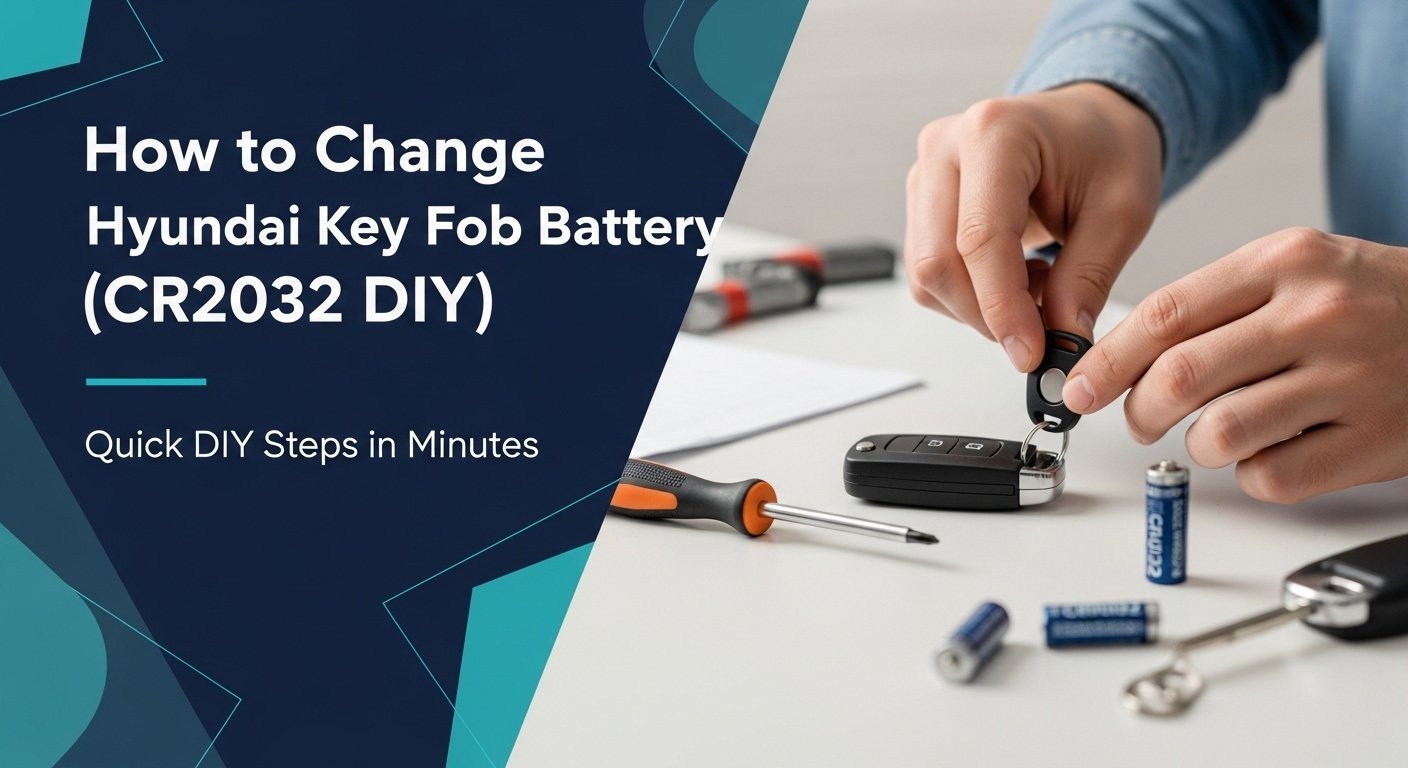
How to Open a Hyundai Key Fob: A Complete Step-by-Step Guide
Opening a Hyundai key fob typically involves removing the internal mechanical emergency key and using it, or a small flathead screwdriver, to pry the two halves of the casing apart at a designated notch. Most modern Hyundai smart keys...
Opening a Hyundai key fob typically involves removing the internal mechanical emergency key and using it, or a small flathead screwdriver, to pry the two halves of the casing apart at a designated notch. Most modern Hyundai smart keys use a CR2032 3V lithium battery, which is easily accessible once the plastic housing is separated.
Contents
Whether you are driving a 2026 Hyundai IONIQ or a decade-old Elantra, the key fob is your primary interface with the vehicle. Over time, the internal battery will inevitably deplete, or debris may lodge behind the buttons, requiring you to open the device for maintenance. While the process is designed to be user-friendly, the plastic tabs and internal circuit boards are delicate. Forcing the casing open incorrectly can lead to permanent damage, potentially costing hundreds of dollars for a dealership replacement and reprogramming.
Understanding Your Hyundai Key Fob Type
Before attempting to open the device, you must identify which generation of Hyundai key technology you possess. As of 2026, Hyundai utilizes three primary fob architectures across its fleet. Each requires a slightly different approach to access the internal components without compromising the structural integrity of the plastic shell.
1. The Modern "H" Logo Smart Key (2022–2026 Models)
Found on newer models like the IONIQ 5, IONIQ 6, and the redesigned Santa Fe, these fobs are often shaped like the Hyundai "H" logo or have buttons located along the side edges. These are the most advanced and require a precision touch because the tolerances between the plastic panels are extremely tight to maintain water resistance.
2. The Standard Oval/Rectangular Smart Key (2015–2023 Models)
This is the most common fob encountered today. It features a silver or chrome release button on the back or side that ejects a physical emergency key. The architecture is robust, featuring a clear seam that runs the circumference of the device.
3. The Flip-Style Mechanical Fob
Common on base trims or older models (pre-2017), this fob features a metal key that flips out at the press of a button. Opening these often requires more leverage, as the casing is frequently held together by internal clips rather than the "pivot-and-pry" design of the smart keys.
Essential Tools and Preparation
While it is possible to open many Hyundai fobs with just the emergency key itself, having the right tools on hand prevents marring the plastic or slipping and damaging the Printed Circuit Board (PCB).
- Small Flathead Screwdriver: A jeweler's screwdriver or a precision 2.0mm flathead is ideal.
- Plastic Pry Tool (Optional): If you are concerned about scratching the finish, a plastic "spudger" used for electronics repair is the safest choice.
- Replacement Battery: Most Hyundai smart keys require a CR2032, while some older flip keys might use a CR2025. Check the engraving on your current battery before installing the new one.
- Microfiber Cloth: Use this to wipe down the internal silicone membrane and to provide a grip-friendly surface for the fob during the procedure.
Step-by-Step Instructions for the Standard Smart Key
The standard smart key is found on the majority of Hyundai vehicles from the last decade. Follow these steps to access the battery compartment.
Step 1: Release the Mechanical Emergency Key
Look for a small, circular silver button on the rear or side of the fob. Press and hold this button while pulling on the keychain loop. The metal emergency key should slide out smoothly. Set this aside.
Step 2: Locate the Prying Notch
Look inside the slot where the emergency key was just removed. You will see two distinct openings. One is the deep channel where the key resided. The other is a shallow, rectangular indentation or "notch" located near the edge of the fob’s seam.
Step 3: Pry the Case Apart
Insert the tip of your flathead screwdriver (or the tip of the emergency key) into that shallow notch. Apply firm but steady pressure and twist the tool like a key. You should hear a distinct "click" as the internal plastic tabs release. Work your way around the seam slowly until the back cover lifts off.
Step 4: Access and Replace the Battery
The battery is usually held in place by a small metal clip or sits within a circular plastic cradle. Use your screwdriver to gently pop the old battery out. Note the orientation: in almost all Hyundai fobs, the positive (+) side faces down (away from you).
Opening the Newer "H" Pattern or Slim Smart Keys
The newer fobs, introduced with Hyundai’s dedicated EV line and updated SUVs, feature a sleeker design without a visible external key release button in some instances.
- Locate the Hidden Release: On many 2024–2026 models, the release for the physical key is integrated into the bottom of the fob. You may need to slide a small tab with your fingernail to eject the key.
- Find the Seam: Unlike older models, the seam on these fobs is often hidden along the side trim.
- Use a Wide Pry Tool: Because these fobs are often more tightly sealed for weatherproofing, using the emergency key to pry can sometimes bend the key tip. A wider flathead screwdriver wrapped in a thin cloth is recommended to distribute the pressure and prevent cracking the "H" shaped housing.
- Separating the Halves: Twist the tool gently at the base of the fob where the key was removed. The "face" of the fob (with the logo) usually separates from the back housing.
Technical Specifications and Battery Comparison
| Vehicle Era | Fob Type | Battery Model | Common Opening Tool |
|---|---|---|---|
| 2010–2017 | Flip-Key / Traditional | CR2032 | Large Flathead |
| 2015–2023 | Standard Smart Key | CR2032 | Emergency Key Tip |
| 2022–2026 | "H" Logo / Slim Key | CR2032 or CR2032H | Precision Flathead |
| 2024–2026 | Digital Key 2.0 (NFC Card) | N/A (Solid State) | Do Not Open |
Best Practices for Battery Handling and Maintenance
Opening the fob is the perfect time to perform basic maintenance that can extend the life of the device.
- Avoid Touching Battery Surfaces: Skin oils can cause premature corrosion on lithium button cells. Handle the new battery by the edges or wear gloves.
- Clean the Silicone Membrane: Over years of use, dust and skin cells can migrate under the buttons, causing them to feel "mushy" or unresponsive. Once the fob is open, you can lift the silicone button pad and wipe it with 70% isopropyl alcohol. Ensure it is completely dry before reassembly.
- Inspect the Battery Contacts: Look for any signs of green or white oxidation on the metal tabs that touch the battery. If present, gently scrape it off with a toothpick or a cotton swab dipped in alcohol.
- Check for Water Intrusion: If you see moisture inside, do not replace the battery yet. Use a hair dryer on the "cool" setting to thoroughly dry the PCB to prevent a short circuit.
Troubleshooting After Reassembly
Once you have replaced the battery and snapped the two halves of the casing back together, you should test the fob immediately. If it does not work, consider the following:
- Orientation Check: The most common mistake is installing the battery upside down. Re-open the fob and ensure the "+" sign is facing the correct direction indicated on the plastic housing.
- Tab Alignment: Ensure all plastic clips have snapped back into place. If there is a gap in the seam, the battery contacts may not be making sufficient pressure against the PCB.
- System Resync: Occasionally, if the battery was dead for a long period, the fob may need to "resync" with the car. Get into the vehicle and press the Start/Stop button directly with the key fob (using the fob to physically push the button). This usually forces a handshake between the transponder and the vehicle's computer.
- Button Displacement: Ensure the internal silicone buttons haven't shifted during the prying process. If a button feels stuck, you will need to open it again and realign the membrane.
When to Seek Professional Assistance
While opening a Hyundai key fob is a standard DIY task, there are scenarios where you should stop and visit a certified Hyundai service center or a specialized locksmith.
- Cracked PCB: If you see a crack in the green circuit board or a component has fallen off, the fob is likely beyond simple repair.
- Broken Plastic Retainers: If the internal clips that hold the battery are snapped, the battery will rattle and lose connection. You may be able to purchase a "shell-only" replacement online and move your old electronics into it.
- Immobilizer Issues: If the buttons work (the lights on the car flash) but the car will not start and displays a "Key Not Detected" error, the transponder chip may be damaged or require professional reprogramming via the OBD-II port.
For more information on vehicle-specific electronics, you can consult the Hyundai Electronic Service Manual or visit the National Highway Traffic Safety Administration (NHTSA) for any recalls related to keyless entry systems.
FAQ
Does opening my Hyundai key fob void the vehicle warranty? No, opening the key fob to replace the battery is considered standard user maintenance and does not void your bumper-to-bumper or powertrain warranty. However, if you cause physical damage to the internal electronics while prying it open, that specific damage will not be covered by the manufacturer.
How often should I change my Hyundai key fob battery? On average, a CR2032 battery in a Hyundai smart key lasts between 2 and 4 years. If you notice a decrease in the range from which you can lock/unlock the car, or if the "Low Key Battery" warning appears on your dashboard, it is time for a replacement.
Can I use a CR2025 battery if I don't have a CR2032? It is not recommended. While both are 3V batteries, the CR2032 is 3.2mm thick, while the CR2025 is only 2.5mm thick. The thinner battery may not make consistent contact with the terminals, leading to intermittent signal failure or the fob not working at all.
Why does my Hyundai fob have a red light that flashes, but the car doesn't react? A flashing red light indicates the fob is sending a signal, but the car is not recognizing it. This often happens if the battery is very weak (enough to power a small LED but not the radio transmitter) or if the fob has lost its programming synchronization with the vehicle's ECU.
Is there a way to start my Hyundai if the fob is dead and I can't open it? Yes. You can use the physical emergency key to unlock the driver's door. Once inside, most Hyundai models allow you to start the engine by pressing the Start/Stop button directly with the nose of the key fob. There is a passive NFC chip in the fob that works even without battery power when held in close proximity to the ignition sensor.
Final Recommendation
To ensure the longevity of your Hyundai key fob, always use high-quality, name-brand lithium batteries from reputable retailers. Low-cost "bulk" batteries often have inconsistent voltage and a higher risk of leaking, which can destroy the fob's internal circuitry. If you are uncomfortable prying the plastic casing yourself, most Hyundai parts departments will perform the battery swap for free if you purchase the battery from them.
Image Gallery